SeniorPath icon

SeniorPath

Pratik Ukey
Science & Education
Version
1.0.3
Size
3.1 MB
Requires
Android API 26+
4.5 / 5 · 8,753 ratings 54,081 downloads

Updated Nov 13, 2026

Quick answer

From mid-level to senior: system design, real outages, AI at work. Offline.

SeniorPath helps software engineers with 2 to 3 years of experience grow into senior engineers and architects. It explains how real systems are built, how they break, and how teams fix them, in simple English.

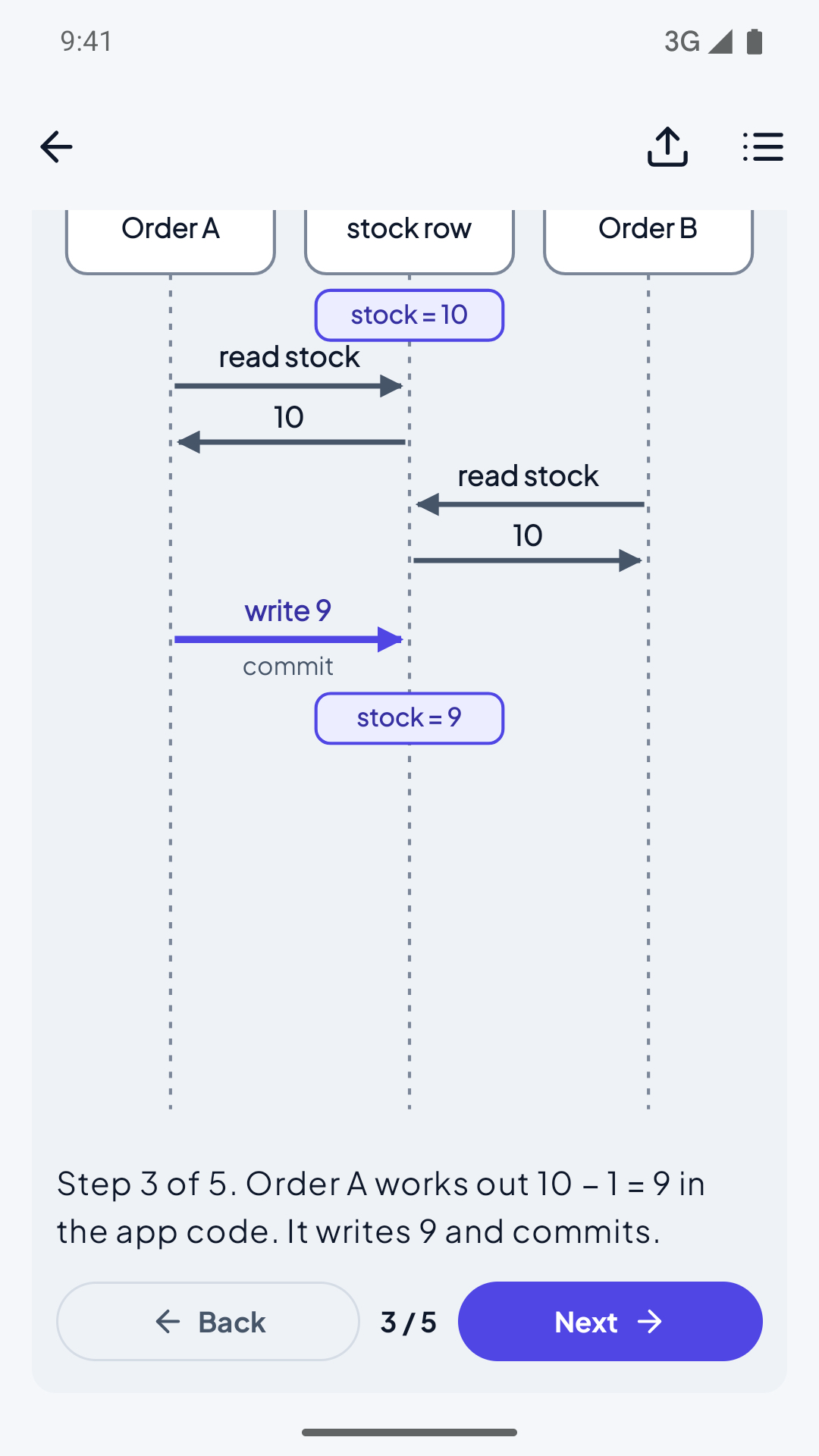
Every lesson has the same eight parts: a real incident or story, the idea in plain words, a step-by-step diagram, the trade-offs, how it works at scale, how to use AI tools on it, a short quiz, and sources to go deeper.

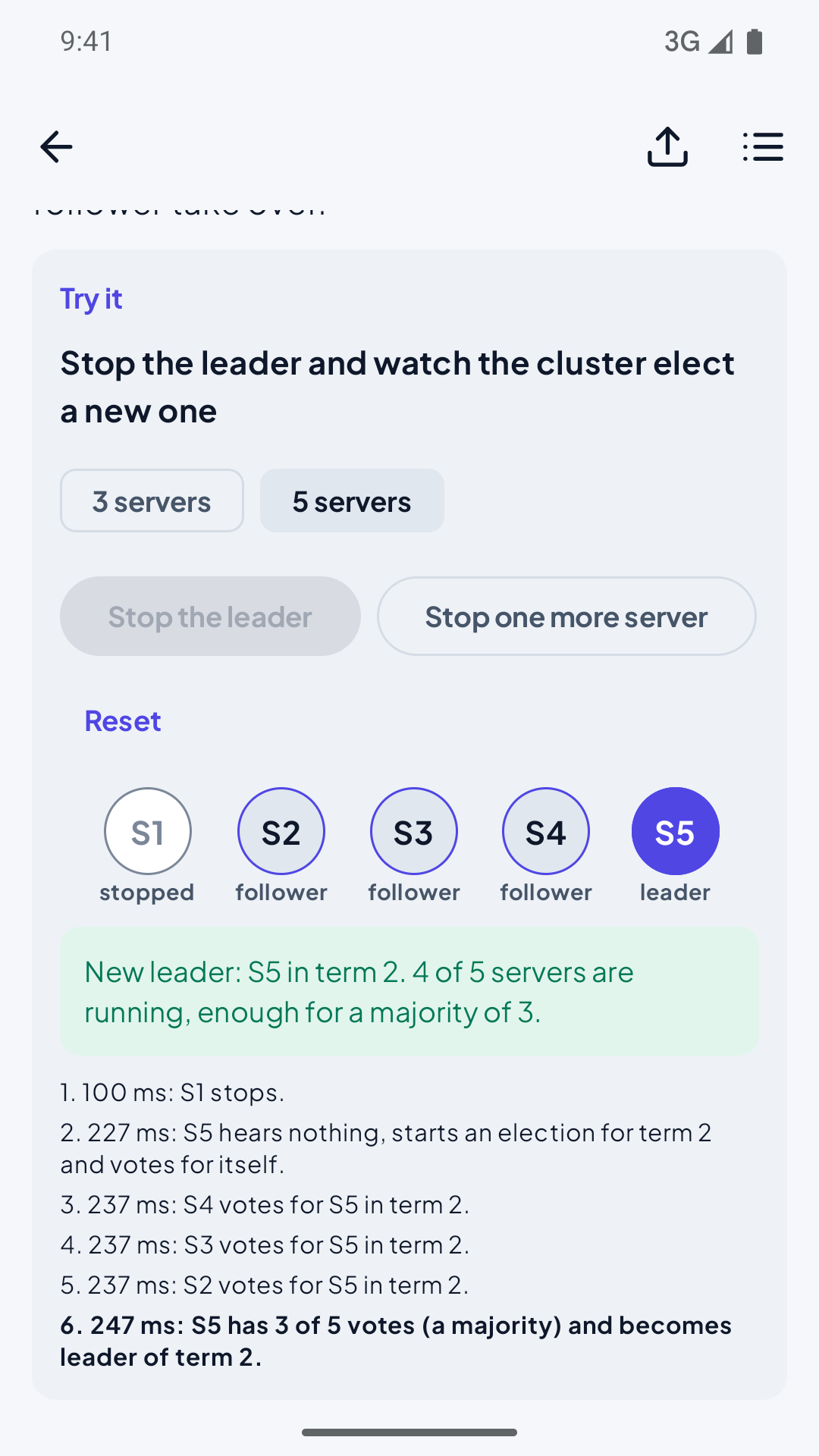
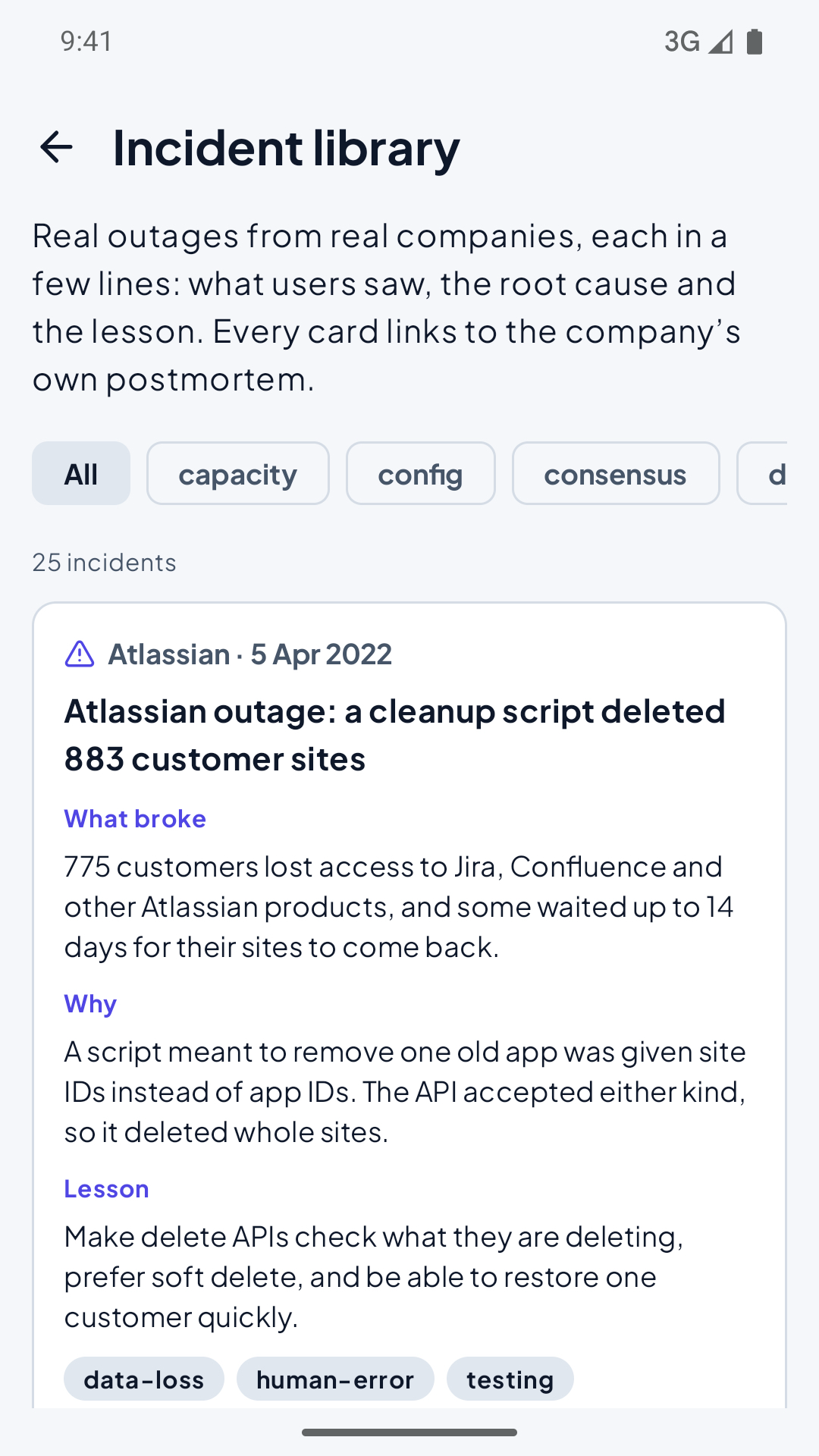
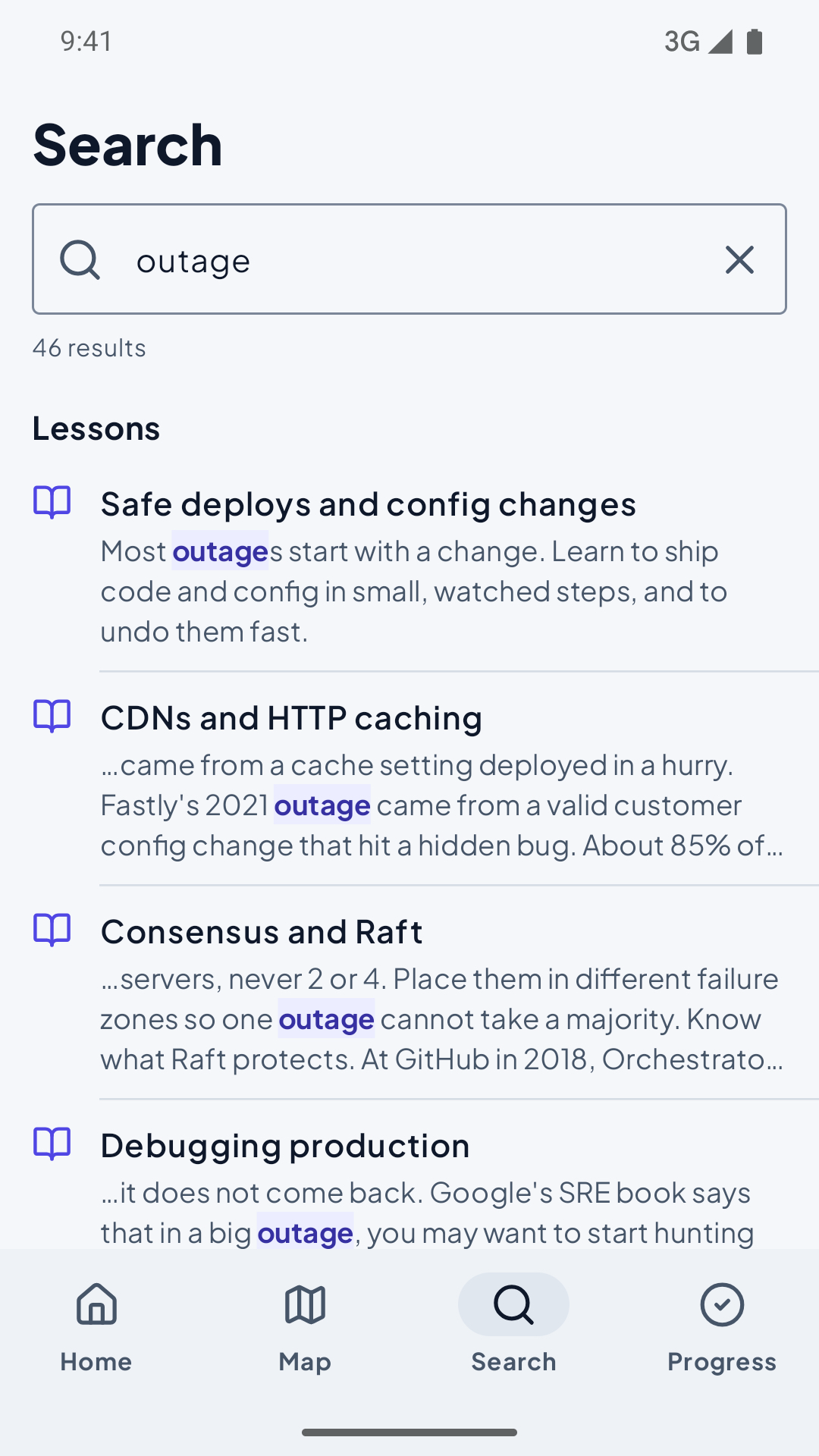
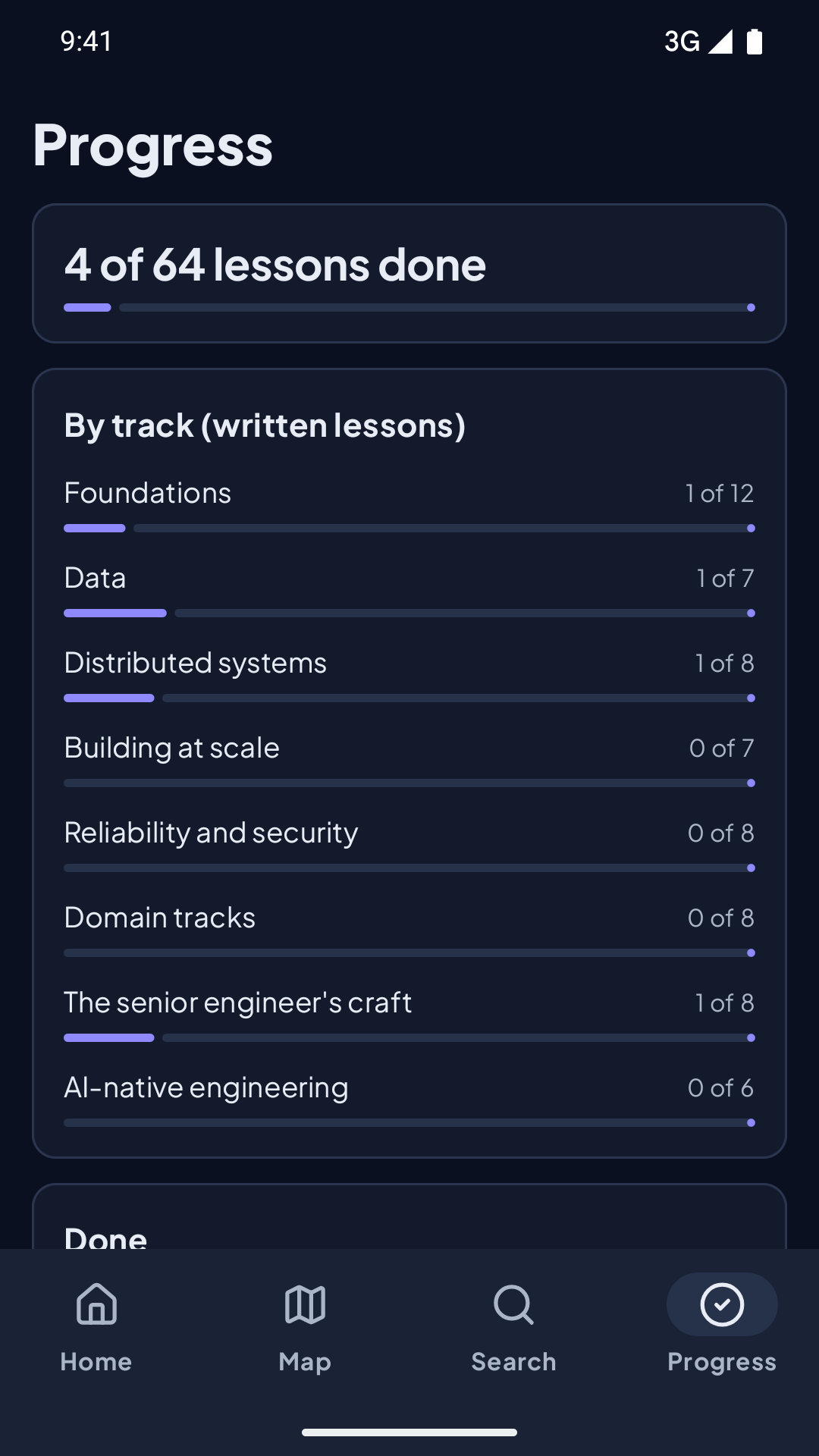
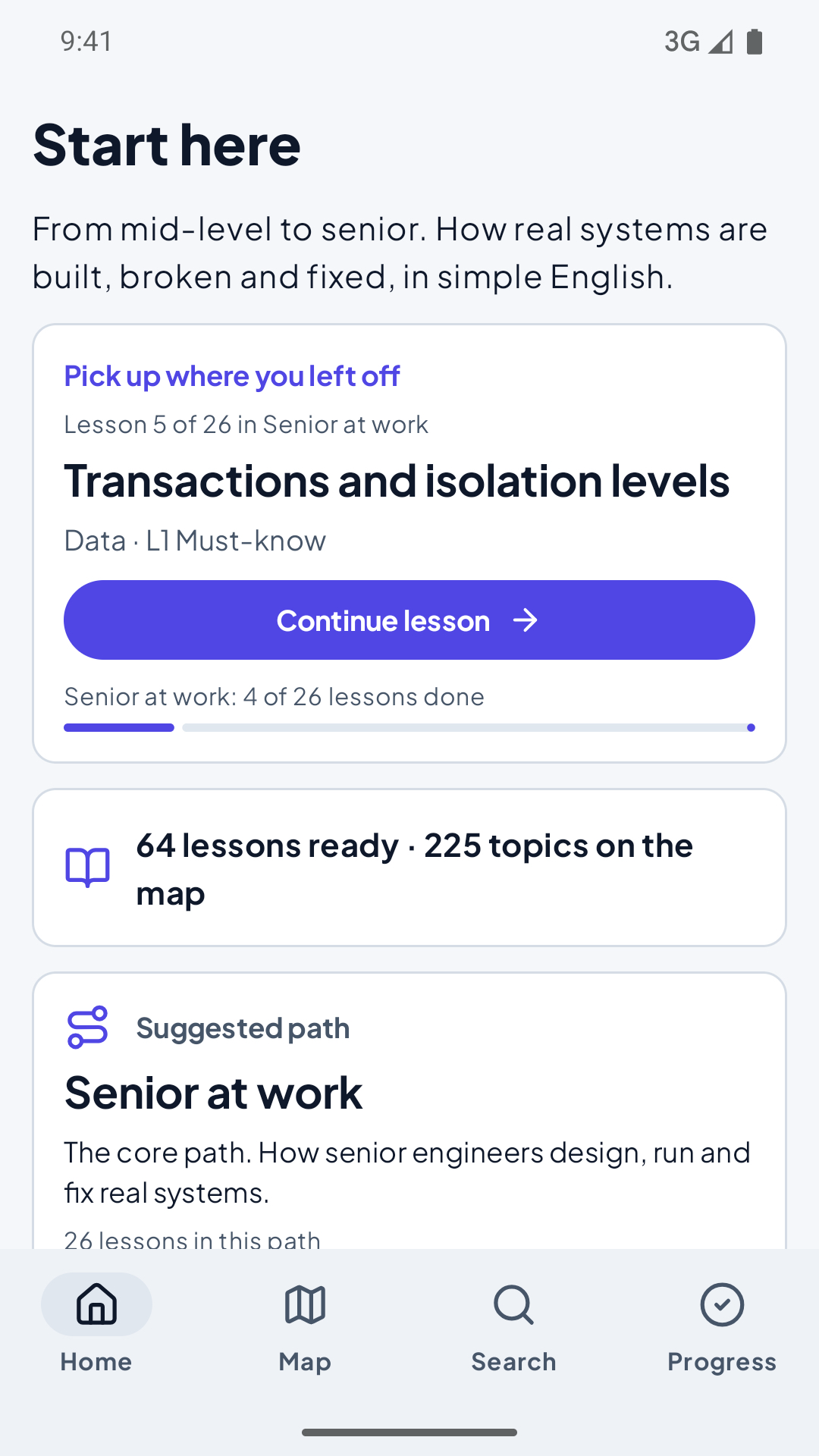
WHAT YOU GET • 74 full lessons on a map of 225 topics, with more lessons in each update. Tracks: foundations, data, distributed systems, building at scale, reliability and security, domains like payments, e-commerce, SaaS and games, the senior engineer's craft, and AI-native engineering. • Step-through diagrams. Go one step at a time, swipe, pinch to zoom, and share a step as a picture. • Six interactive animations: a cache stampede, replication lag, a staged rollout, a token bucket, a hash ring and a Raft election. Move the sliders and see what happens. • Real incidents and case studies from companies' own postmortems and engineering blogs, with a link to each. • A glossary built into the text. Tap any underlined term to see what it means. • Learning paths that put the lessons in a good order, with your next lesson always one tap away. • Search across lessons, terms, incidents and case studies.

MADE TO RESPECT YOU • Everything works offline. The app has no internet permission. • No account, no ads, no tracking. Your progress stays on your phone. • Move your progress between the app and the website (seniorpath.dev) with one small file. • Light and dark themes, large text, and screen reader support.

Every lesson is checked against its sources, and every claim links to where it came from. Spotted a mistake? "Report a mistake" at the end of each lesson opens a short form.

The lessons and diagrams are free to share under Creative Commons BY-NC-SA 4.0. The app's code is open source (MIT).

Screenshots

SeniorPath screenshot 1
SeniorPath screenshot 2
SeniorPath screenshot 3
SeniorPath screenshot 4
SeniorPath screenshot 5
SeniorPath screenshot 6

What’s new

10 new lessons: OS essentials, data models, requirements and non-functional needs, reconciliation, prompt and context engineering, fan-out on write vs read, design deep dives, mechanical sympathy, stream processing, and complexity and deep modules. 65 new glossary terms.

How to install

  1. Download the APK from the button at the top of this page.
  2. Allow “Install unknown apps” for your browser or file manager only, not for every app.
  3. Open the downloaded file and confirm the installation.
  4. If installation fails with “App not installed,” remove an earlier build of the same app first. A signature conflict is the usual cause.

Data safety

  • Every file is checked against its published SHA-256 before it is listed.
  • Files are scanned for malware on every update.
  • The permissions each app requests are listed on its own page.
  • Read the full safety policy for how we test, flag, and delist files.

Frequently asked questions

What is SeniorPath?
From mid-level to senior: system design, real outages, AI at work. Offline.
Who develops SeniorPath?
SeniorPath is developed by Pratik Ukey.
Which Android version does SeniorPath require?
SeniorPath requires Android API 26 or later.
What is the current version of SeniorPath?
The synchronized F-Droid version is 1.0.3.
Which license does SeniorPath use?
The signed F-Droid metadata lists MIT.
Where is the source code for SeniorPath?
https://github.com/ukpratik/seniorengineerpath

Comments

Recent approved comments · sorted by newest

Verification code
Be specific and keep it about the app. No links. Comments are reviewed before publication. Device and Android details are recorded automatically. Privacy policy.

Loading recent comments...

View all comments