
Quick answer
Crop and share a screenshot from anywhere; nothing is saved unless you ask.
Circle to Share captures the screen from anywhere, lets you crop it, and shares, copies or saves the result — nothing is kept on your device unless you ask.
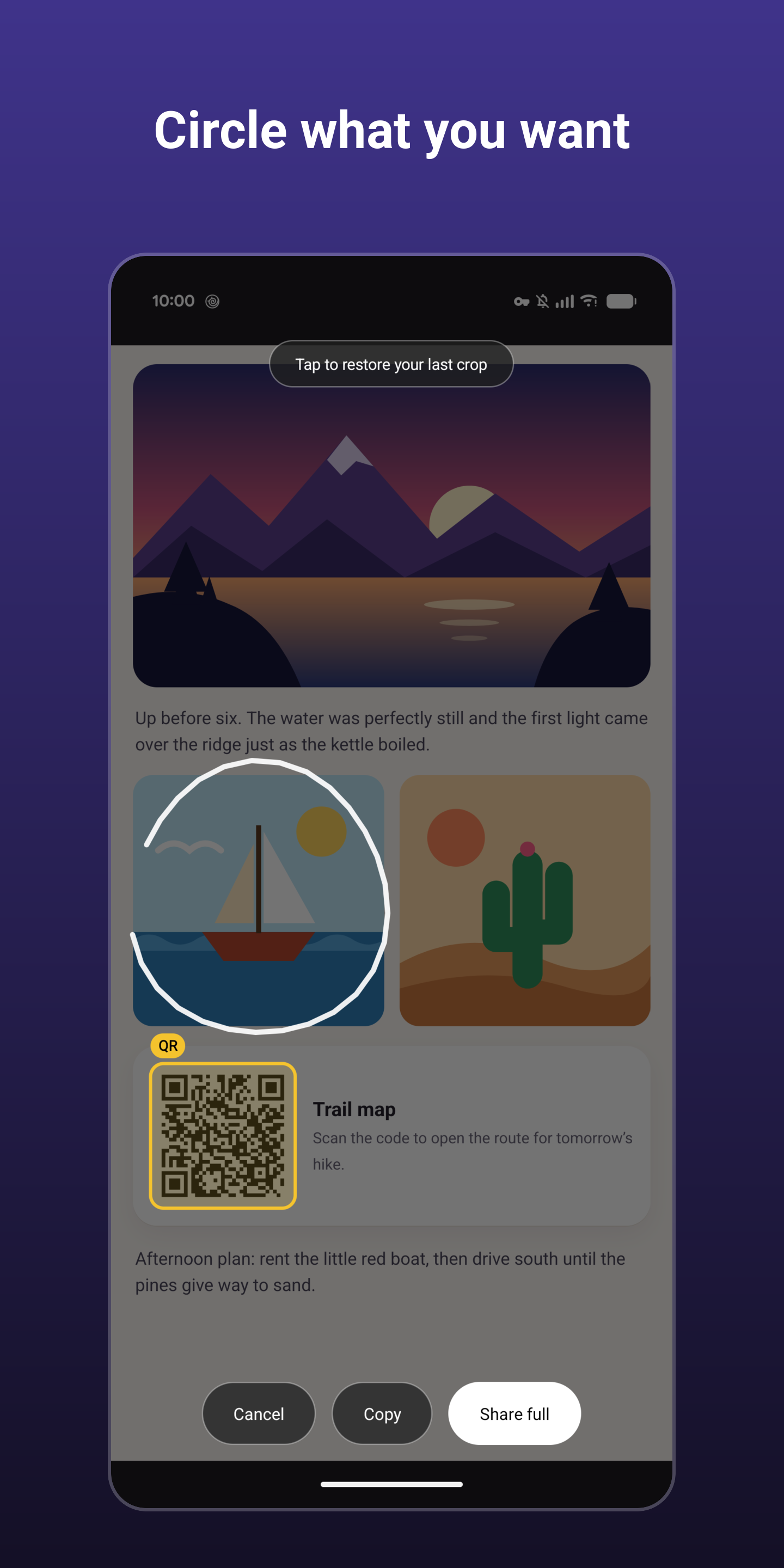
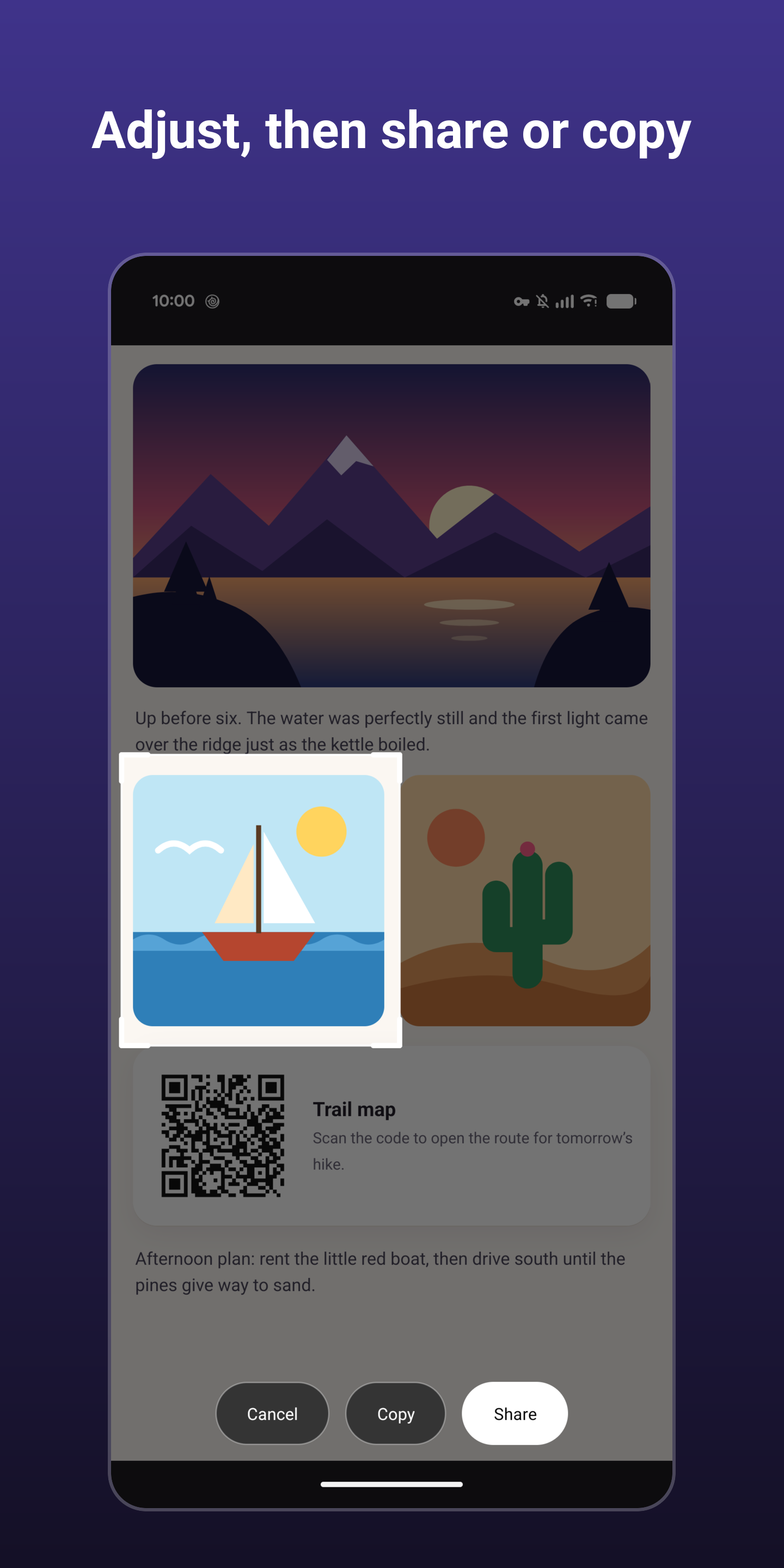
Trigger it, the screen freezes, and you can circle what you want. Then tap Share, Copy or Save. A shared or copied crop lives in the app's private cache only and never lands in your gallery; Save puts it into your Screenshots folder.
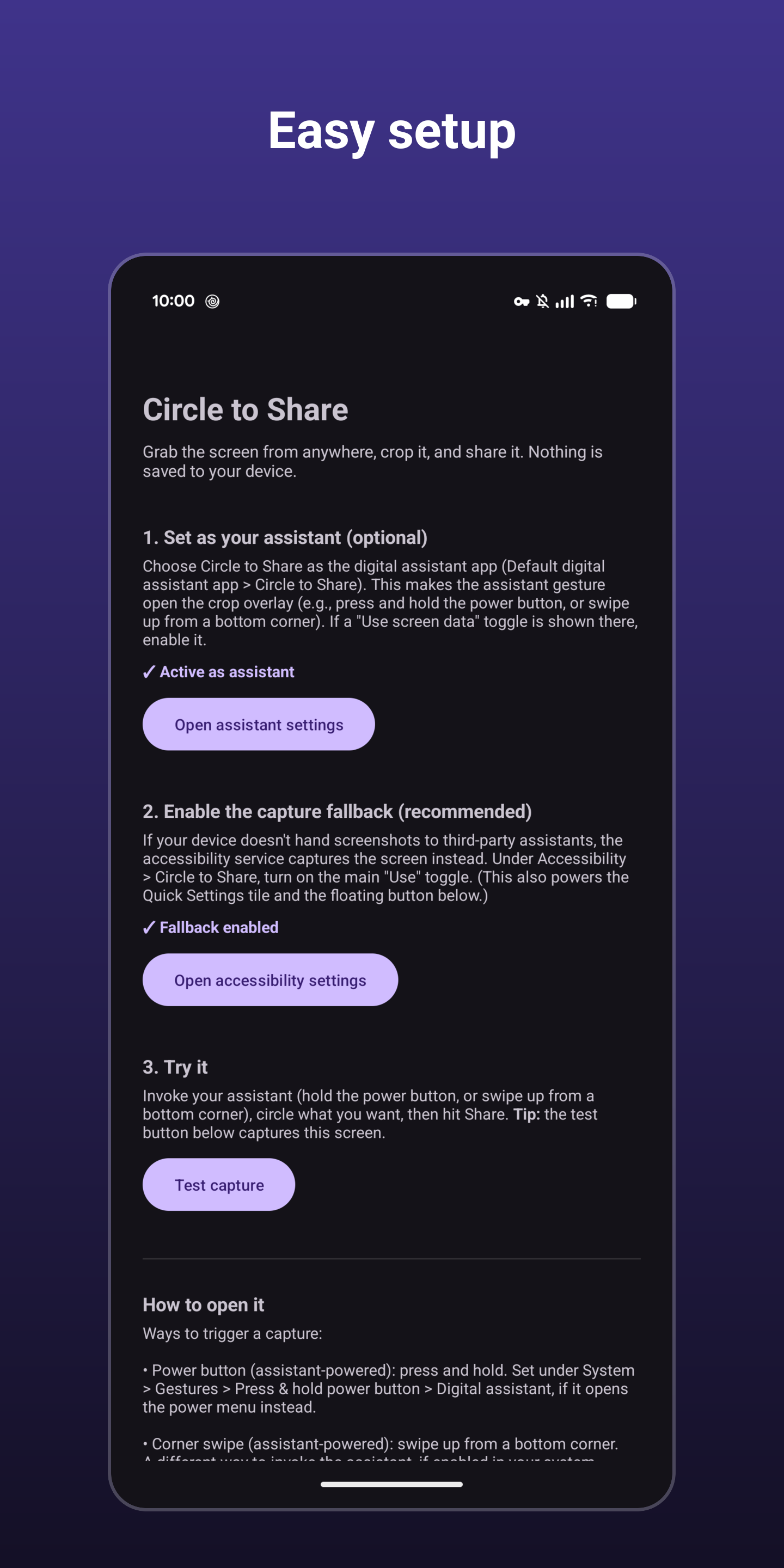
How to open it (use any of them):
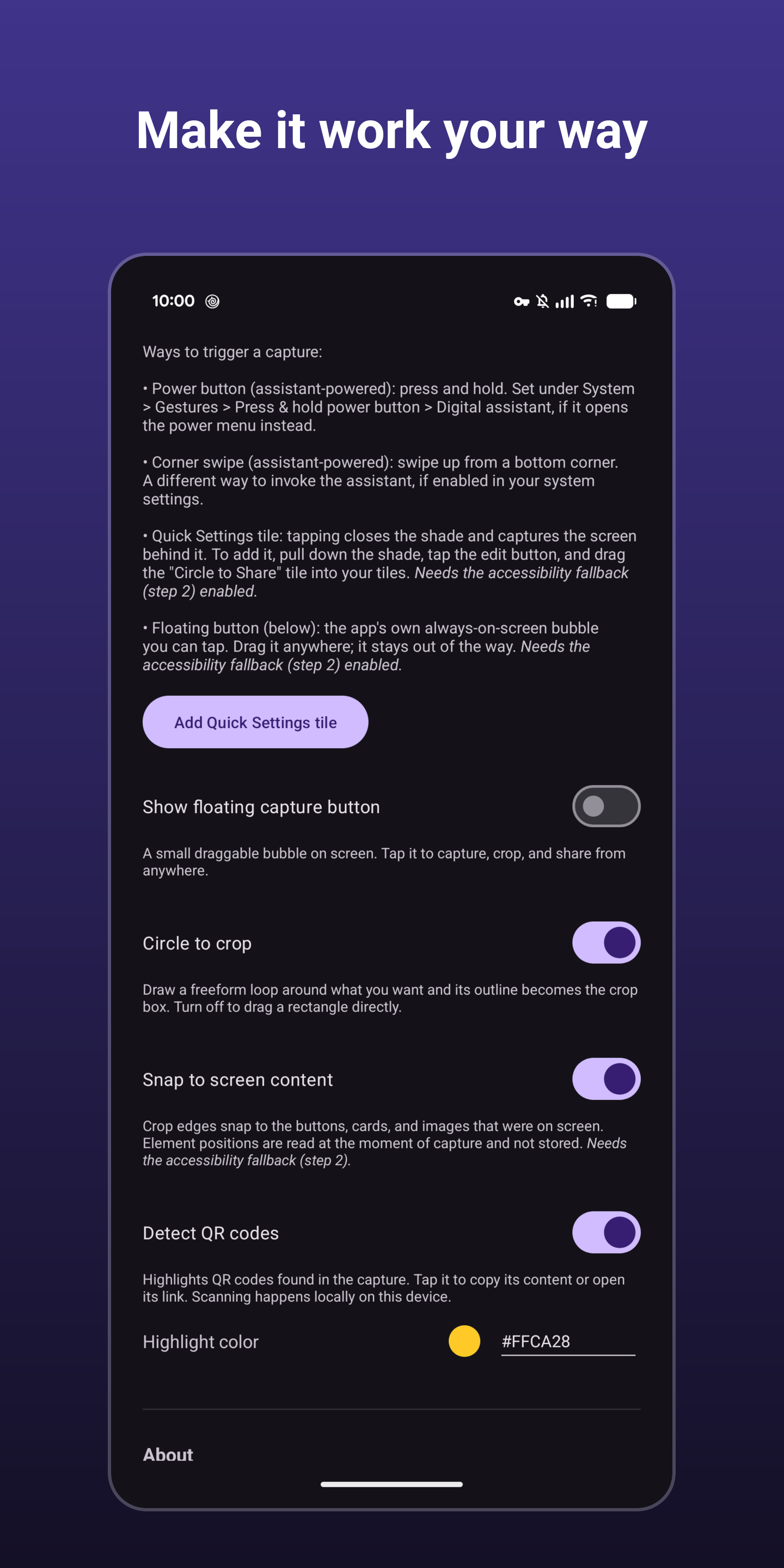
* Power button (assistant-powered): press and hold. * Corner swipe (assistant-powered): swipe up from a bottom corner. * Quick Settings tile: tap it and the shade closes before the capture. * Floating bubble: an optional, always-on-screen button you can tap from any app and drag out of the way.
Highlights:
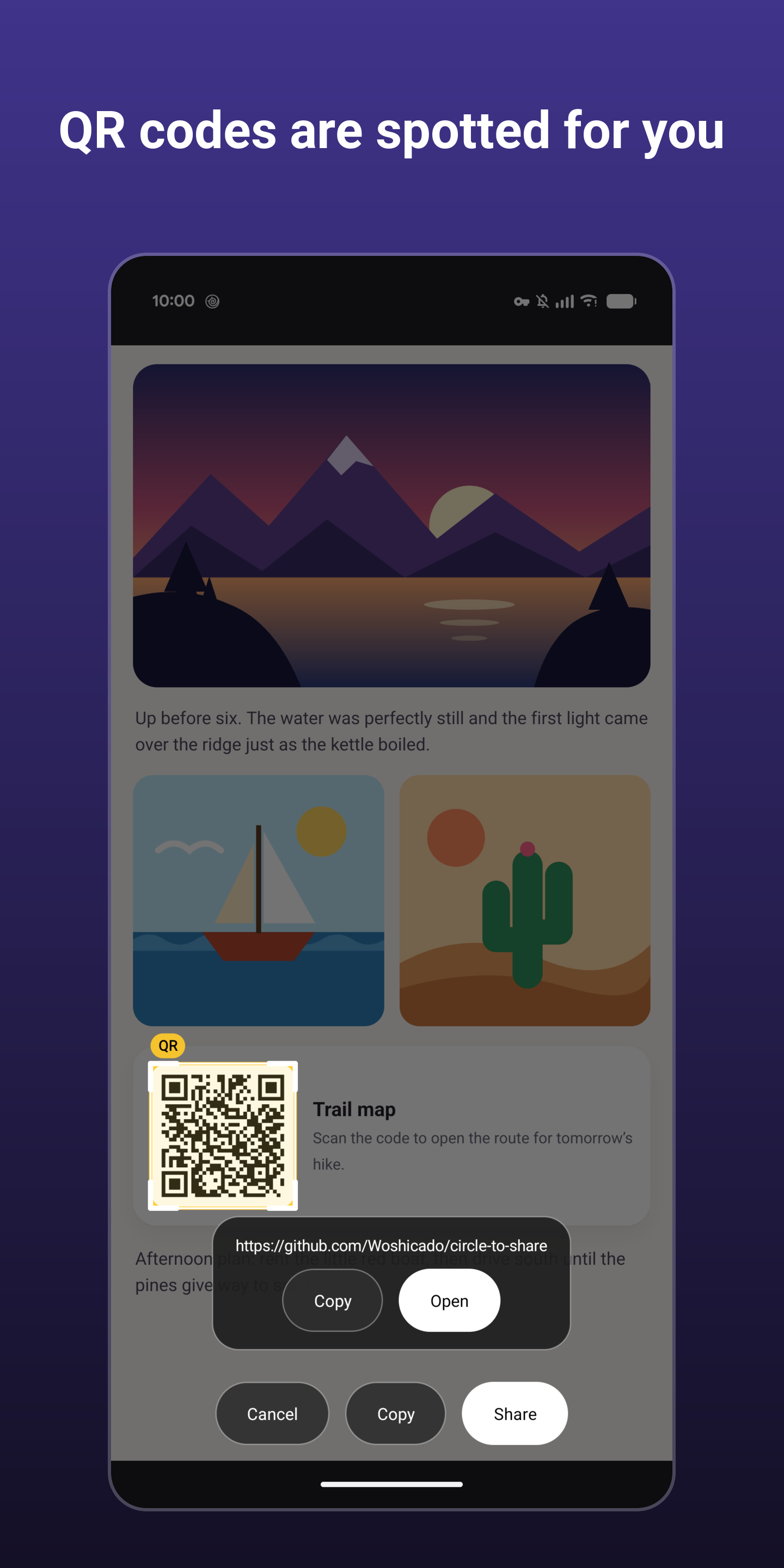
* No permissions: no internet, storage, camera, microphone, or location. * Nothing is saved to your device (unless you tap Save). * QR codes in the capture are highlighted, and can be opened, copied, or shared. * Optional snapping: crop edges align with the buttons, cards and images that were on screen.
Accessibility service: the Quick Settings tile, the floating bubble, snapping, and a capture fallback for devices that don't hand screenshots to third-party assistants use Android's AccessibilityService API. It is optional and off until you agree to the in-app disclosure and switch it on. It is used only to capture the screen and read element positions at the moment you trigger a capture.
Note: screens that block screenshots (banking apps, DRM video) cannot be captured.
Screenshots
How to install
- Download the APK from the button at the top of this page.
- Allow “Install unknown apps” for your browser or file manager only, not for every app.
- Open the downloaded file and confirm the installation.
- If installation fails with “App not installed,” remove an earlier build of the same app first. A signature conflict is the usual cause.
Data safety
- Every file is checked against its published SHA-256 before it is listed.
- Files are scanned for malware on every update.
- The permissions each app requests are listed on its own page.
- Read the full safety policy for how we test, flag, and delist files.
Frequently asked questions
What is Circle to Share?
Crop and share a screenshot from anywhere; nothing is saved unless you ask.
Who develops Circle to Share?
Circle to Share is developed by Woshicado.
Which Android version does Circle to Share require?
Circle to Share requires Android API 30 or later.
What is the current version of Circle to Share?
The synchronized F-Droid version is 0.3.3.
Which license does Circle to Share use?
The signed F-Droid metadata lists GPL-3.0-or-later.
Where is the source code for Circle to Share?
https://github.com/Woshicado/circle-to-share
Comments
Recent approved comments · sorted by newest
View all comments