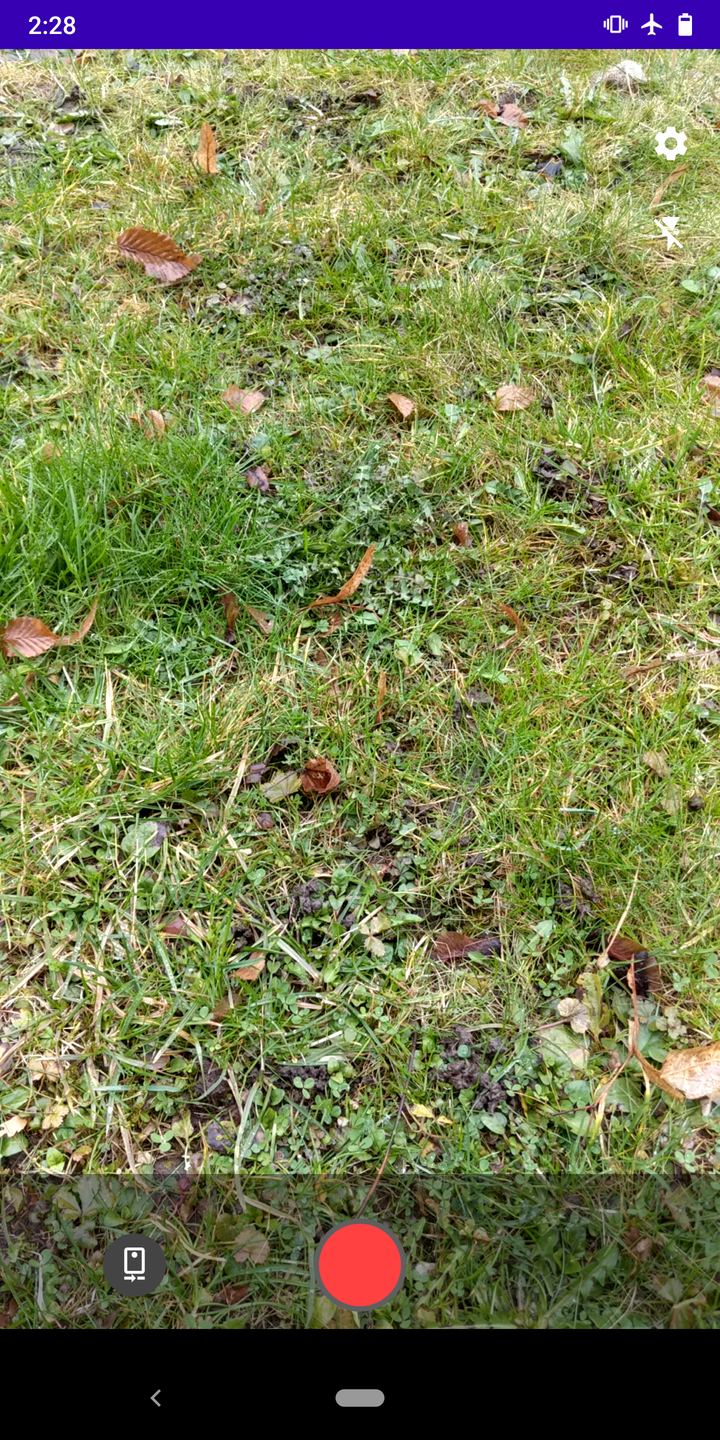
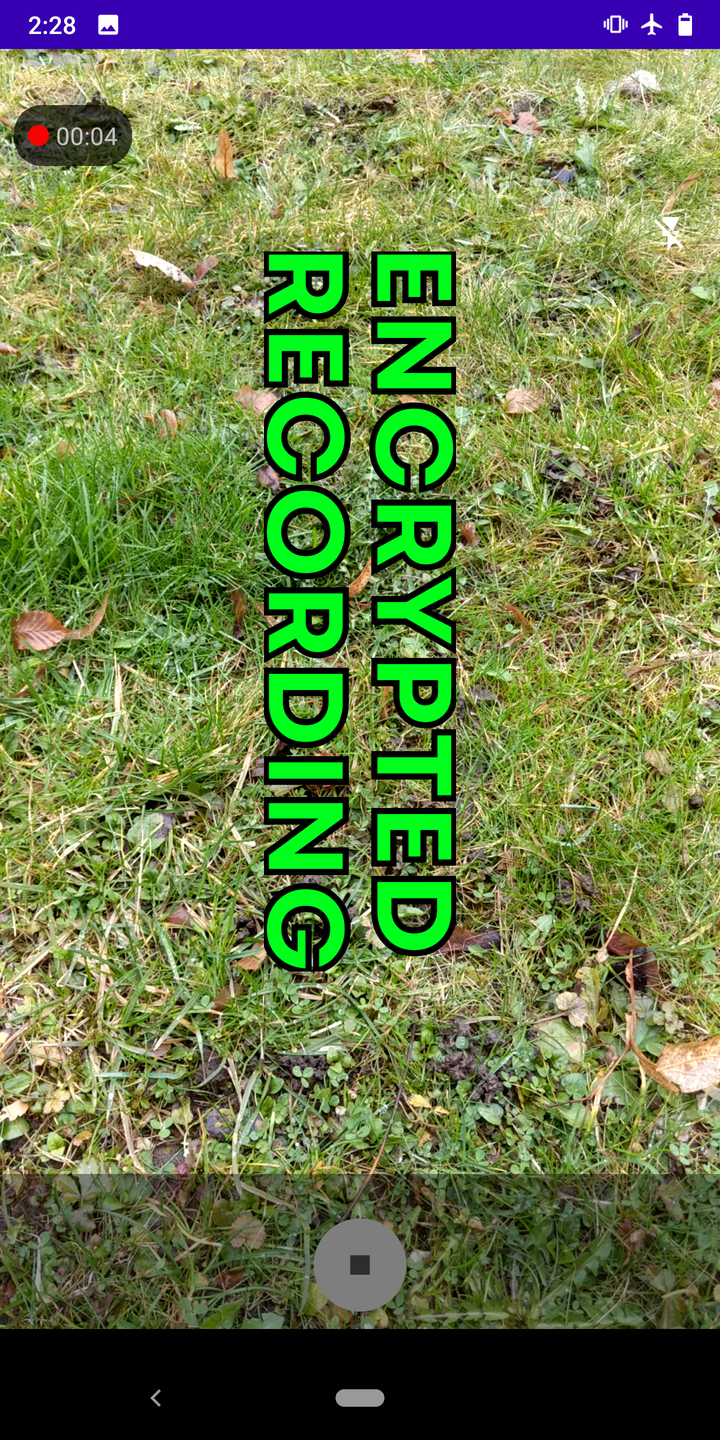
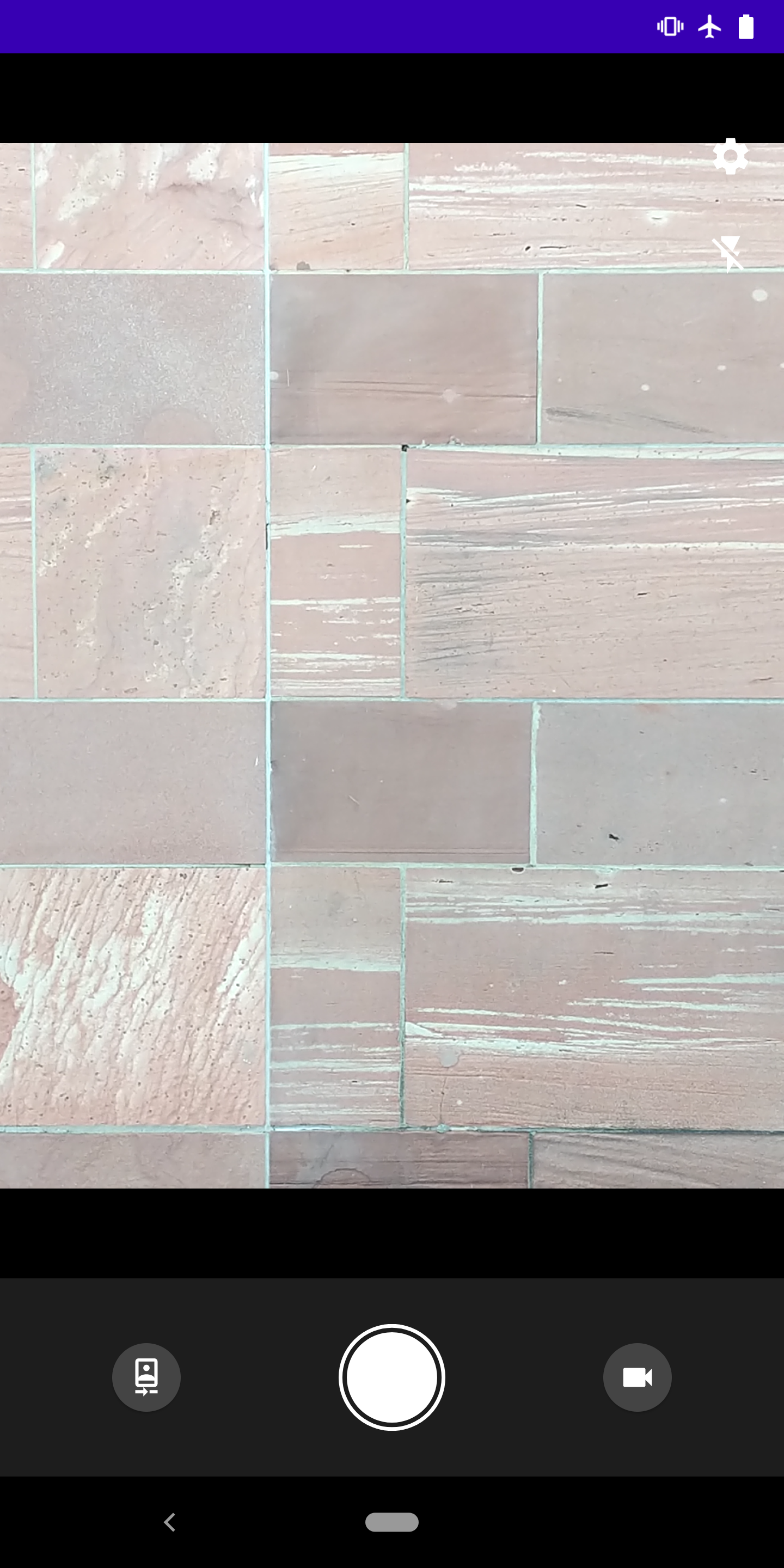
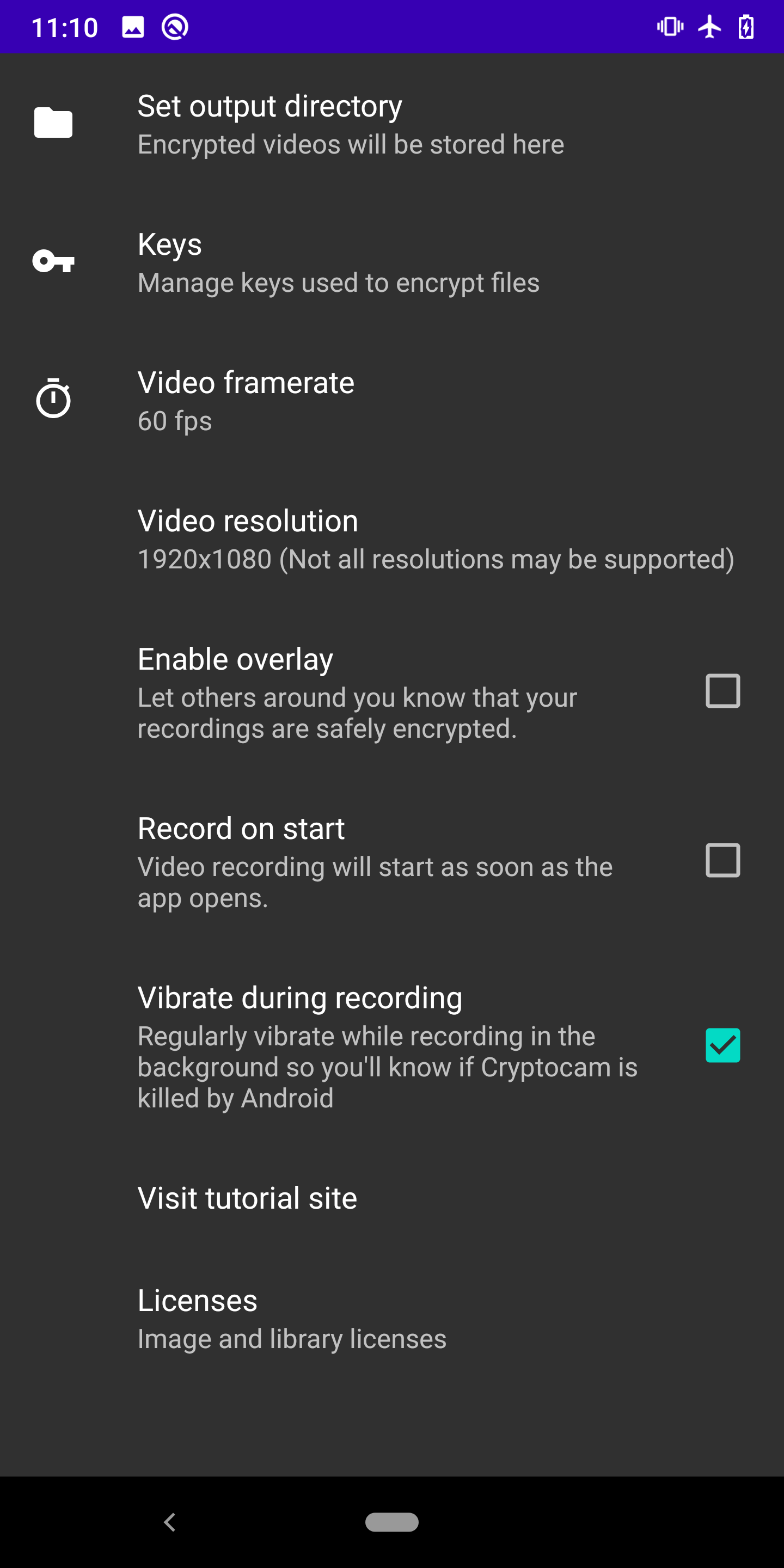
Worried that your device or memory card might get into the wrong hands with sensitive footage on it?
Cryptocam uses age (X25519 and ChaCha20) to encrypt
recorded videos and photos without ever persisting unencrypted data to device storage.
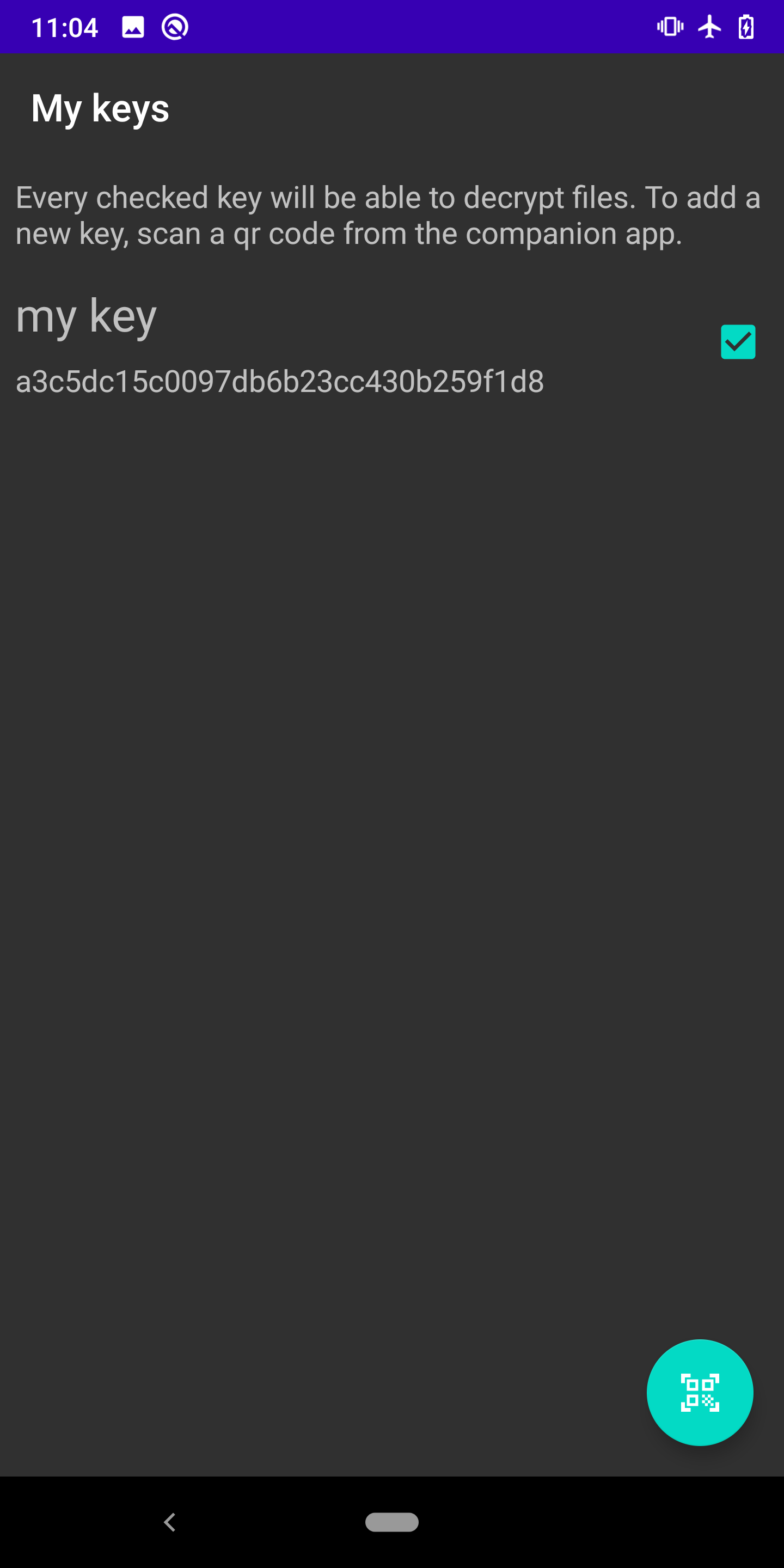
Screenshots
What’s new
New Features: - Viewer for last taken photo (never written to disk) - Option to remember last shooting mode
Other: - Fix bugs and jank with photo shutter and flash - Add secure flag so the app contents don't appear in screenshots - Target Android API level 33
Thanks to Egor Mozgovoy for most of these :)
How to install
Download the APK from the button at the top of this page.
Allow “Install unknown apps” for your browser or file manager only, not for every app.
Open the downloaded file and confirm the installation.
If installation fails with “App not installed,” remove an earlier build of the same app first. A signature conflict is the usual cause.
Data safety
Every file is checked against its published SHA-256 before it is listed.
Files are scanned for malware on every update.
The permissions each app requests are listed on its own page.
Read the full safety policy for how we test, flag, and delist files.
Frequently asked questions
What is Cryptocam - encrypting camera app?
Take encrypted photos and video to protect sensitive information.
Who develops Cryptocam - encrypting camera app?
Cryptocam - encrypting camera app is developed by Thomas Nibler.
Which Android version does Cryptocam - encrypting camera app require?
Cryptocam - encrypting camera app requires Android API 21 or later.
What is the current version of Cryptocam - encrypting camera app?
The synchronized F-Droid version is 2.4.0.
Which license does Cryptocam - encrypting camera app use?
The signed F-Droid metadata lists GPL-3.0-or-later.
Where is the source code for Cryptocam - encrypting camera app?