Unofficial Remote Play: play your PS5 or PS4 on Android, at home and away
Momiji streams games from your PS5 or PS4 to your Android phone, tablet, TV box or Samsung DeX, at home or away. It's free and open source, with no ads or tracking.
Easy to set up
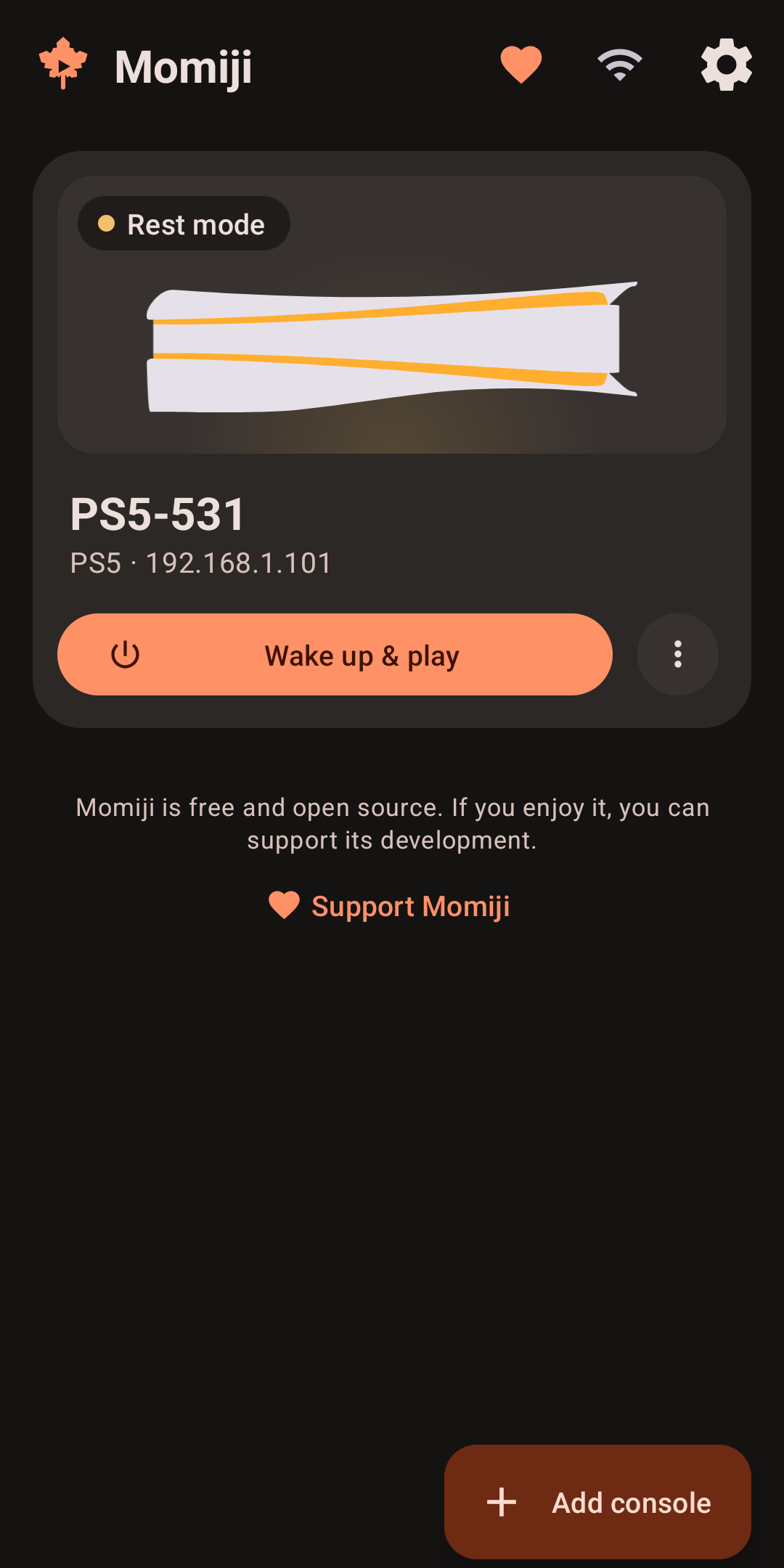
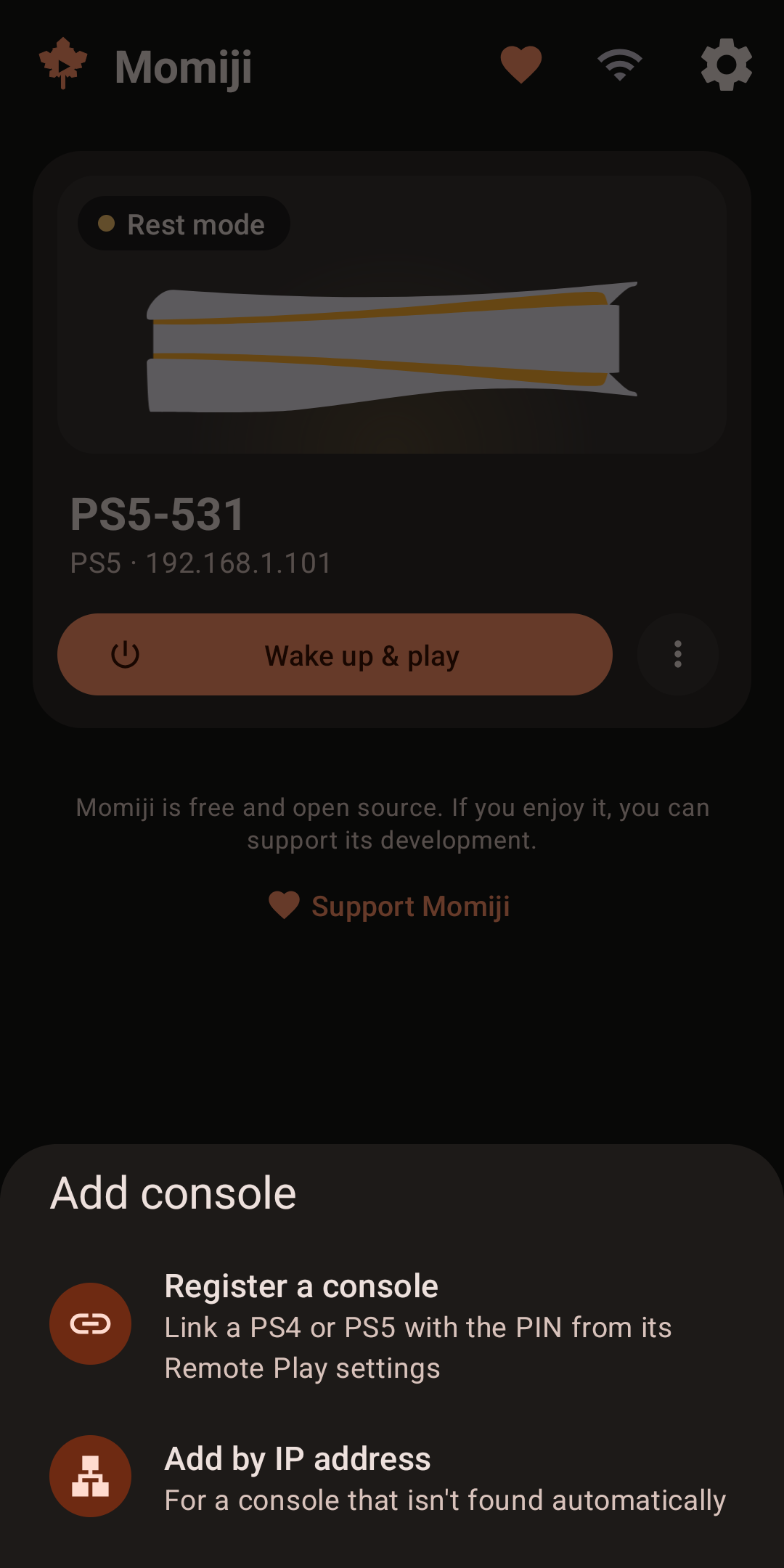
• Finds the consoles on your network and wakes them up from rest mode.
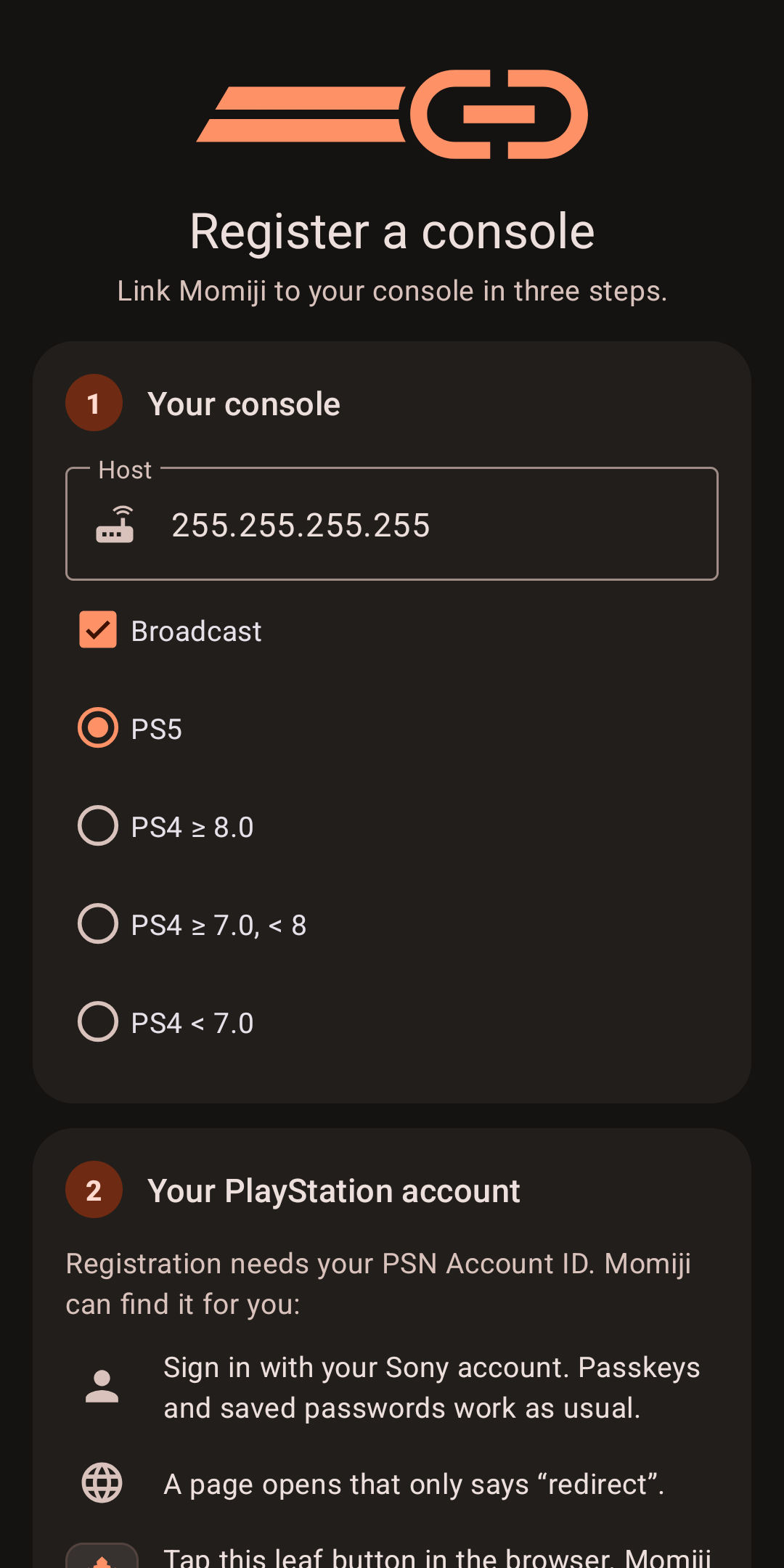
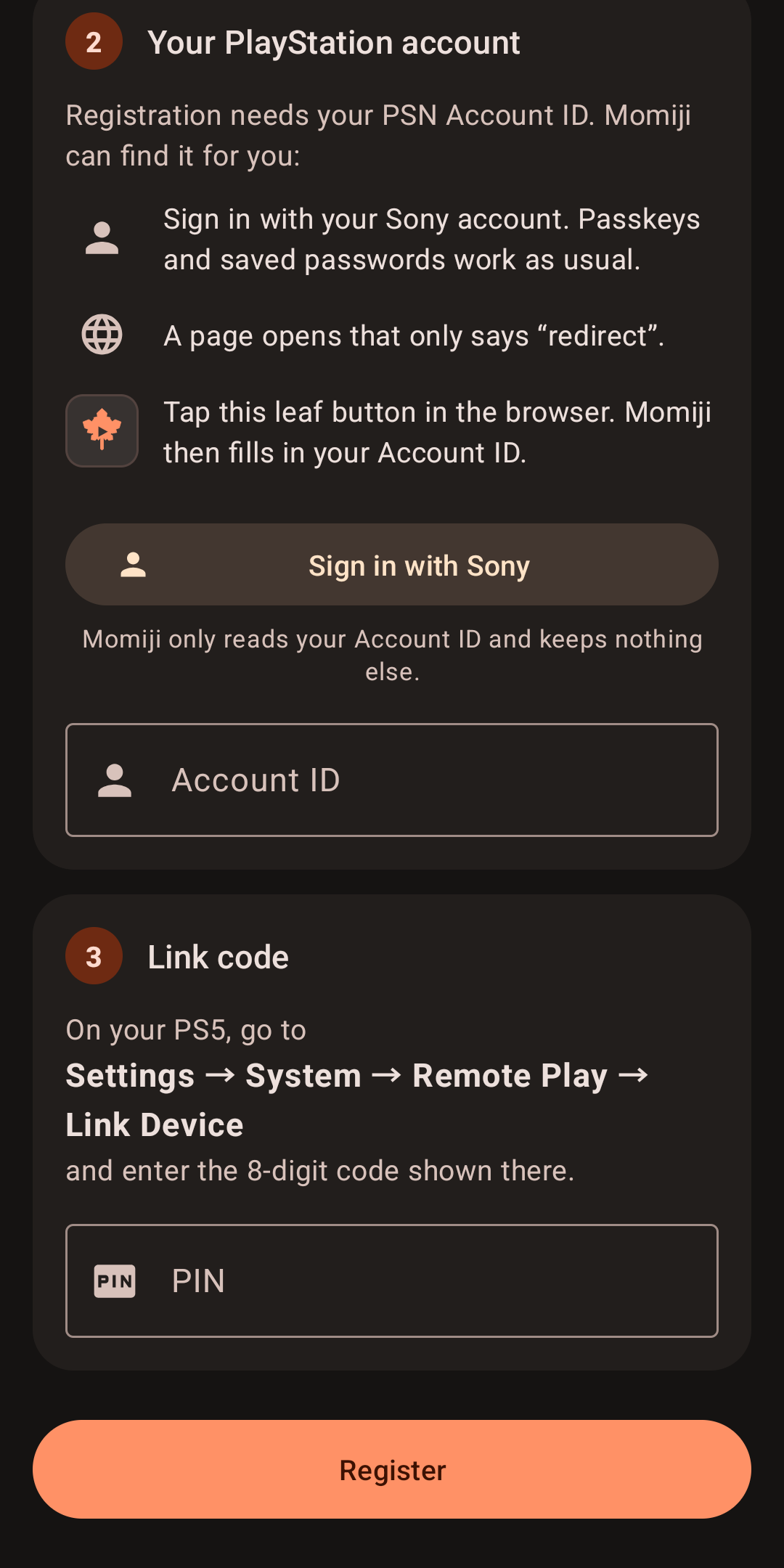
• Registration in three explained steps. Sign in with Sony in your browser (or inside Momiji on devices without one), and Momiji fills in your Account ID for you. Passkeys work too.
Play anywhere
• Away from home, your consoles connect through PlayStation Network once you sign in with Sony.
• Play a console in one tap from shortcuts, a Quick Settings tile, a widget or the Android TV home screen.
• Picture-in-picture keeps the stream going in a small window when you leave the app.
Play with a real controller
• DualSense, DualShock 4, Xbox and other controllers, with rumble.
• Button mapping, stick dead zone and a test for each controller, and its battery level in the stream menu.
• DualSense touch haptics on the controller's own actuators over USB, its light bar, gyro and touchpad.
• On-screen controls for touch, hidden while a controller is connected.
• On dual-screen handhelds like the AYN Thor, the second screen becomes the touchpad, with the PS, Create and Options buttons.
Great picture, low latency
• Up to 1080p at 60 fps, with H.264 or HEVC and up to 100 Mbps.
• Quality presets: Smooth, Balanced or Sharp, also for each console.
• Super resolution sharpens the stream on screens with more pixels than it, like a phone's or a 4K TV.
• Hardware decoding in low latency mode, with the display's refresh rate matched to the stream.
• An optional filter against color banding in dark scenes.
For the living room
• Works with a TV remote or controller on Android TV boxes, and can start right into Momiji.
• In Samsung DeX, the stream fills the TV, with its sound on the TV.
In English and Arabic.
Before you start, turn on Remote Play on your console: Settings → System → Remote Play on a PS5, or Settings → Remote Play Connection Settings on a PS4.
Momiji is based on Chiaki and chiaki-ng, and is licensed under the AGPL-3.0. Its source code is at github.com/yazanj082/momiji.
Momiji is an unofficial app and is not endorsed or certified by Sony Interactive Entertainment. PlayStation, PS4, PS5, DualShock and DualSense are trademarks of Sony Interactive Entertainment LLC.
Screenshots
What’s new
On dual-screen handhelds like the AYN Thor, the touchpad and buttons now appear on the second screen as soon as the stream starts, not only after coming back from the small window. The stream menu (press L1 + R1 + Options + Create together) has a PS button, for controllers whose home button belongs to the system, like the Thor's.
How to install
Download the APK from the button at the top of this page.
Allow “Install unknown apps” for your browser or file manager only, not for every app.
Open the downloaded file and confirm the installation.
If installation fails with “App not installed,” remove an earlier build of the same app first. A signature conflict is the usual cause.
Data safety
Every file is checked against its published SHA-256 before it is listed.
Files are scanned for malware on every update.
The permissions each app requests are listed on its own page.
Read the full safety policy for how we test, flag, and delist files.
Frequently asked questions
What is Momiji?
Unofficial Remote Play: play your PS5 or PS4 on Android, at home and away