An assistant app for creating, cropping and sharing screenshots
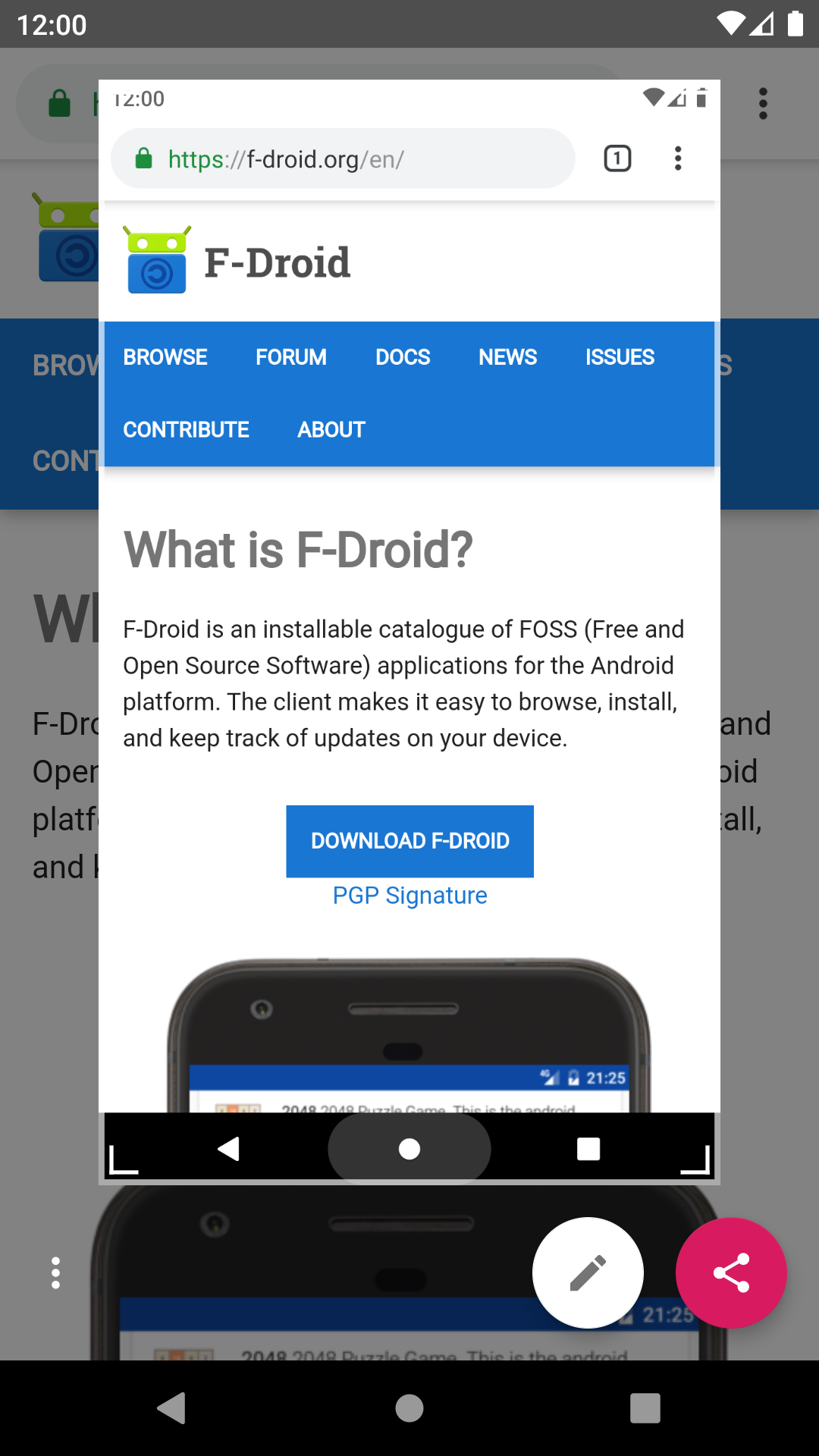
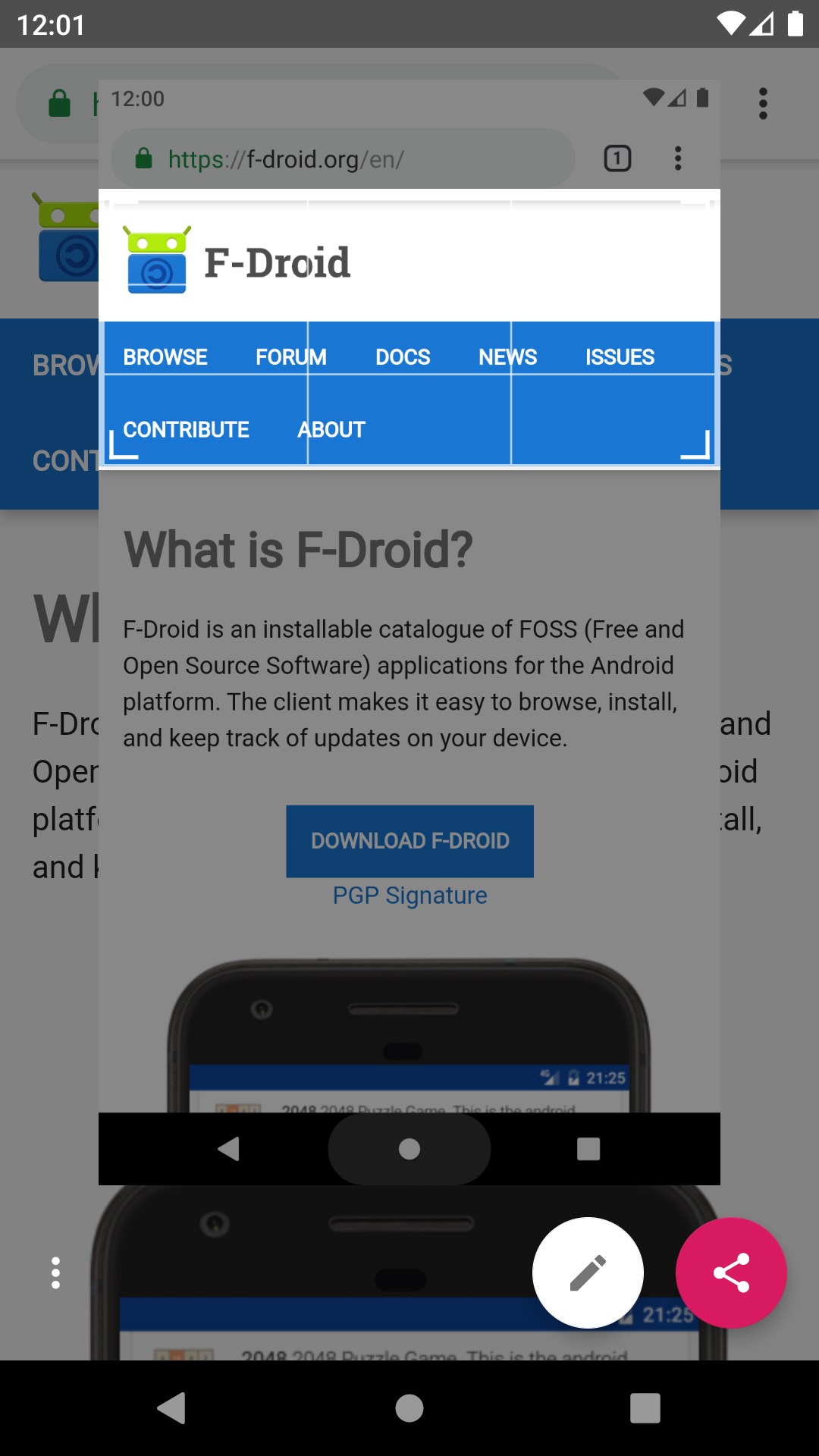
Screenshot Assistant replaces the digital assistant app with one job: take a screenshot when you use the assist gesture, then let you crop, draw on and share it.
Setup:
1. Install the app and open it.
2. Pick it under Settings > Apps > Default apps > Digital assistant app, and turn on "Use screenshot" there.
3. Use the assist gesture (for example, long-press the home button or swipe up from a bottom corner).
Features:
- Screenshot through the Android Assist API, no screen recording permission
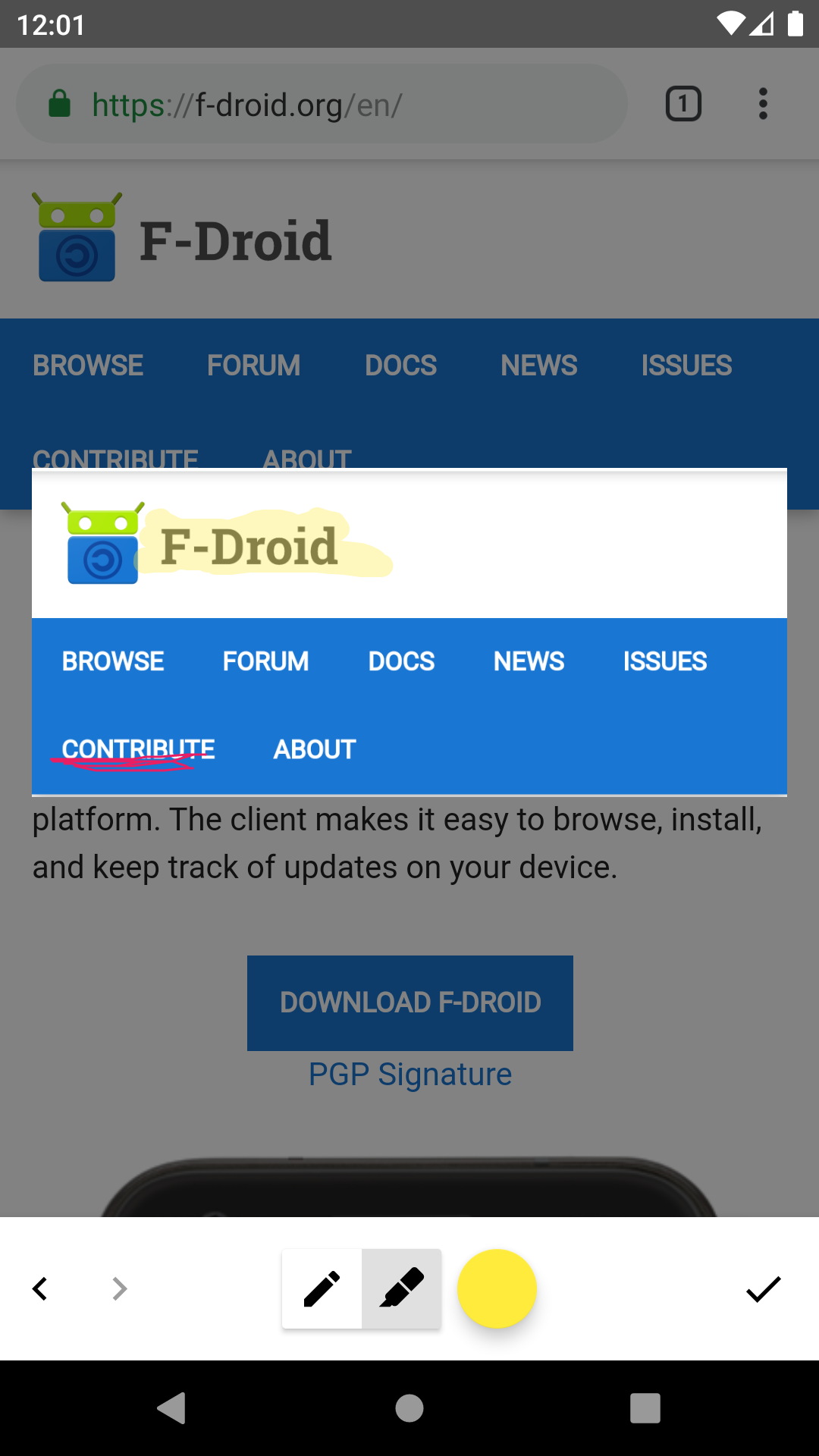
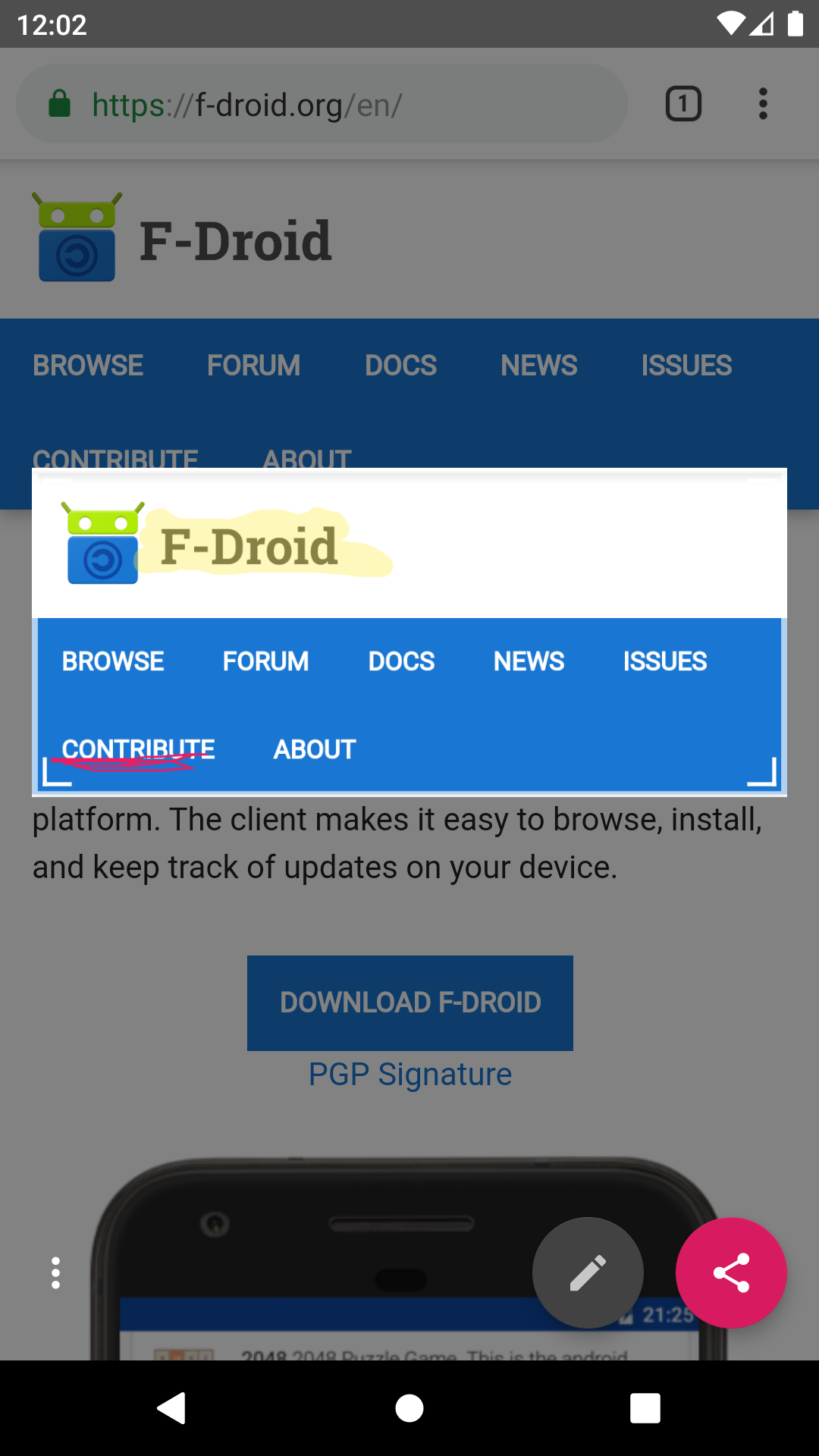
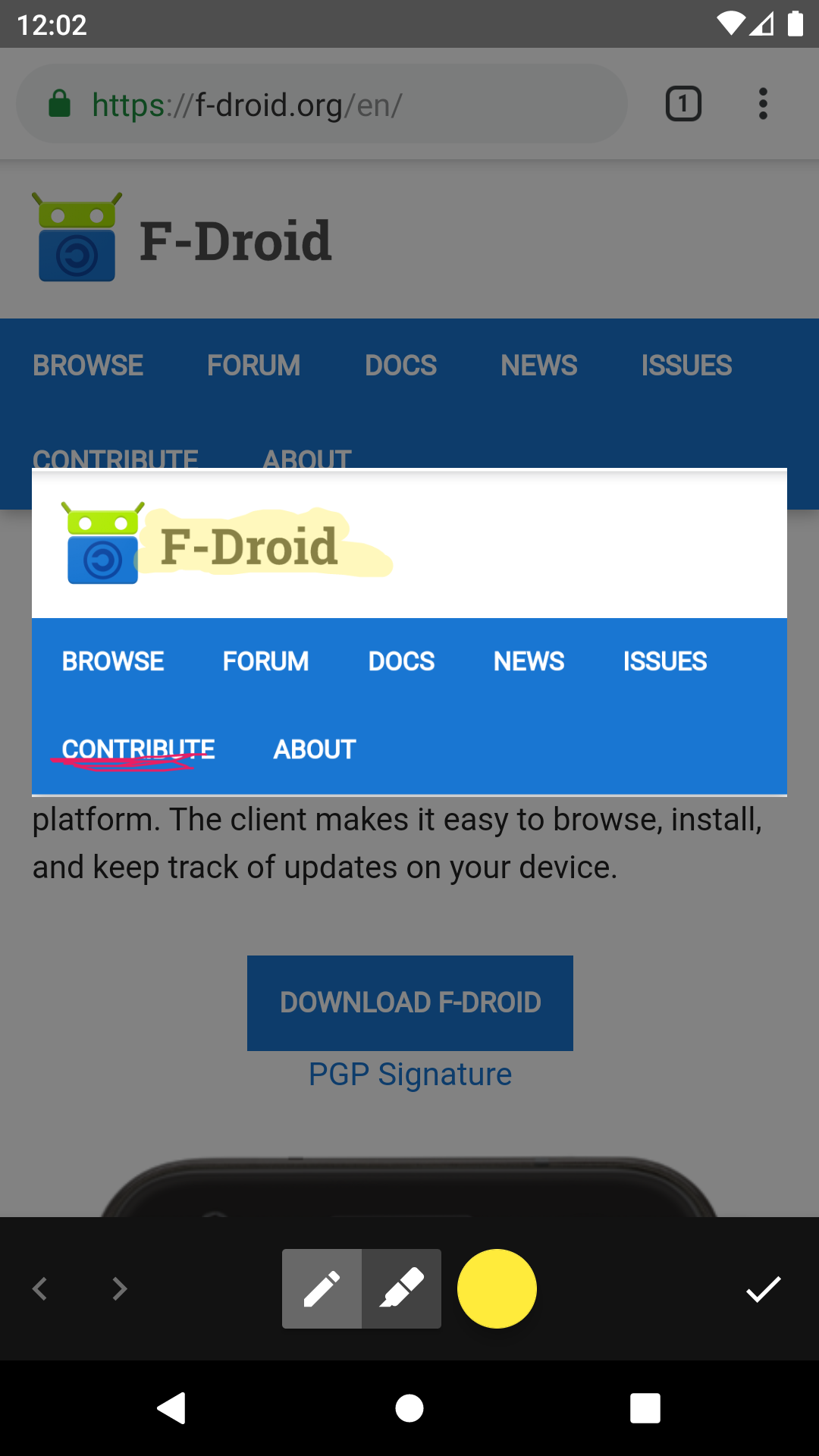
- Crop, draw with a pen or highlighter, undo and redo
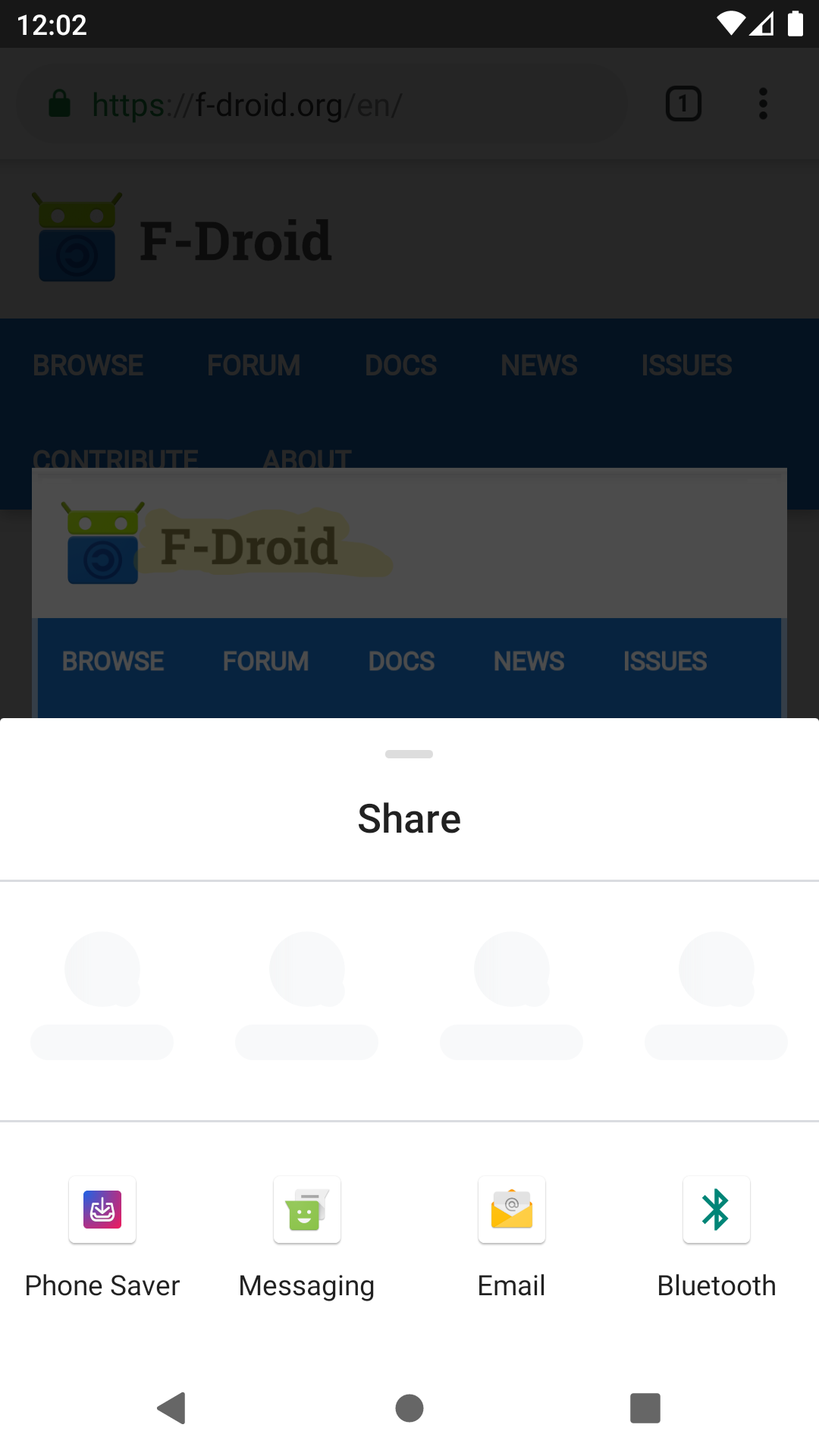
- Share straight to any app, with a choice of PNG, JPG or WEBP
- Nothing is saved to storage, so old screenshots don't pile up
- Optional reminder after a restart or app update if Android reset the digital assistant app (needs the notification permission)
- No internet access, no ads, no tracking
Requires Android 14 or newer.
Screenshots
What’s new
- Crop stays adjustable after drawing, with undo and redo. - Editor works like a normal app and stays open while sharing. - A new assistant gesture always opens the new screenshot. - Gentler animation when accepting a drawing. - Picking a format closes the drawer; formats listed A to Z. - Cropped-out area is darkened, colors kept. - Edit offered only for supported image formats. - Security: the editor only opens the intended image.
How to install
Download the APK from the button at the top of this page.
Allow “Install unknown apps” for your browser or file manager only, not for every app.
Open the downloaded file and confirm the installation.
If installation fails with “App not installed,” remove an earlier build of the same app first. A signature conflict is the usual cause.
Data safety
Every file is checked against its published SHA-256 before it is listed.
Files are scanned for malware on every update.
The permissions each app requests are listed on its own page.
Read the full safety policy for how we test, flag, and delist files.
Frequently asked questions
What is Screenshot Assistant?
An assistant app for creating, cropping and sharing screenshots
Who develops Screenshot Assistant?
Screenshot Assistant is developed by catch-26.
Which Android version does Screenshot Assistant require?
Screenshot Assistant requires Android API 34 or later.
What is the current version of Screenshot Assistant?
The synchronized F-Droid version is v26.10.40.
Which license does Screenshot Assistant use?
The signed F-Droid metadata lists Apache-2.0.
Where is the source code for Screenshot Assistant?