Privacy Browser icon

Privacy Browser

Soren Stoutner
Internet Internet
Version
3.20.1
Size
16.3 MB
Requires
Android API 26+
4.3 / 5 · 342 ratings 5,000 downloads

Updated Nov 1, 2026

Quick answer

A web browser that respects your privacy.

The only way to prevent data from being abused is to prevent it from being collected in the first place. Privacy Browser has two primary goals.

1. Minimize the data that is sent to the internet.

2. Minimize the data that is stored on the device.

Most browsers silently give websites massive amounts of information that allows them to track you and compromise your privacy. Websites and ad networks use technologies like JavaScript, cookies, DOM storage, user agents, and many other things to uniquely identify each user and track them between visits and across the web.

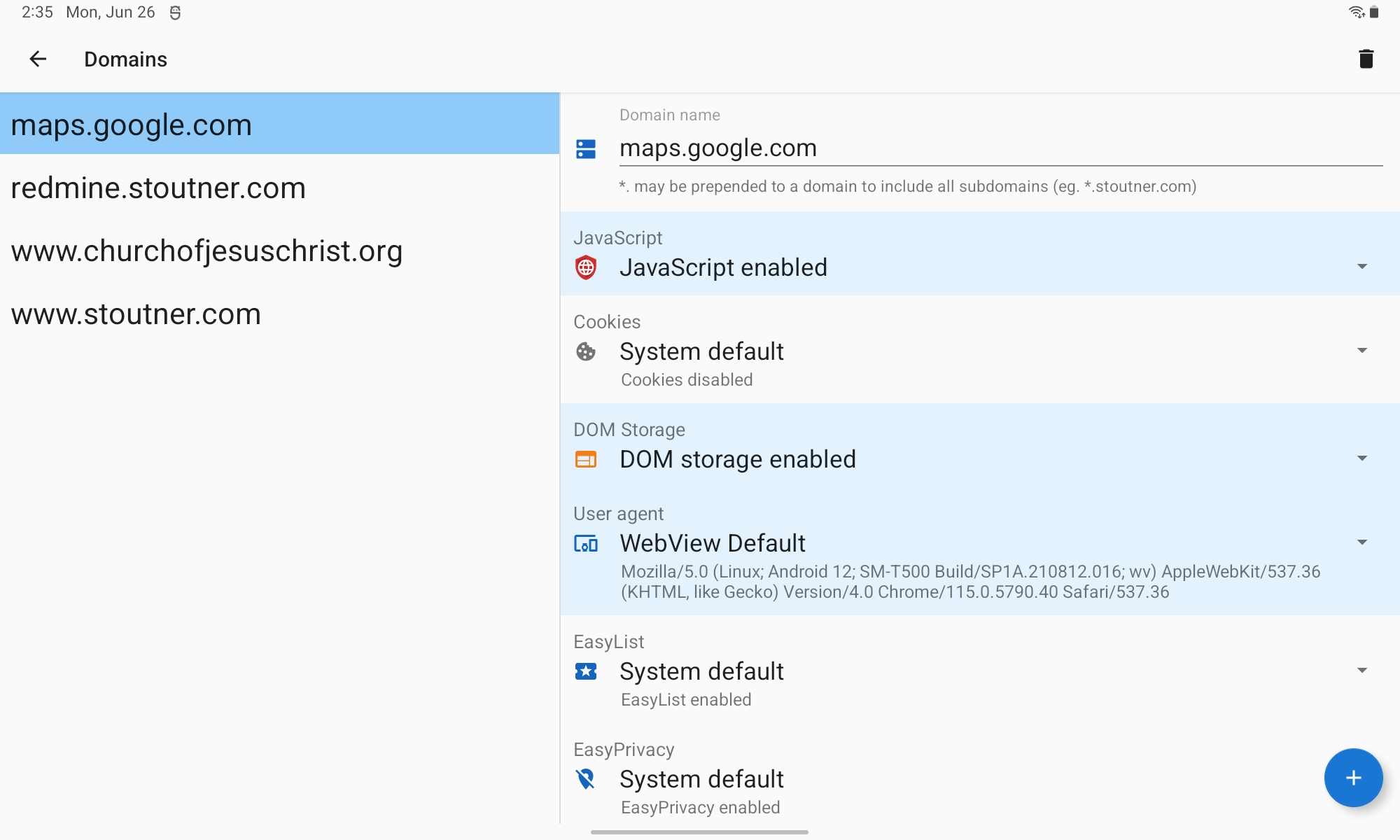
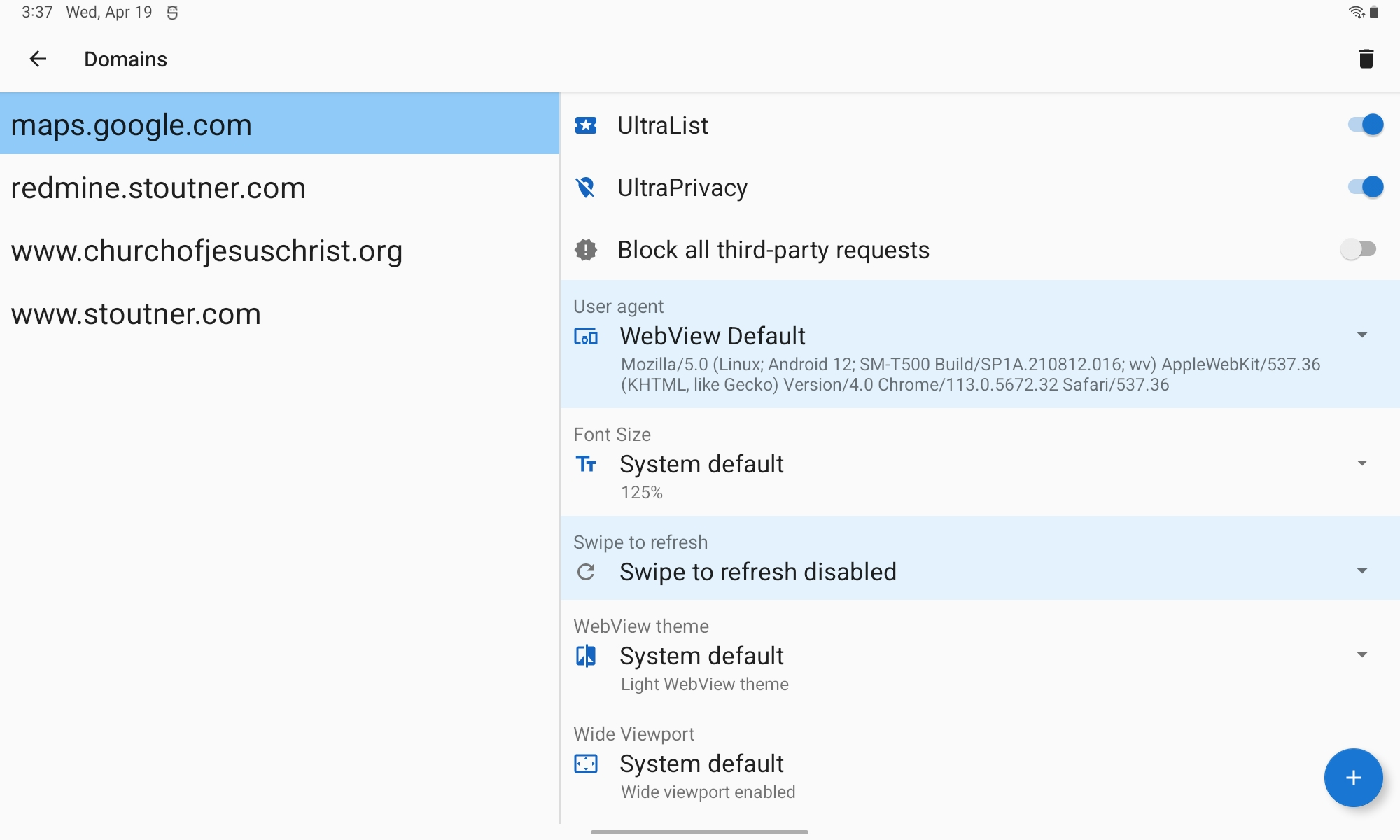
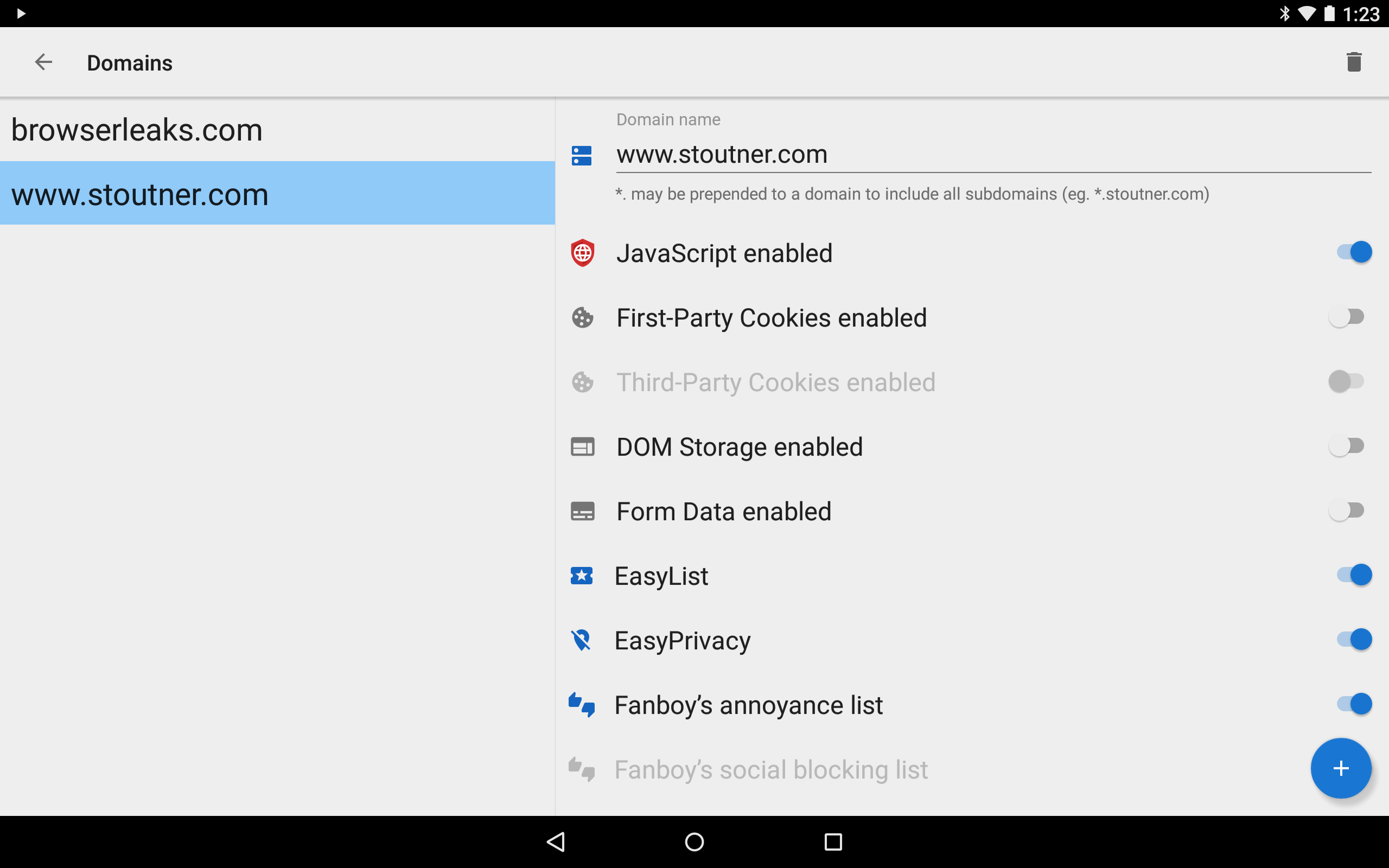
In contrast, privacy sensitive features are disabled by default in Privacy Browser. If one of these technologies is required for a website to function correctly, the user may choose to turn it on for just that visit. Or, they can use domain settings to automatically turn on certain features when entering a specific website and turn them off again when leaving.

Privacy Browser currently uses Android’s built-in WebView to render web pages. As such, it works best when the latest version of WebView is installed (see https://www.stoutner.com/privacy-browser/common-settings/webview/). In the 4.x series, Privacy Browser will switch to a forked version of Android’s WebView called Privacy WebView that will allow for advanced privacy features.

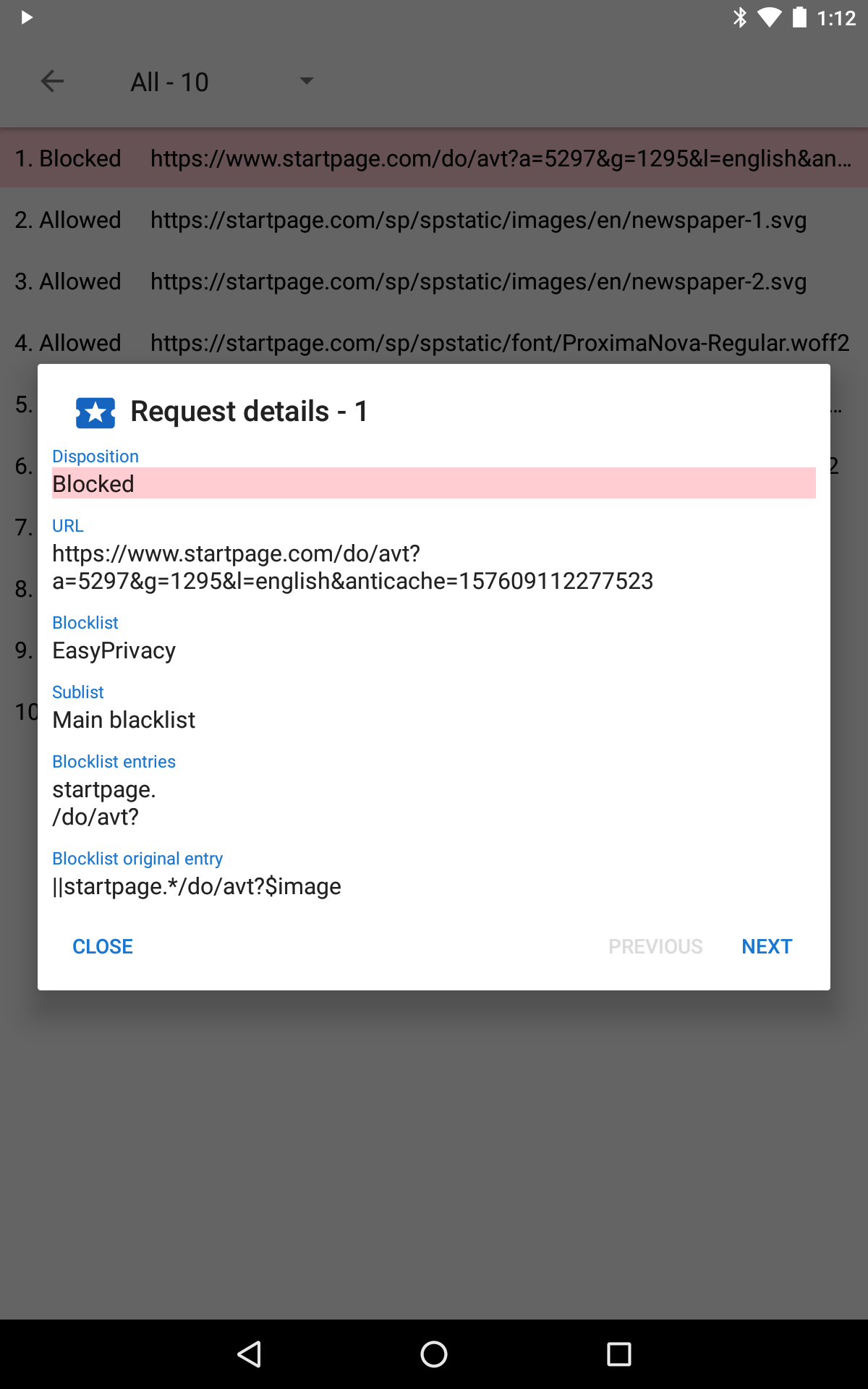
Features: • Integrated EasyList ad blocking. • Tor Orbot proxy support. • SSL certificate pinning. • Import/export of settings and bookmarks.

Screenshots

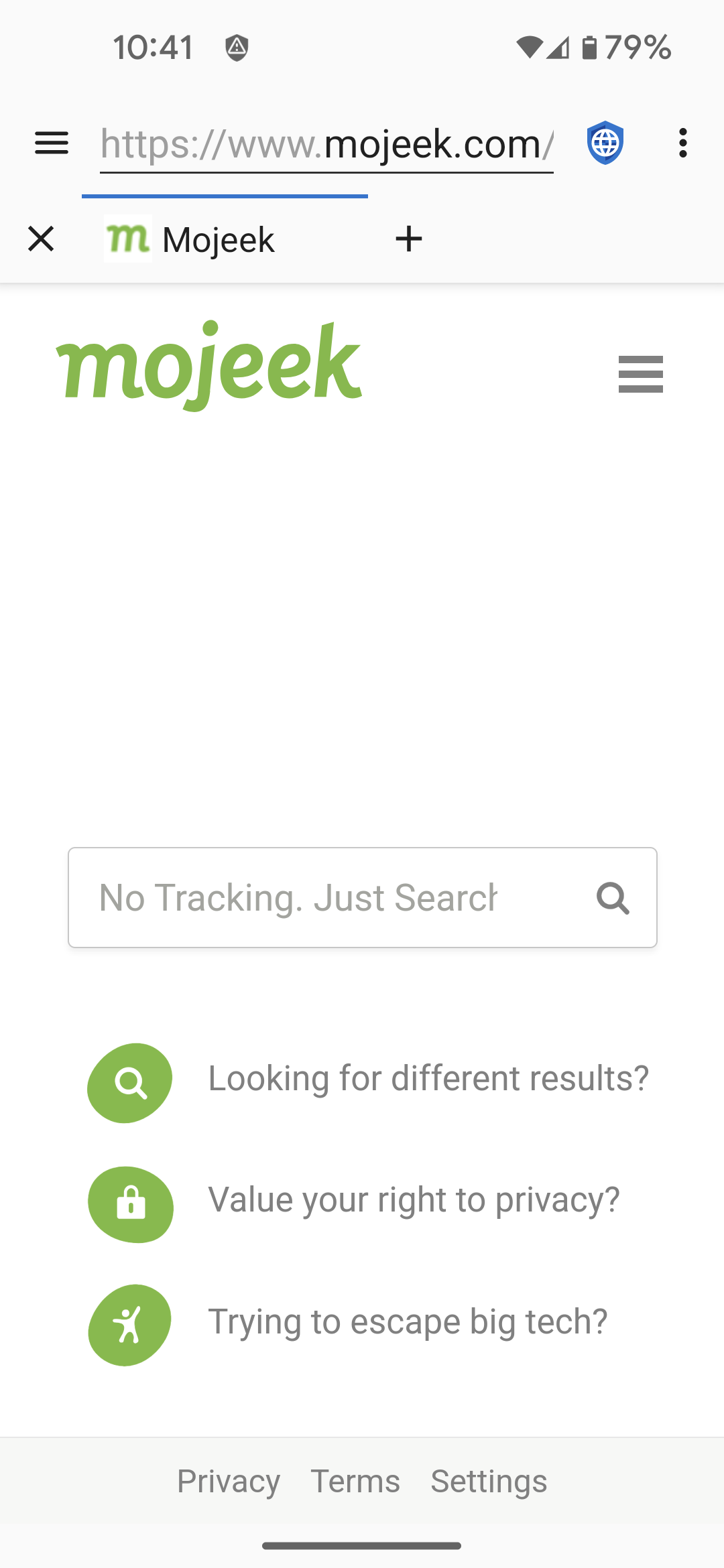
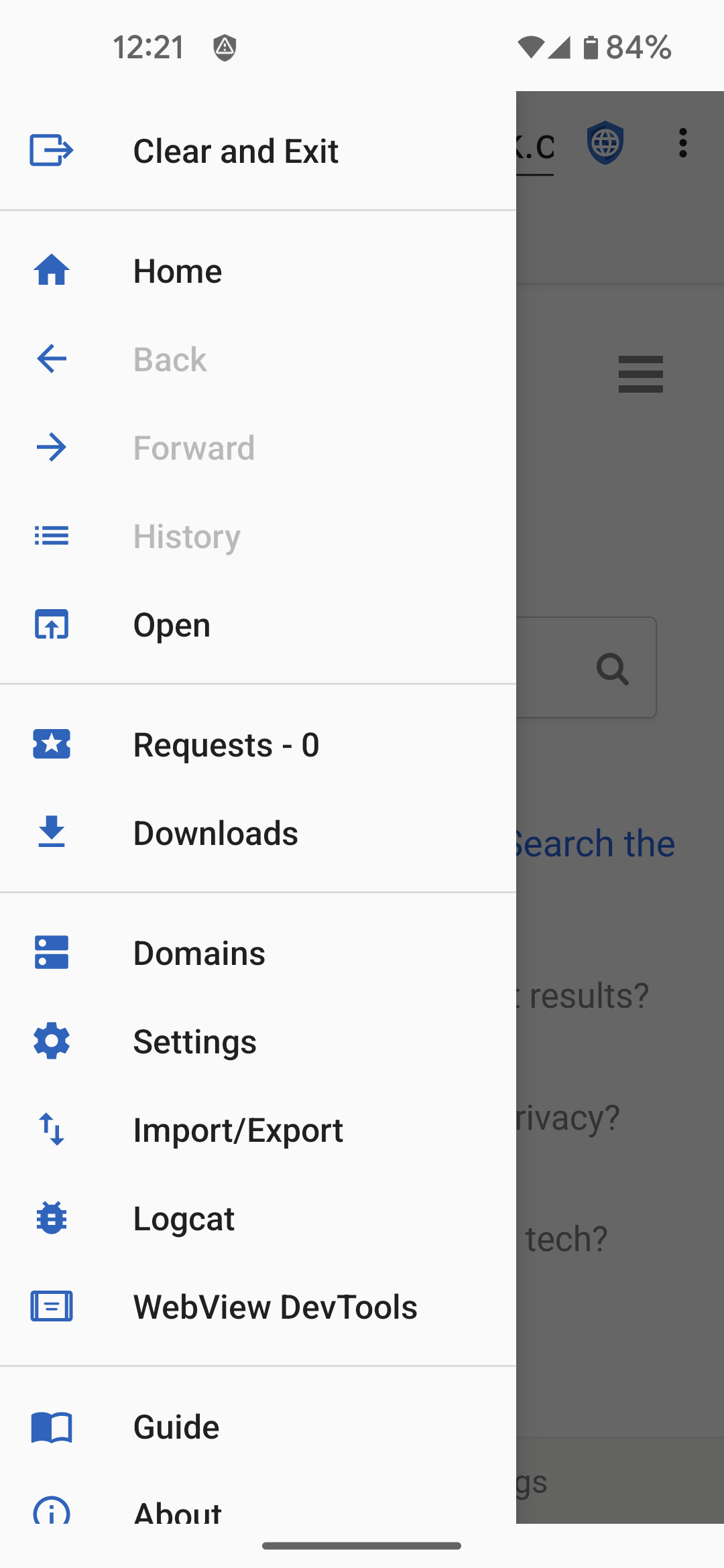
Privacy Browser screenshot 1
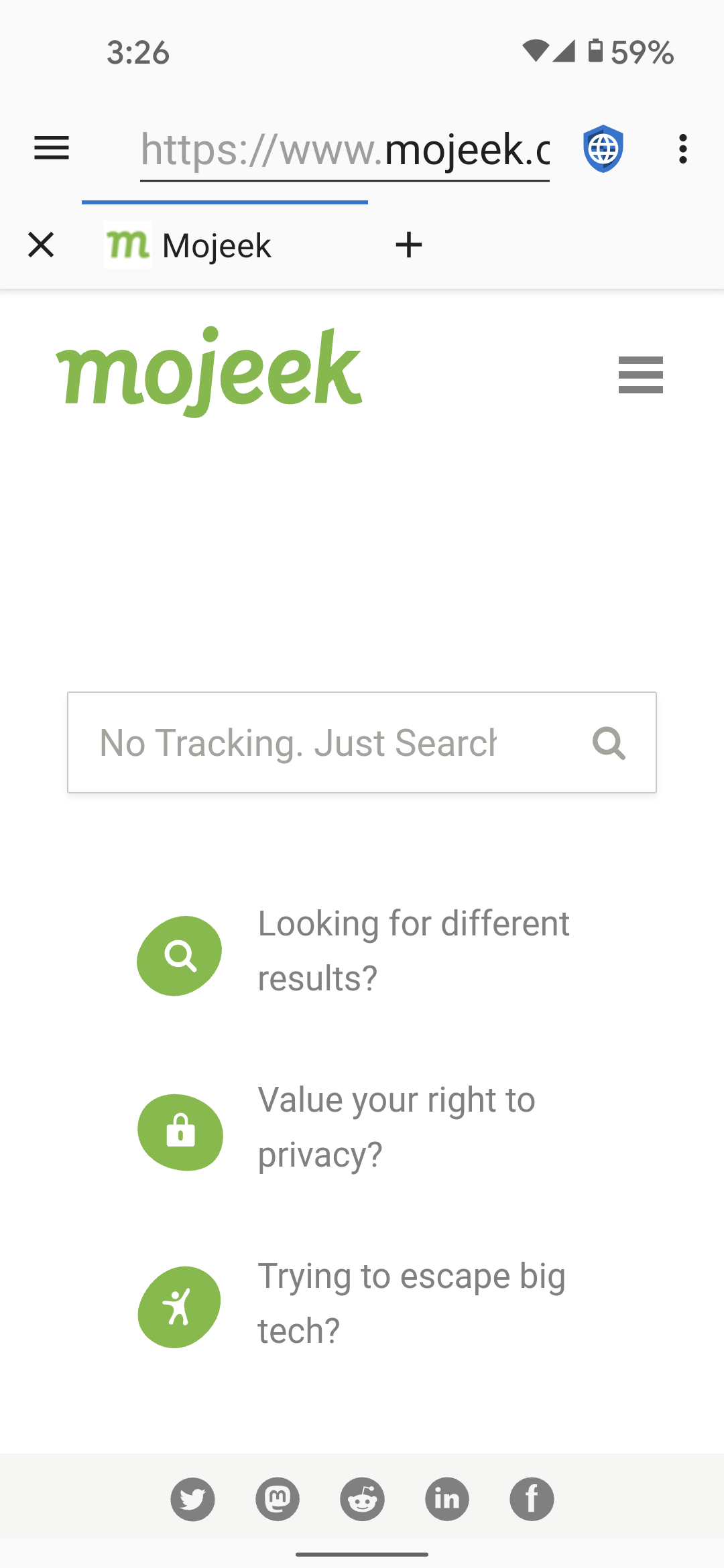
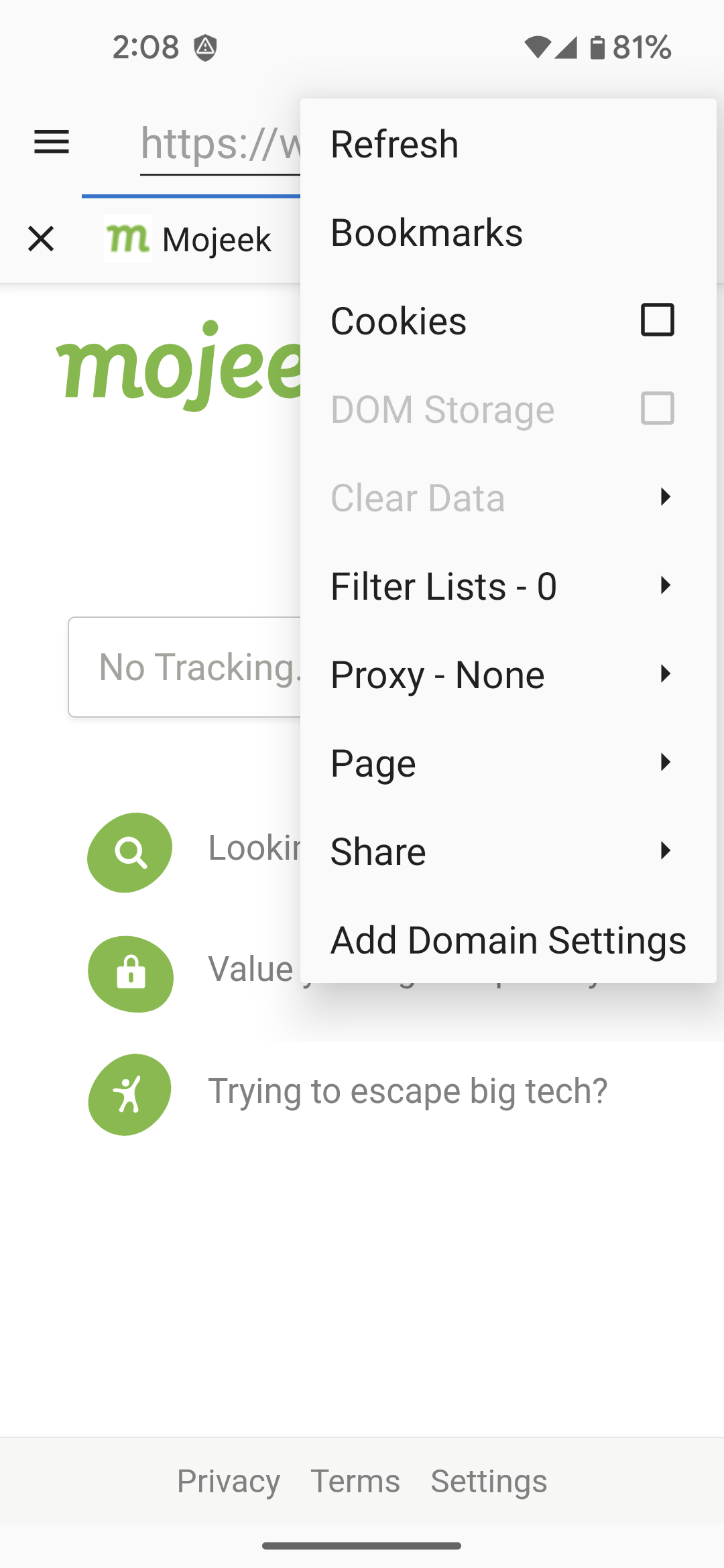
Privacy Browser screenshot 2
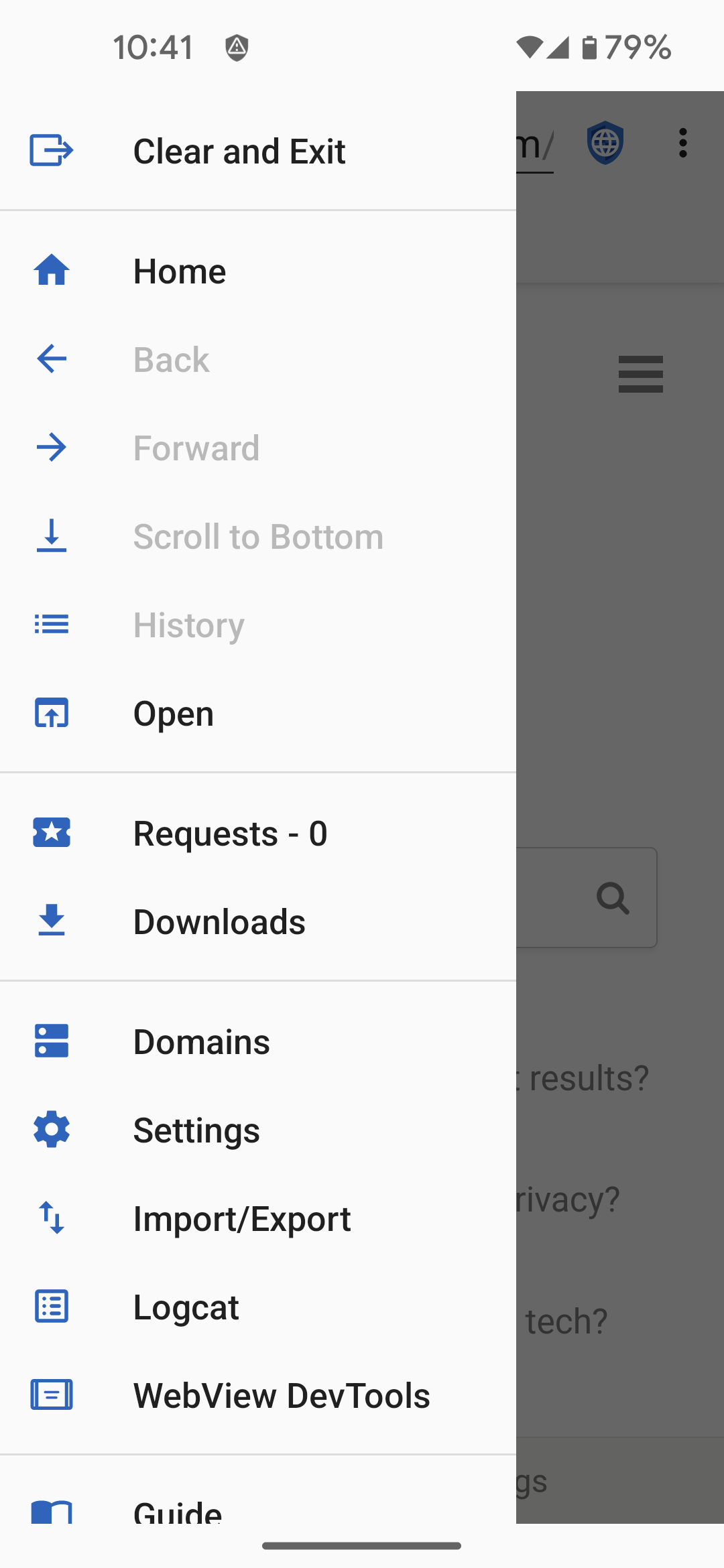
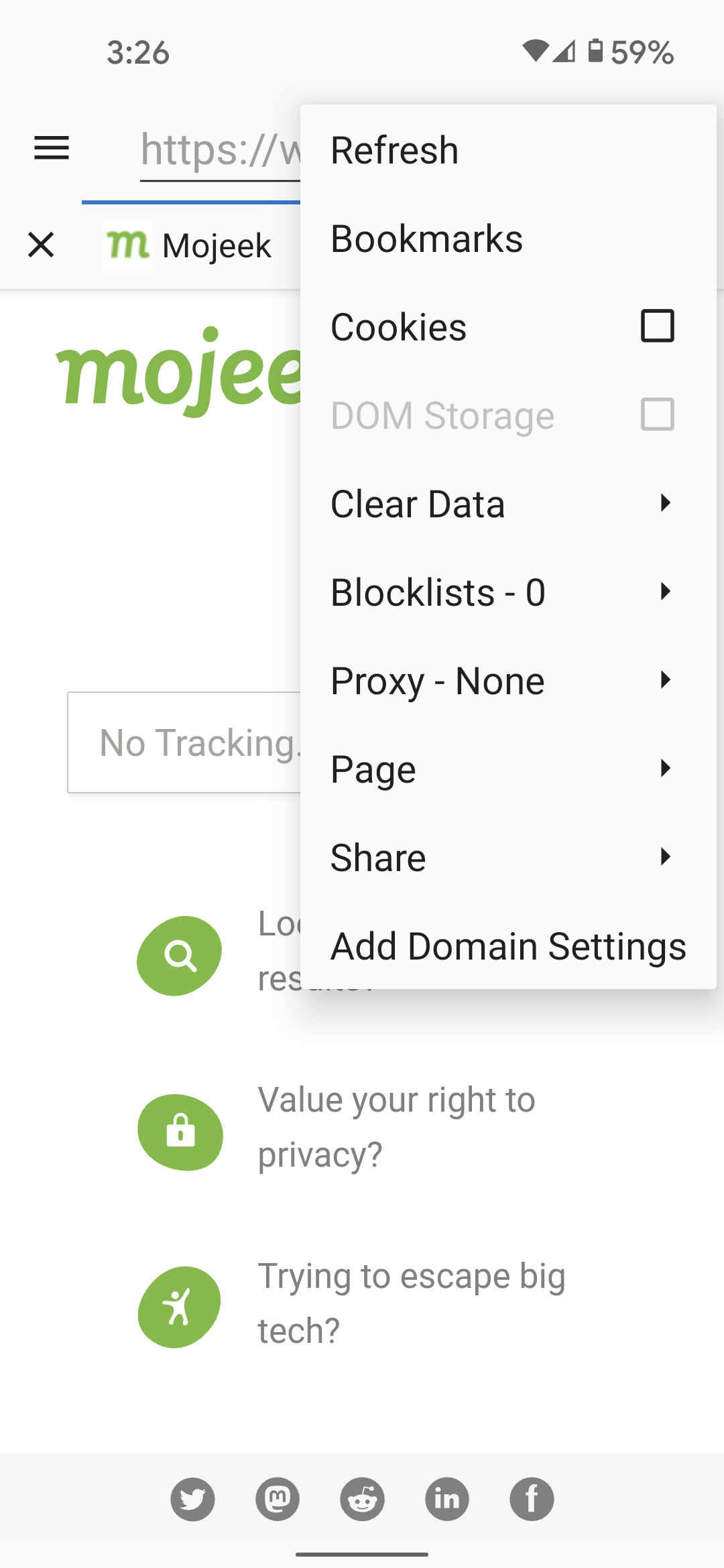
Privacy Browser screenshot 3
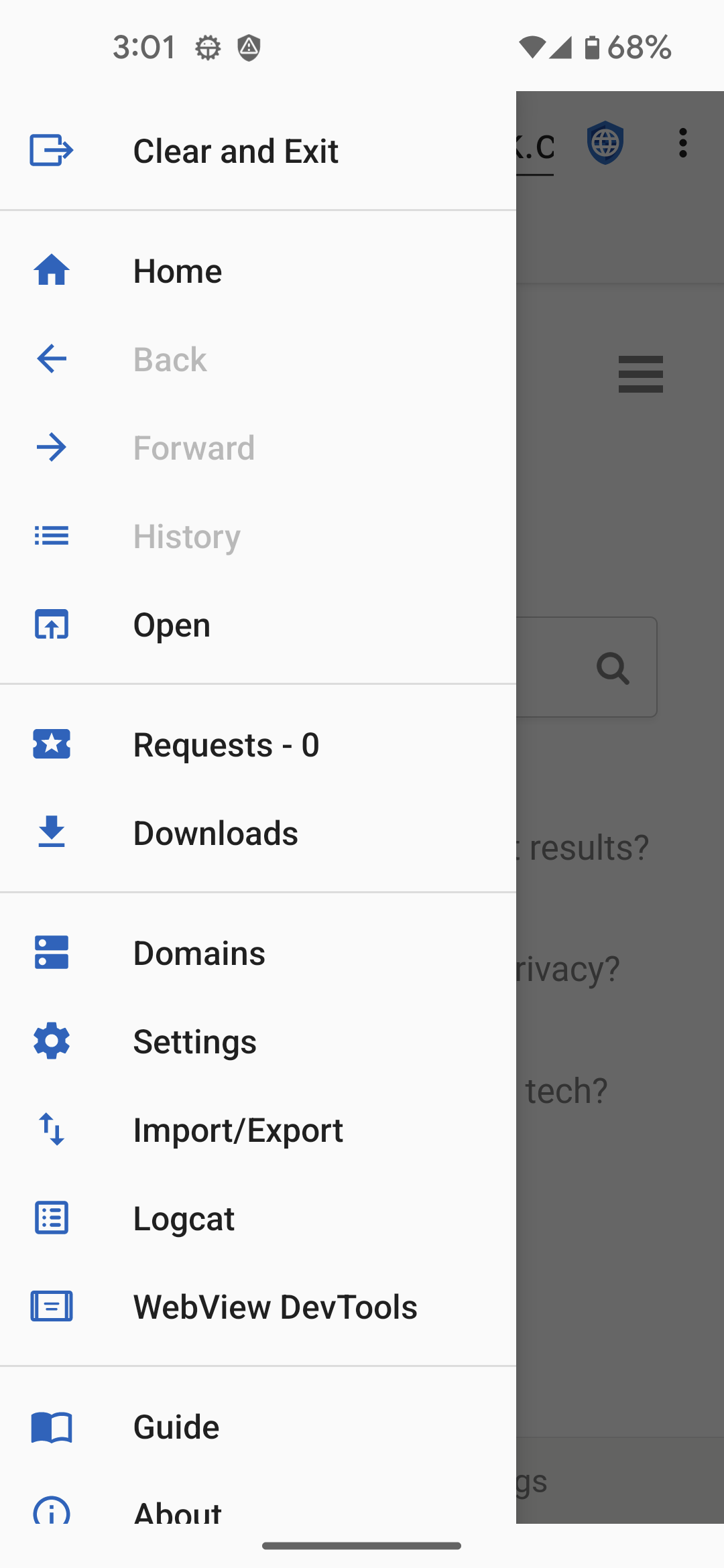
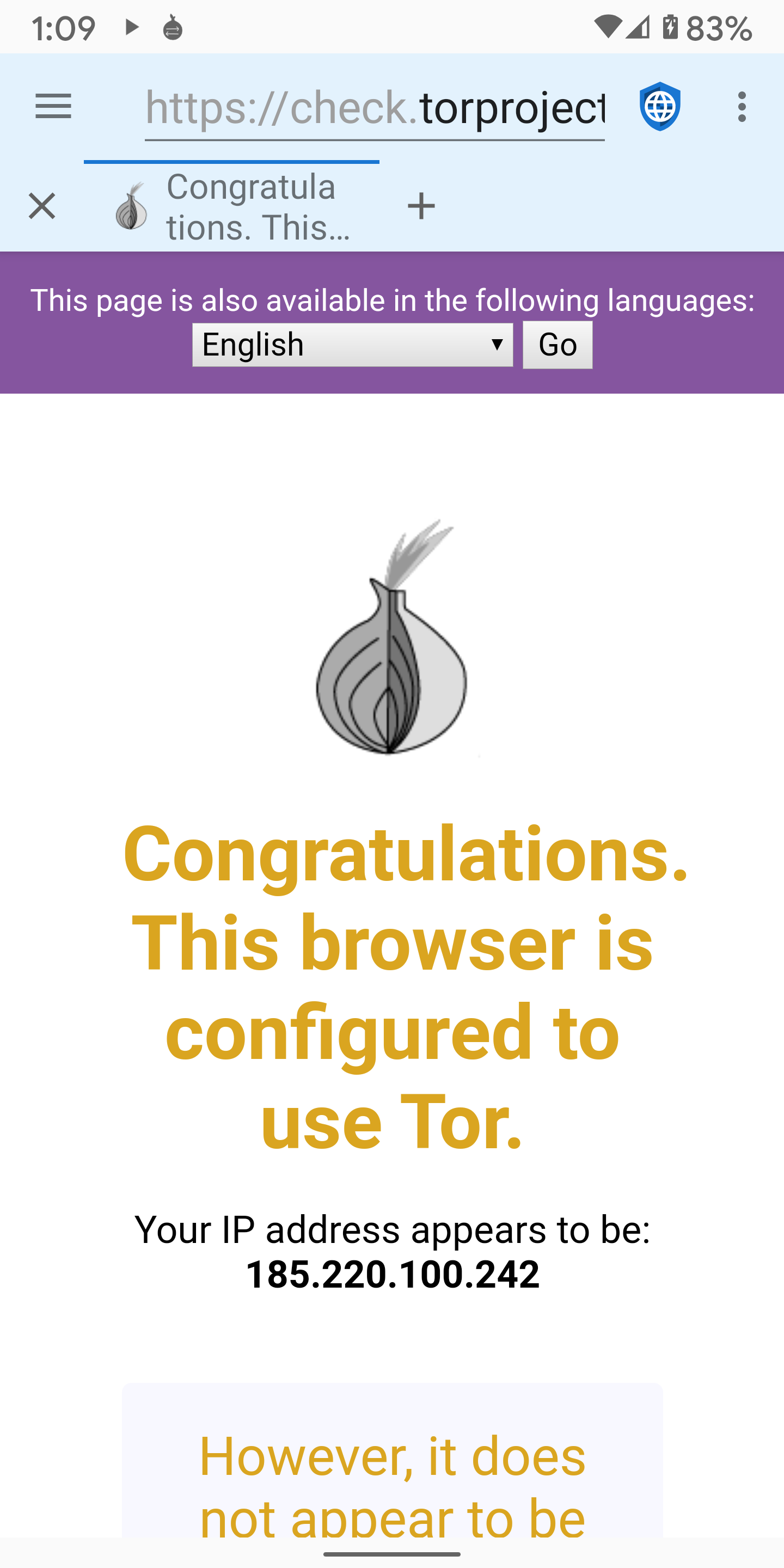
Privacy Browser screenshot 4
Privacy Browser screenshot 5
Privacy Browser screenshot 6
Privacy Browser screenshot 7
Privacy Browser screenshot 8
Privacy Browser screenshot 9
Privacy Browser screenshot 10
Privacy Browser screenshot 11
Privacy Browser screenshot 12
Privacy Browser screenshot 13

What’s new

• Fix the F-Droid builds by using the default Java version.

How to install

  1. Download the APK from the button at the top of this page.
  2. Allow “Install unknown apps” for your browser or file manager only, not for every app.
  3. Open the downloaded file and confirm the installation.
  4. If installation fails with “App not installed,” remove an earlier build of the same app first. A signature conflict is the usual cause.

Data safety

  • Every file is checked against its published SHA-256 before it is listed.
  • Files are scanned for malware on every update.
  • The permissions each app requests are listed on its own page.
  • Read the full safety policy for how we test, flag, and delist files.

Frequently asked questions

What is Privacy Browser?
A web browser that respects your privacy.
Who develops Privacy Browser?
Privacy Browser is developed by Soren Stoutner.
Which Android version does Privacy Browser require?
Privacy Browser requires Android API 26 or later.
What is the current version of Privacy Browser?
The synchronized F-Droid version is 3.20.1.
Which license does Privacy Browser use?
The signed F-Droid metadata lists GPL-3.0-or-later.
Where is the source code for Privacy Browser?
https://gitweb.stoutner.com/?p=PrivacyBrowserAndroid.git;a=summary

Comments

Recent approved comments · sorted by newest

Verification code
Be specific and keep it about the app. No links. Comments are reviewed before publication. Device and Android details are recorded automatically. Privacy policy.

Loading recent comments...

View all comments