
Quick answer
Monitor running services on your Android device with Root or Shizuku
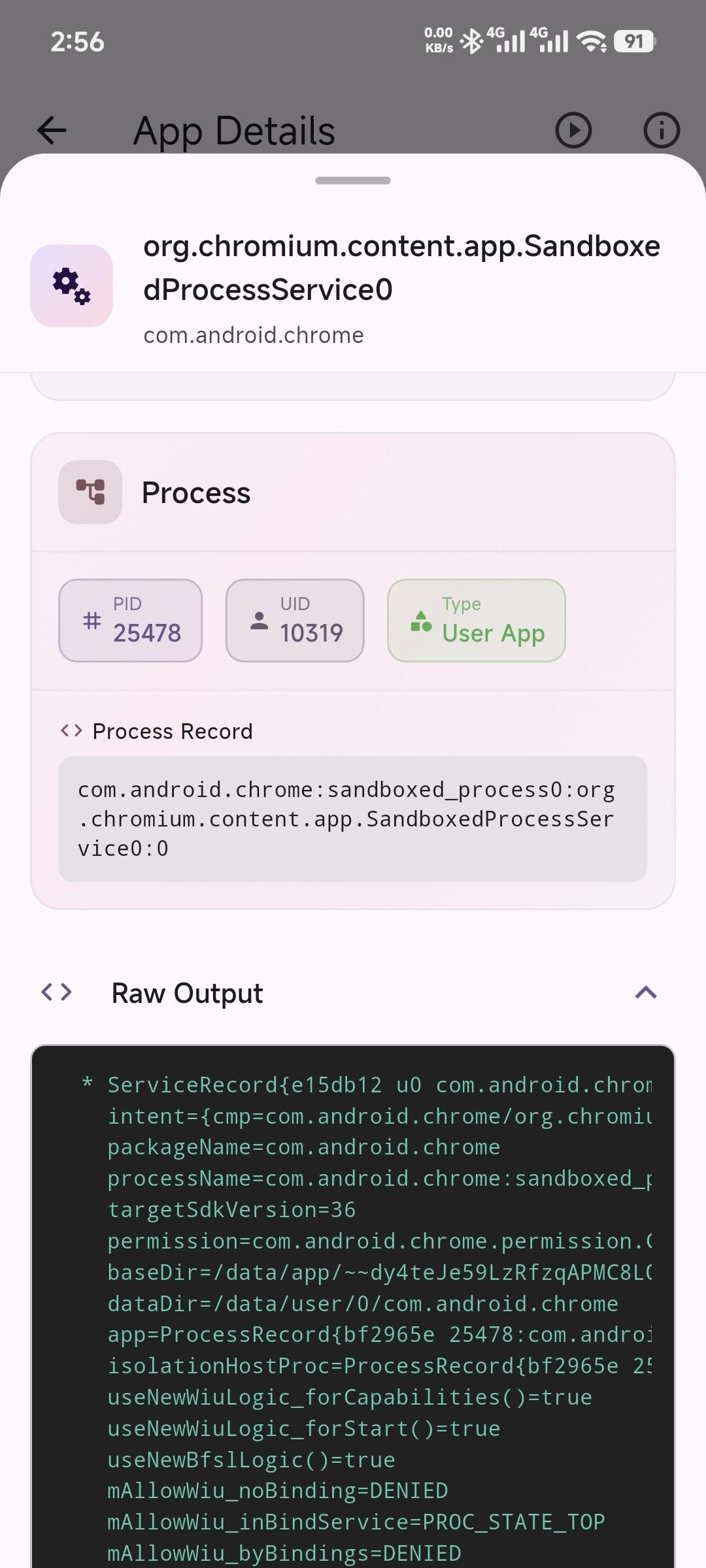
Running Services Monitor helps you monitor running services on your Android device. With a clean and intuitive interface, you can easily view system and user apps and check their status efficiently.
Features
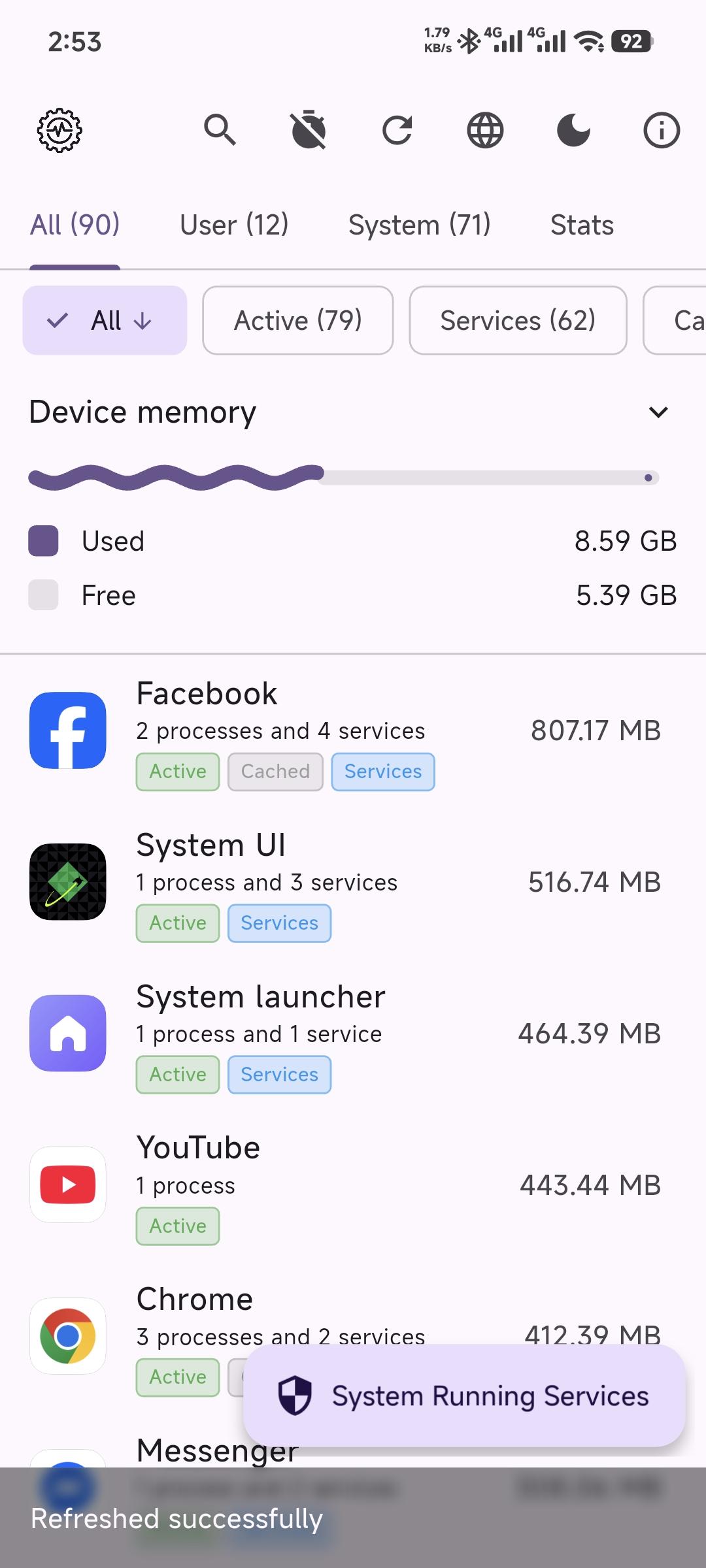
* Monitor Running Services: View a comprehensive list of all running services on your device
* Categorized View: Easily switch between All, User, and System apps
* Search Functionality: Quickly find specific apps with the built-in search bar
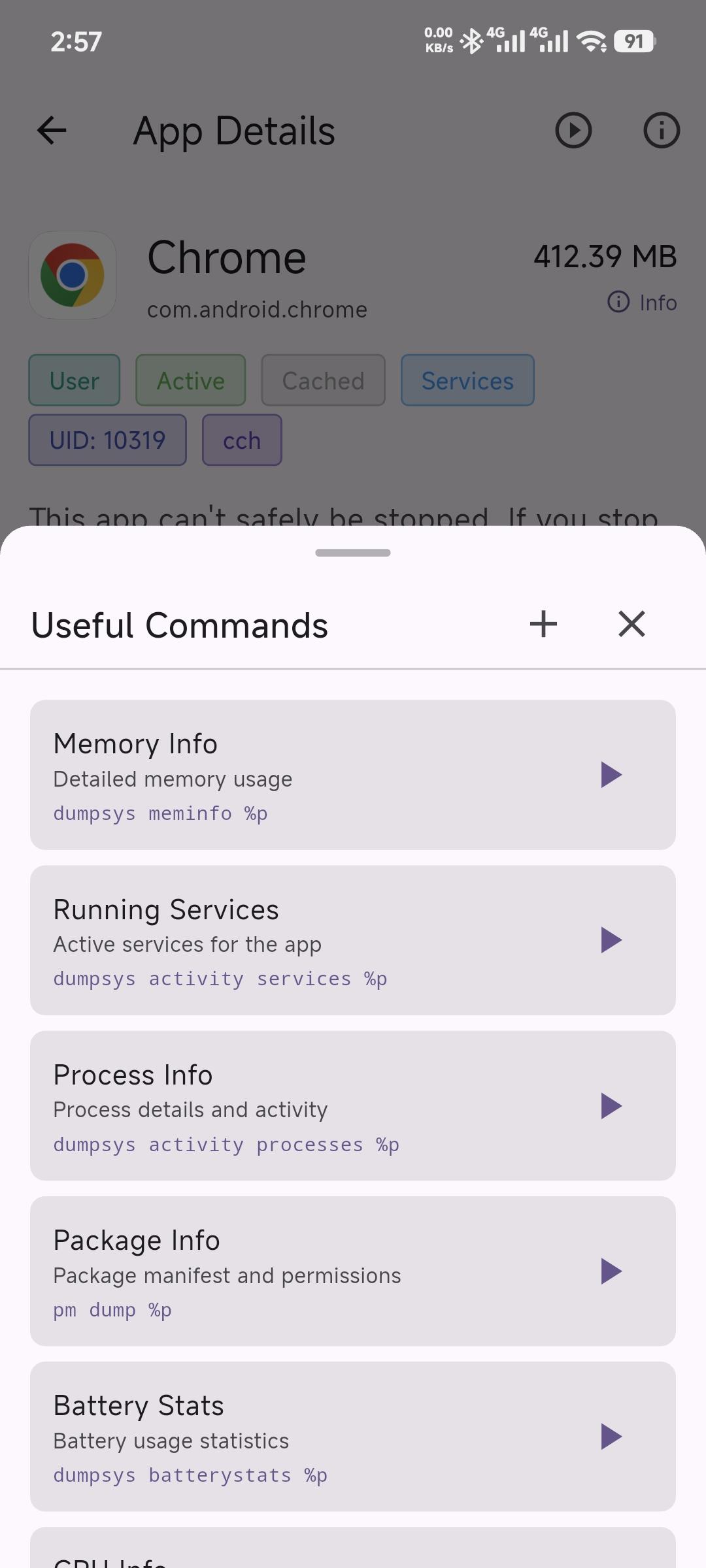
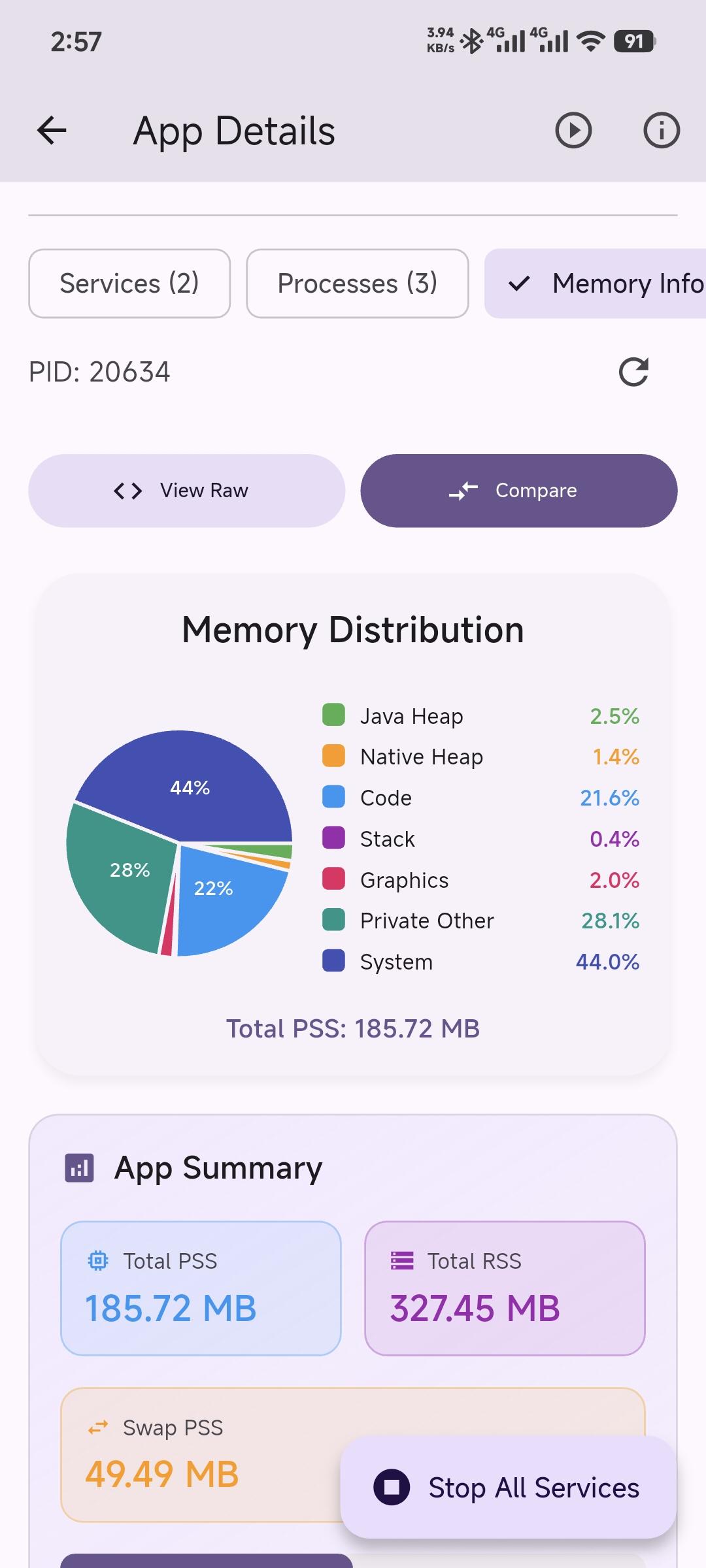
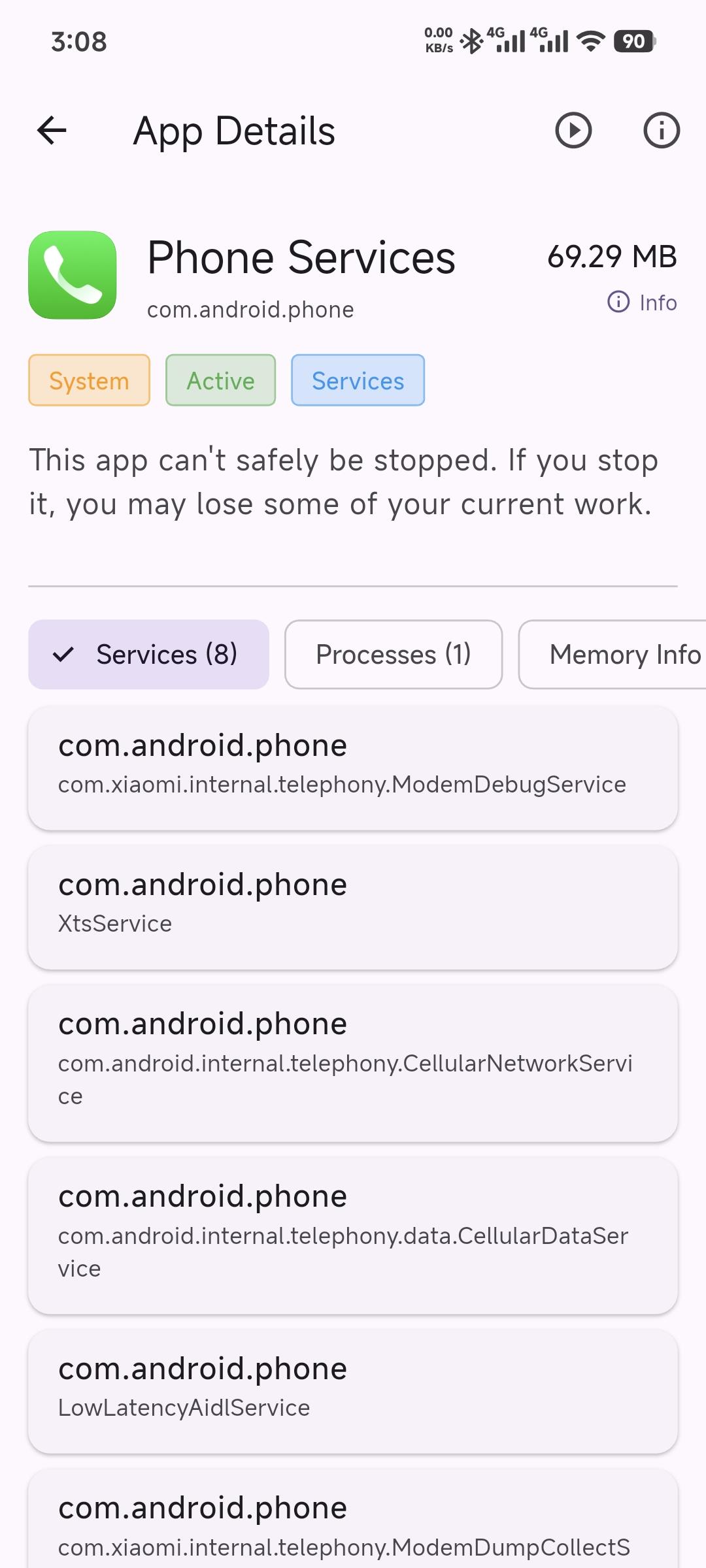
* App Details: Get detailed information about each app, including package name, version, and more
* Root & Shizuku Integration: First checks for root permission, then falls back to Shizuku for advanced system interactions (where supported)
* Material Design 3: A modern and beautiful UI that adapts to your device's theme
* Dark/Light Mode: Toggle between dark and light themes for comfortable viewing
* Localization: Support for English, Bangla, Chinese languages
Requirements
Essential:
* Android 7.0 (API 24) or higher
* Root access (preferred) OR Shizuku app installed and running
Permissions:
* QUERY_ALL_PACKAGES - To list all installed apps
* Root permission OR Shizuku permission - The app first checks for root access, then falls back to Shizuku if root is unavailable
How It Works
This app uses root access or Shizuku to execute privileged ADB commands. Starting from Android 8.0 (API 26), the `ActivityManager.getRunningServices()` API was deprecated and restricted. Third-party apps can no longer query all running services on the device for privacy and security reasons.
Root access provides the most seamless experience with direct access to system commands and no additional setup required.
Shizuku provides an alternative for non-rooted devices by running a privileged service that can access system APIs, allowing apps to execute ADB commands without root, working on non-rooted devices via Wireless Debugging (Android 11+) or USB ADB.
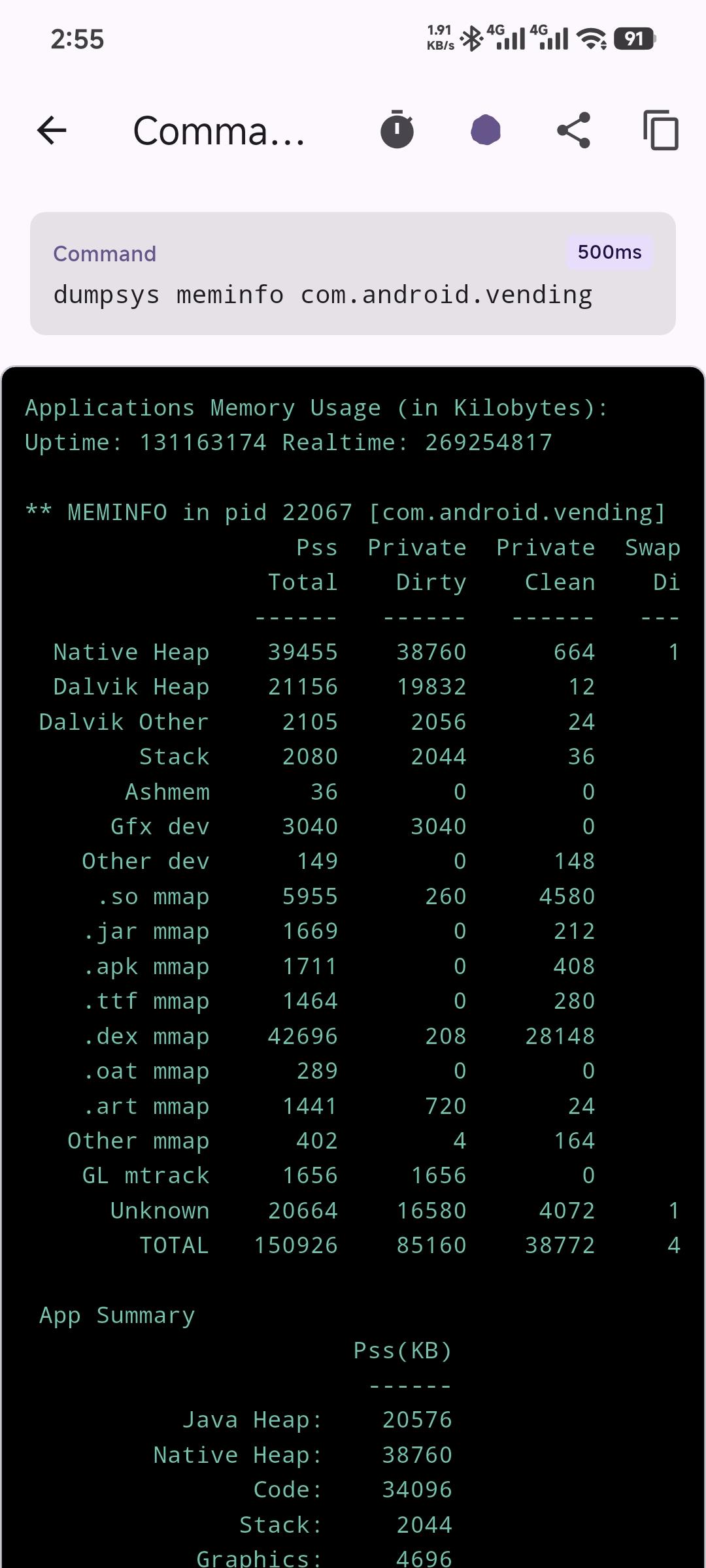
The app checks for root permission first, and if not available, falls back to Shizuku. It executes `dumpsys activity services` to get running service information, parses the output to extract service details (package name, PID, process name, etc.), and categorizes services into System and User categories.
Limitations
* Due to Android security policies, some service information may be limited
* When using Shizuku, the service stops when device reboots
* Dumpsys output format may vary across Android versions
* This app only displays services; it cannot start/stop them
This app is designed for users who want to monitor running services on their device, similar to the "Running Services" feature that was available in Android Developer Options in older Android versions.
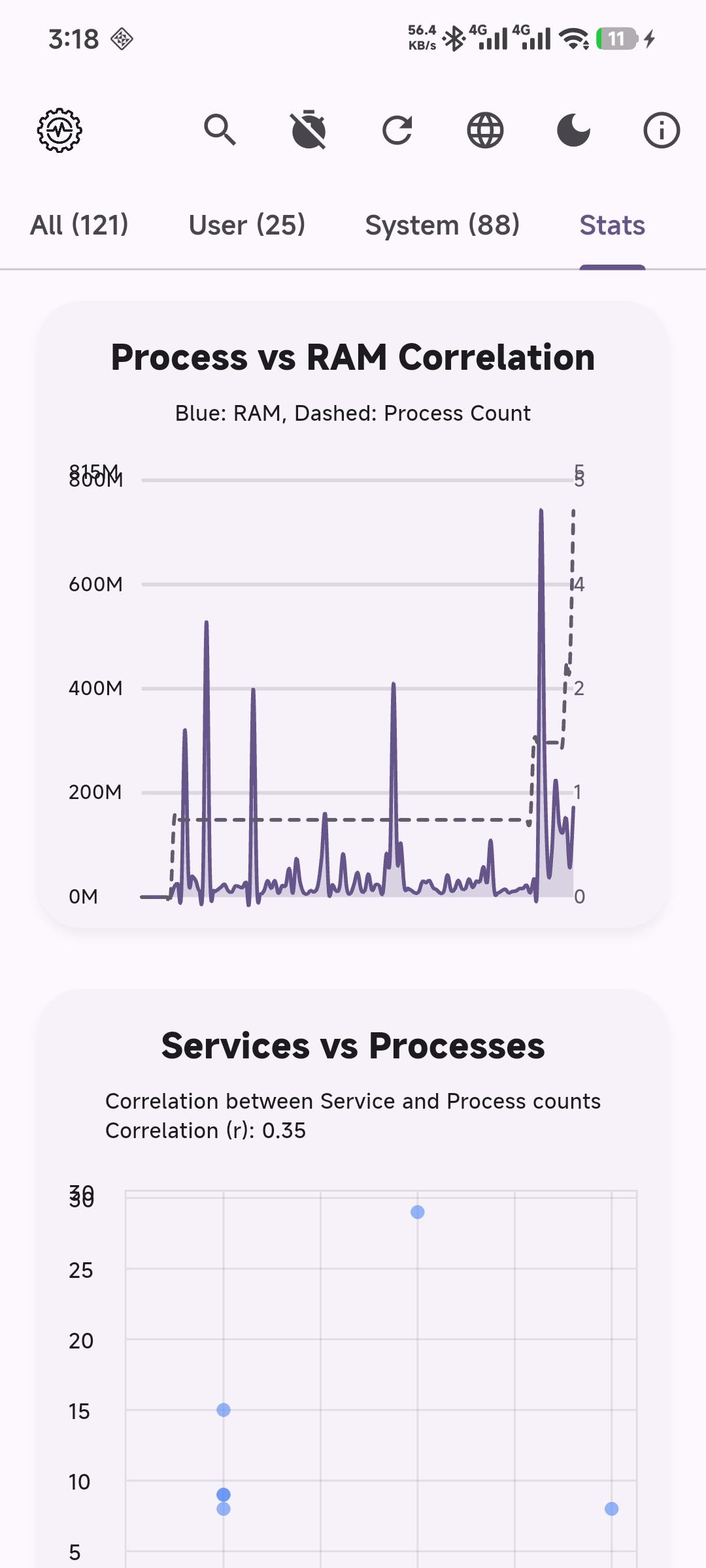
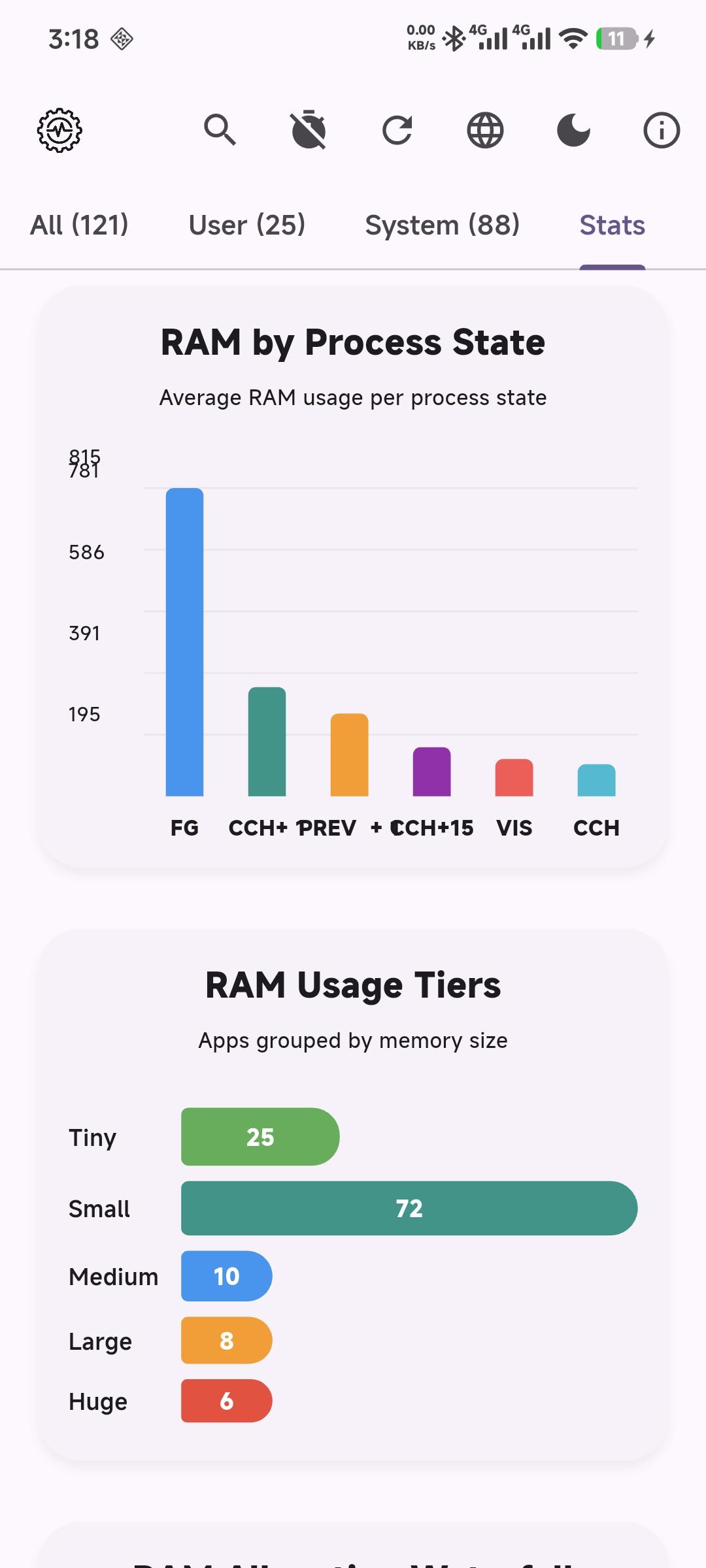
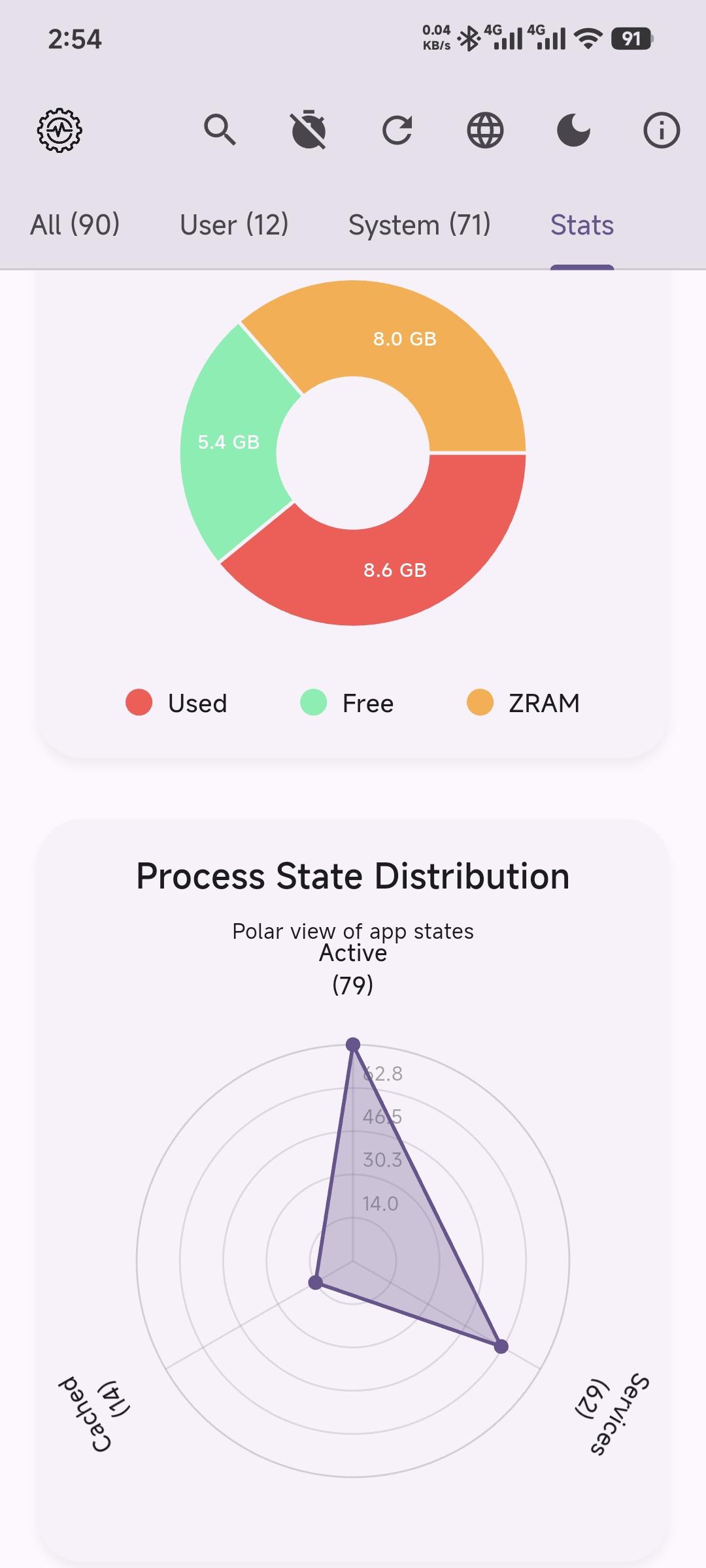
Screenshots
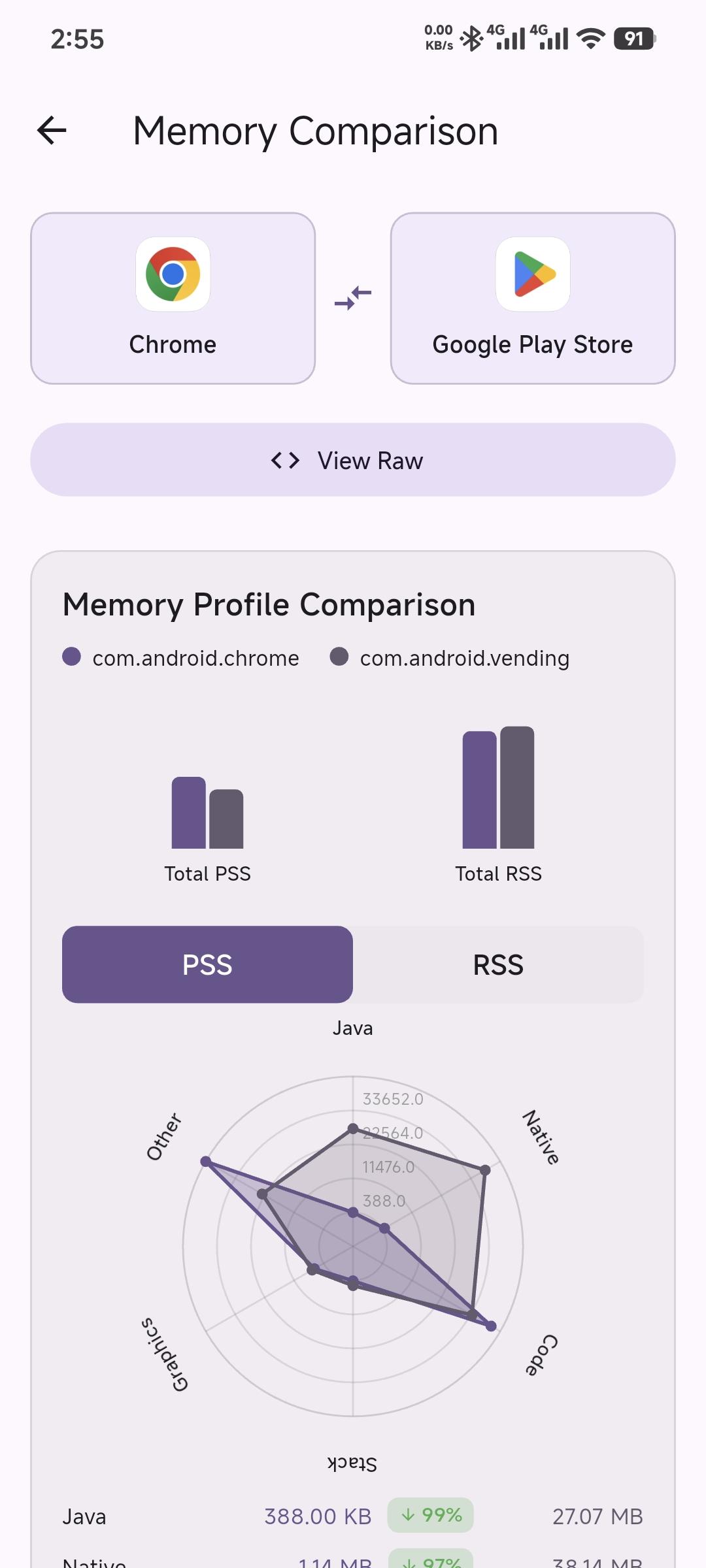
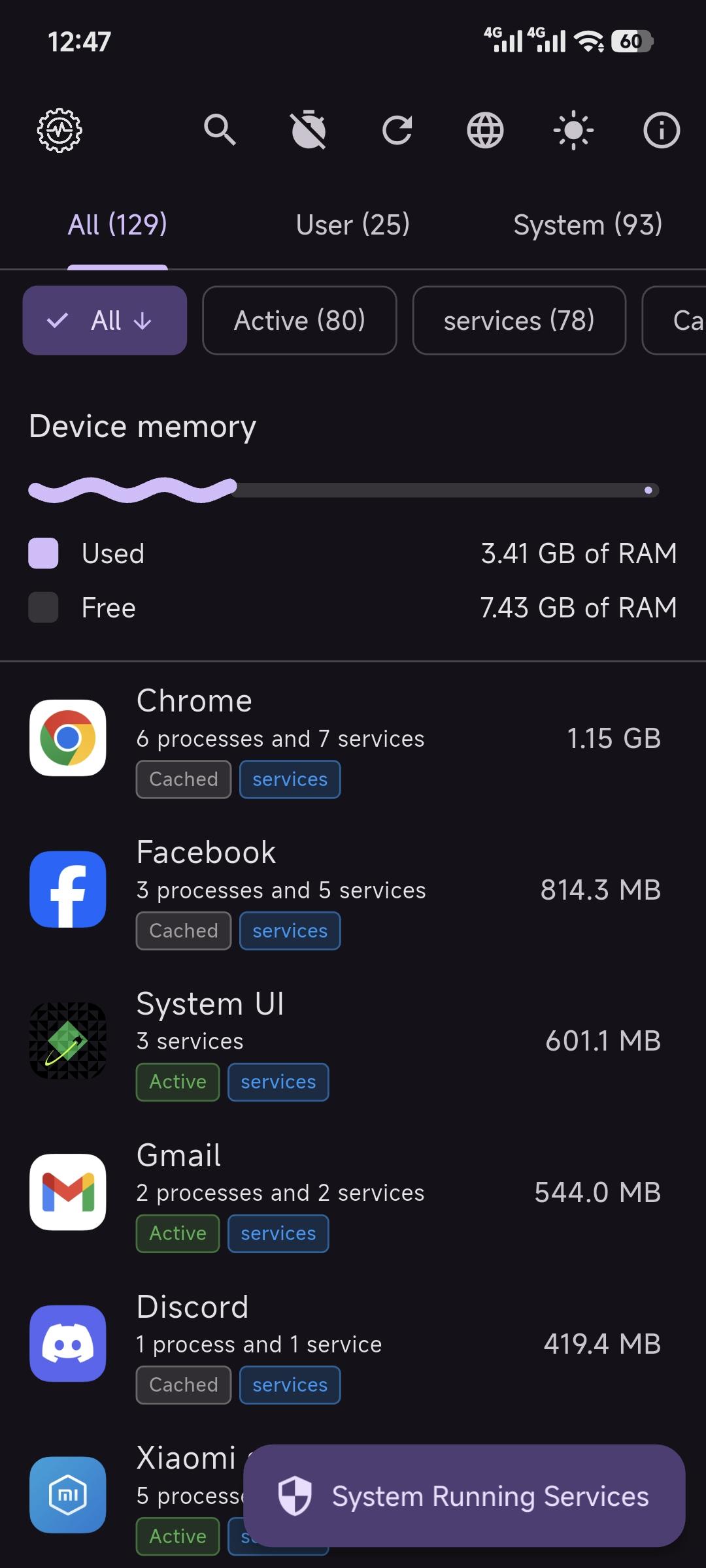
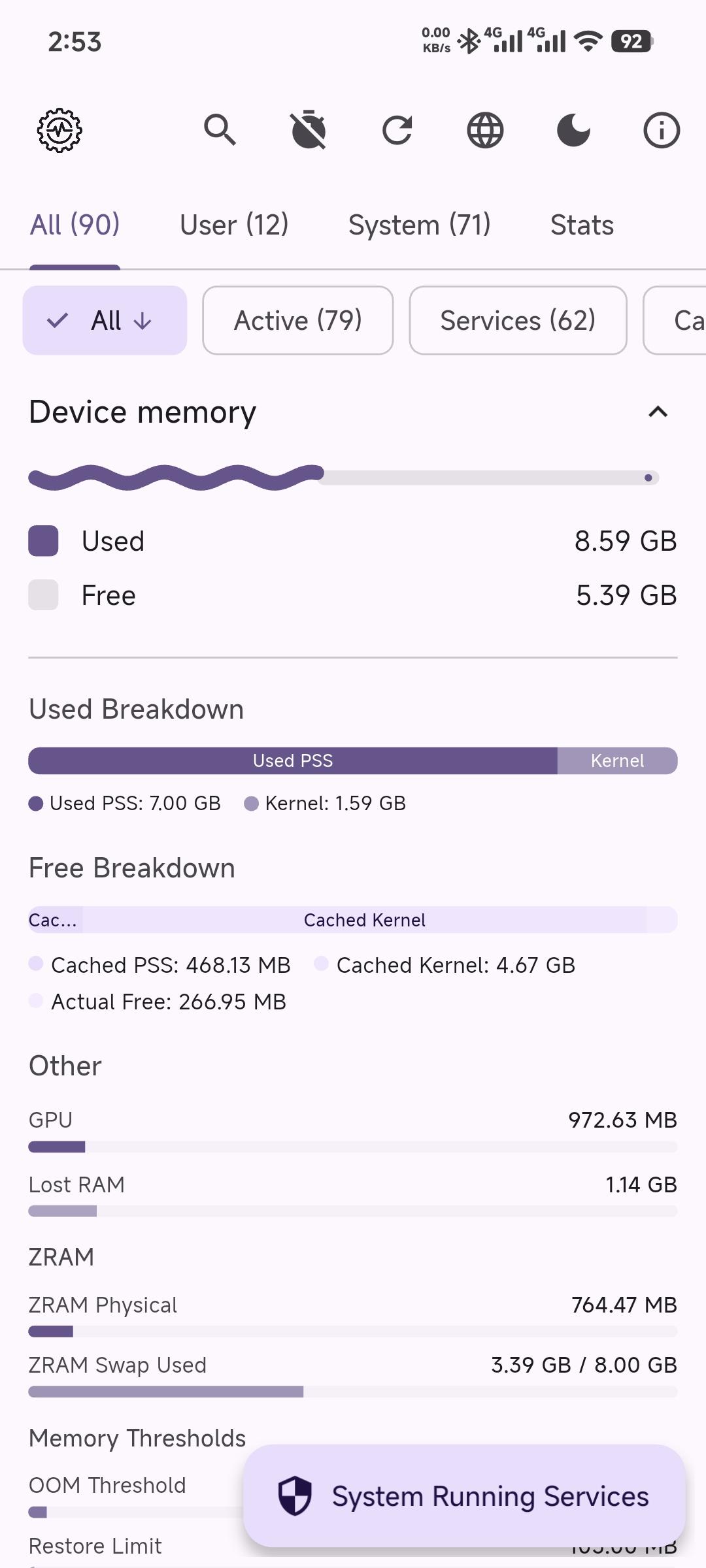
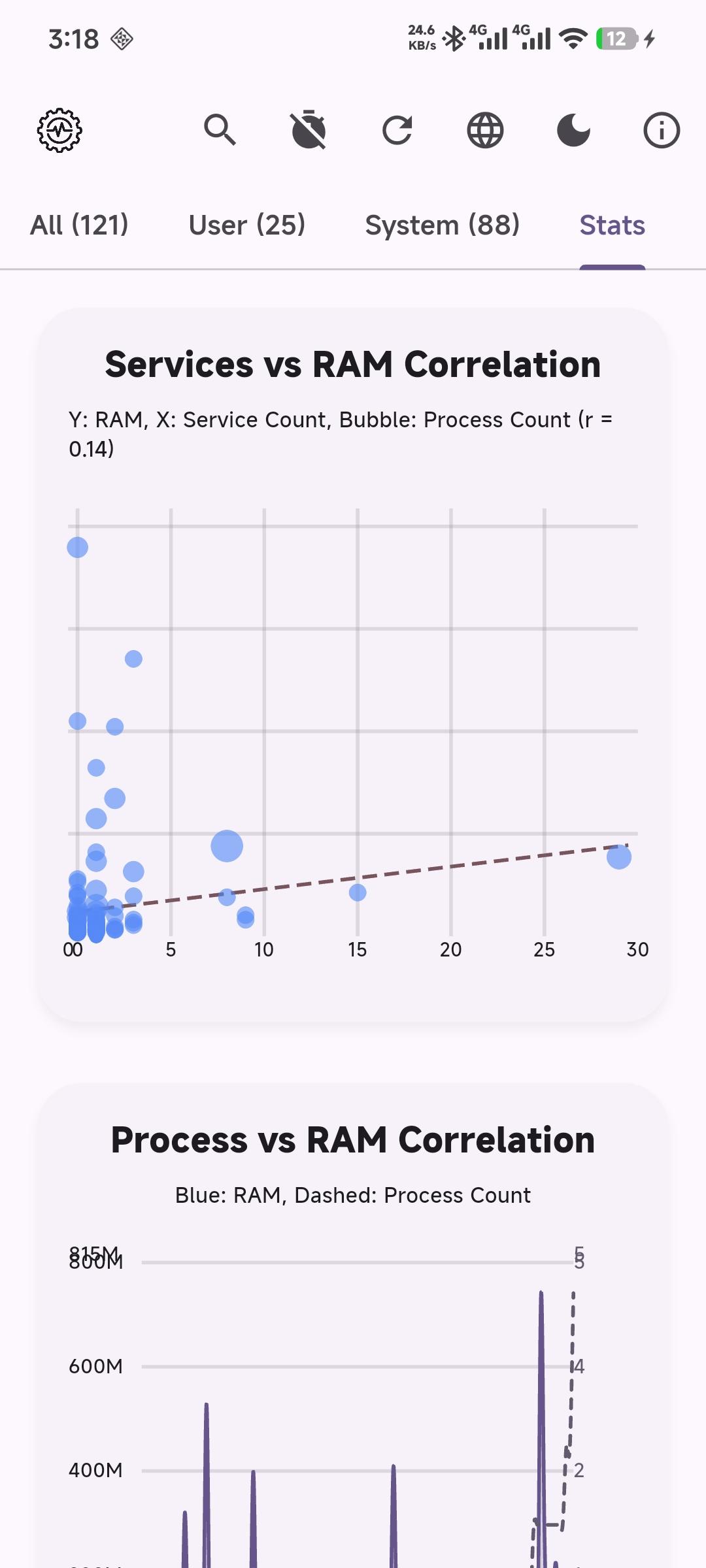
How to install
- Download the APK from the button at the top of this page.
- Allow “Install unknown apps” for your browser or file manager only, not for every app.
- Open the downloaded file and confirm the installation.
- If installation fails with “App not installed,” remove an earlier build of the same app first. A signature conflict is the usual cause.
Data safety
- Every file is checked against its published SHA-256 before it is listed.
- Files are scanned for malware on every update.
- The permissions each app requests are listed on its own page.
- Read the full safety policy for how we test, flag, and delist files.
Frequently asked questions
What is Running Services Monitor?
Monitor running services on your Android device with Root or Shizuku
Who develops Running Services Monitor?
Running Services Monitor is developed by Biplob Kumar Sutradhar.
Which Android version does Running Services Monitor require?
Running Services Monitor requires Android API 24 or later.
What is the current version of Running Services Monitor?
The synchronized F-Droid version is 1.0.27.
Which license does Running Services Monitor use?
The signed F-Droid metadata lists MIT.
Where is the source code for Running Services Monitor?
https://github.com/biplobsd/running_services_monitor
Comments
Recent approved comments · sorted by newest
View all comments