Quick answer
A simple PDF viewer
MJ PDF is a fast, simply, yet powerful and totally free PDF reader. It pairs a powerful reader with a full library manager, and it respects your privacy.
Library
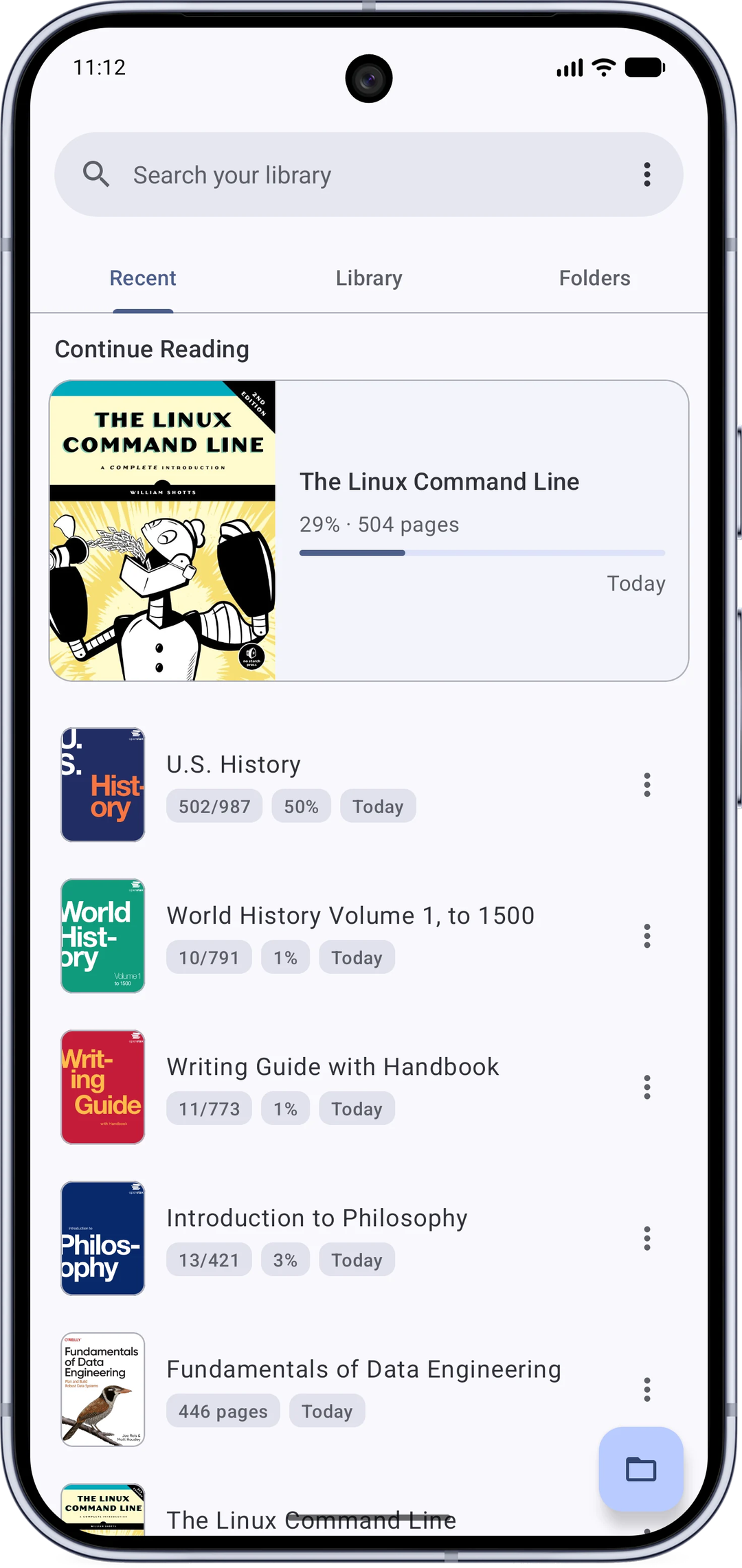
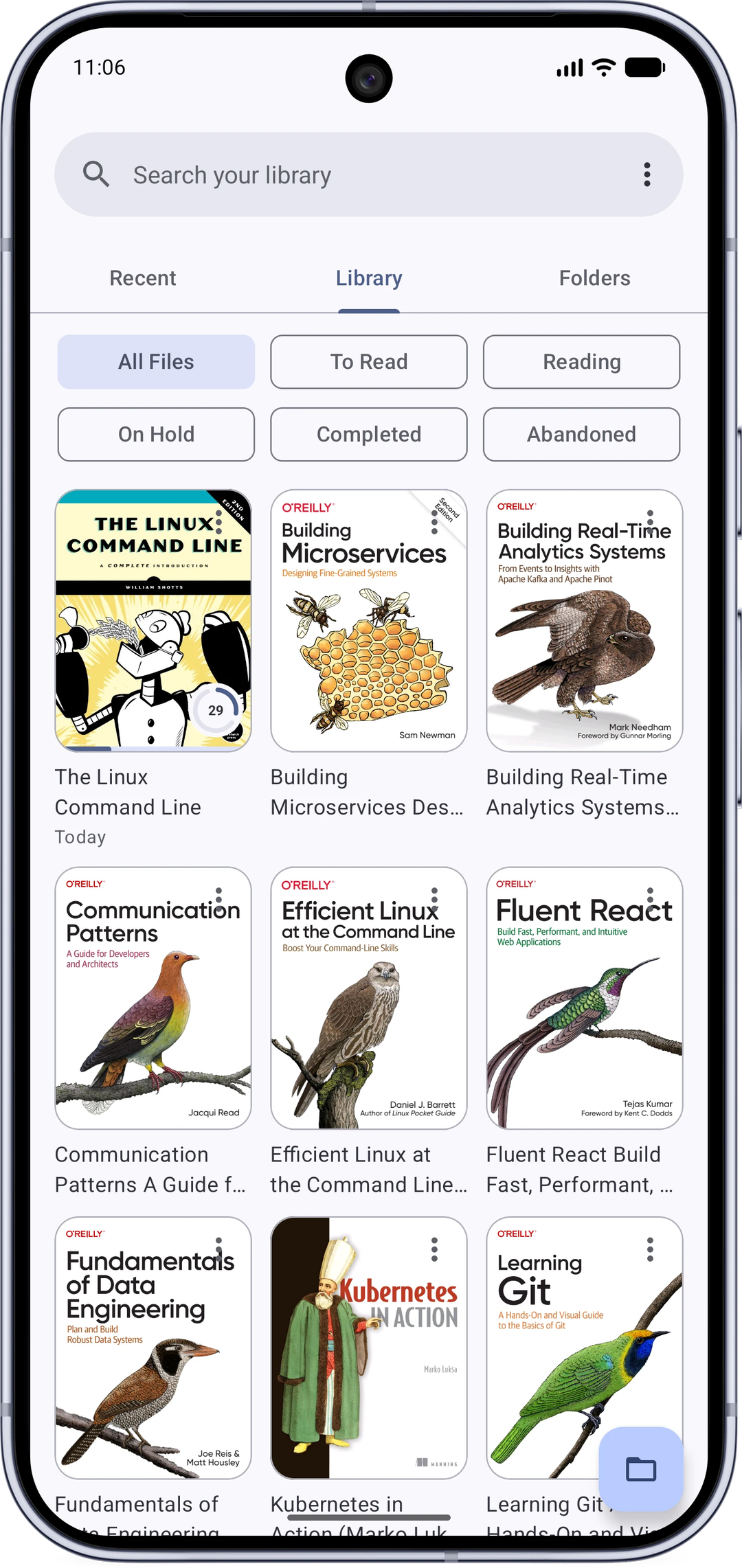
* Home screen with Recent, Library and Folders tabs.
* Continue reading right where you left off, with a detailed reading history.
* Organize with reading statuses (to-read, reading, completed and more).
* Browse your device like a file manager, including SD cards.
* Search every PDF on your device.
Reader
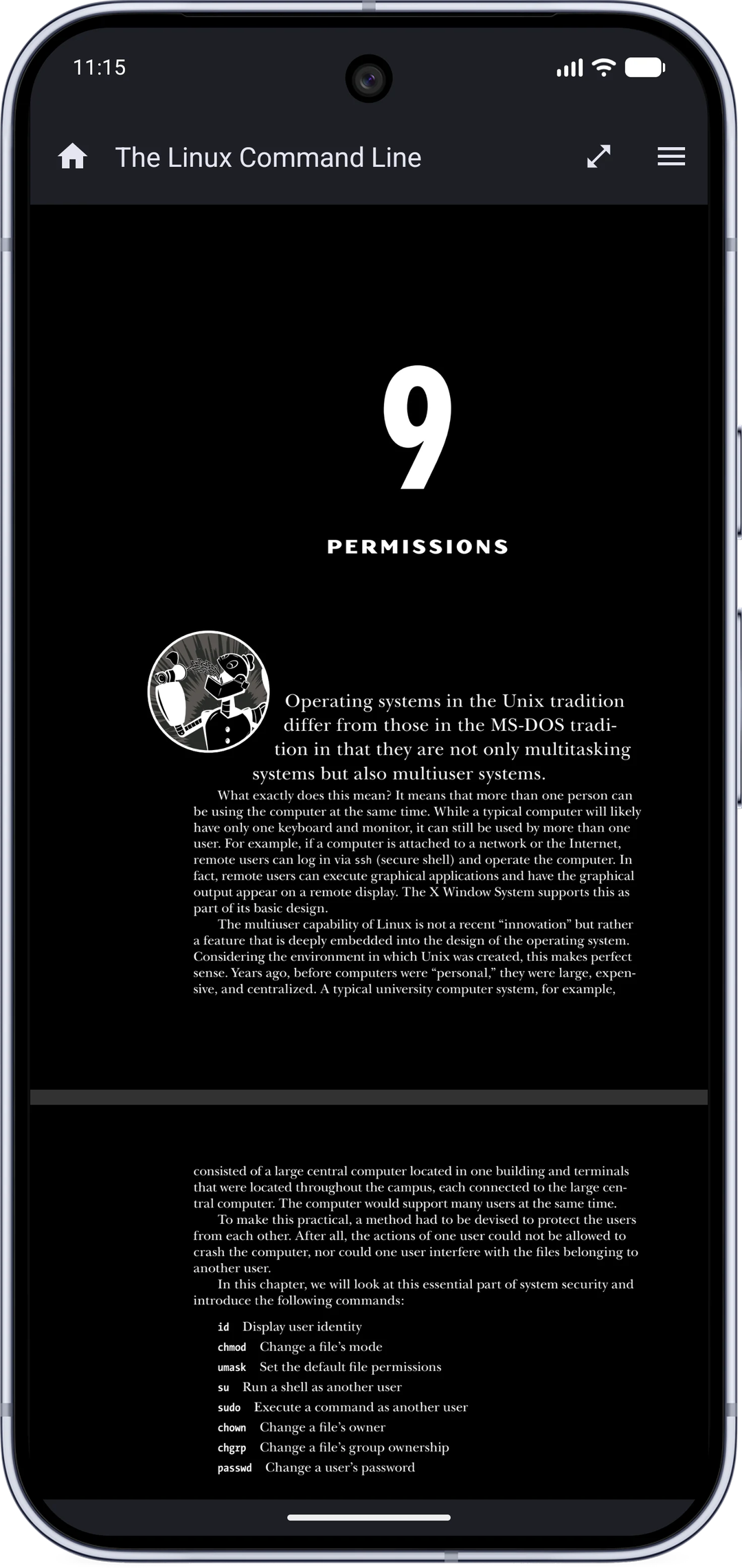
* Fast and smooth, with dark mode for the app and the PDF itself.
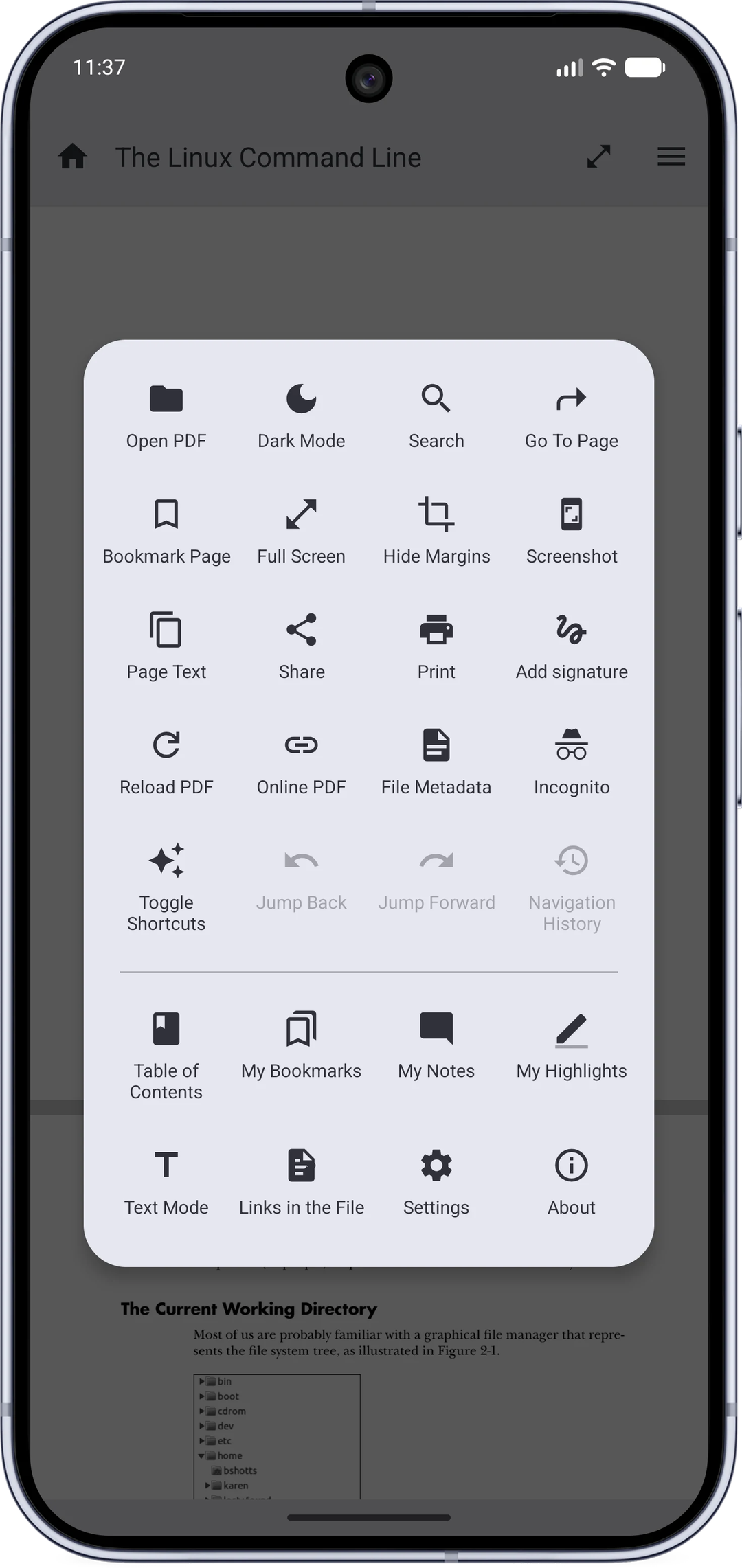
* True full screen with configurable shortcut buttons.
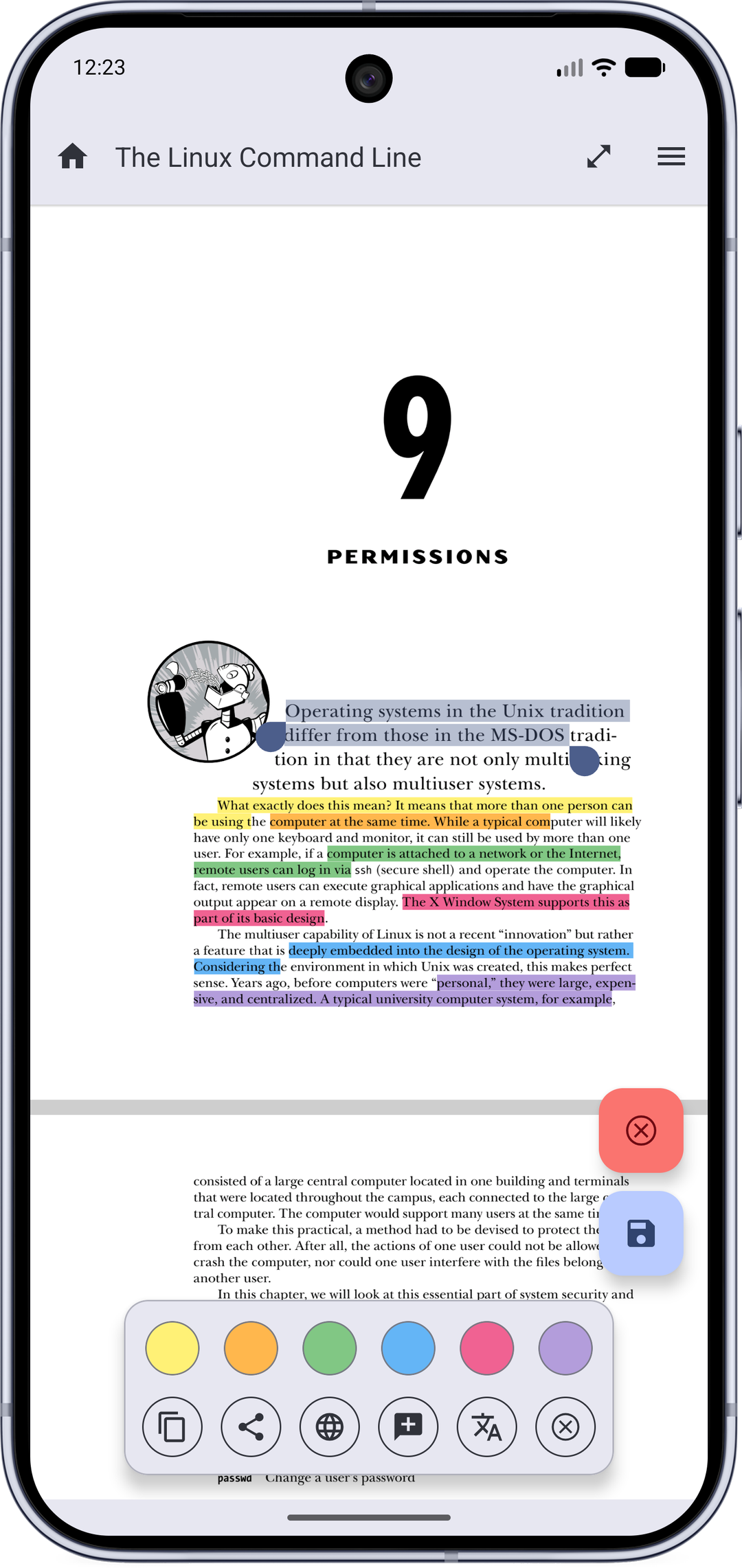
* Highlight text, add notes, and save them into the PDF.
* Draw handwritten signatures and save them into the PDF as sharp vector strokes.
* Fill PDF forms.
* Select text with copy, share, web search, translate, and dictionary actions.
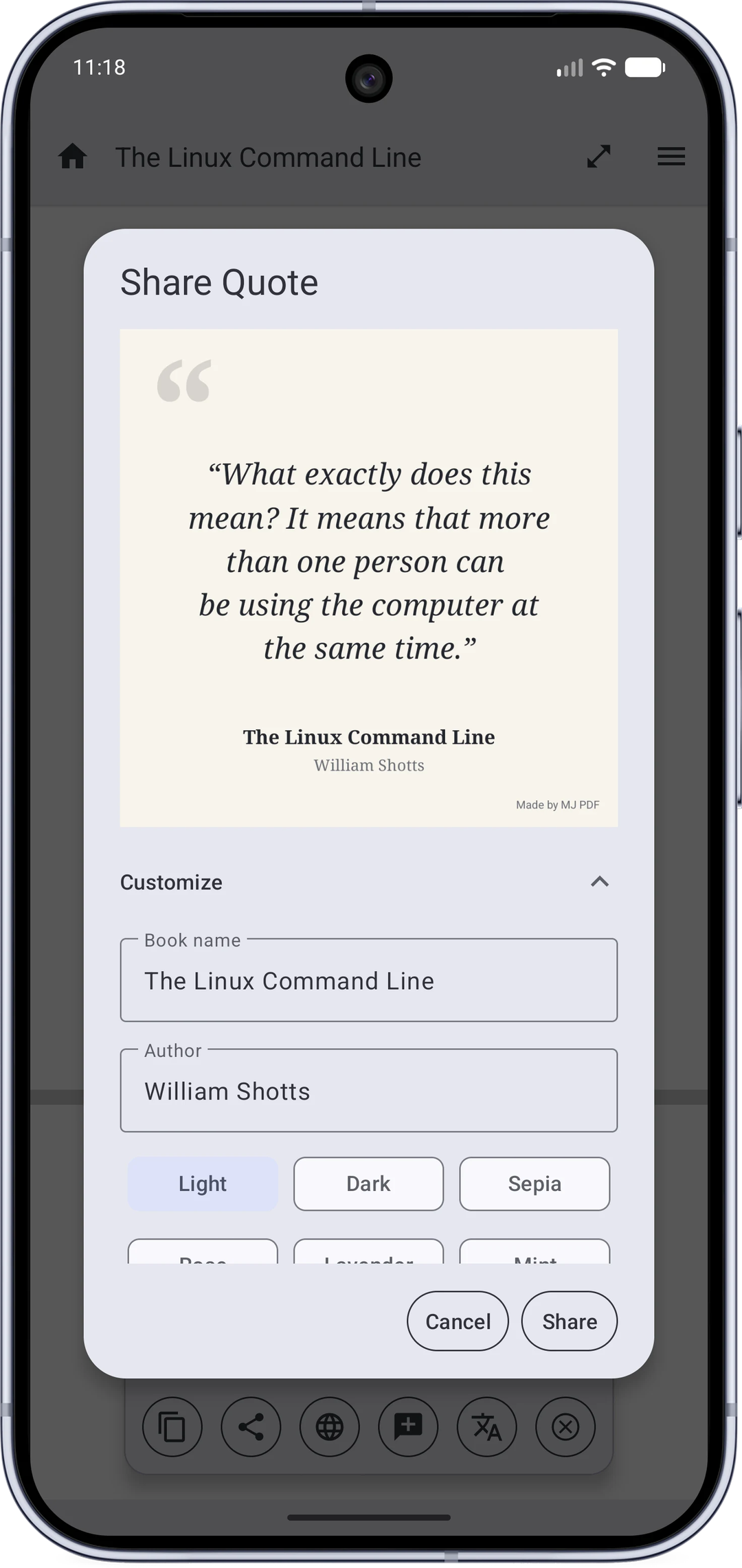
* Share quotes as images, with the book's name and a choice of themes.
* Text Mode: read any PDF like an e-book, with reflow, fonts and themes.
* Dual page mode that pairs pages like an open book.
* Powerful search with live results and next/previous navigation inside the reader.
* Table of contents, user bookmarks, embedded links, and browser-like navigation history.
* Right-to-left reading, hide margins, auto-scroll, brightness control, zoom lock.
* Open password-protected and online PDFs, share and print.
* Incognito mode that saves nothing about what you read.
* Backup and restore your settings and reading progress.
Permissions and privacy
This app does not collect any data.
The following permissions are required to provide specific features in the app:
* Internet: for opening PDFs through links.
* Storage / all-files access: to scan, open and manage the PDFs on your device.
Links
* Official page: https://mudlej.com/projects/mj-pdf
* Source code: https://gitlab.com/mudlej_android/mj_pdf_reader
* Issues and requests: https://github.com/mudlej/mj_pdf/
Author
* MJ PDF is made by Mudlej (https://mudlej.com).
License
MJ PDF uses the GPLv3 license.
Screenshots
How to install
- Download the APK from the button at the top of this page.
- Allow “Install unknown apps” for your browser or file manager only, not for every app.
- Open the downloaded file and confirm the installation.
- If installation fails with “App not installed,” remove an earlier build of the same app first. A signature conflict is the usual cause.
Data safety
- Every file is checked against its published SHA-256 before it is listed.
- Files are scanned for malware on every update.
- The permissions each app requests are listed on its own page.
- Read the full safety policy for how we test, flag, and delist files.
Frequently asked questions
What is MJ PDF?
A simple PDF viewer
Who develops MJ PDF?
MJ PDF is developed by Mudlej.
Which Android version does MJ PDF require?
MJ PDF requires Android API 23 or later.
What is the current version of MJ PDF?
The synchronized F-Droid version is 3.1.0.
Which license does MJ PDF use?
The signed F-Droid metadata lists GPL-3.0-only.
Where is the source code for MJ PDF?
https://gitlab.com/mudlej_android/mj_pdf_reader
Comments
Recent approved comments · sorted by newest
View all comments