Quick answer
Book and PDF reader
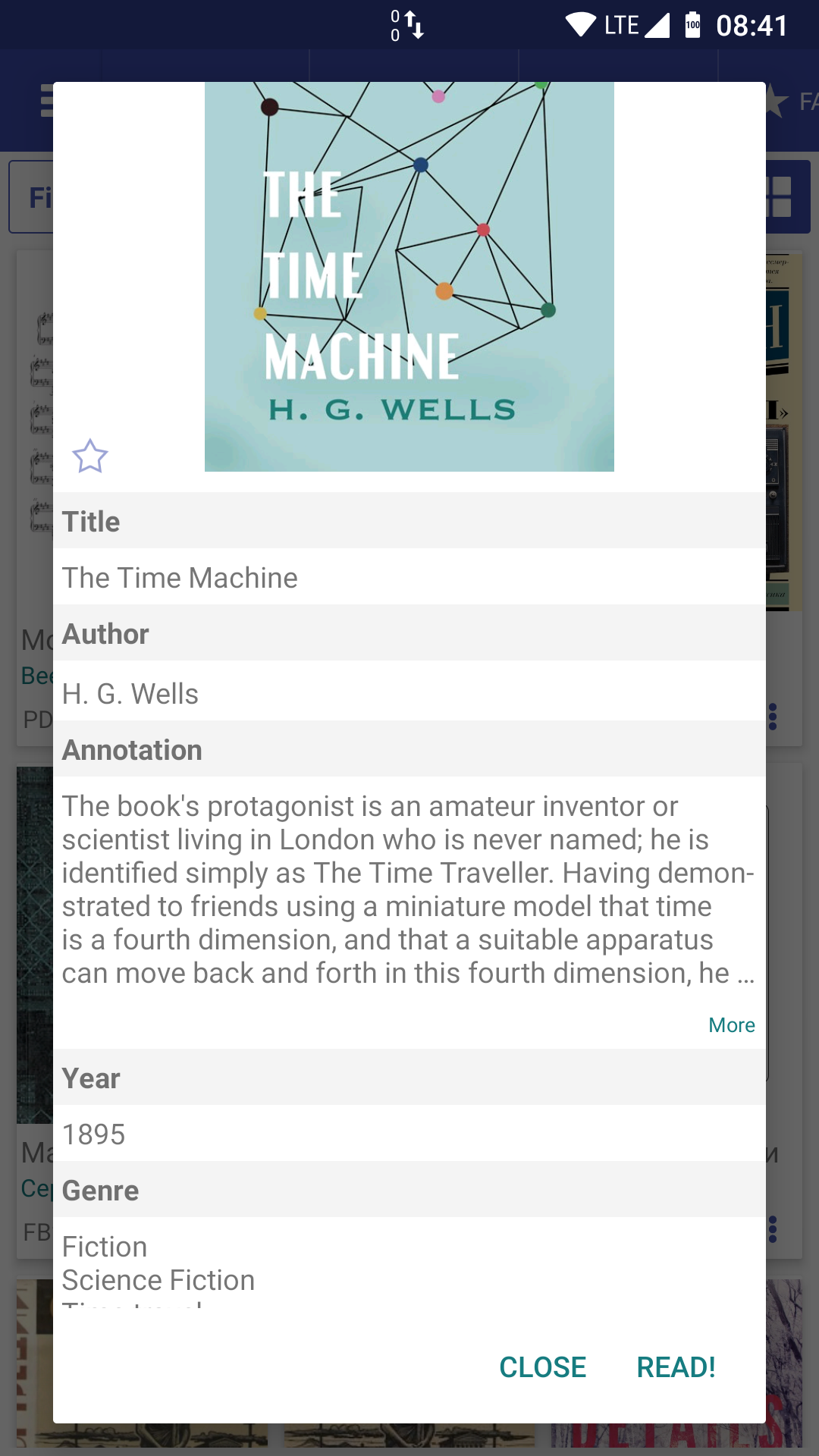
Librera Reader is a highly customizable and feature-rich application for reading e-books in PDF, EPUB, MOBI, DjVu, FB2, TXT, RTF, AZW, AZW3, HTML, CBZ, CBR, DOC, DOCX, formats.
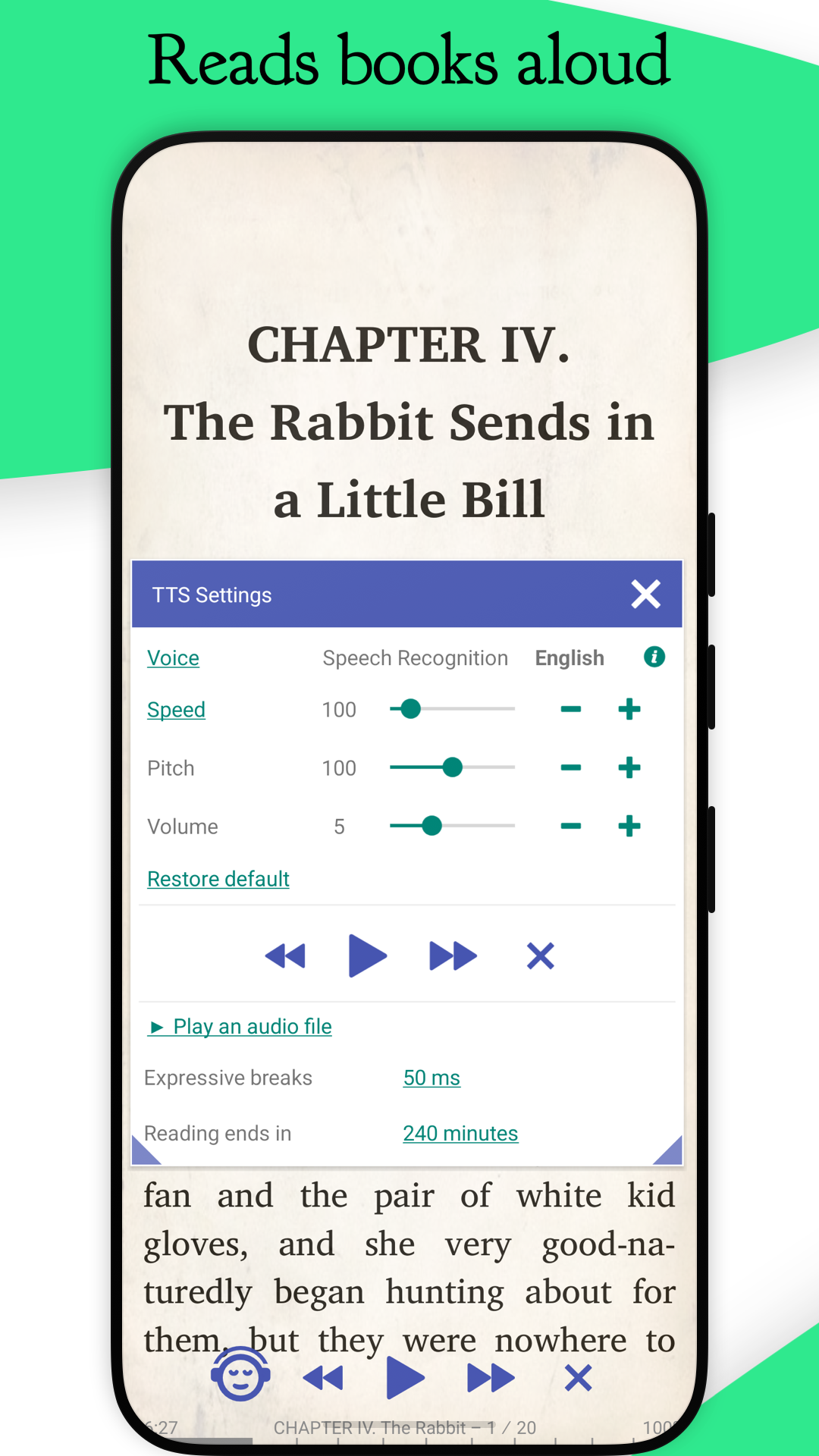
With its intuitive, yet powerful, interface, Librera makes ebook reading a veritable pleasure. It even features a unique auto-scrolling, hands-free Musician's mode, with controllable speed.
F-Droid version is based on the latest MuPDF and support Android 4.1+.
The only difference between Librera FD (F-Droid) and Librera PRO is the absence of Google Play services and Google Drive book synchronization in Librera FD.
# Just a few Librera main features:
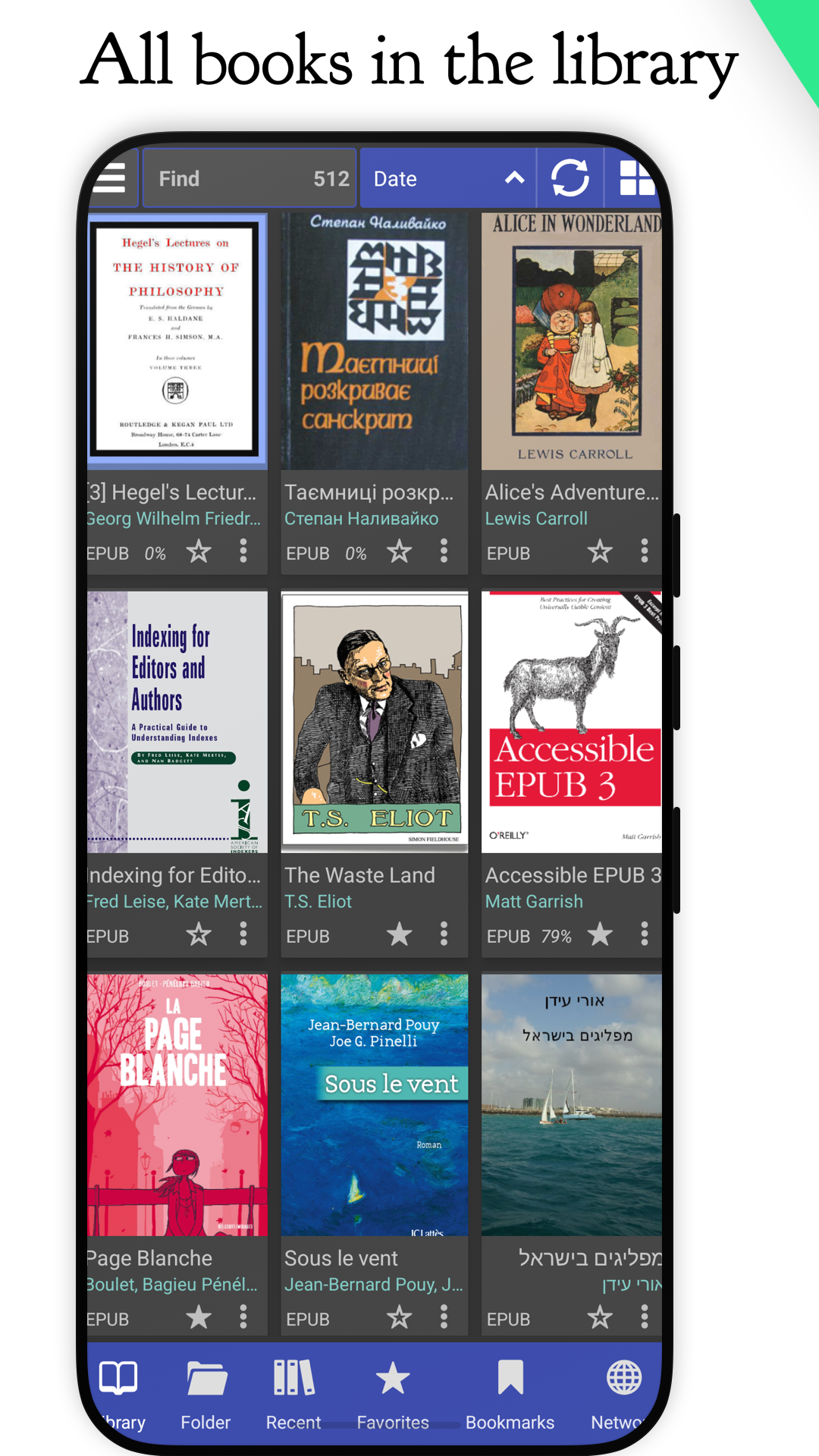
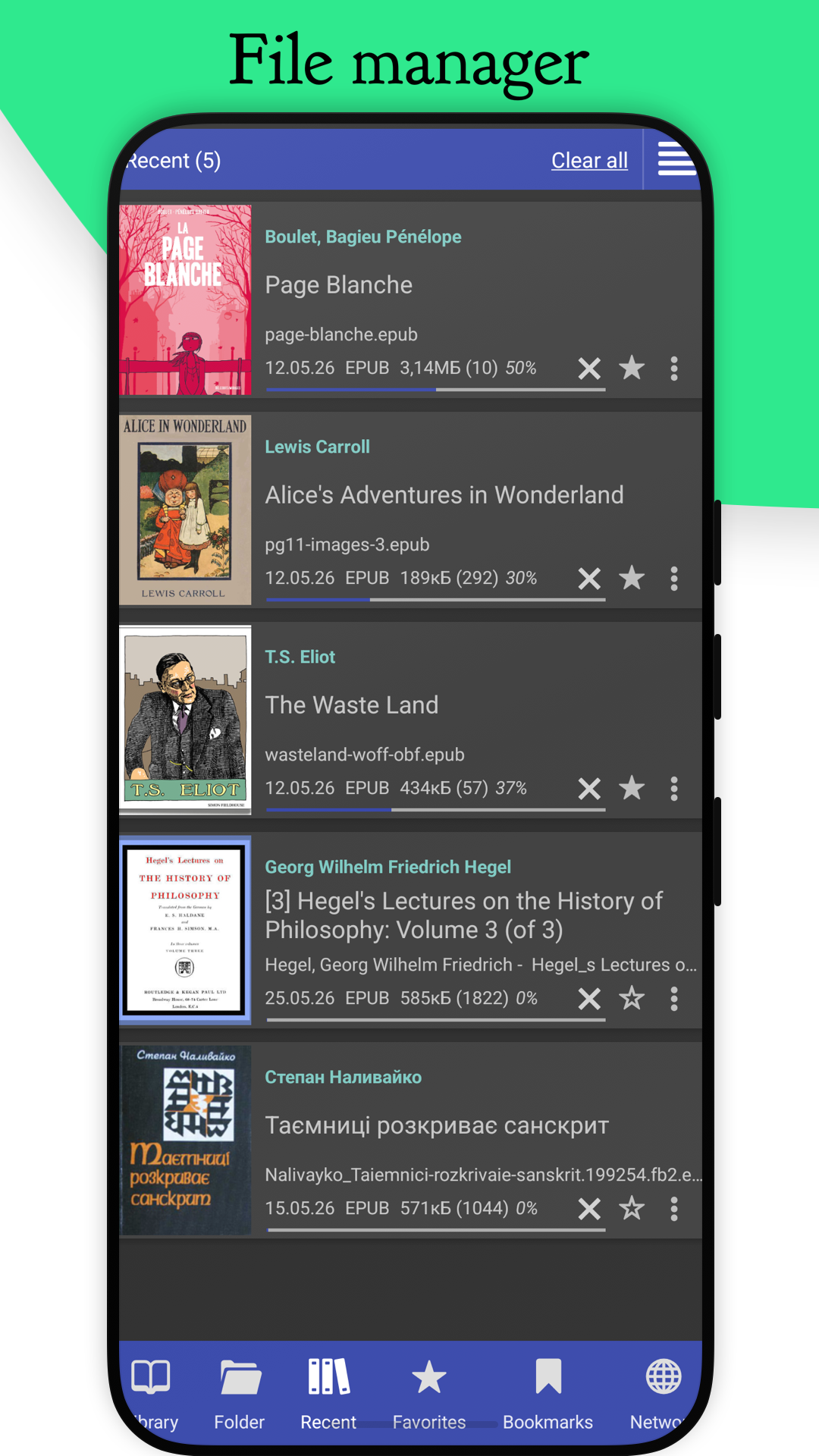
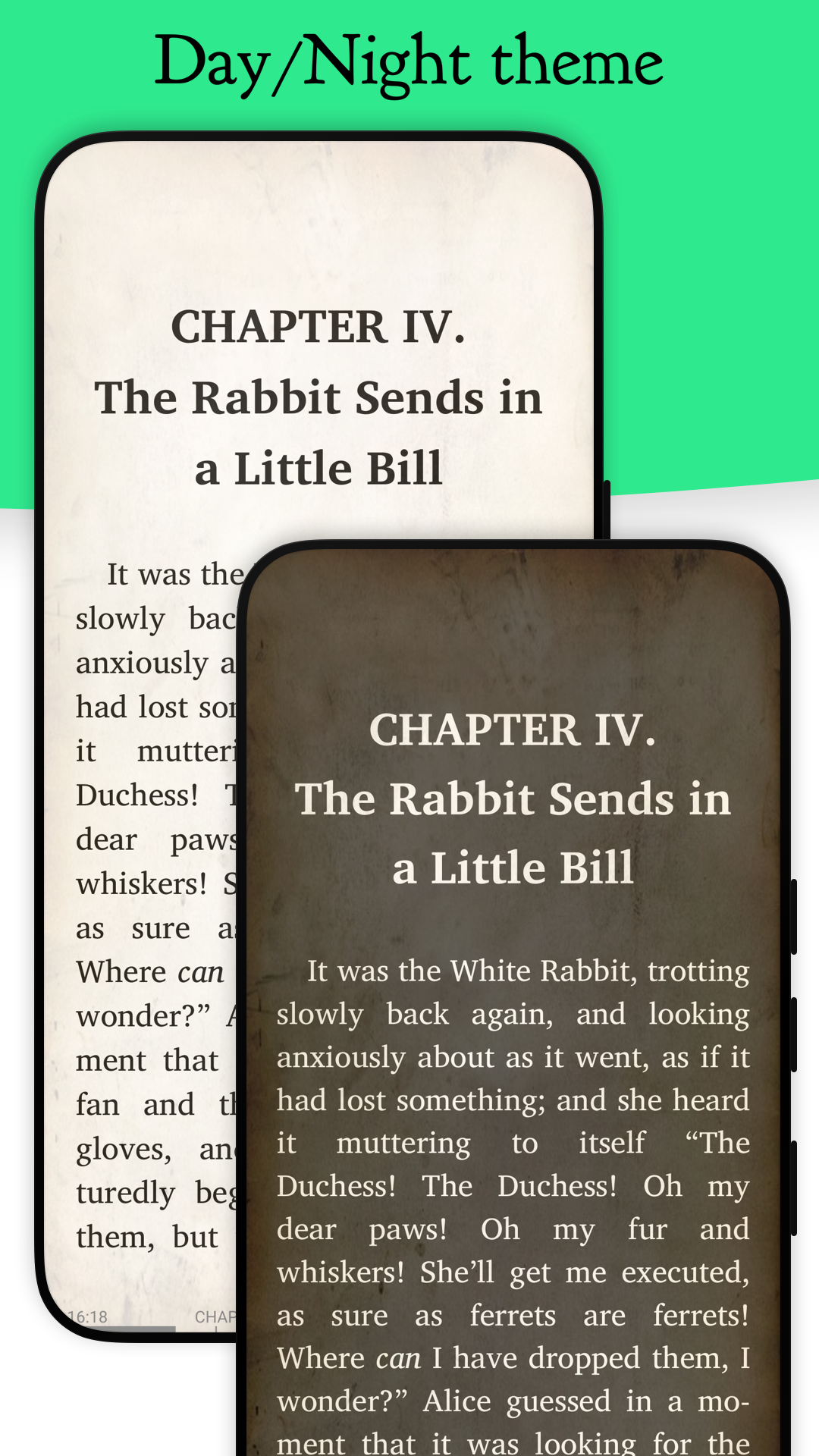
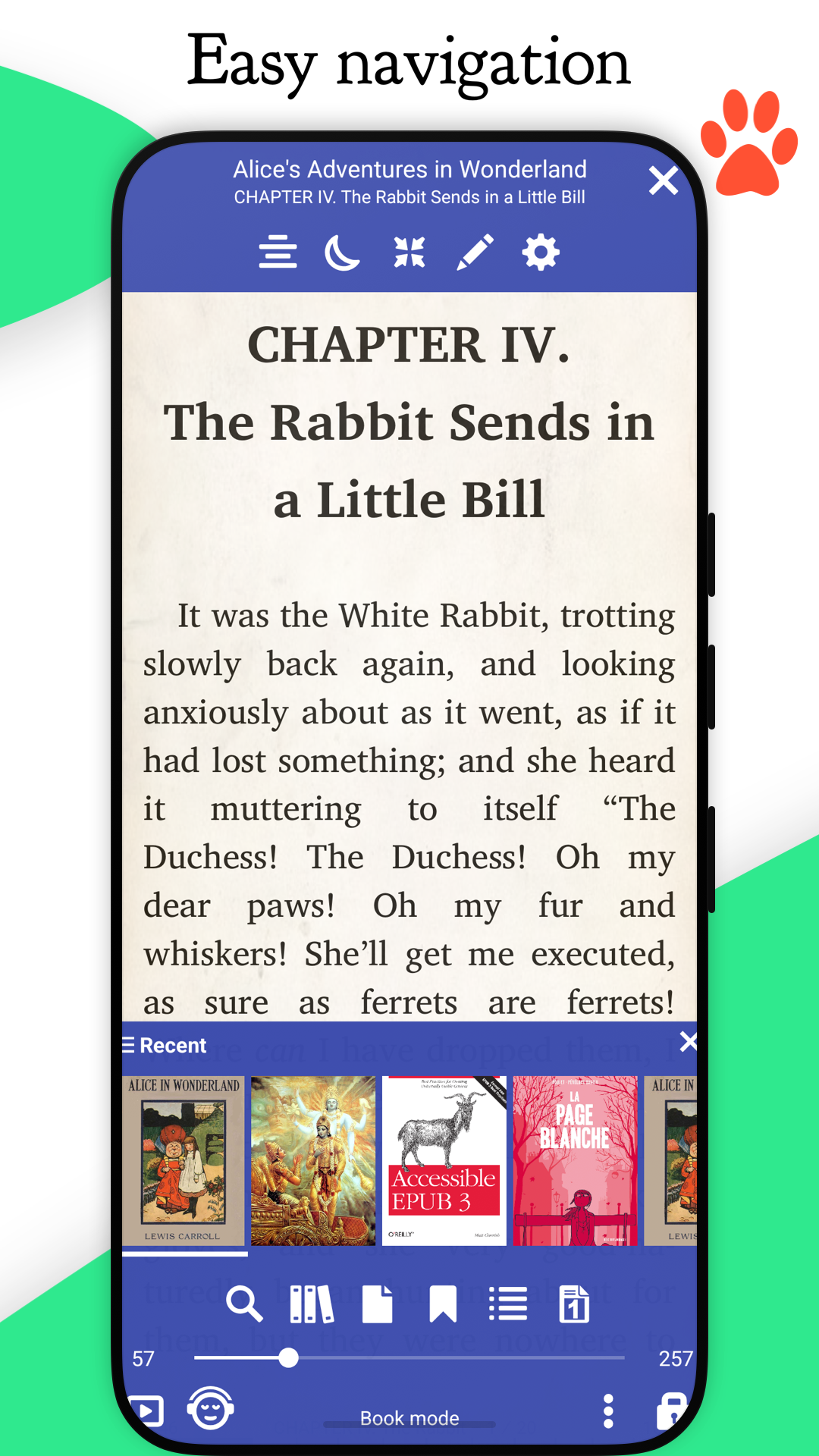
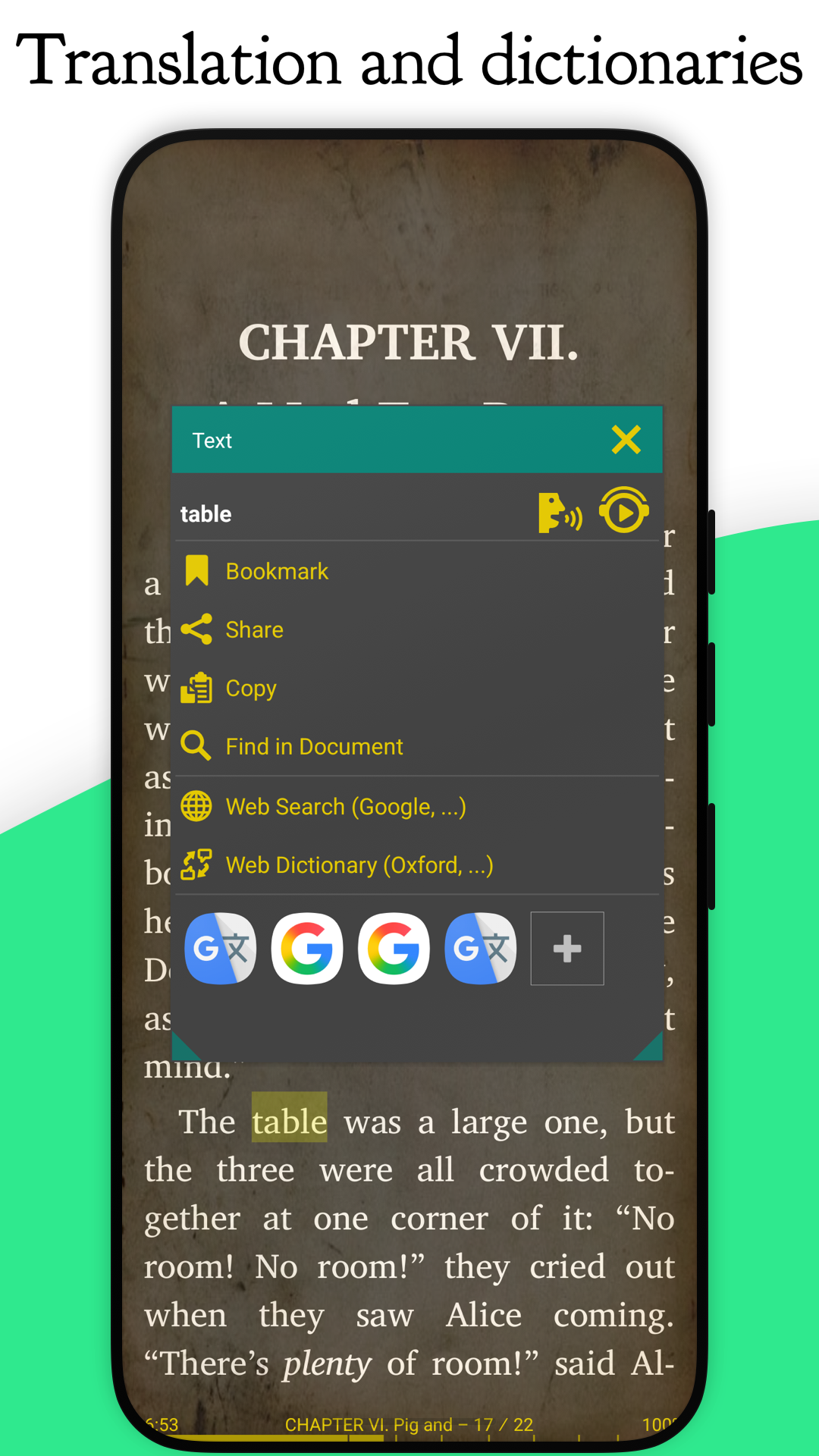
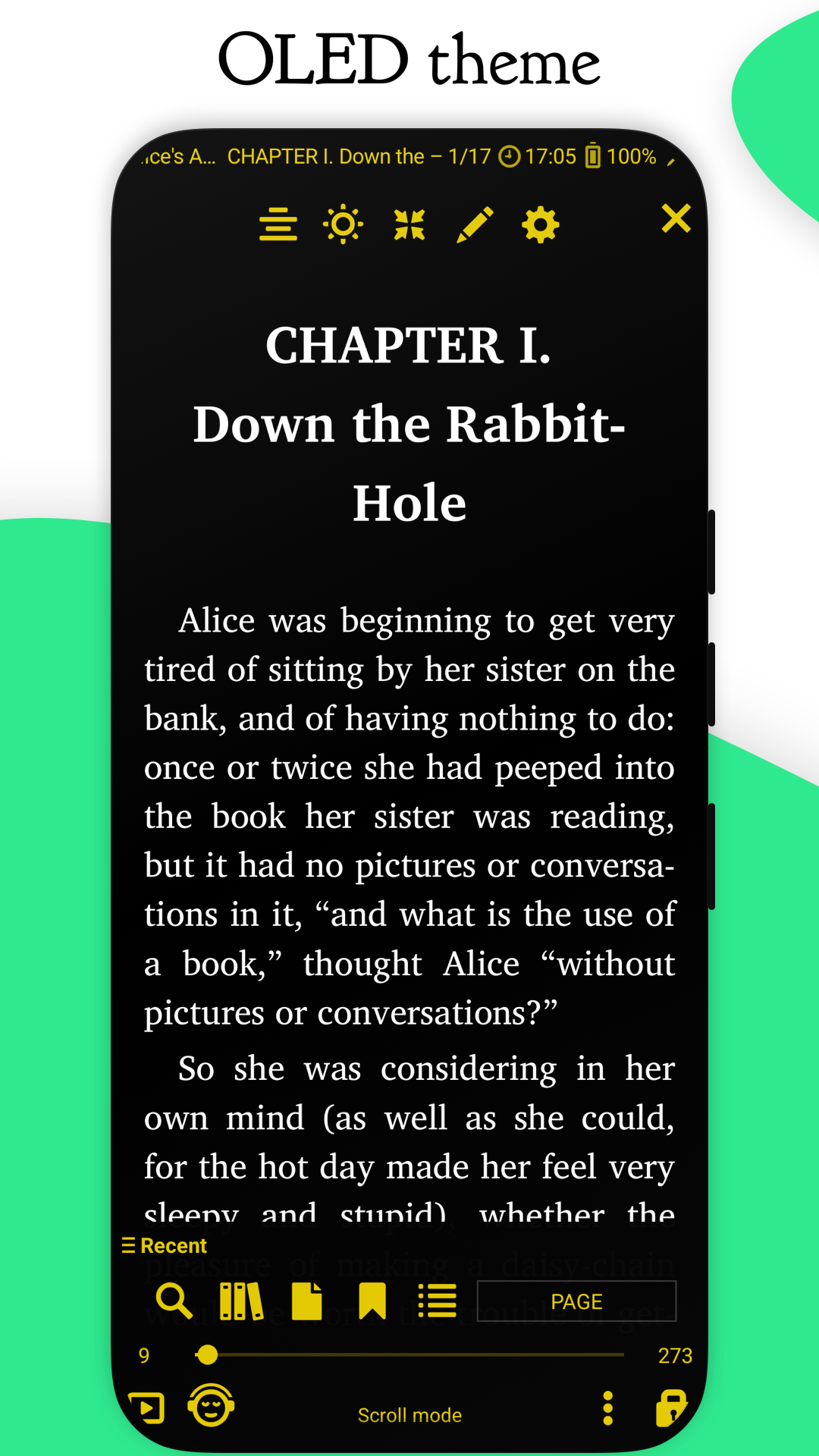
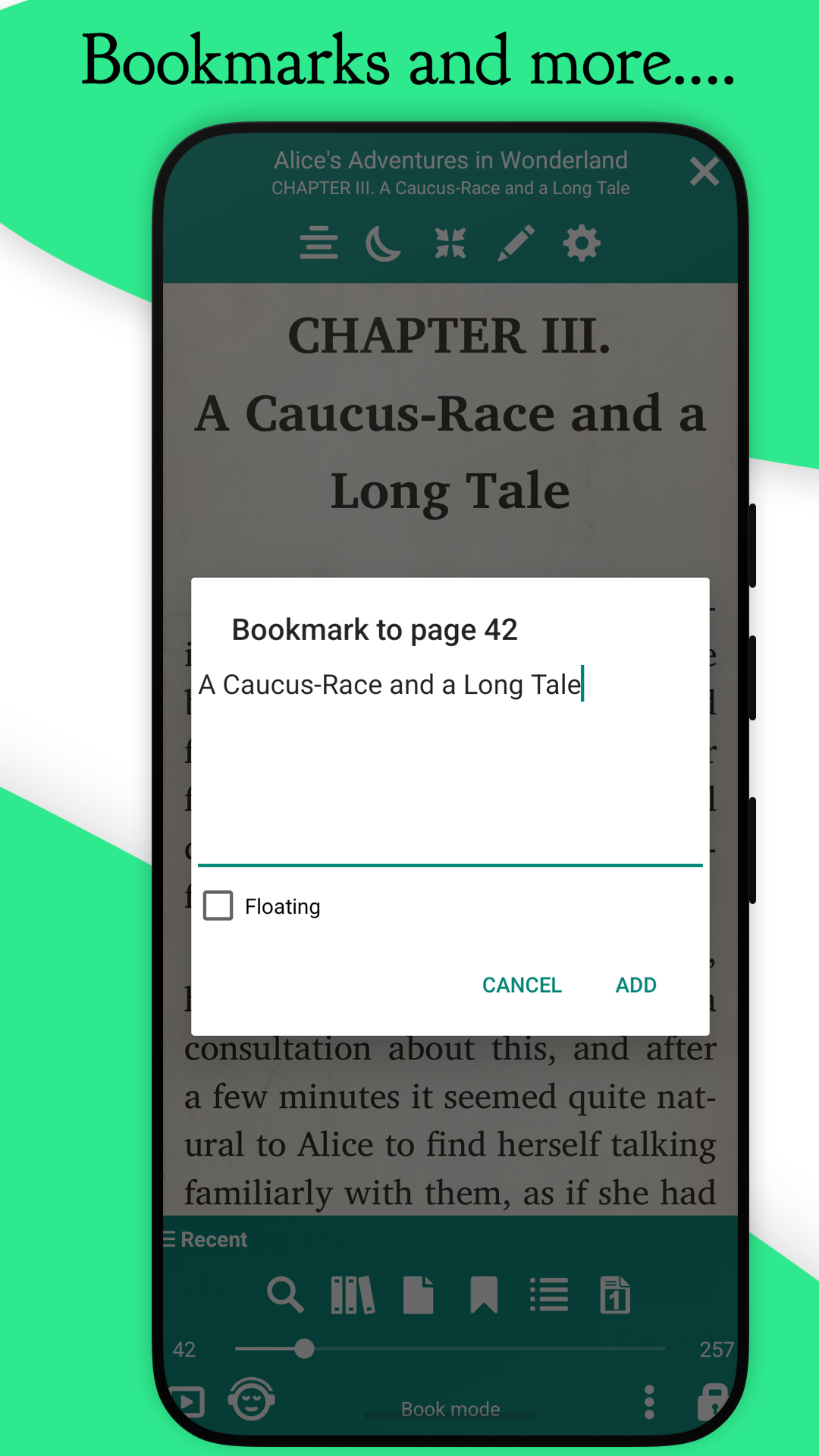
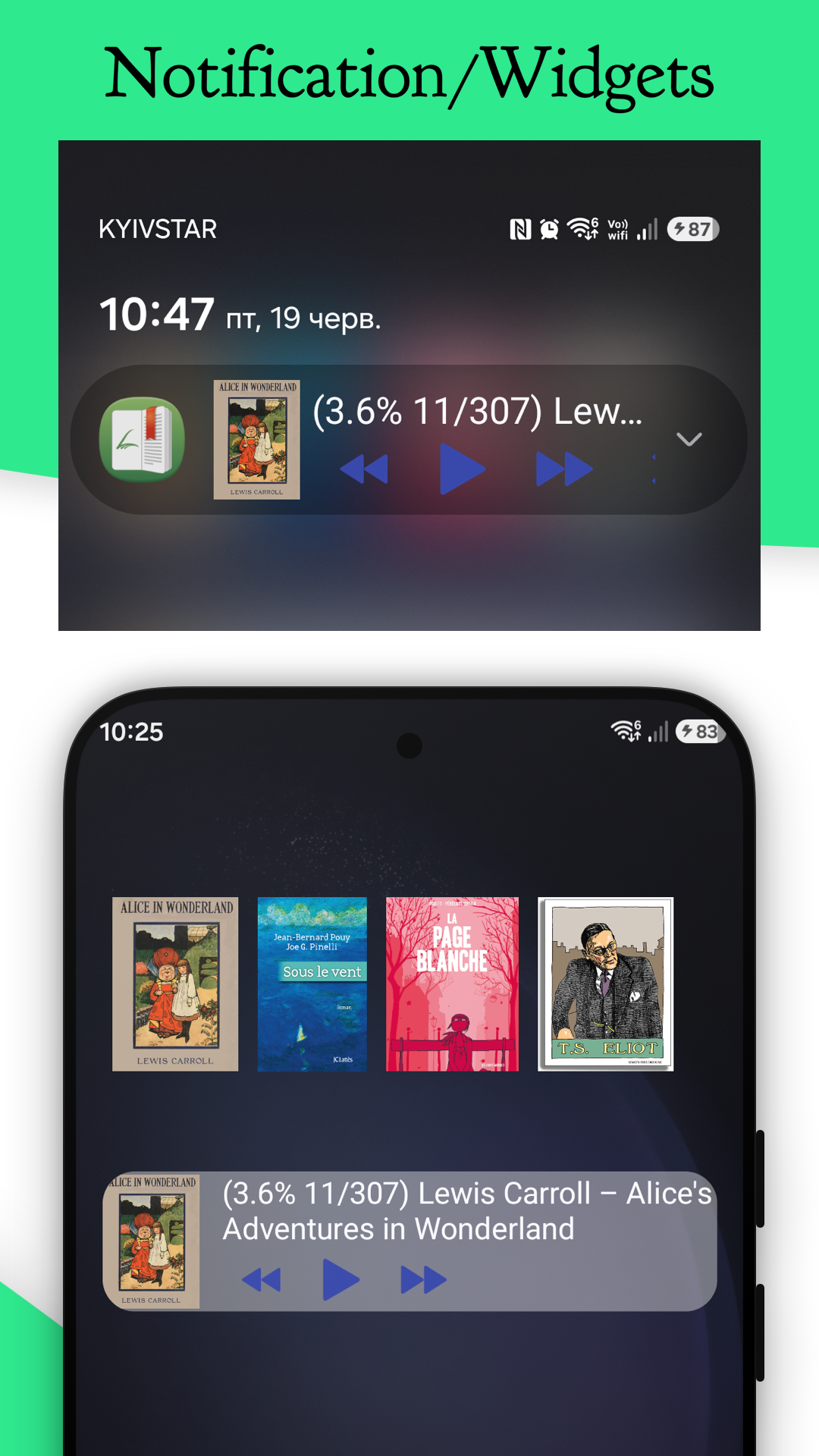
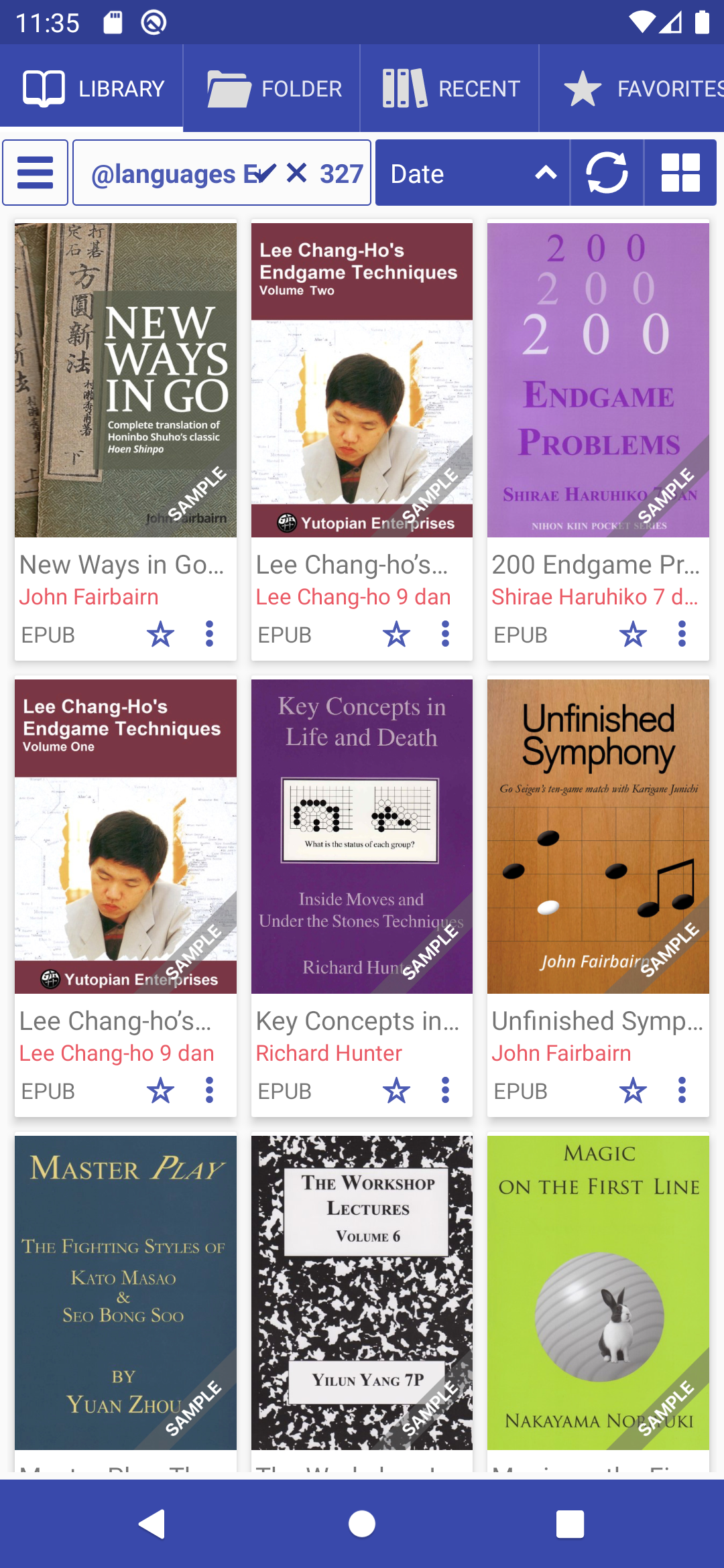
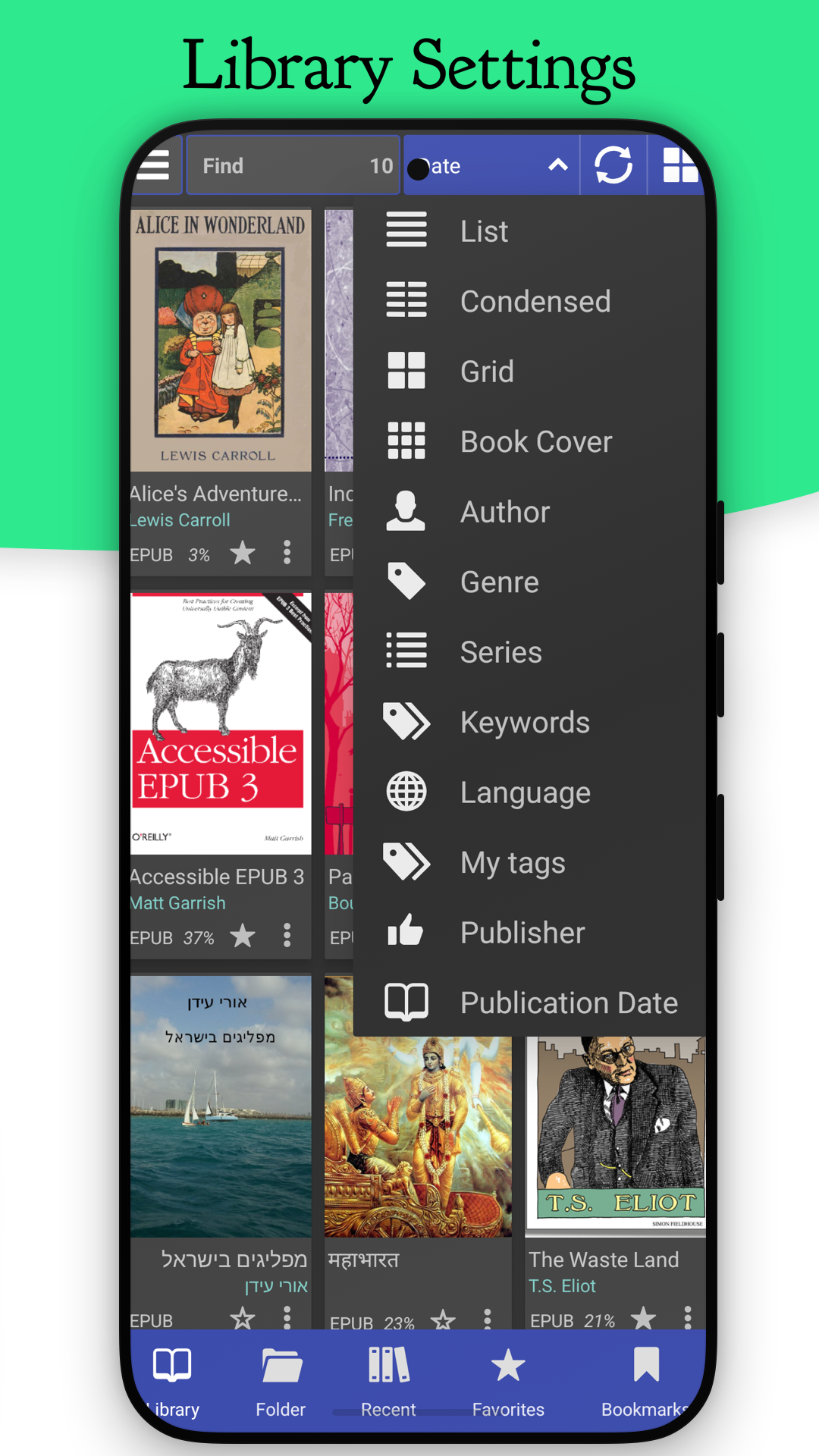
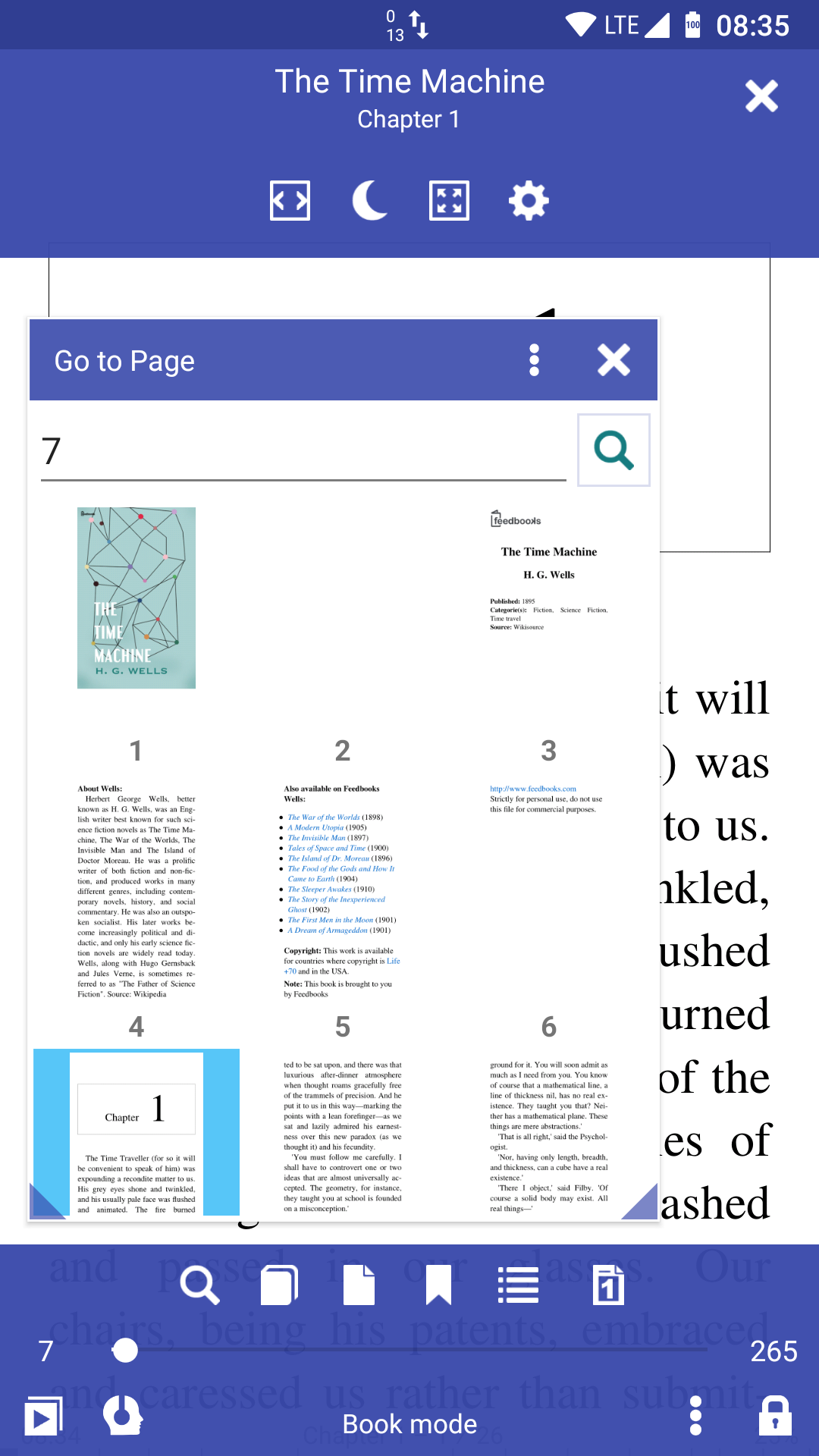
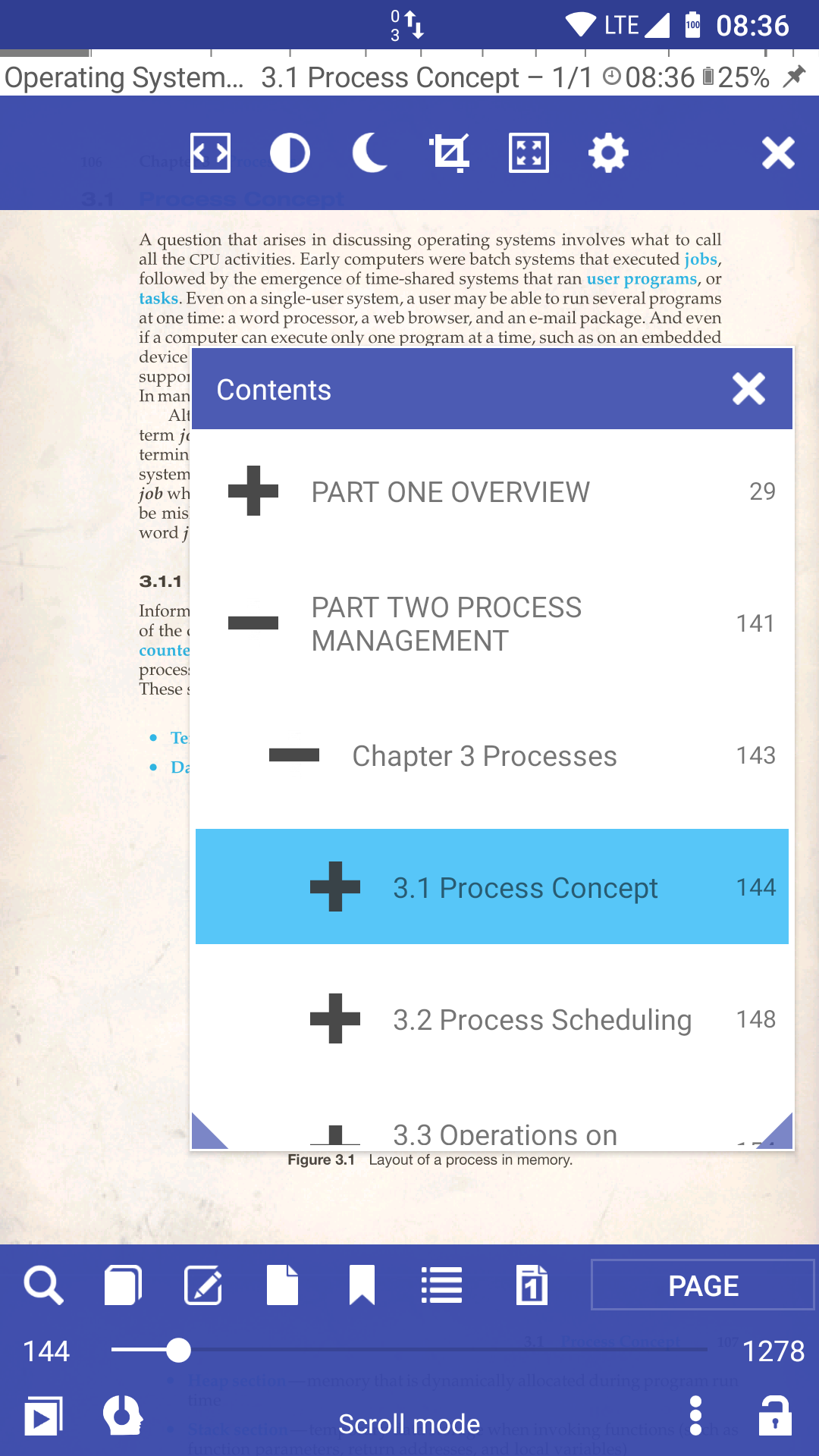
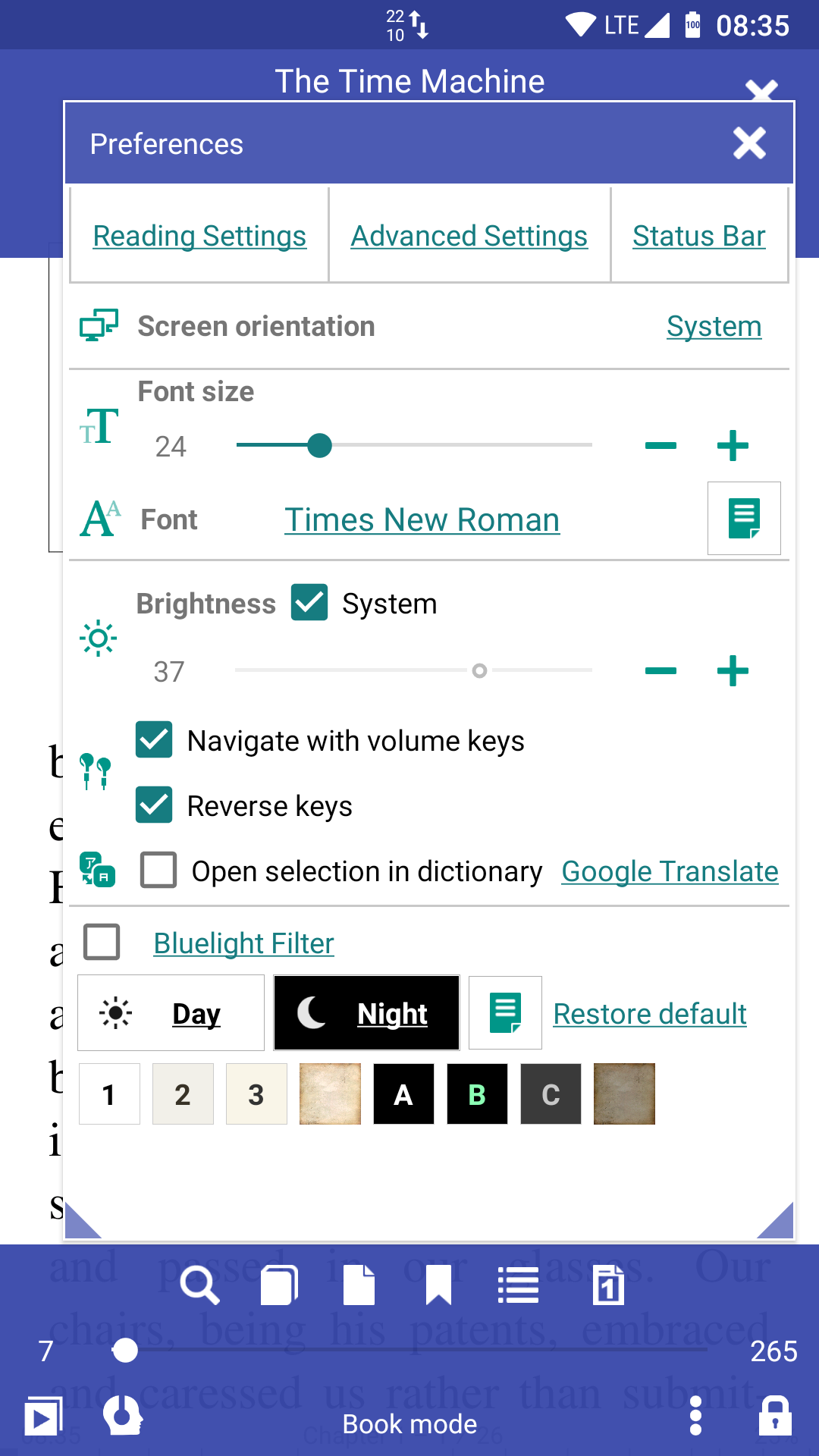
* Easy document discovery by configurable criteria: * Auto-Scan (user-specified folders) * Browse folders (using an in-app file explorer) * Recent (featuring a reading-progress indicator) * Support for bookmarks, annotations, and EPUB3 tables of contents * Configurable Day and Night modes * Configurable link color (hence, footnotes and endnotes color) * Support for many popular offline dictionaries * Vertical-scroll lock * Auto- and manual centering of documents * Custom ad-hoc CSS coding * Single-page view of two-page documents * Musician's mode with configurable scroll speed * Customizable TTS reading and built-in media player * Page-wise TTS recording to MP3 or WAV * Multi-word text search * Support for archived (.zip) documents * Support for RTL languages (Thai, Hebrew, Arabic, etc.) * Import and export of settings, auto-backup of current session * Leading initials in FB2 documents * RSVP reading (à la Spritz) * Movable bookmarks, w/ a floating indicator * And a whole bunch of other features for you to check out.
You can read books in your web browser with the Librera Book Reader https://librera.mobi/online-book-reader/
The best way to fully appreciate Librera Reader, however, is to use our restriction-free Librera PRO version from Google Play.
If you enjoy Librera, please consider making a donation: https://www.patreon.com/librera
Screenshots
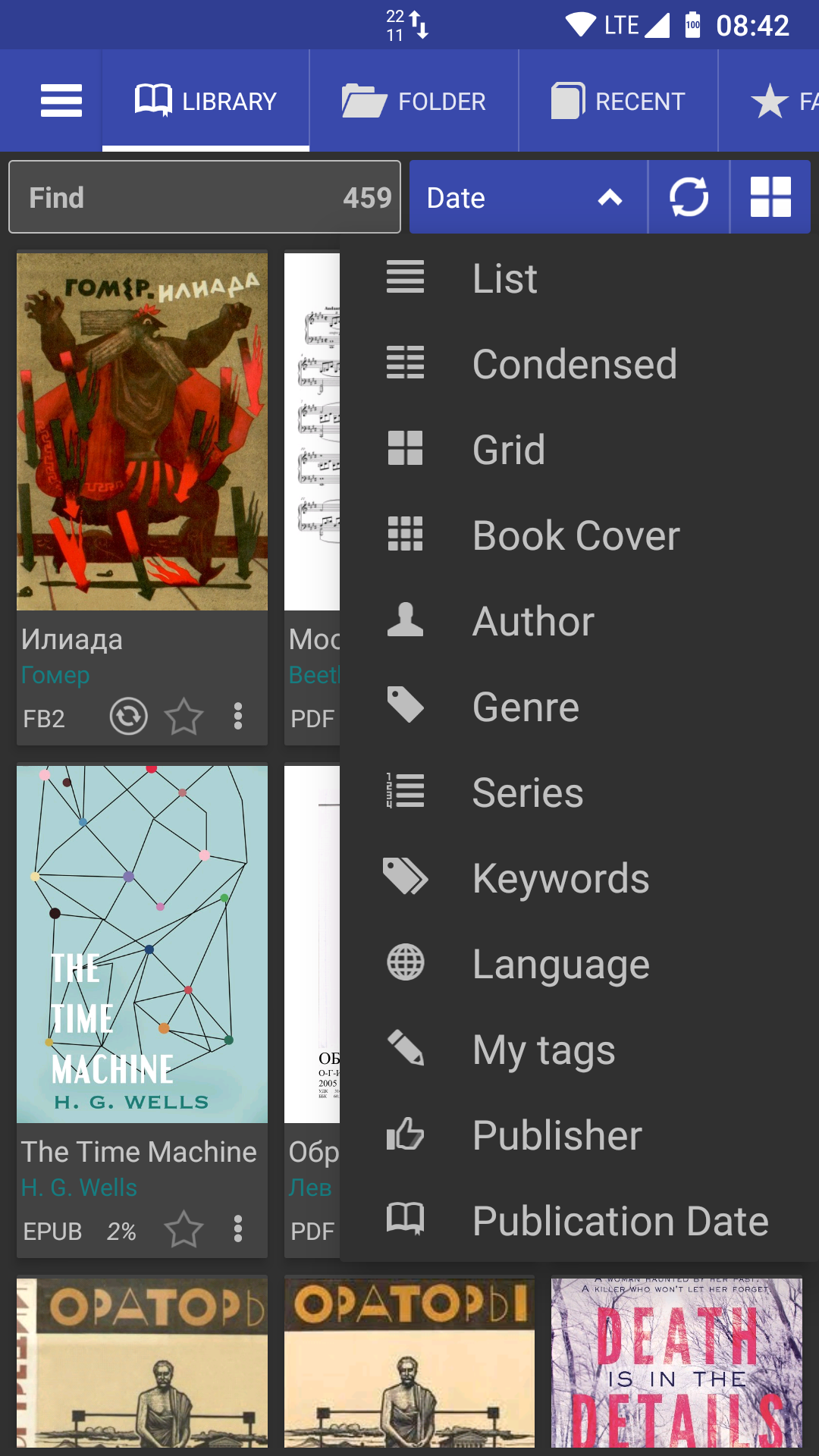
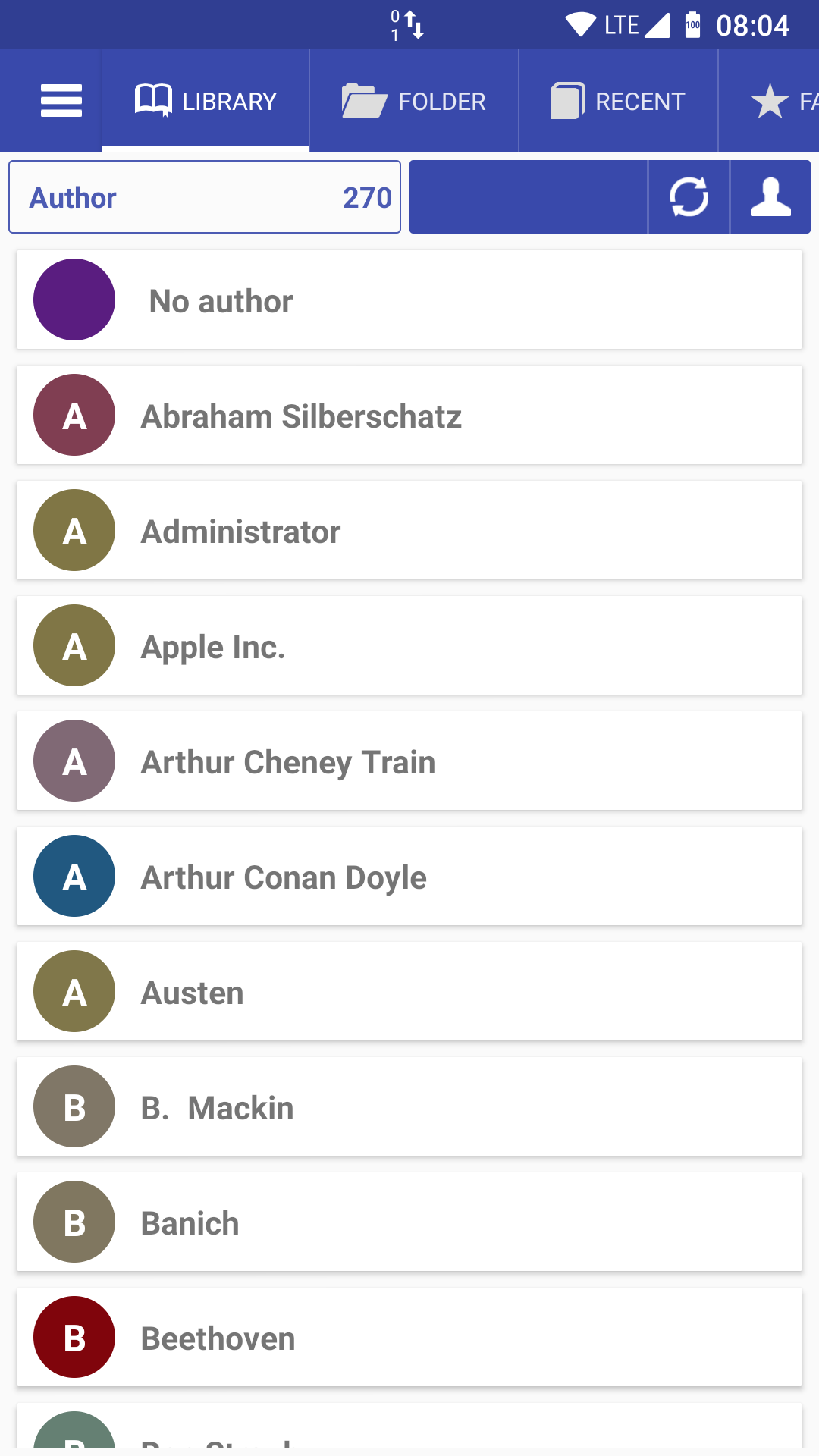
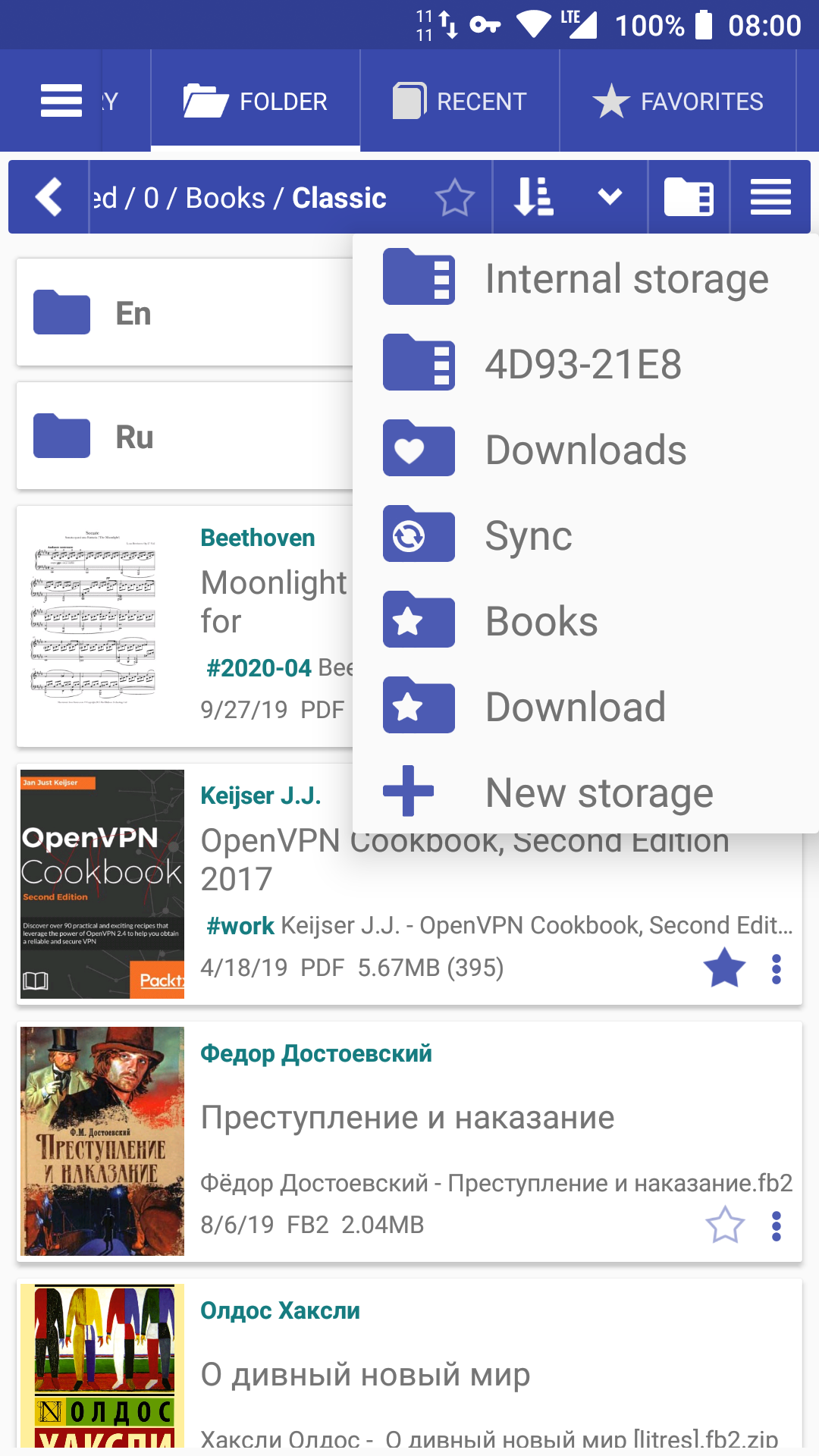
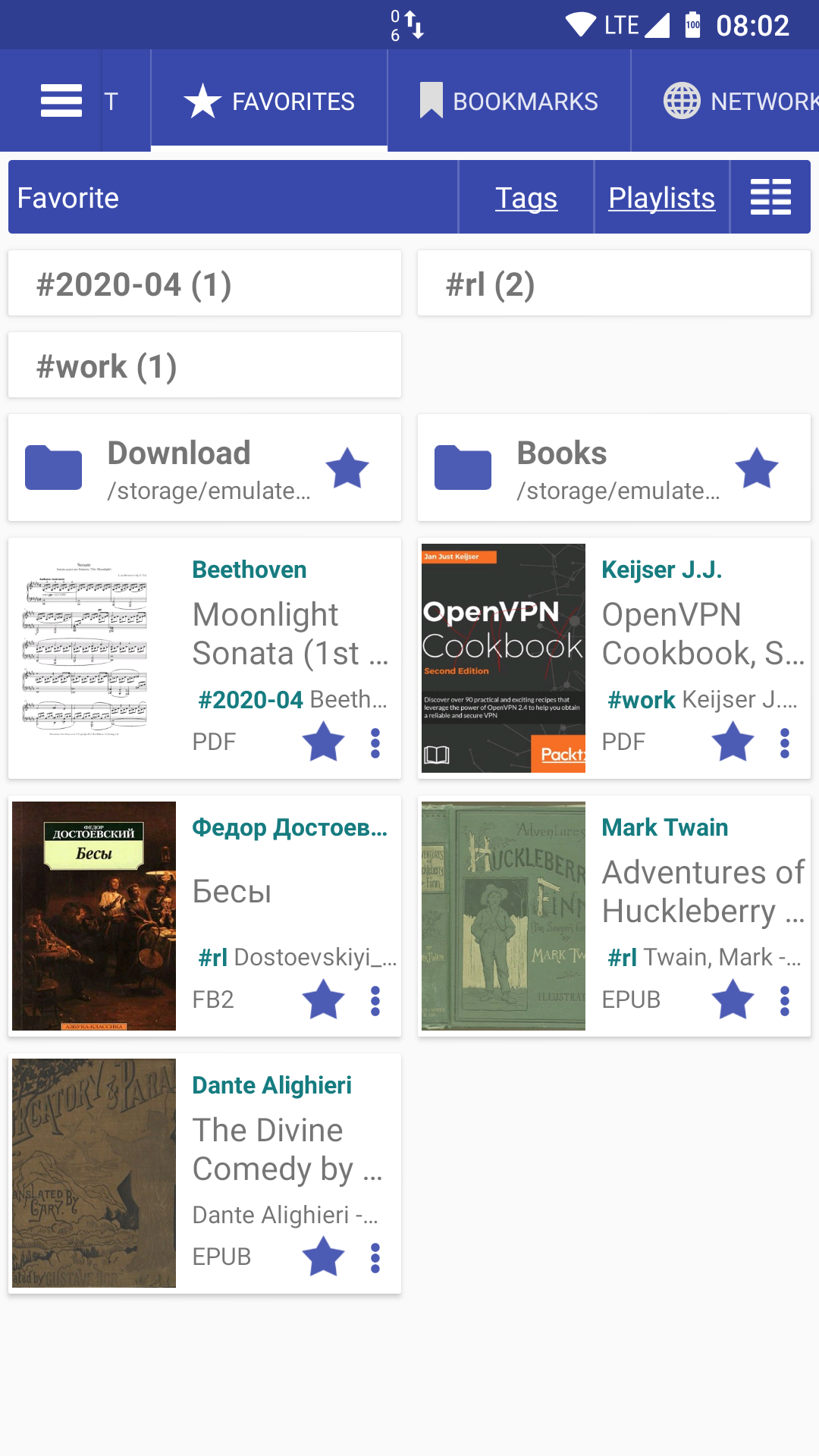
How to install
- Download the APK from the button at the top of this page.
- Allow “Install unknown apps” for your browser or file manager only, not for every app.
- Open the downloaded file and confirm the installation.
- If installation fails with “App not installed,” remove an earlier build of the same app first. A signature conflict is the usual cause.
Data safety
- Every file is checked against its published SHA-256 before it is listed.
- Files are scanned for malware on every update.
- The permissions each app requests are listed on its own page.
- Read the full safety policy for how we test, flag, and delist files.
Frequently asked questions
What is Librera Reader?
Book and PDF reader
Who develops Librera Reader?
Librera Reader is developed by Ivan Ivanenko.
Which Android version does Librera Reader require?
Librera Reader requires Android API 24 or later.
What is the current version of Librera Reader?
The synchronized F-Droid version is 9.6.39-fdroid.
Which license does Librera Reader use?
The signed F-Droid metadata lists GPL-3.0-or-later.
Where is the source code for Librera Reader?
https://github.com/foobnix/LibreraReader
Comments
Recent approved comments · sorted by newest
View all comments