Buge App Manager icon

Buge App Manager

Buge Studio
Tools
Version
12.75.137
Size
9.8 MB
Requires
Android API 26+
4.5 / 5 · 19,284 ratings 126,679 downloads

Updated Oct 27, 2026

Quick answer

An application management tool that obtains adb shell privileges via the Shizuku

Buge App Manager is a modern, lightweight and privacy‑friendly app manager that helps you inspect, manage and control applications installed on your device. You can use Buge App Manager without root access, and optionally enable advanced features through Shizuku (https://shizuku.rikka.app/download/). Features
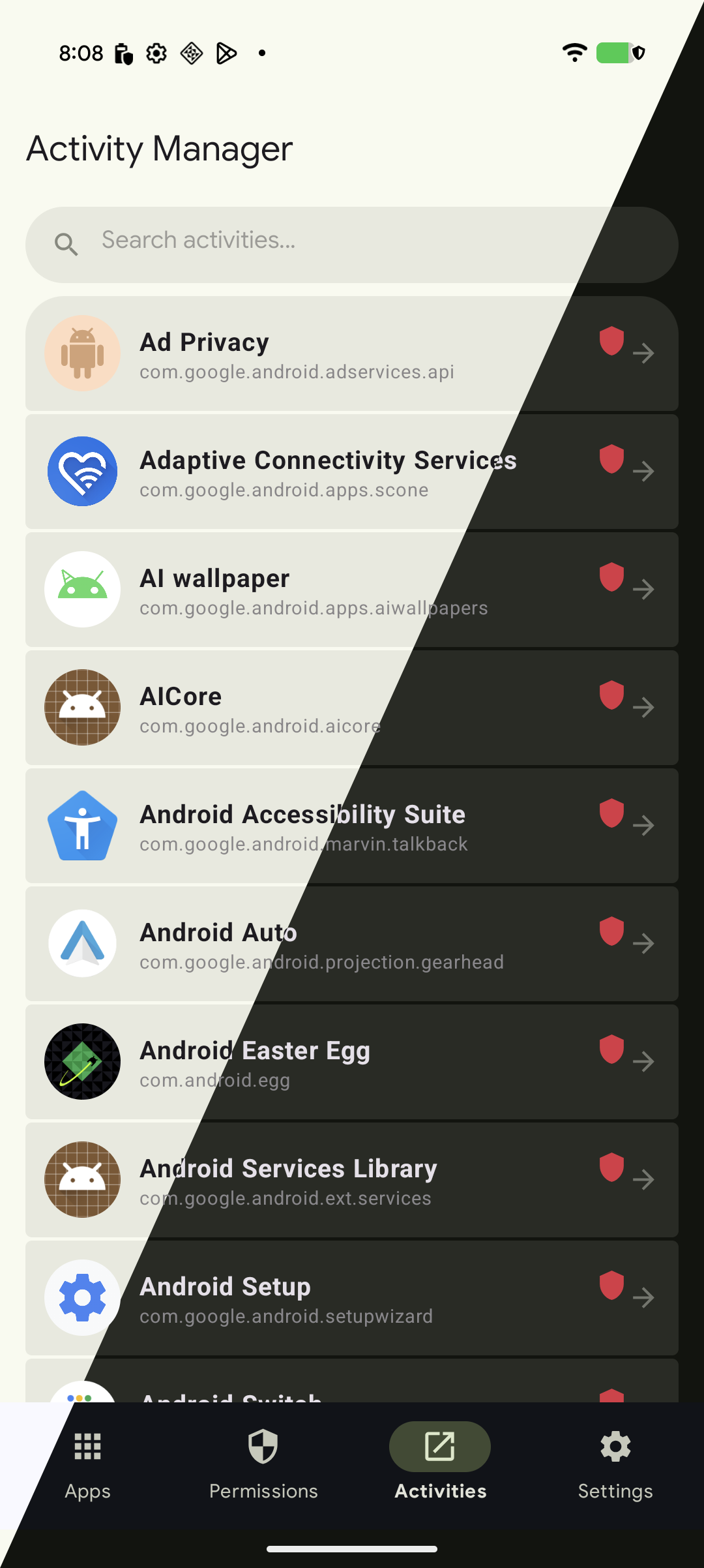
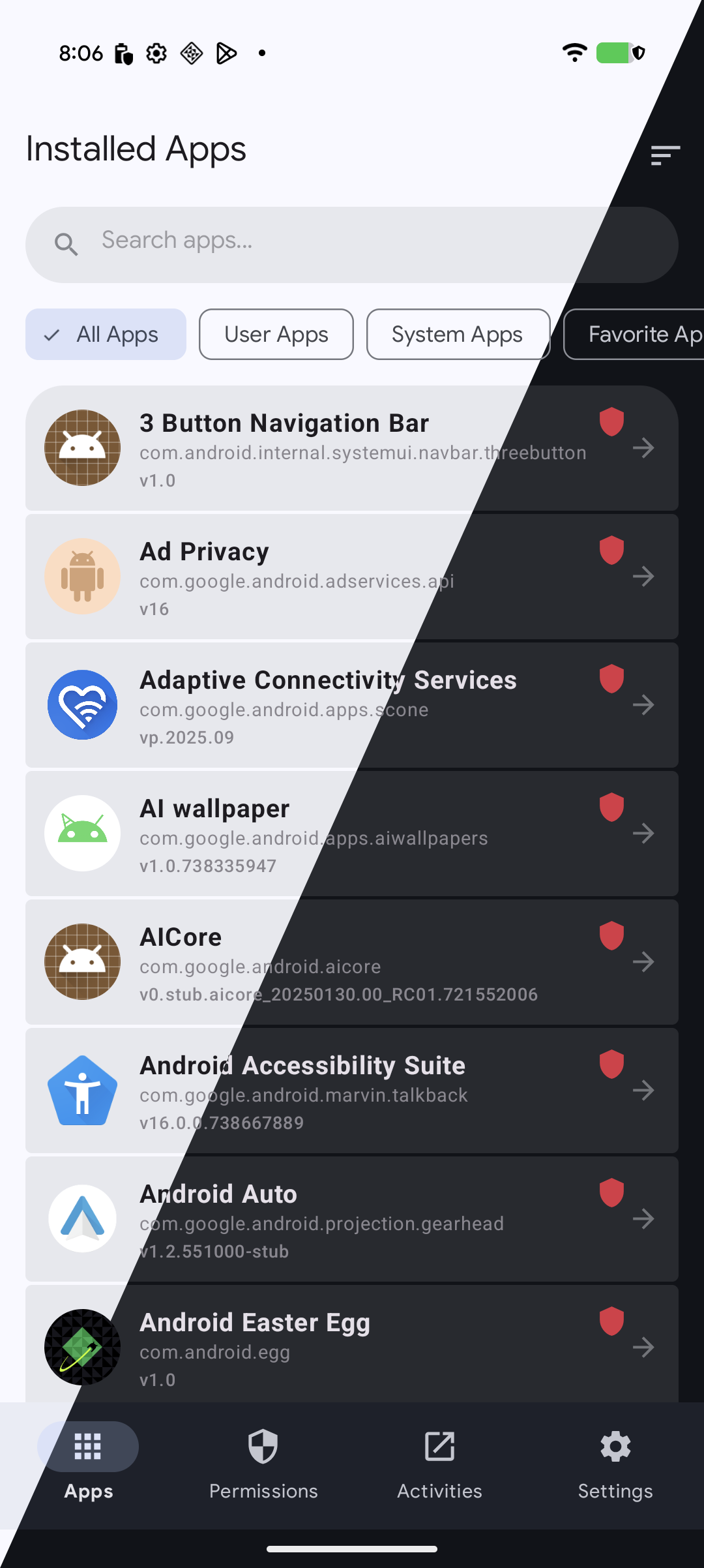
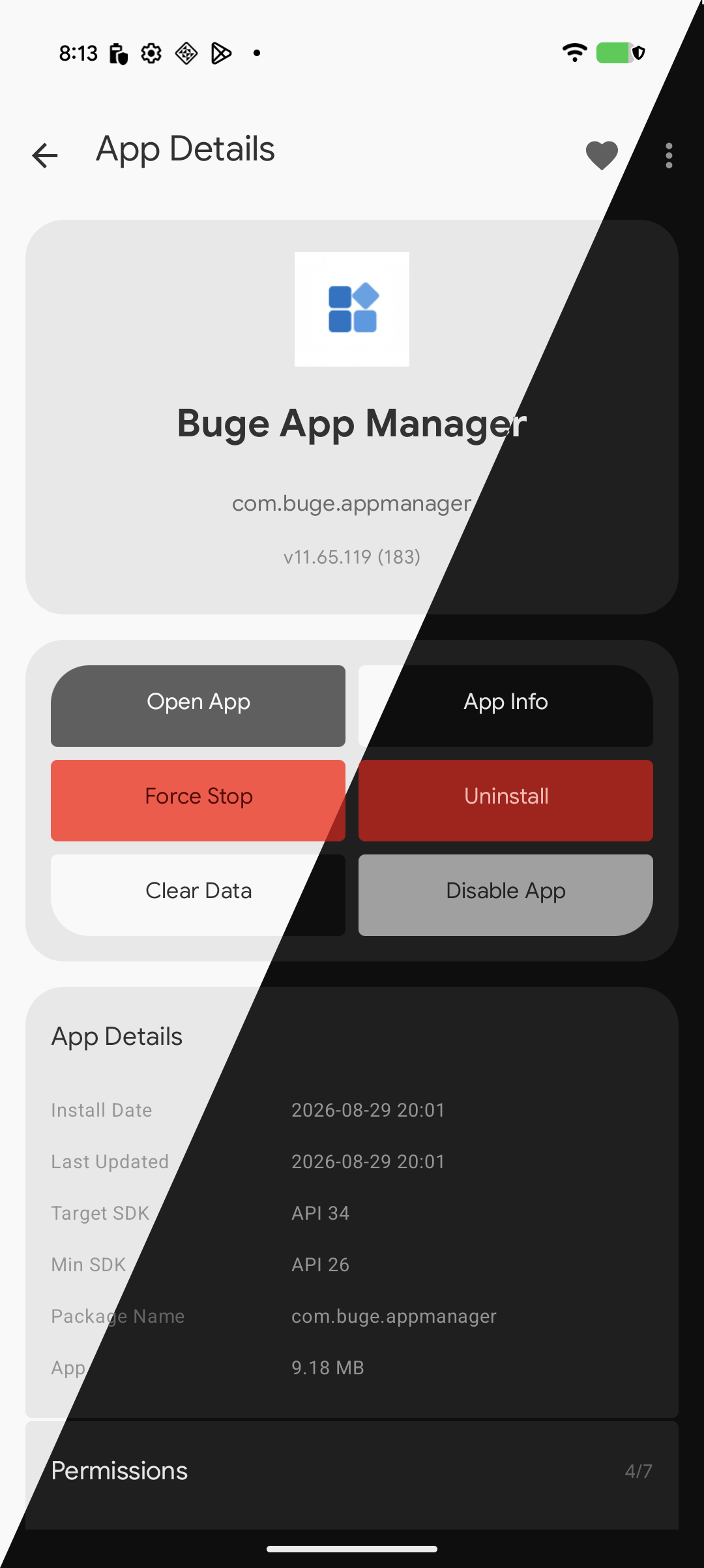
  • View detailed app information — package name, version, permissions, install source and more
  • Export installed apps as APK files for backup or sharing
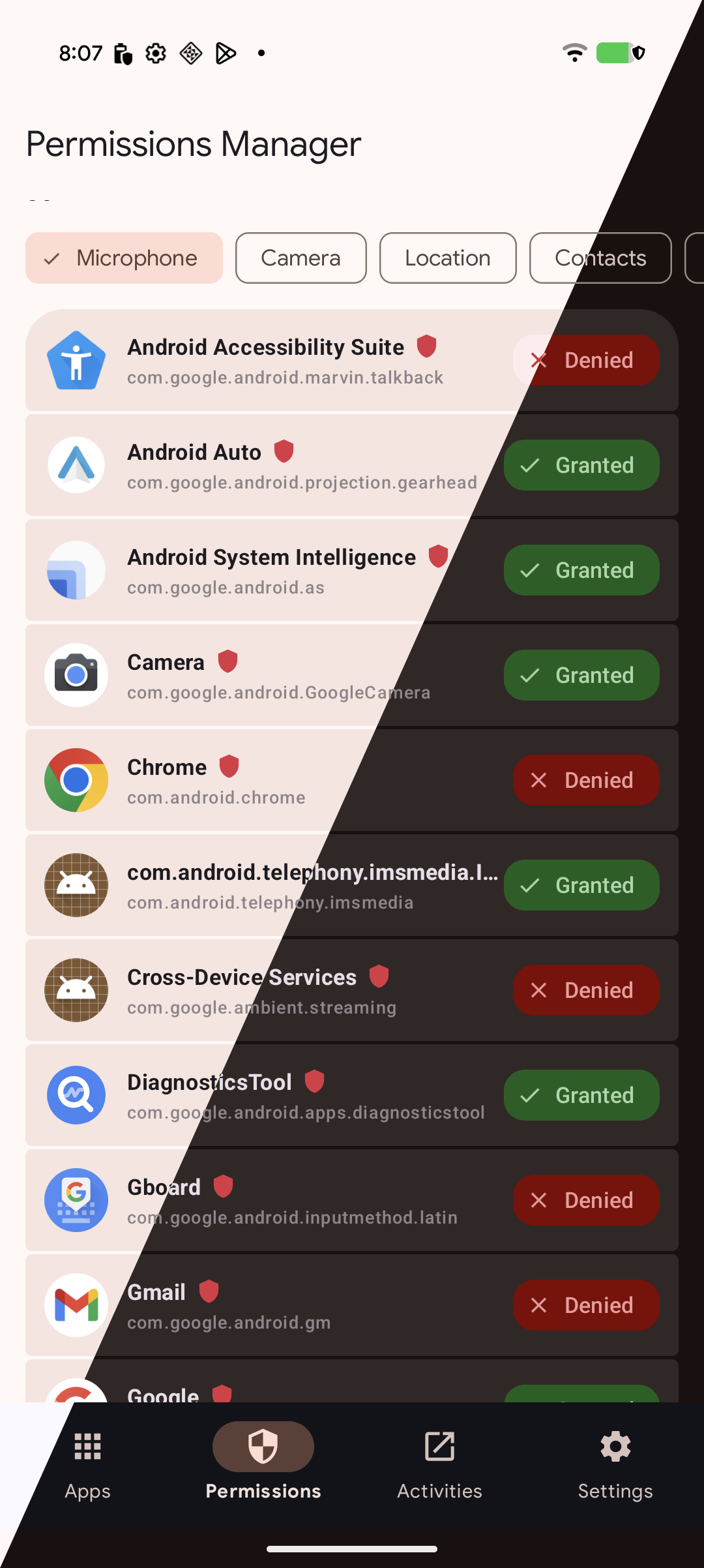
  • Manage app permissions to improve privacy and security
  • Clear cache and view storage usage
  • Uninstall apps easily (system app removal requires Shizuku)
  • Modern, clean and minimal UI
  • No ads, no analytics, fully open source
Notes
  • No root required
  • Some advanced operations require Shizuku
  • Designed to be safe — but removing essential system apps may still cause issues after reboot
  • This app can update itself outside of F-Droid: when a new version is available, tapping "Download" opens the APK in your browser, and with Shizuku installed it can install over the F-Droid build (same signature). Automatic update checks are enabled by default and can be turned off in Settings.

  • Source code: https://github.com/BugeStudioTeam/Buge-App-Manager

    Screenshots

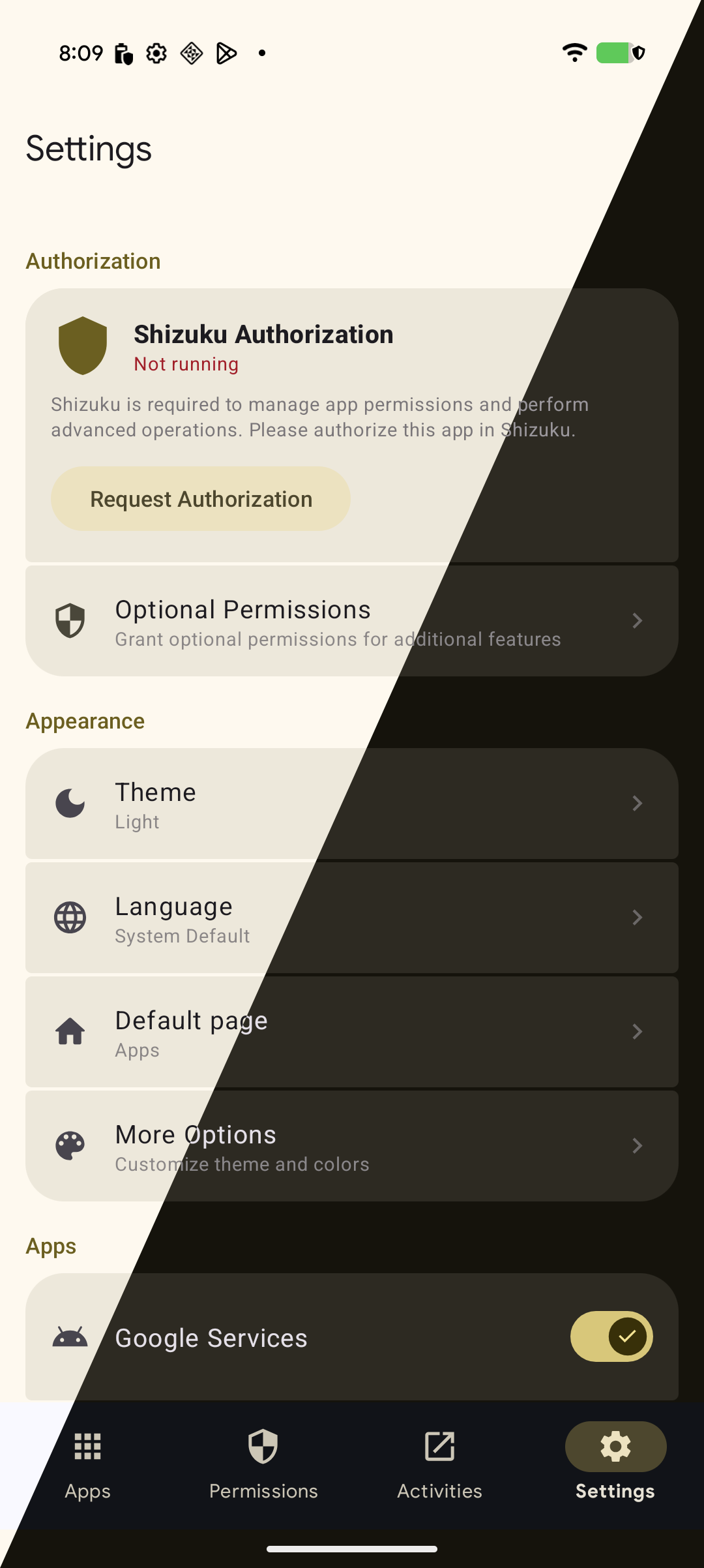
    Buge App Manager screenshot 1
    Buge App Manager screenshot 2
    Buge App Manager screenshot 3
    Buge App Manager screenshot 4
    Buge App Manager screenshot 5

    What’s new

    **12.75.137**

    **Added** ✨
    - Added welcome screen (PR #48)
    - Added auto-update optimization for F-Droid listing (PR #48)

    **Fixes** 🛠
    - Fixed WhatsApp failing to share APK files properly (reported by @ablese)

    **Contributors of this version:**
    - @ablese

    How to install

    1. Download the APK from the button at the top of this page.
    2. Allow “Install unknown apps” for your browser or file manager only, not for every app.
    3. Open the downloaded file and confirm the installation.
    4. If installation fails with “App not installed,” remove an earlier build of the same app first. A signature conflict is the usual cause.

    Data safety

    • Every file is checked against its published SHA-256 before it is listed.
    • Files are scanned for malware on every update.
    • The permissions each app requests are listed on its own page.
    • Read the full safety policy for how we test, flag, and delist files.

    Frequently asked questions

    What is Buge App Manager?
    An application management tool that obtains adb shell privileges via the Shizuku
    Who develops Buge App Manager?
    Buge App Manager is developed by Buge Studio.
    Which Android version does Buge App Manager require?
    Buge App Manager requires Android API 26 or later.
    What is the current version of Buge App Manager?
    The synchronized F-Droid version is 12.75.137.
    Which license does Buge App Manager use?
    The signed F-Droid metadata lists GPL-3.0-only.
    Where is the source code for Buge App Manager?
    https://github.com/BugeStudioTeam/Buge-App-Manager

    Comments

    Recent approved comments · sorted by newest

    Verification code
    Be specific and keep it about the app. No links. Comments are reviewed before publication. Device and Android details are recorded automatically. Privacy policy.

    Loading recent comments...

    View all comments