
Quick answer
A simple end-to-end file transfer app.
With Wormhole, you can easily and securely share files of any size, with anyone, anywhere. Whether you're sending a document to a colleague, a photo album to a friend, or a video to a family member, Wormhole makes it simple and secure.
Wormhole generates a QR code or a passphrase that the recipient can use to access the files. This eliminates the need for complicated file sharing setups or email attachments.
The files are transfered using an end-to-end encryption, which ensures that your files are protected from prying eyes. This means that only the intended recipient can receive the files you send.
Wormhole is also an open-source app, which means that the source code is available for anyone to view and contribute to. If you're interested in learning more about how Wormhole works, or if you want to contribute to its development, you can find the source code on GitHub at the link provided. https://github.com/wormhole-app/wormhole
Overall, Wormhole is a powerful and user-friendly file transfer app that offers unparalleled security and ease of use. Whether you're a professional or a casual user, Wormhole is a great choice for anyone looking to share files securely.
Screenshots
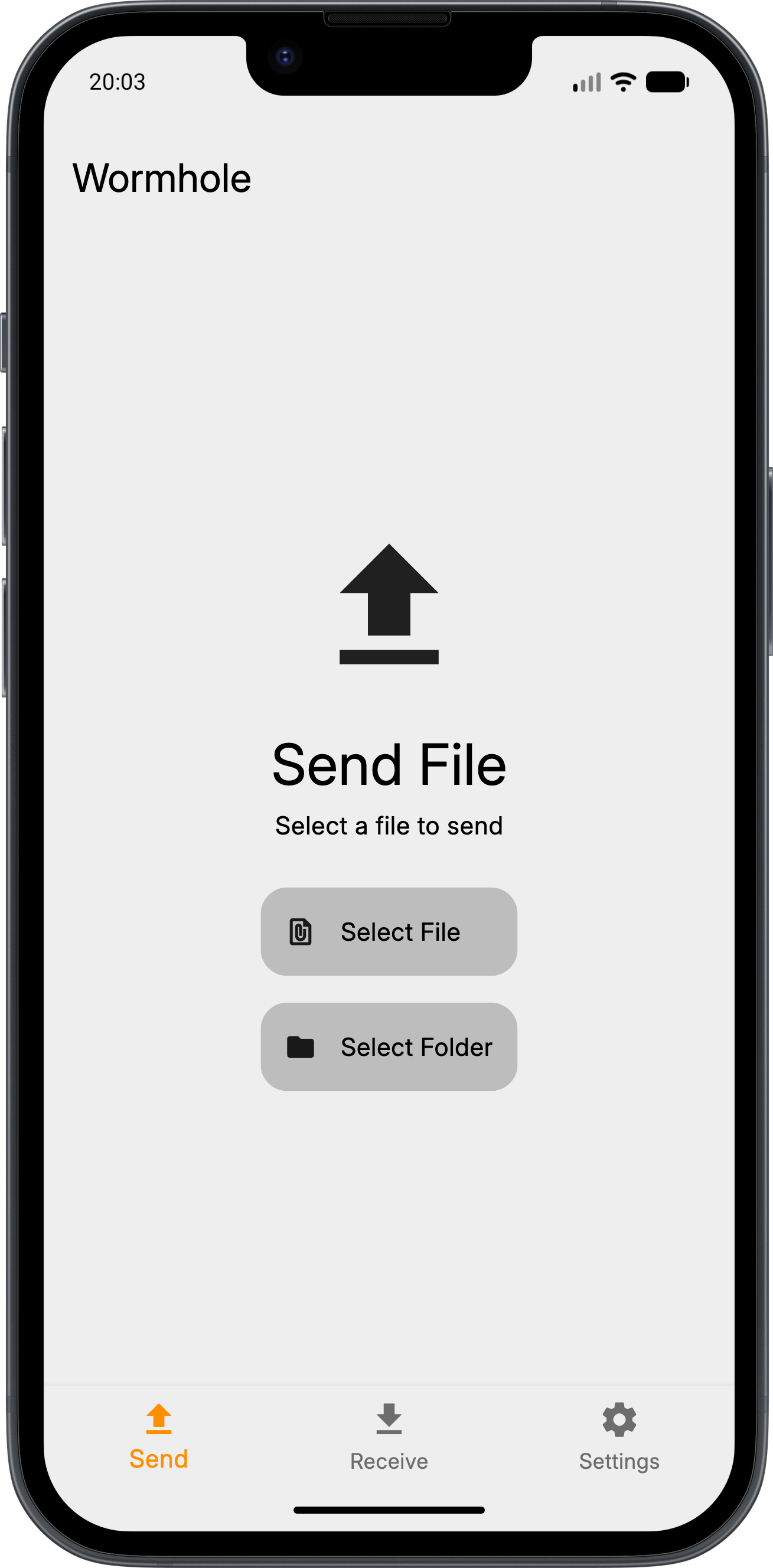
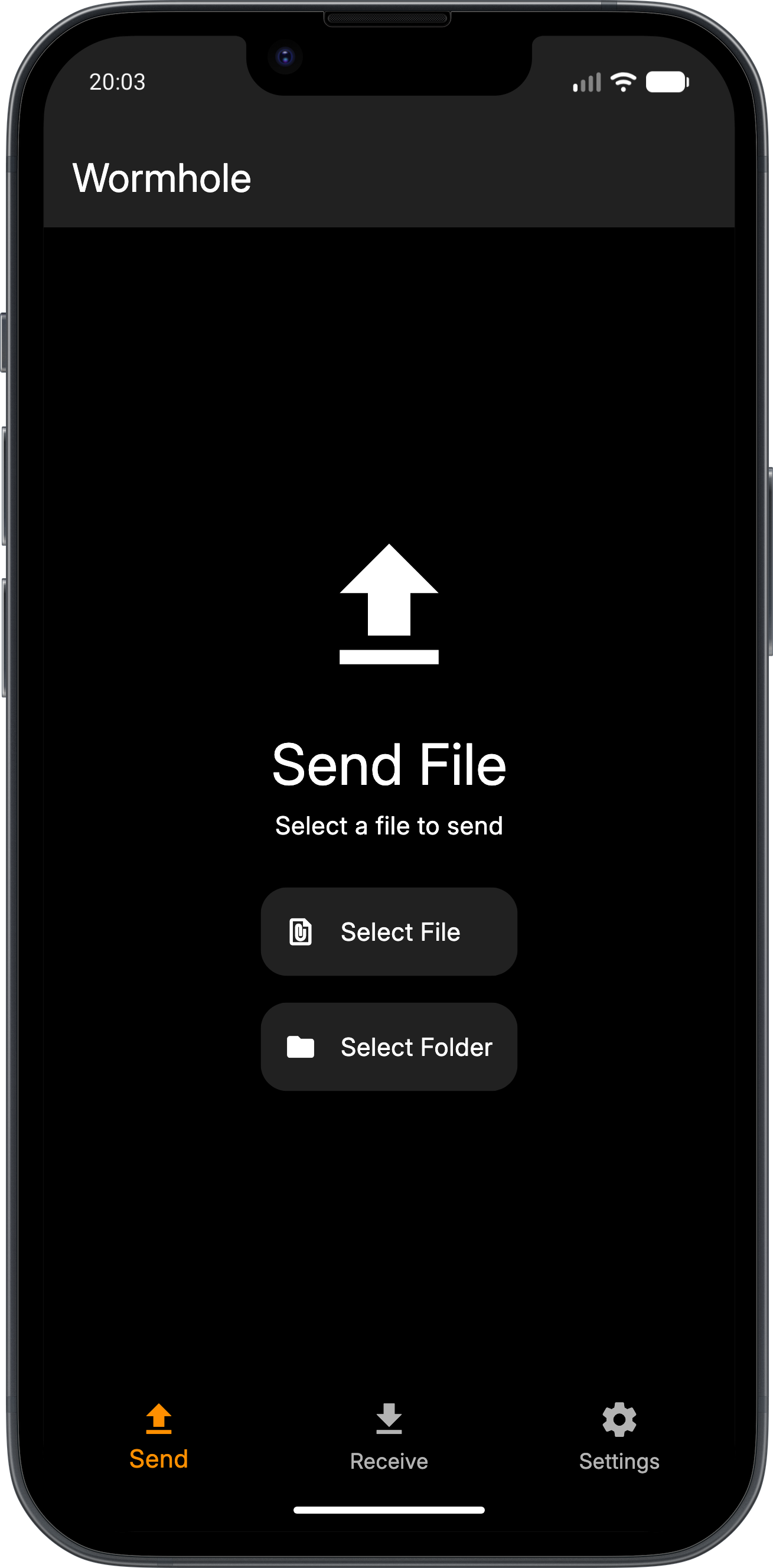
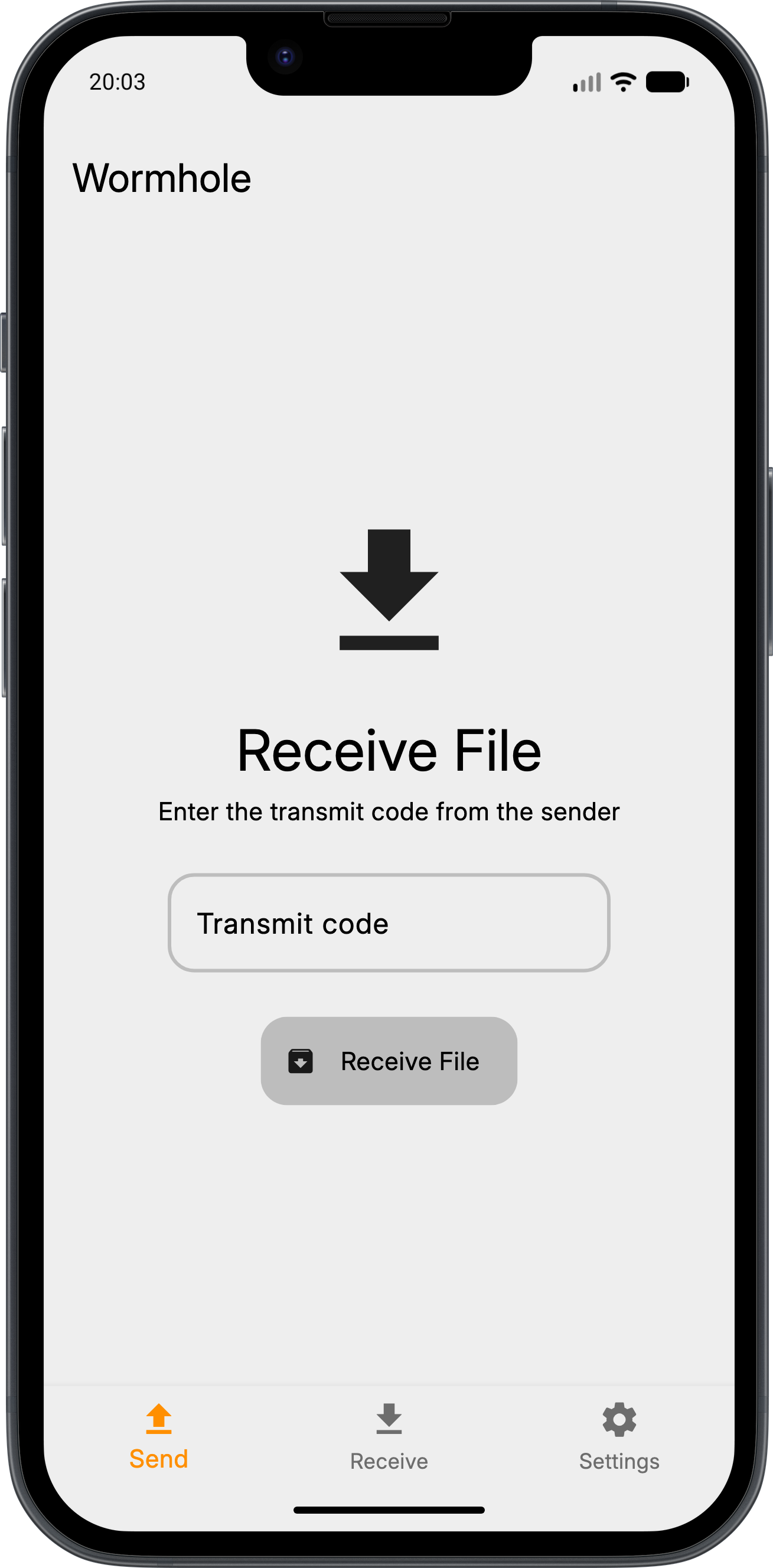
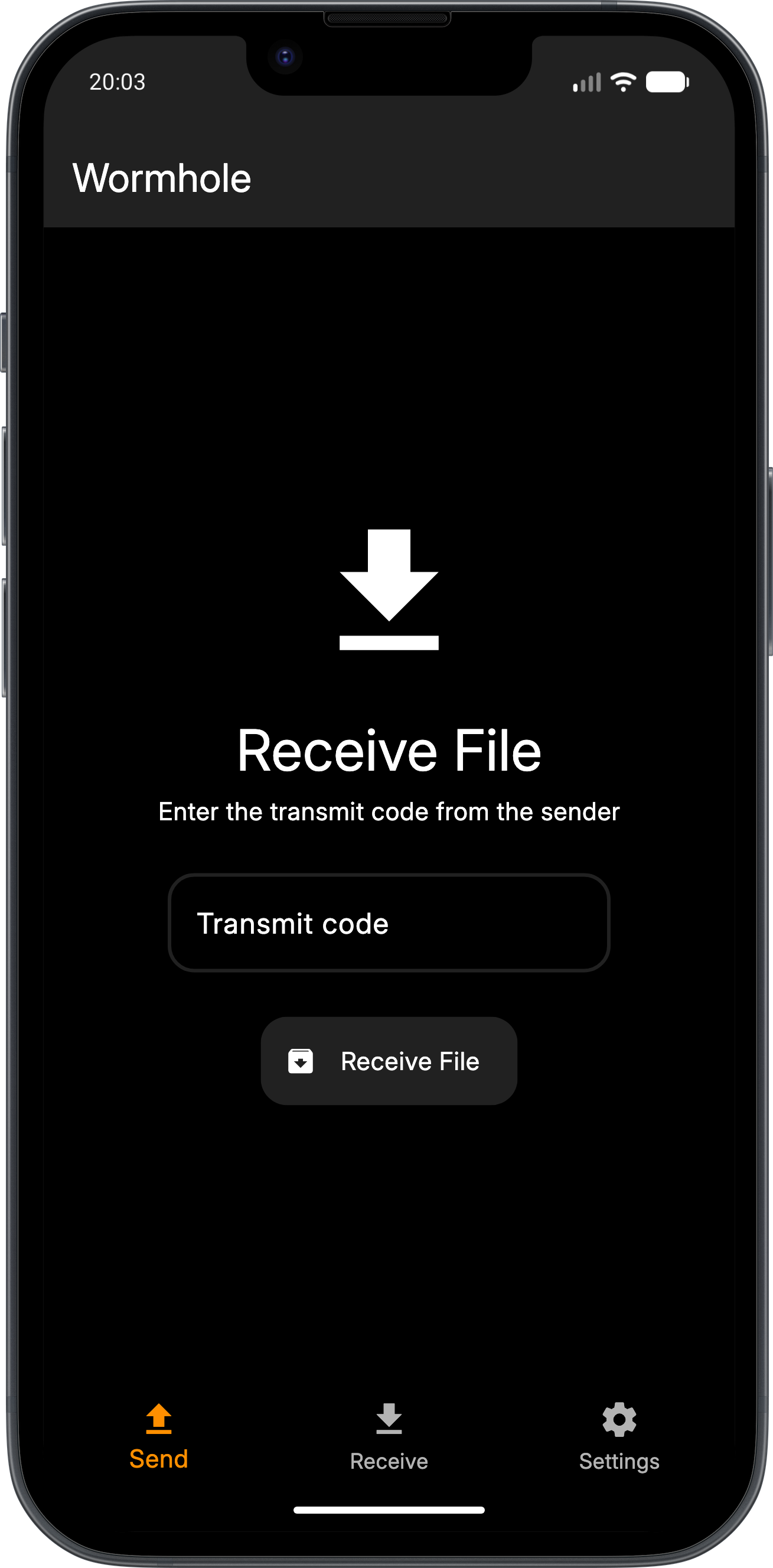
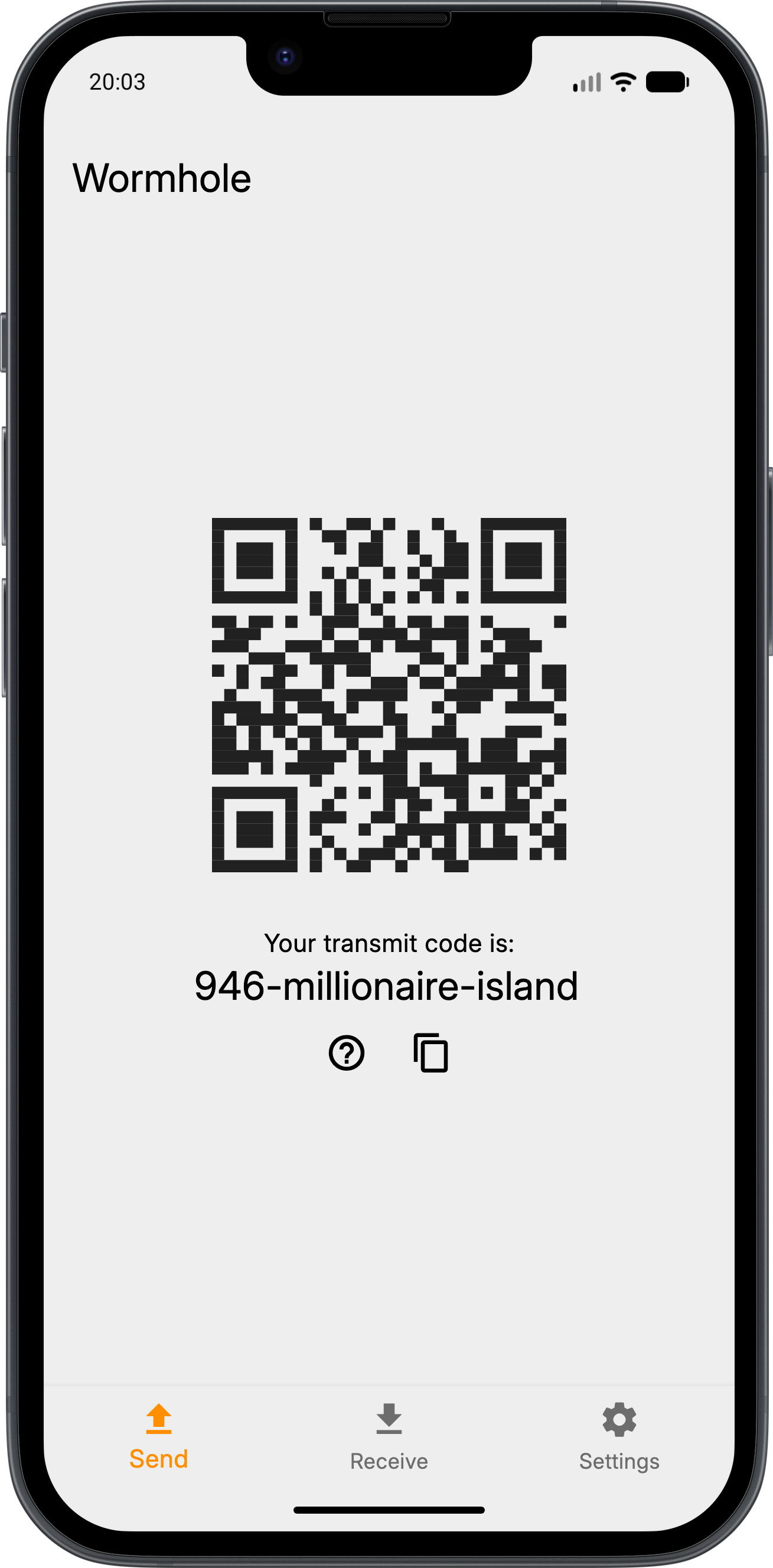
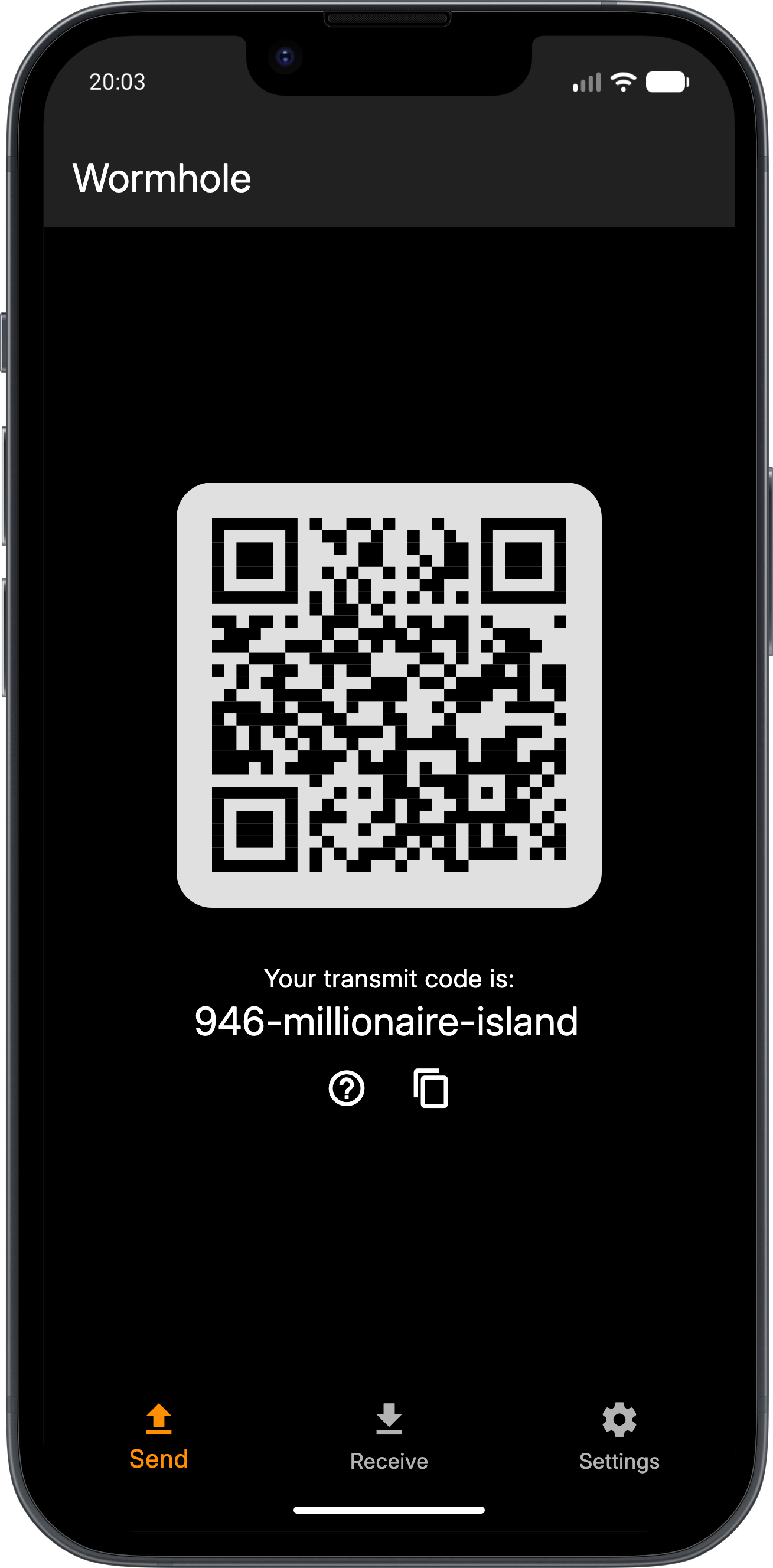
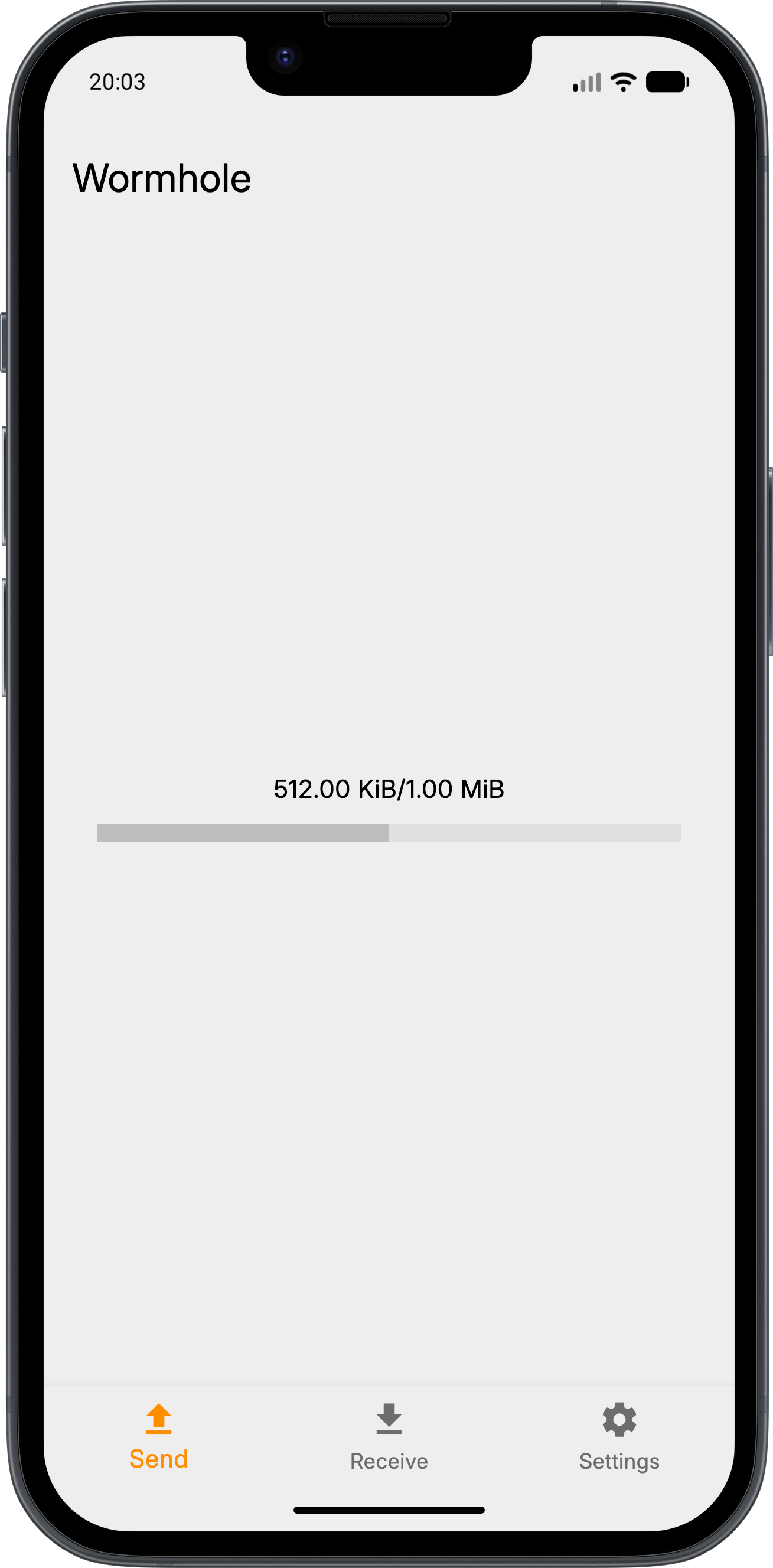
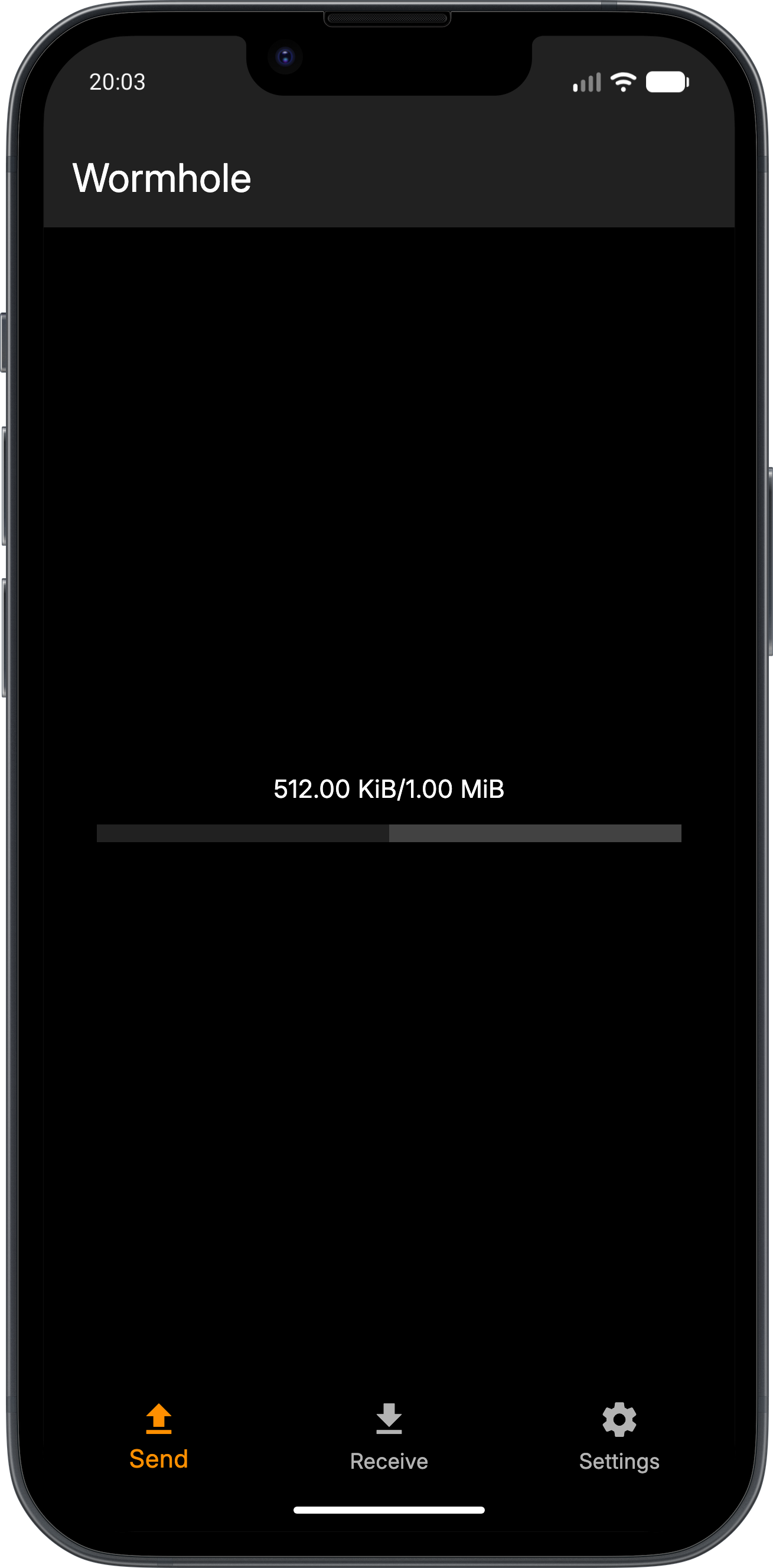
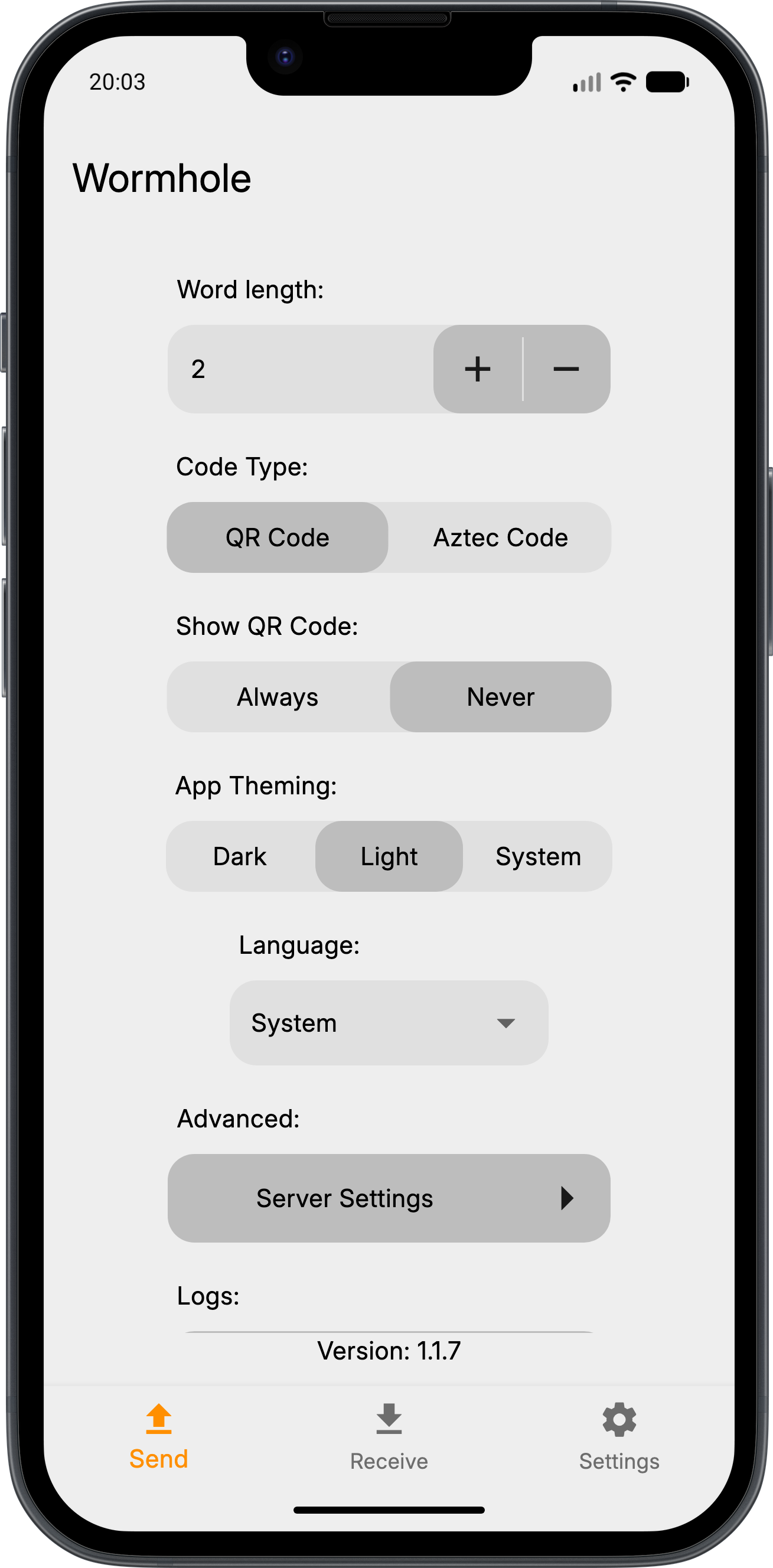
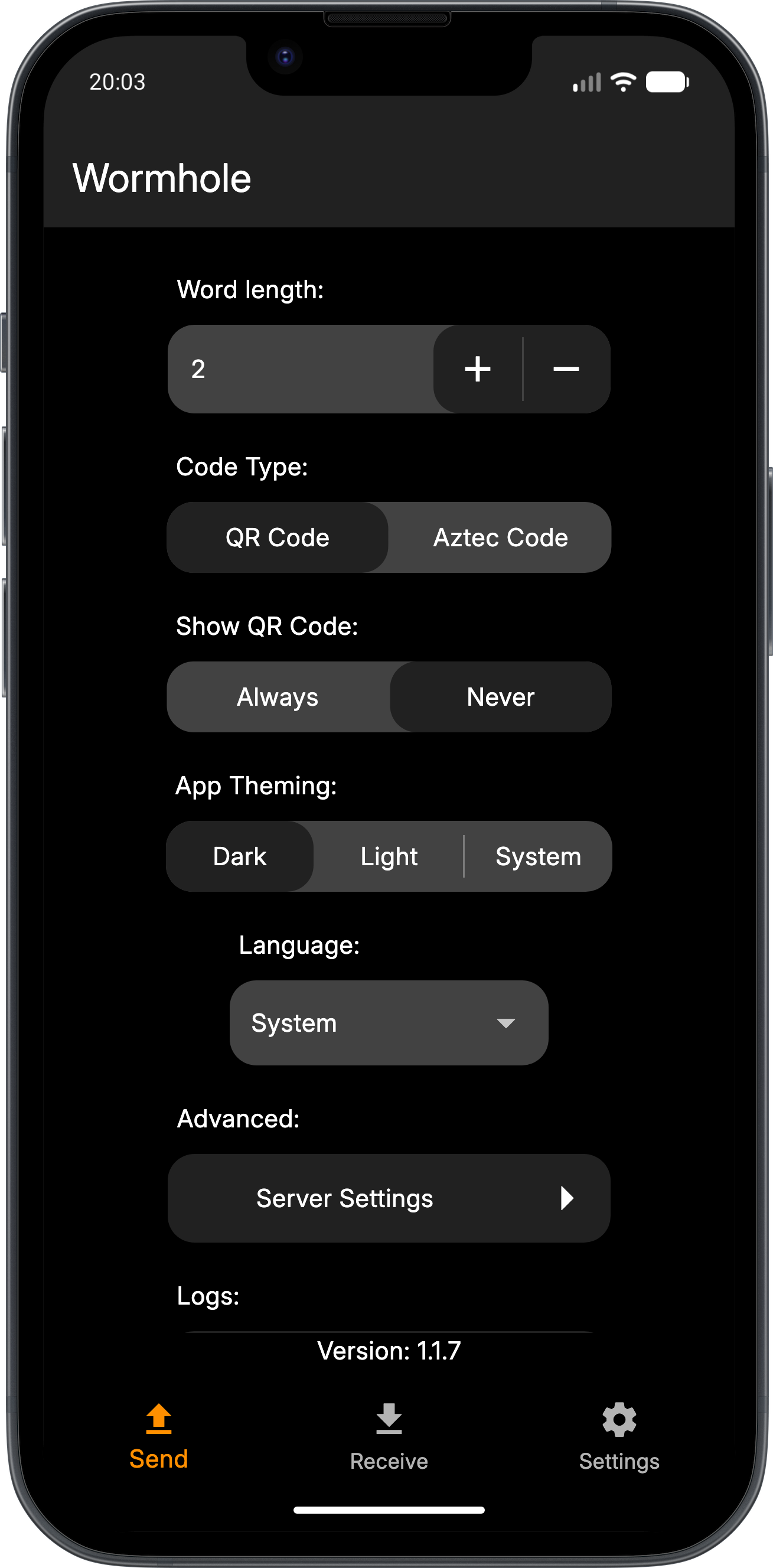
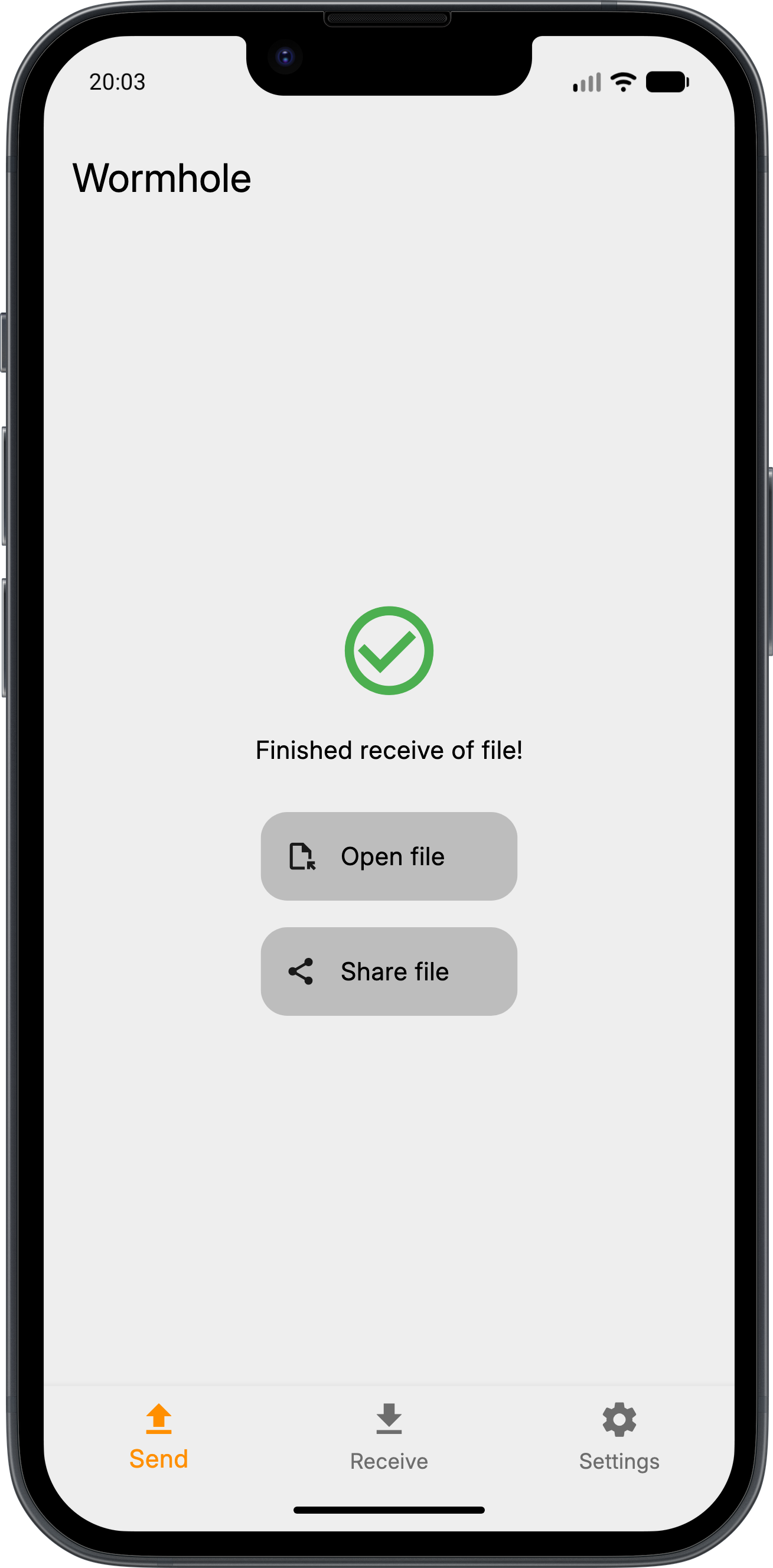
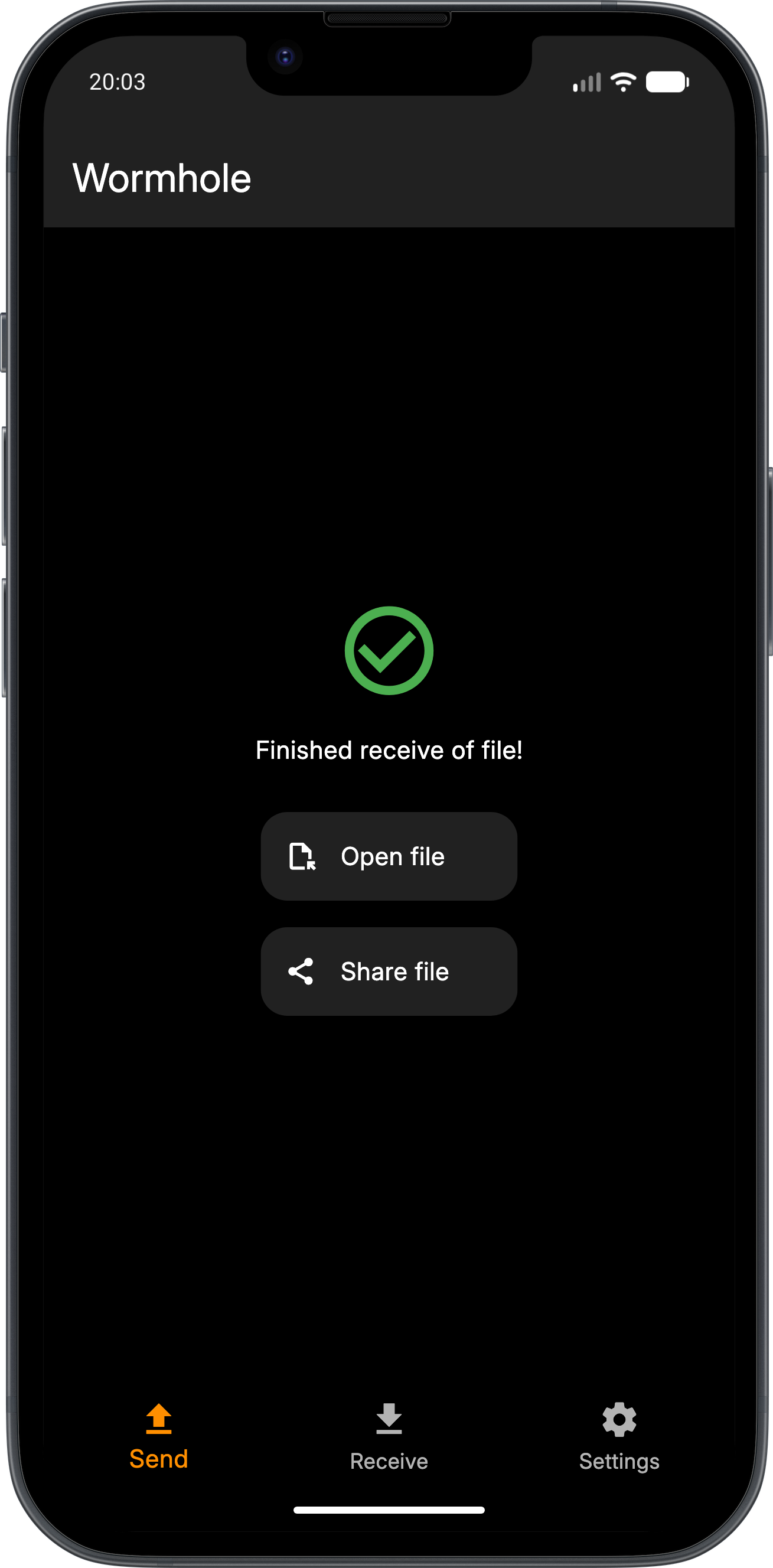
How to install
- Download the APK from the button at the top of this page.
- Allow “Install unknown apps” for your browser or file manager only, not for every app.
- Open the downloaded file and confirm the installation.
- If installation fails with “App not installed,” remove an earlier build of the same app first. A signature conflict is the usual cause.
Data safety
- Every file is checked against its published SHA-256 before it is listed.
- Files are scanned for malware on every update.
- The permissions each app requests are listed on its own page.
- Read the full safety policy for how we test, flag, and delist files.
Frequently asked questions
What is Wormhole File Transfer?
A simple end-to-end file transfer app.
Who develops Wormhole File Transfer?
Wormhole File Transfer is developed by Lukas Heiligenbrunner.
Which Android version does Wormhole File Transfer require?
Wormhole File Transfer requires Android API 24 or later.
What is the current version of Wormhole File Transfer?
The synchronized F-Droid version is 1.1.11.
Which license does Wormhole File Transfer use?
The signed F-Droid metadata lists GPL-3.0-or-later.
Where is the source code for Wormhole File Transfer?
https://github.com/wormhole-app/wormhole
Comments
Recent approved comments · sorted by newest
View all comments