RomanDigital icon

RomanDigital

David Yockey
Tools
Version
3.1.0
Size
8.9 MB
Requires
Android API 21+
4.7 / 5 · 18,531 ratings 120,474 downloads

Updated Oct 25, 2026

Quick answer

Digital Clock App and Widget with Roman Numeral Display

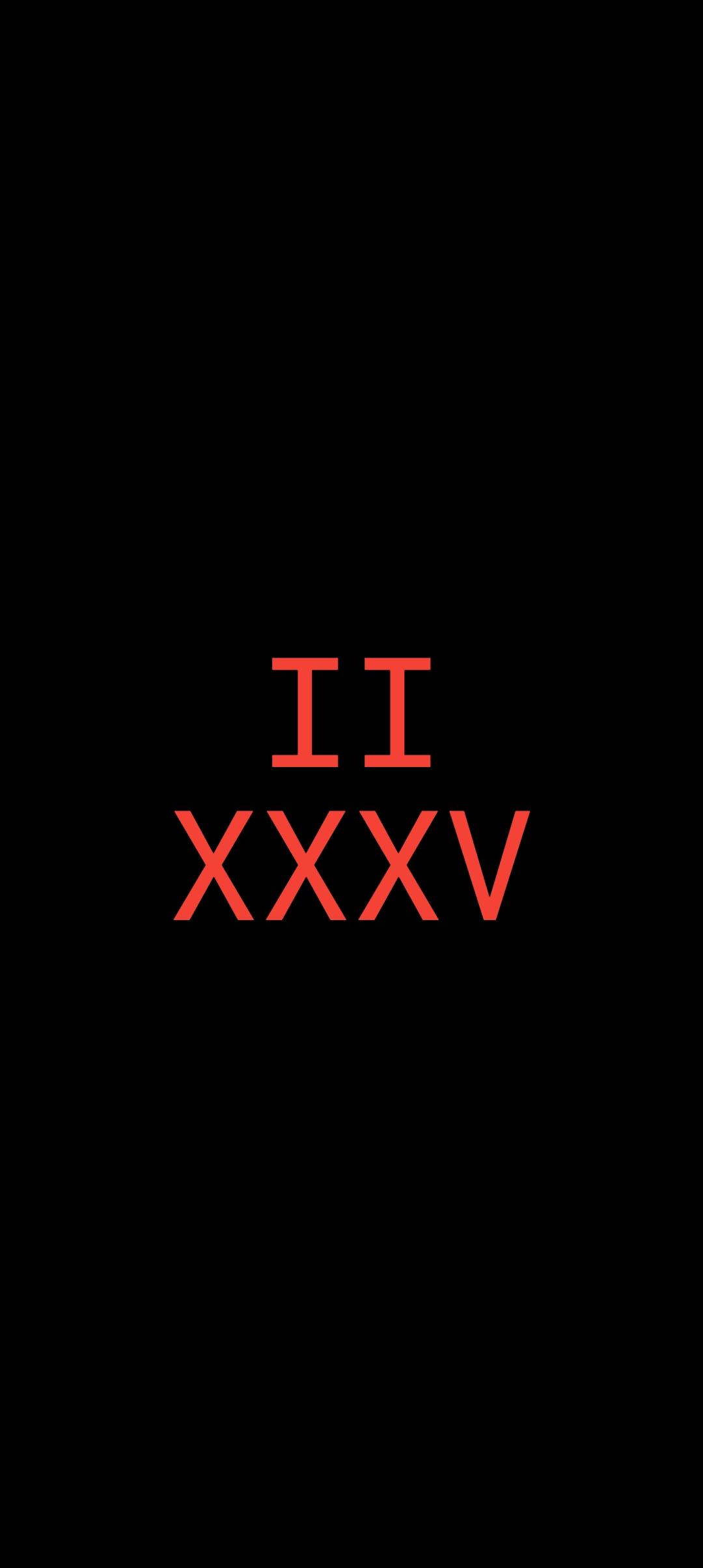
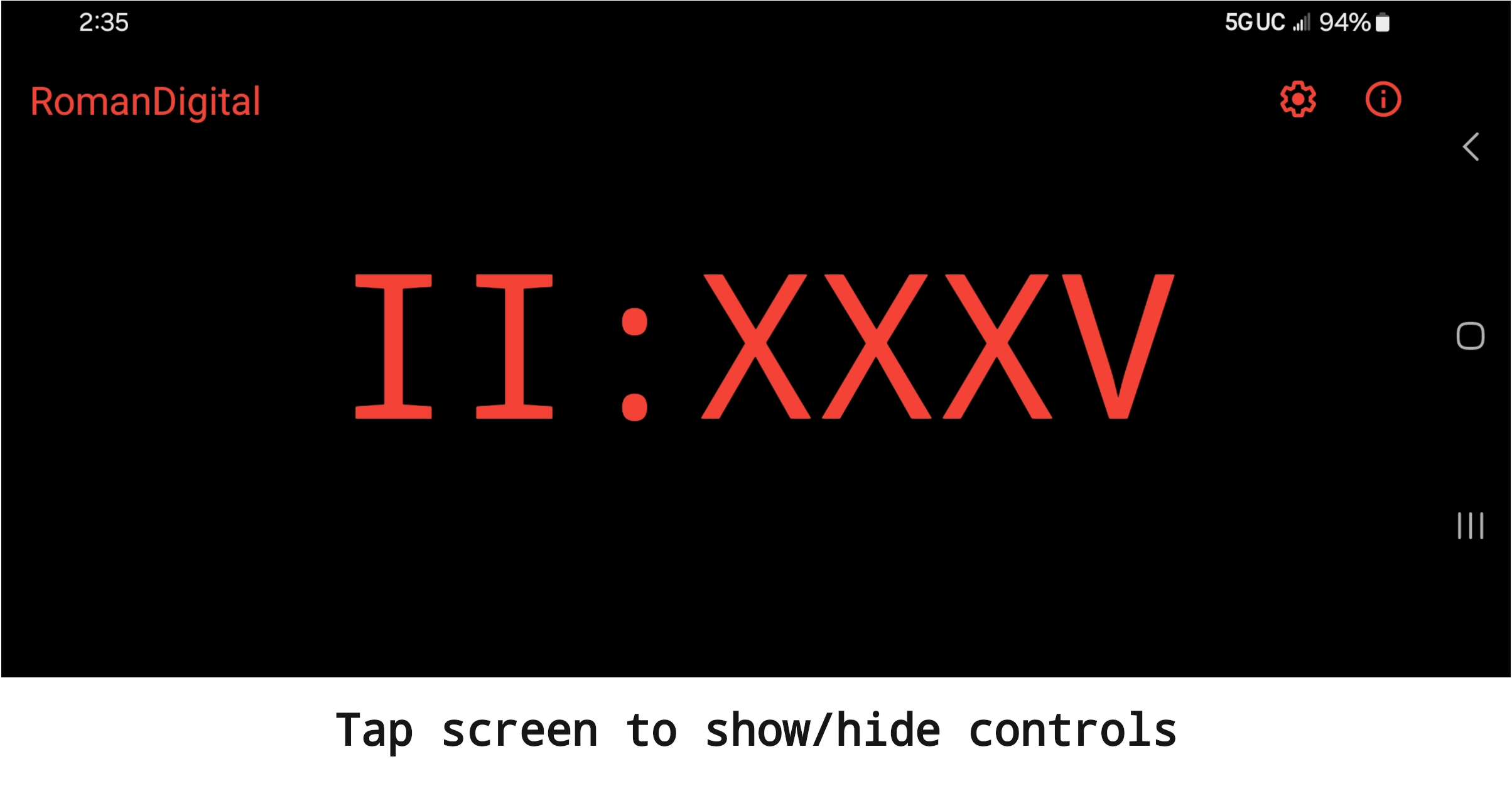
The RomanDigital app provides a clock of unique style that can be used to repurpose an old device or to display time on a current model.

For more personal use, the RomanDigital widget makes a distinctive addition to a device's Home screen.

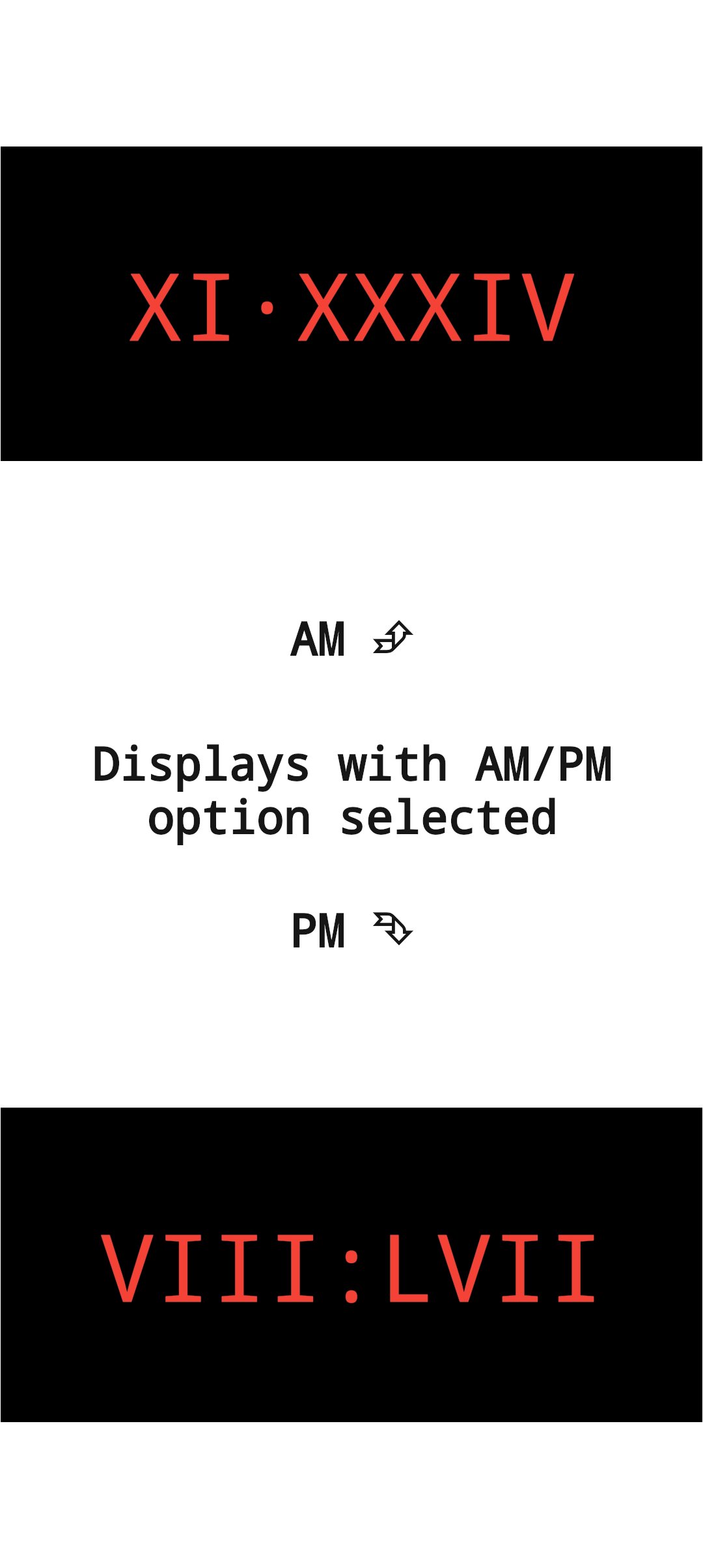
RomanDigital includes features expected in an ordinary digital clock, such as: * Choice of 12 or 24 hour format * Optional AM/PM indicator (uniquely integrated into the time display) * Option to keep display on when app is in the foreground * Display in either portrait or landscape

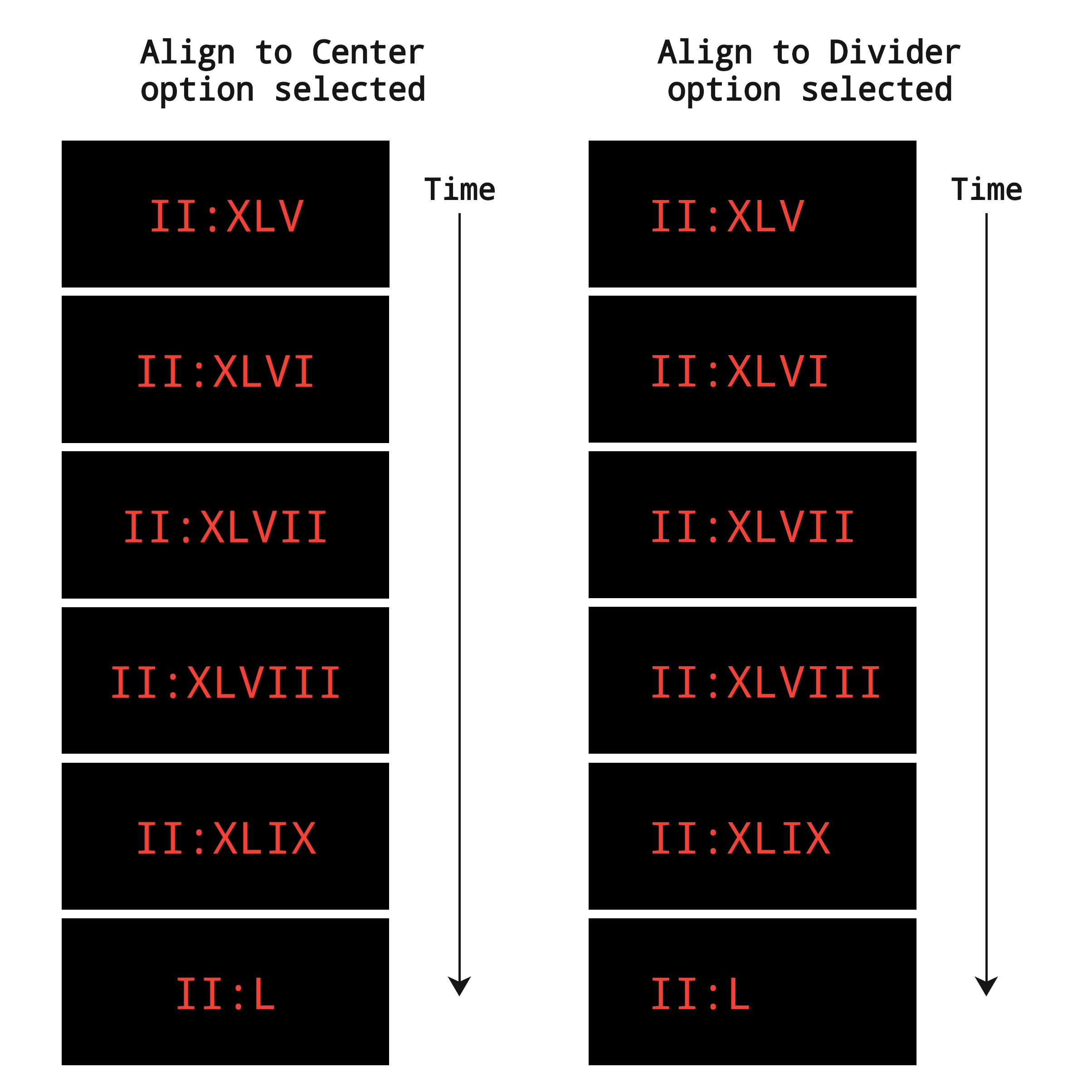
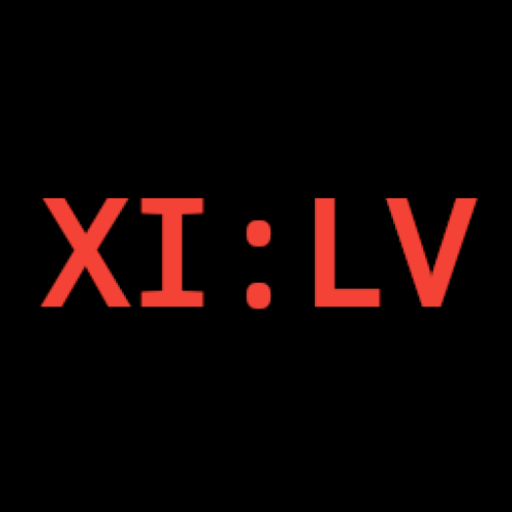
RomanDigital also includes: * Independent configuration of app and widgets. * Selectable app and widget time display layout between horizontal and vertical. * Selectable app and widget time display typeface (monospace, sans-serif, or serif). * Variable widget background opacity that can be set from 0% to 100% by tens. * Selectable widget time zone. * Selectable widget layouts to add a time zone label. * Selectable app time display color.

For more detailed information including a FAQ list, please see the README.md file accompanying the RomanDigital source code.

For those interested in placing RomanDigital on their phone's lock screen in the case where the phone doesn't support placing custom widgets there, please see the aforementioned FAQ for a possible workaround.

Source code for RomanDigital is available at: https://github.com/dfyockey/RomanDigital
Screenshots

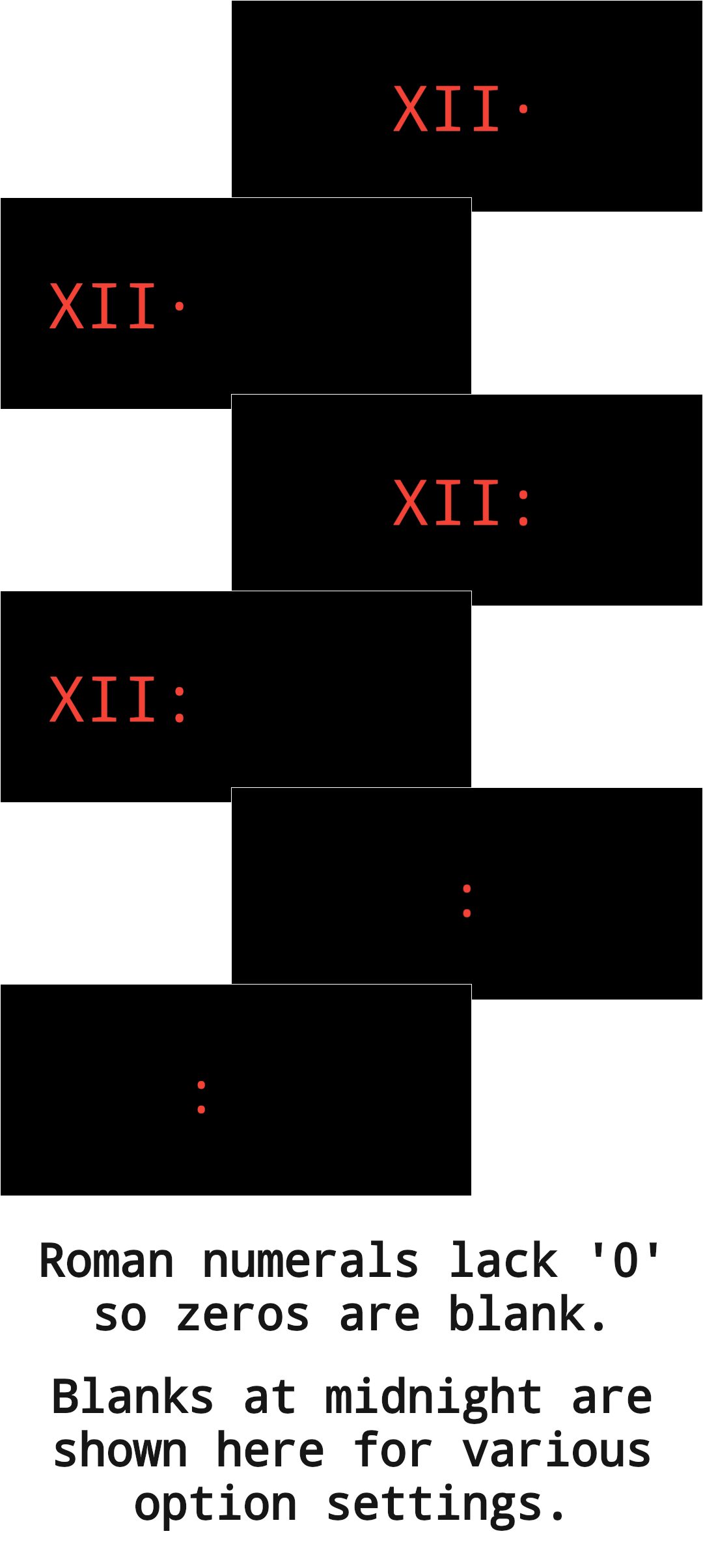
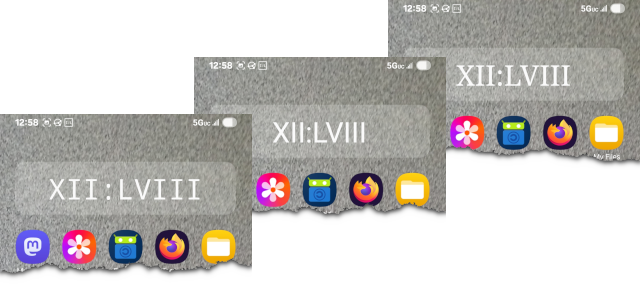
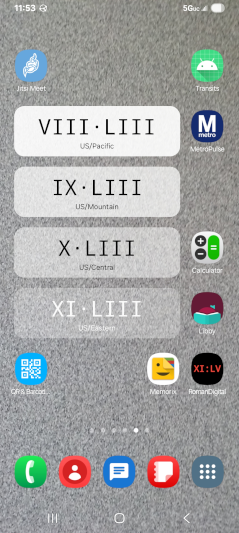
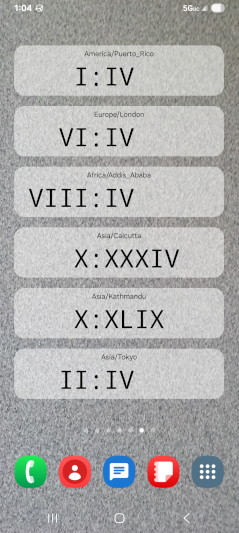
RomanDigital screenshot 1
RomanDigital screenshot 2
RomanDigital screenshot 3
RomanDigital screenshot 4
RomanDigital screenshot 5
RomanDigital screenshot 6
RomanDigital screenshot 7
RomanDigital screenshot 8
RomanDigital screenshot 9
RomanDigital screenshot 10
RomanDigital screenshot 11

What’s new

Added:
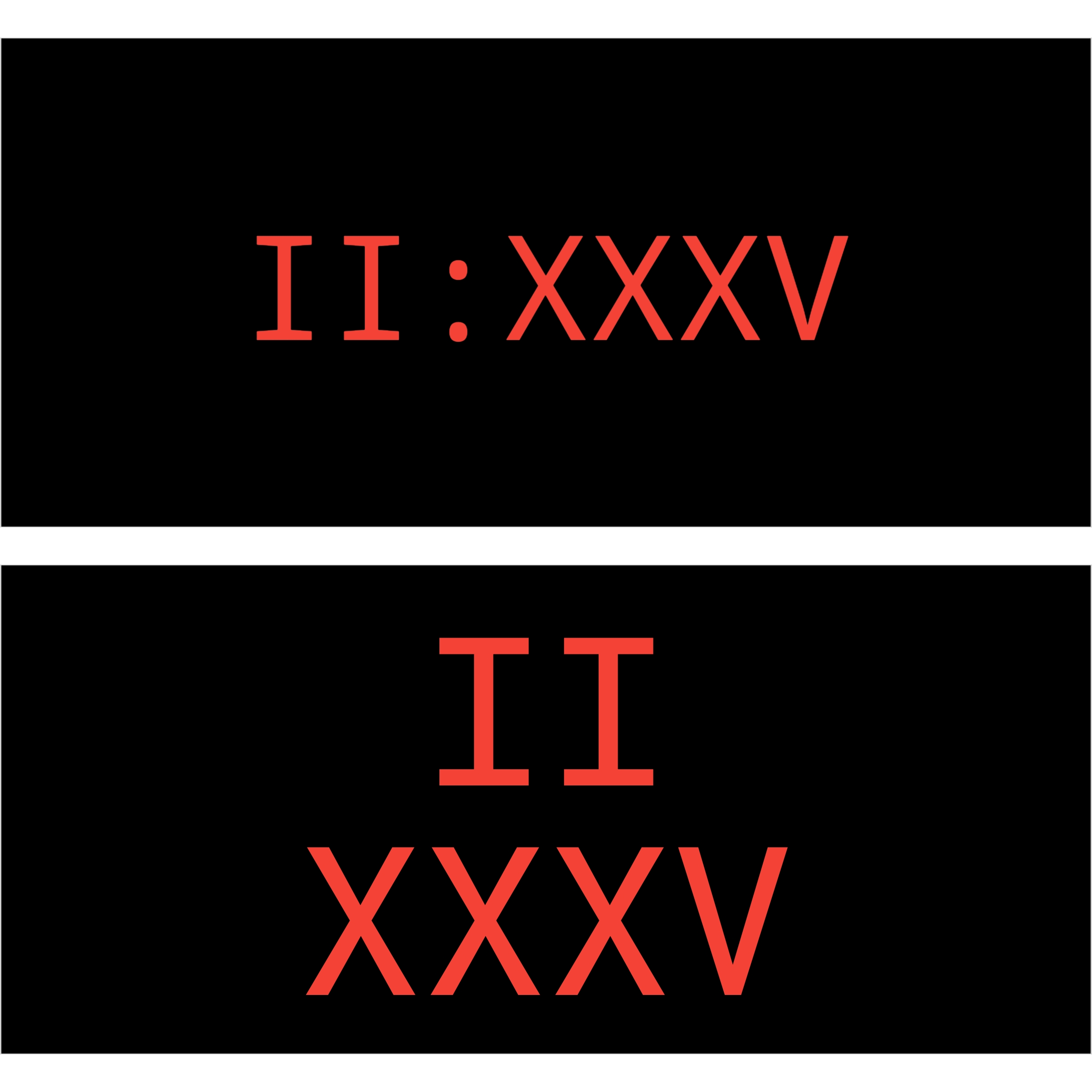
* Vertical time display layout (hours above minutes), independently selectable for the app and each widget.

Changed:
* Minimum widget cell size to 1x1.

Fixed:
* Crash resulting from ForegroundServiceStartNotAllowedException being thrown. The fix in version 3.0.2 was found to only be effective under test conditions. Apologies to users who have experienced a crash due to this issue.
* Lack of sufficient space on a widget, under some circumstances, for a time zone label to be properly disp

How to install

  1. Download the APK from the button at the top of this page.
  2. Allow “Install unknown apps” for your browser or file manager only, not for every app.
  3. Open the downloaded file and confirm the installation.
  4. If installation fails with “App not installed,” remove an earlier build of the same app first. A signature conflict is the usual cause.

Data safety

  • Every file is checked against its published SHA-256 before it is listed.
  • Files are scanned for malware on every update.
  • The permissions each app requests are listed on its own page.
  • Read the full safety policy for how we test, flag, and delist files.

Frequently asked questions

What is RomanDigital?
Digital Clock App and Widget with Roman Numeral Display
Who develops RomanDigital?
RomanDigital is developed by David Yockey.
Which Android version does RomanDigital require?
RomanDigital requires Android API 21 or later.
What is the current version of RomanDigital?
The synchronized F-Droid version is 3.1.0.
Which license does RomanDigital use?
The signed F-Droid metadata lists Apache-2.0.
Where is the source code for RomanDigital?
https://github.com/dfyockey/RomanDigital
Comments

Recent approved comments · sorted by newest

Verification code
Be specific and keep it about the app. No links. Comments are reviewed before publication. Device and Android details are recorded automatically. Privacy policy.

Loading recent comments...

View all comments