
Quick answer
Helps you manually force-stop background apps.
Features: - List all running apps - One-tap shortcut to the "App info" screen to force-stop any app - Pin apps to the top of the list to find them easily
Screenshots
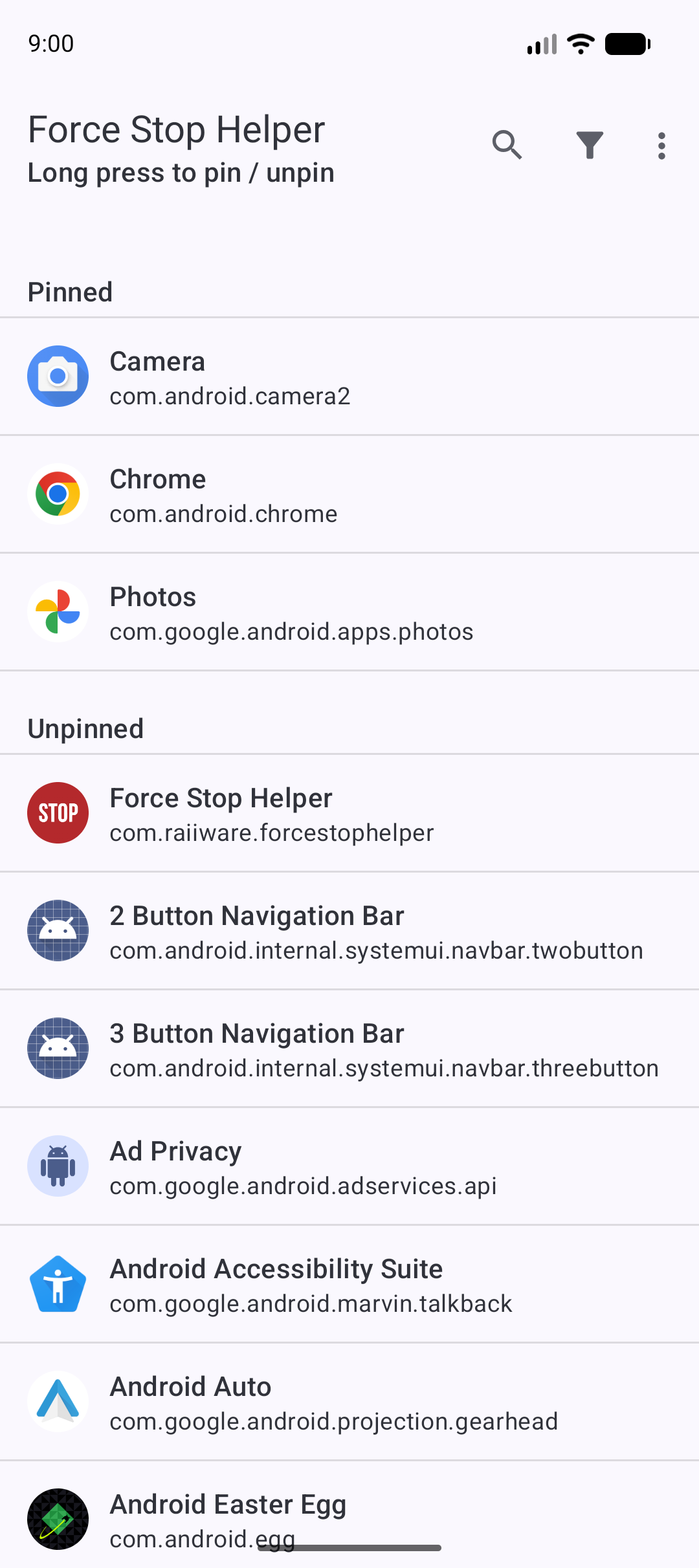
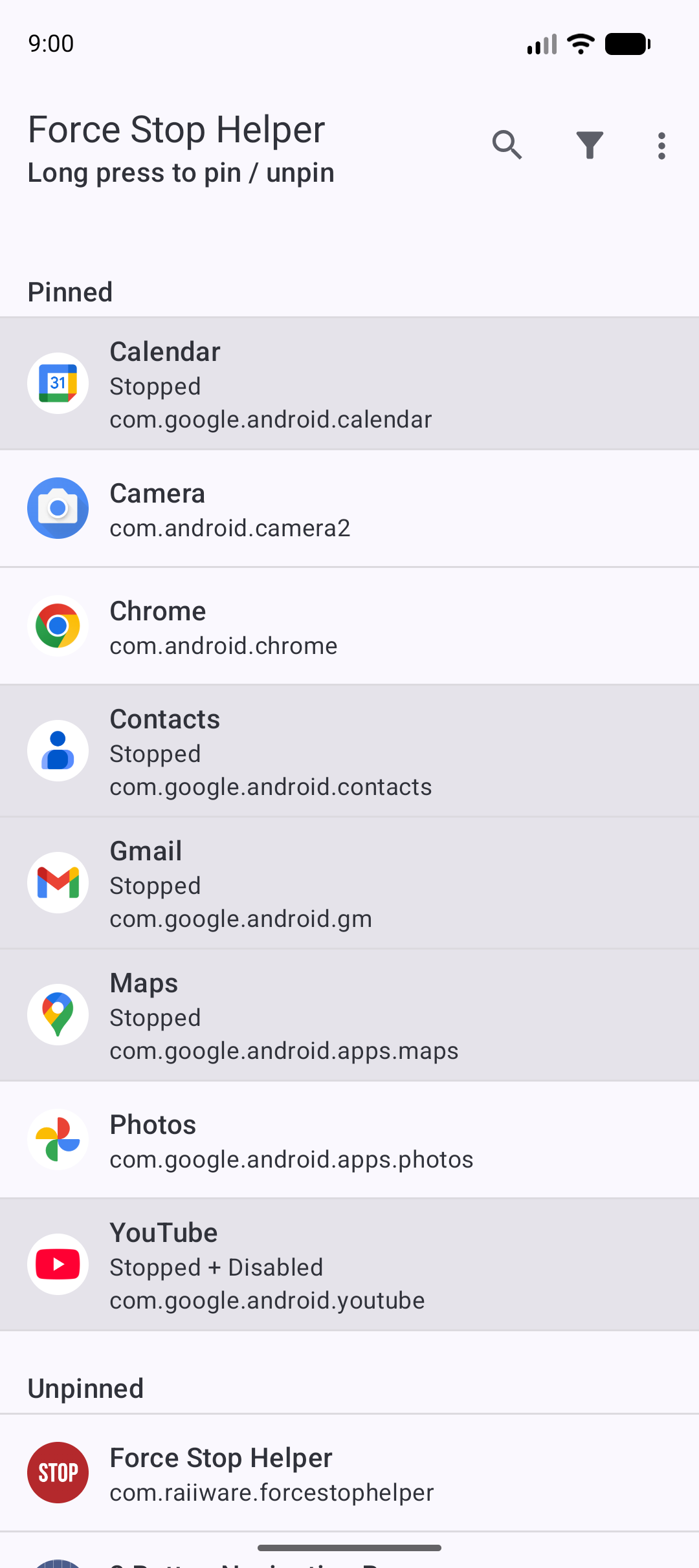
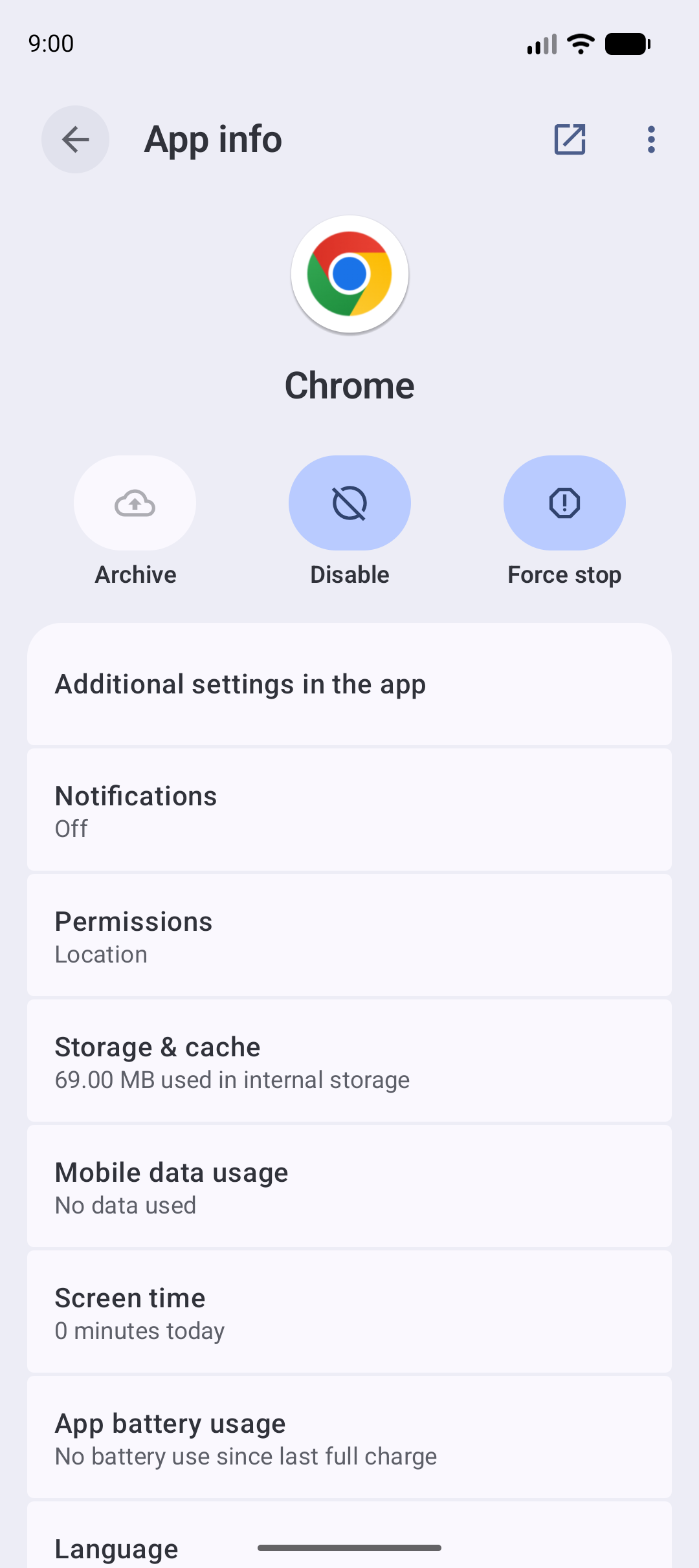
How to install
- Download the APK from the button at the top of this page.
- Allow “Install unknown apps” for your browser or file manager only, not for every app.
- Open the downloaded file and confirm the installation.
- If installation fails with “App not installed,” remove an earlier build of the same app first. A signature conflict is the usual cause.
Data safety
- Every file is checked against its published SHA-256 before it is listed.
- Files are scanned for malware on every update.
- The permissions each app requests are listed on its own page.
- Read the full safety policy for how we test, flag, and delist files.
Frequently asked questions
What is Force Stop Helper?
Helps you manually force-stop background apps.
Who develops Force Stop Helper?
Force Stop Helper is developed by Raiiware.
Which Android version does Force Stop Helper require?
Force Stop Helper requires Android API 26 or later.
What is the current version of Force Stop Helper?
The synchronized F-Droid version is 0.13.0.
Which license does Force Stop Helper use?
The signed F-Droid metadata lists GPL-3.0-only.
Where is the source code for Force Stop Helper?
https://codeberg.org/raiiware/ForceStopHelper
Comments
Recent approved comments · sorted by newest
View all comments