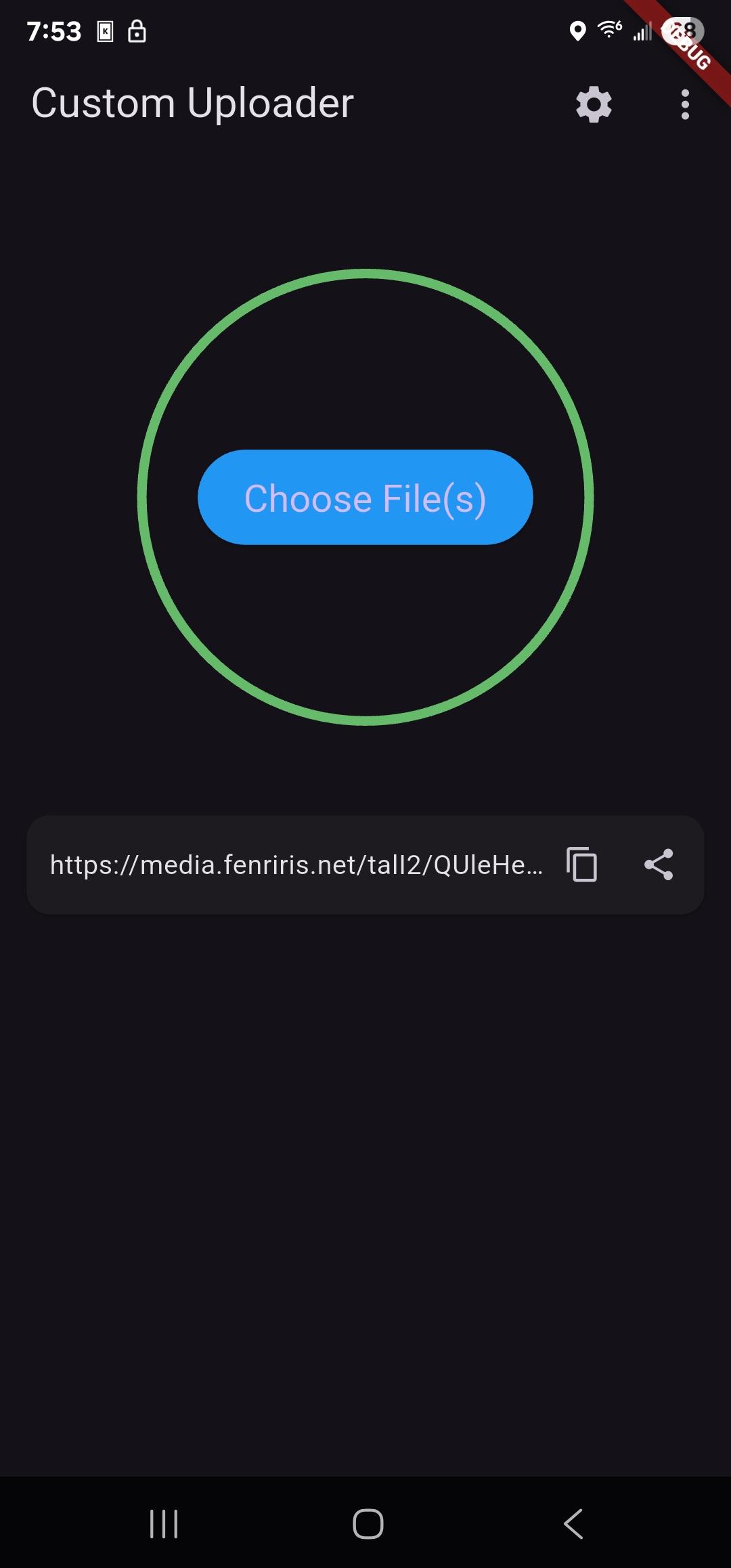
Custom Uploader is a user-friendly file uploading tool that makes it easy for you to transfer files to your preferred hosting service. It is designed to be lightweight and efficient, with a straightforward interface that allows you to upload files quickly and easily. With Custom Uploader, you can upload a variety of different file types, including documents, images, videos, and more. The versatile tool is perfect for anyone who needs a reliable and convenient way to upload files for storage or sharing. Whenever you are a business owner, a student, or a professional, Custom Uploader can help you manage and share your files with ease.
Features:
Easily upload anything to your host of choice (images, videos, documents, etc.) with a simple and easy to use interface.
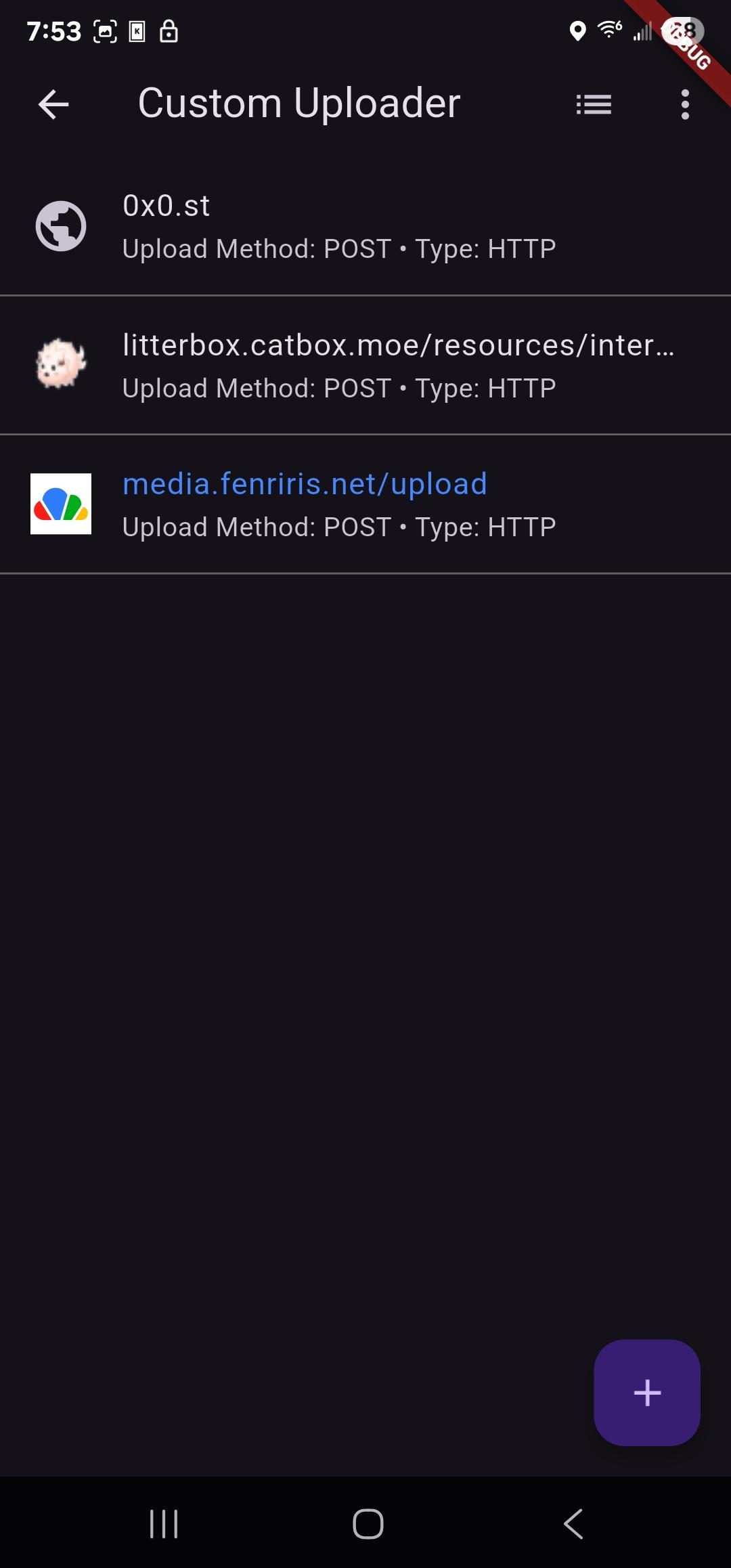
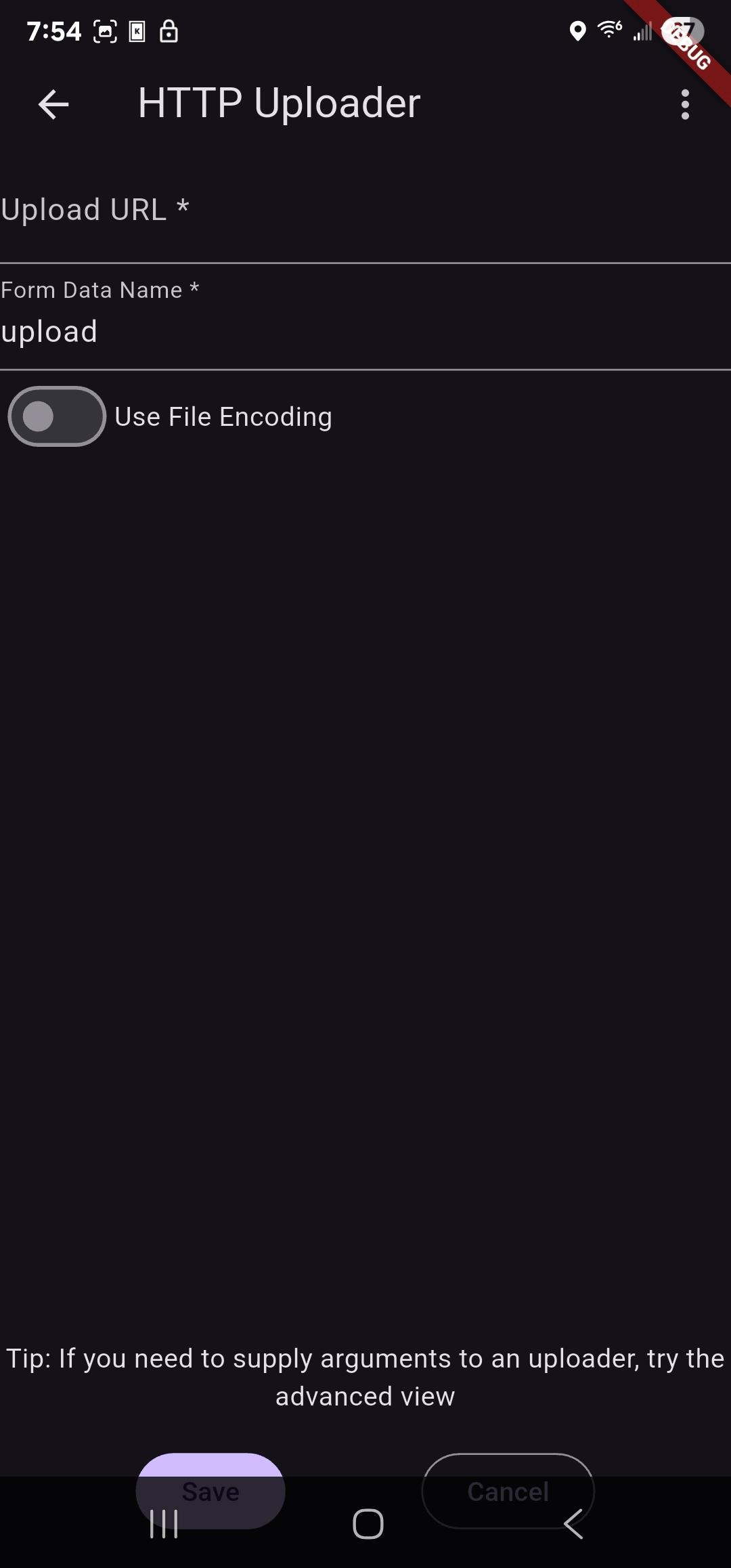
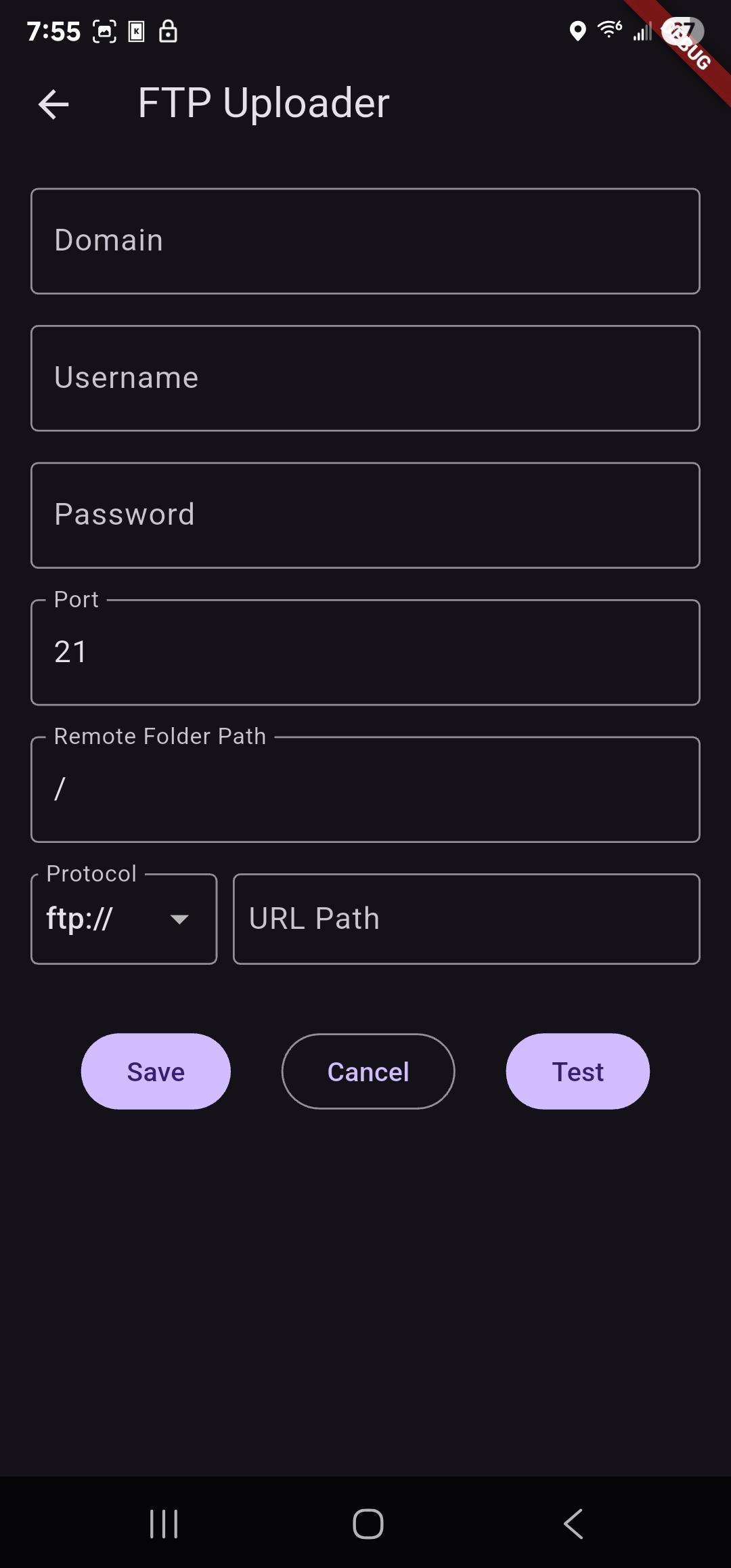
Easily create multiple uploaders for different hosts, and switch between them.
Upload files from your gallery, camera, or any other app that supports sharing.
Import/Export your uploaders to share them with others, with support for sharex's uploader format.
Comes with built in uploader presets
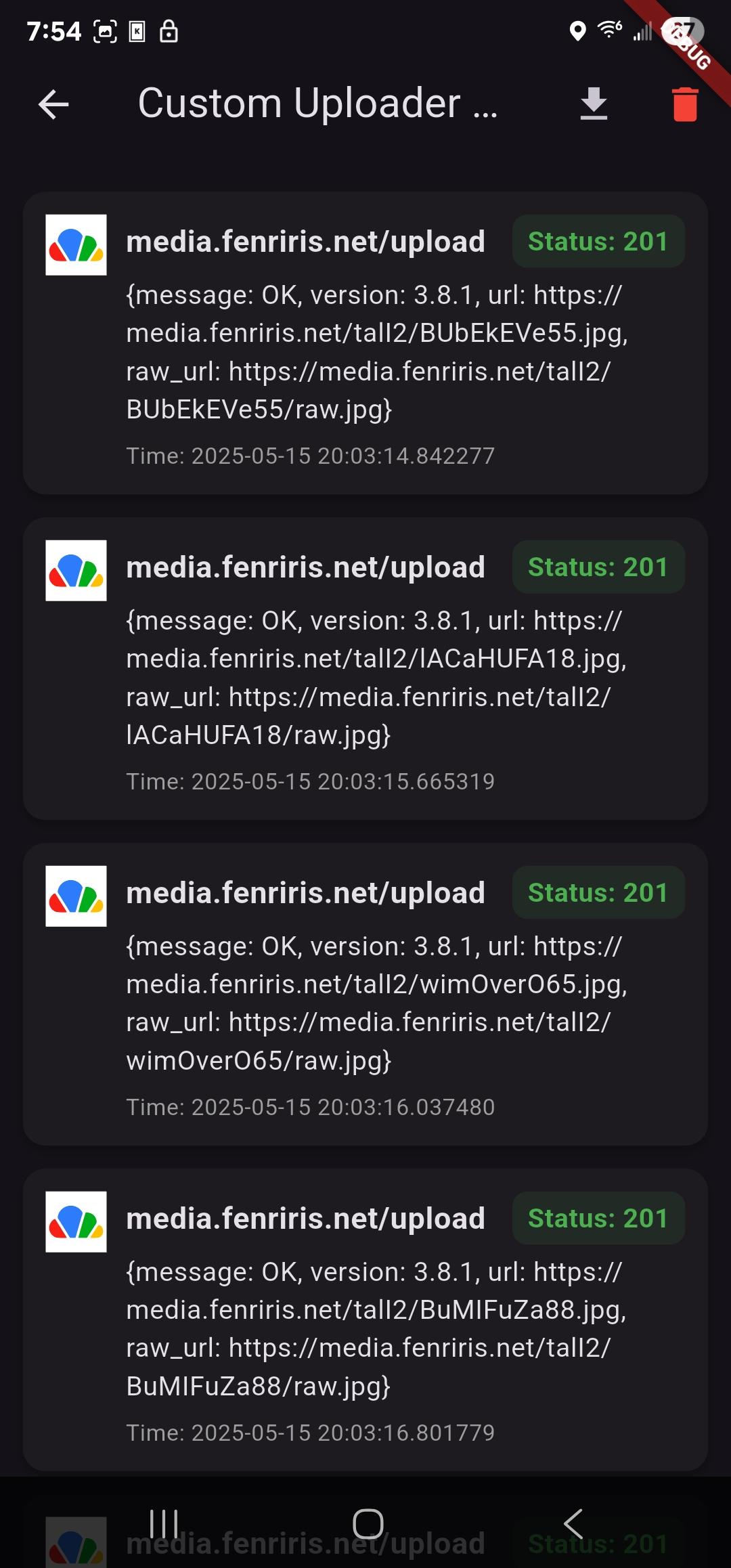
Comes with a powerful url parser that allows you to extract the url of the uploaded file from the response of the host.
Screenshots
What’s new
updated frameworks and libraries for newer android versions
How to install
Download the APK from the button at the top of this page.
Allow “Install unknown apps” for your browser or file manager only, not for every app.
Open the downloaded file and confirm the installation.
If installation fails with “App not installed,” remove an earlier build of the same app first. A signature conflict is the usual cause.
Data safety
Every file is checked against its published SHA-256 before it is listed.
Files are scanned for malware on every update.
The permissions each app requests are listed on its own page.
Read the full safety policy for how we test, flag, and delist files.
Frequently asked questions
What is Custom Uploader?
Upload files to a file host of your choice
Who develops Custom Uploader?
Custom Uploader is developed by Nyx.
Which Android version does Custom Uploader require?