Wake Me icon

Wake Me

anka1981
Tools
Version
1.6
Size
1.7 MB
Requires
Android API 26+
4.1 / 5 · 10,275 ratings 62,835 downloads

Updated Oct 23, 2026

Quick answer

Alarm clock for alternating weeks, timetables and rules like every 1st Tuesday

An alarm clock that follows your rhythm – even when it changes from week to week.

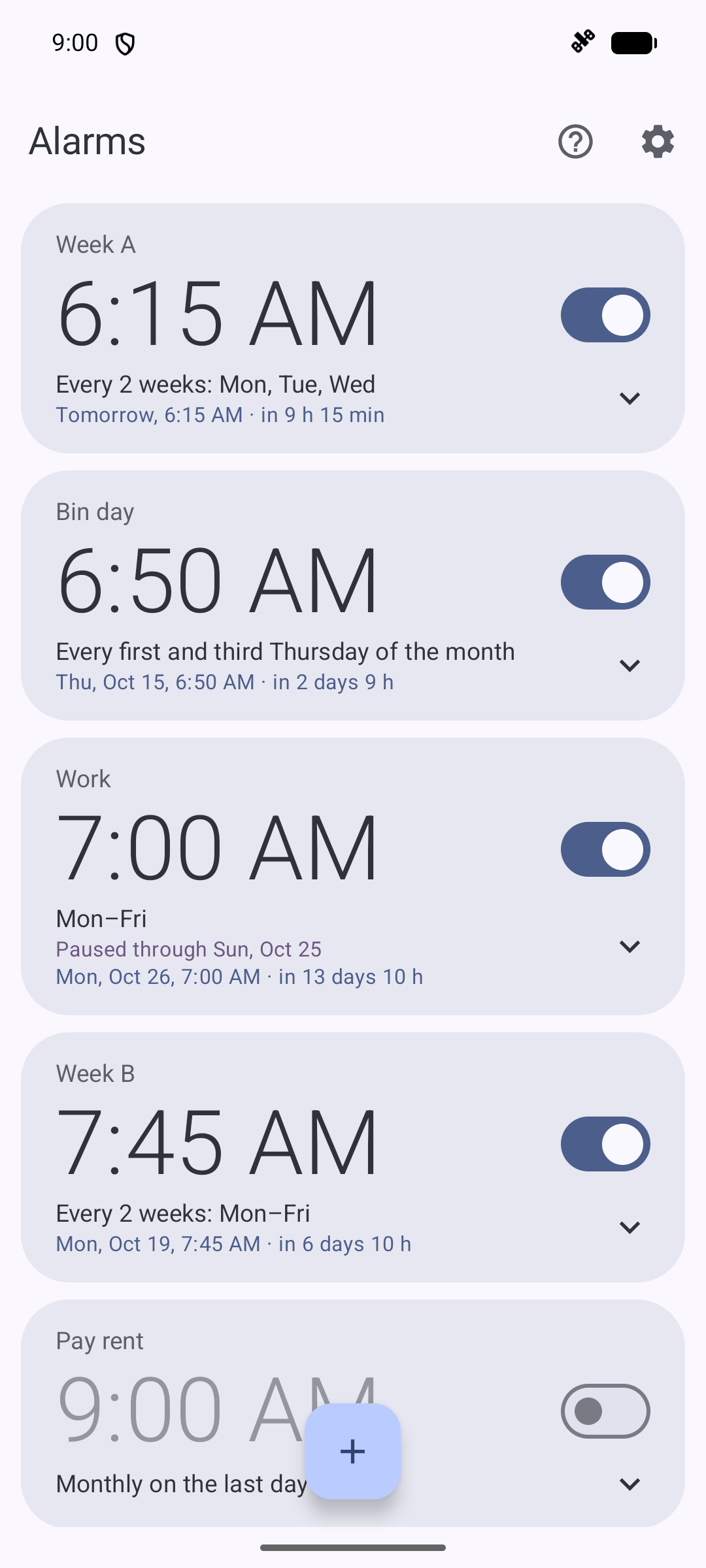
Alternating A/B weeks at school, early and late shifts, a uni timetable that differs every other week: with Wake Me you set each alarm once with a flexible rule and it simply goes off on the right days. No more switching alarms on and off every Sunday evening.

Rules the built-in clock app can't do

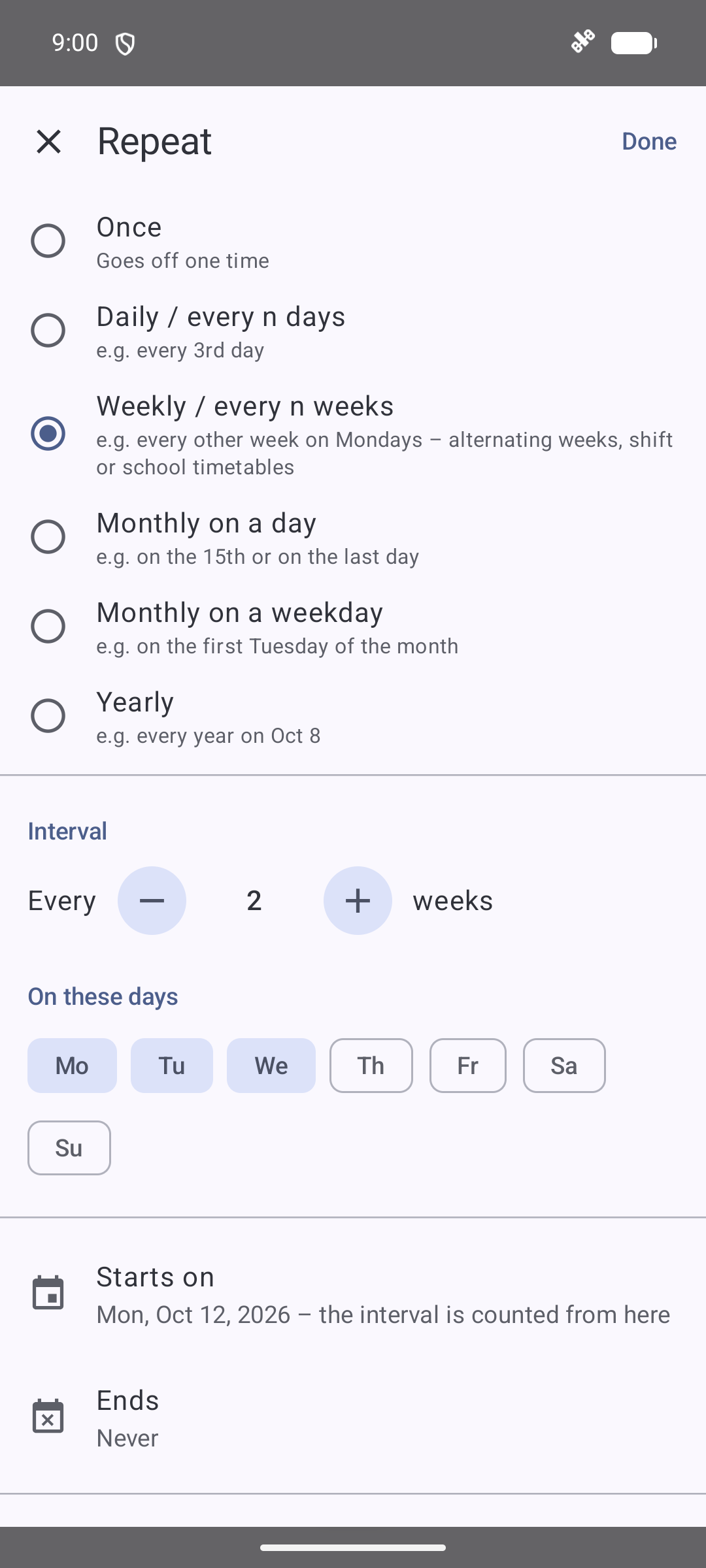
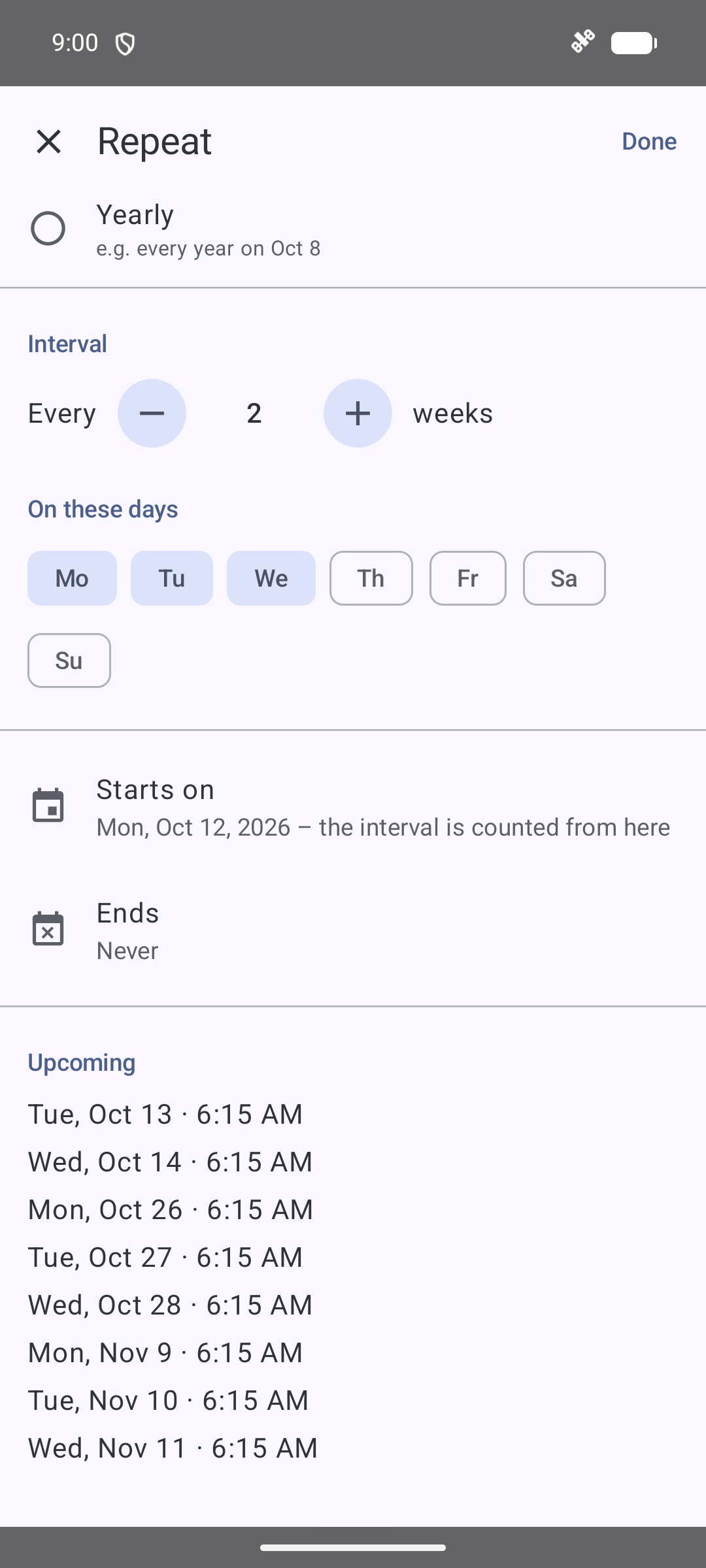
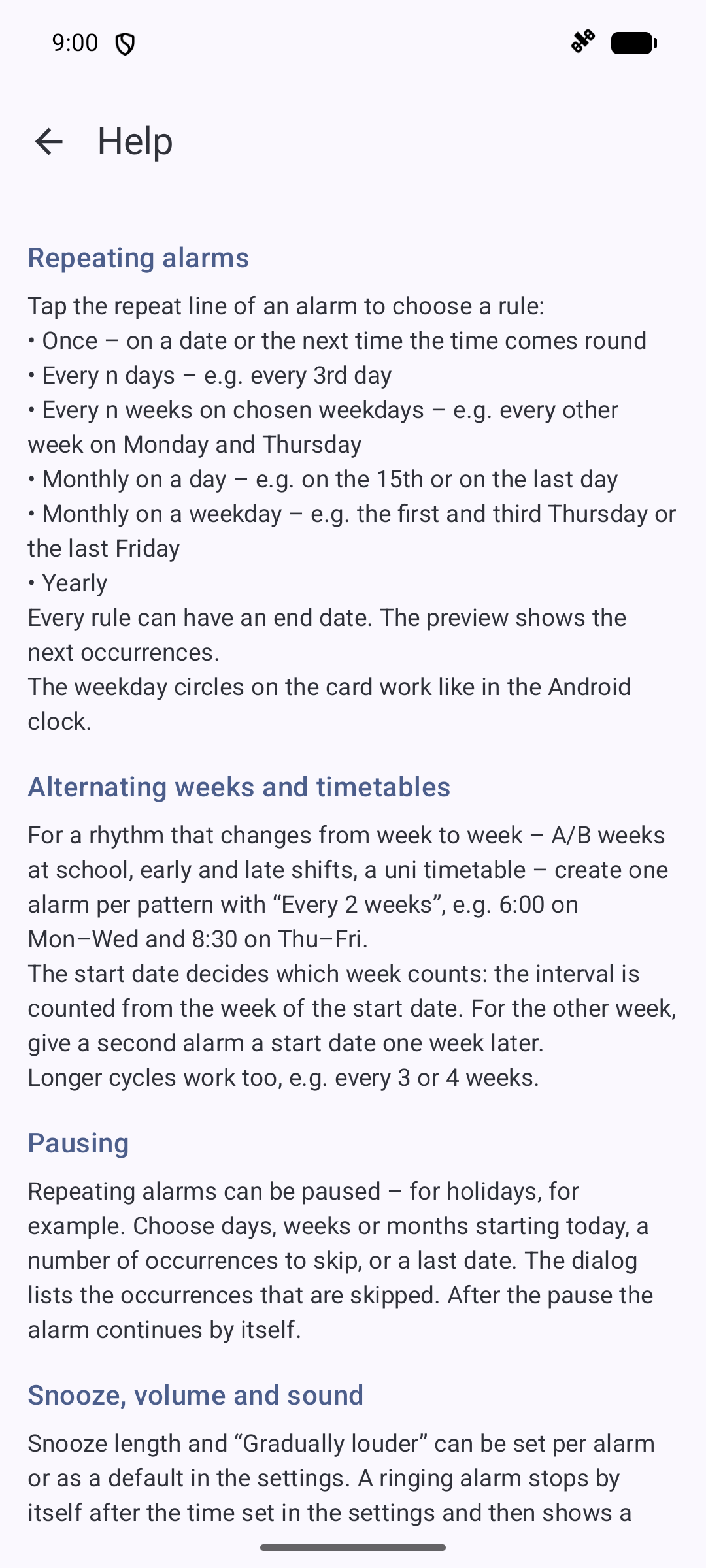
  • Every n weeks on chosen weekdays – e.g. every other week on Monday and Thursday; the start date decides which week counts
  • Monthly on a weekday – e.g. the 1st Tuesday, the 1st and 3rd Thursday or the last Friday of the month
  • Monthly on a day – e.g. on the 15th or on the last day of the month
  • Every n days, yearly or once – each with a start date and an optional end date

A preview shows the next occurrences, so you can see at a glance whether the rule is right.

Pause instead of deleting
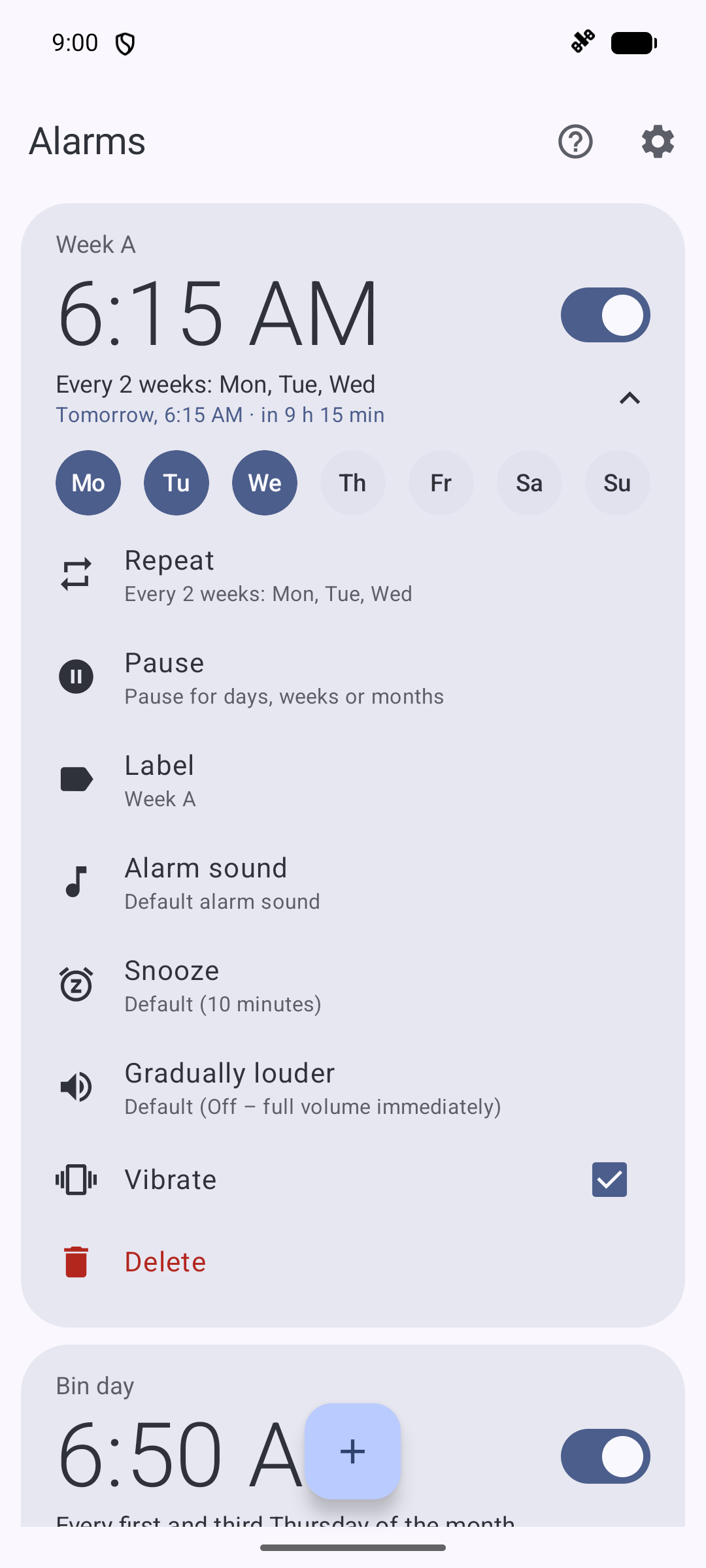
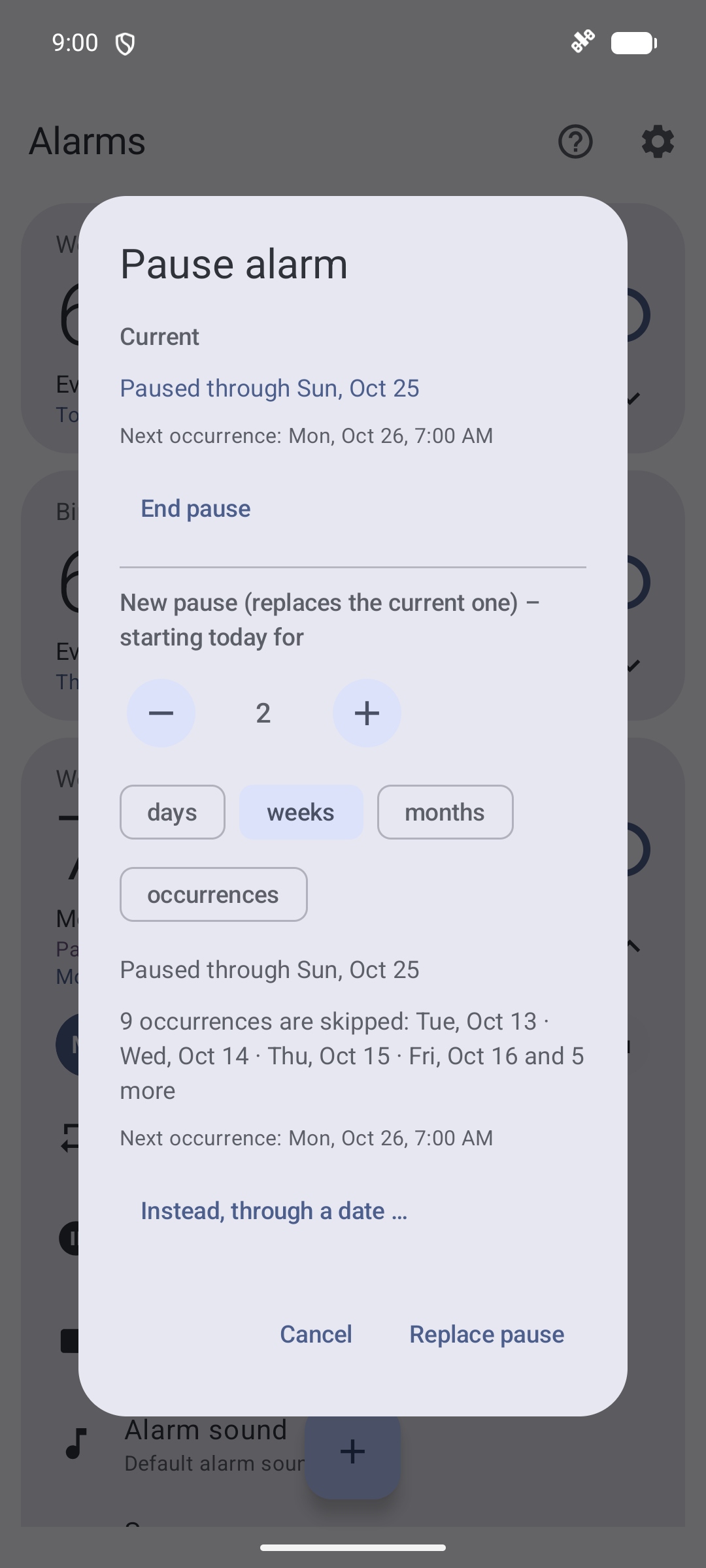
Going on holiday? Pause repeating alarms for days, weeks or months, for a number of occurrences or up to a date. The app lists which occurrences are skipped and resumes by itself afterwards.

Waking up

  • Turn the phone face down to snooze
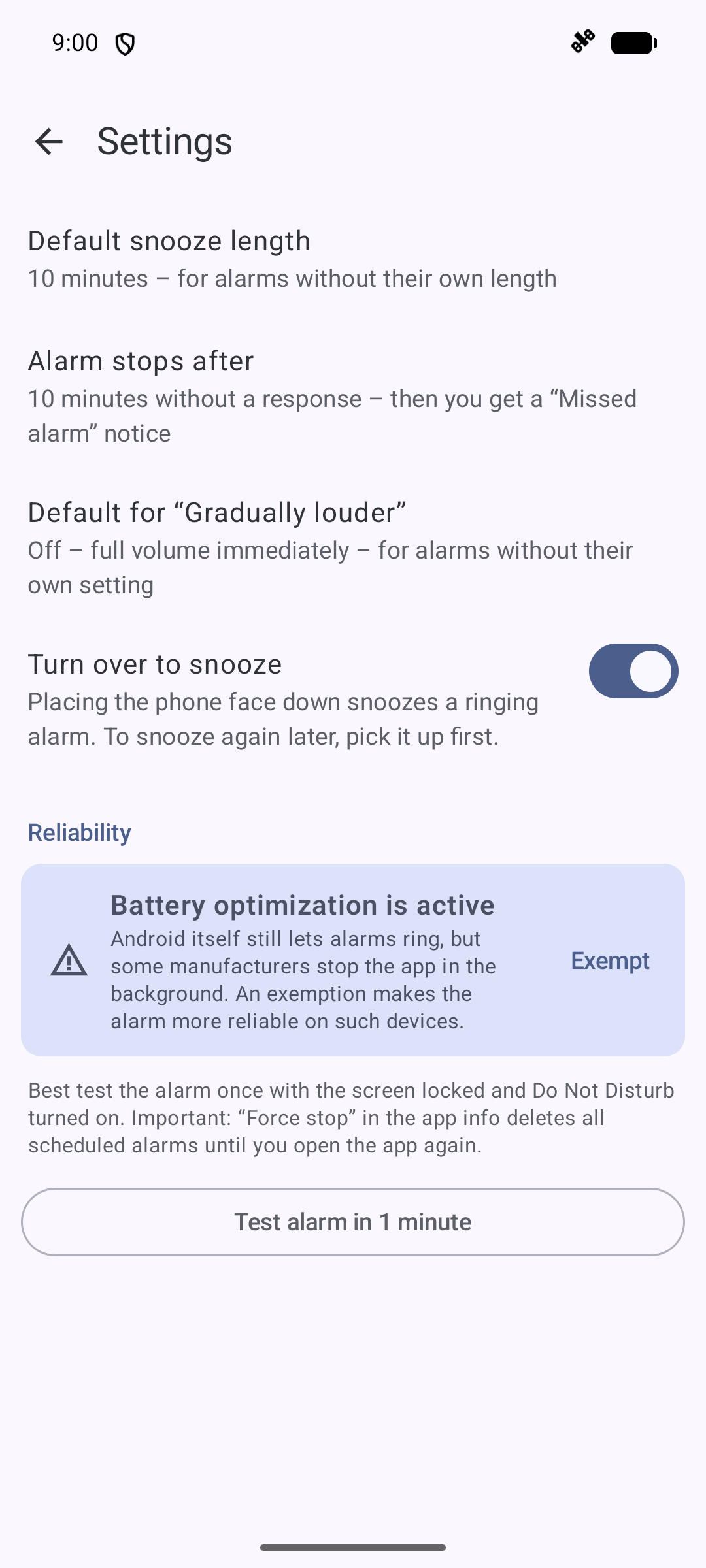
  • Snooze length and gradually increasing volume per alarm or as a default
  • Device alarm sounds, ringtones or your own audio file
  • Rings reliably in Doze, battery saver and Do Not Disturb, and after a restart even before the first unlock
  • Checks permissions, alarm volume and Do Not Disturb and warns you about anything that would stop the alarm
  • “Missed alarm” notice if the device was off or the alarm stopped without a response
  • Test alarm in 1 minute

Privacy
No internet permission, no ads, no tracking. Your alarms stay on your device.

Available in English, German, French, Spanish, Italian, Portuguese and Dutch; the app follows the system language.

Screenshots

Wake Me screenshot 1
Wake Me screenshot 2
Wake Me screenshot 3
Wake Me screenshot 4
Wake Me screenshot 5
Wake Me screenshot 6
Wake Me screenshot 7

What’s new

First F-Droid release: available in English, German, French, Spanish, Italian, Portuguese and Dutch (follows the system language), new help page, turn the phone over to snooze, times follow the 12/24-hour setting.
How to install

  1. Download the APK from the button at the top of this page.
  2. Allow “Install unknown apps” for your browser or file manager only, not for every app.
  3. Open the downloaded file and confirm the installation.
  4. If installation fails with “App not installed,” remove an earlier build of the same app first. A signature conflict is the usual cause.

Data safety

  • Every file is checked against its published SHA-256 before it is listed.
  • Files are scanned for malware on every update.
  • The permissions each app requests are listed on its own page.
  • Read the full safety policy for how we test, flag, and delist files.

Frequently asked questions

What is Wake Me?
Alarm clock for alternating weeks, timetables and rules like every 1st Tuesday
Who develops Wake Me?
Wake Me is developed by anka1981.
Which Android version does Wake Me require?
Wake Me requires Android API 26 or later.
What is the current version of Wake Me?
The synchronized F-Droid version is 1.6.
Which license does Wake Me use?
The signed F-Droid metadata lists GPL-3.0-only.
Where is the source code for Wake Me?
https://github.com/anka1981/WeckMich

Comments

Recent approved comments · sorted by newest

Verification code
Be specific and keep it about the app. No links. Comments are reviewed before publication. Device and Android details are recorded automatically. Privacy policy.

Loading recent comments...

View all comments