Quick answer
Voltascano shows battery voltage in the system status bar
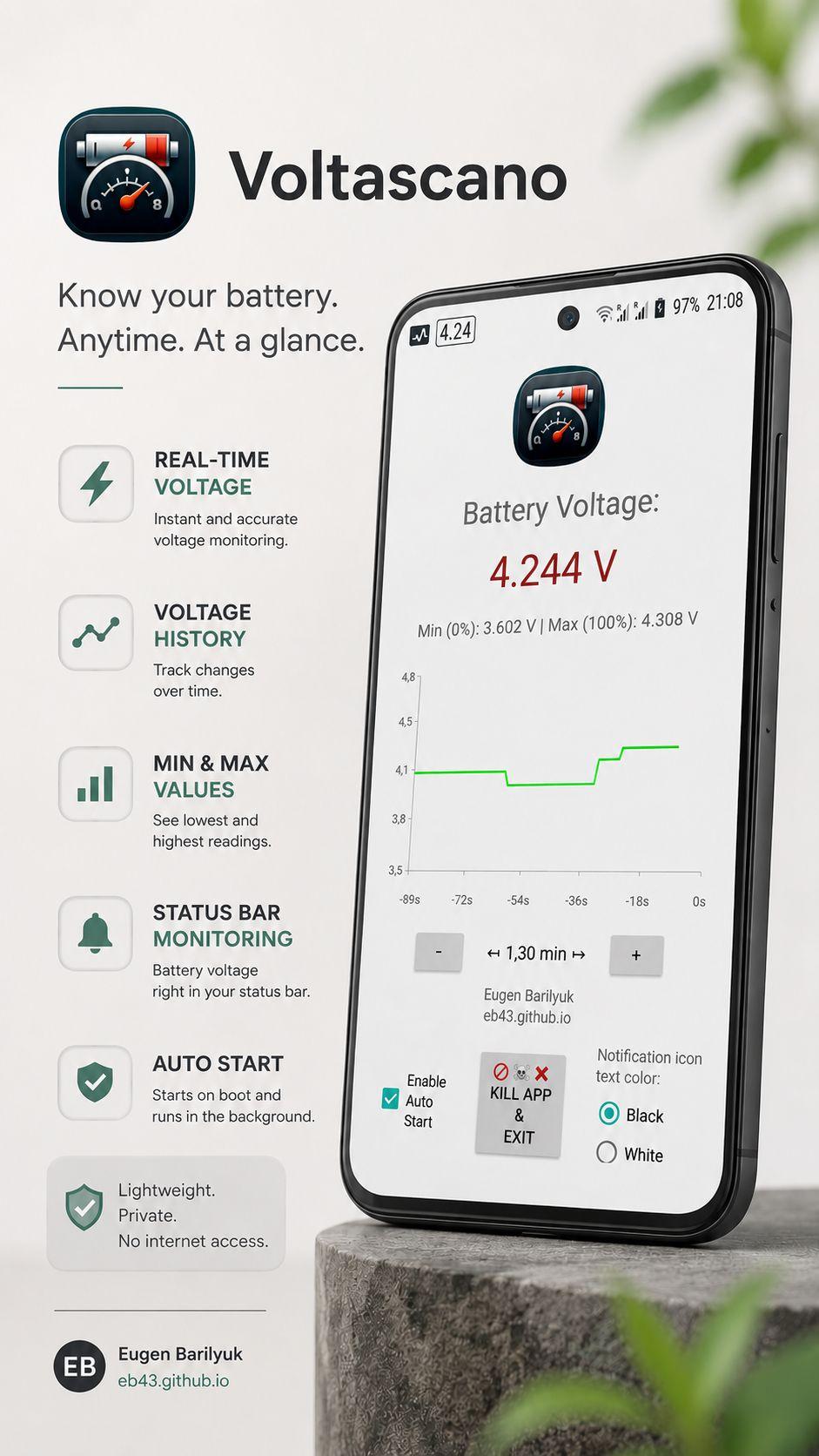
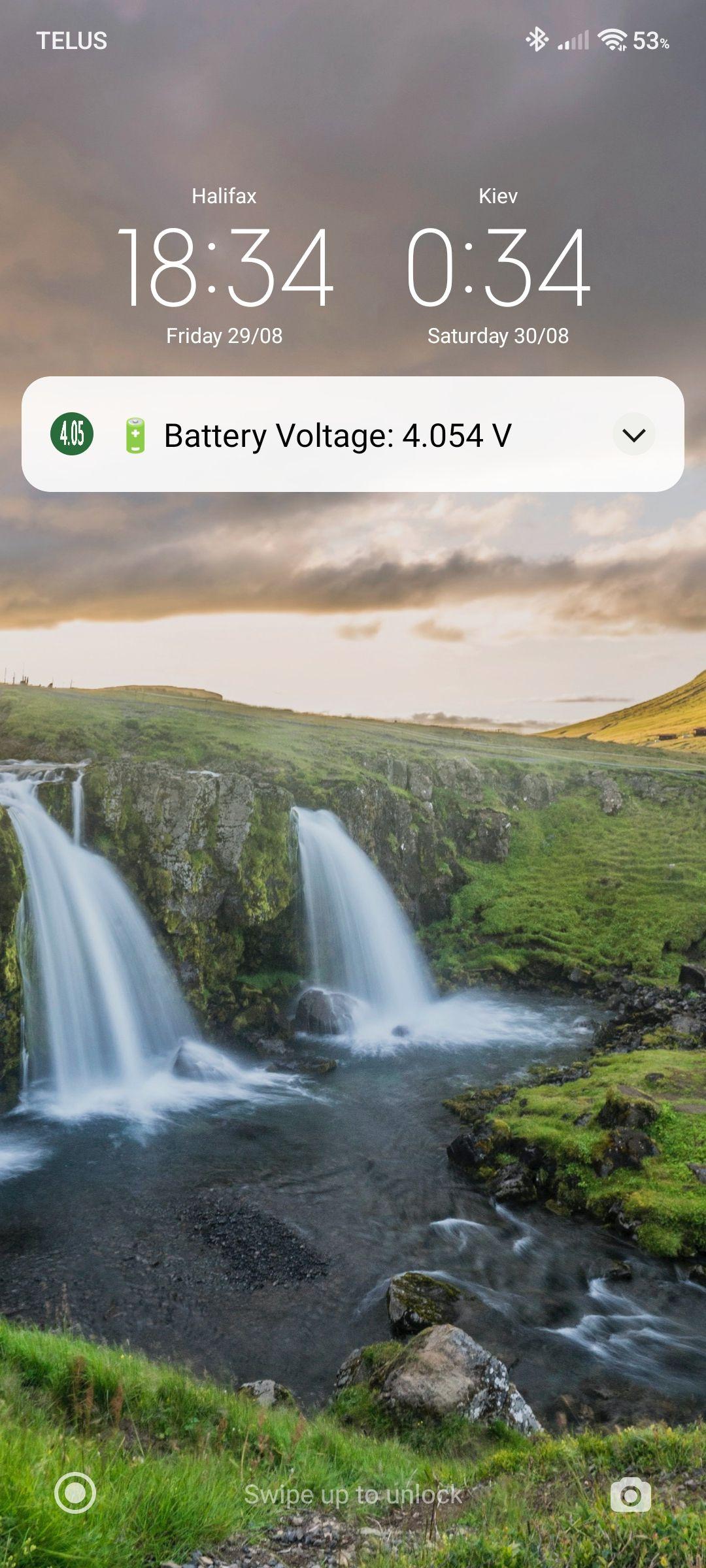
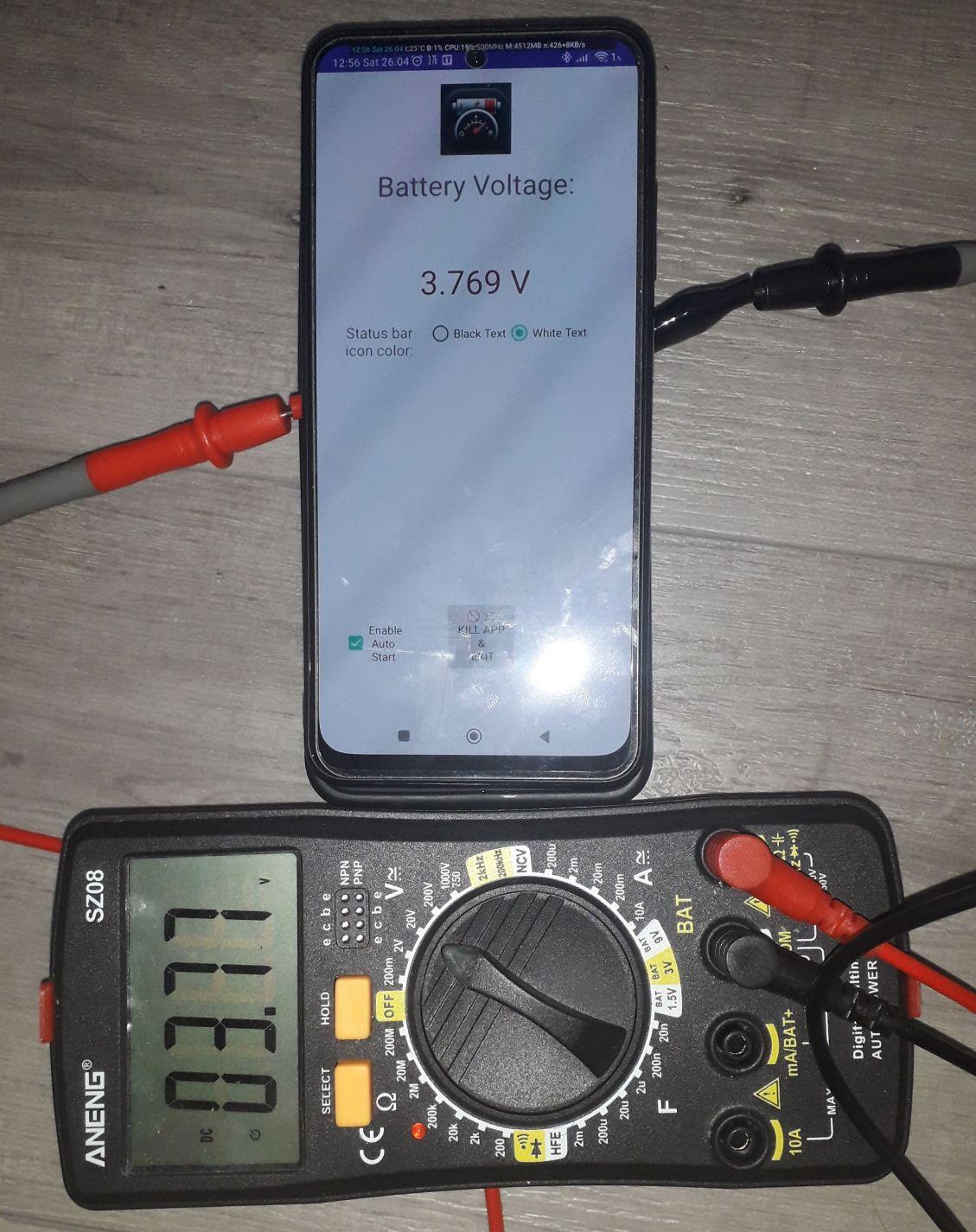
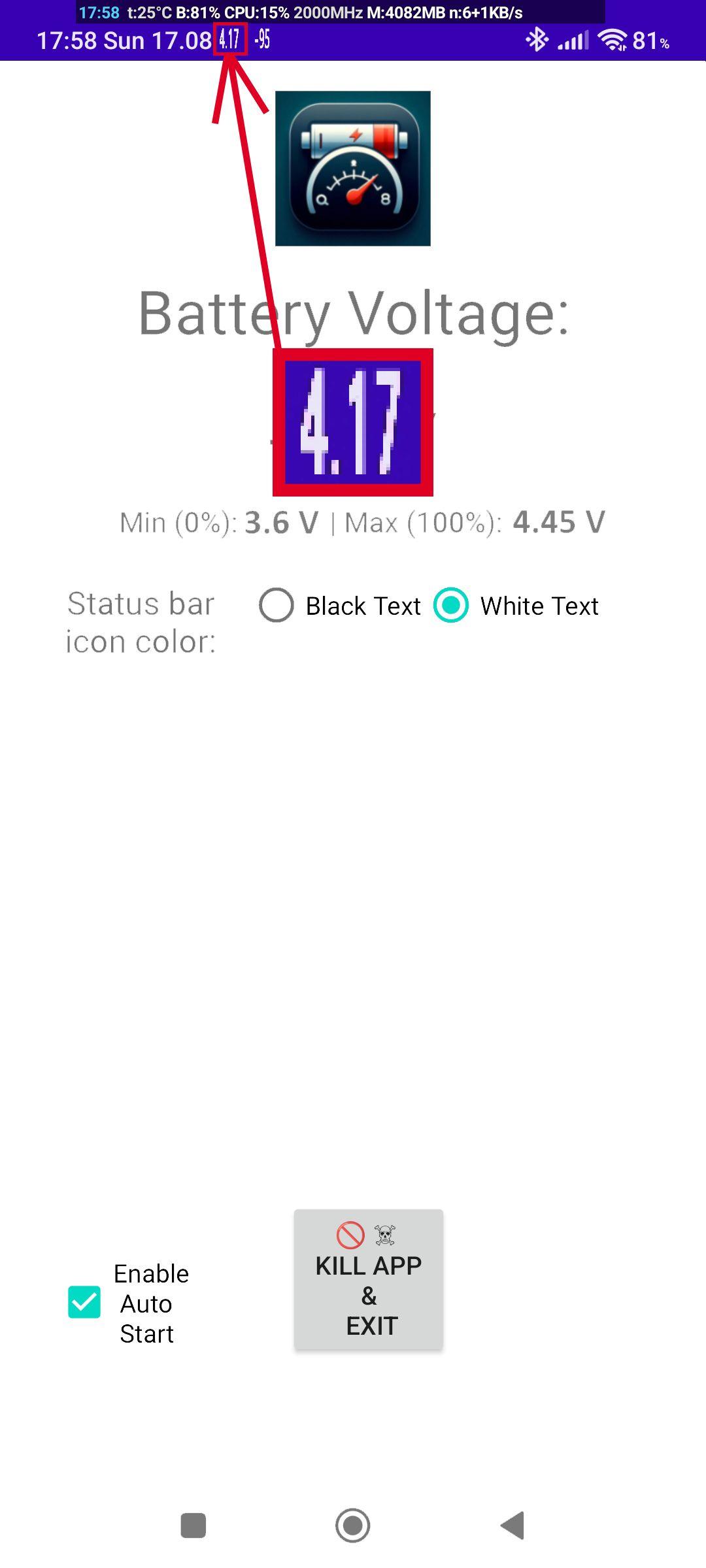
Voltascano shows Android phone’s real-time battery voltage. The information is always visible in an icon in the status bar and in a notification, even while you use other apps.
Practical uses of monitoring battery voltage:
🔋 Check battery real health Spot signs of battery degradation. Watch for sudden or irregular voltage drops—these are early signs that the battery is degrading.
🔌 Catch bad chargers or cables During charging, voltage should rise smoothly (e.g., 3.7 V → 4.2 V). If it stays flat or jumps irregularly, the cable or adapter is likely defective.
💀 Avoid unexpected shutdowns Monitoring voltage lets you see the exact point where the phone shuts down from low battery. Helping you avoid surprises like the device shutting down at 30% charge.
📈 Save money on unnecessary battery replacement Monitor battery’s voltage to know its true health and decide a battery replacement only when it is actually needed.
⚠️ Prolong battery lifespan Batteries experience high stress when charged to their maximum voltage, which often happens before the charge indicator shows 100%. By monitoring voltage, you can unplug your phone at the optimal point to reduce stress and extend battery life.
🔎 Evaluate aftermarket replacement battery capacity Quickly know a replacement battery’s quaity. A good battery holds stable voltage under load, while a poor-quality battery drops quickly under use and spikes sharply when charging.
The Voltascano Battery Voltage Display app is a tool for anyone who wants detailed insights into their Android smartphone’s battery health.
Key Features:
- User-Friendly Interface: Designed with simplicity in mind, ensuring easy navigation and quick access to vital battery data. - Automatic Startup Support: Enables continuous monitoring without requiring manual app relaunches after a reboot. - Resource Efficiency: The app operates with minimal RAM usage, ensuring it does not interfere with system performance. - No Hidden Processes: Unlike many background apps, it does not run covert services, preventing unnecessary battery drain. - Manual Exit Functionality: Allows users to completely exit the app with a single button press, ensuring full control over system resources. - Ad-Free Experience: The app is entirely free to use without any intrusive advertisements disrupting the user experience. - Wide Compatibility: Works seamlessly on devices running Android 8 and newer versions.
Created by Eugen Barilyuk EB43 https://eb43.github.io
Screenshots
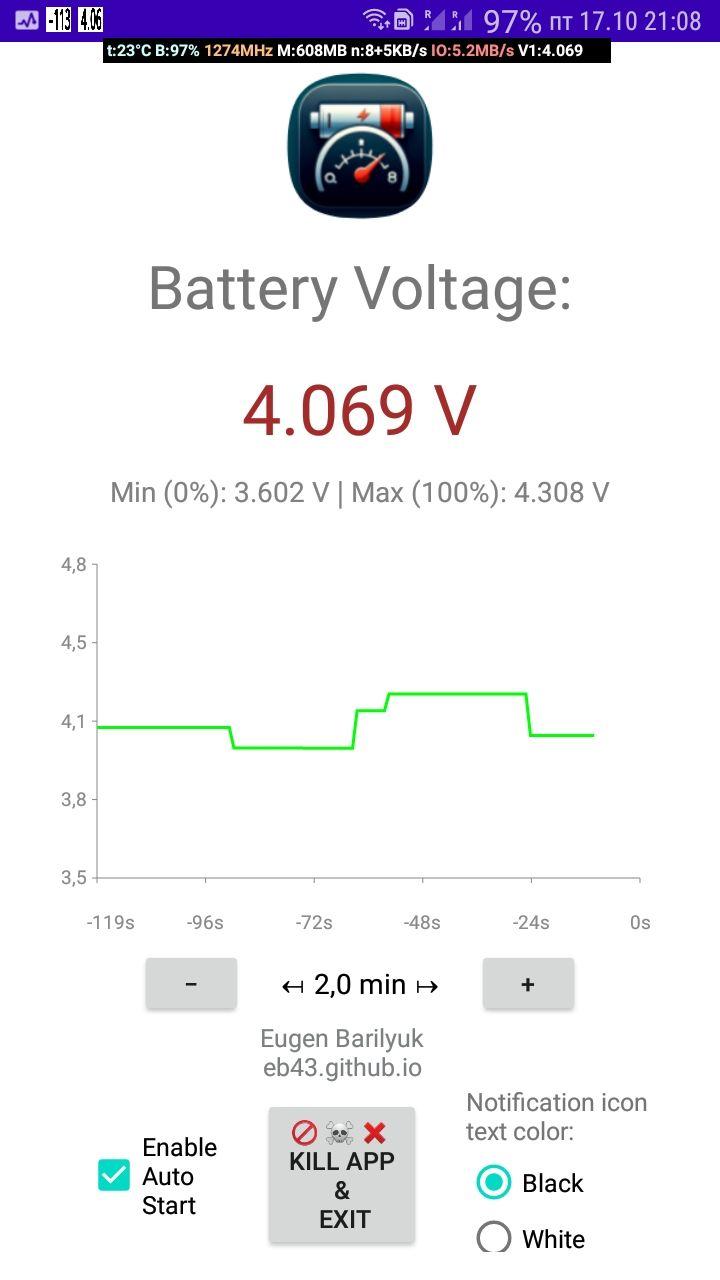
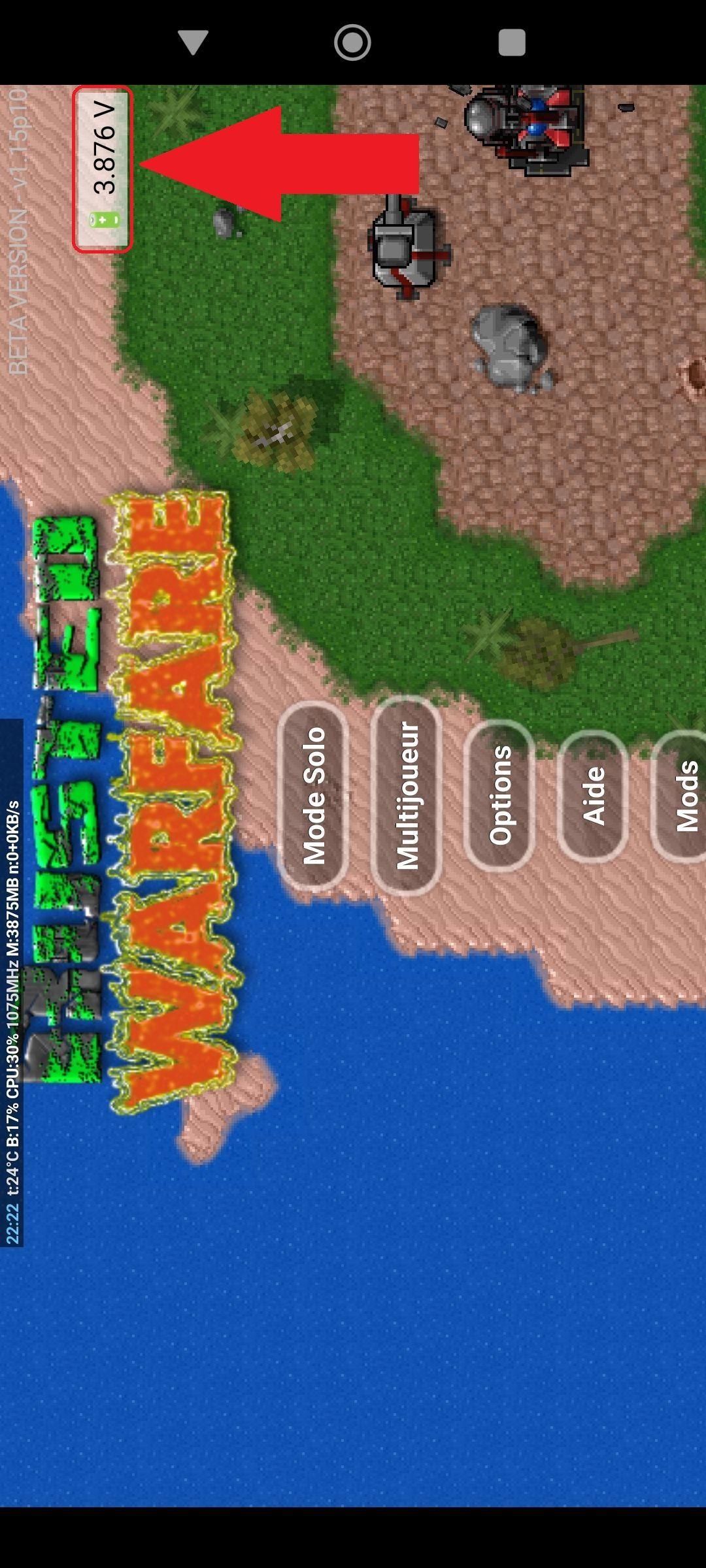
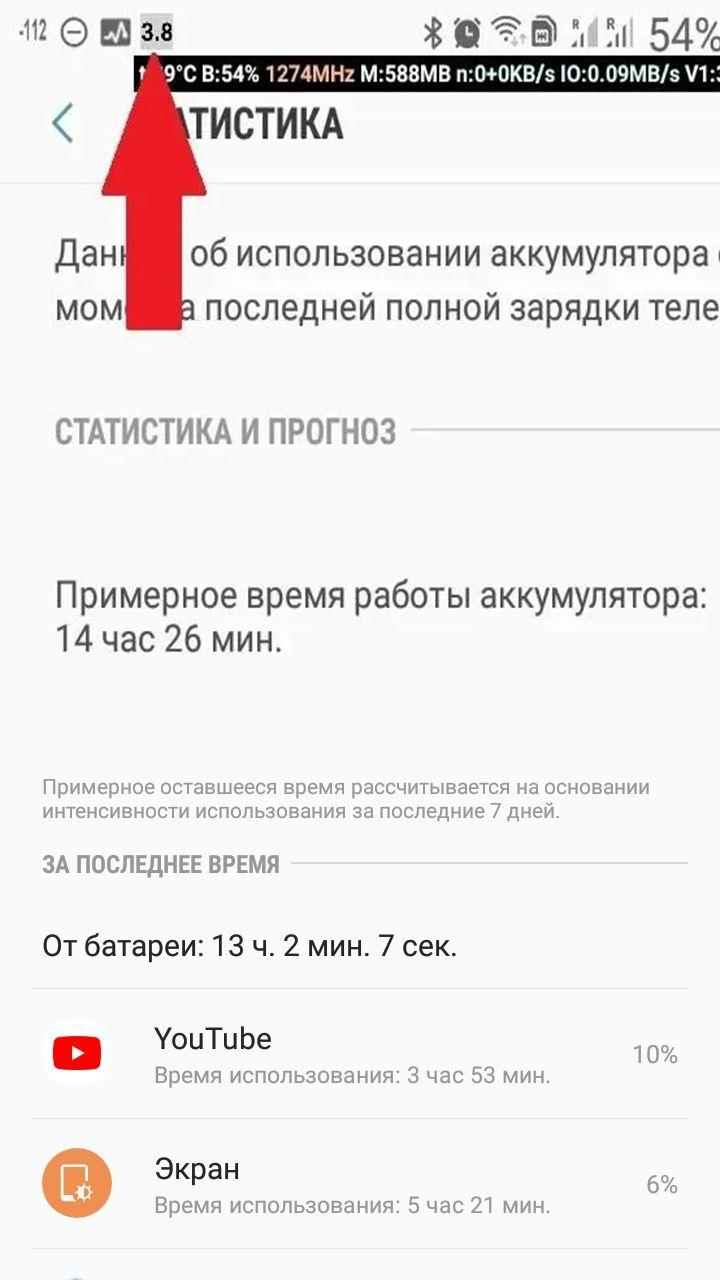
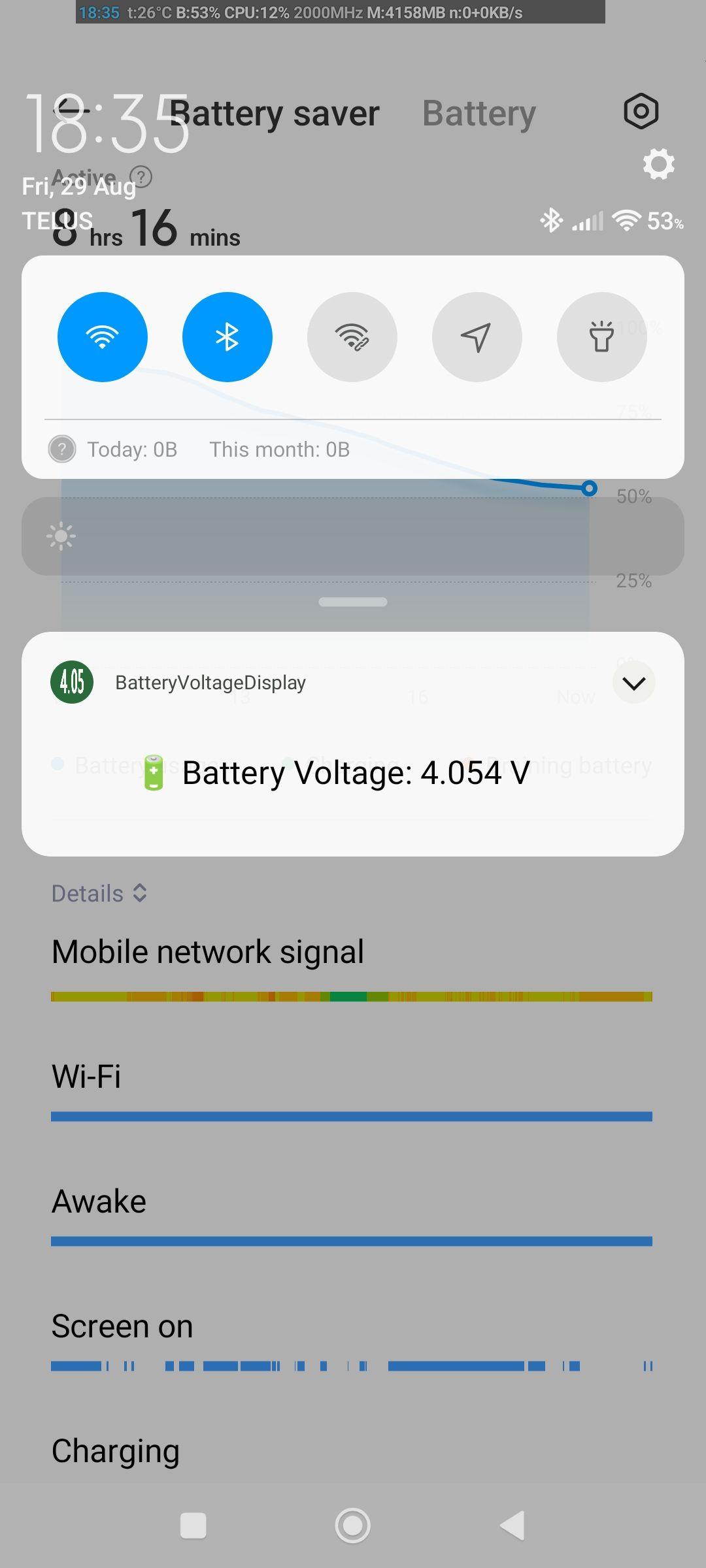
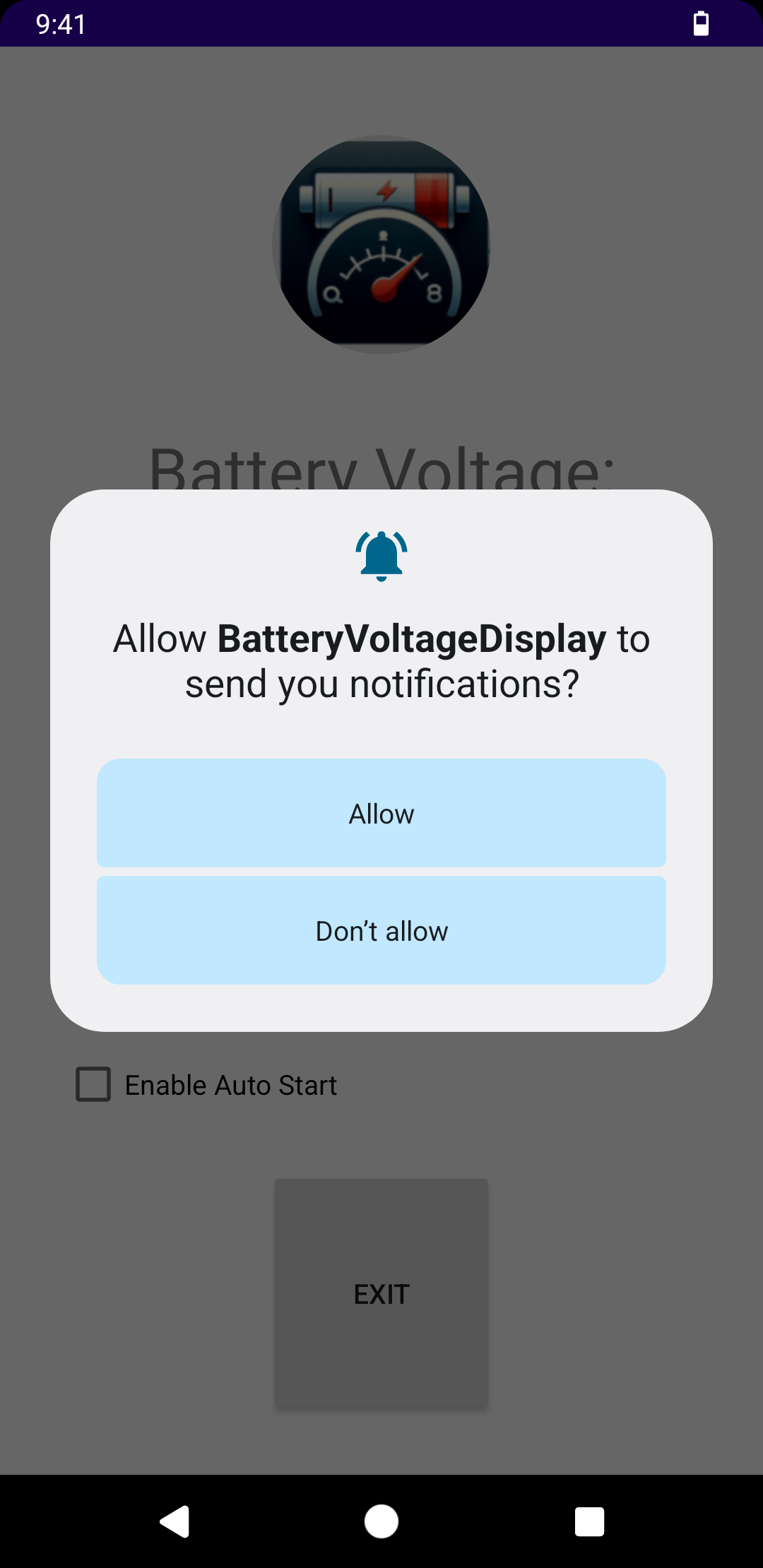
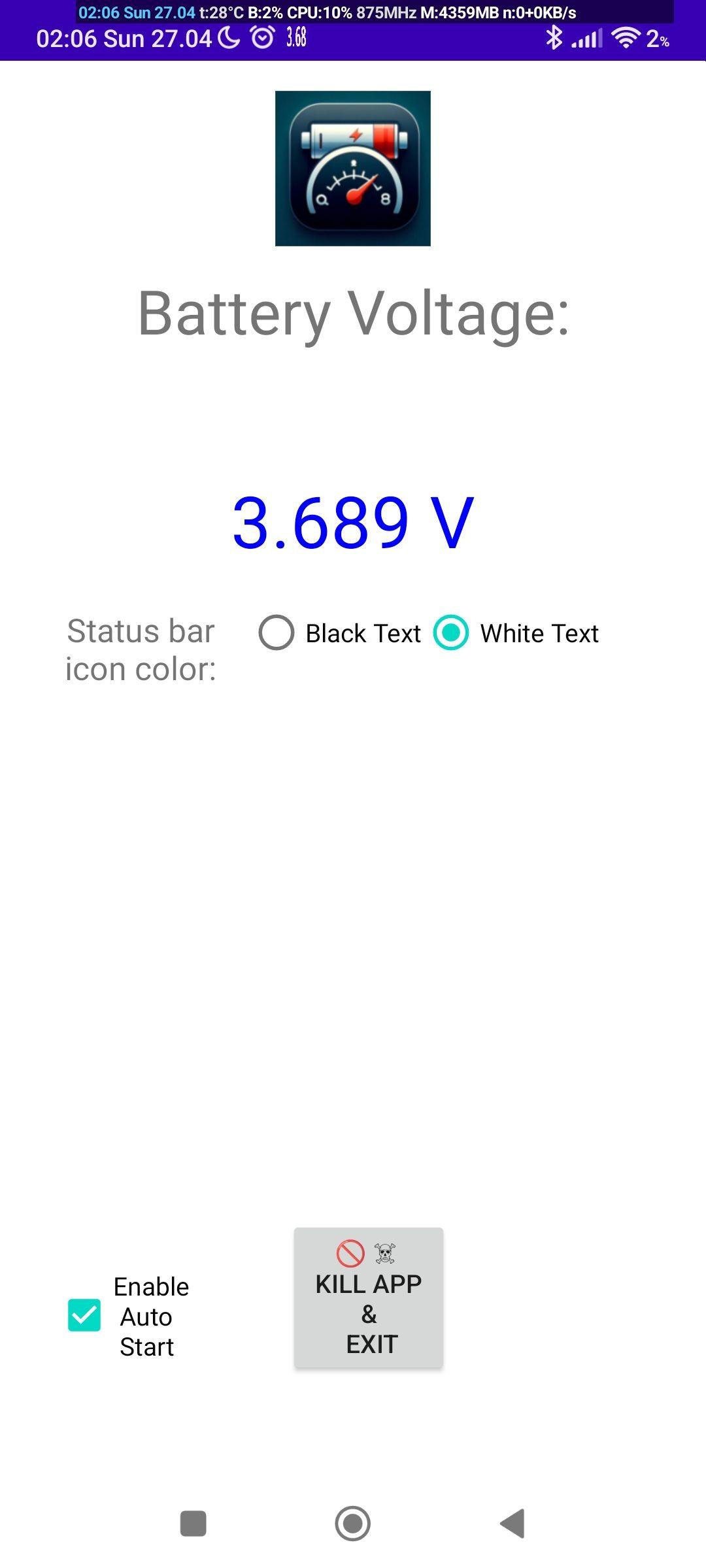
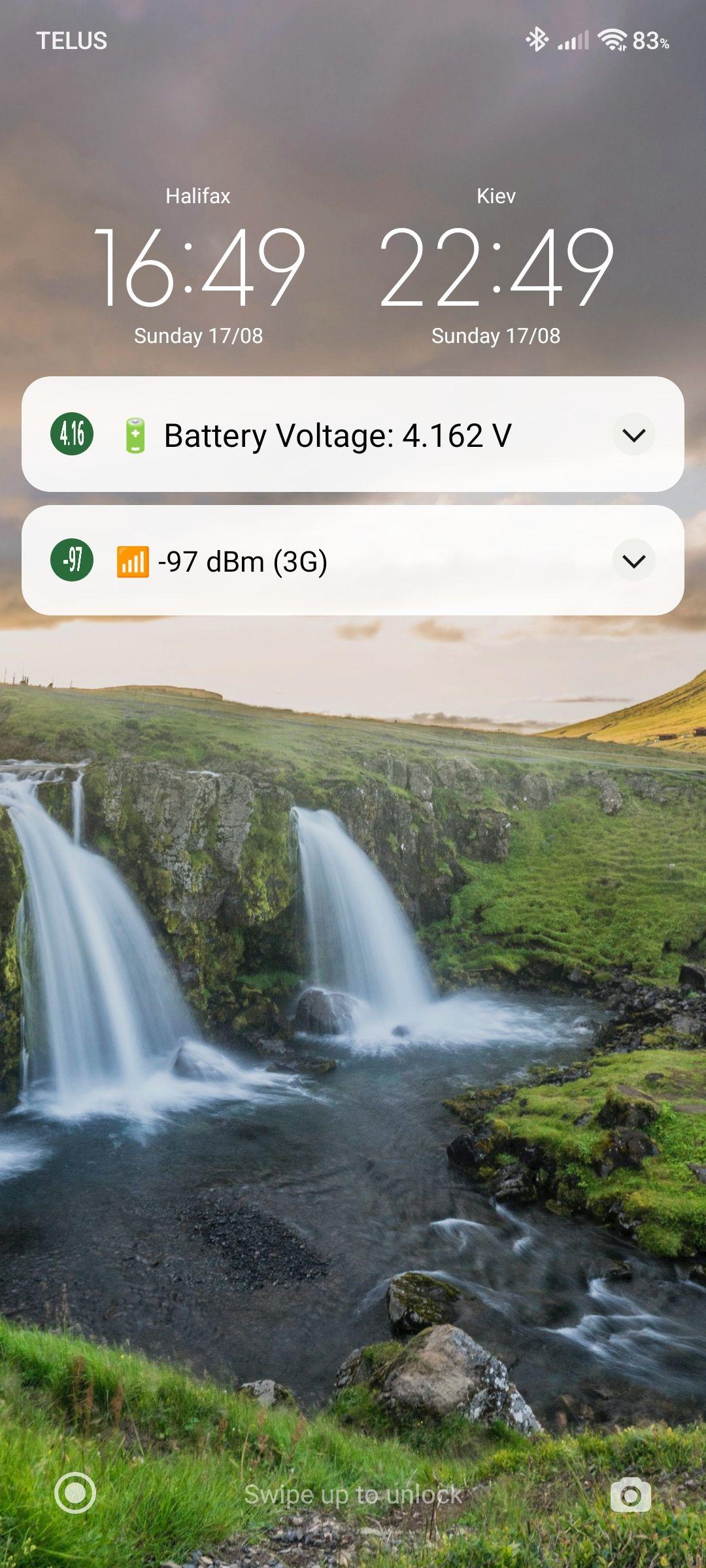
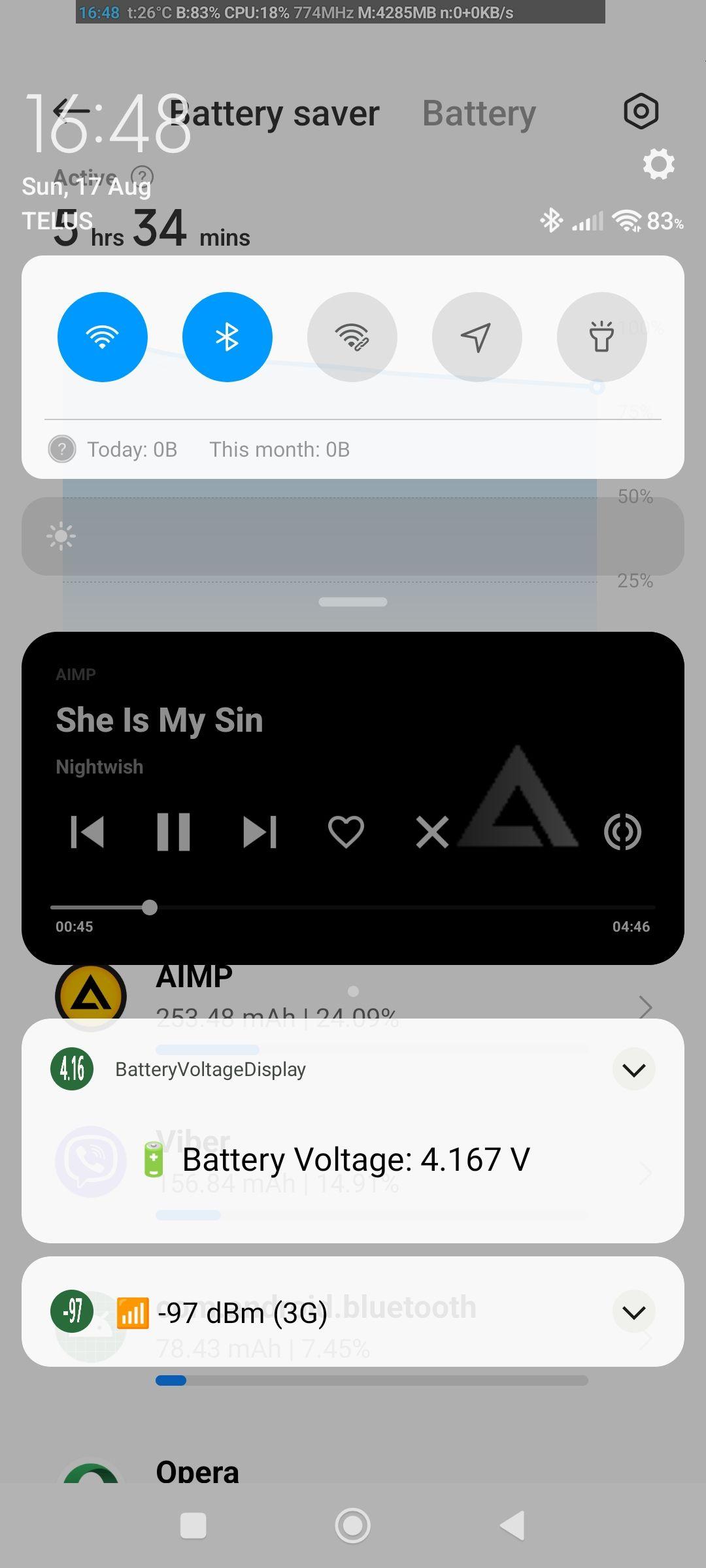
How to install
- Download the APK from the button at the top of this page.
- Allow “Install unknown apps” for your browser or file manager only, not for every app.
- Open the downloaded file and confirm the installation.
- If installation fails with “App not installed,” remove an earlier build of the same app first. A signature conflict is the usual cause.
Data safety
- Every file is checked against its published SHA-256 before it is listed.
- Files are scanned for malware on every update.
- The permissions each app requests are listed on its own page.
- Read the full safety policy for how we test, flag, and delist files.
Frequently asked questions
What is Voltascano?
Voltascano shows battery voltage in the system status bar
Who develops Voltascano?
Voltascano is developed by Eugen Barilyuk EB43.
Which Android version does Voltascano require?
Voltascano requires Android API 26 or later.
What is the current version of Voltascano?
The synchronized F-Droid version is 1.4.
Which license does Voltascano use?
The signed F-Droid metadata lists GPL-3.0-only.
Where is the source code for Voltascano?
https://github.com/Eb43/bateryvoltagedisplay
Comments
Recent approved comments · sorted by newest
View all comments