What’s new
Searching with no matches now says "No matches" instead of "No links yet". Page titles are fetched only when you tap Fetch Title, never while typing, scanning or sharing a link.

Updated Oct 23, 2026
Turn URLs into QR codes and save them in a searchable offline library
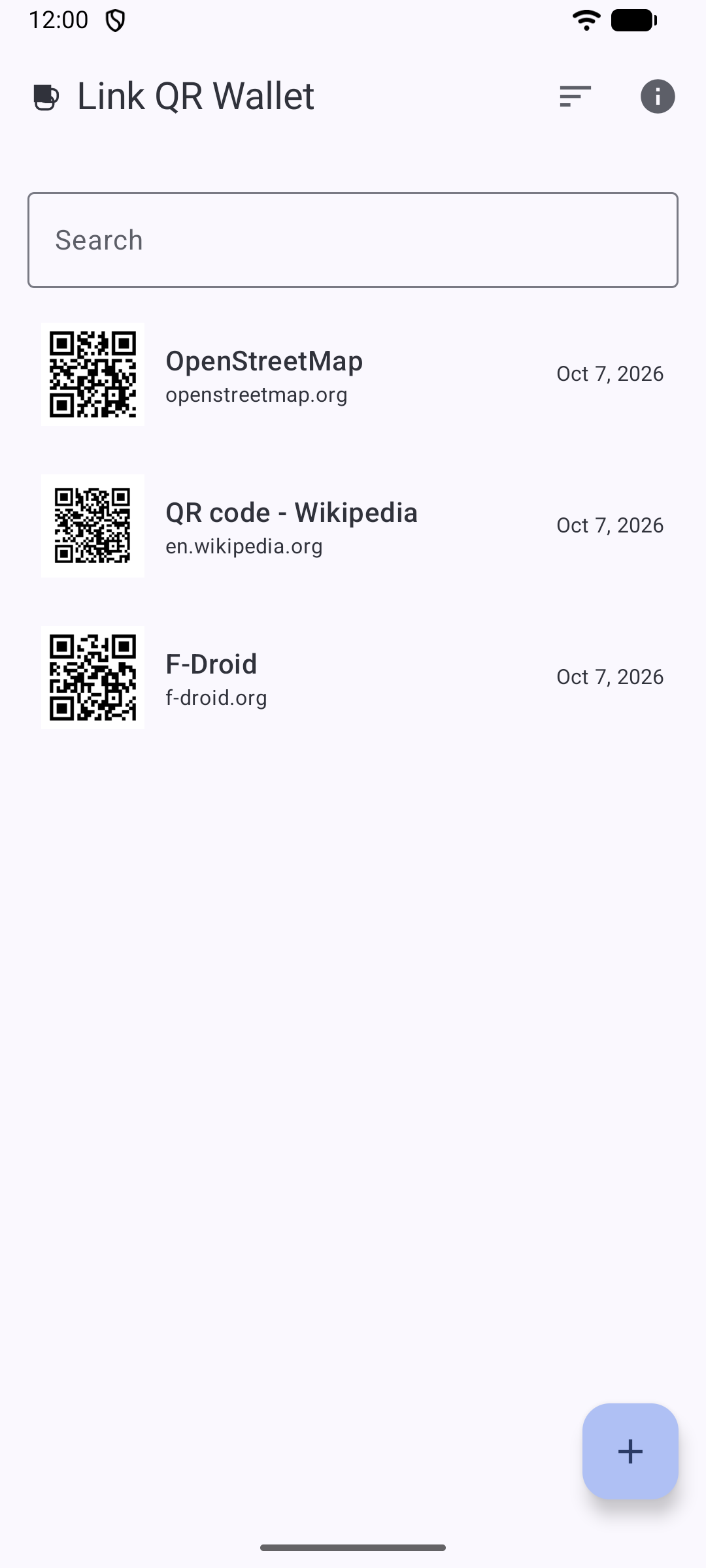
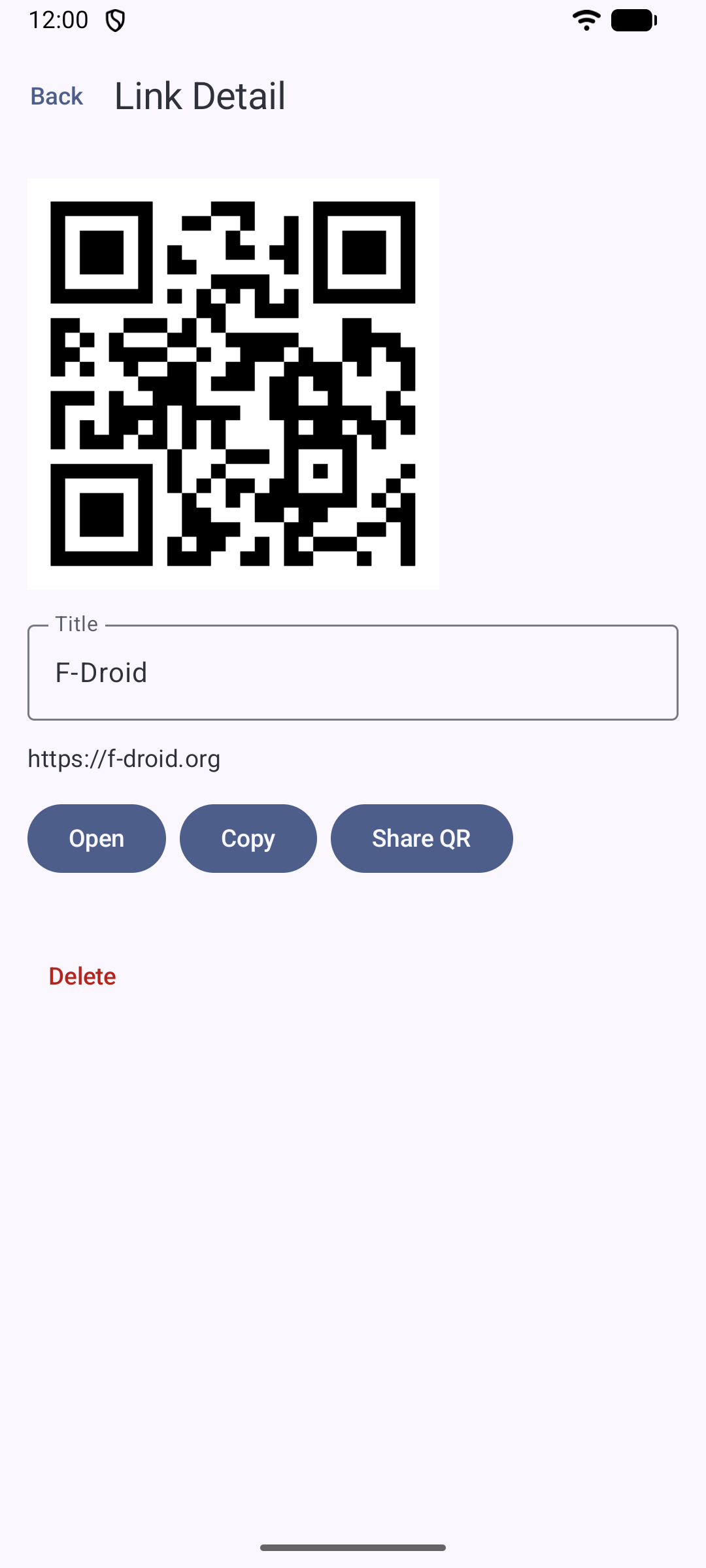
Link QR Wallet turns URLs into QR codes and stores them in a searchable, sortable library on the device. Add a link, optionally tap Fetch Title to fill in the page title, and the app generates a QR code that can be shared as an image or scanned back in.
Links can be searched and sorted by title, domain, or date. A built-in scanner reads existing QR codes so codes made elsewhere can be imported into the same library.
All data is stored locally; nothing is sent to a server. The app uses the camera only to scan QR codes and the network only to fetch a page's title when you tap Fetch Title. Nothing goes over the network while you type, scan or share a link.
Searching with no matches now says "No matches" instead of "No links yet". Page titles are fetched only when you tap Fetch Title, never while typing, scanning or sharing a link.
Recent approved comments · sorted by newest
View all comments