Unofficial Karakeep client: read, sort and clean up your self-hosted bookmarks
Linkstow is an open-source mobile client for Karakeep, the self-hostable "bookmark everything" app. Sign in to your own server — or Karakeep Cloud — and read, sort and clean up your bookmarks from your phone.
Connect
Any Karakeep server: self-hosted (LAN http://, private CAs) or Karakeep Cloud
Email and password, or an API key for servers that use single sign-on
Custom request headers for servers behind Cloudflare Access, Authelia or another auth proxy
Your password is never stored: it is exchanged for an API key kept in secure storage
Browse
Link-preview cards with image, title, description, site and every tag
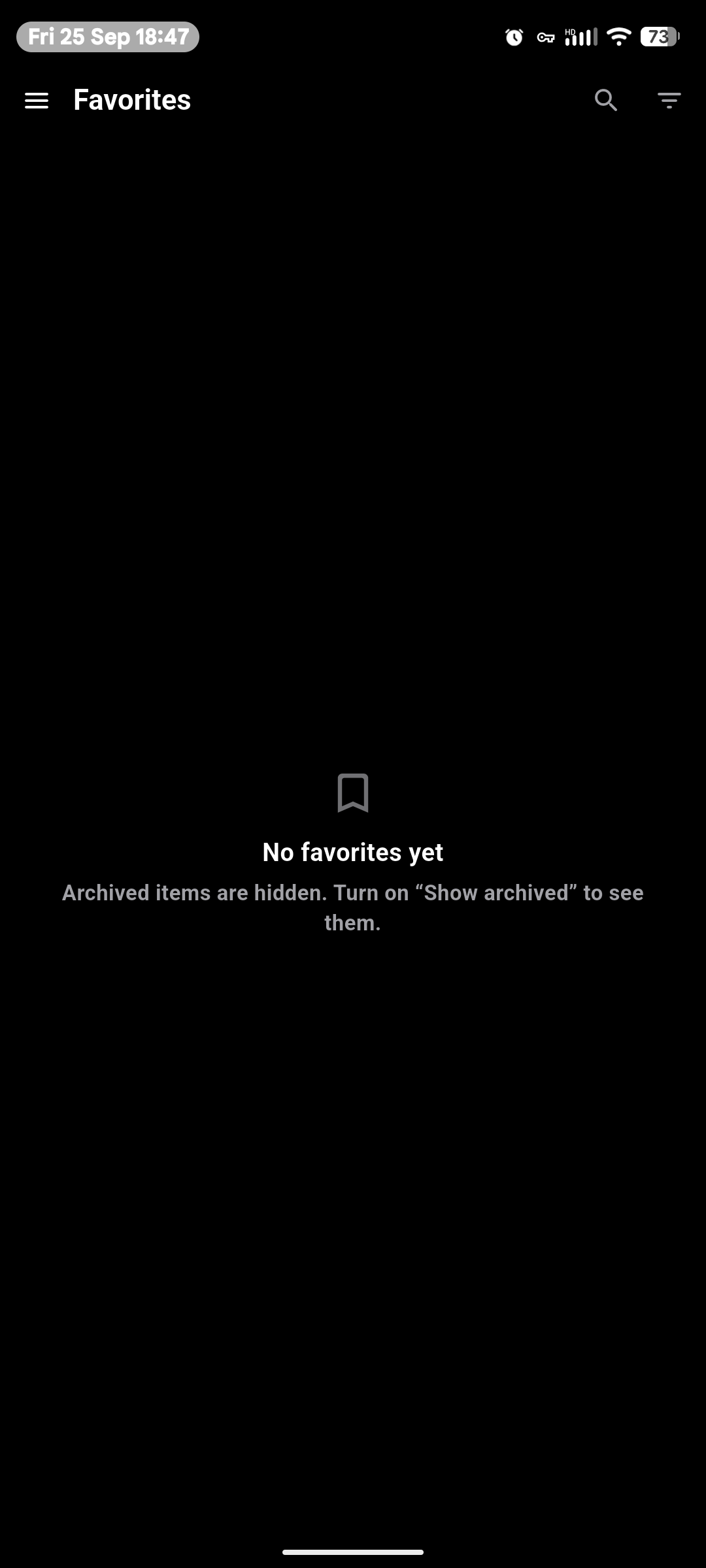
All bookmarks, Favorites, Archived, your lists (nested and smart lists) and tags
An "unarchived / total" count on every list — archived means read in Karakeep
Search with Karakeep's query language, inside the open list or tag
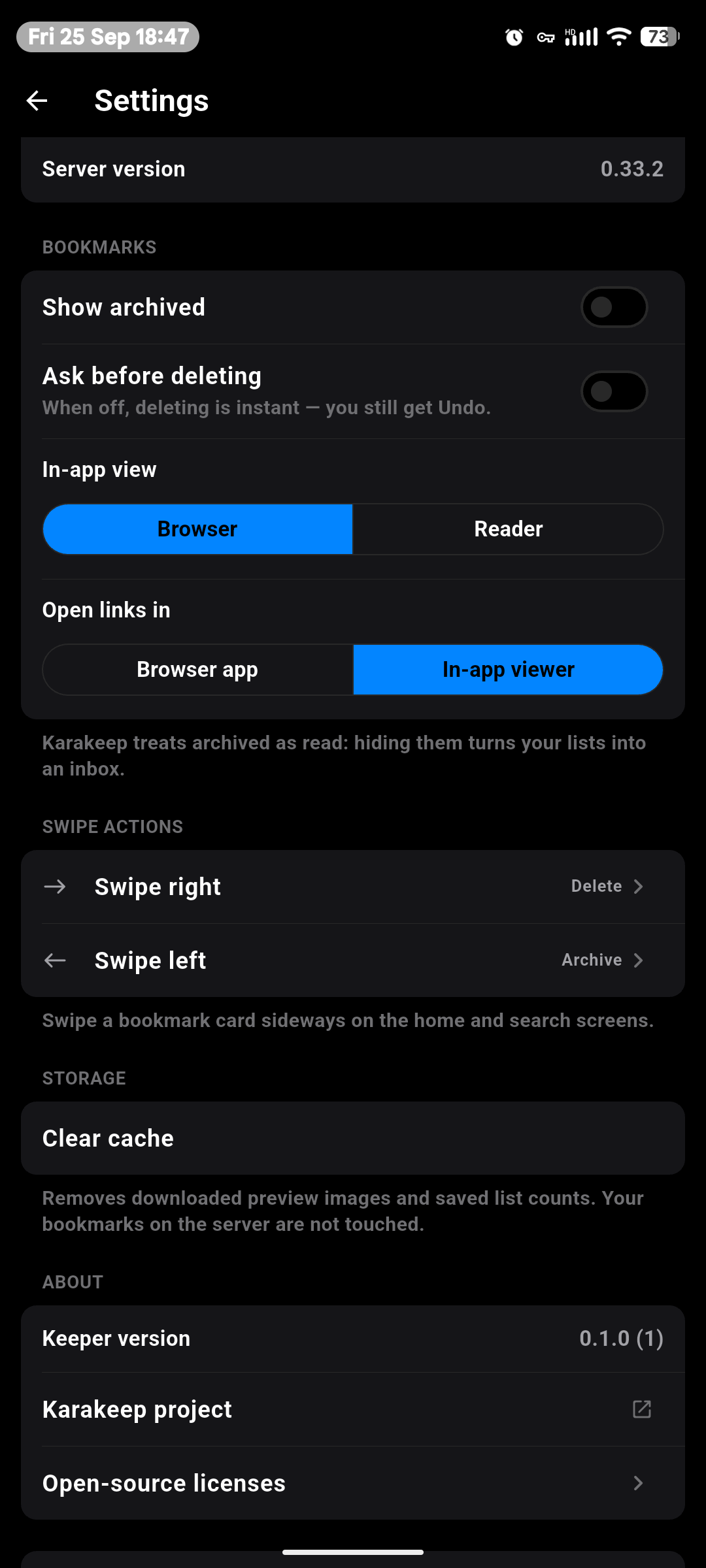
Sort by date added, title or website, in either order
Create lists and tags
Add
Save links, notes and pictures from your gallery with the + button, straight into the open list, tag or Favorites
Read and act
In-app viewer with the live page or Karakeep's saved reader view
Swipe between bookmarks; favorite, archive, share, tag, add to lists or delete
Configurable swipe actions on cards, with Undo for everything
Linkstow needs a Karakeep server (0.33 or newer). It collects no data and contains no trackers. Your login, API key and custom headers are only ever sent to the server you sign in to.
To draw the bookmark cards, Linkstow loads each site's icon straight from the bookmarked website, and its preview image too when Karakeep has not stored one. Scrolling the list therefore makes requests to those websites, which can see your IP address. No headers or credentials are sent with them. The live-page viewer also opens the bookmarked page itself.
Linkstow is an independent community project, not affiliated with or endorsed by Karakeep or Localhost Labs Ltd.
Screenshots
What’s new
- Settings now shows who made the app, with a link to its source code
How to install
Download the APK from the button at the top of this page.
Allow “Install unknown apps” for your browser or file manager only, not for every app.
Open the downloaded file and confirm the installation.
If installation fails with “App not installed,” remove an earlier build of the same app first. A signature conflict is the usual cause.
Data safety
Every file is checked against its published SHA-256 before it is listed.
Files are scanned for malware on every update.
The permissions each app requests are listed on its own page.
Read the full safety policy for how we test, flag, and delist files.
Frequently asked questions
What is Linkstow?
Unofficial Karakeep client: read, sort and clean up your self-hosted bookmarks