0x54ask is a
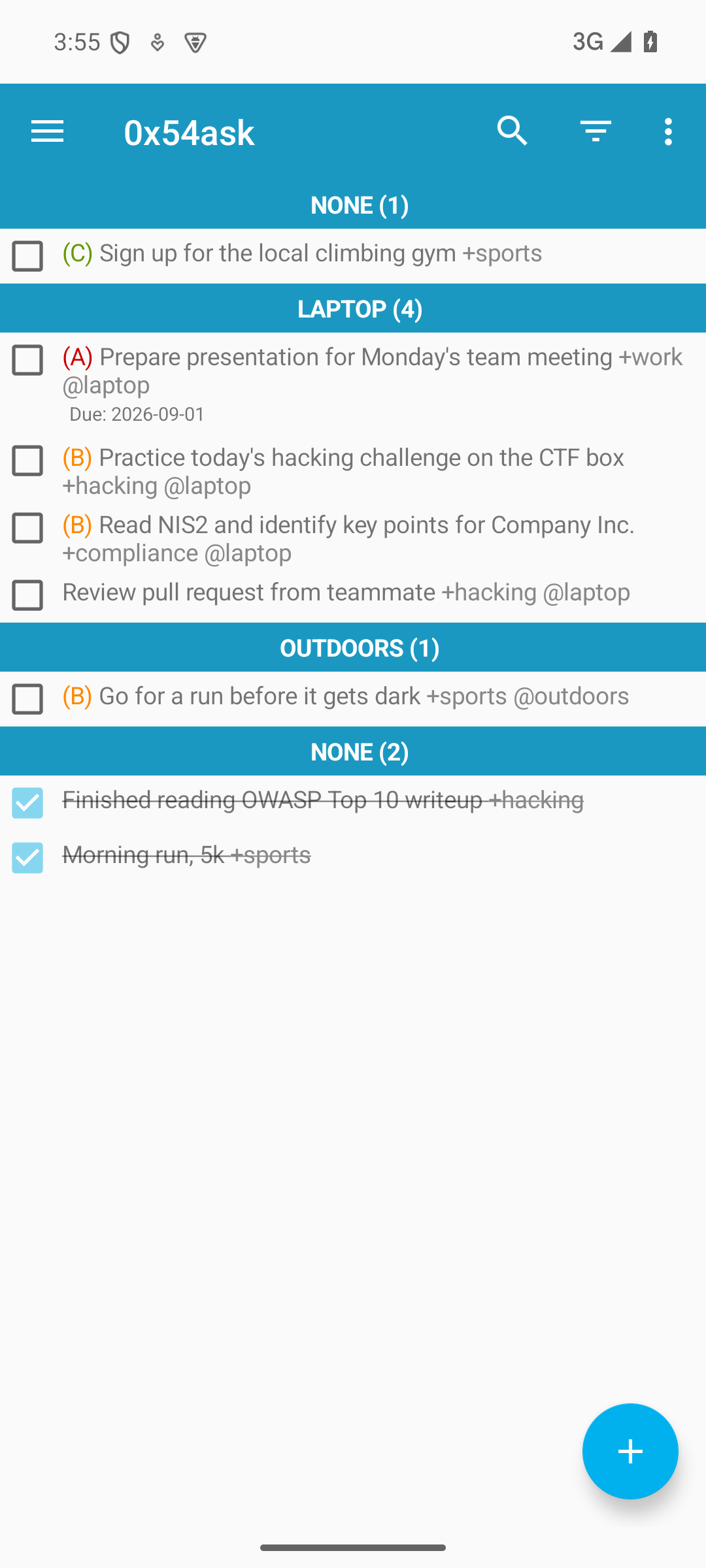
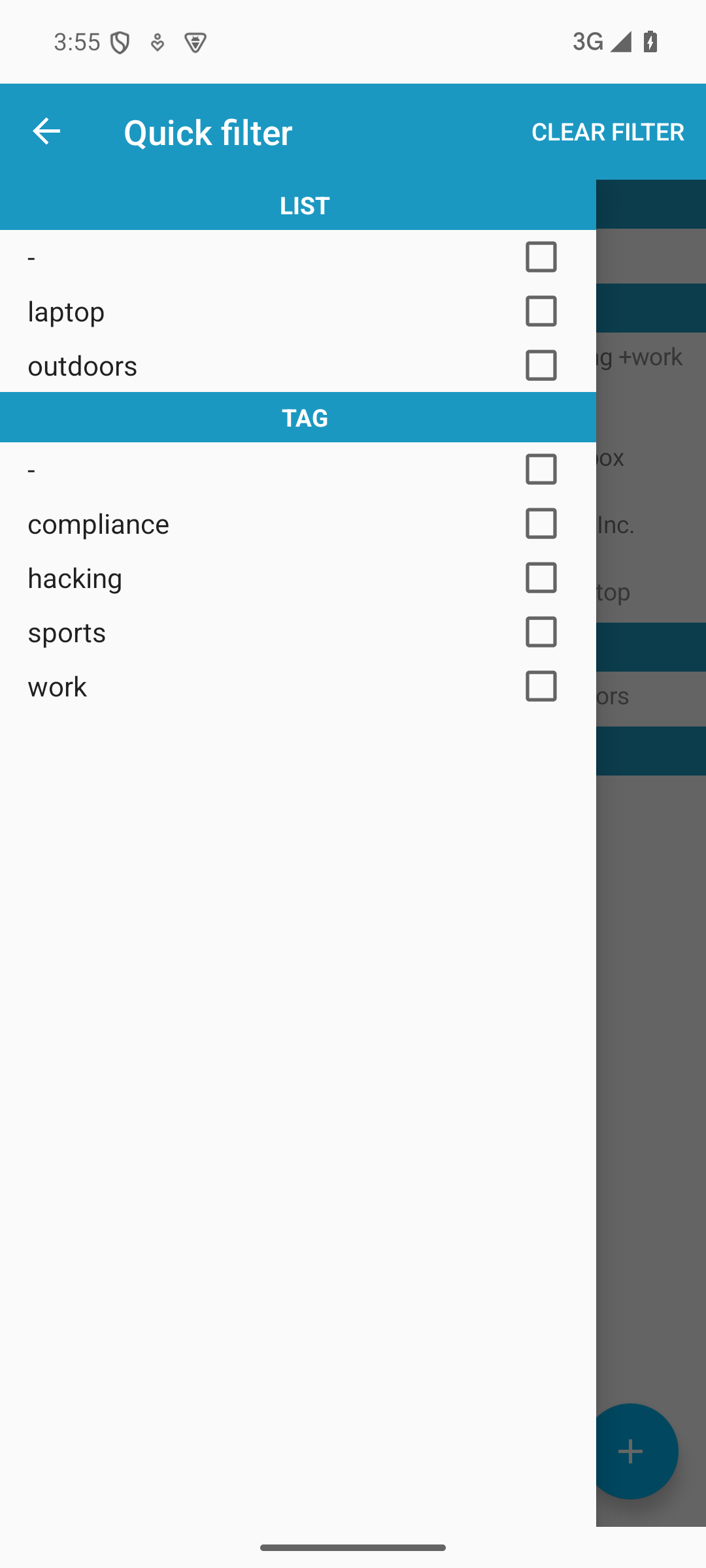
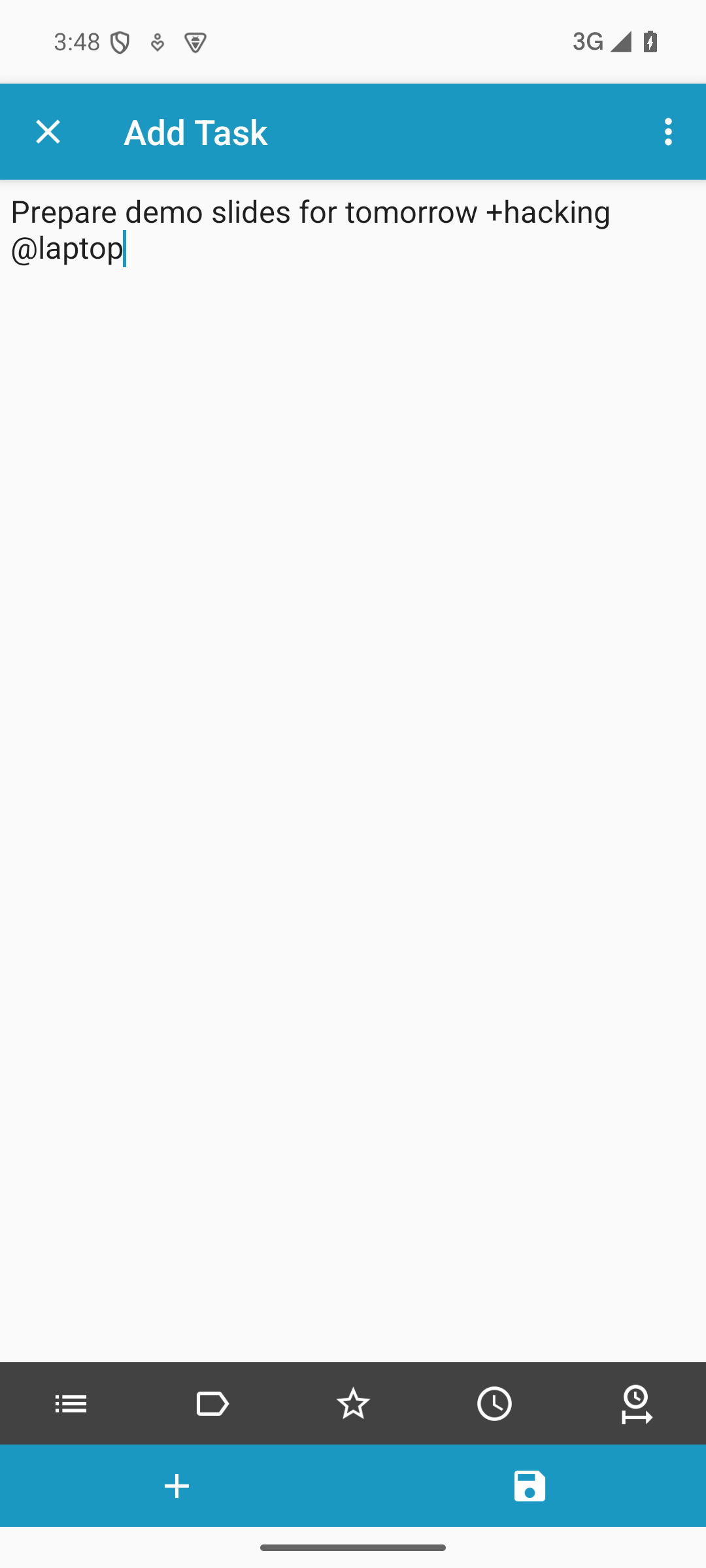
todo.txt manager. It supports context (@W at work, @H at home...) and tags (+linux, +bank, +tero).
0x54ask forks SimpleTask Cloudless. It provides passive perks: data safety, automerge, filesystem protection - and it never connects Internet, at all.
Todo.txt manager: context and tags
Context: You write down a task. If it was the only thing, what would be the next action? Drill a hole for picture? If the wall is in your home, you've got to do it there. Thus, @H (at home).
Tags: I'll be working on +linuxeu project for the next 5 hours. Show me all tasks I can bill on that. Thus, filter by +linuxeu.
Plain text: Todo.txt is - surprise - plain text. You can edit it with vim, emacs, micro or nano. Todo.txt and calendar.txt use the same +plustags and @Contexts.
Fully offline, or synchronize how you like.
0x54ask passive perks
What does the 0x54ask fork bring to the table? Data safety, better sync, smaller attack surface, modern interfaces. These benefits work passively. You don't have to do anything to use them.
- Keeps your data safe. It automatically detects if todo.txt has been modified by other programs (such as text editor or syncthing). Modifications appear as soon as 0x54ask sees them. Changes are stored as soon as they are made. Current state of file is checked again.
- Automatic merge. If a conflict is detected, 0x54ask can often automatically merge the changes. This is possible, because todo.txt is a line based format, and many changes appear in different lines. Main approach to auto merge is generic and works, no matter which program made the changes. There is additional support for automatic resolution of Syncthing conflicts. Special support is needed, because these sync conflicts can happen while 0x54ask is not running.
- Filesystem protection: You can pick the directory where todo.txt is. This will be the only directory available for the app. This restriction is enforced by the operating system. The whole filesystem backend was updated to use modern SAF, the Storage Access Framework.
- No Internet, ever. There is no INTERNET permission, so the operating system prevents app from accessing the Internet. Any synchronization is handled by other applications of your choice, Syncthing (Syncthing fork) recommended. You can also use the app completely offline. Also, all networking related code was removed from the app.
0x54ask is
Free, Open Source Software under GPL 3 license. I used new name and app id for 0x54ask, while also giving credit to upstreams of this fork. This way, upstream gets credit for their work, but not reports for my bugs.
Background
The original
SimpleTask Cloudless aka
simpletask-android was developed by
Mark Janssen. The original is now archived and removed from F-Droid. The design and UI felt great, and I could not find an alternative that could compete.
0x54ask is a fork of
willemw12/simpletask-android by Willem W, a fork of the original SimpleTask. Forking made sense, since some of the changes were large (SAF backend), some removed code (networking), and a key promise is not necessarily shared (no Internet access, and no plans to add it). Like original SimpleTask, willemw12 fork still asked for access to all files and photos on the phone. The fork had many improvements over the original, so it felt like a good starting point.
Artificial intelligence was used to help create the improvements after forking.
The task format is
todo.txt by Gina Trapani. Todo.txt works well with
calendar.txt.
Copyright 2026 Tero Karvinen TeroKarvinen.com, Mark Janssen, Willem W and other contributors.