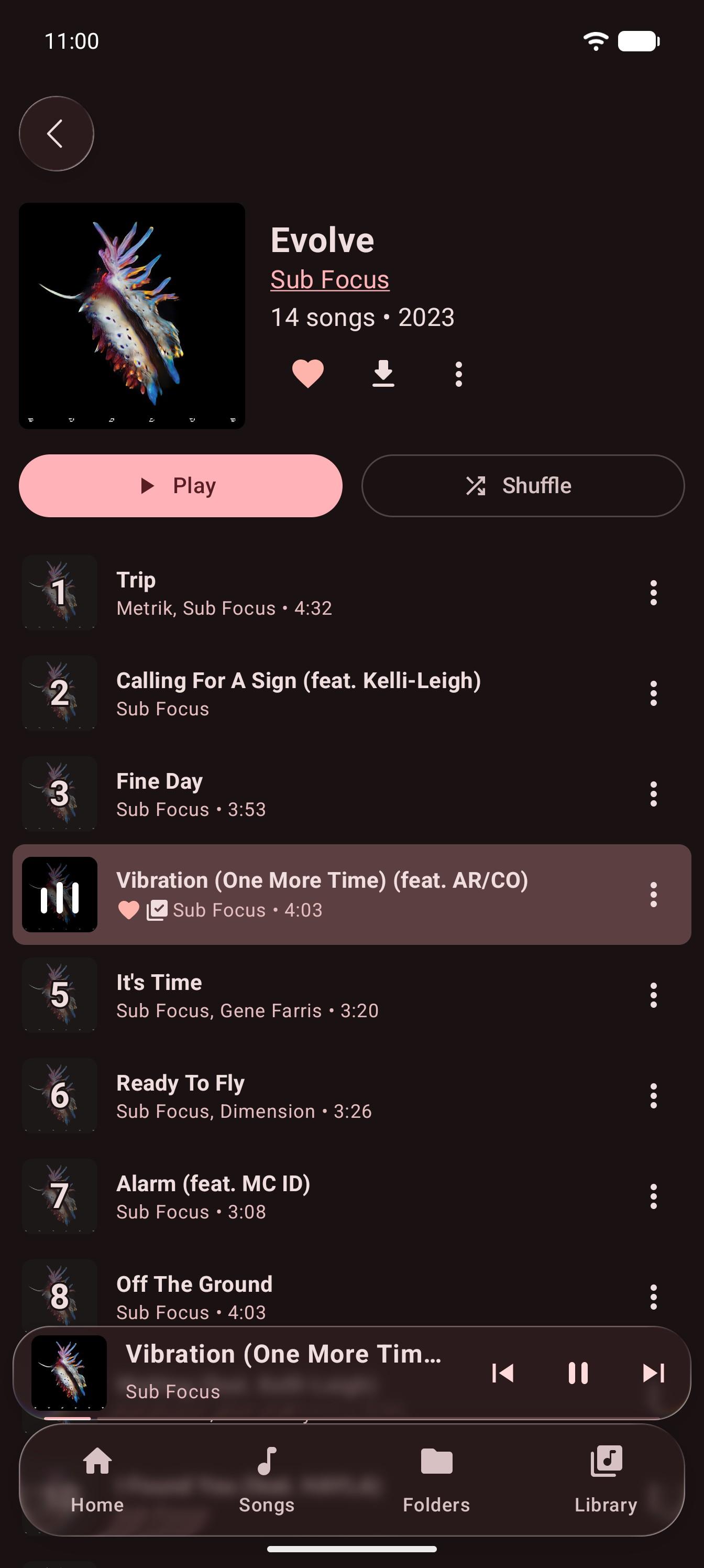
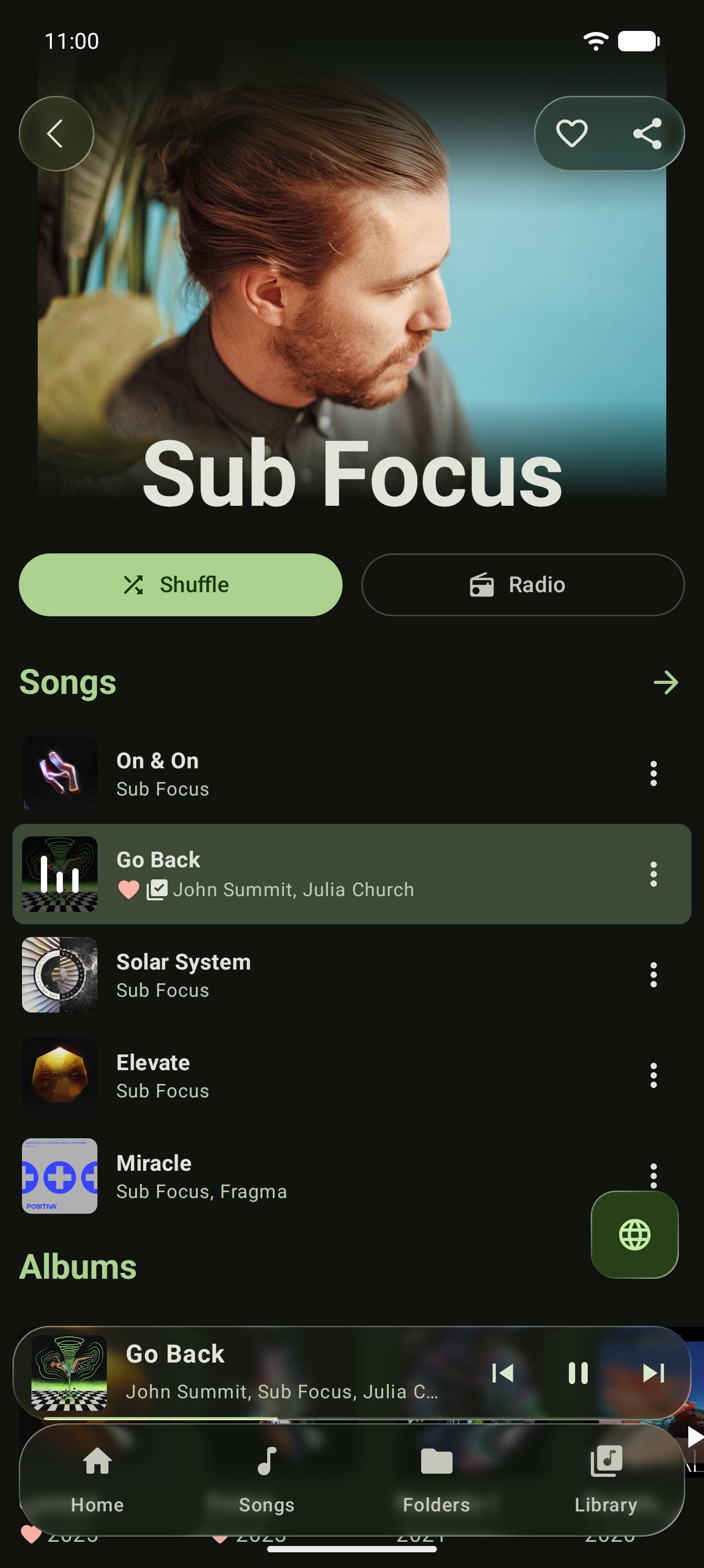
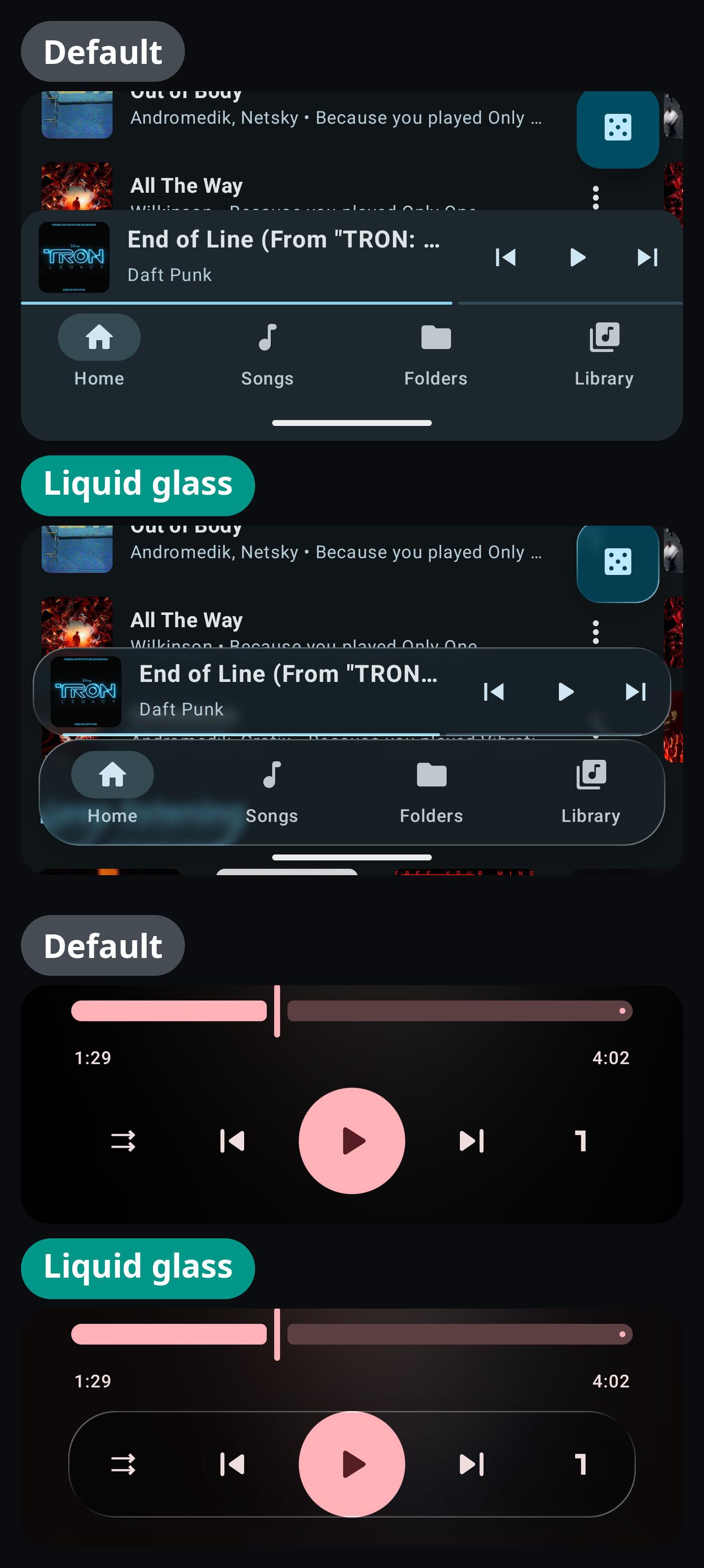
Material 3 local music player and YouTube Music client
InterTune is a fork of OuterTune, which is itself a fork of InnerTune. It is both a local media player and a YouTube Music client.
Features:
YouTube Music client with song downloading for offline playback, background playback, no ads, and account synchronization
Local audio file playback (MP3, OGG, FLAC, and more)
A custom tag extractor rather than MediaStore's metadata extractor, so tags delimited with a backslash show up properly
Play local files and YouTube Music songs in the same queue
An offline tab listing the songs already cached on the device, so you can see what will play with no connection
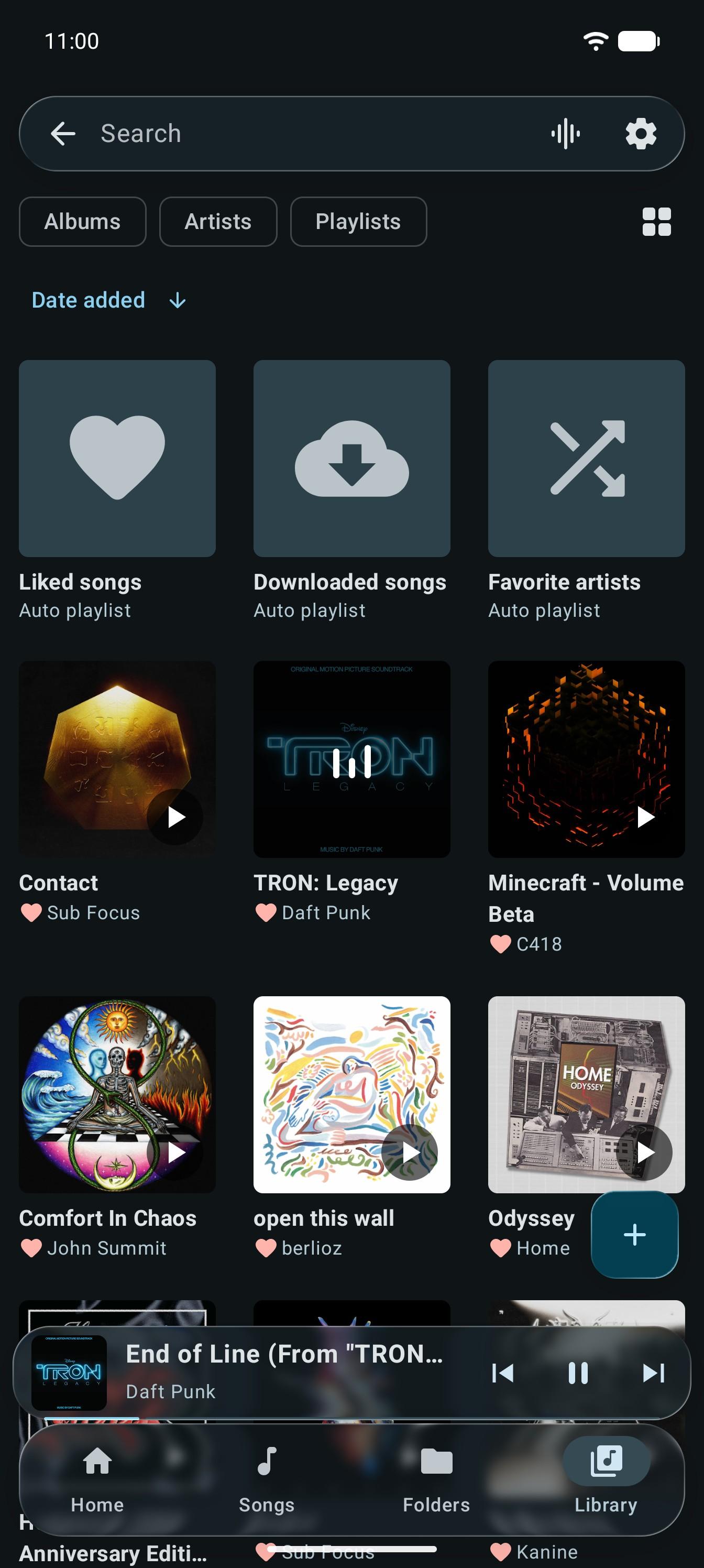
Integrated library screen design
Multiple queues
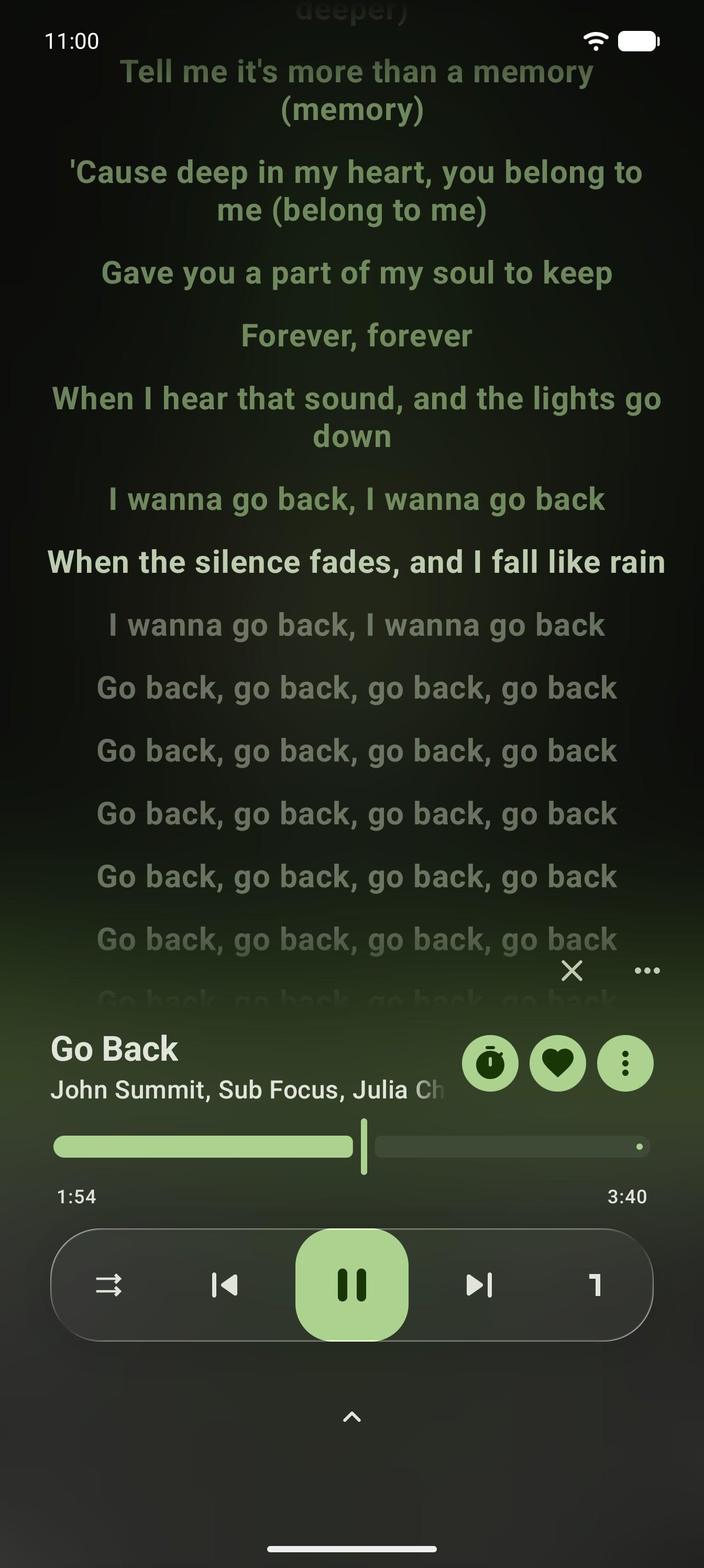
Synchronized lyrics, including word by word and karaoke lyrics (LRC, TTML)
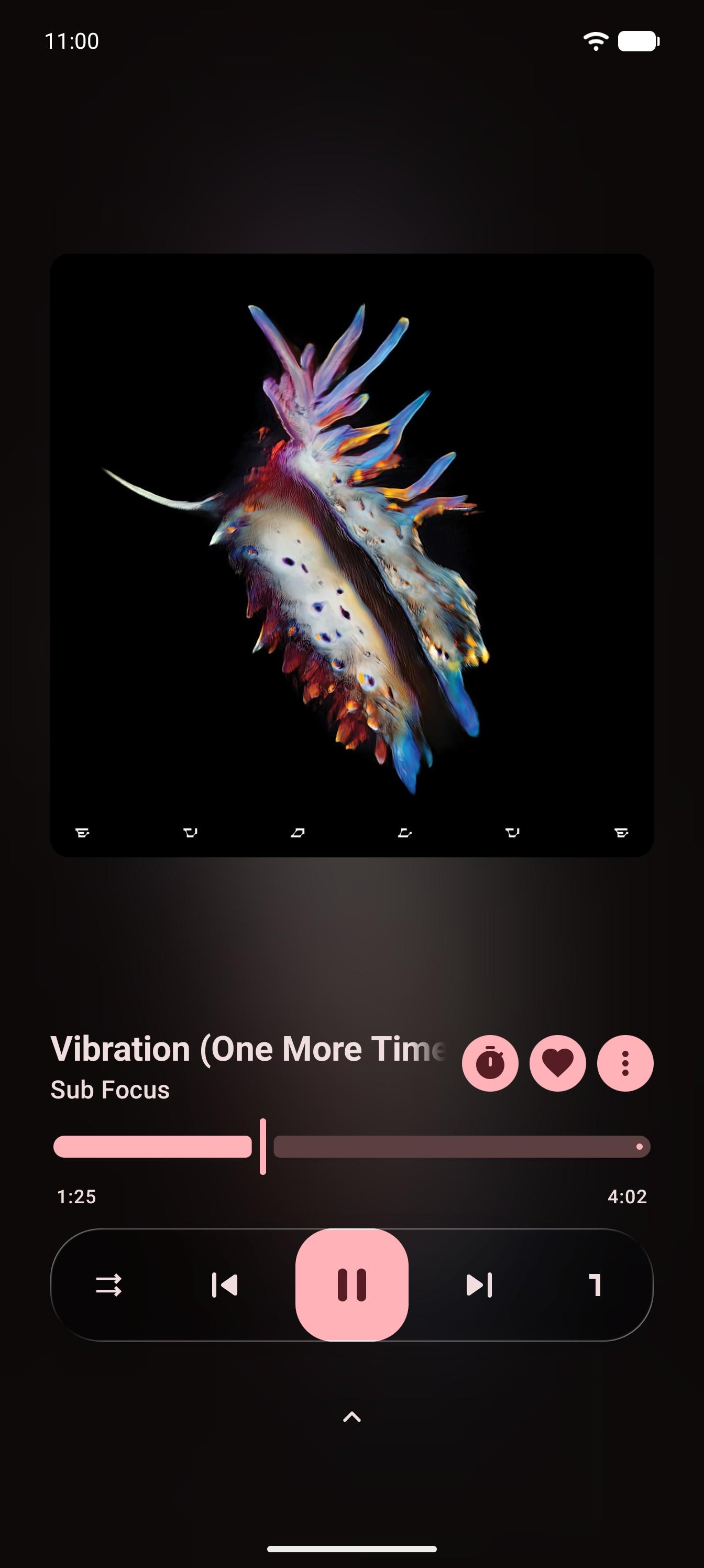
Audio normalization, tempo and pitch adjustment, and other audio effects
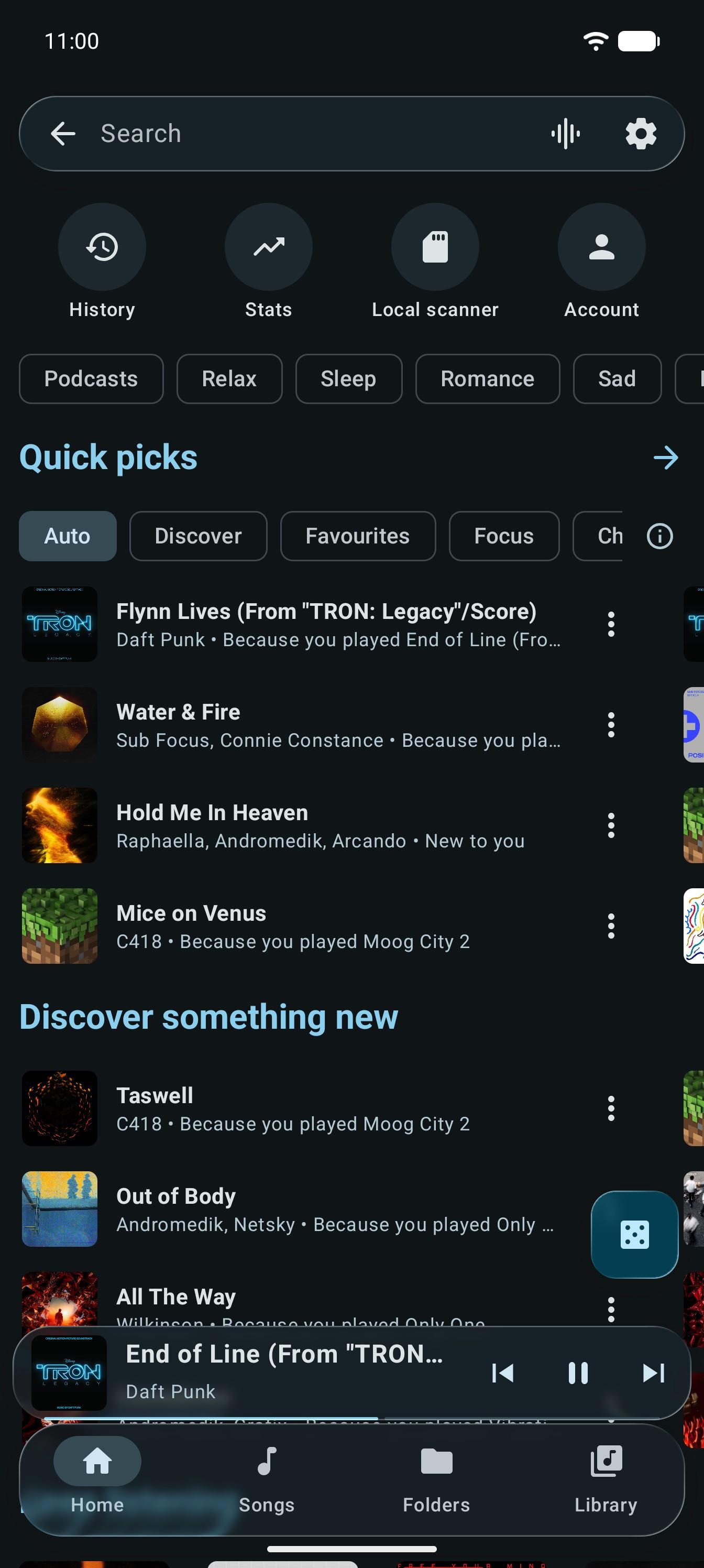
Choose where Quick picks comes from: YouTube Music, Your library, or Best recommendations, which builds the row on your phone from how you listen
What's playing? names the song around you, using Shazam, and can fill a playlist with what it hears
A home screen widget that takes the shape of its size
Spatial audio on any headphones, with head tracking on supported ones
Android Auto support
What it connects to:
YouTube Music, for everything you search, play, download or sync. Signing in is optional.
LRCLIB and KuGou, to find lyrics for the song that is playing. Each can be turned off.
Shazam, only while you have it listening. A sound fingerprint is sent, with the time and your time zone, never the recording. The cover of a song it finds is loaded from the address Shazam gives.
Last.fm, only if you turn it on. To find similar songs it is sent the title and artist of songs you play, and once of the songs you liked or played in the last month, with no account. If you connect a Last.fm account, the songs you play are also recorded on it, with album, length and the time they started. You sign in on Last.fm's own page.
GitHub, only if you turn on the update check or tap Check for update yourself. The app can then download a new release and hand it to Android's installer, which always asks you first. A copy installed from F-Droid is sent to F-Droid for its update instead.
Polls and announcements, only if you turn them on. They are read from a GitHub gist, and a picture in one is loaded from the address it gives. Opening or answering one is counted on Umami Cloud, with no account and no device identifier.
The usage count, only if you turn it on. Once a day at most it tells Umami Cloud the app is in use: a random name that changes every month, whether it was installed from F-Droid, and the app and Android versions.
Notice:
Android 8 (Oreo) and higher is supported. The app may work on Android 7.x, but that is not officially supported.
InterTune is in a stable beta phase. It can certainly be used as your main music player, but expect the occasional bug, incomplete feature, or unexpected behaviour. Please report anything you find.
InterTune is not affiliated with, sponsored by, or endorsed by Google or YouTube.
Screenshots
What’s new
Version 0.11
- Quick picks that learn how you listen: Best recommendations, with mood chips, a Discover row and a choice of what it leans toward. - What's playing? names the song around you, using Shazam. - A home screen widget. - Spatial audio, with head tracking on supported headphones. - History by day, with the time of each play. - Keypad phones and small screens. - Fixes to sync, downloads, playlists and backups.
Full changelog: https://github.com/ItzSkyeYT/InterTune/releases/tag/v0.11
How to install
Download the APK from the button at the top of this page.
Allow “Install unknown apps” for your browser or file manager only, not for every app.
Open the downloaded file and confirm the installation.
If installation fails with “App not installed,” remove an earlier build of the same app first. A signature conflict is the usual cause.
Data safety
Every file is checked against its published SHA-256 before it is listed.
Files are scanned for malware on every update.
The permissions each app requests are listed on its own page.
Read the full safety policy for how we test, flag, and delist files.
Frequently asked questions
What is InterTune?
Material 3 local music player and YouTube Music client