Rule-based proxy client on the mihomo core: import, connect, protected
ClashFest is a rule-based proxy / VPN client for Android built on the mihomo (Clash.Meta) core.
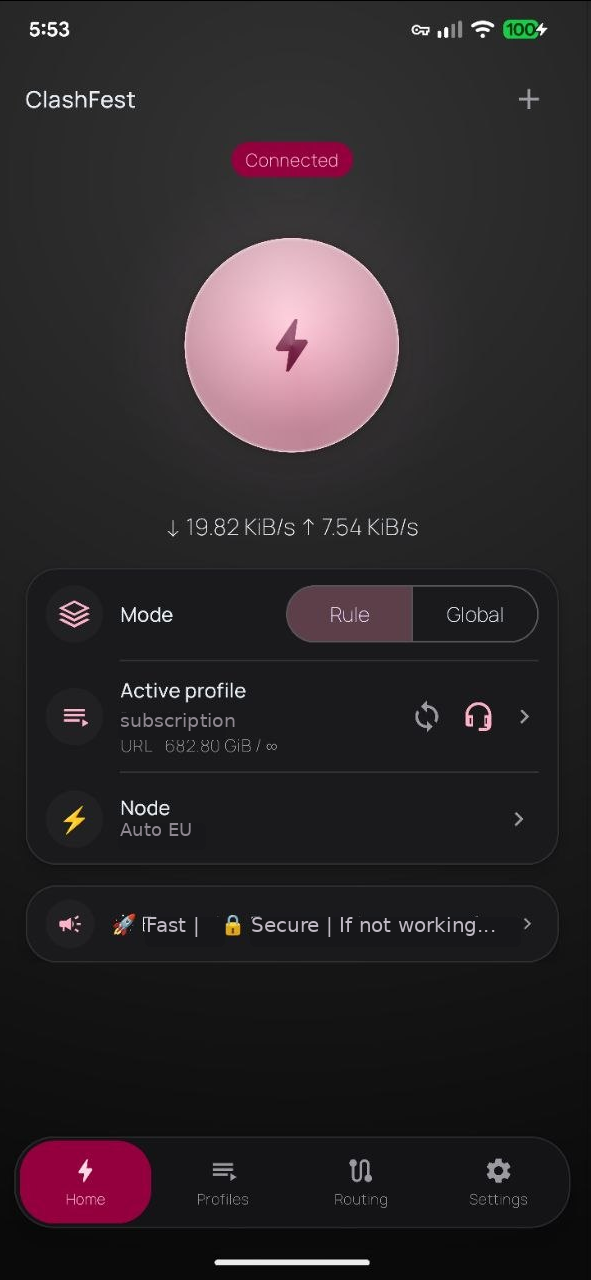
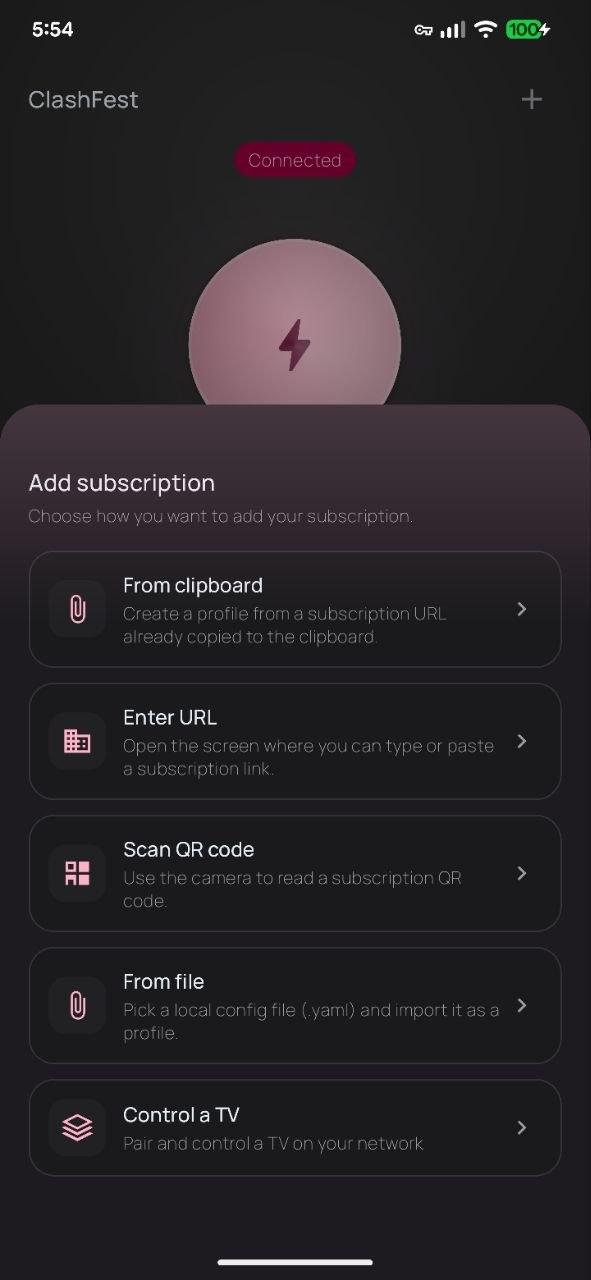
Made for the common case: paste or scan a subscription link, tap Connect, done. The subscription stays untouched; everything you change in the app lives in a separate layer on top of it.
Features
VLESS (REALITY, XHTTP, Vision), VMess, Trojan, Shadowsocks, Hysteria2, TUIC, WireGuard, SSH, mieru and more, via the mihomo core
Subscriptions in Clash YAML format with headers from your operator (quota, expiry, announcements, branding)
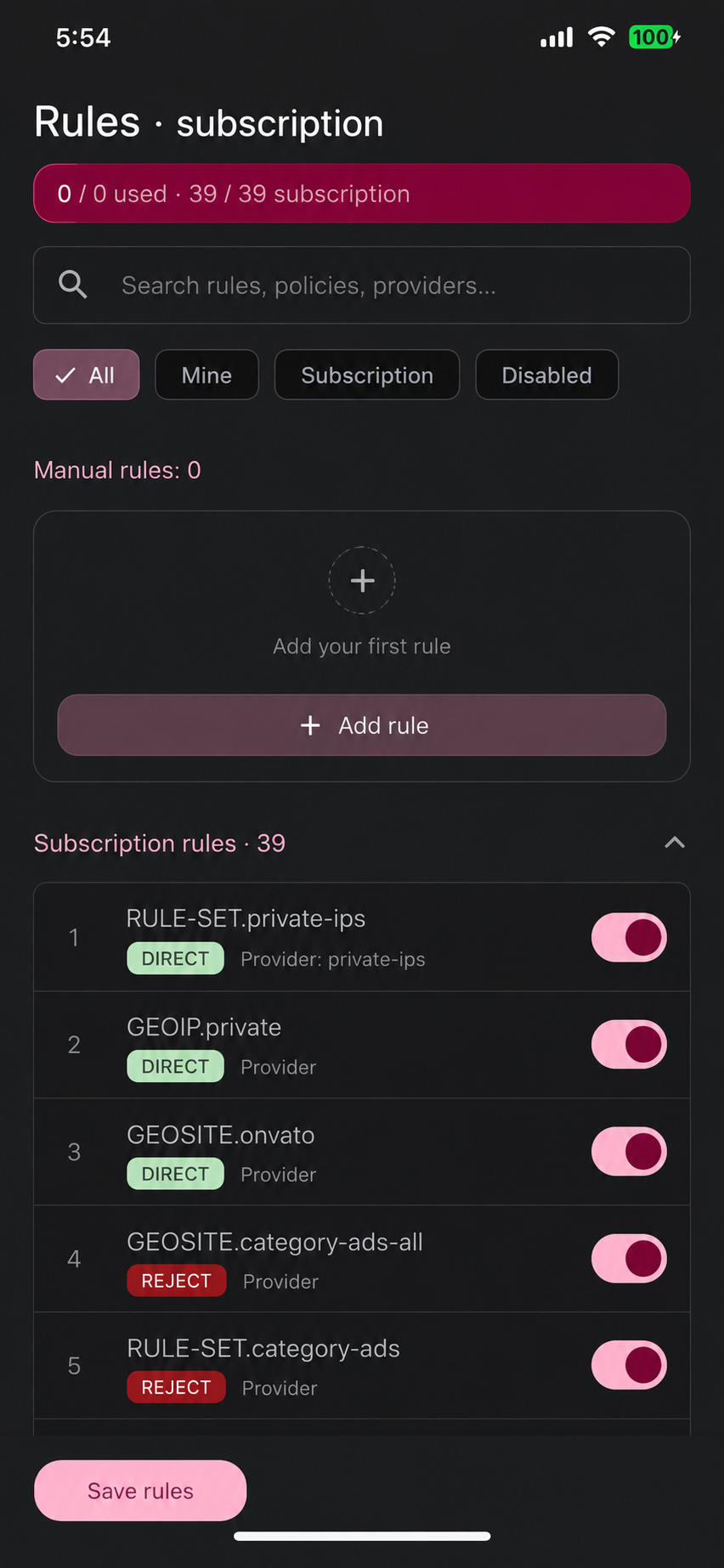
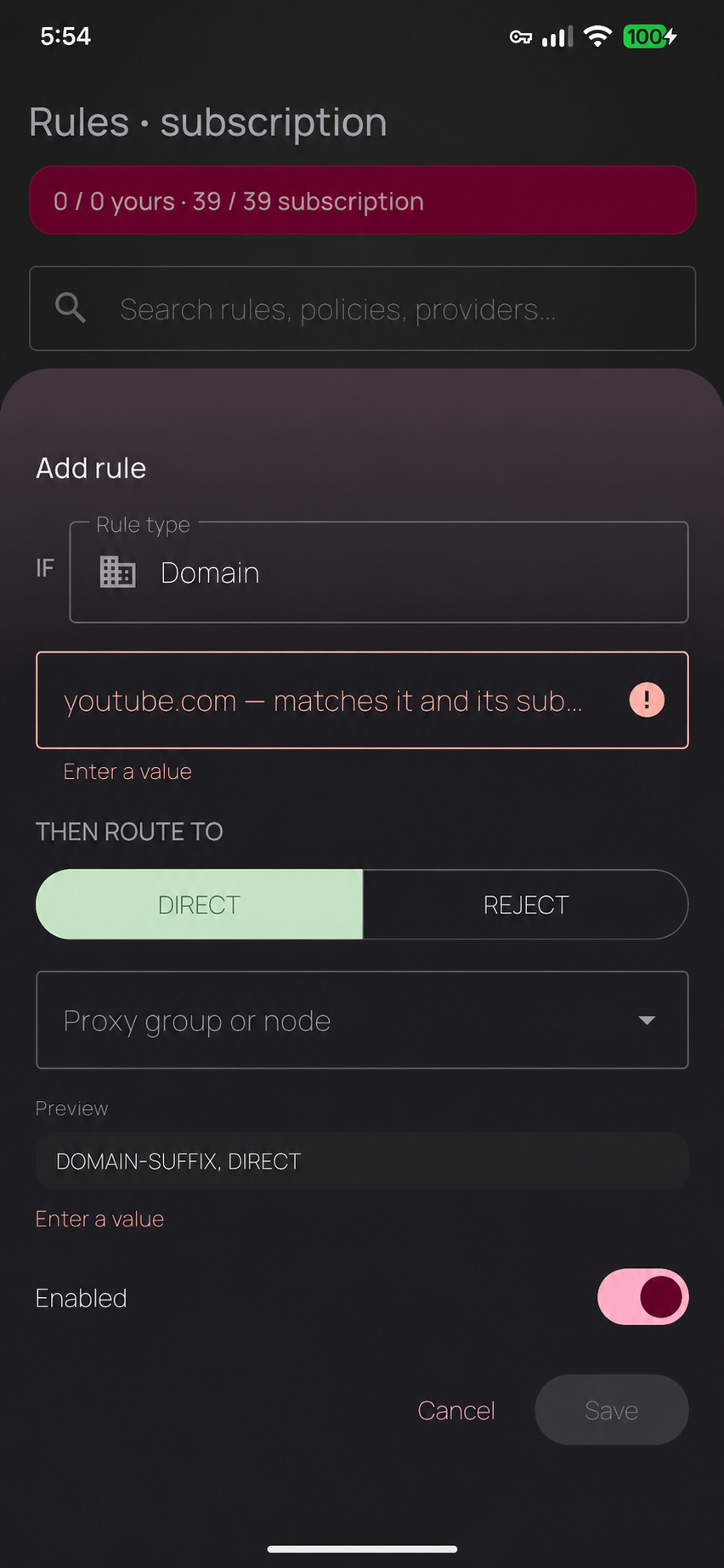
Per-app routing (allow-list / block-list), rule sets, custom rules, DNS and hosts editor, tunnels
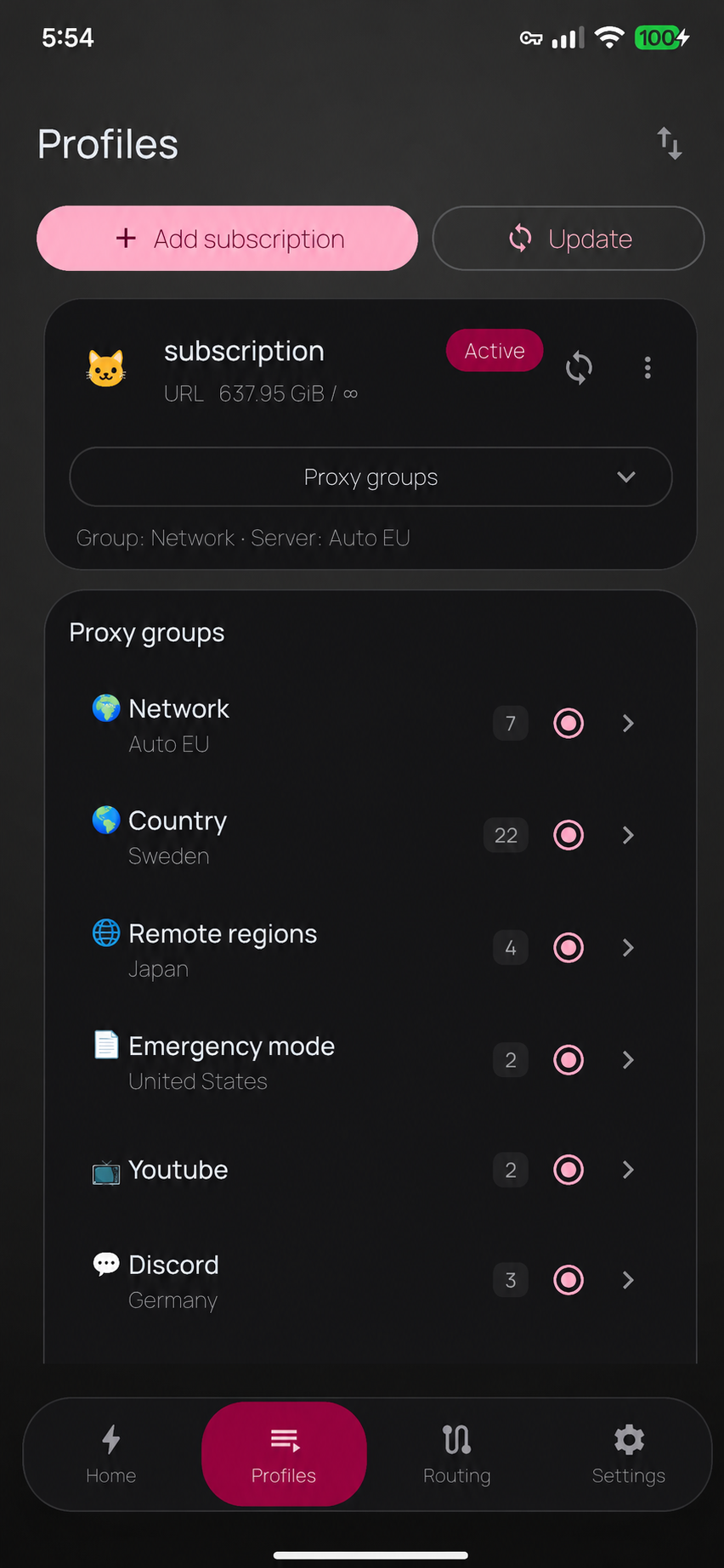
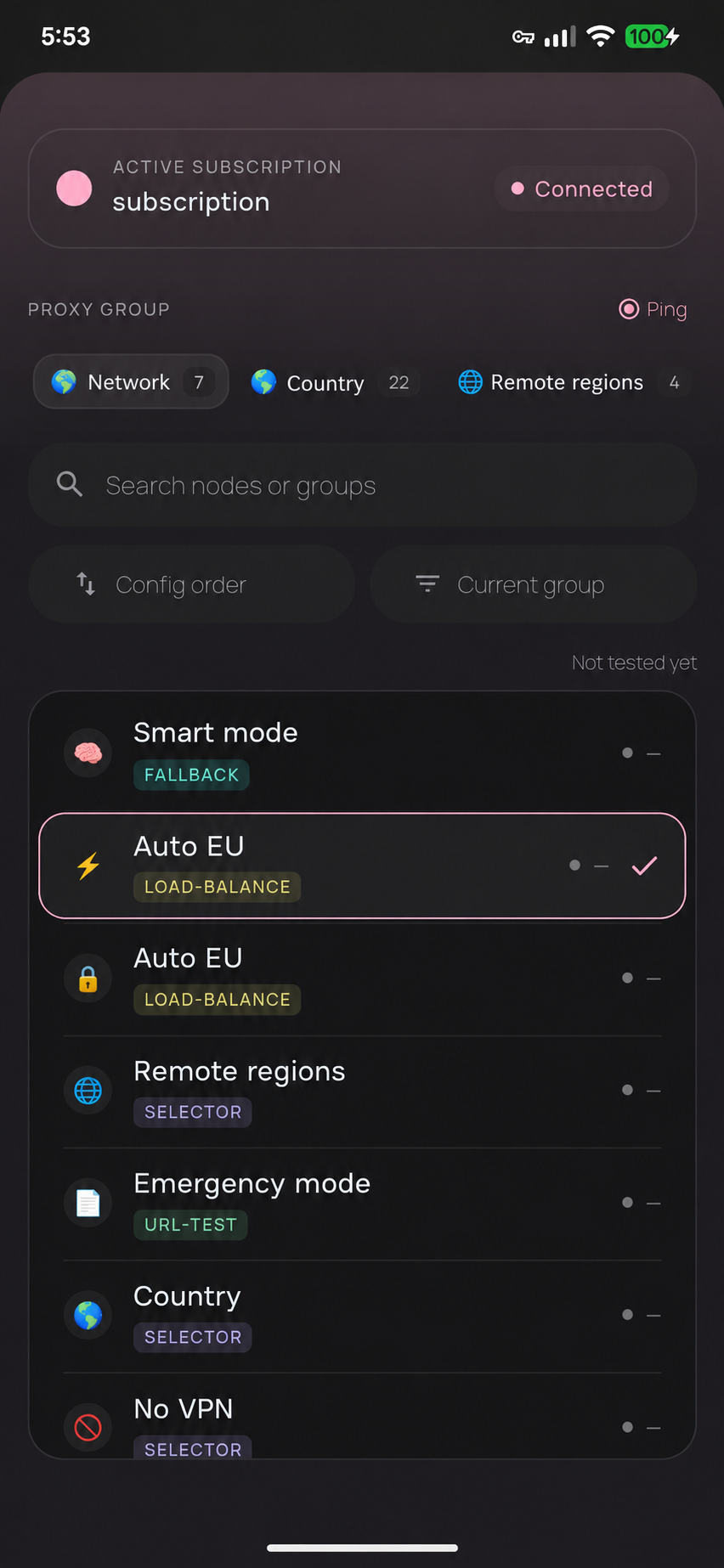
Proxy groups inline on the home screen: pick a node, test latency of one node or a whole group
Live connections and logs
Hardened by default: local SOCKS/HTTP listeners are closed, geo downloads only from trusted mirrors
QR scanner without Google services
Remote control of a TV box on the same network
Privacy: no analytics, no tracking, no developer server. Your traffic goes to the servers of the operator you chose.
Screenshots
What’s new
New: subscriptions can pin the proxy group shown on Home and in the VPN notification; the node picker can show groups as collapsible lists; subscription cards show when they were last updated. REALITY adapts to old and new Xray servers on its own (Settings > Network). Fixes: rule options such as no-resolve survive edits, JSON subscriptions are hardened, update-before-connect works again, less idle work on Home, ready for Android 16.
How to install
Download the APK from the button at the top of this page.
Allow “Install unknown apps” for your browser or file manager only, not for every app.
Open the downloaded file and confirm the installation.
If installation fails with “App not installed,” remove an earlier build of the same app first. A signature conflict is the usual cause.
Data safety
Every file is checked against its published SHA-256 before it is listed.
Files are scanned for malware on every update.
The permissions each app requests are listed on its own page.
Read the full safety policy for how we test, flag, and delist files.
Frequently asked questions
What is ClashFest?
Rule-based proxy client on the mihomo core: import, connect, protected