Clean tracking, choose link frontends, and spot sensitive data in URLs
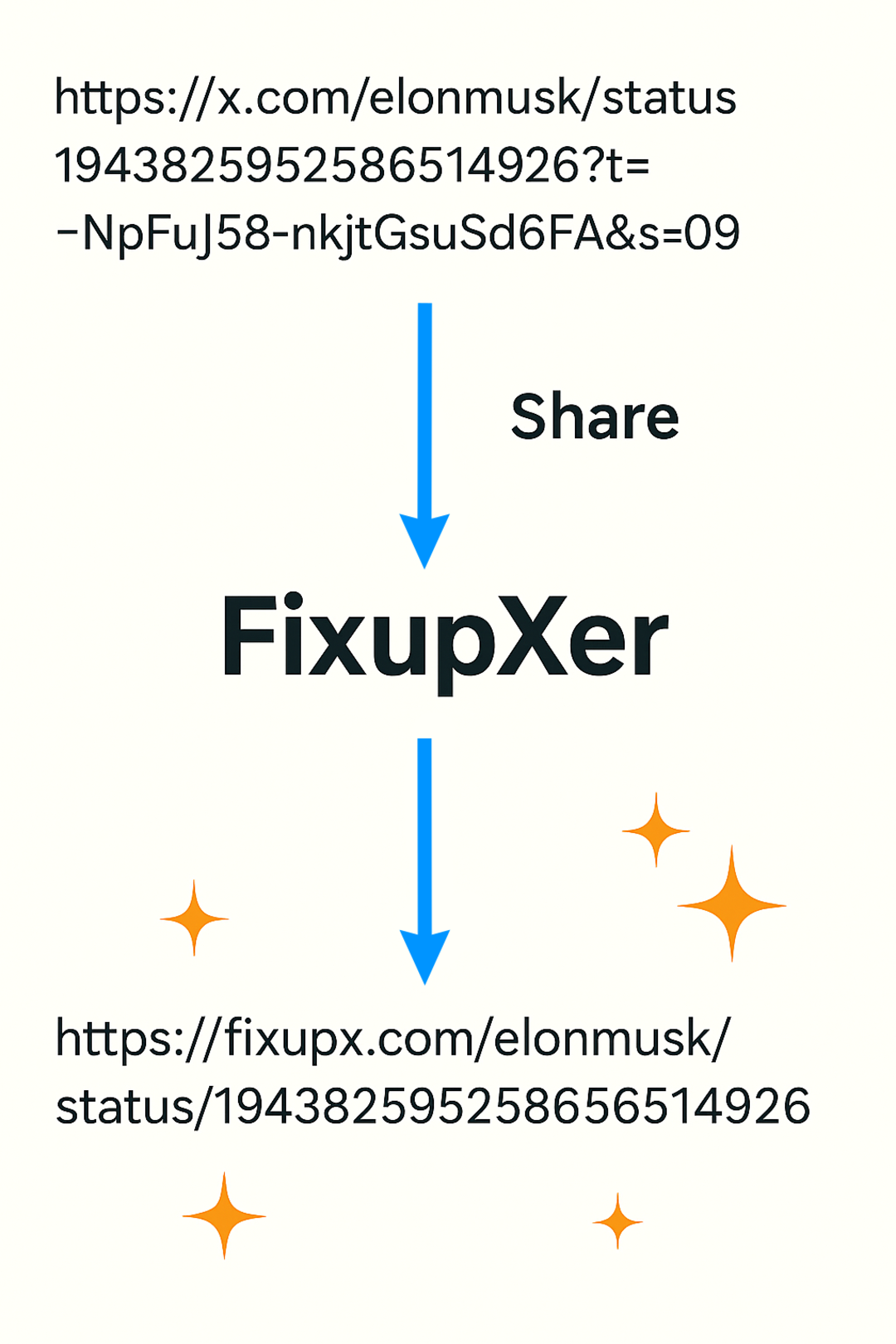
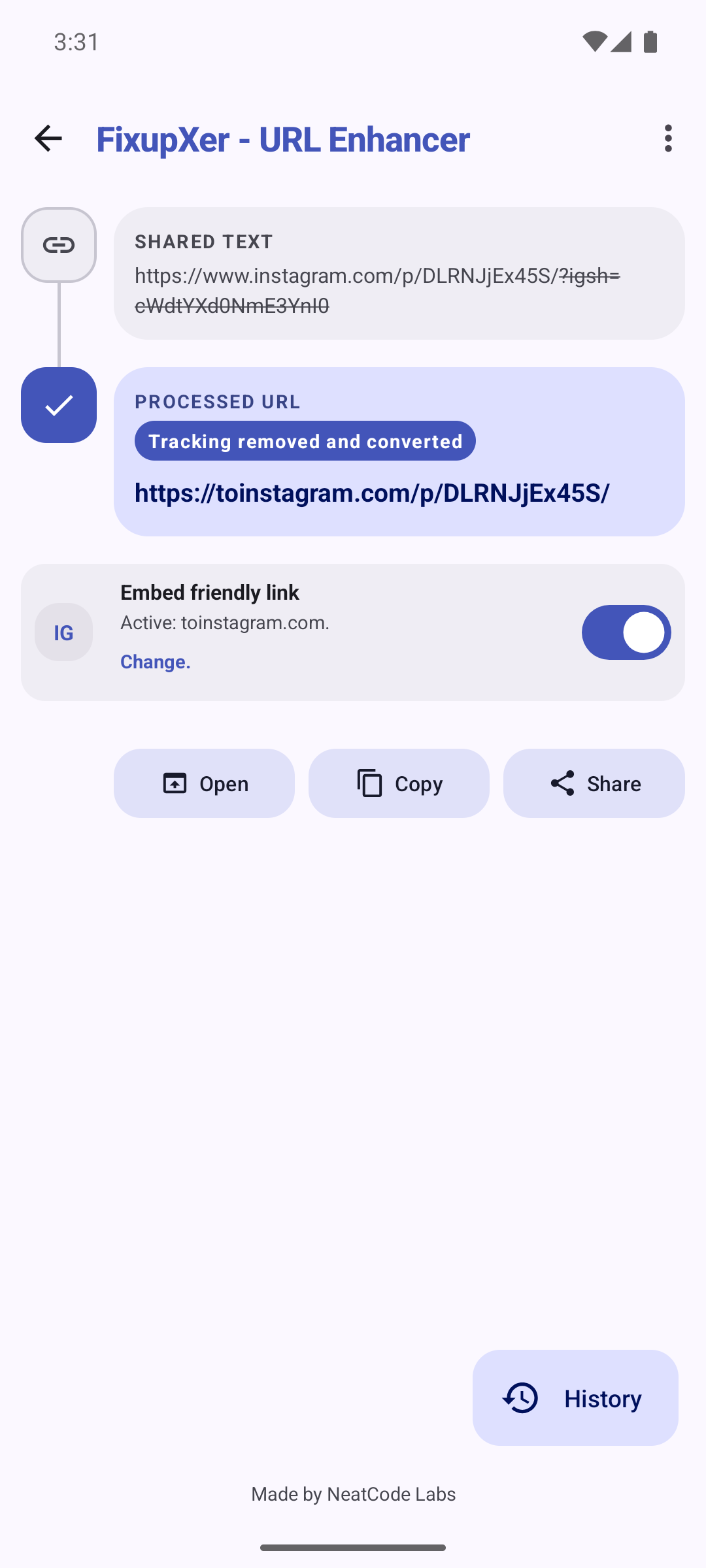
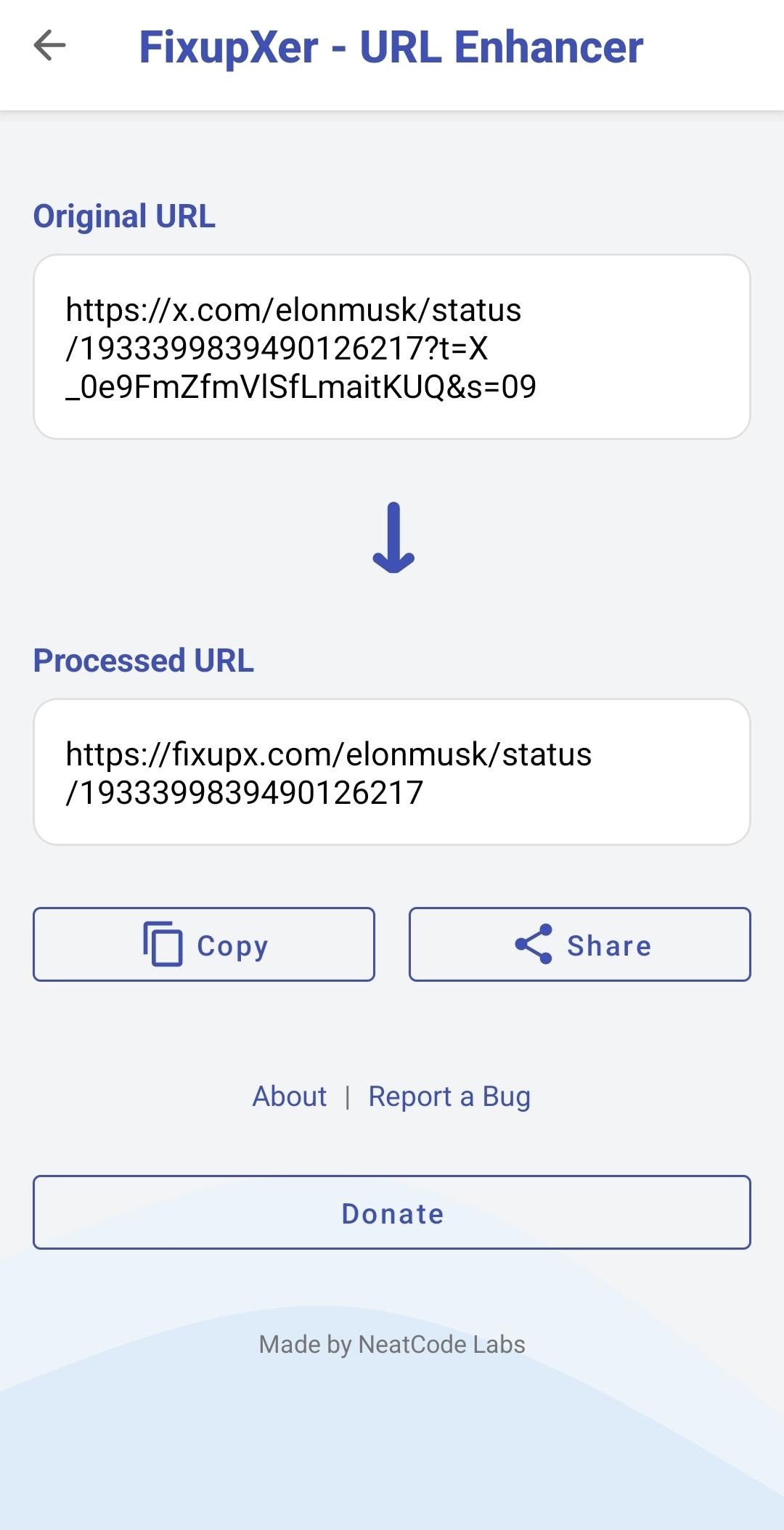
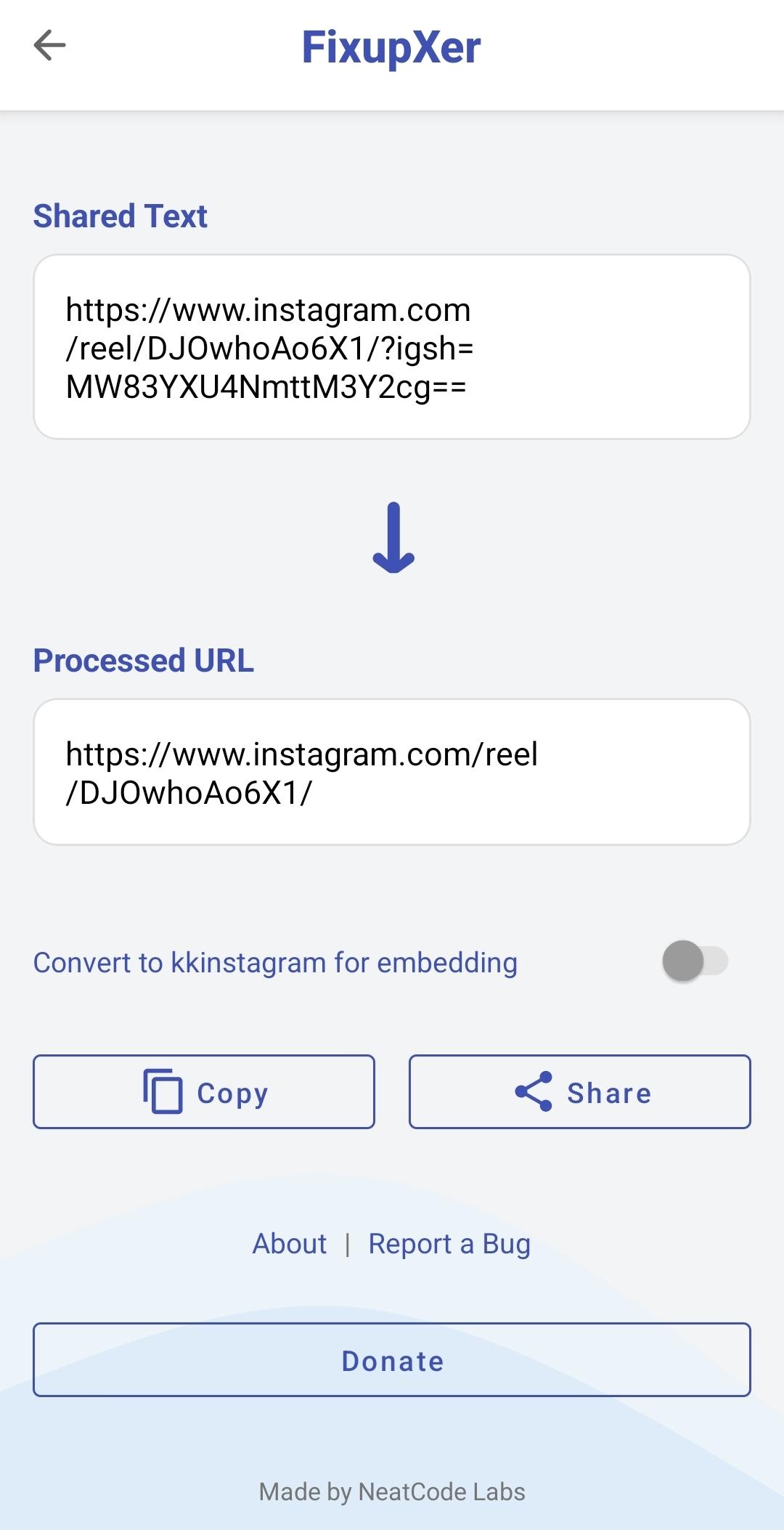
FixupXer removes tracking parameters from URLs to protect your privacy and make links cleaner. When you share links from social media, shopping sites, or other platforms, they often contain hidden tracking codes that follow you around the internet. FixupXer strips these away.
Key Features
* Private Link Guard: Warns when e-mail addresses, auth tokens, or precise coordinates remain visible in a link — sensitive originals stay out of history and cache. With History on, fully cleaned results may be saved as redacted entries
* Browser Mode: Add, edit or delete frontends for seven platforms, including TikTok and Instagram. Save applies all frontend changes; Browser and Main/Share selections stay separate. Choose a preferred browser to avoid repeated selection, or save per-host app choices. Native actions restore supported X, Instagram and TikTok embed links to the original platform; Browser, Share and Copy keep the processed URL; failed actions stay local for Retry.
* Direct Sharing: Share your links directly to FixupXer, no need to open the main app
* Clean Link from Selection: Select a URL in any app and choose "Clean link" to clean it in place
* Privacy Protection: Removes documented tracking keys across 28 host-bound platform cleaners; unknown functional parameters are kept by default. Canonical Instagram post/Reel links retain only a valid carousel image selector
* Redirect Unwrapping: Extracts real destinations from Facebook, LinkedIn, YouTube, Google Ads, Reddit, Bluesky, GeoRiot/Geniuslink, and LinkSynergy/Rakuten wrappers — entirely offline
* Local Processing: Clean links on your device with bounded caching
* Offline Operation: Cleaning makes no network requests; Open/Share hands the result to the external app you choose
* Platform Support: Works with 28 platforms including YouTube, Facebook, Amazon, Twitter/X, Instagram, TikTok, Bluesky, Bilibili, Google Search, Google Maps, LinkedIn, Reddit, Spotify, Wikipedia, The Guardian, The New York Times, and more
* Smart Conversions: Optional per-platform conversion to embed-friendly alternatives (fixupx.com, fxbsky.app, selectable Instagram and TikTok proxies) or account-free reader frontends (xcancel, Nitter, SkyLib, Redlib, and more), with custom domains for every platform — all pickers reachable anytime from Settings
* Custom URL Rules: Build ordered offline rules with host or regex scopes, multiple processing phases, Test Lab previews, per-rule test vectors, Teach-from-example drafts, templates, and JSON import/export
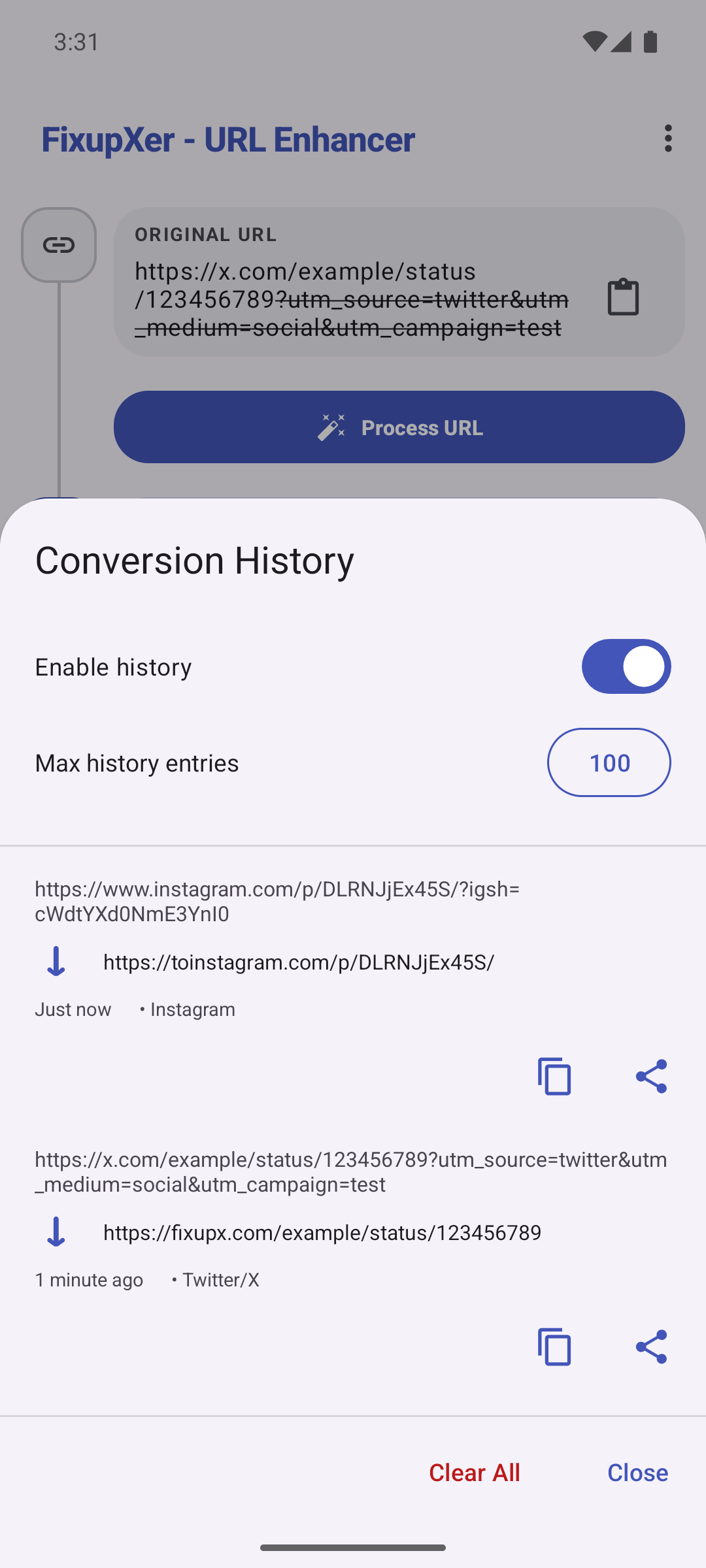
* History Tracking: Optional local history with Undo that restores the original entry and timestamp
* Private Clipboard Previews: Copied URL contents are marked sensitive for system previews where Android supports it
* Configurable Actions: Choose what happens after cleaning - open in app, browser, share, or copy to clipboard
* Backup and Restore: Export settings, Browser frontend choices, preferred browser, custom rules, and saved app choices with schema v2; older backups still import safely
* Unified Help: Open one guide with contents, examples and troubleshooting from the Main or Share menu, or jump to a topic from a clearly marked external Help link
Browser Mode Setup
1. Enable Browser Mode in Settings
2. Set FixupXer as your default browser in Android Settings
3. Configure your preferred post-clean actions
4. Eligible links Android routes to FixupXer are cleaned before your chosen action; verified App Links may bypass the default browser
Privacy & Security
* Zero permissions required - no internet, location, or personal data access
* 100% open source and auditable
* No data collection or transmission
* Works entirely on your device
Technical Excellence
* Modular architecture with 28 host-bound domain cleaners, one universal cleaner, and curated offline redirect unwrapping
* Thread-safe design optimized for modern Android devices
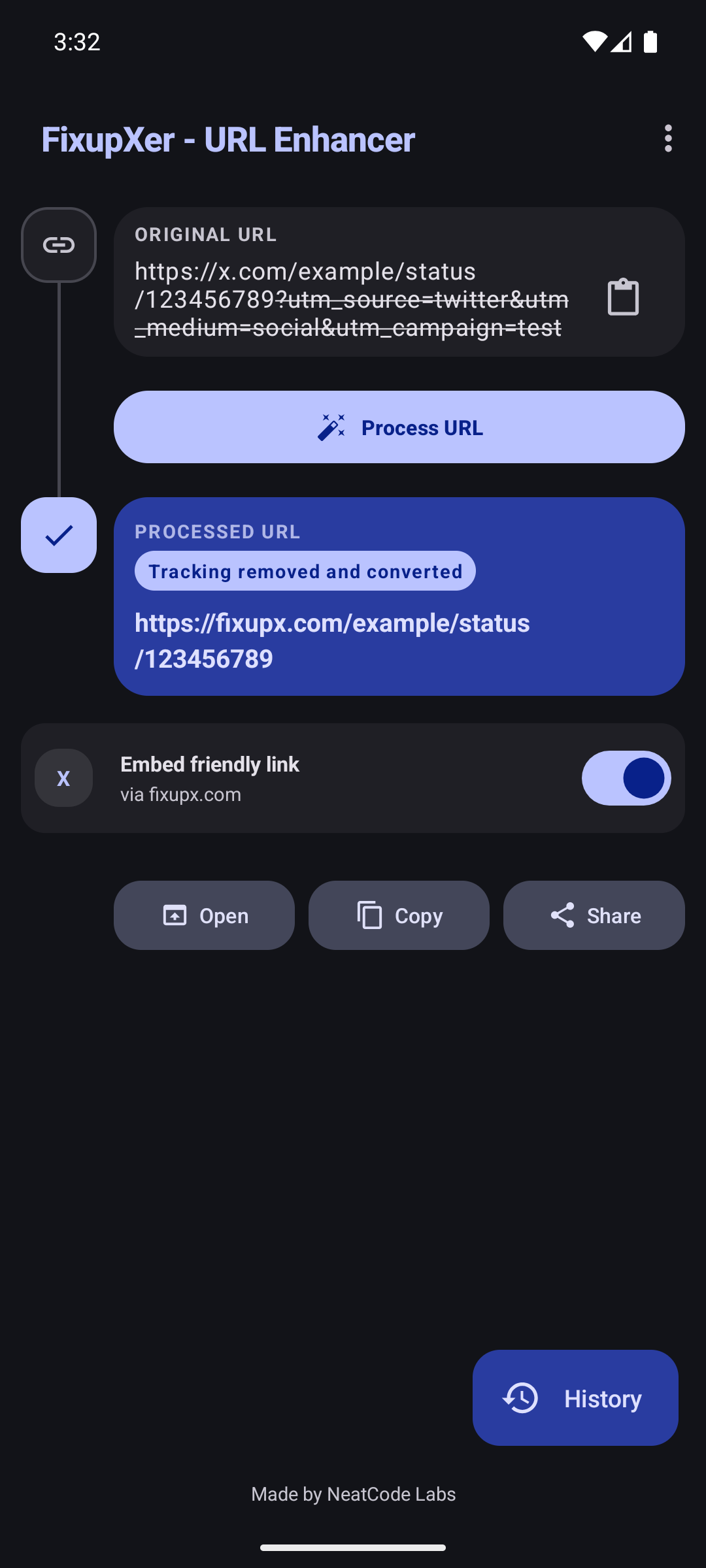
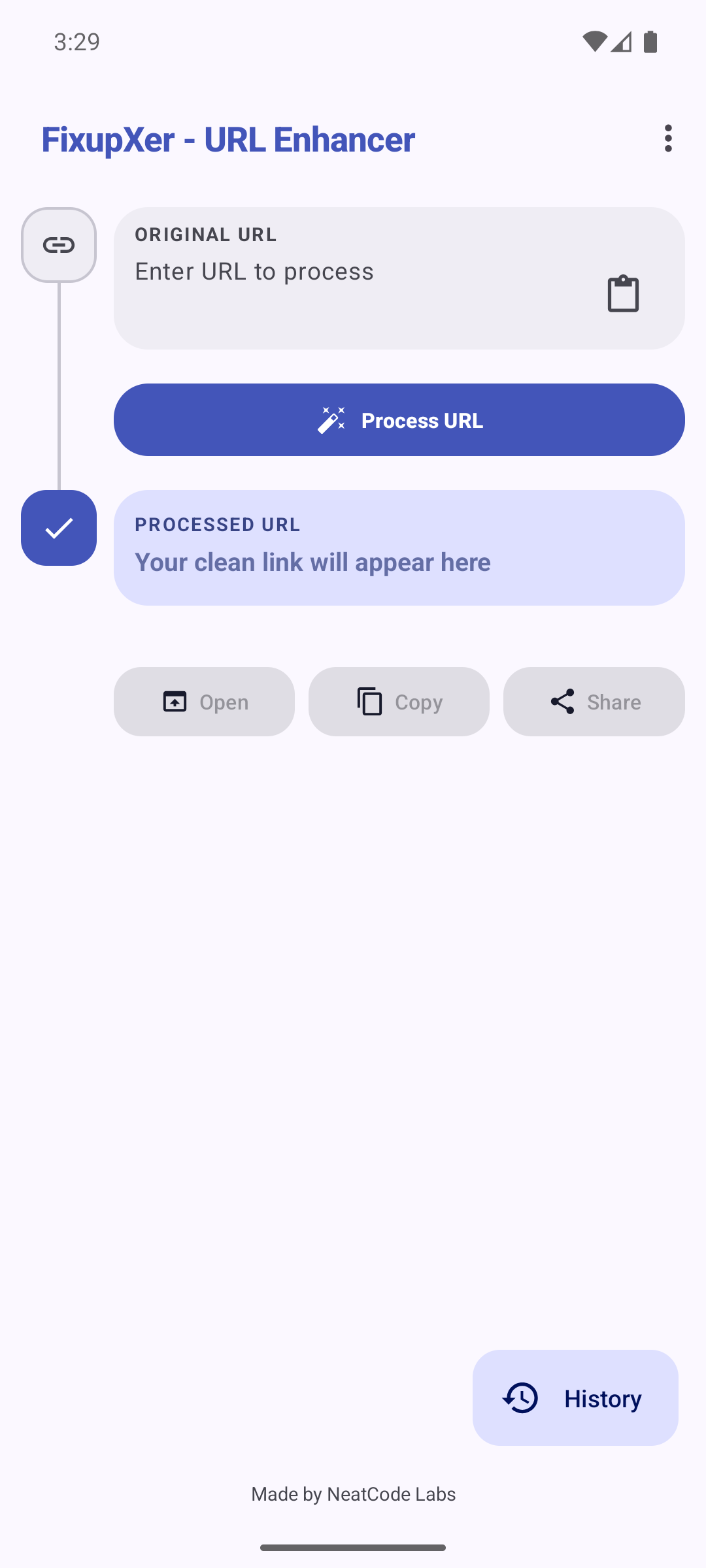
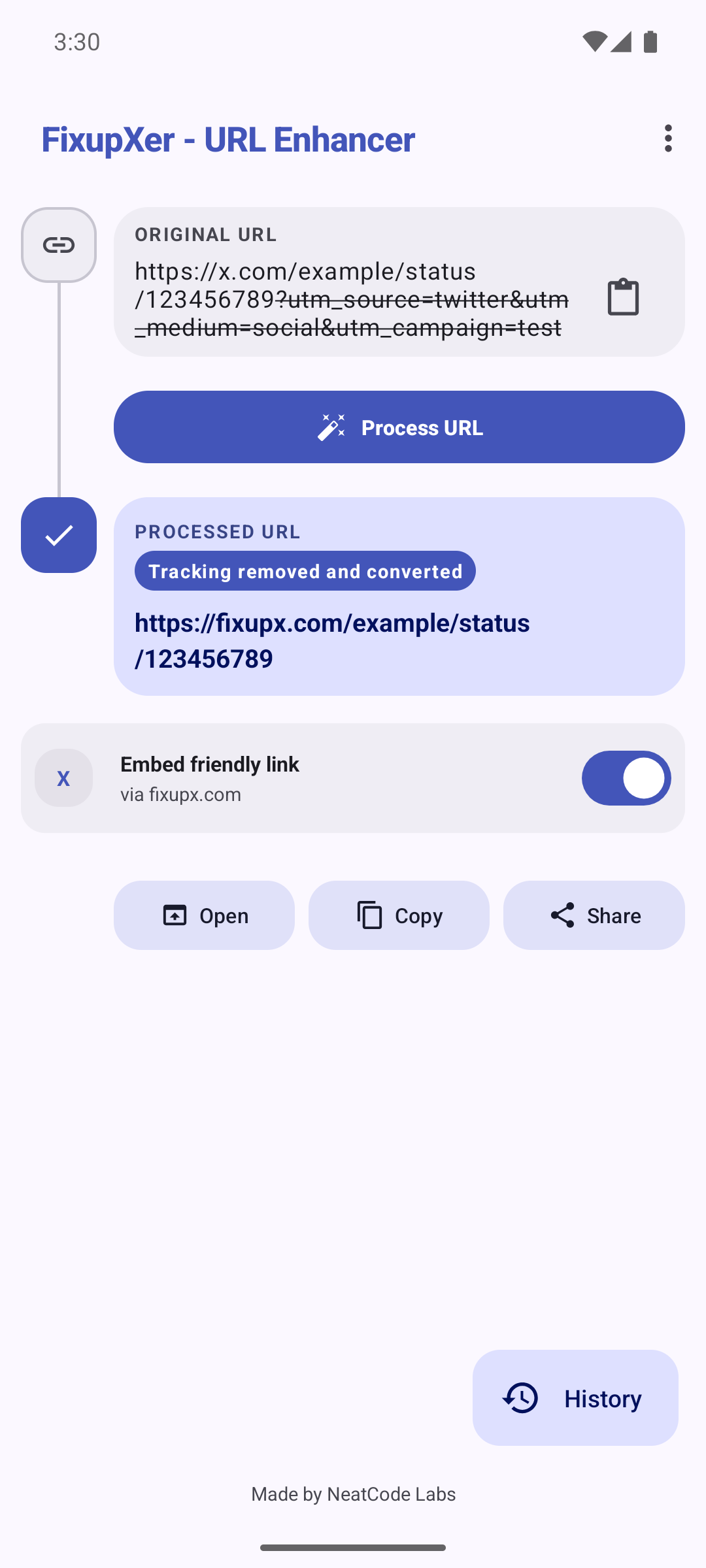
* Redesigned Material Design 3 interface with full dark mode and a System/Light/Dark theme pic
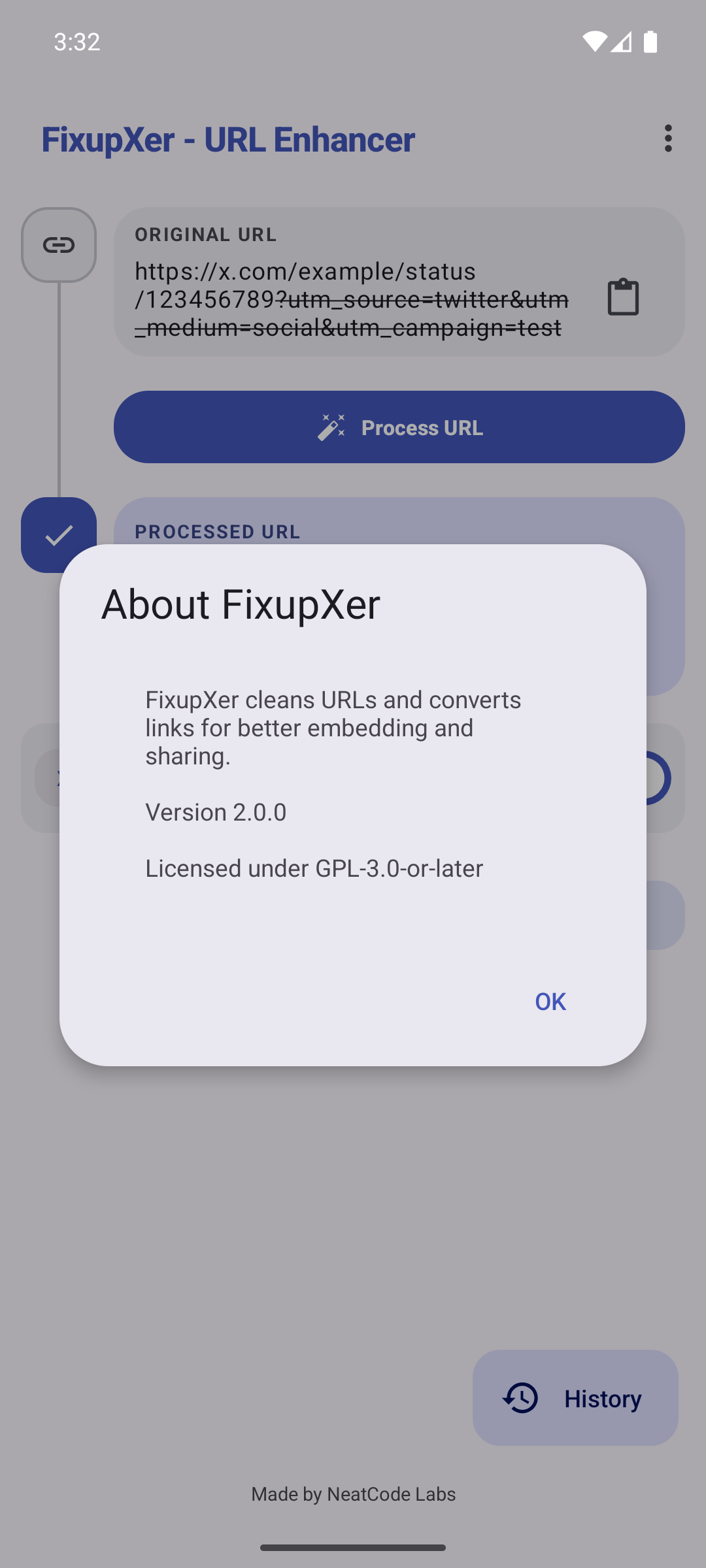
Screenshots
What’s new
Removed the unnecessary Help link from Conversion History.
How to install
Download the APK from the button at the top of this page.
Allow “Install unknown apps” for your browser or file manager only, not for every app.
Open the downloaded file and confirm the installation.
If installation fails with “App not installed,” remove an earlier build of the same app first. A signature conflict is the usual cause.
Data safety
Every file is checked against its published SHA-256 before it is listed.
Files are scanned for malware on every update.
The permissions each app requests are listed on its own page.
Read the full safety policy for how we test, flag, and delist files.
Frequently asked questions
What is FixupXer - URL Enhancer?
Clean tracking, choose link frontends, and spot sensitive data in URLs
Who develops FixupXer - URL Enhancer?
FixupXer - URL Enhancer is developed by NeatCode Labs.
Which Android version does FixupXer - URL Enhancer require?
FixupXer - URL Enhancer requires Android API 21 or later.
What is the current version of FixupXer - URL Enhancer?
The synchronized F-Droid version is 2.9.2.
Which license does FixupXer - URL Enhancer use?
The signed F-Droid metadata lists GPL-3.0-or-later.
Where is the source code for FixupXer - URL Enhancer?