Gridlink Mail icon

Gridlink Mail

tatelink
Internet
Version
1.0.0
Size
5.9 MB
Requires
Android API 26+
4.5 / 5 · 12,280 ratings 80,222 downloads

Updated Oct 13, 2026

Quick answer

A fast, private JMAP and IMAP email client. No ads, no tracking, no Google.

Gridlink Mail is an email client built for JMAP, the modern successor to IMAP. It syncs faster, uses less battery and less data, and was designed for phones rather than adapted to them. It speaks classic IMAP and SMTP too, so it works with any standard mail provider.

There is no Gridlink account and no Gridlink server. The app talks only to the mail server you configure. It collects nothing, contains no ads, no tracking and no Google libraries, and it is free software under the GPLv3.

Features

* JMAP mail, with IMAP/SMTP as a fully supported alternative * Contacts and calendar over JMAP, with CardDAV and CalDAV fallback * Autodiscovery: type your address and let it find the server, or pick the protocol yourself * Remote images blocked by default, so a message cannot phone home unless you let it * OpenPGP support * Self-hosted friendly, including servers using a self-signed certificate * Two-pane layout on unfolded and tablet-sized screens * Swipe actions, undo send, scheduled send and threaded conversations

A note on this build

Gridlink Mail is a fork of Sterna Mail by emon (https://codeberg.org/emon/sterna-mail), reused under the GPLv3. The mail engine, sync layer and OpenPGP support are emon's work; this fork rebuilds the front end and the setup flow. It is not an official Sterna release and emon does not support it. If you want the original, upstream is the better-tested and actively maintained app.

Screenshots

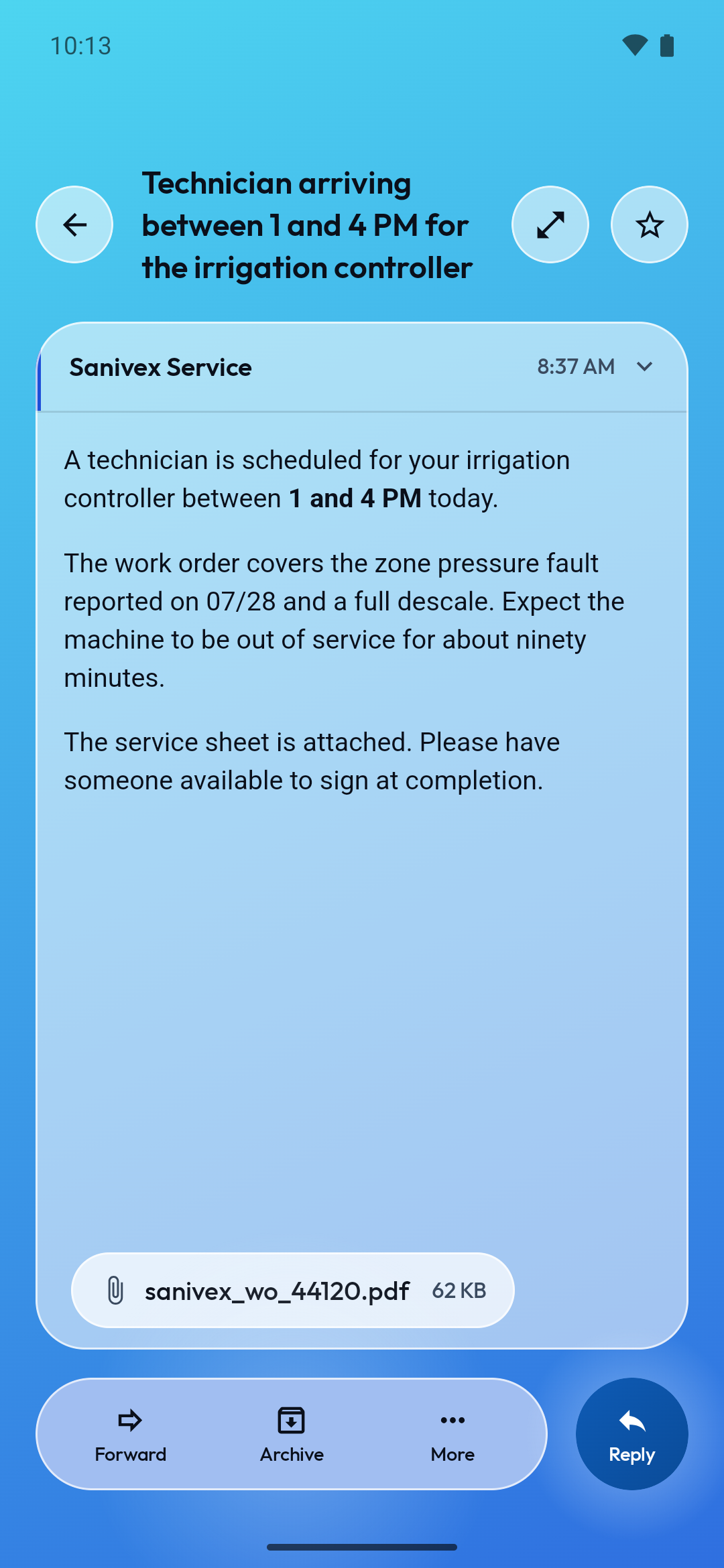
Gridlink Mail screenshot 1
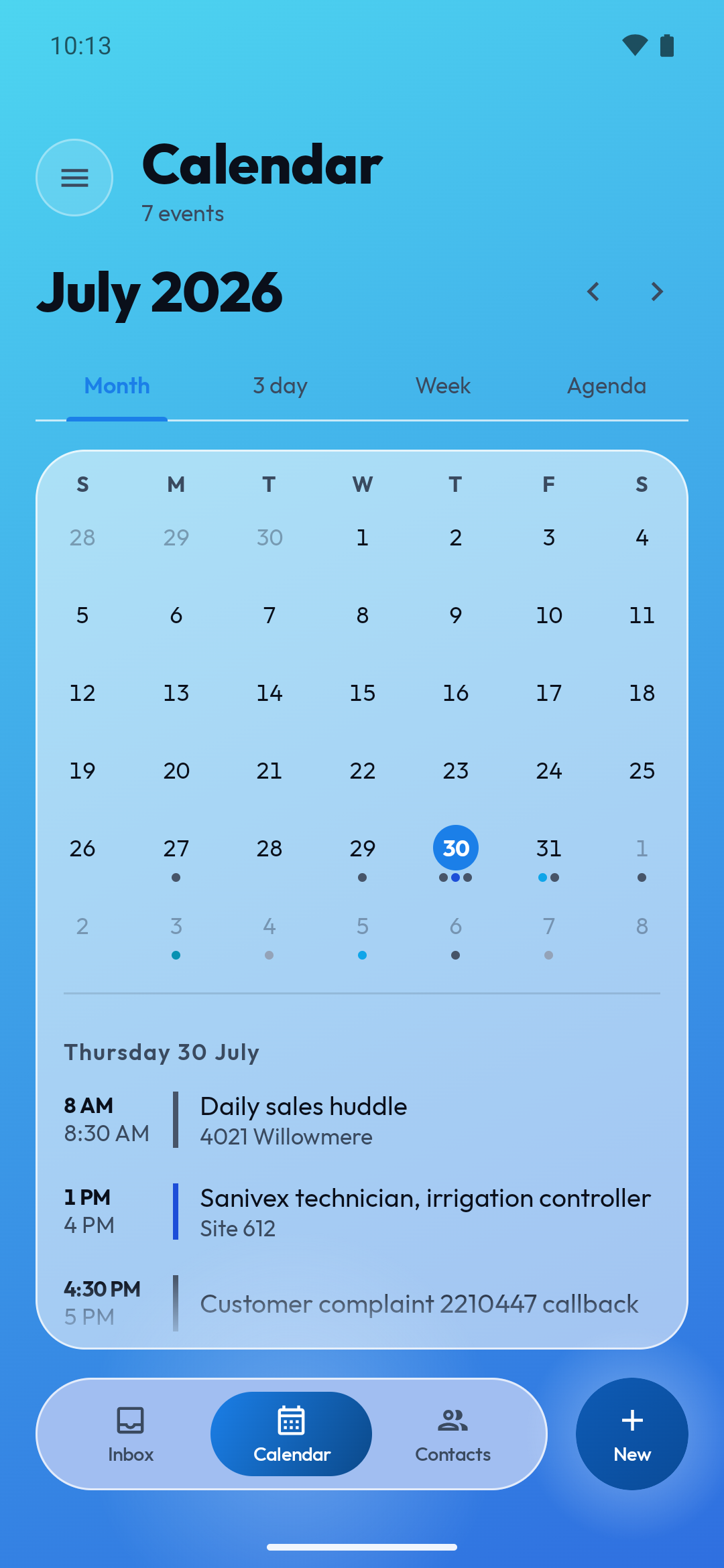
Gridlink Mail screenshot 2
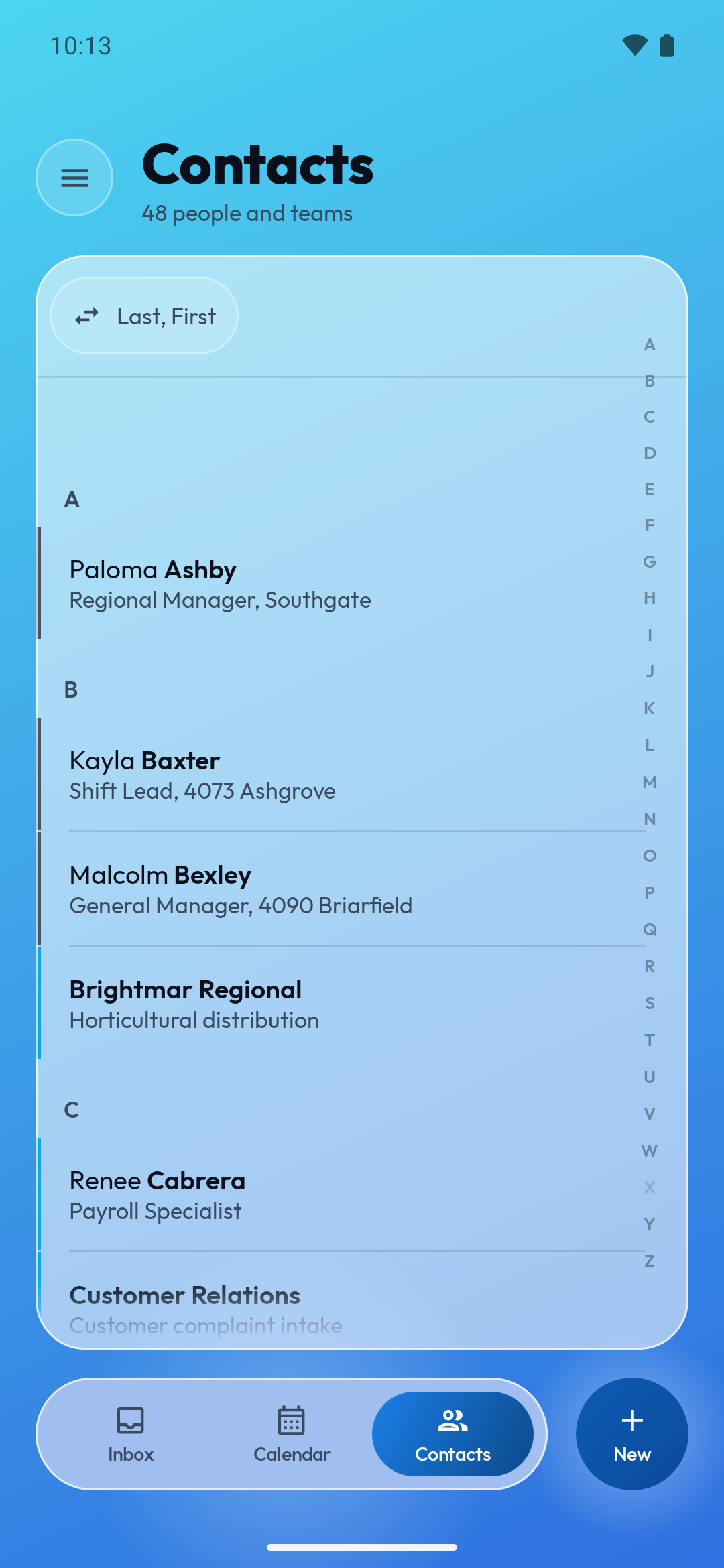
Gridlink Mail screenshot 3
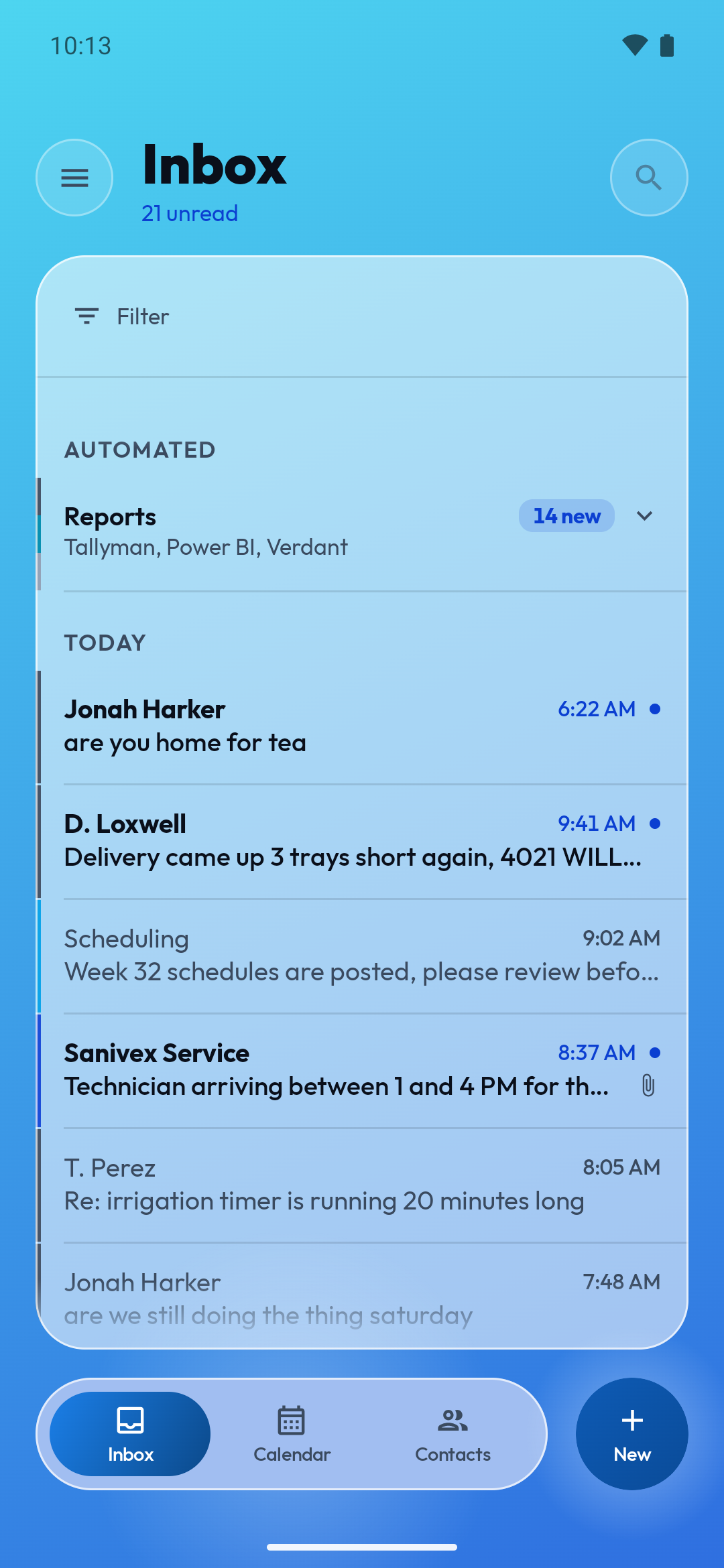
Gridlink Mail screenshot 4

What’s new

Gridlink Mail 1.0.0. The interface is finished; this is the release it was heading for.

- Reading: choose whether opening a message marks it read, or leave that to the swipe and the button.
- Filters can now ask about more than one thing at a time, and act on more than one.
- Mail tags are read from the server itself, so tags made in another client show up here.
- Contacts read as facts, not as a form nobody can type in, and can be deleted from the edit screen.
- Calendar: tapping a day takes t

How to install

  1. Download the APK from the button at the top of this page.
  2. Allow “Install unknown apps” for your browser or file manager only, not for every app.
  3. Open the downloaded file and confirm the installation.
  4. If installation fails with “App not installed,” remove an earlier build of the same app first. A signature conflict is the usual cause.

Data safety

  • Every file is checked against its published SHA-256 before it is listed.
  • Files are scanned for malware on every update.
  • The permissions each app requests are listed on its own page.
  • Read the full safety policy for how we test, flag, and delist files.

Frequently asked questions

What is Gridlink Mail?
A fast, private JMAP and IMAP email client. No ads, no tracking, no Google.
Who develops Gridlink Mail?
Gridlink Mail is developed by tatelink.
Which Android version does Gridlink Mail require?
Gridlink Mail requires Android API 26 or later.
What is the current version of Gridlink Mail?
The synchronized F-Droid version is 1.0.0.
Which license does Gridlink Mail use?
The signed F-Droid metadata lists GPL-3.0-only.
Where is the source code for Gridlink Mail?
https://github.com/tatelink/gridlink-mail

Comments

Recent approved comments · sorted by newest

Verification code
Be specific and keep it about the app. No links. Comments are reviewed before publication. Device and Android details are recorded automatically. Privacy policy.

Loading recent comments...

View all comments