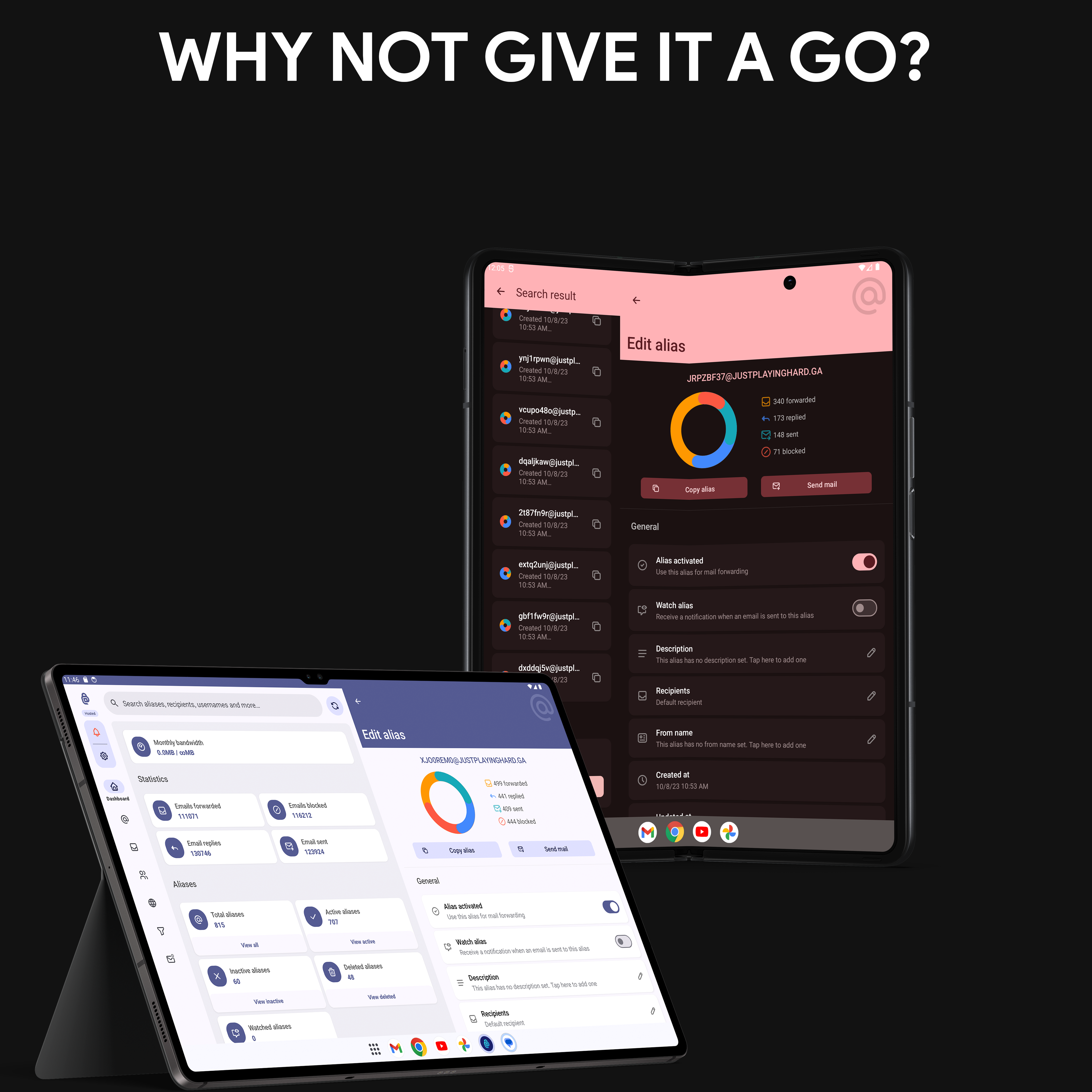
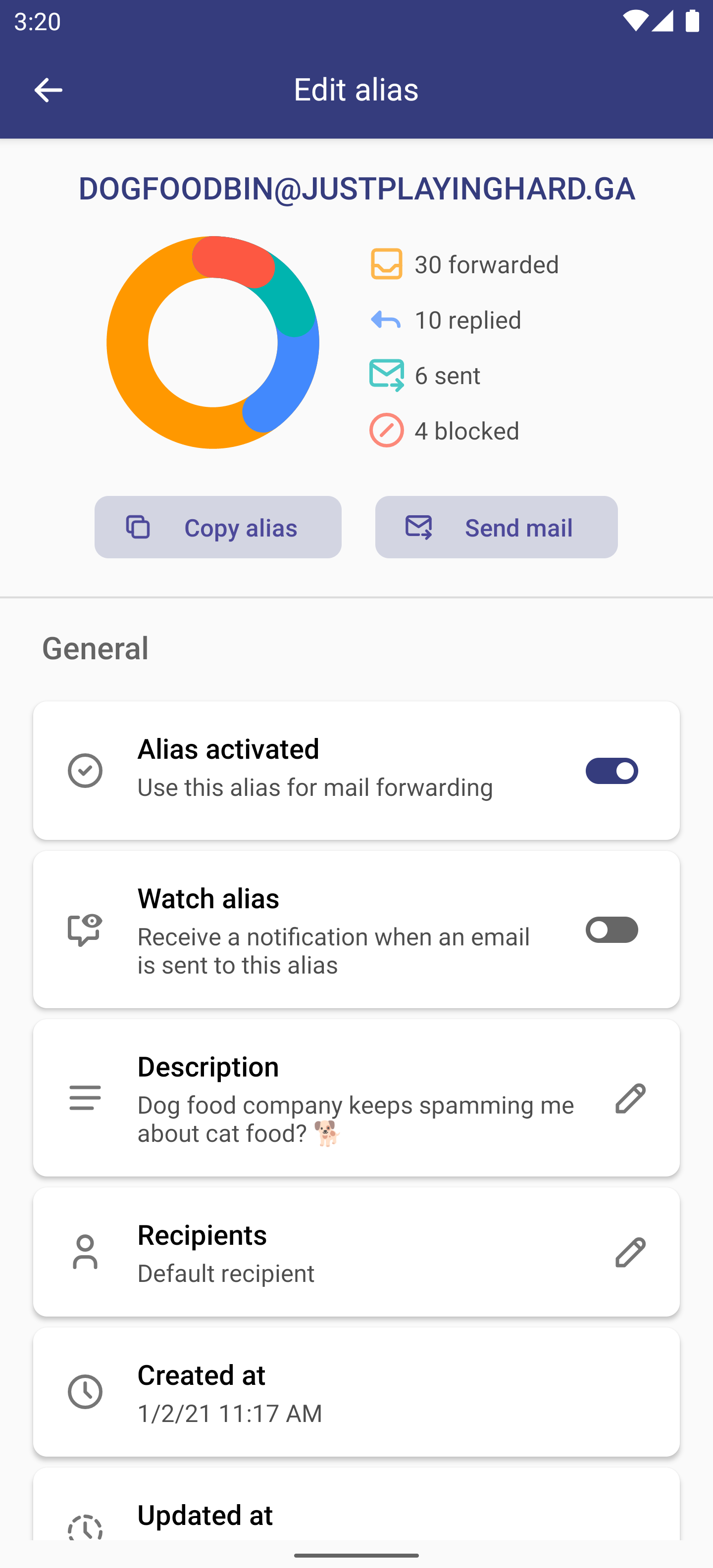
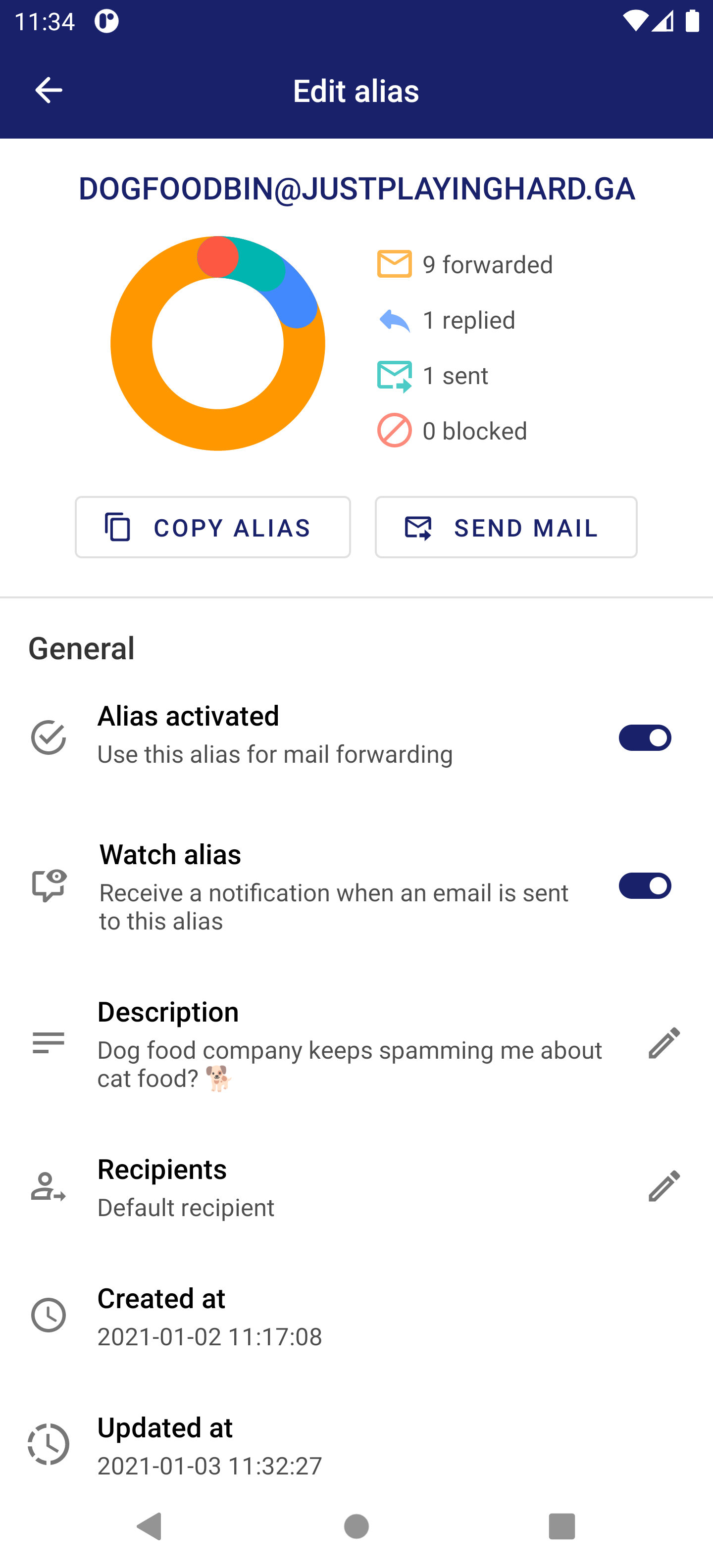
Easily create and manage your addy.io aliases, recipients and more from your phone, tablet or wearable with the addy.io app.
Requirements: addy.io instance running v1.7.3 or higher
Characteristics
Connect to the hosted addy.io instance or your own self-hosted instance
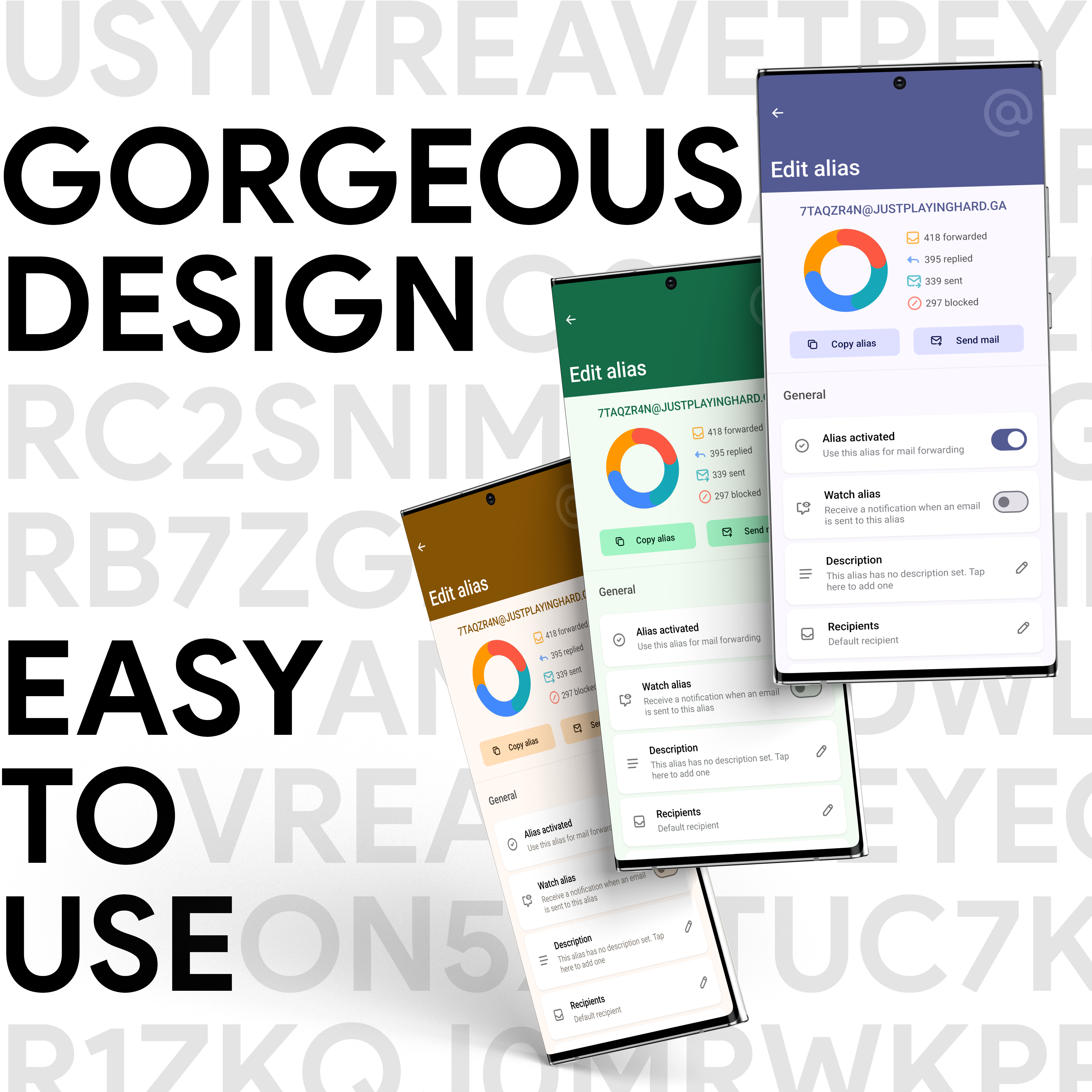
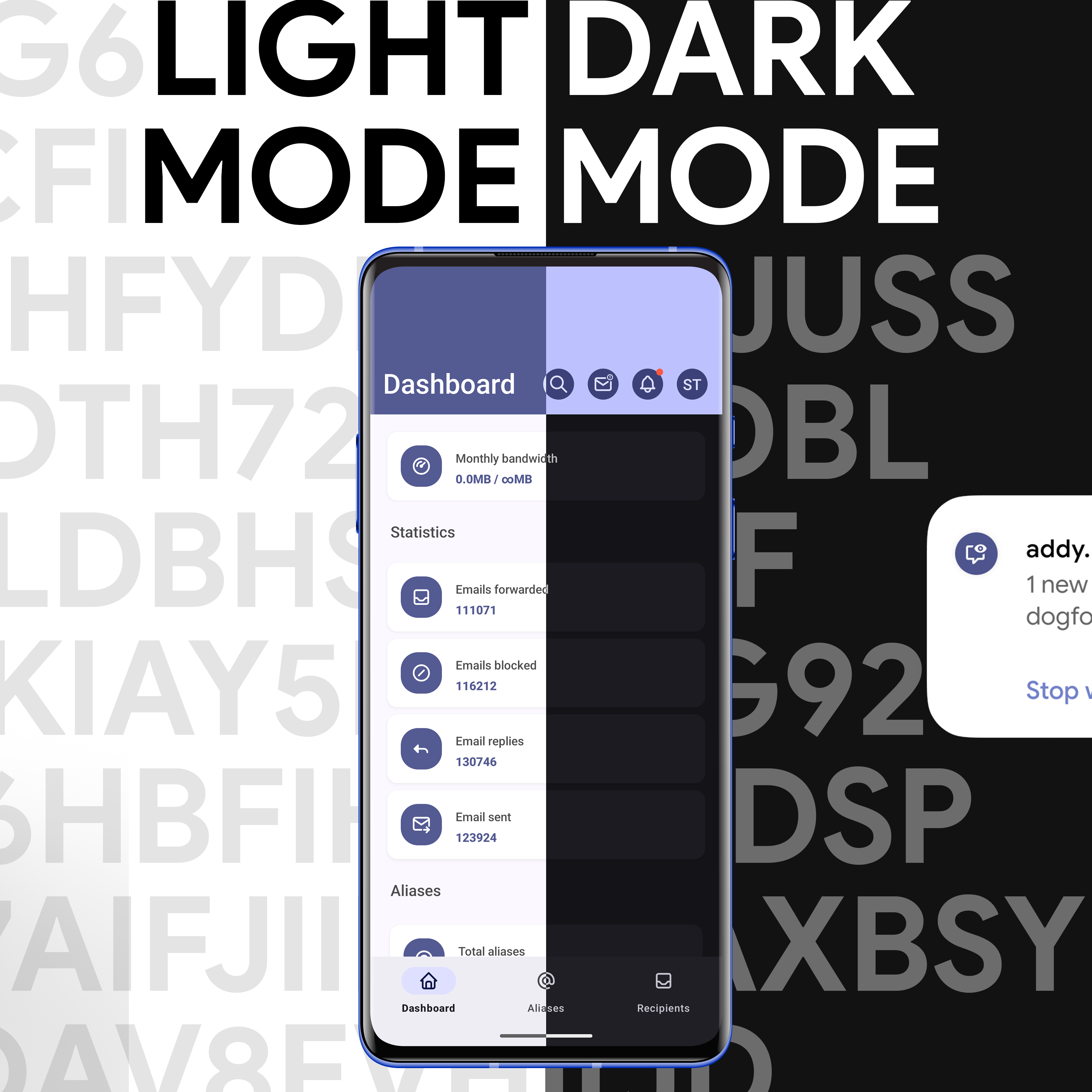
A unique, gorgeous and sleek design, based on the Material You Design guidelines
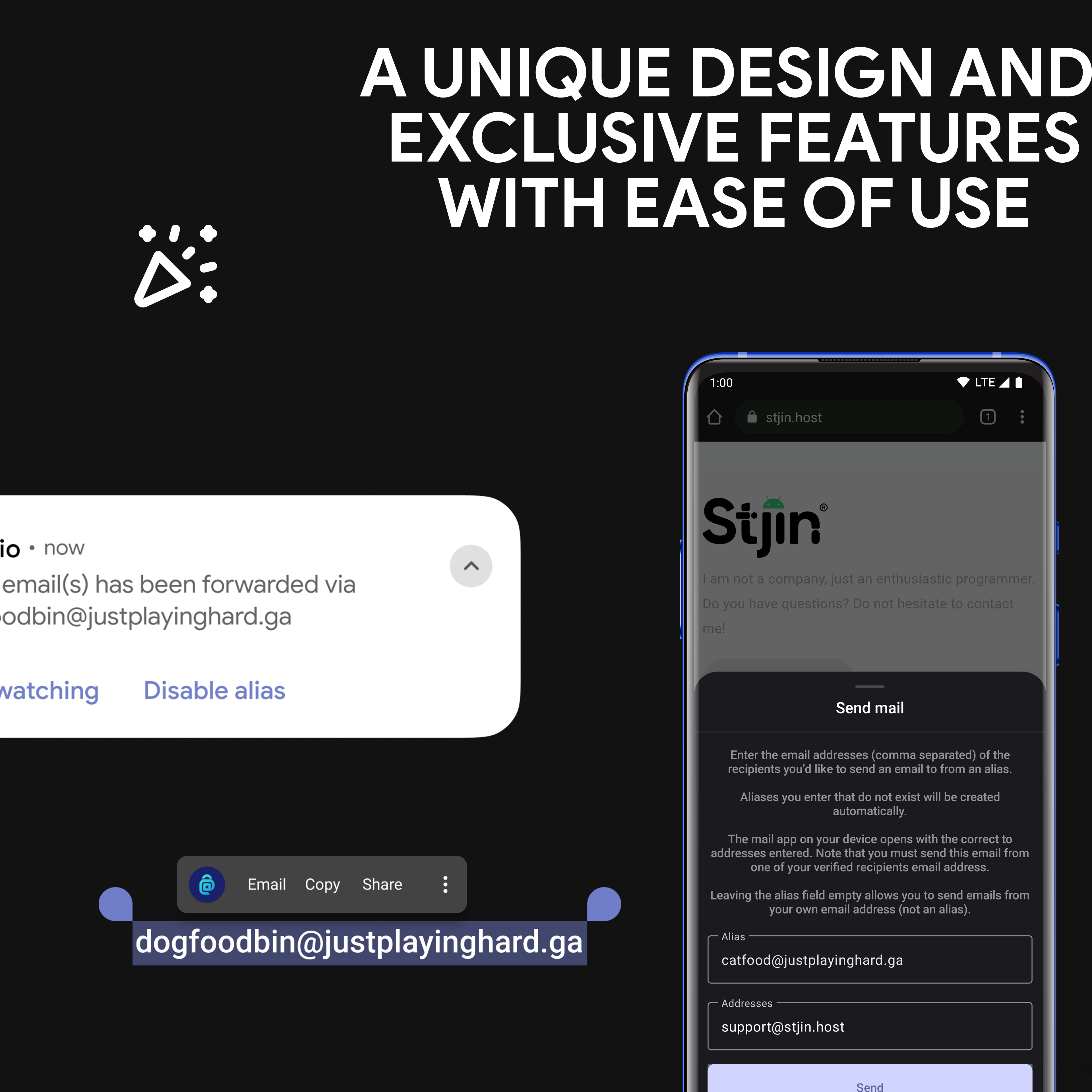
Support for Deep Link to easily deactivate aliases from the email banner
Lock the app using Biometrics
App exclusive features
Watching aliases for new emails
Send emails from aliases by selecting an email address or clicking a mailto link
Get notified on failed deliveries, domain errors and expiring subscriptions
Update multiple aliases at once
Enable error logging to locally store exceptions for easy troubleshooting
Export and import encrypted backups of the app configuration
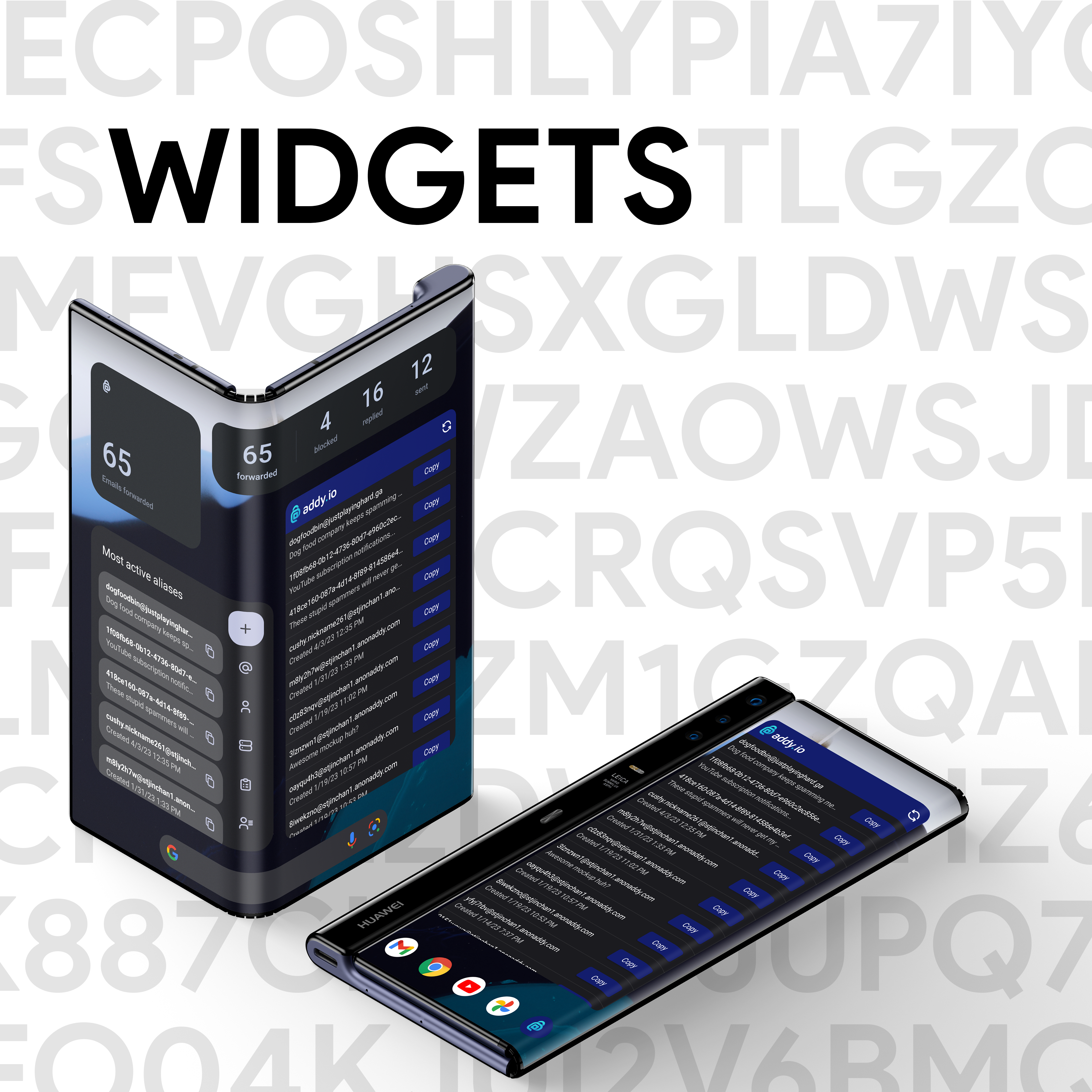
Widgets!
Manage and create aliases on the go with the Wear OS app, including a tile for quick access to your favorite aliases!
Security:
Encrypted preferences, your API key and other addy.io related settings are securely stored on your device using the AndroidX crypto library
Encrypted app backups, when making a backup of the app configuration through the built-in backup manager
Support for mTLS in case of self-hosted instances
No stats, buried points or Device IDs, or even crash reporting (Except for Google Play Store builds). So if you get a crash, please share the crash info with me >_<.
I am forgoing the convenient third-party collection SDK and various stats just so you can use it with confidence.
Manage (add, edit, delete):
Aliases
Recipients
Domains
Usernames
Rules
Blocklist
Labels
Failed deliveries
What is addy.io
addy.io is an open source email forwarding service designed to protect an internet user's email addresses from spam and other unwanted emails. Using the addy.io app managing your aliases has become easier than ever! Learn more about addy.io:https://addy.io
Screenshots
What’s new
What's new in addy.io 6.6.0: • Fast & Efficient: Overhauled networking with OkHttp for quicker loads and lower battery usage • System Search: Find aliases directly from your launcher search bar • Quick Settings: 1-tap alias generation from your Quick Settings panel • Foldable & Tablet Ready: Adaptive grid layouts that transition seamlessly • Domain Check: Verify custom domain deliverability in-app • Bulk actions, deep links & Wear OS 1.7.0 upgrades
How to install
Download the APK from the button at the top of this page.
Allow “Install unknown apps” for your browser or file manager only, not for every app.
Open the downloaded file and confirm the installation.
If installation fails with “App not installed,” remove an earlier build of the same app first. A signature conflict is the usual cause.
Data safety
Every file is checked against its published SHA-256 before it is listed.
Files are scanned for malware on every update.
The permissions each app requests are listed on its own page.
Read the full safety policy for how we test, flag, and delist files.