
Quick answer
Mobile client for Zabbix monitoring
Zabb is a Flutter-based mobile client for Zabbix monitoring system, designed to bring enterprise IT infrastructure monitoring to your mobile device.
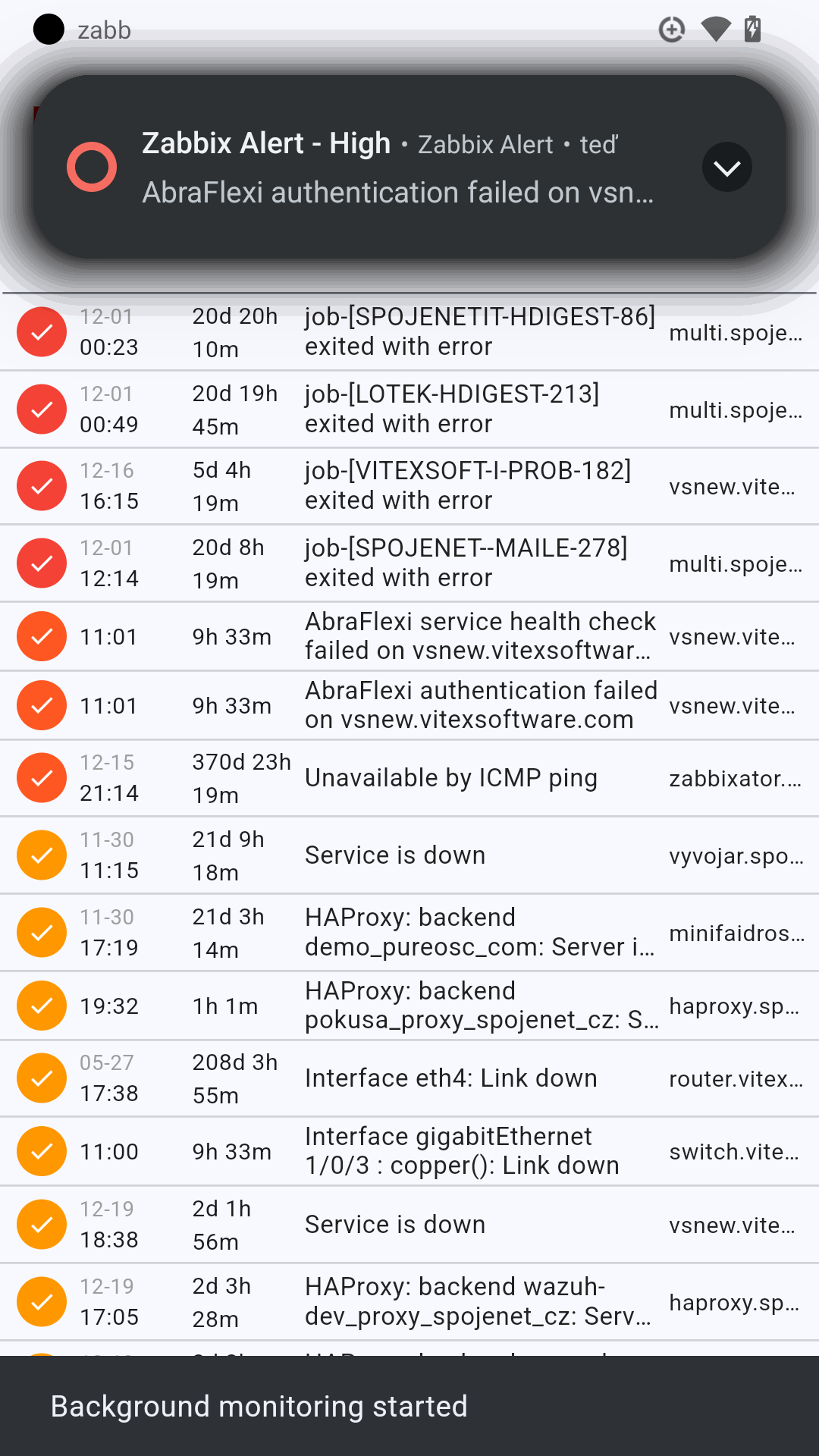
Features: • Real-time problem monitoring with auto-refresh • Advanced filtering by severity and hostname • Search functionality across all problems • Problem acknowledgment and closure • Trigger disable functionality • Pull-to-refresh for instant updates • Audio notifications with customizable sounds per severity • Recovery sound notifications when problems are resolved • Multi-platform support (Android, iOS, Desktop, Web) • SSL support for self-signed certificates • Offline capability with local storage
Platform Features: • Background monitoring (mobile & desktop) • System notifications • Custom sound file uploads • Battery optimization management
Perfect for system administrators and IT professionals who need to monitor their Zabbix infrastructure on the go.
Zabb connects directly to your Zabbix server via API and provides a clean, mobile-optimized interface for managing alerts and monitoring system health.
Screenshots
How to install
- Download the APK from the button at the top of this page.
- Allow “Install unknown apps” for your browser or file manager only, not for every app.
- Open the downloaded file and confirm the installation.
- If installation fails with “App not installed,” remove an earlier build of the same app first. A signature conflict is the usual cause.
Data safety
- Every file is checked against its published SHA-256 before it is listed.
- Files are scanned for malware on every update.
- The permissions each app requests are listed on its own page.
- Read the full safety policy for how we test, flag, and delist files.
Frequently asked questions
What is Zabb?
Mobile client for Zabbix monitoring
Who develops Zabb?
Zabb is developed by Vítězslav Dvořák.
Which Android version does Zabb require?
Zabb requires Android API 24 or later.
What is the current version of Zabb?
The synchronized F-Droid version is 0.6.11.
Which license does Zabb use?
The signed F-Droid metadata lists MIT.
Where is the source code for Zabb?
https://github.com/VitexSoftware/Zabb
Comments
Recent approved comments · sorted by newest
View all comments