Quick answer
Add smart functions to your Casio square BT G-Shock Watch.
G-Shock Smart Sync is an unofficial, open-source Android app for G-Shock, Edifice, and Pro Trek watches. It allows you to control your watch, sync data, and configure settings without a Casio ID. It offers a faster, privacy-focused, and more powerful alternative to the official Casio app.
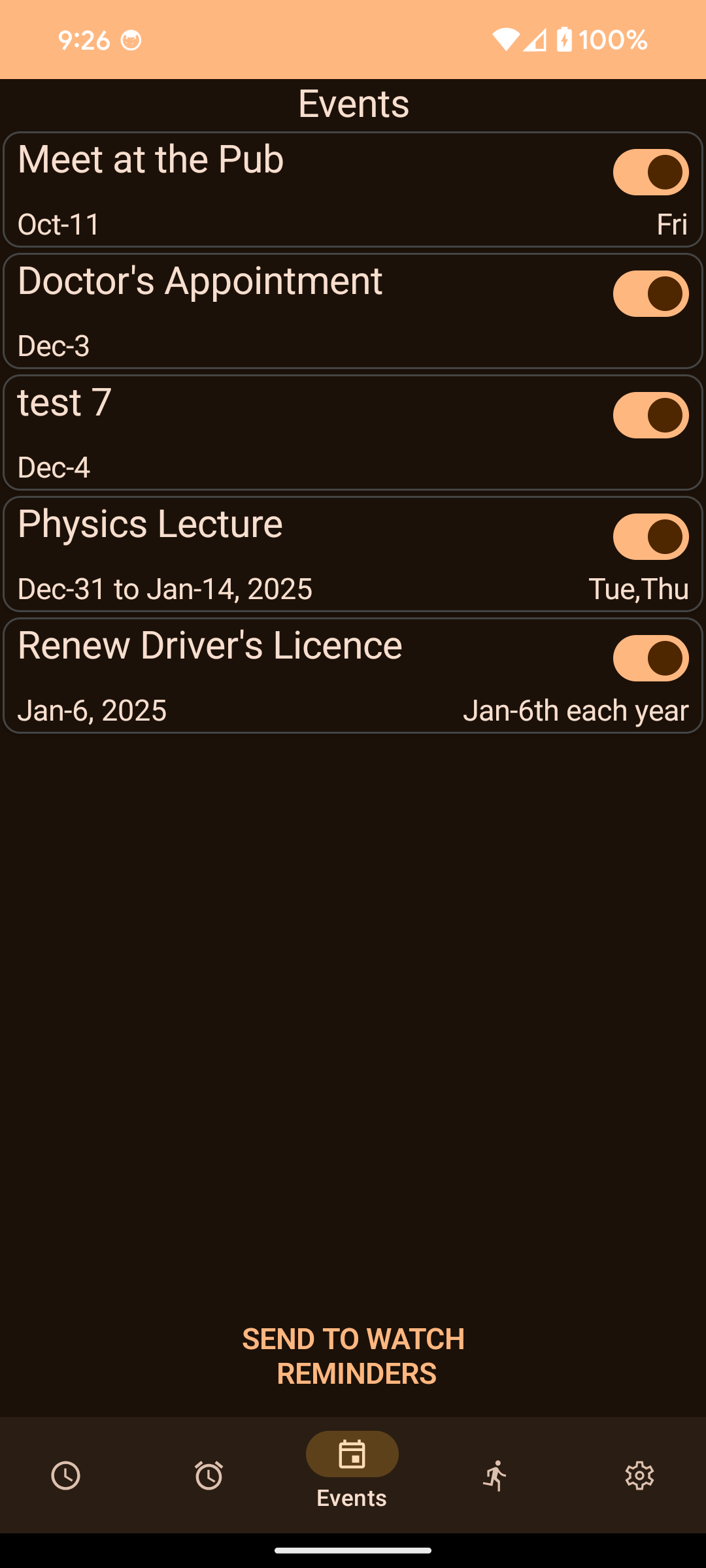
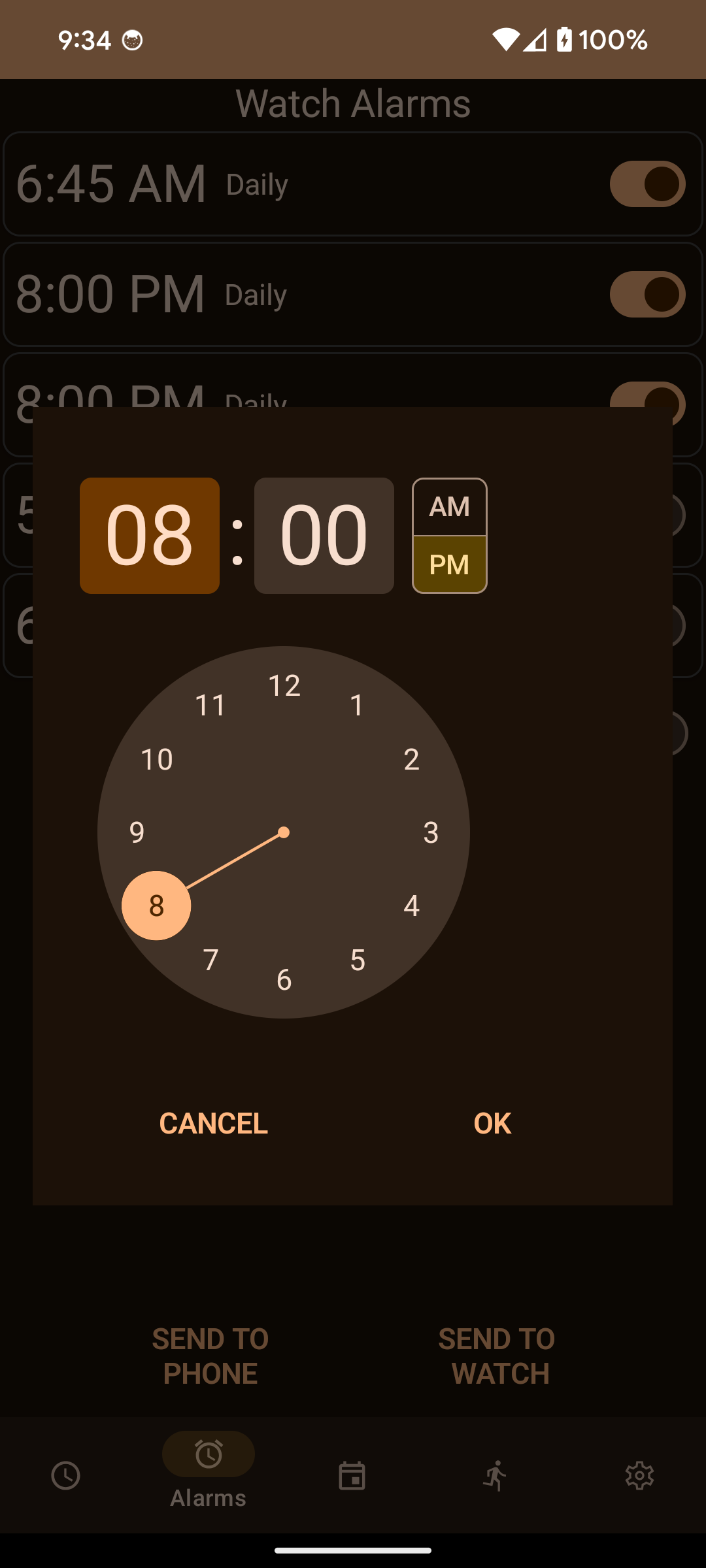
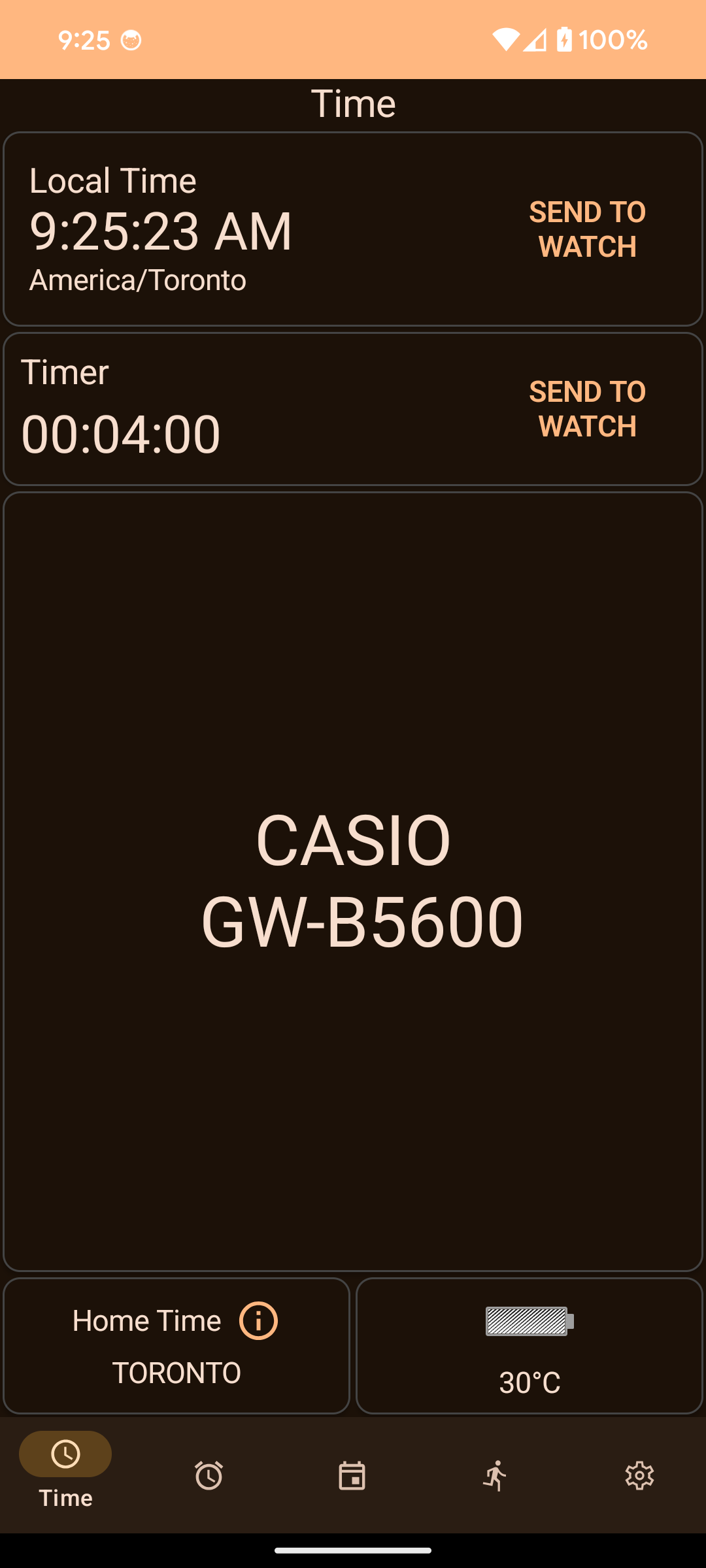
Key Features: - No Account Required: Skip the Casio ID login entirely. - Calendar Sync: Push your calendar events (Google, Samsung, etc.) to your watch as reminders. - Auto Timezone: Automatically adjusts watch time when you travel. - Remote Control: Use your watch buttons to take photos, control music, or launch voice assistants. - Alarm Sync: Configure watch alarms easily from your phone. - Phone Finder: Trigger a loud alarm on your phone to find it.
Supported Watch Models: The app works with many Bluetooth-enabled G-Shock, Edifice, and Pro Trek models.
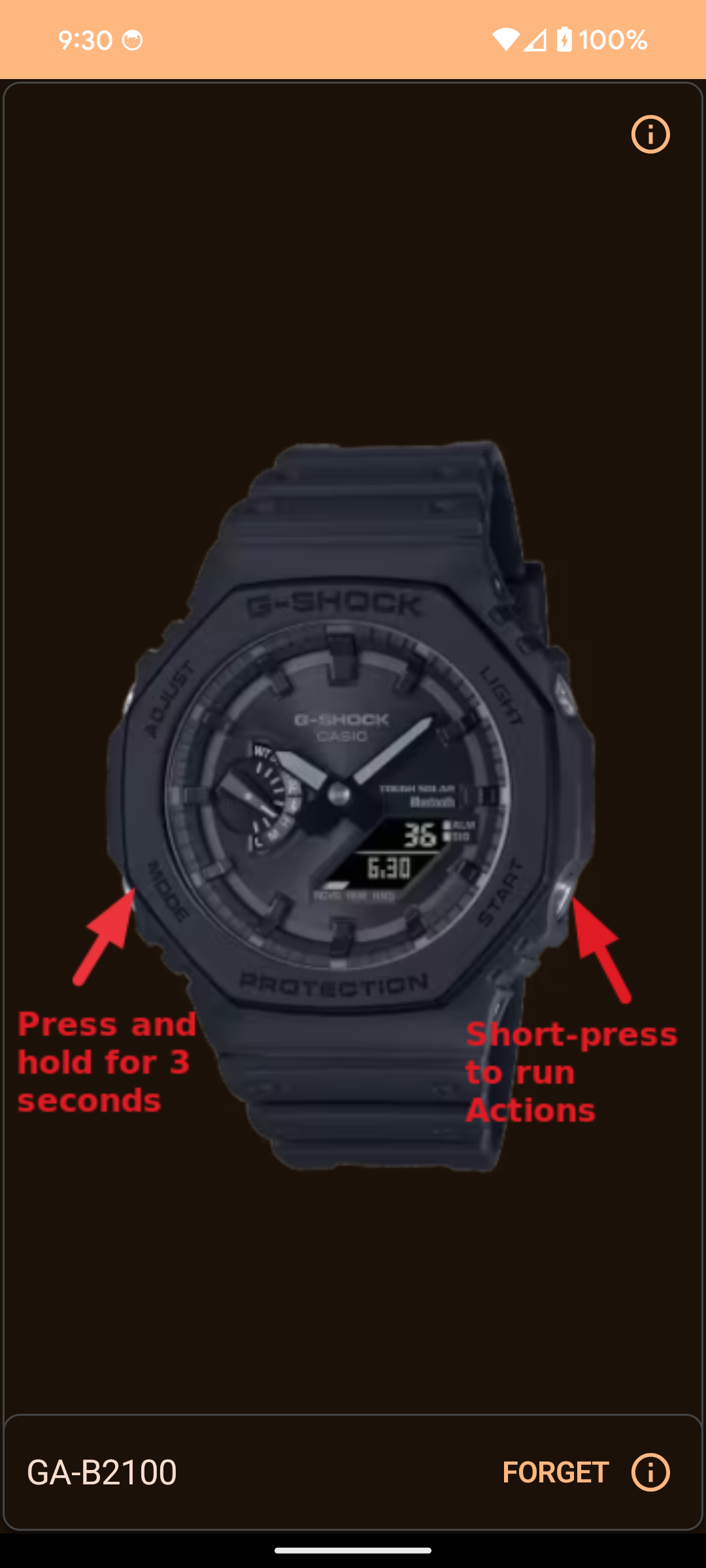
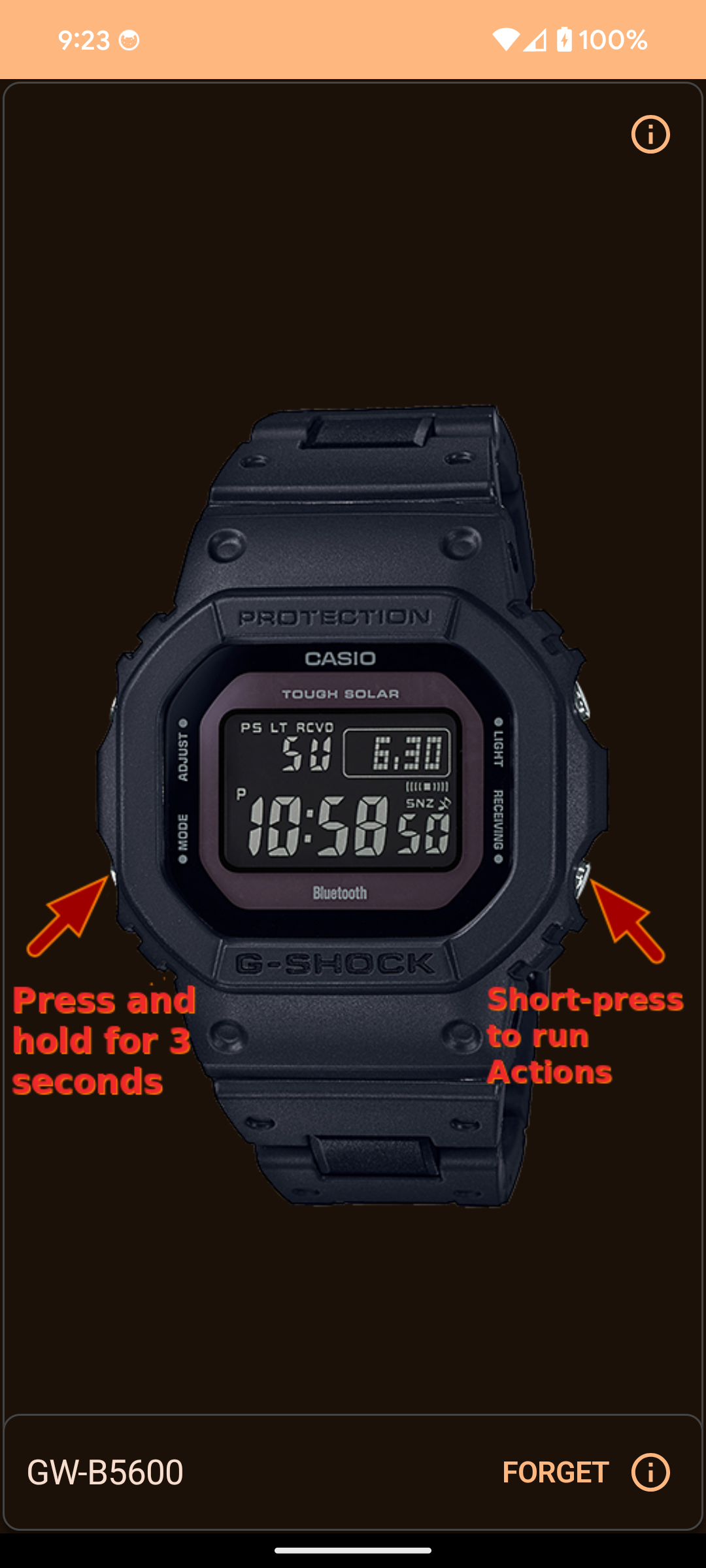
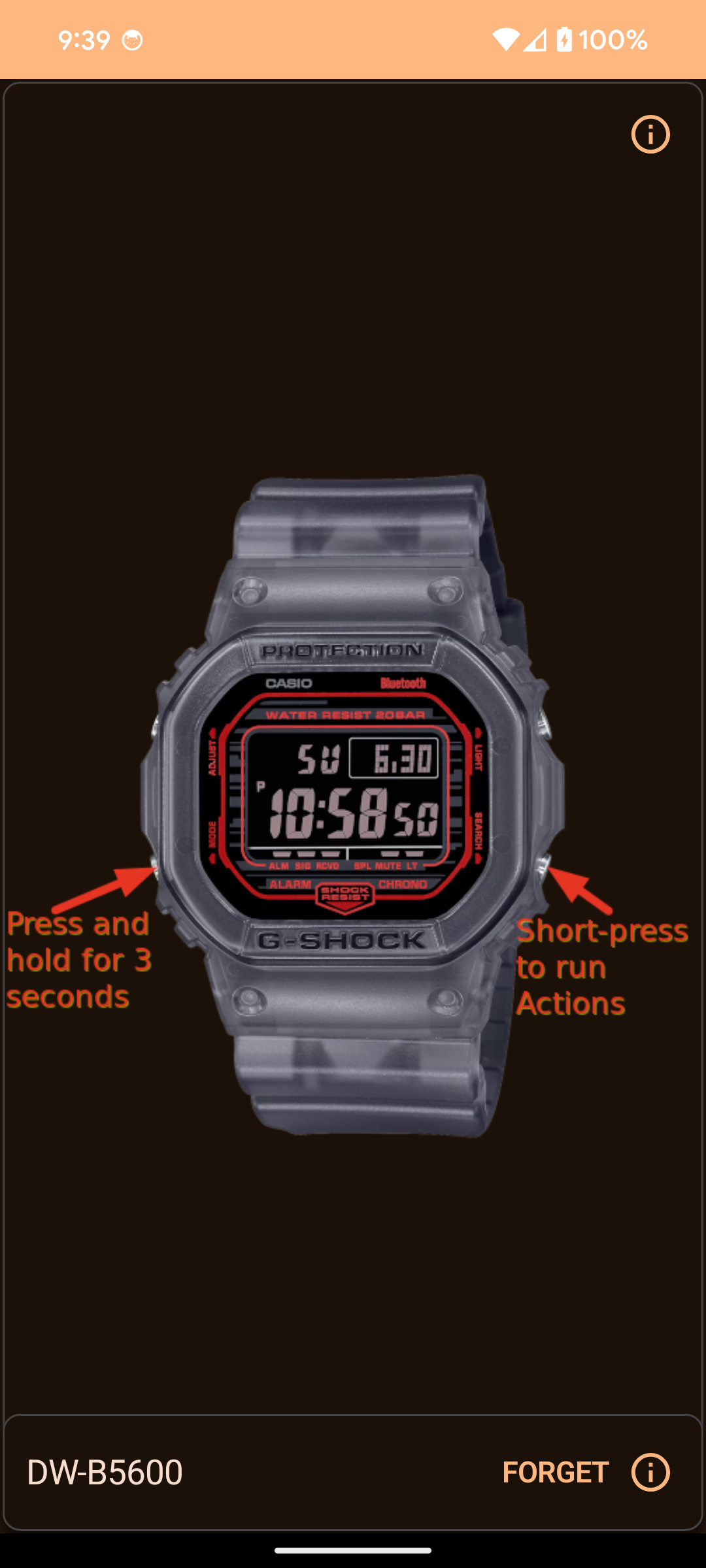
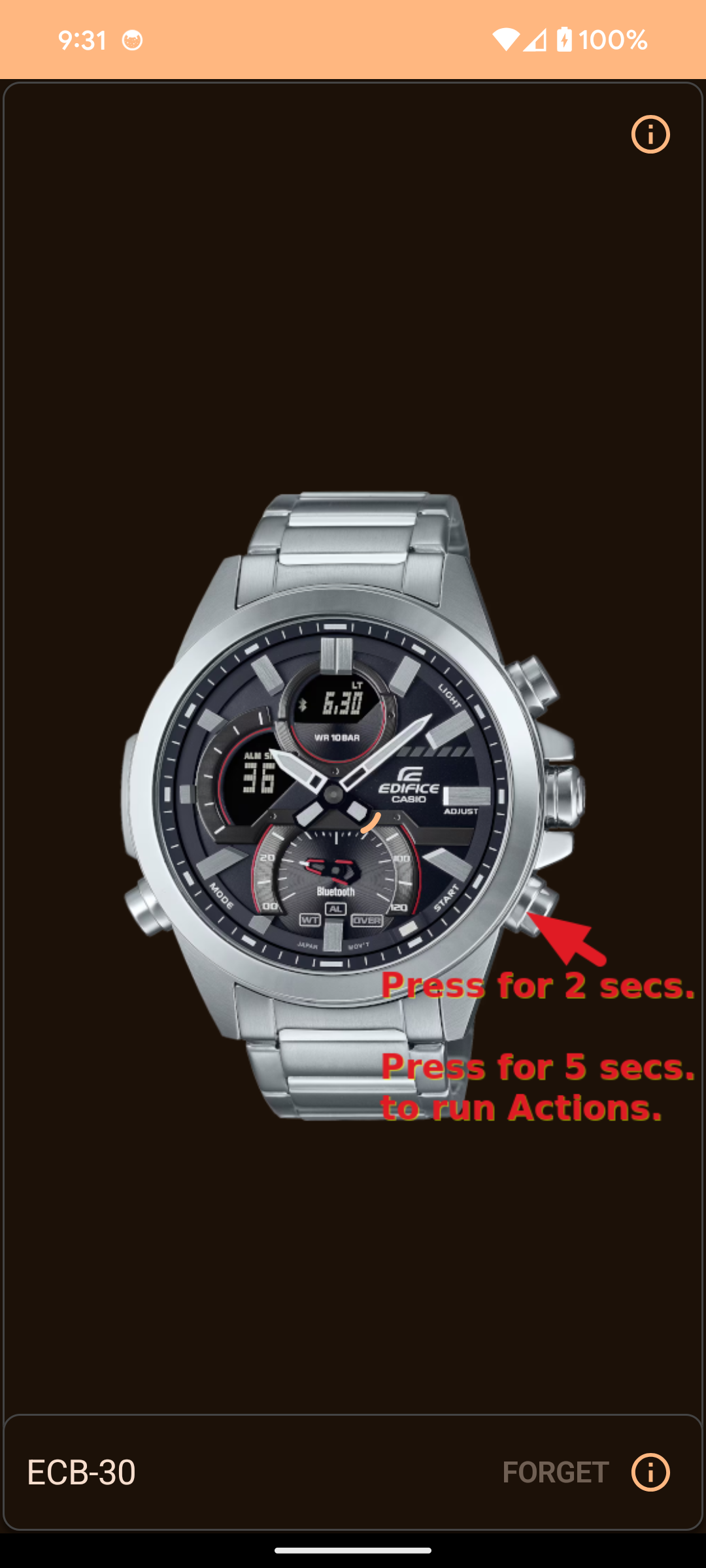
- Square: GW-B5600, GMW-B5000, GW-B5000, DW-B5600, TRN-50 - CasiOak: GA-B2100, GBM-2100, GMC-B2100, MRG-B2100 - G-Steel: GST-B100 to B1000, GST-W1000, ECB-900 - Edifice: ECB-10 to ECB-2300, EQB-500 to EQB-2000 - MT-G / MR-G: MTG-B1000/B3000/B3100, MRG-B5000/B2100 - Others: ABL-100WE, GBD-100/200, GBD-H1000/H2000, GPR-B1000
Note: While these watches connect, not all specific hardware features may be fully supported yet.
App Walkthrough:
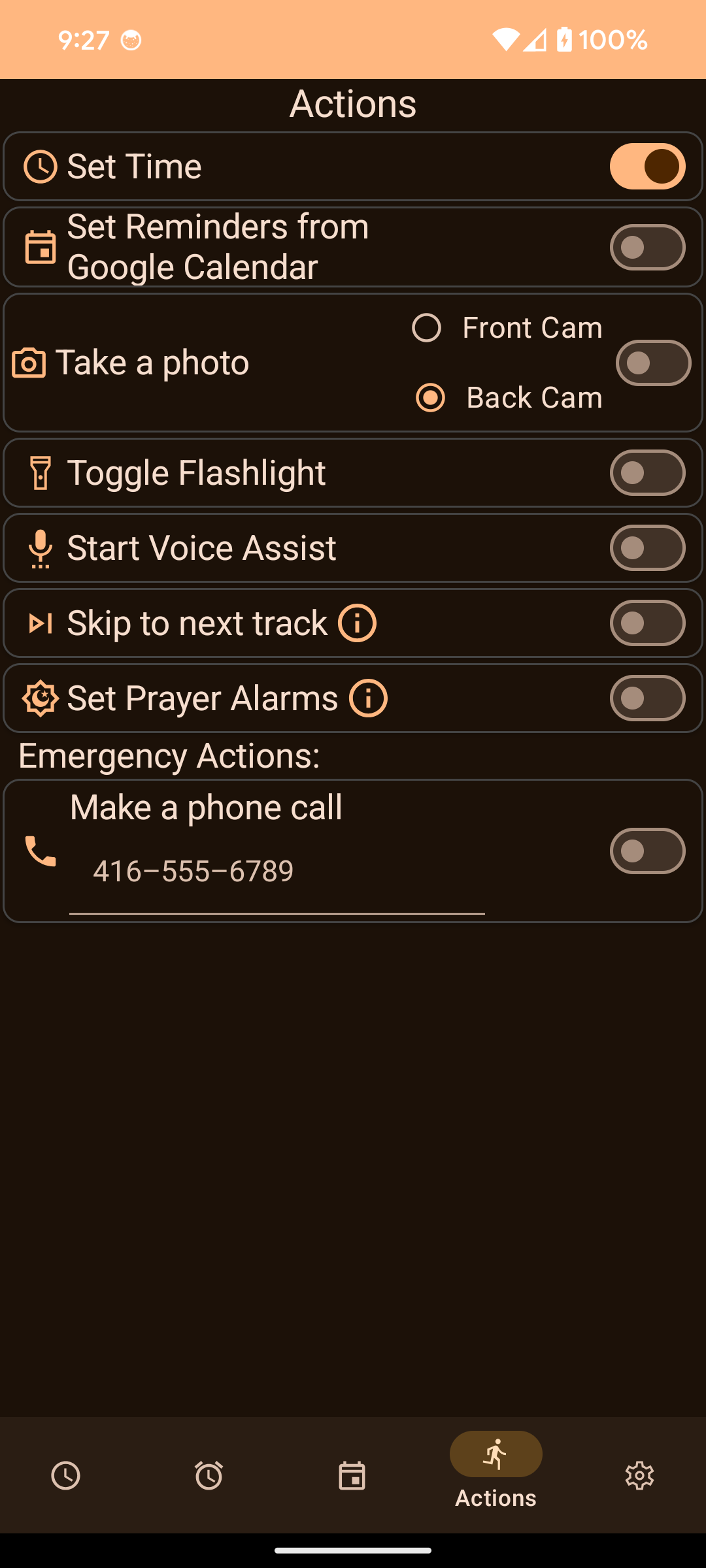
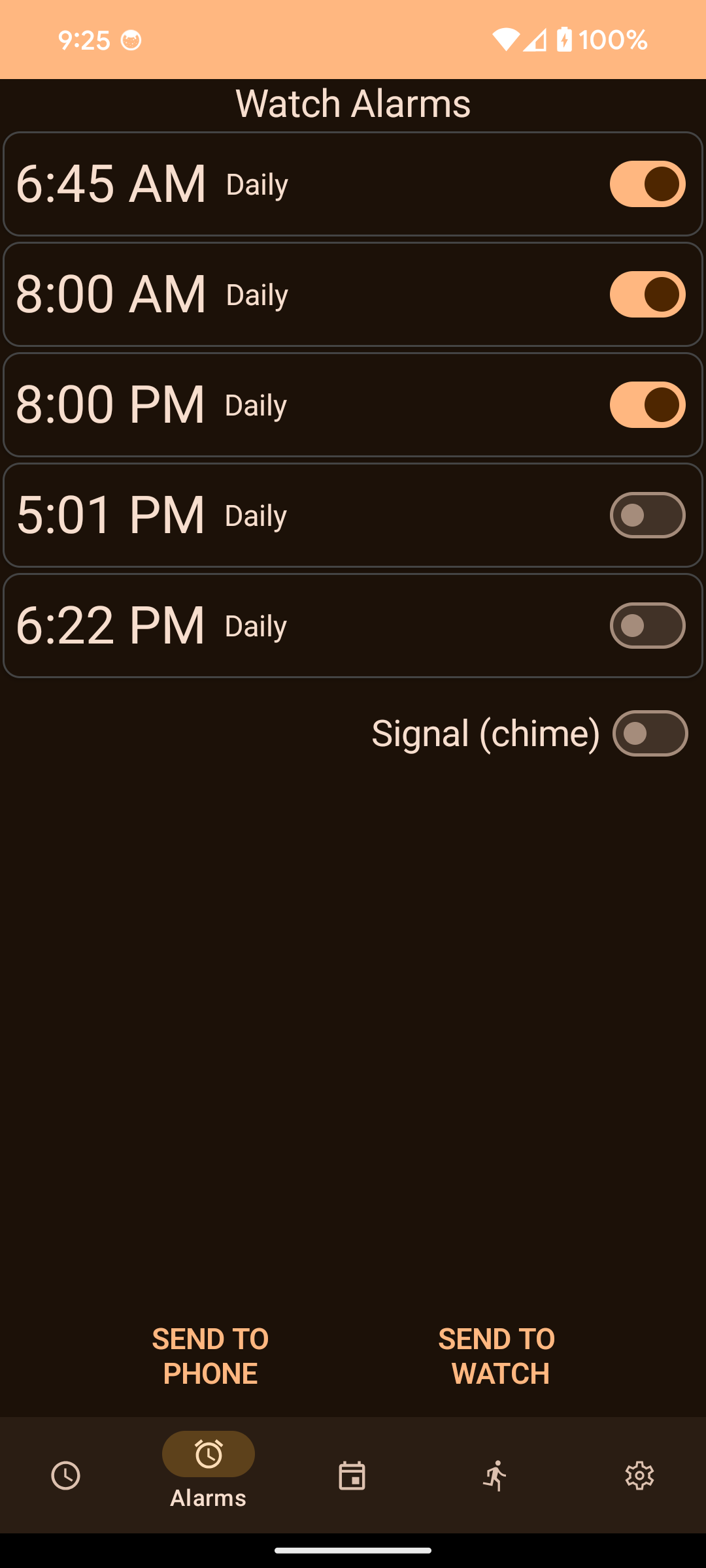
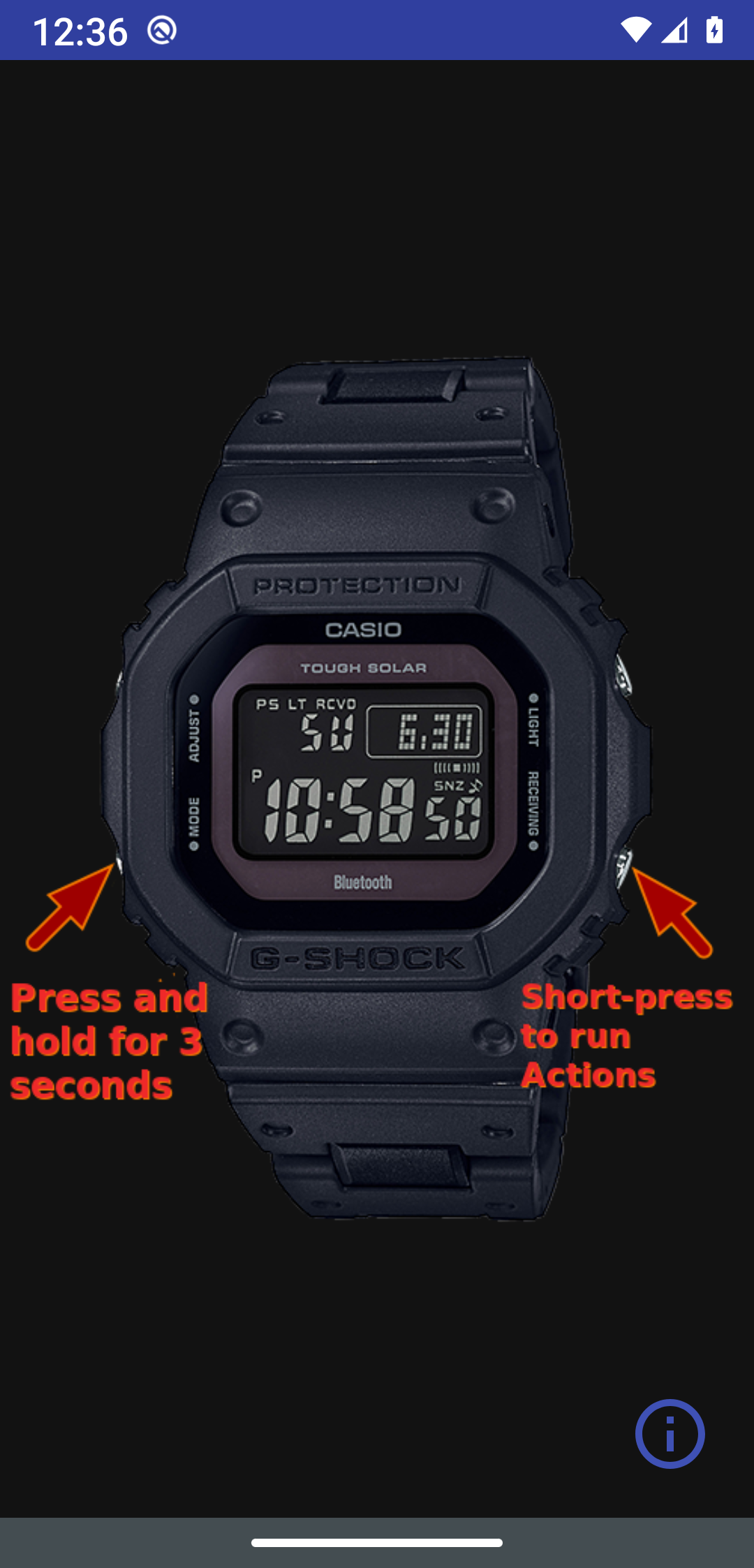
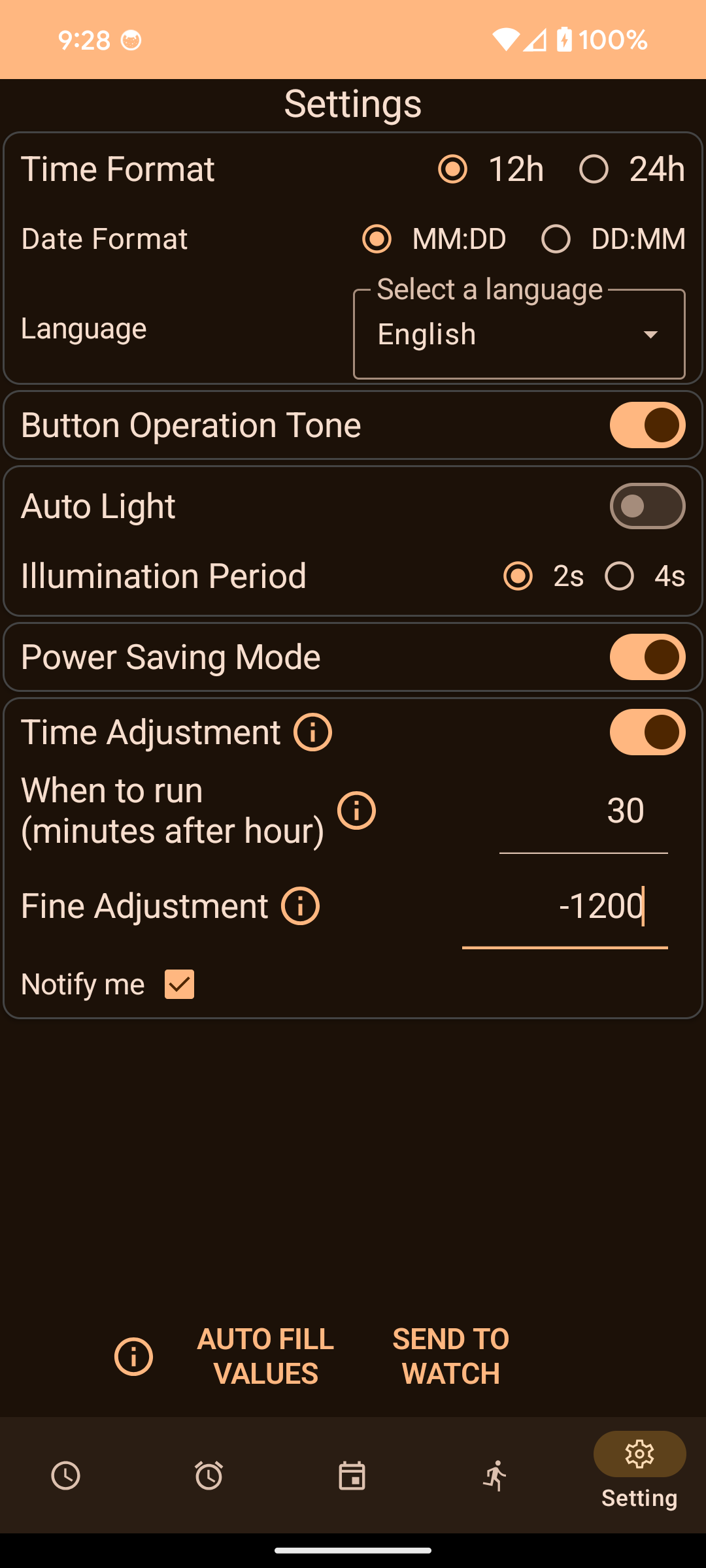
1. Connection Screen: Handles the Bluetooth connection via BLE. Connection is typically much faster than the official app (~3.5s vs 12s). 2. Time Setting: Manage your watch's timekeeping effortlessly. Sync your phone's time, timezone, and DST settings to the watch immediately. 3. Alarms: Read and configure the 5 alarms stored on your watch and the hourly signal (Chime). 4. Events (Calendar Sync): Sync your Android calendars to your watch! Pushes events to the watch's Reminder feature. 5. Actions (Remote Control): Turn your watch into a remote control. Assign actions to button presses (Find Phone, Take Photo, Flashlight, Next Track, Voice Assist, Set Prayer Alarms). 6. Settings: Configure app and watch preferences like light duration, power saving, and more.
Related Projects: - G-Shock Time Server: Headless time server for Raspberry Pi or Linux. - G-Shock API for ESP32: Standalone time server firmware for ESP32. - G-Shock Smart Sync Webapp: Browser-based synchronization via Web Bluetooth. - GShockAPI: The core library this app is built on.
Screenshots
How to install
- Download the APK from the button at the top of this page.
- Allow “Install unknown apps” for your browser or file manager only, not for every app.
- Open the downloaded file and confirm the installation.
- If installation fails with “App not installed,” remove an earlier build of the same app first. A signature conflict is the usual cause.
Data safety
- Every file is checked against its published SHA-256 before it is listed.
- Files are scanned for malware on every update.
- The permissions each app requests are listed on its own page.
- Read the full safety policy for how we test, flag, and delist files.
Frequently asked questions
What is Casio G-Shock Smart Sync?
Add smart functions to your Casio square BT G-Shock Watch.
Who develops Casio G-Shock Smart Sync?
Casio G-Shock Smart Sync is developed by Ivo Zivkov.
Which Android version does Casio G-Shock Smart Sync require?
Casio G-Shock Smart Sync requires Android API 26 or later.
What is the current version of Casio G-Shock Smart Sync?
The synchronized F-Droid version is 42.9.11.
Which license does Casio G-Shock Smart Sync use?
The signed F-Droid metadata lists MIT.
Where is the source code for Casio G-Shock Smart Sync?
https://github.com/izivkov/CasioGShockPhoneSync
Comments
Recent approved comments · sorted by newest
View all comments