
Quick answer
Free to do list & time tracker
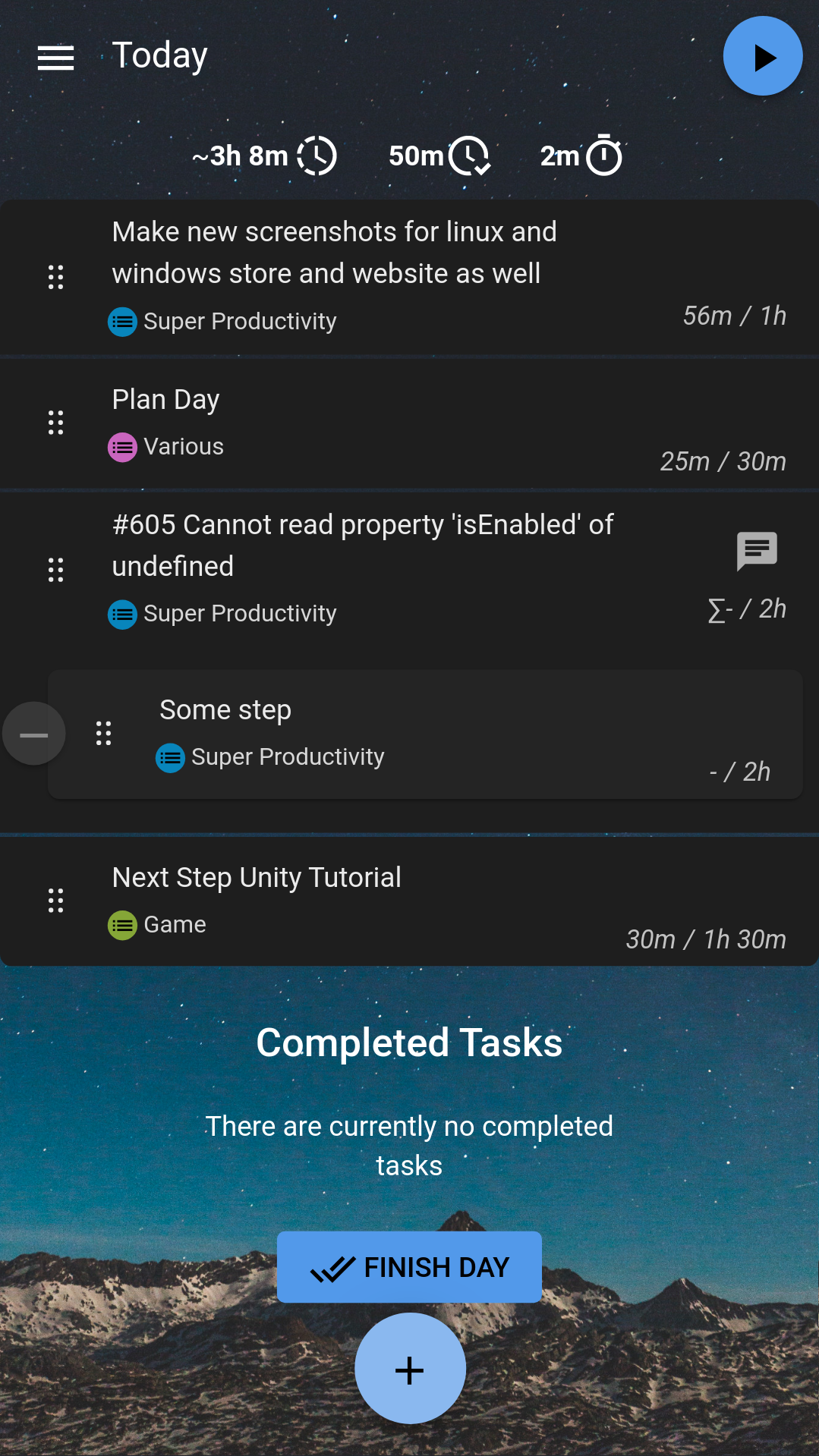
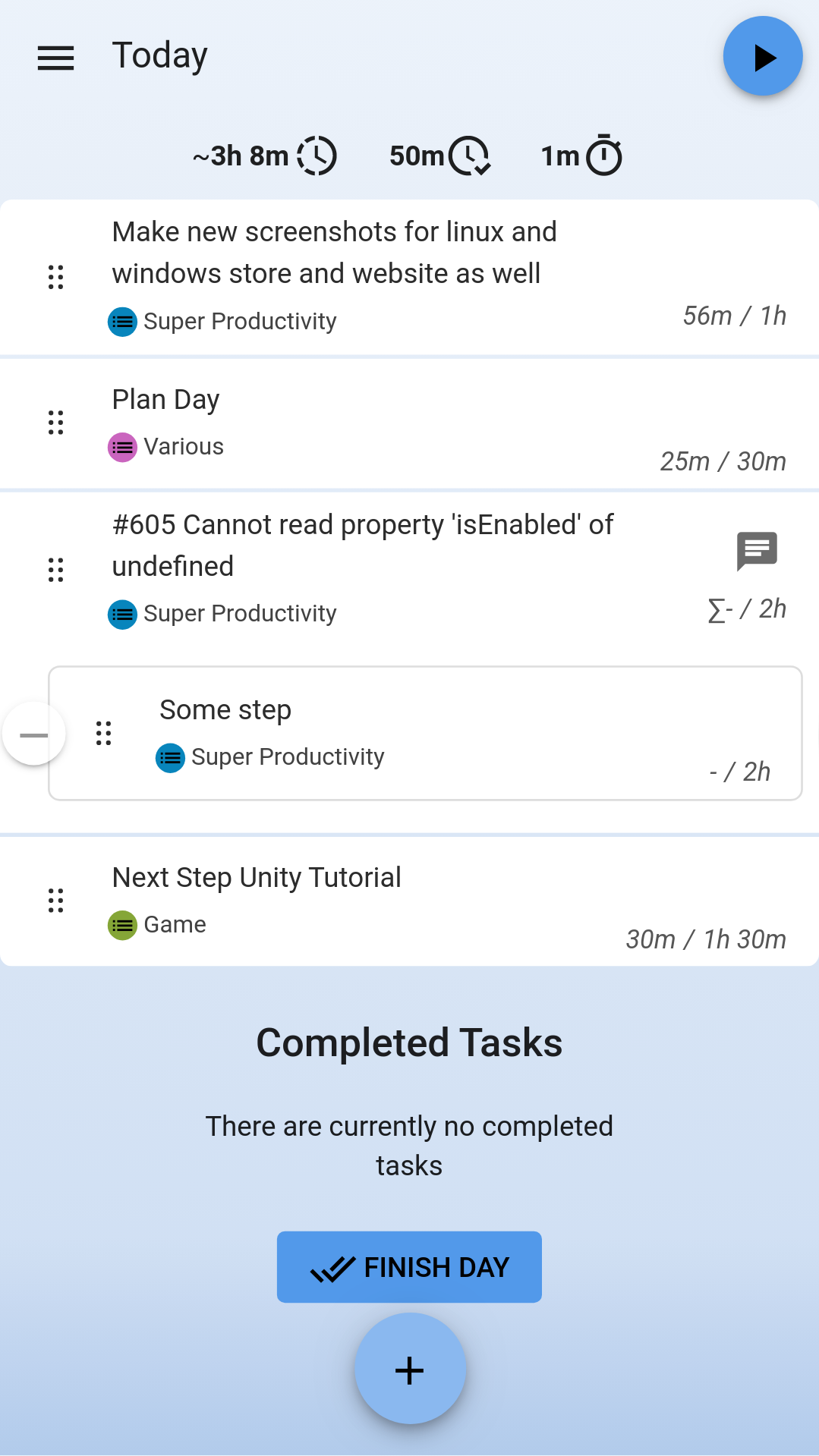
Organize your daily tasks at one place while making time tracking a lot less annoying. Super Productivity is a ToDo List / Time Tracker / Personal Jira Task Manager for multiple platforms.
Features
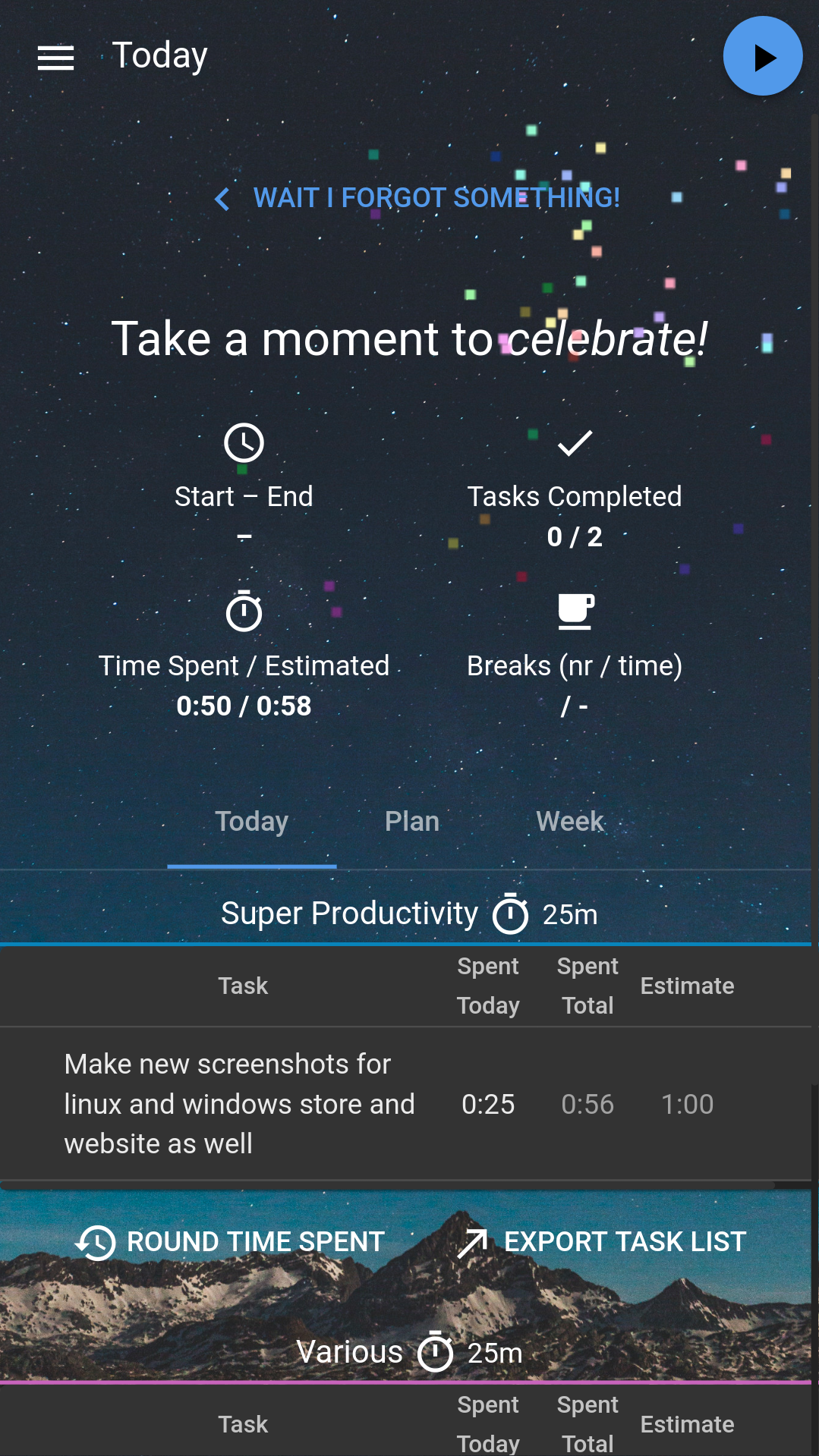
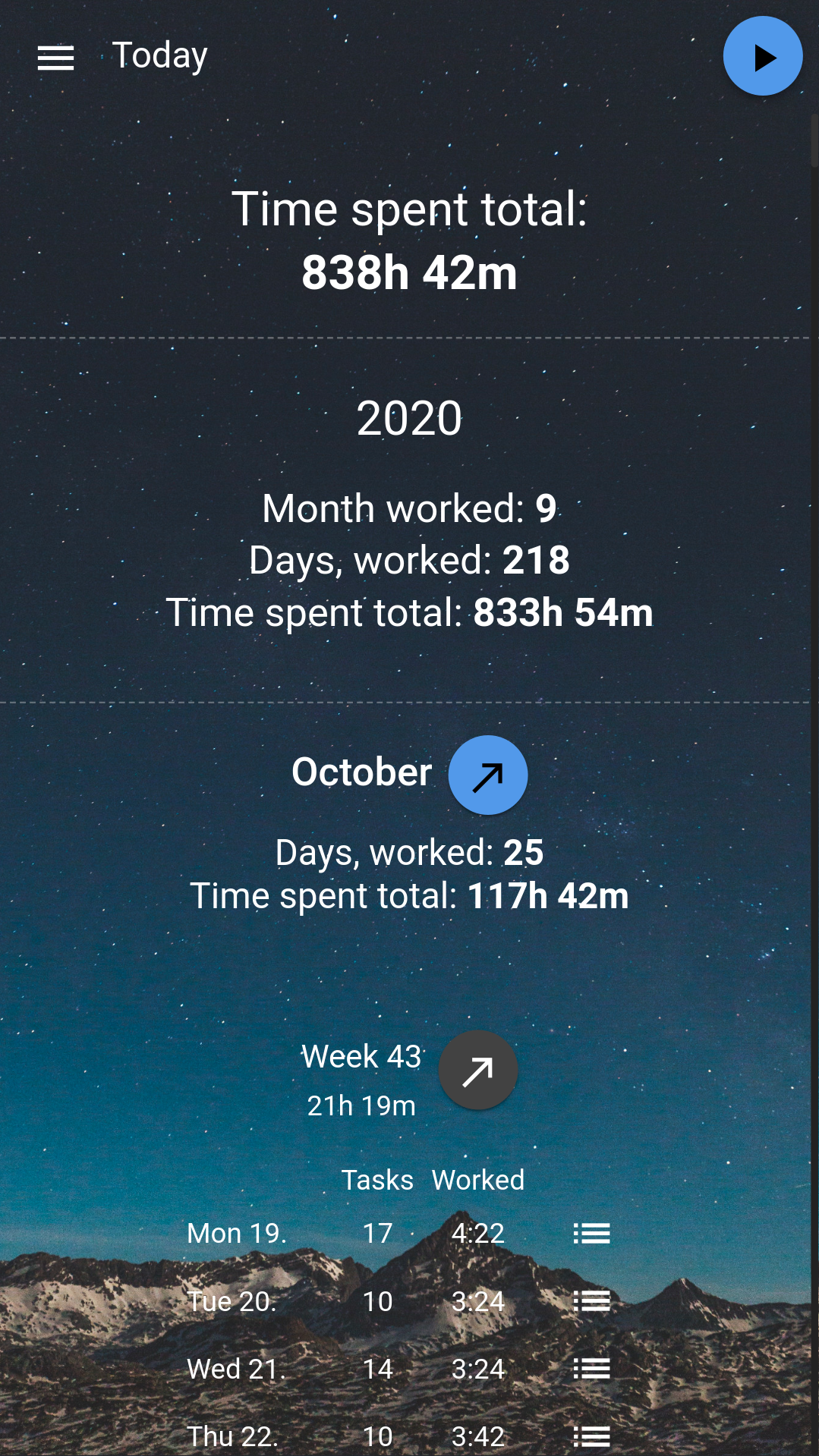
Plan, track & summarize. Create time sheets and work summaries in a breeze to easily export them to your companies time tracking system. Integrate with Jira, Github and Gitlab. Auto import tasks assigned to you, plan the details locally, automatically create worklogs and get notified right away, when somfething changes. Organize your project's data. Create notes, attach files or create bookmarks for links, files and even commands and have it all out of the way, once you're ready for the weekend. Helps you to establish healthy habits. A break timer reminds to you, when it's time to step away. You also can collect personal metrics for yourself to see, which of your work routines need adjustments. Stuck and procrastinating? No problem! Super Productivity's anti procrastination feature helps you to reconsider your options and a pomodoro timer is also always at hand. Super Productivity does NOT actively collect any data and there are no user accounts or registration. It's free and open-source and always will be. NOTE: There will however be data loaded from app.super-productivity.com on app start and if you use one of the third party providers, you will have to comply with their private policy. Private PolicyScreenshots
How to install
- Download the APK from the button at the top of this page.
- Allow “Install unknown apps” for your browser or file manager only, not for every app.
- Open the downloaded file and confirm the installation.
- If installation fails with “App not installed,” remove an earlier build of the same app first. A signature conflict is the usual cause.
Data safety
- Every file is checked against its published SHA-256 before it is listed.
- Files are scanned for malware on every update.
- The permissions each app requests are listed on its own page.
- Read the full safety policy for how we test, flag, and delist files.
Frequently asked questions
What is Super Productivity?
Free to do list & time tracker
Who develops Super Productivity?
Super Productivity is developed by Johannes Millan.
Which Android version does Super Productivity require?
Super Productivity requires Android API 24 or later.
What is the current version of Super Productivity?
The synchronized F-Droid version is 19.1.0.
Which license does Super Productivity use?
The signed F-Droid metadata lists MIT.
Where is the source code for Super Productivity?
https://github.com/johannesjo/super-productivity/
Comments
Recent approved comments · sorted by newest
View all comments