Fossify Calendar icon

Fossify Calendar

Fossify
Tools
Version
1.11.0
Size
7.5 MB
Requires
Android API 26+
4.3 / 5 · 1,431 ratings 100,000 downloads

Updated Oct 10, 2026

Quick answer

Securely plan, schedule, and set reminders with our private calendar app.

Tired of cluttered calendars and privacy concerns?

Fossify Calendar is here to change that. Your open-source powerhouse for managing life, designed with privacy as its core and packed with powerful features to keep you organized.

Here's what makes Fossify Calendar different:

🚫 AD-FREE AND PRIVATE: Your events remain yours. No ads, no tracking, no intrusive permissions.

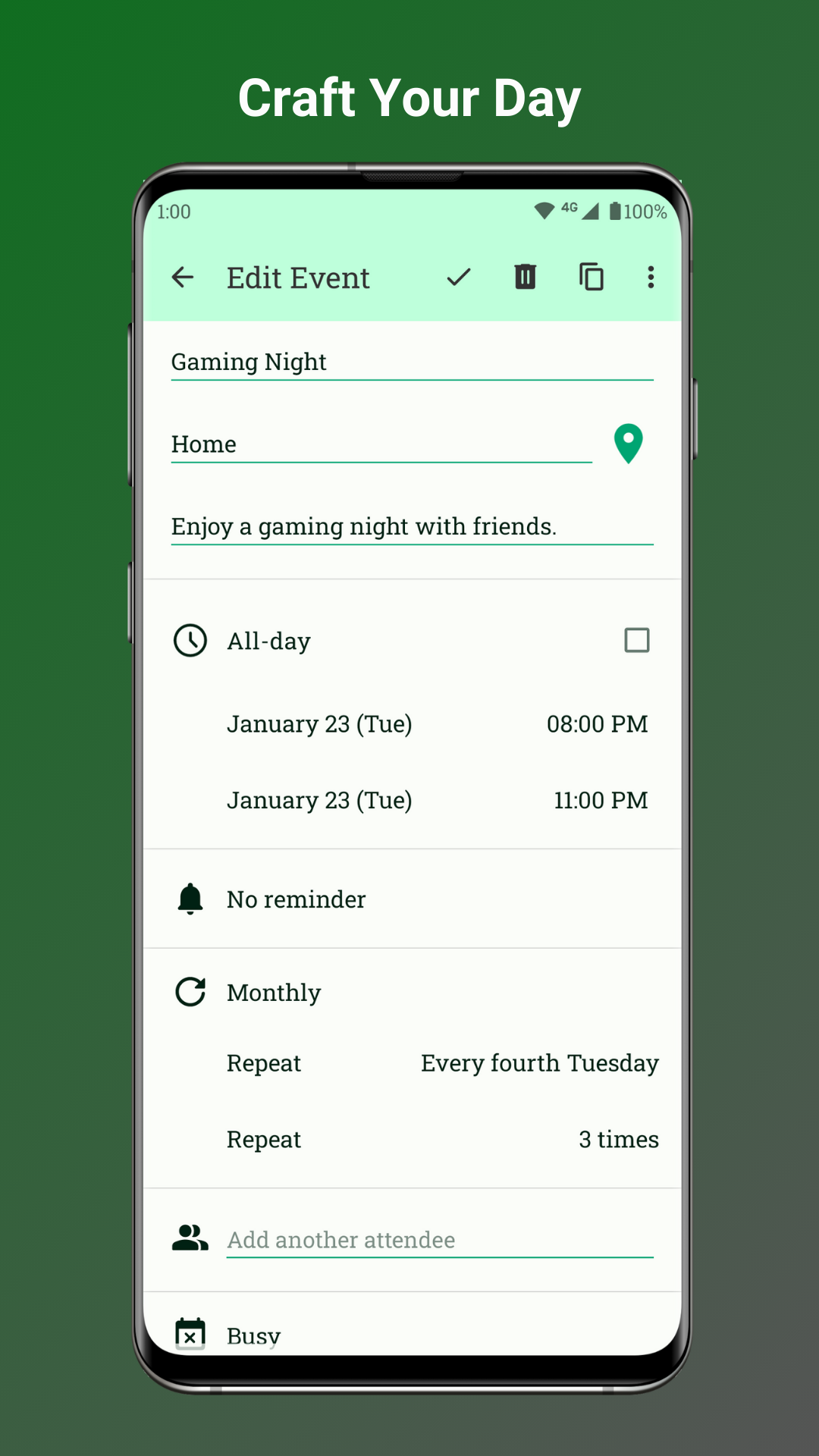
⏰ FLEXIBLE AND CUSTOMIZABLE: Craft events precisely with times, durations, reminders, and advanced repetition rules.

🔄 SEAMLESS SYNCING: Sync effortlessly with Google Calendar, Outlook, Nextcloud, Exchange, and more.

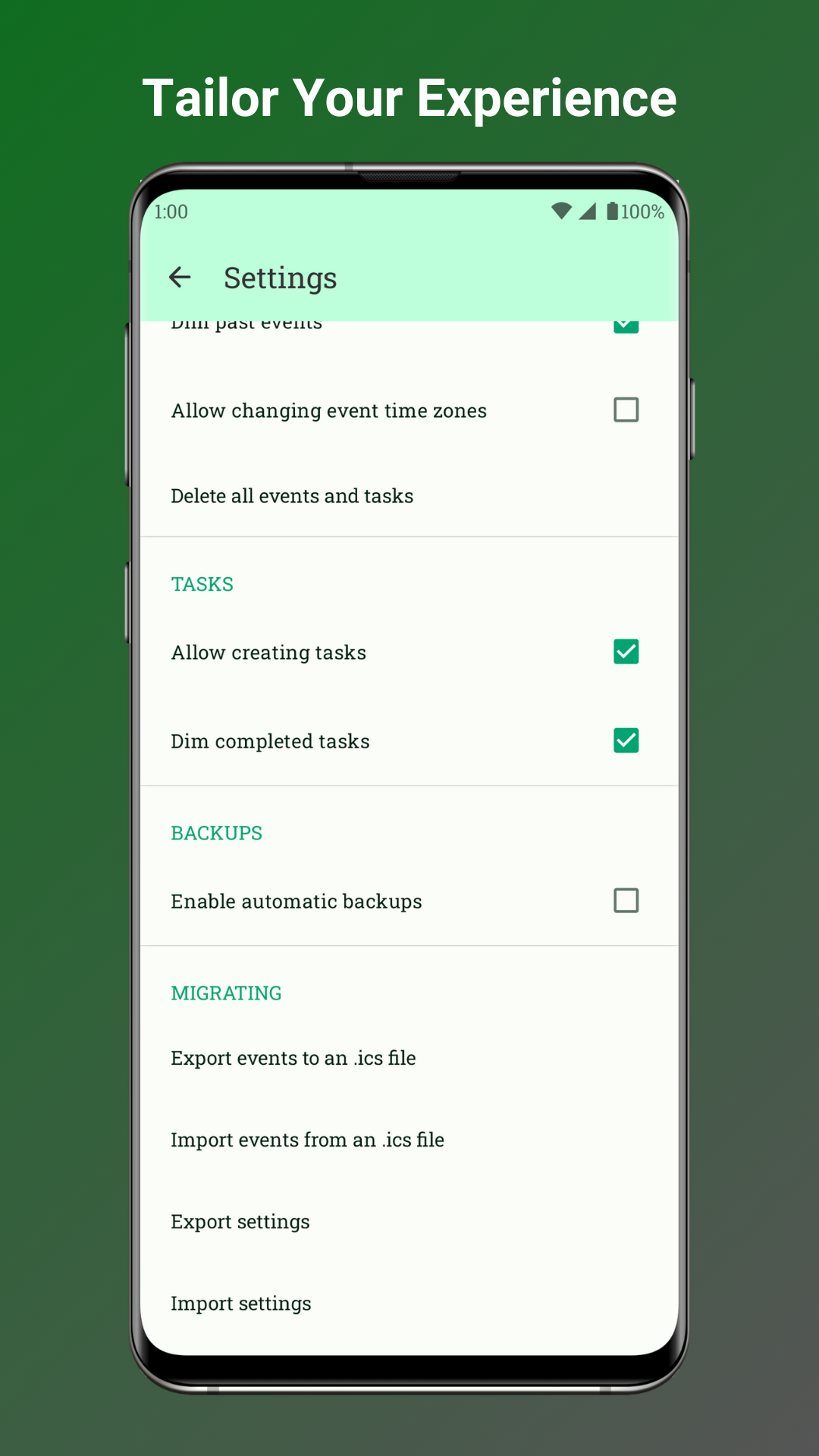
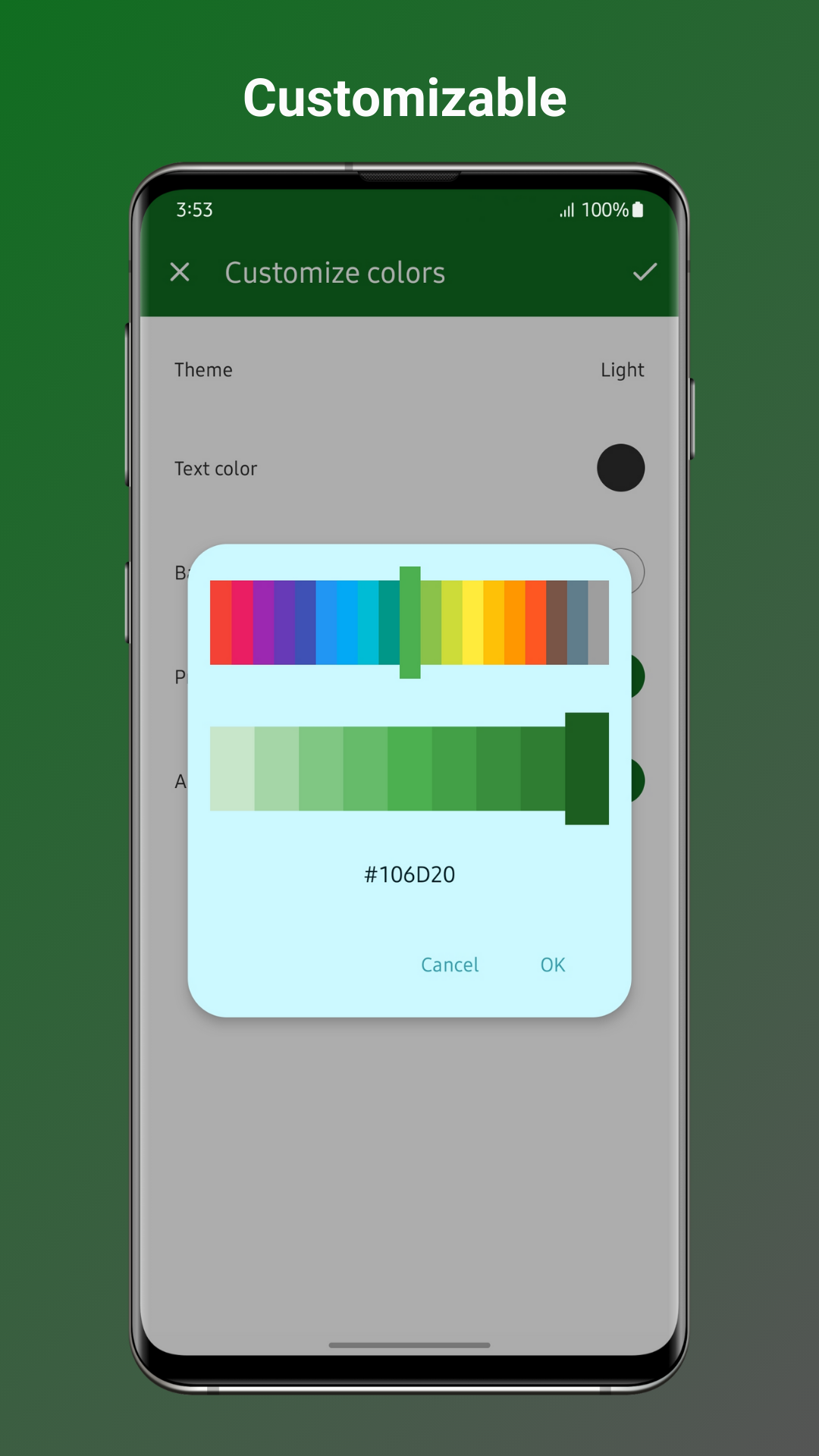
🎨 PERSONALIZE YOUR PLANNER: Set custom sounds, looping audio streams, vibrations, and themes to match your preferences.

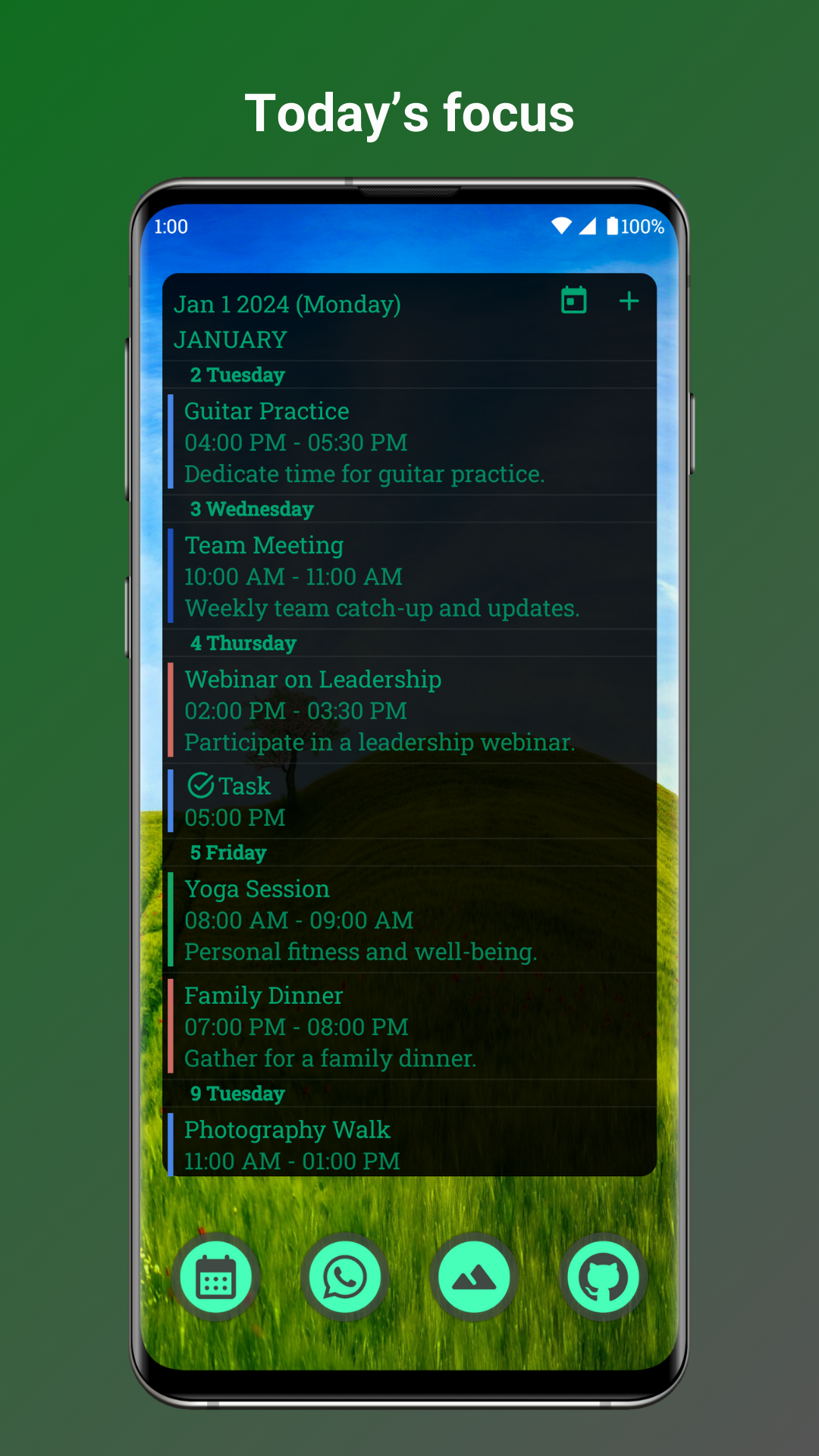
🌈 VIBRANT WIDGETS: Brighten your day with beautiful calendar widgets and themes for your home screen.

📅 EFFORTLESS DAY MANAGEMENT: Plan your day with ease, whether you're a busy professional or a family organizer.

🎉 IMPORT CELEBRATIONS: Never miss a birthday or anniversary! Easily import holidays and special dates.

🔍 FILTER VIEWS: Quickly find what you're looking for with event filters.

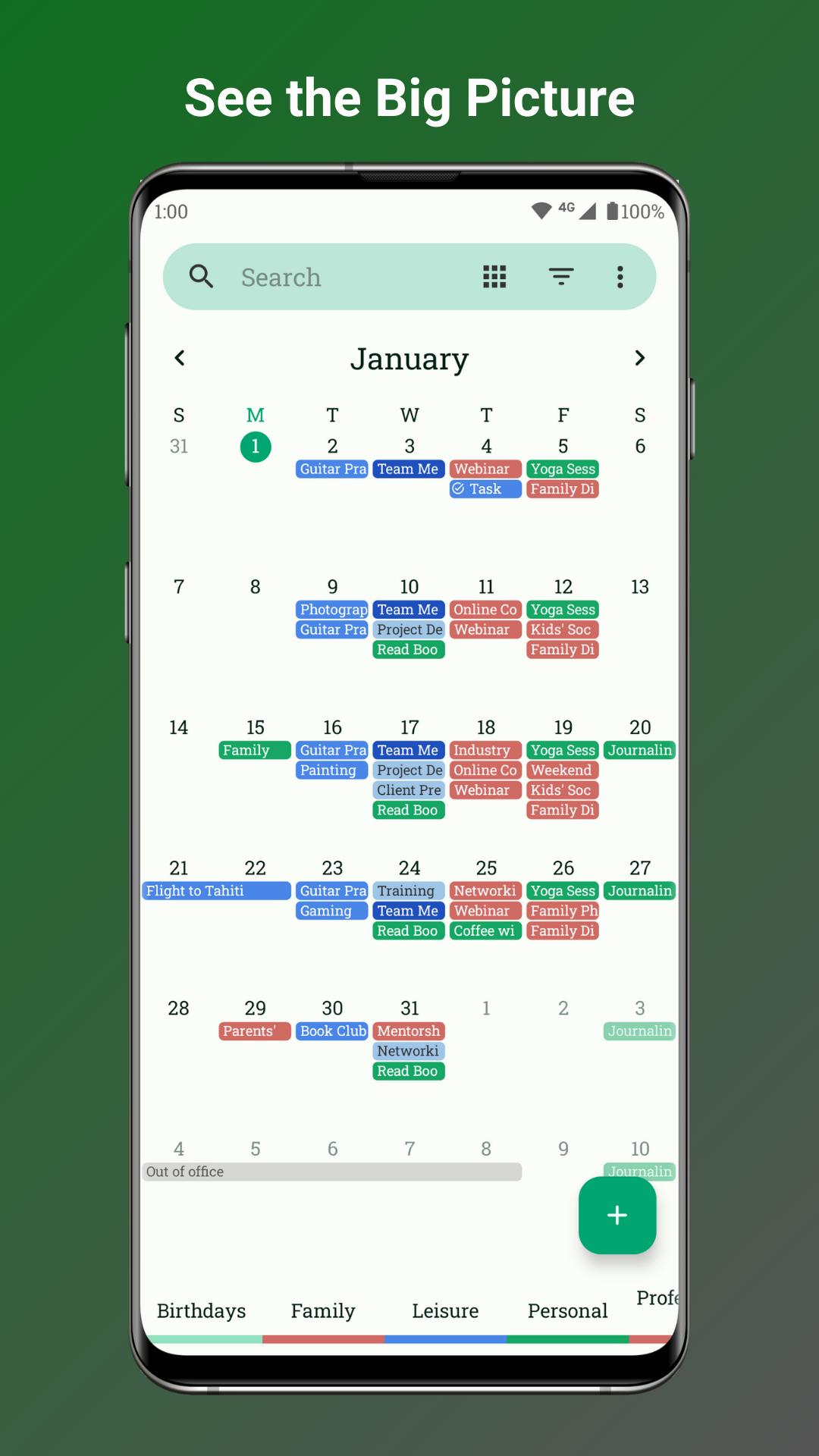
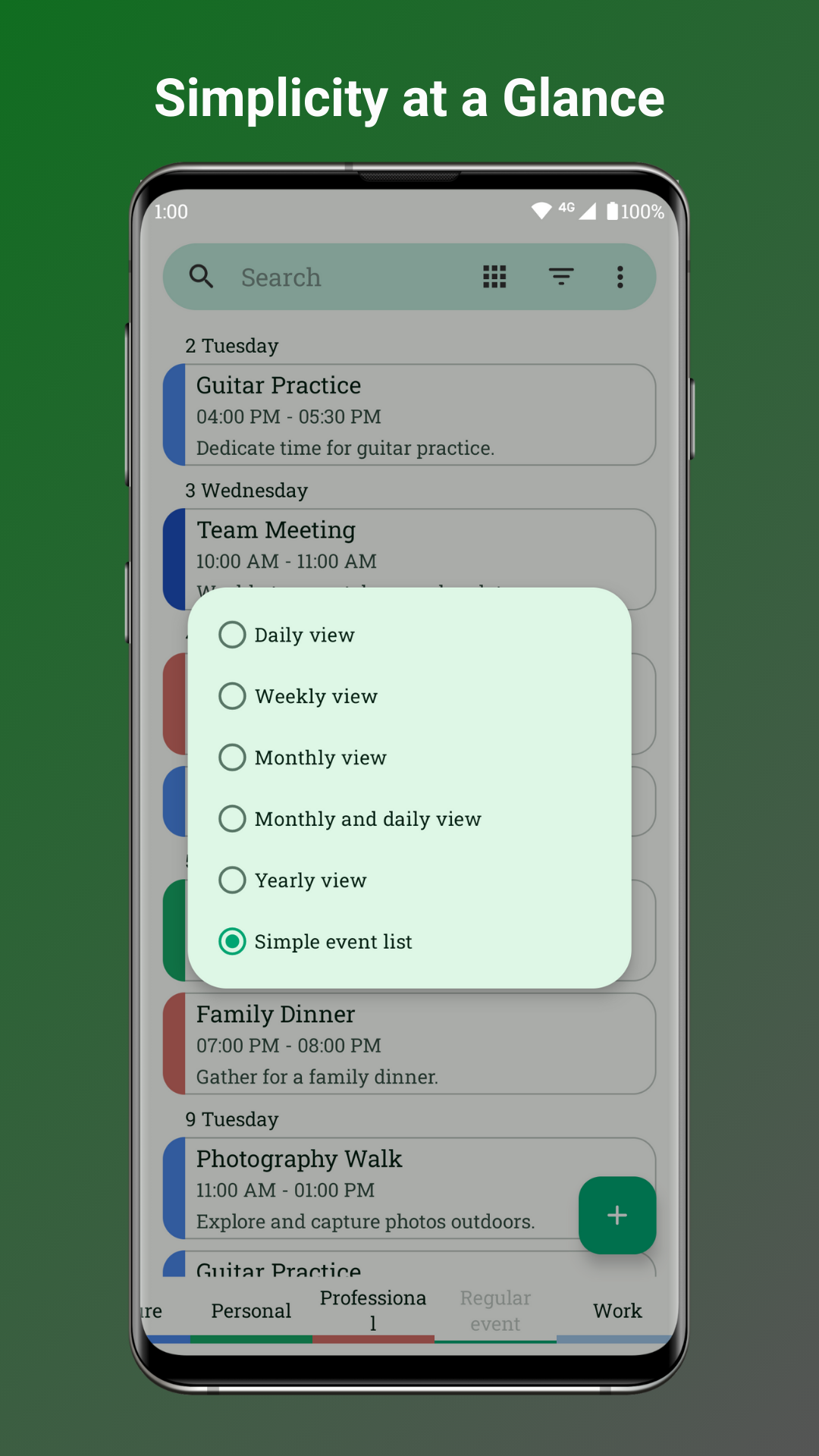
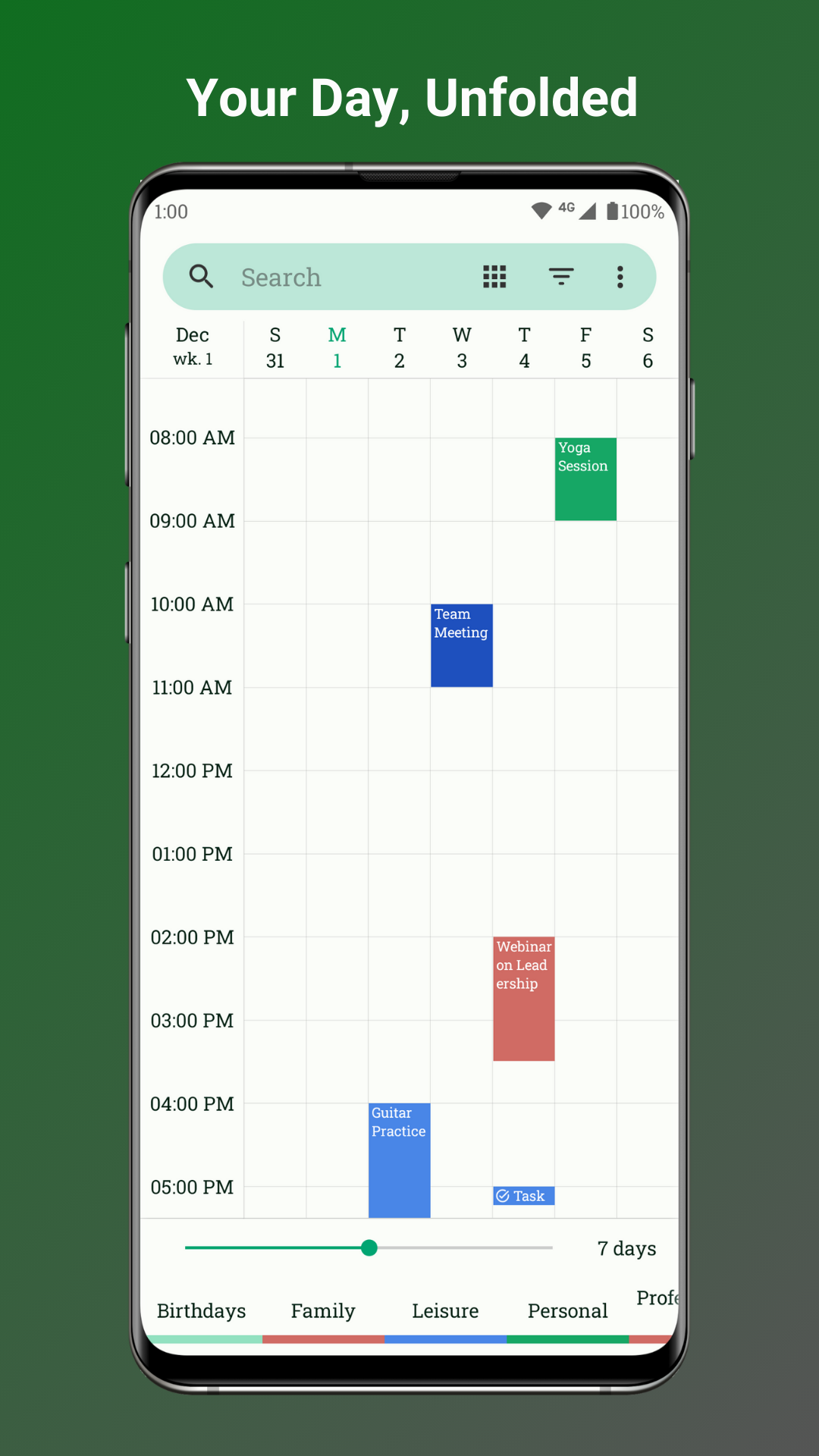
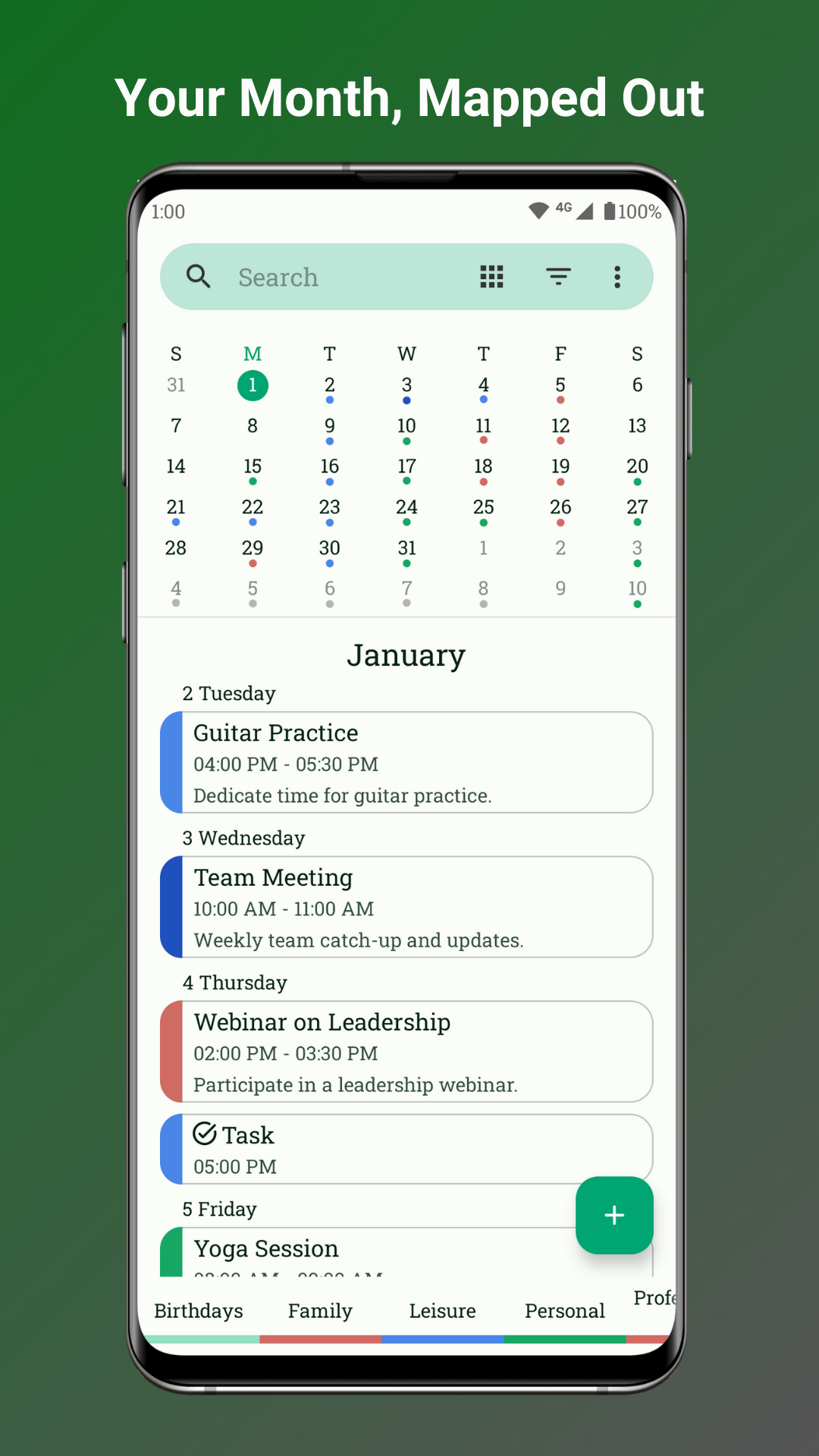
📆 MULTIPLE VIEWS: Switch between daily, weekly, monthly, yearly, and event views effortlessly.

✨ MATERIAL DESIGN ELEGANCE: Enjoy an intuitive and user-friendly interface with dynamic themes.

Plus, Fossify Calendar is open-source! Join the vibrant community on GitHub, contribute to the project, and make it uniquely yours.

Download Fossify Calendar now and experience the power of a private and customizable schedule.

Explore more Fossify apps: https://www.fossify.org Open-Source Code: https://www.github.com/FossifyOrg Join the community on Reddit: https://www.reddit.com/r/Fossify Connect on Telegram: https://t.me/Fossify

Screenshots

Fossify Calendar screenshot 1
Fossify Calendar screenshot 2
Fossify Calendar screenshot 3
Fossify Calendar screenshot 4
Fossify Calendar screenshot 5
Fossify Calendar screenshot 6
Fossify Calendar screenshot 7
Fossify Calendar screenshot 8

What’s new

Added:

• Holidays for New Zealand

Changed:

• Updated holiday data
• Improved holiday management
• Updated current time indicator in weekly view
• Monthly calendar widgets now respect grid preference
• Updated translations

Fixed:

• Fixed CalDAV sync on Android 11+
• Fixed event text readability on colored backgrounds
• Fixed invisible current time indicator in weekly view
• Fixed stuck zoom level in weekly view
• Fixed multi-day widget event rendering in monthly widget

How to install

  1. Download the APK from the button at the top of this page.
  2. Allow “Install unknown apps” for your browser or file manager only, not for every app.
  3. Open the downloaded file and confirm the installation.
  4. If installation fails with “App not installed,” remove an earlier build of the same app first. A signature conflict is the usual cause.

Data safety

  • Every file is checked against its published SHA-256 before it is listed.
  • Files are scanned for malware on every update.
  • The permissions each app requests are listed on its own page.
  • Read the full safety policy for how we test, flag, and delist files.

Frequently asked questions

What is Fossify Calendar?
Securely plan, schedule, and set reminders with our private calendar app.
Who develops Fossify Calendar?
Fossify Calendar is developed by Fossify.
Which Android version does Fossify Calendar require?
Fossify Calendar requires Android API 26 or later.
What is the current version of Fossify Calendar?
The synchronized F-Droid version is 1.11.0.
Which license does Fossify Calendar use?
The signed F-Droid metadata lists GPL-3.0-only.
Where is the source code for Fossify Calendar?
https://github.com/FossifyOrg/Calendar

Comments

Recent approved comments · sorted by newest

Verification code
Be specific and keep it about the app. No links. Comments are reviewed before publication. Device and Android details are recorded automatically. Privacy policy.

Loading recent comments...

View all comments