
Quick answer
Sync local calendars offline. Free, open source, no account needed.
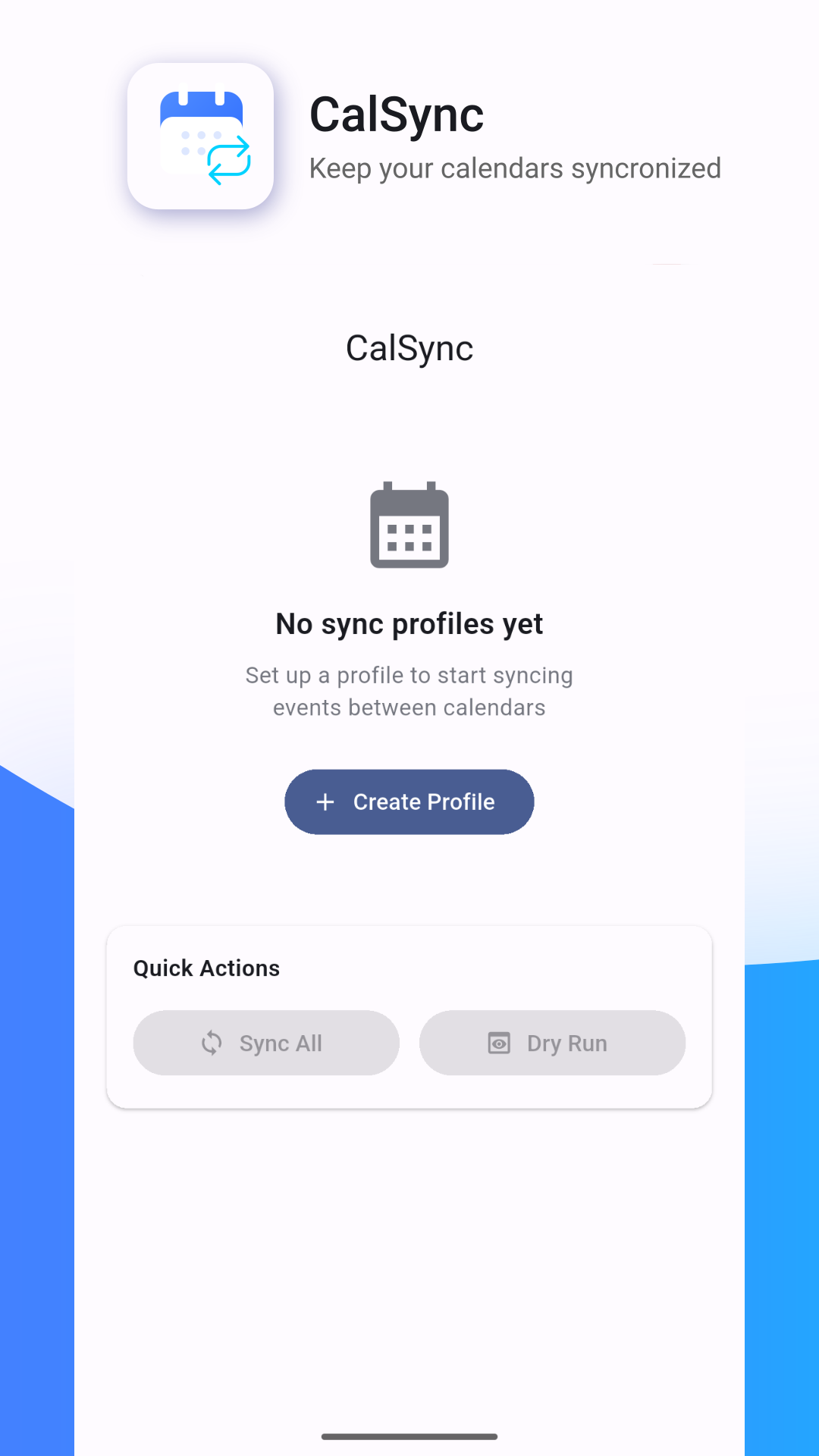
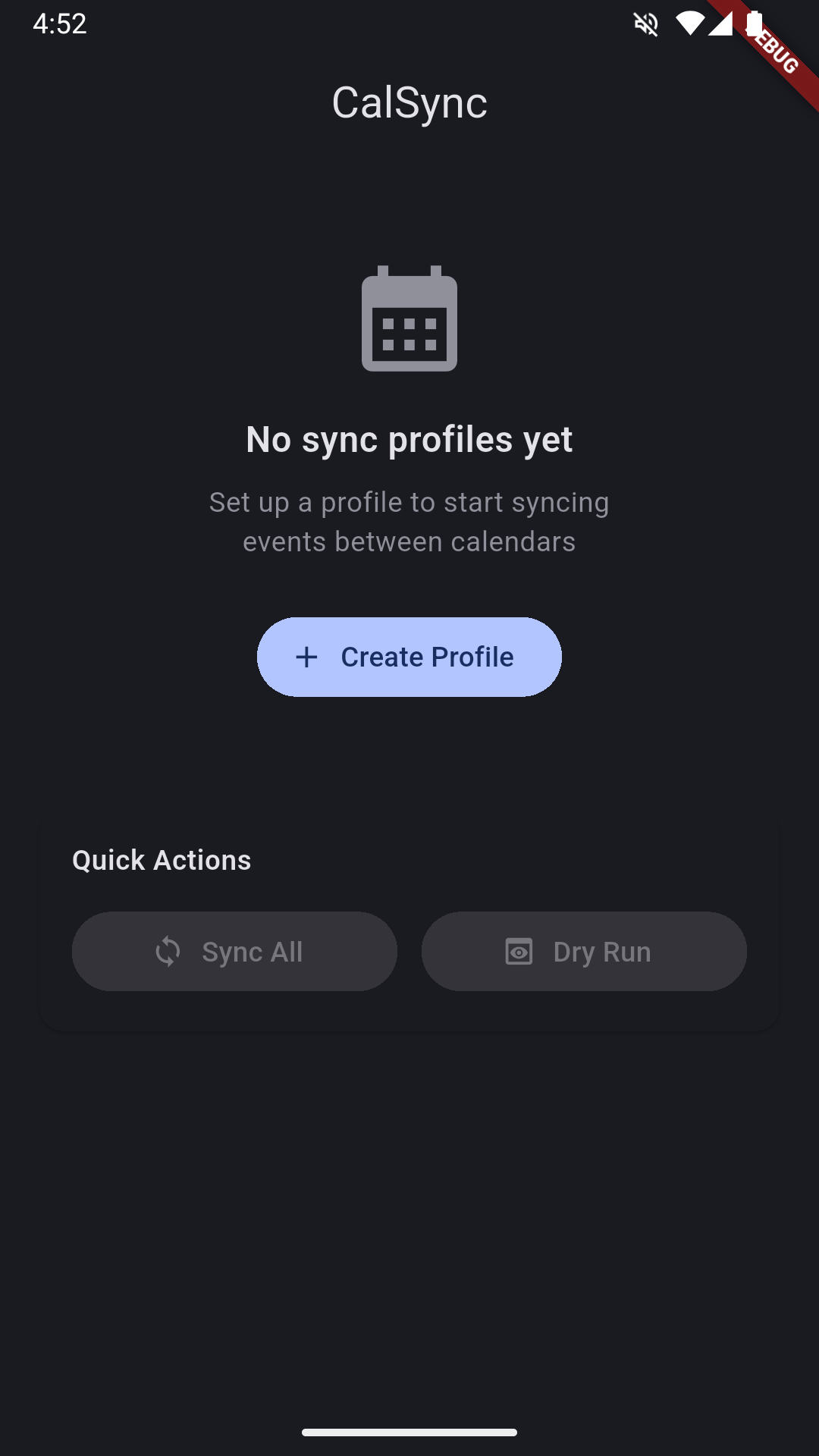
CalSync is a free and open source alternative to OneCal, CalendarBridge, and Reclaim.ai. It syncs and merges events between local device calendars — no cloud servers, no accounts, no subscription.
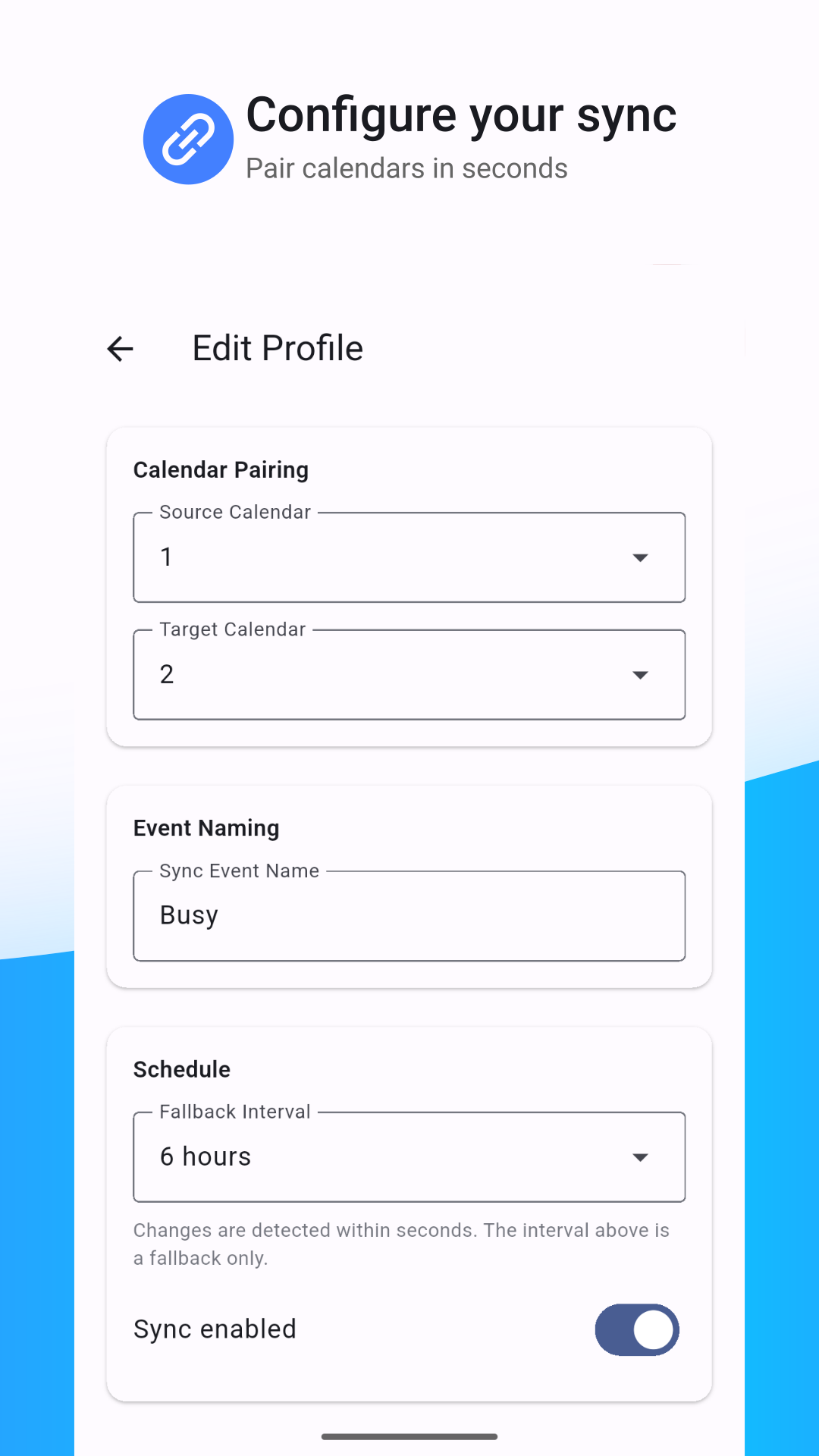
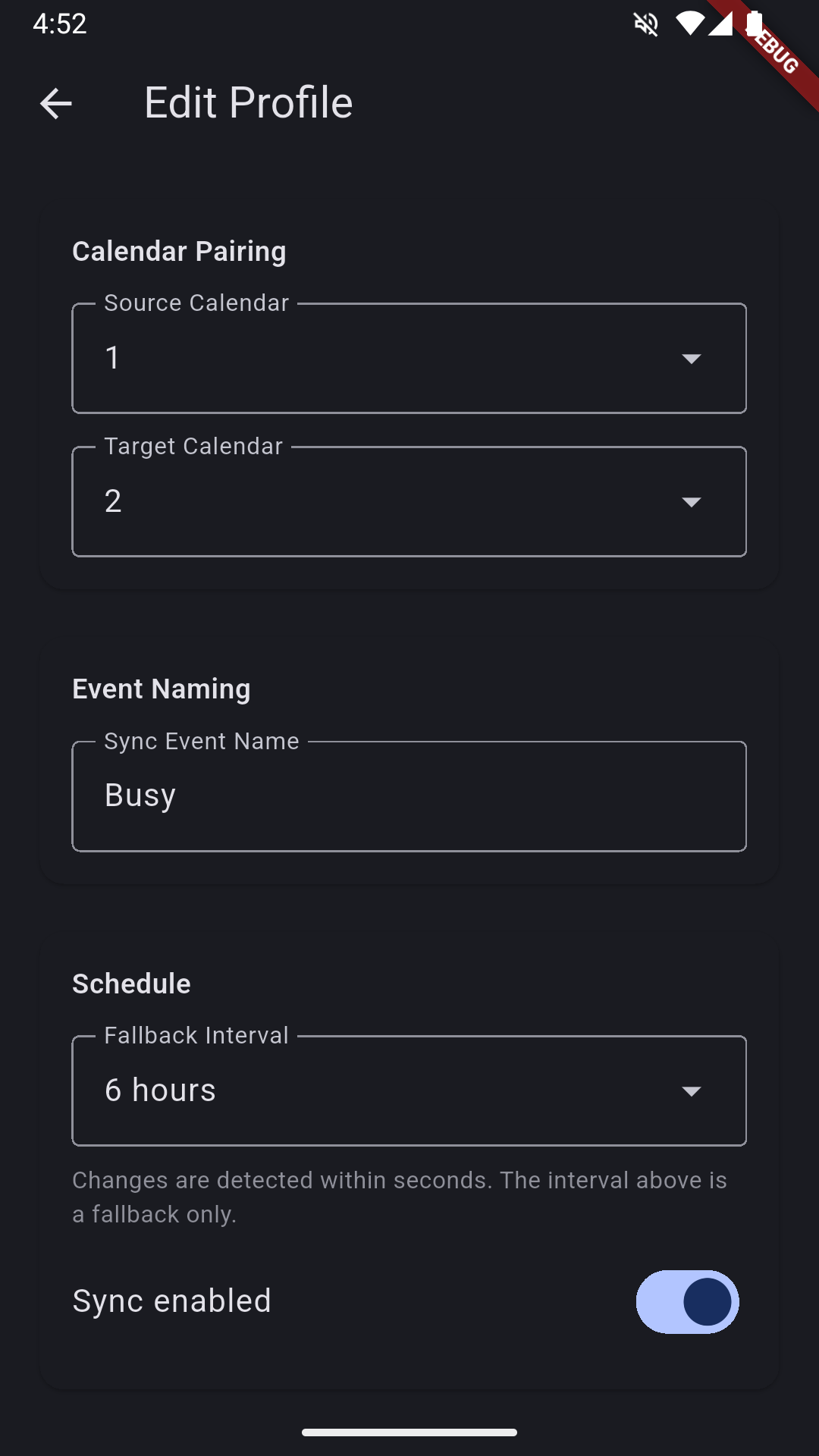
When an event appears in one calendar, CalSync automatically copies it to another using a name you choose. All syncing happens directly on your device. Your calendar data never leaves your phone.
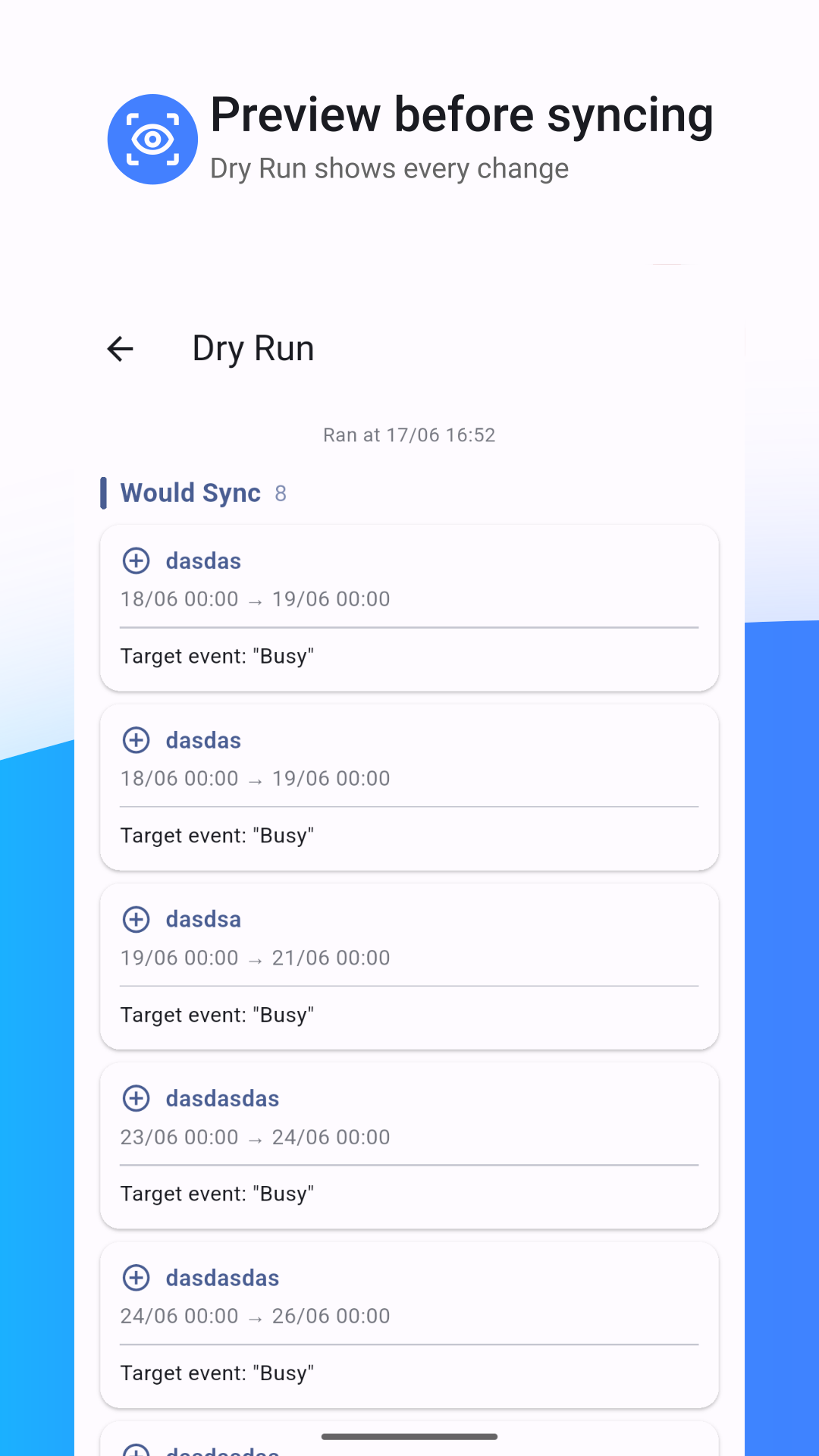
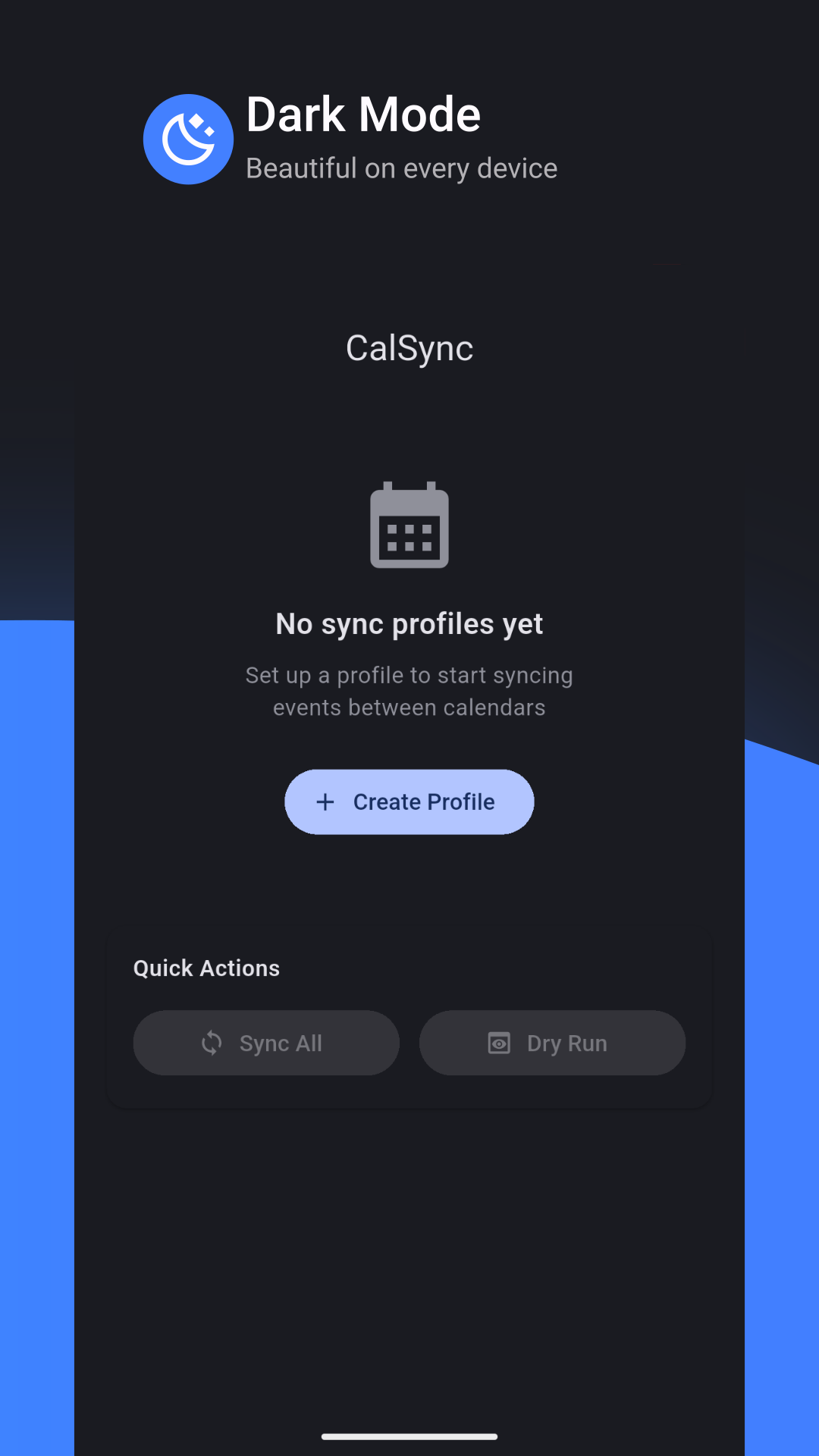
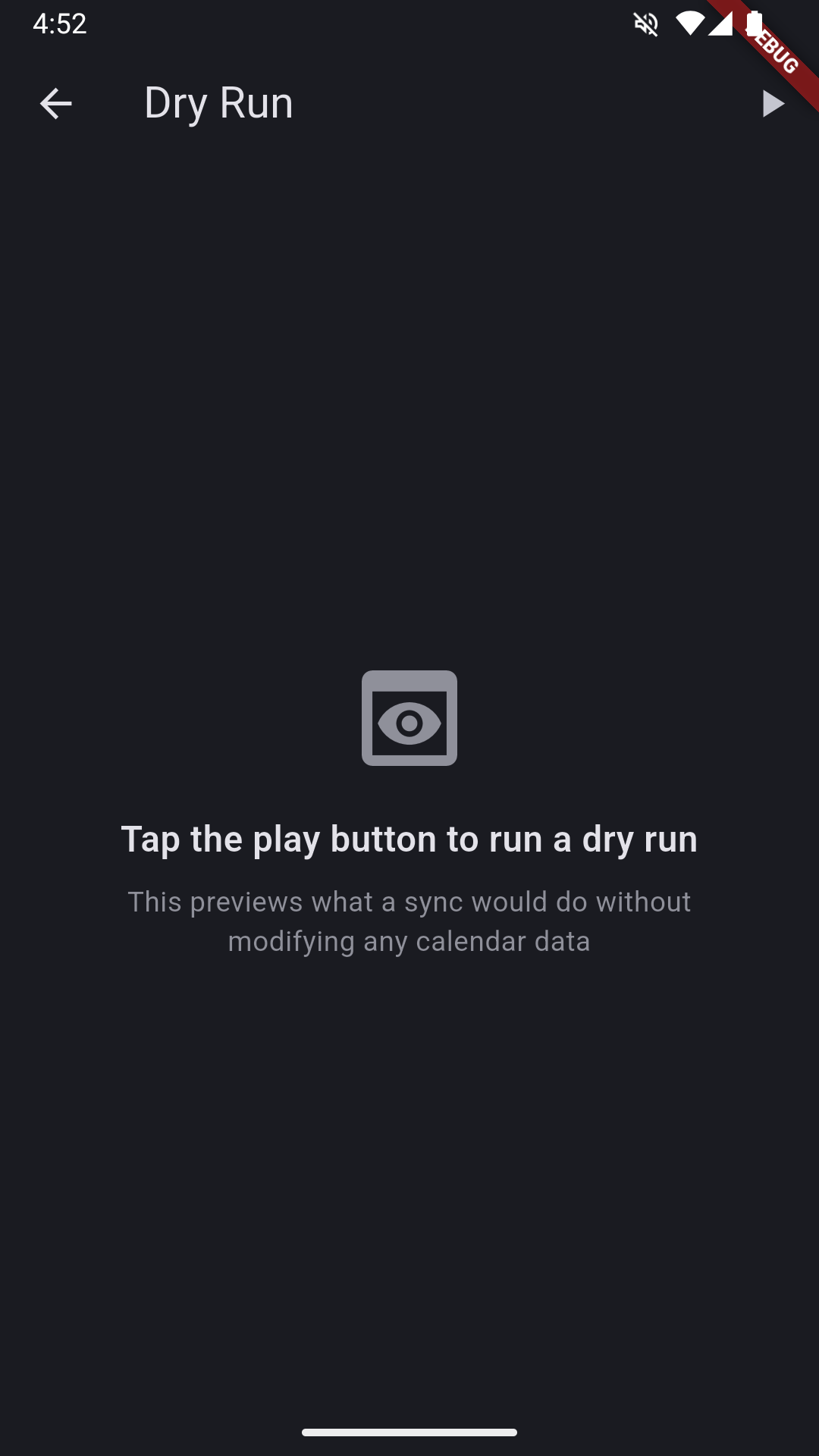
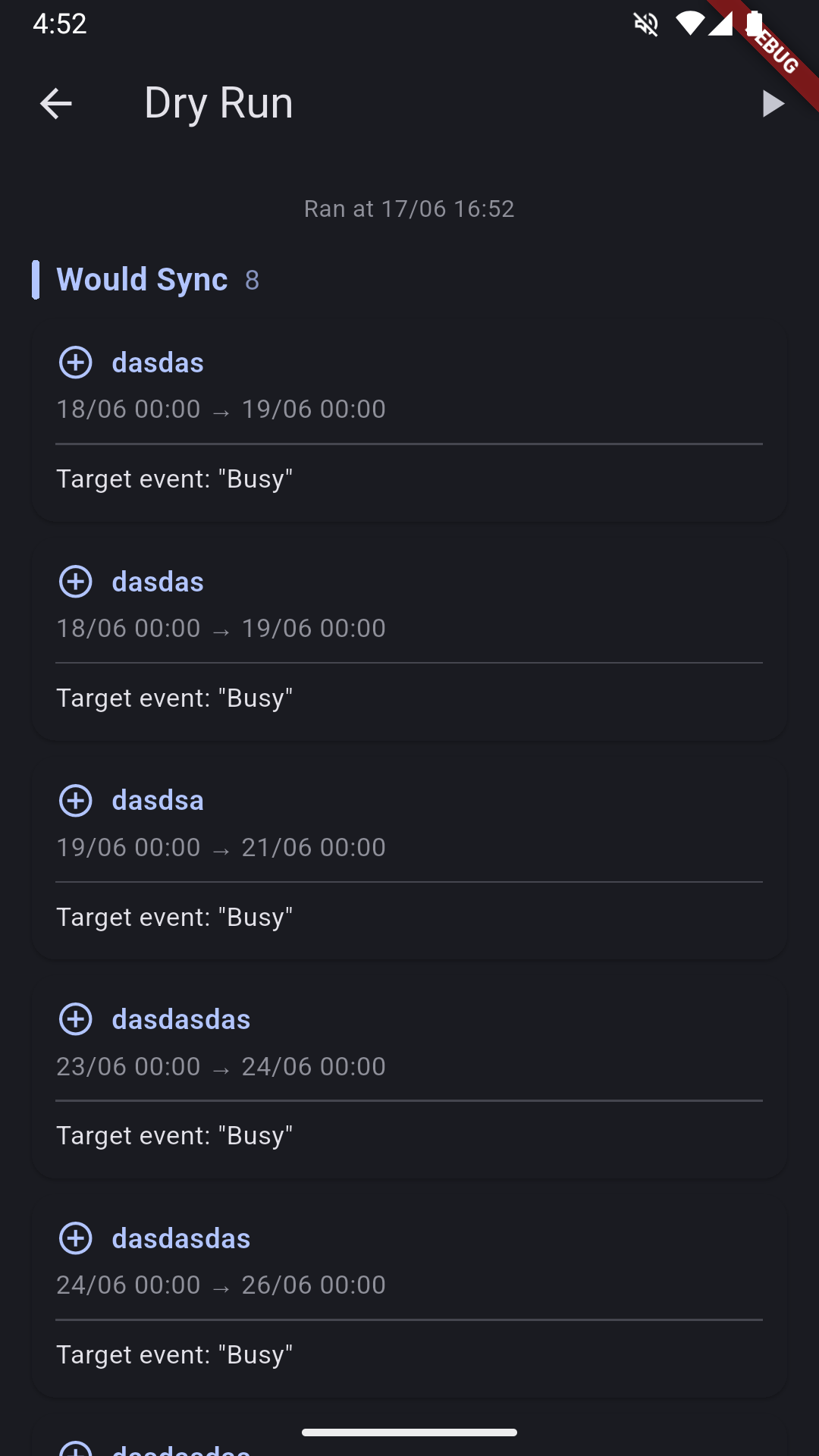
⭐ FREE & OPEN SOURCE — No subscription, no hidden costs, no ads 📱 WORKS OFFLINE — No internet connection required, ever 🔒 100% PRIVATE — Calendar data stays on your device, period 👤 NO ACCOUNT — No signups, no logins, no personal info collected 🔄 AUTOMATIC BACKGROUND SYNC — Detects calendar changes within seconds 📝 CUSTOM EVENT NAMES — Choose what synced events are called (e.g. "Busy") 📋 SYNC PREVIEW — See exactly what will change before it happens 🗑️ DELETION MIRRORING — Remove an event from source, removed from target 🔄 RECURRING EVENTS — Repeat events stay in sync automatically 🎨 MATERIAL YOU — Adapts to your device's dynamic color theme
Perfect if you need to: • Sync work and personal calendars to share availability • Prevent double-bookings across multiple calendars • Manage client calendars as a freelancer or consultant • Keep family calendars in sync without sharing login credentials
If you're looking for a OneCal alternative, CalendarBridge alternative, or Reclaim.ai alternative — CalSync is the offline, private, and completely free solution.
No ads. No tracking. No telemetry. Just calendar sync that works.
Screenshots
How to install
- Download the APK from the button at the top of this page.
- Allow “Install unknown apps” for your browser or file manager only, not for every app.
- Open the downloaded file and confirm the installation.
- If installation fails with “App not installed,” remove an earlier build of the same app first. A signature conflict is the usual cause.
Data safety
- Every file is checked against its published SHA-256 before it is listed.
- Files are scanned for malware on every update.
- The permissions each app requests are listed on its own page.
- Read the full safety policy for how we test, flag, and delist files.
Frequently asked questions
What is CalSync - Local Calendar Sync?
Sync local calendars offline. Free, open source, no account needed.
Who develops CalSync - Local Calendar Sync?
CalSync - Local Calendar Sync is developed by Henrique Couto.
Which Android version does CalSync - Local Calendar Sync require?
CalSync - Local Calendar Sync requires Android API 24 or later.
What is the current version of CalSync - Local Calendar Sync?
The synchronized F-Droid version is 1.10.0.
Which license does CalSync - Local Calendar Sync use?
The signed F-Droid metadata lists GPL-3.0-only.
Where is the source code for CalSync - Local Calendar Sync?
https://github.com/henriquecouto/calendar-sync
Comments
Recent approved comments · sorted by newest
View all comments