What’s new
see: https://github.com/tutao/tutanota/releases

Updated Oct 10, 2026
Quantum-safe encrypted planner to schedule & manage your events & sync calendars
Take your privacy to the next level with the secure Tuta Calendar app. This encrypted time-management tool is the most private way to organize your busy schedule – and it’s quick to navigate, comes with dark and light mode, plus, it’s perfectly integrated with the Tuta Mail app.
SECURE CALENDAR
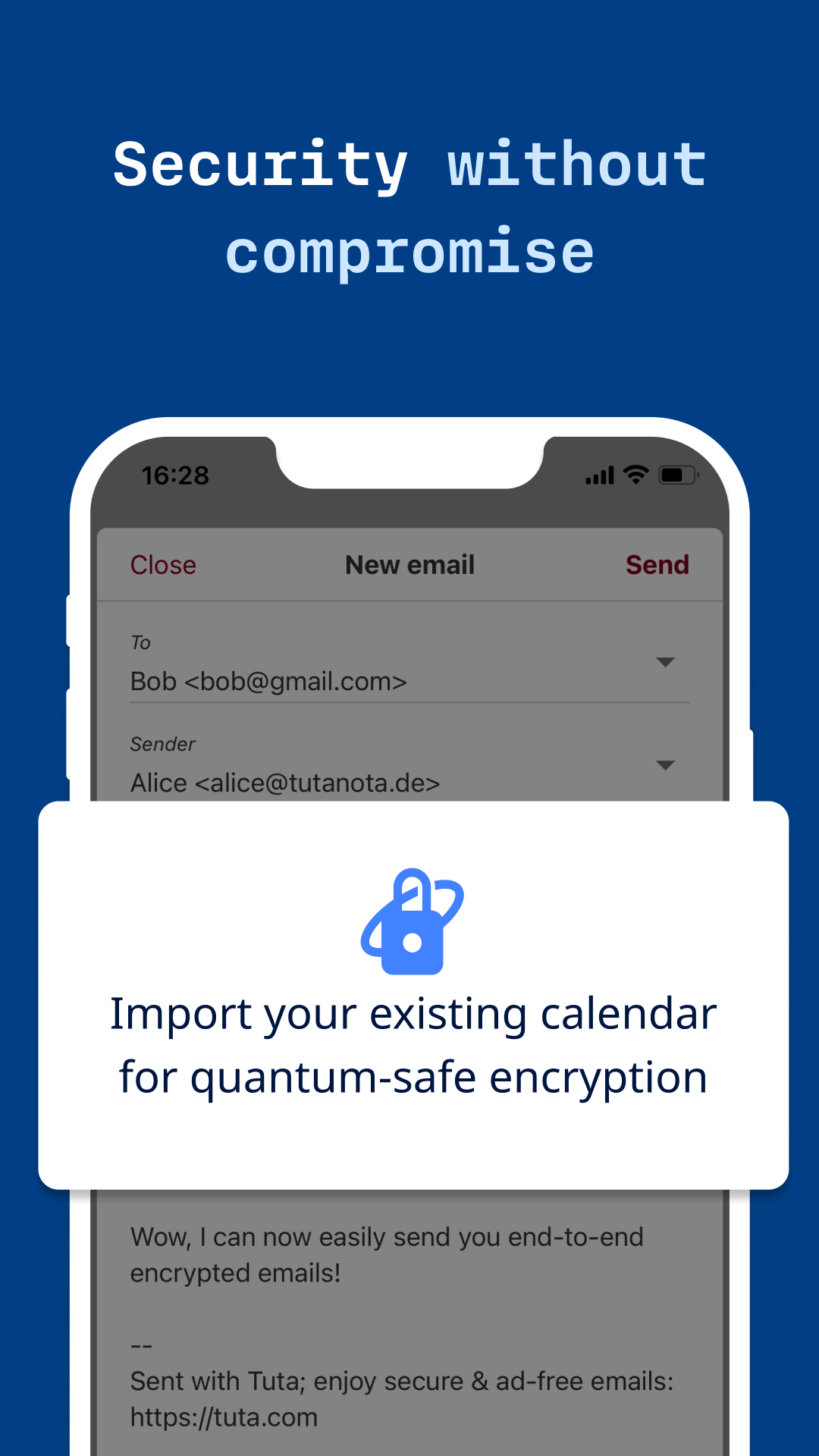
* Quantum-safe encryption: End-to-end encrypted data exchange with all Tuta Calendar users and with users of other calendar apps (via optional password-protected event invites). * No ads, no tracking, and no data sharing: We protect your privacy. * Zero-knowledge architecture: Entire events, including event notifications, are encrypted and hidden from our servers. We do not know when your meetings are taking place, who they are with, or what they are about. * Based in Germany: All data is safeguarded by strict German data protection laws. * Fully GDPR-compliant
FULLY FEATURED
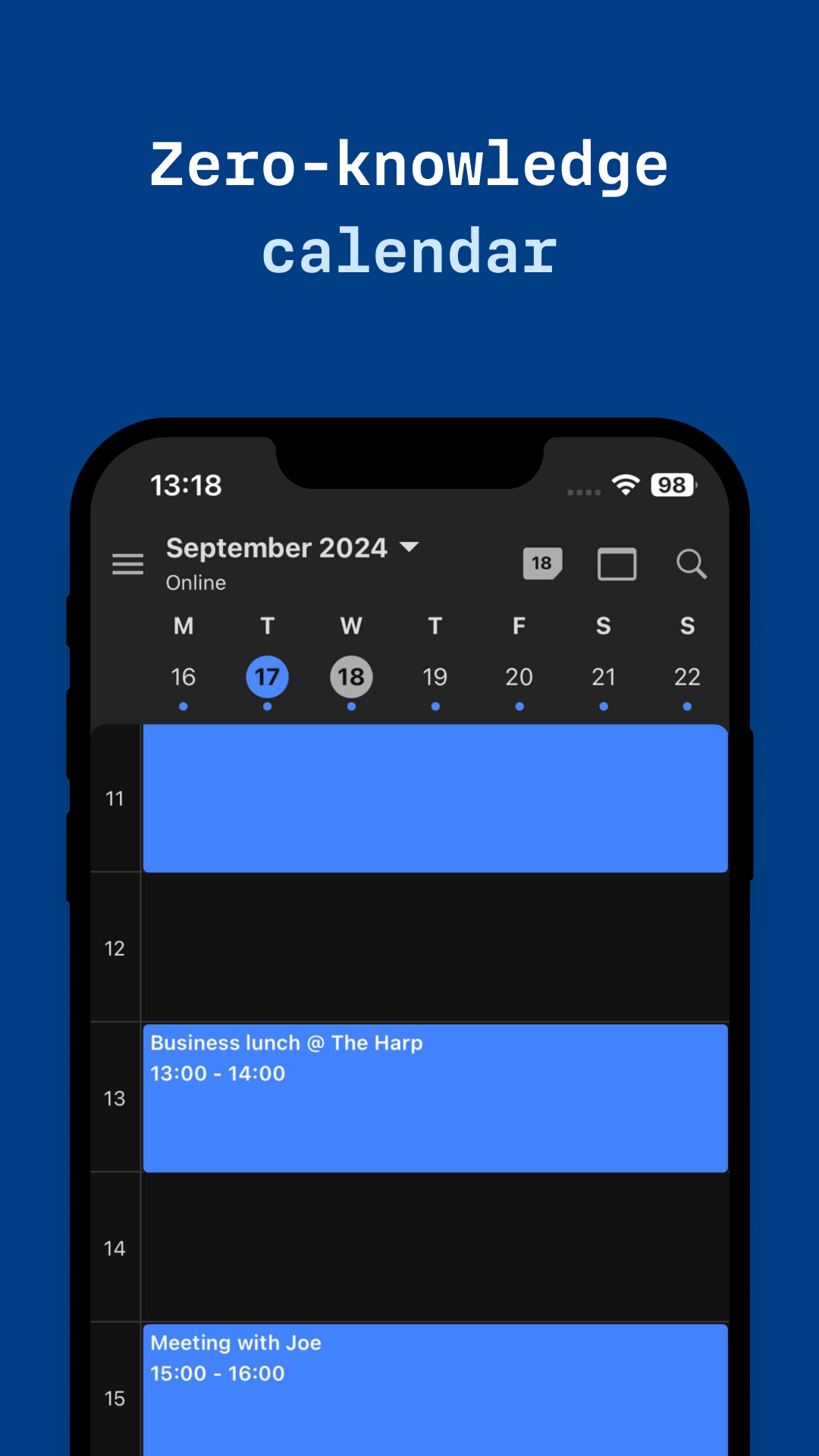
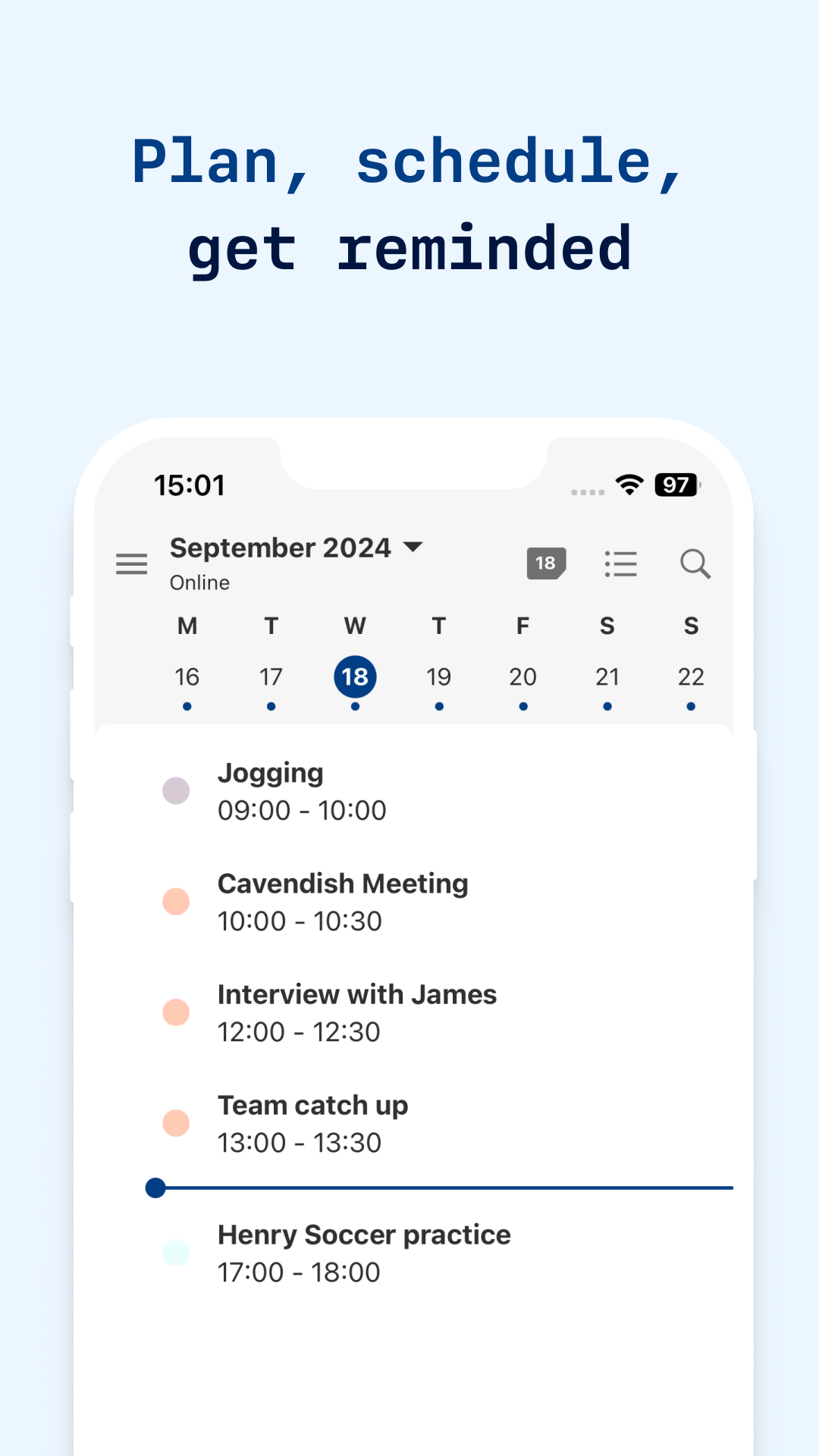
* **SYNC ON ALL DEVICES:** Your Tuta planner syncs automatically on all devices and browsers. * **RECURRING EVENTS:** Use daily, weekly, monthly, yearly or custom repetitions. * **MULTIPLE CALENDAR VIEWS:** Switch in one tap between agenda, daily, weekly, and monthly view. * **SYNC EXTERNAL CALENDARS:** Events will automatically sync if the owner adds or updates events or meetings on external calendars. Once subscribed, no action is needed. * **MANAGE UNLIMITED CALENDARS (paid feature):** You can toggle different calendars into view with a single press or leave all events visible for a complete overview. * **EVENT REMINDERS:** Never miss a date. Tuta’s zero-knowledge reminders make sure you never miss an appointment. * **LINK CALENDAR EVENTS TO EMAILS AND CONTACTS:** Your Tuta Calendar is directly linked to your Tuta Mail account, so when creating events you can easily invite your contacts or send invites to others via email. * **OFFLINE SUPPORT:** Independent standalone app so you can check your schedule both online and offline!
see: https://github.com/tutao/tutanota/releases
Recent approved comments · sorted by newest
View all comments