
Quick answer
Block accidental touches, gestures and buttons while your kid watches videos
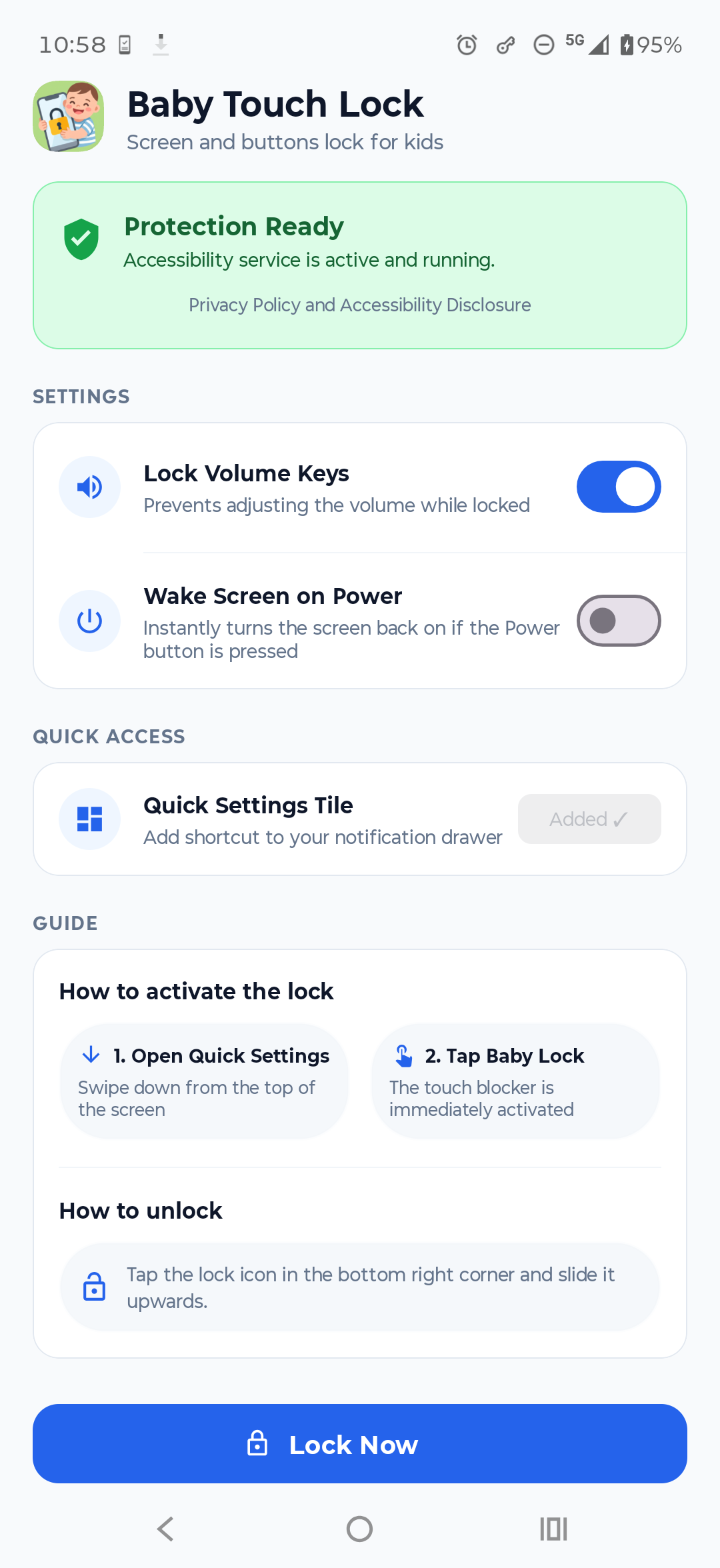
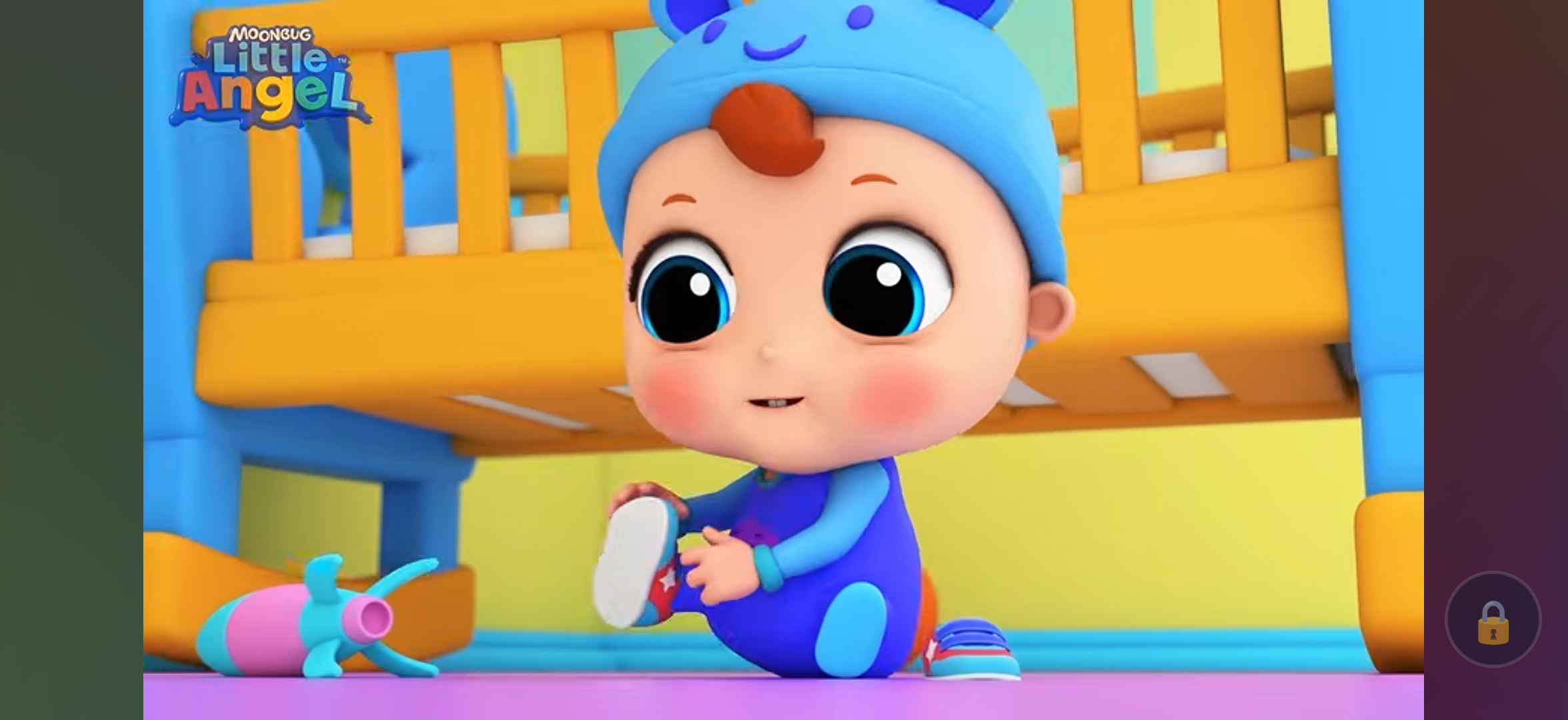
Baby Touch Lock is a simple, lightweight parental tool designed to keep videos and apps playing uninterrupted by blocking accidental screen touches and navigation gestures.
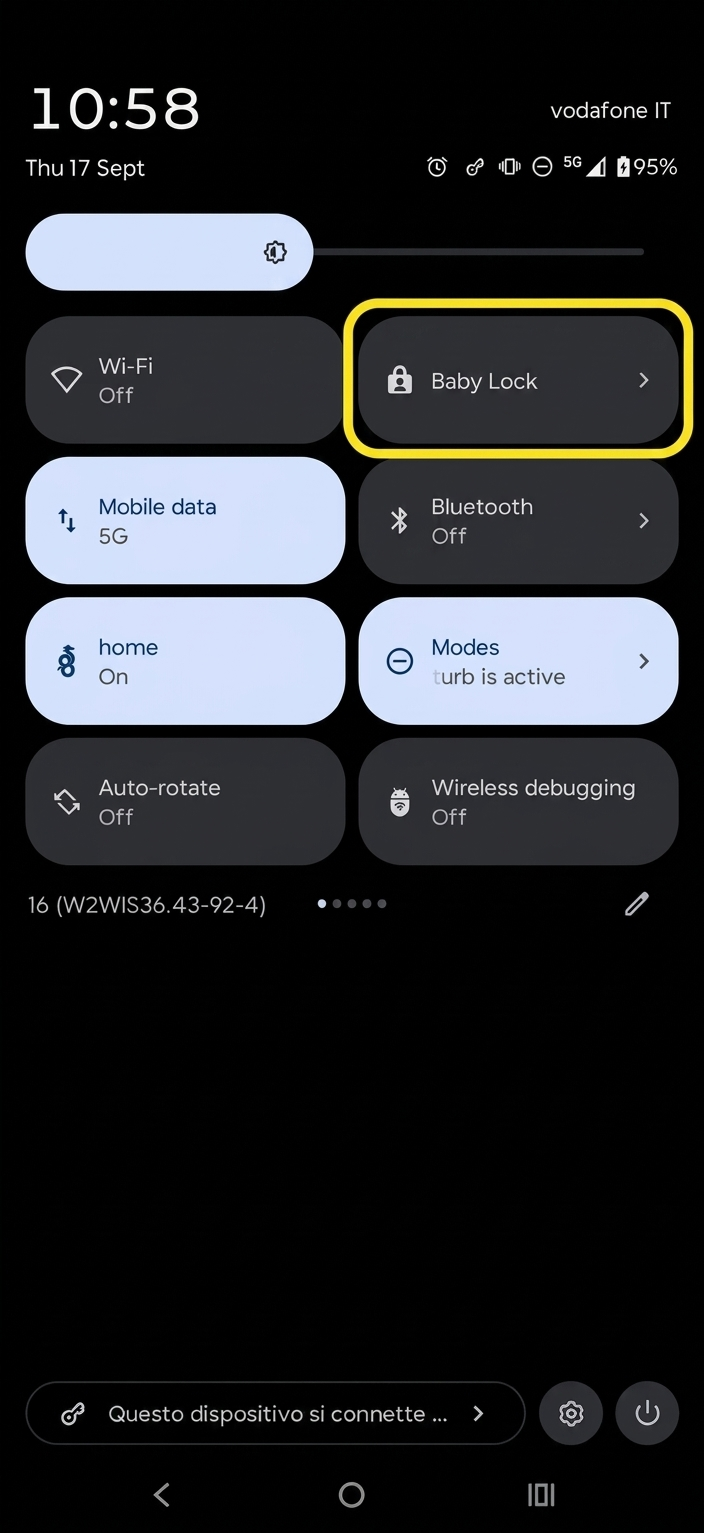
Key Features: - Blocks screen touches and multi-touch interactions. - Prevents navigation bar gestures (Back, Home, App Switch). - Keeps the notification drawer and Quick Settings closed. - Optional lock for physical volume keys. - Quick Settings tile for convenient 1-tap activation. - Disengages with an intuitive, child-resistant slide-to-unlock widget. - 100% offline: No internet permission, no advertisements, and zero tracking.
Accessibility Service Usage: Baby Touch Lock uses Android's AccessibilityService API exclusively to detect and block touch inputs and physical button presses when the lock overlay is active. The service does not inspect or read any on-screen text or private data.
Screenshots
How to install
- Download the APK from the button at the top of this page.
- Allow “Install unknown apps” for your browser or file manager only, not for every app.
- Open the downloaded file and confirm the installation.
- If installation fails with “App not installed,” remove an earlier build of the same app first. A signature conflict is the usual cause.
Data safety
- Every file is checked against its published SHA-256 before it is listed.
- Files are scanned for malware on every update.
- The permissions each app requests are listed on its own page.
- Read the full safety policy for how we test, flag, and delist files.
Frequently asked questions
What is Baby Touch Lock?
Block accidental touches, gestures and buttons while your kid watches videos
Who develops Baby Touch Lock?
Baby Touch Lock is developed by dmici.
Which Android version does Baby Touch Lock require?
Baby Touch Lock requires Android API 26 or later.
What is the current version of Baby Touch Lock?
The synchronized F-Droid version is 1.0.1.
Which license does Baby Touch Lock use?
The signed F-Droid metadata lists GPL-3.0-or-later.
Where is the source code for Baby Touch Lock?
https://github.com/dmici/baby-touch-lock
Comments
Recent approved comments · sorted by newest
View all comments