Husk icon

Husk

xplat
Remote Access Multimedia
Version
1.4
Size
92.7 KB
Requires
Android API 26+
3.9 / 5 · 658 ratings 4,124 downloads

Updated Oct 11, 2026

Quick answer

Turn a spare Android phone into a remote camera and control rig

Husk turns a spare Android phone into a remote camera and control rig on your own LAN or Tailscale network, without root.

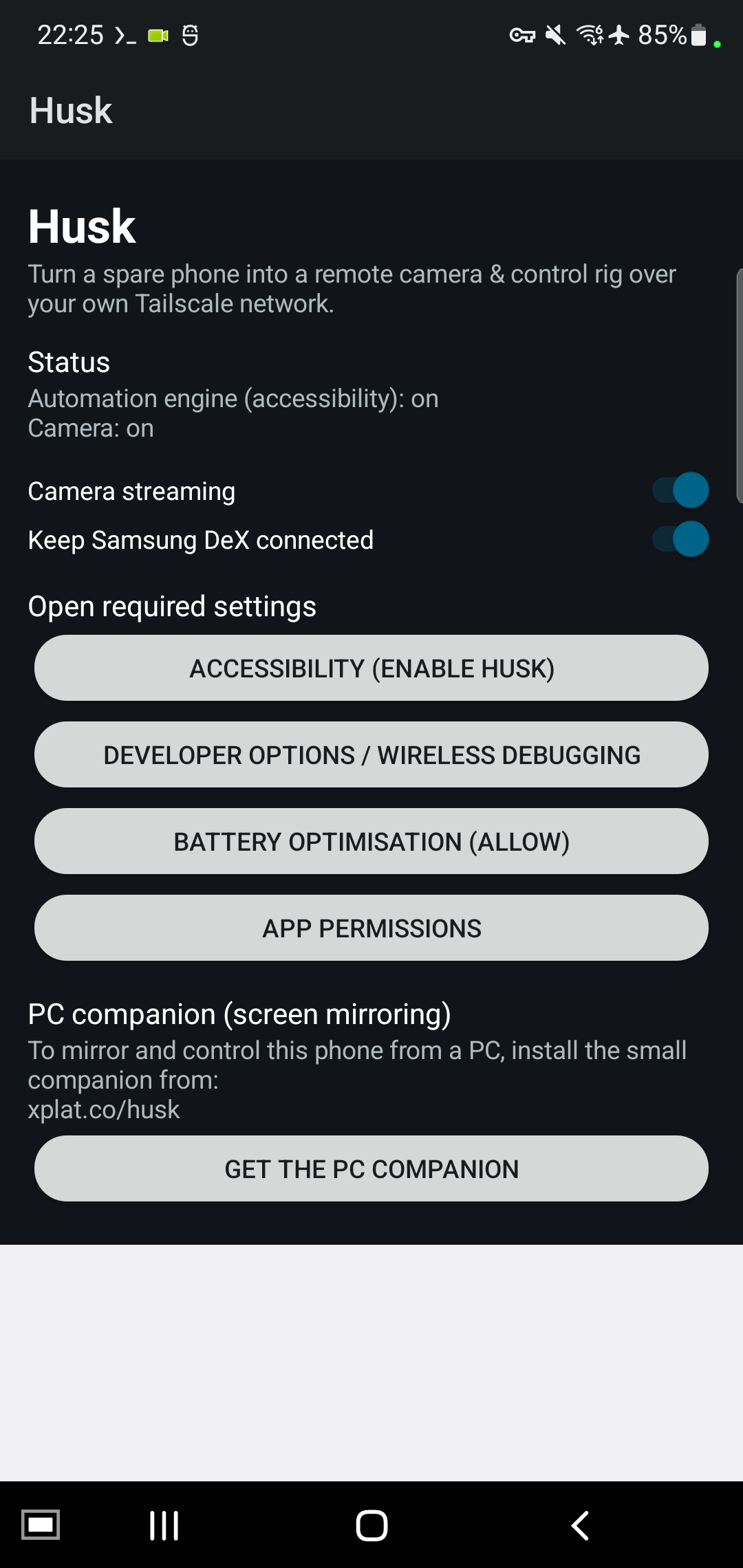
Features: camera streaming (MJPEG) in a browser, or as a webcam via a PC tool; front or back camera, switchable over HTTP while the stream runs; an accessibility engine for scripted on-screen actions; in-app recovery of Wireless Debugging after a reboot; an adb bridge for scrcpy from a PC; camera or screen motion alerts with a push and a live snapshot; a Samsung DeX toggle on DeX phones. It starts automatically after a reboot.

Husk has no built-in updater and never checks for, downloads or installs anything on its own. Update from F-Droid, or install an APK with adb.

Every host Husk can talk to, and what triggers it: * 0.0.0.0 - it LISTENS, it never connects out: the HTTP control server on 8090 and the adb bridge on 15557, while the service runs, both behind a source-IP allowlist. * 127.0.0.1 - loopback only, inside the phone: the accessibility engine on 8127, and the adb bridge forwarding to the local Wireless Debugging port. * ntfy.sh - only when motion alerts are enabled and you have set a topic; one push per alert. The server is configurable - use your own instance. * xplat.co - project website and PC companion download. The app itself never contacts it; 1.1 removed the updater that read it.

The allowlist admits loopback, private LAN ranges, fc00::/7 and Tailscale's 100.64.0.0/10; some carriers use that range too, so on mobile data it is wider than your tailnet alone. An optional token adds a second layer, off by default. Restrict access with a Tailscale ACL.

Husk uses the AccessibilityService API and exposes an adb bridge by design. 100% open source (GPLv3), AOSP framework APIs only: no trackers, no ads, no proprietary code.

Screenshots

Husk screenshot 1

What’s new

Set the access token in the app.

New Access token field with Generate, Copy and Save. A PC app can also ask for the token: the phone shows a notification, and you tap Approve (GET /token/request, /token/status; /token/set changes it).

The token is no longer read from a global system setting set with adb. After updating, set the token again in the app. Without a token, anyone on your Tailscale network can control the phone.

How to install

  1. Download the APK from the button at the top of this page.
  2. Allow “Install unknown apps” for your browser or file manager only, not for every app.
  3. Open the downloaded file and confirm the installation.
  4. If installation fails with “App not installed,” remove an earlier build of the same app first. A signature conflict is the usual cause.

Data safety

  • Every file is checked against its published SHA-256 before it is listed.
  • Files are scanned for malware on every update.
  • The permissions each app requests are listed on its own page.
  • Read the full safety policy for how we test, flag, and delist files.

Frequently asked questions

What is Husk?
Turn a spare Android phone into a remote camera and control rig
Who develops Husk?
Husk is developed by xplat.
Which Android version does Husk require?
Husk requires Android API 26 or later.
What is the current version of Husk?
The synchronized F-Droid version is 1.4.
Which license does Husk use?
The signed F-Droid metadata lists GPL-3.0-or-later.
Where is the source code for Husk?
https://github.com/hf1985/husk

Comments

Recent approved comments · sorted by newest

Verification code
Be specific and keep it about the app. No links. Comments are reviewed before publication. Device and Android details are recorded automatically. Privacy policy.

Loading recent comments...

View all comments