Otoscope icon

Otoscope

rubec
Connectivity Multimedia Multimedia
Version
0.9.0
Size
2.4 MB
Requires
Android API 29+
4.1 / 5 · 12,067 ratings 63,813 downloads

Updated Oct 11, 2026

Quick answer

Ad-free viewer for WiFi otoscope cameras.

Otoscope is a clean, ad-free replacement for the proprietary apps shipped with cheap Wi-Fi otoscope cameras.

The stock companion apps generally bundle lots of ad and analytics SDKs (AdMob, AppLovin, IronSource, MBridge, Vungle, Pangle, Mintegral, etc.) and in-app tracking. Otoscope reimplements essential connection and viewer functionalities, with nothing else.

Features:

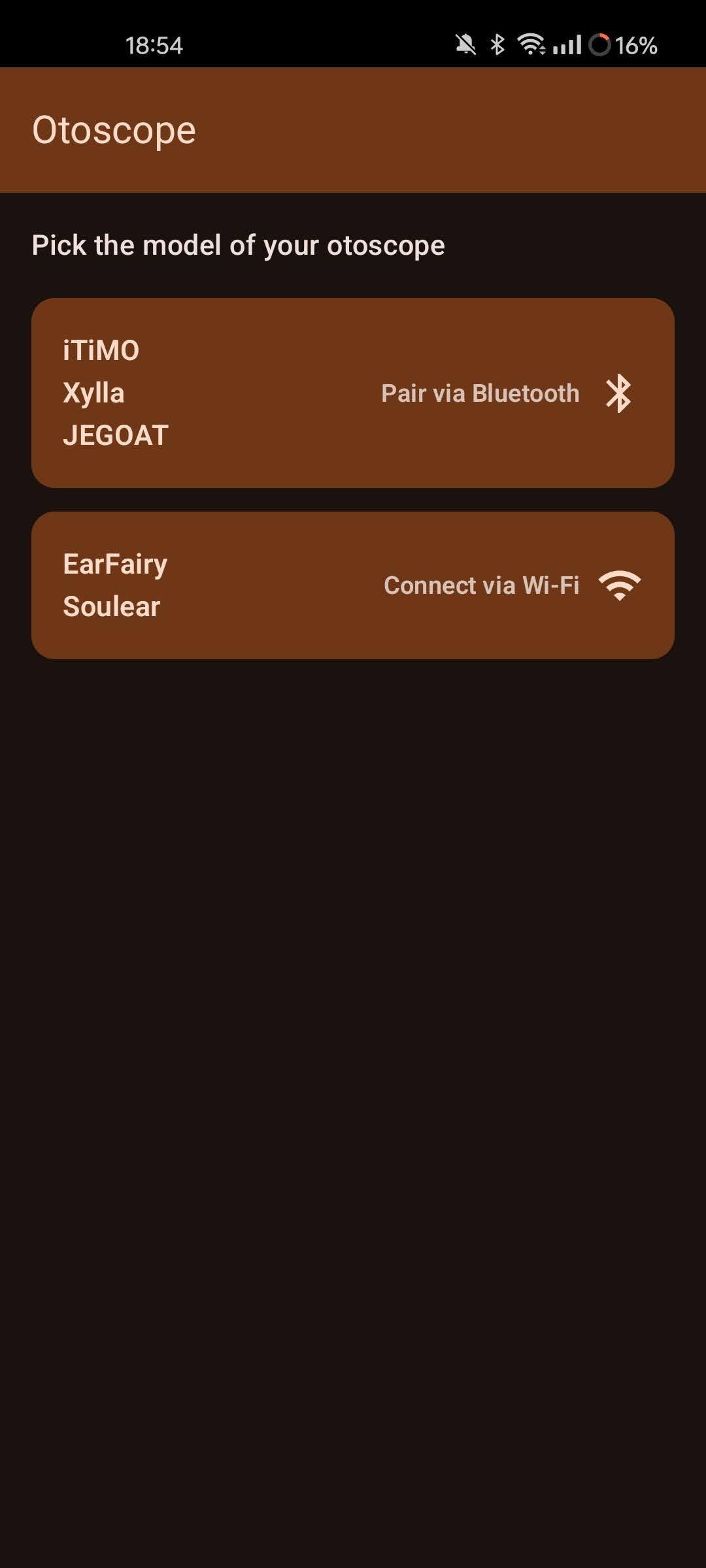
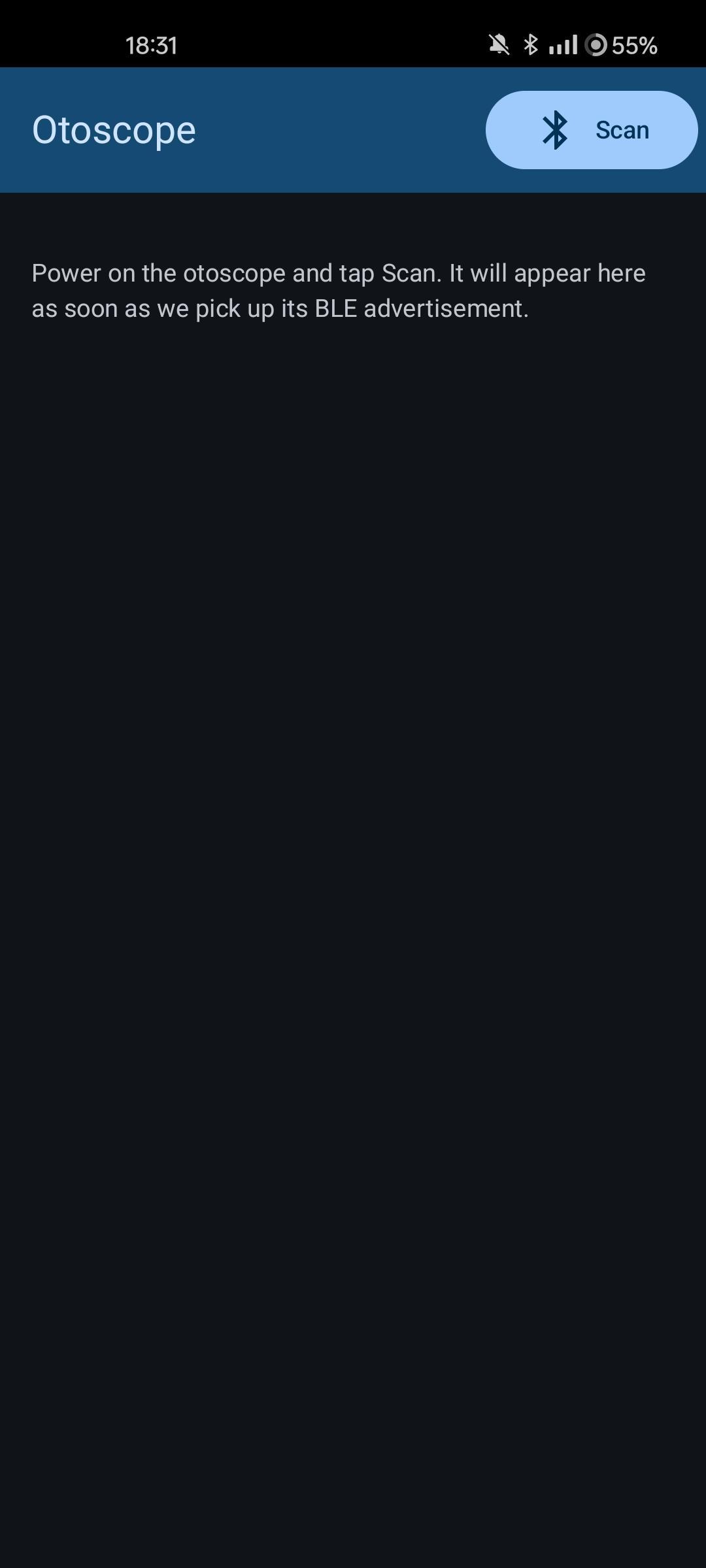
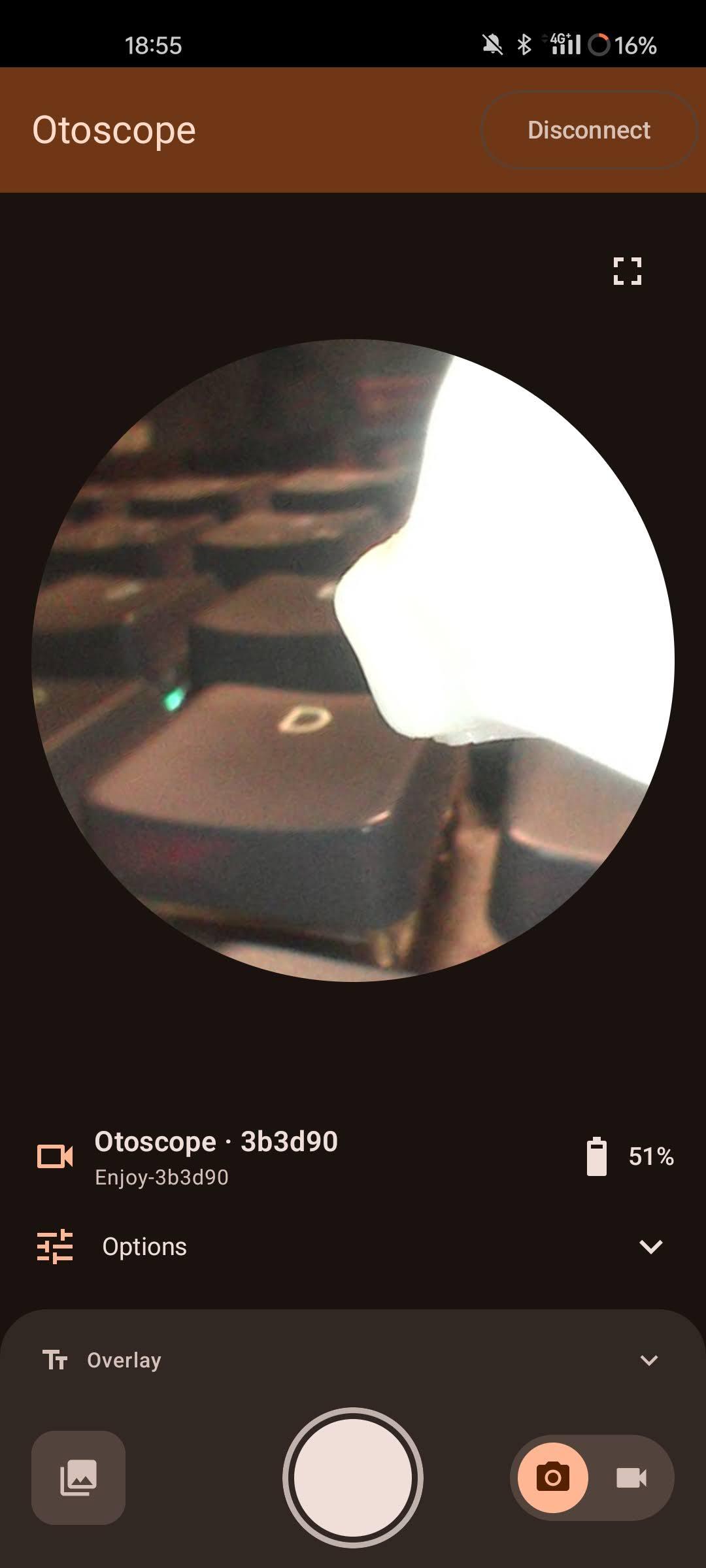
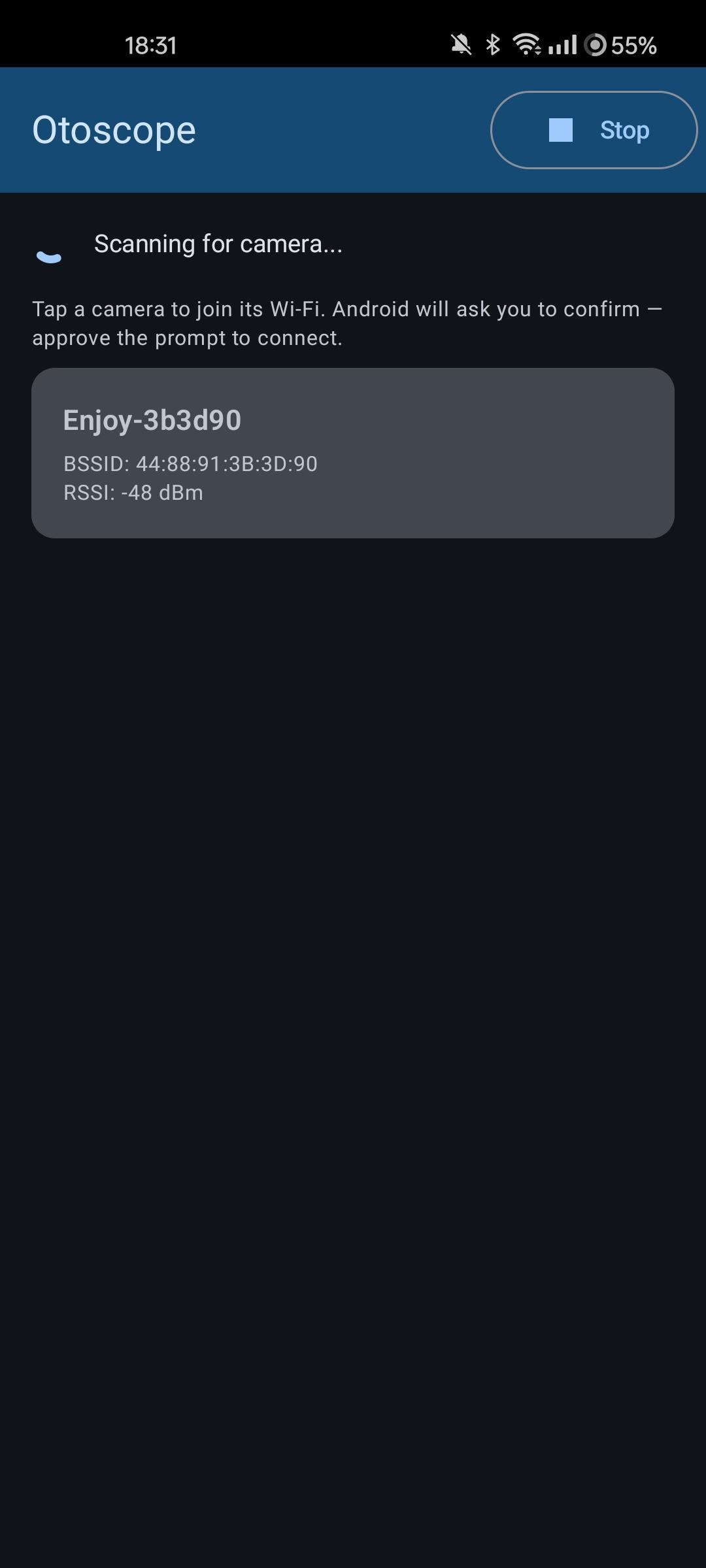
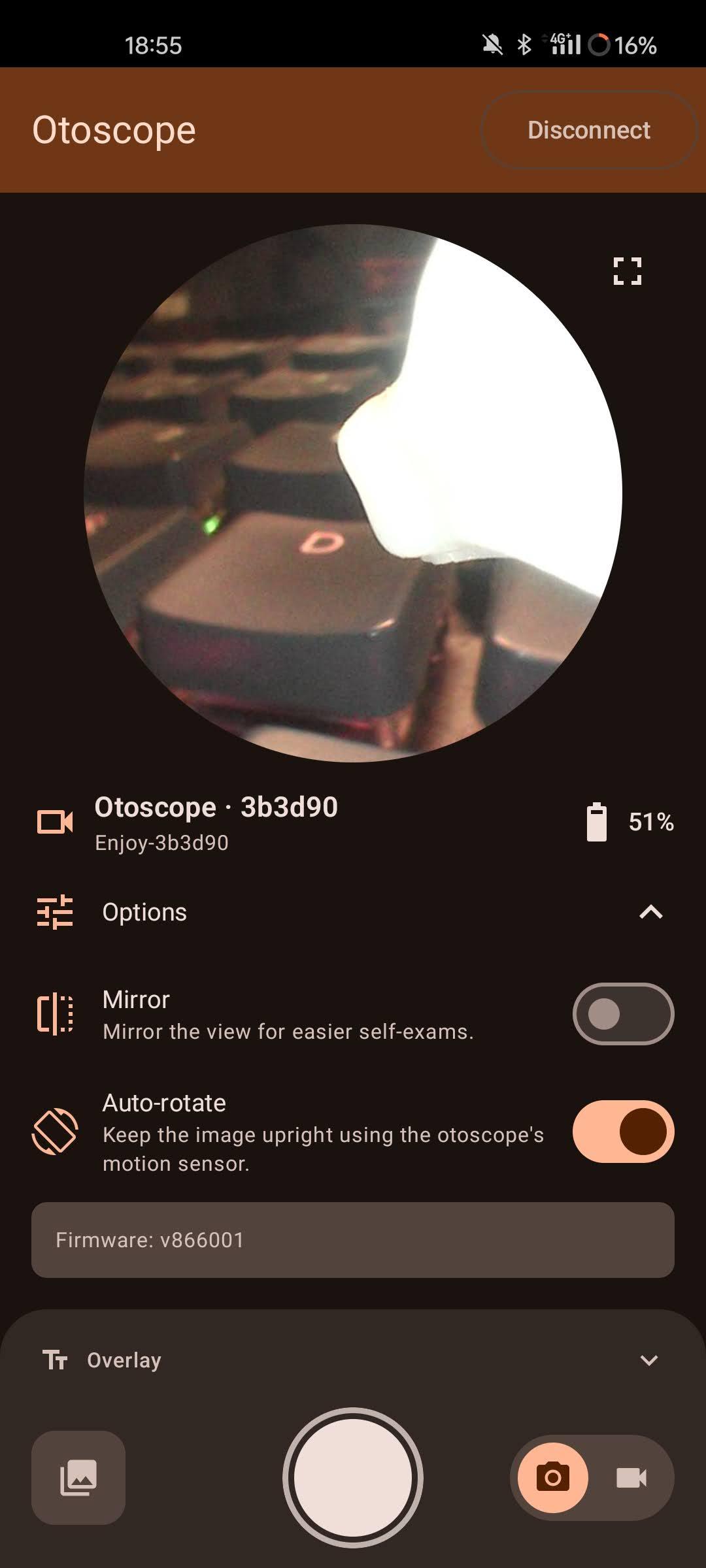
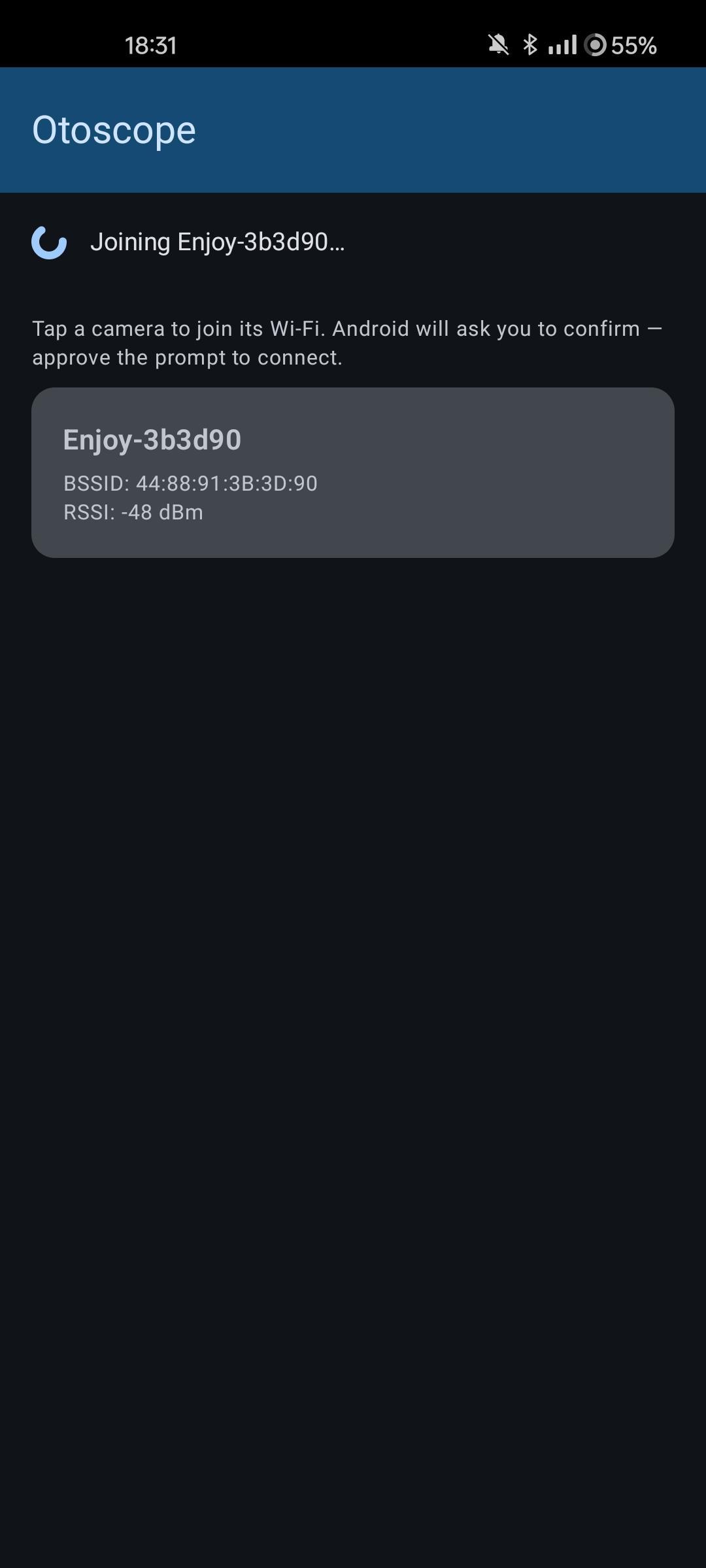
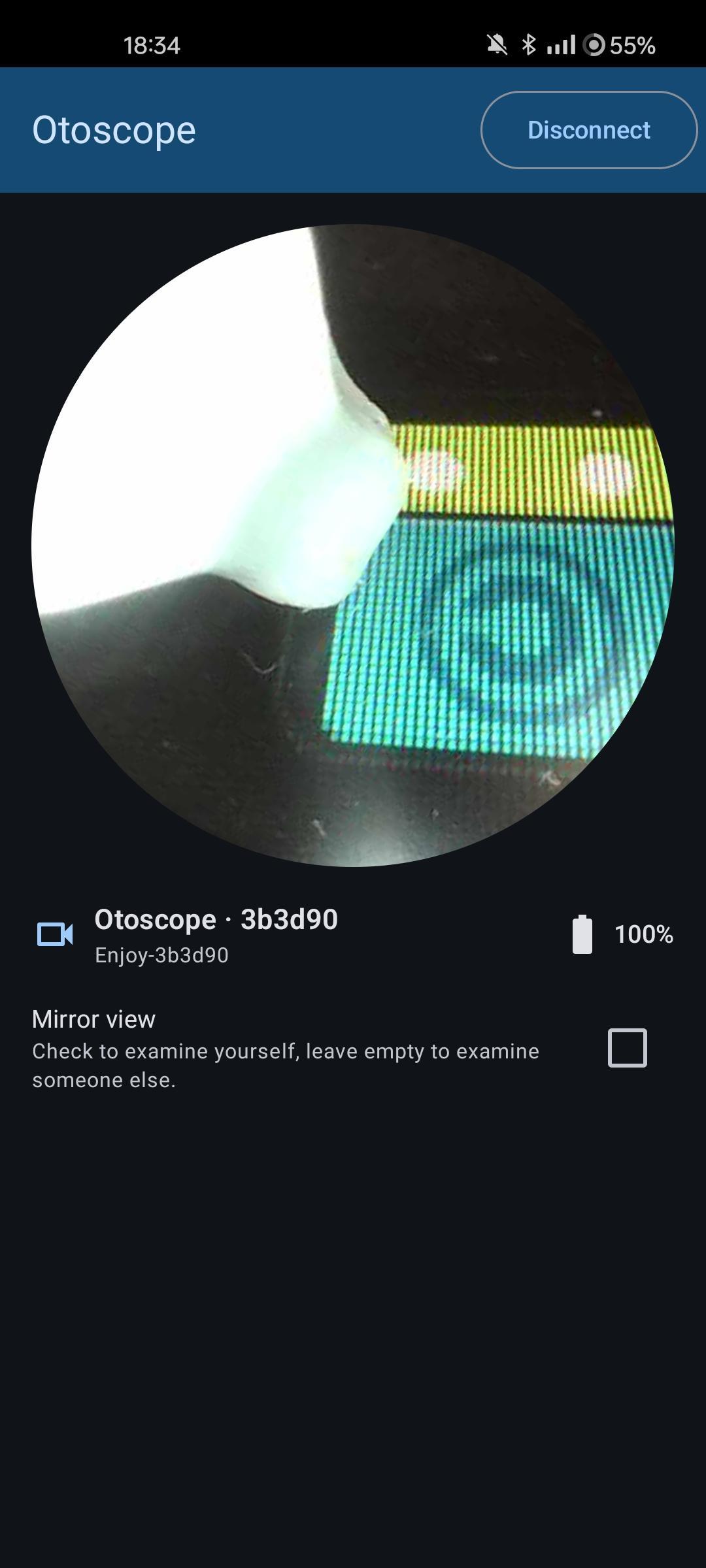
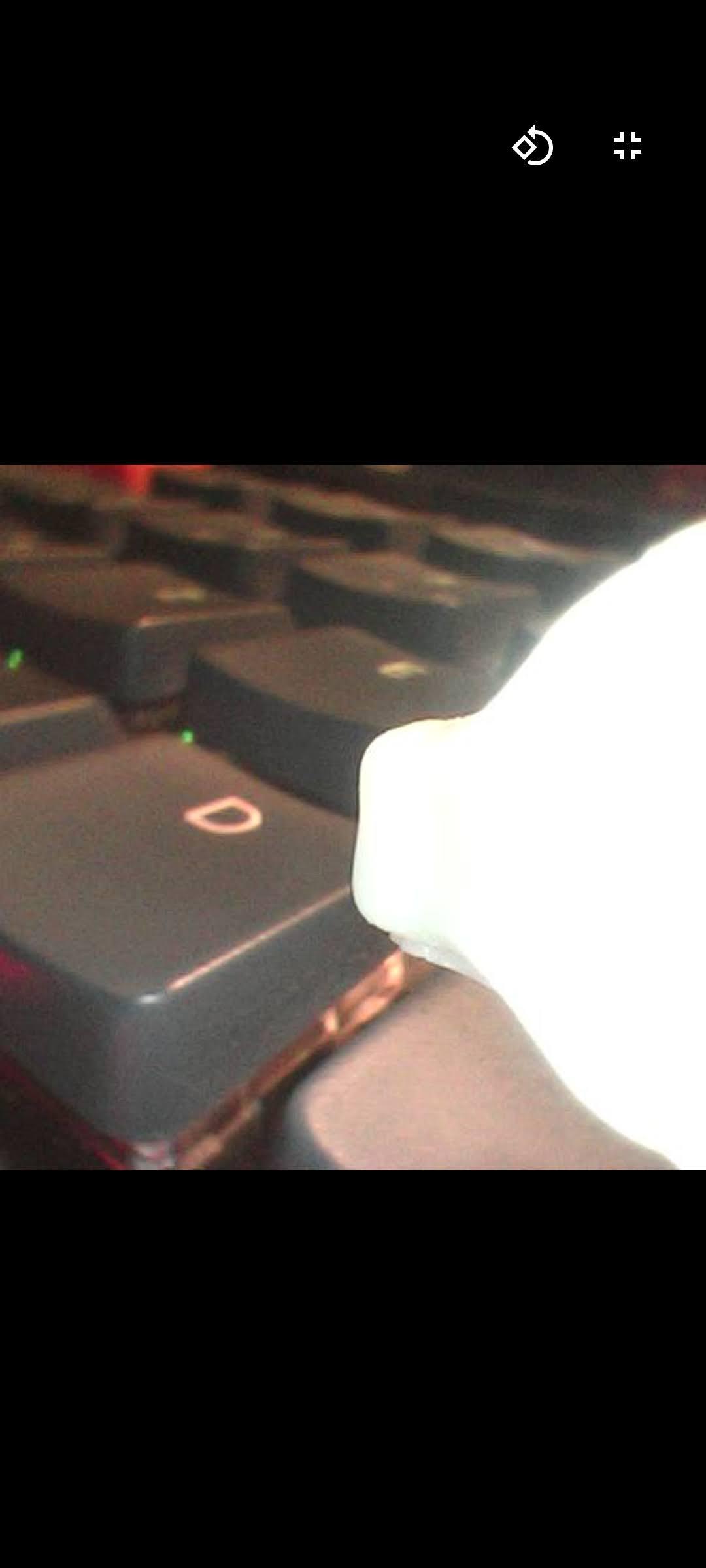
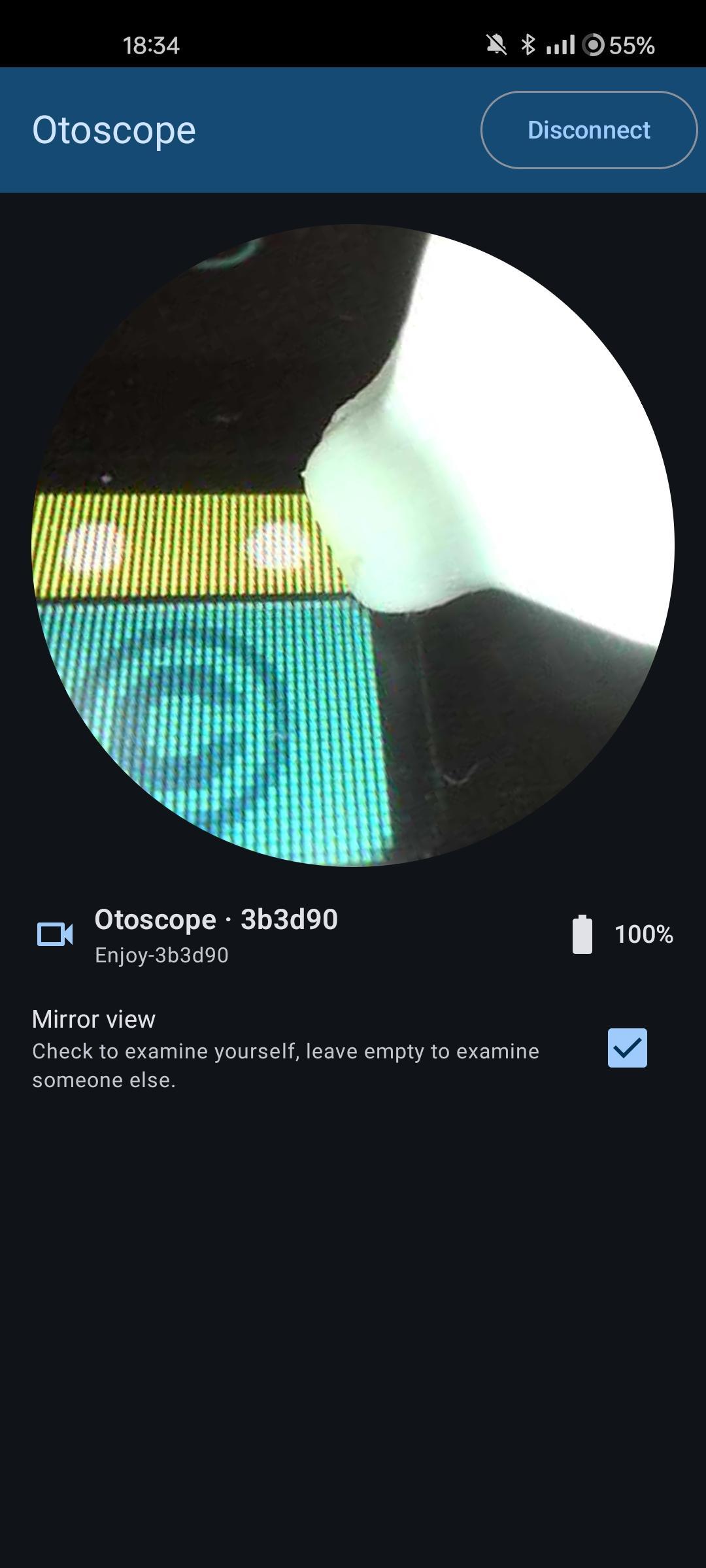
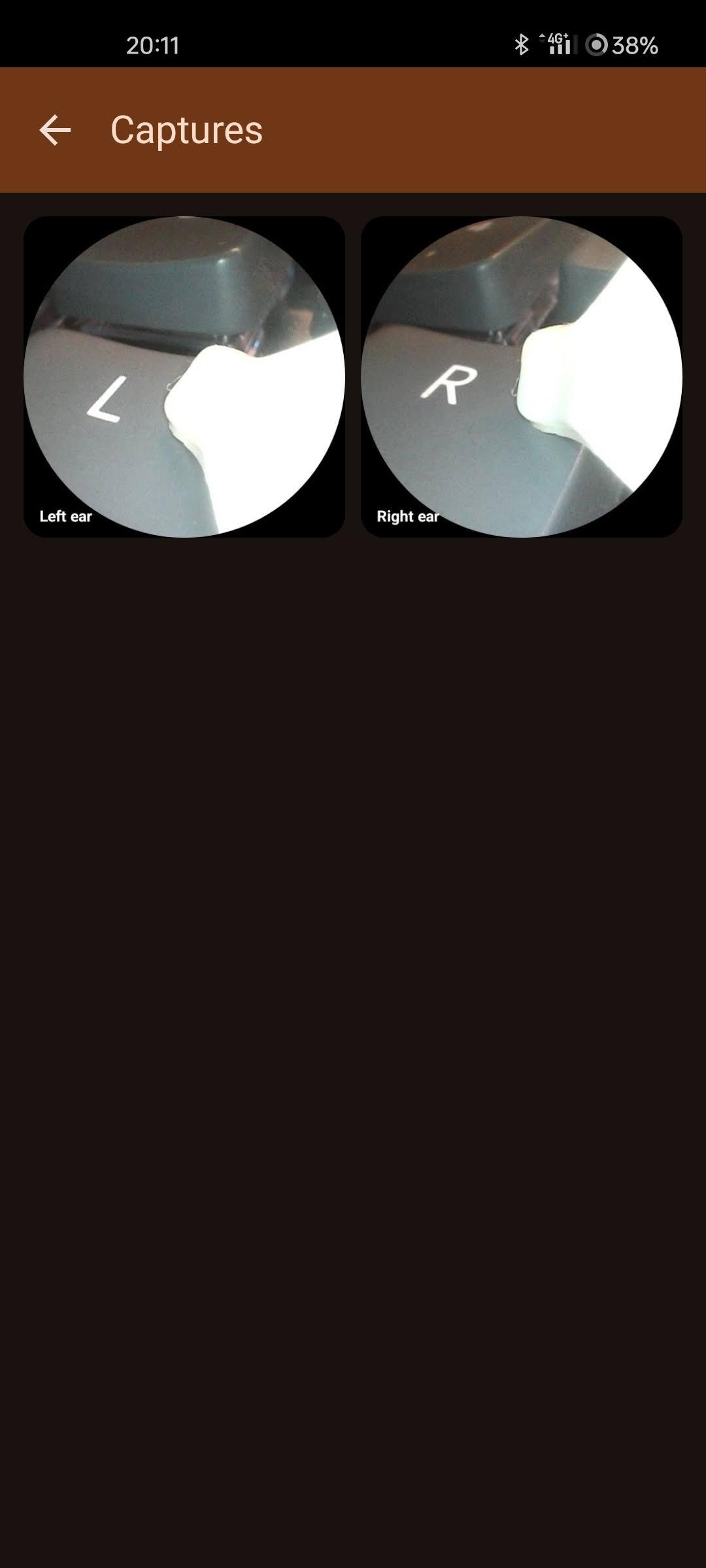
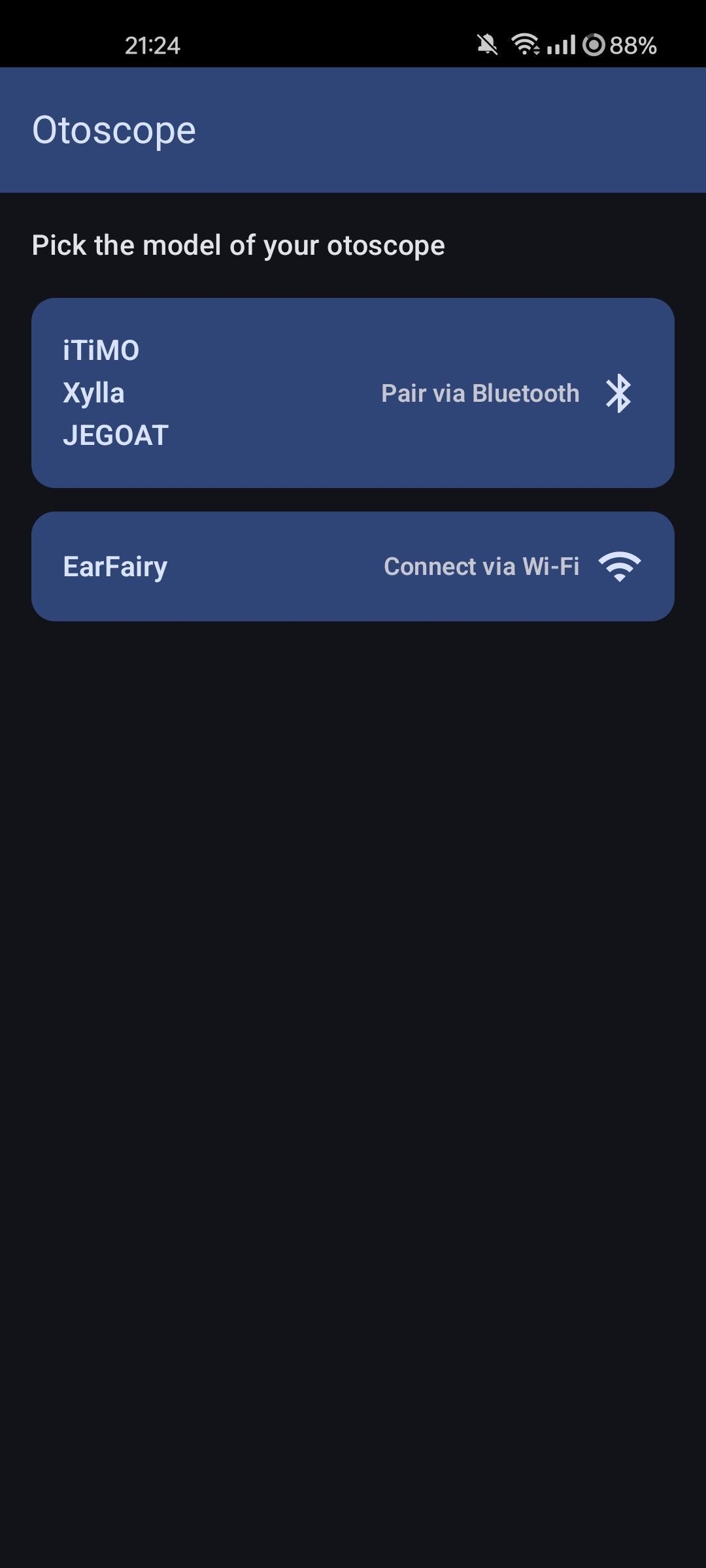
• Discover the camera over Bluetooth Low Energy or Wi-Fi. • Join the camera's Wi-Fi access point in a one-process scope, so the rest of your traffic isn't affected. • Live video stream, decoded in-app over the camera's protocol (UDP or RTSP). Pure Kotlin, no FFmpeg, no native blobs. • Auto-rotation driven by the camera's on-board accelerometer / gyro. • Horizontal-mirror toggle for self-examination. • Circular mask matching the otoscope lens. • Photo and video capture with a built-in gallery to review, share and delete them. • Optional caption burnt into the corner of each capture to tell what's being recorded.

Supported hardware families:

• Xylla — SSID `Enjoy-XXXXXX` or `JesHome-XXXX`. • iTiMO — SSID `iTiMO-XXXXXX` or `jetion_XXXX`. • JEGOAT — SSID `softish-XXXXXX`. • EarFairy — SSID `Cooleer_XXXXXX`.

Otoscope is GPL-3.0-or-later and contains no third-party trackers, ad SDKs, or proprietary native libraries.

Screenshots

Otoscope screenshot 1
Otoscope screenshot 2
Otoscope screenshot 3
Otoscope screenshot 4
Otoscope screenshot 5
Otoscope screenshot 6
Otoscope screenshot 7
Otoscope screenshot 8
Otoscope screenshot 9
Otoscope screenshot 10
Otoscope screenshot 11
Otoscope screenshot 12
Otoscope screenshot 13

What’s new

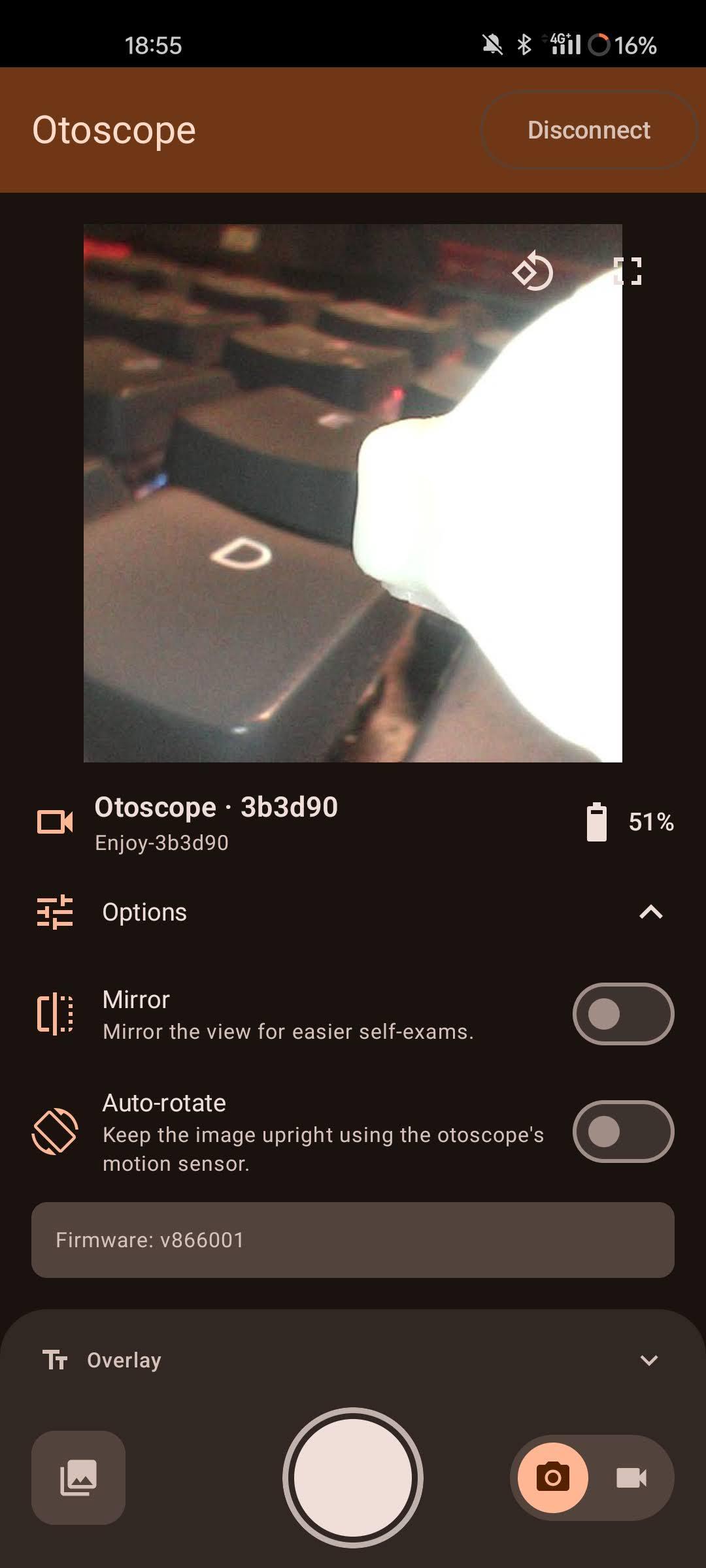
Adds a fullscreen view and an auto-rotate toggle. When auto-rotate is off, a rotate button next to the fullscreen one turns the image 90° at a time. Ring-light, mirror and auto-rotate now fold away under an "Options" row to keep the camera image as large as possible.

How to install

  1. Download the APK from the button at the top of this page.
  2. Allow “Install unknown apps” for your browser or file manager only, not for every app.
  3. Open the downloaded file and confirm the installation.
  4. If installation fails with “App not installed,” remove an earlier build of the same app first. A signature conflict is the usual cause.

Data safety

  • Every file is checked against its published SHA-256 before it is listed.
  • Files are scanned for malware on every update.
  • The permissions each app requests are listed on its own page.
  • Read the full safety policy for how we test, flag, and delist files.

Frequently asked questions

What is Otoscope?
Ad-free viewer for WiFi otoscope cameras.
Who develops Otoscope?
Otoscope is developed by rubec.
Which Android version does Otoscope require?
Otoscope requires Android API 29 or later.
What is the current version of Otoscope?
The synchronized F-Droid version is 0.9.0.
Which license does Otoscope use?
The signed F-Droid metadata lists GPL-3.0-or-later.
Where is the source code for Otoscope?
https://github.com/rbeilvert/otoscope

Comments

Recent approved comments · sorted by newest

Verification code
Be specific and keep it about the app. No links. Comments are reviewed before publication. Device and Android details are recorded automatically. Privacy policy.

Loading recent comments...

View all comments