Quick answer
Reconstruct damaged or blurry QR codes entirely on-device for easy scanning.
QR Code Displayer generates a clean, easy-to-scan version of any QR code.
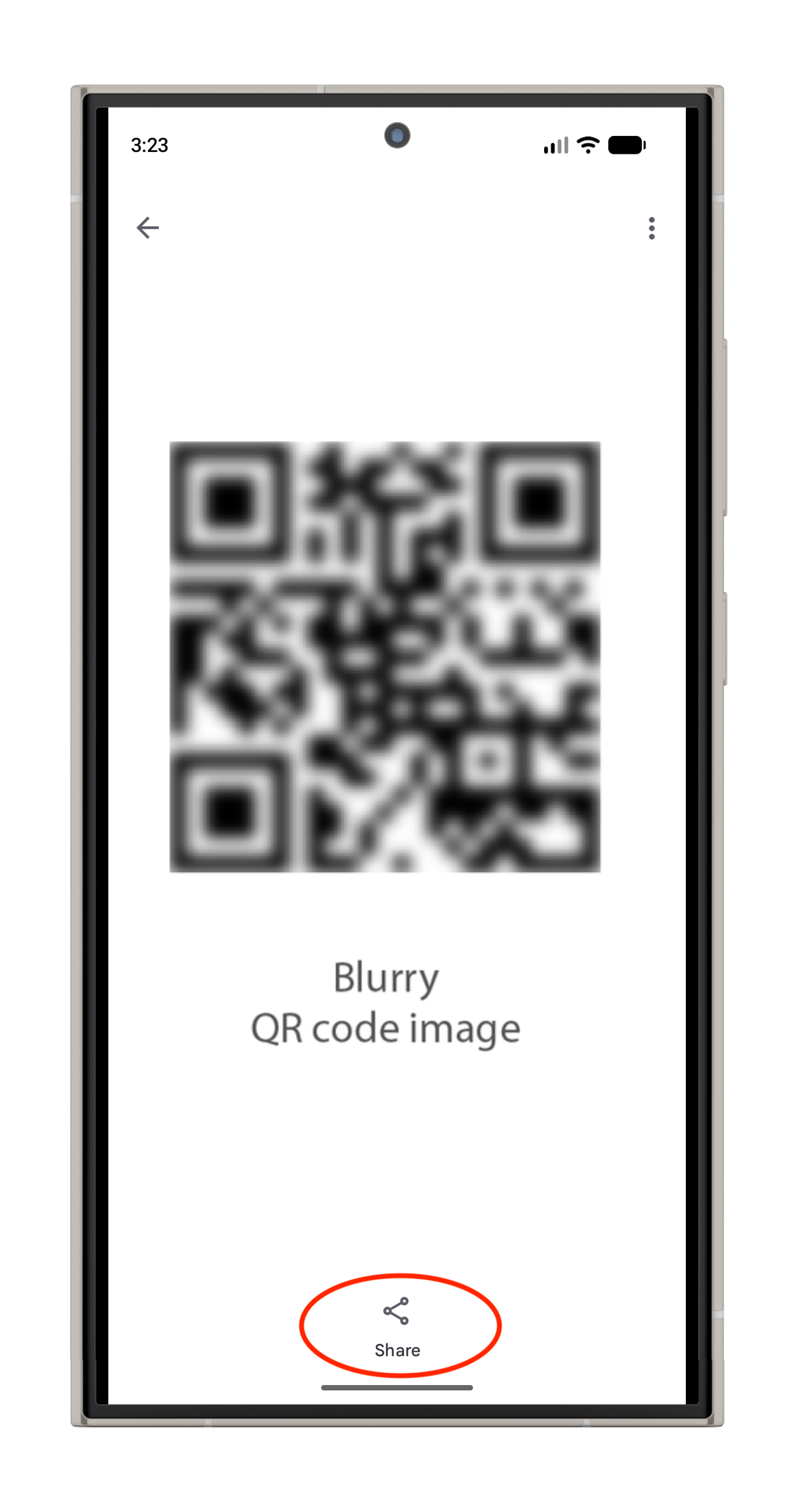
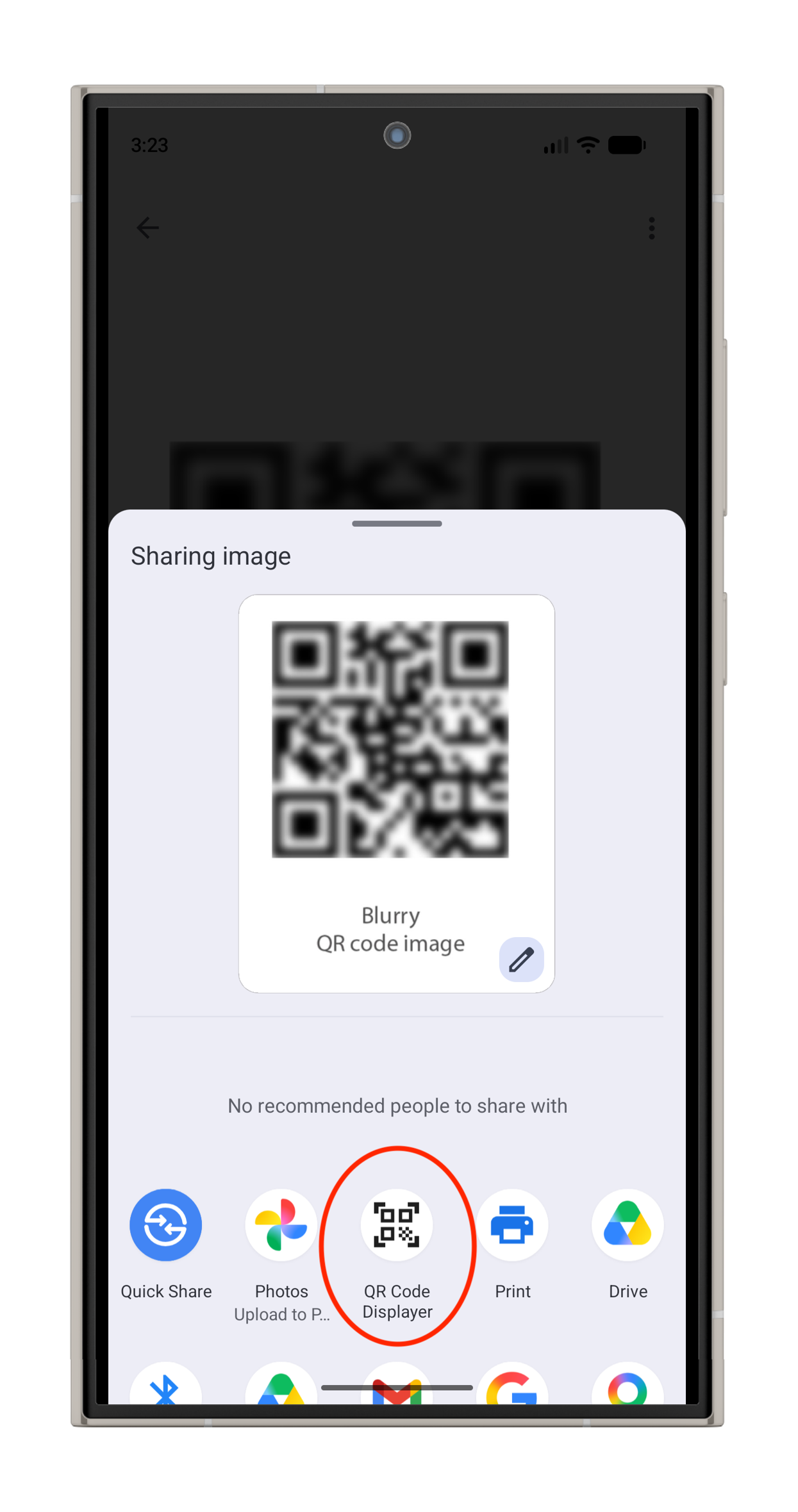
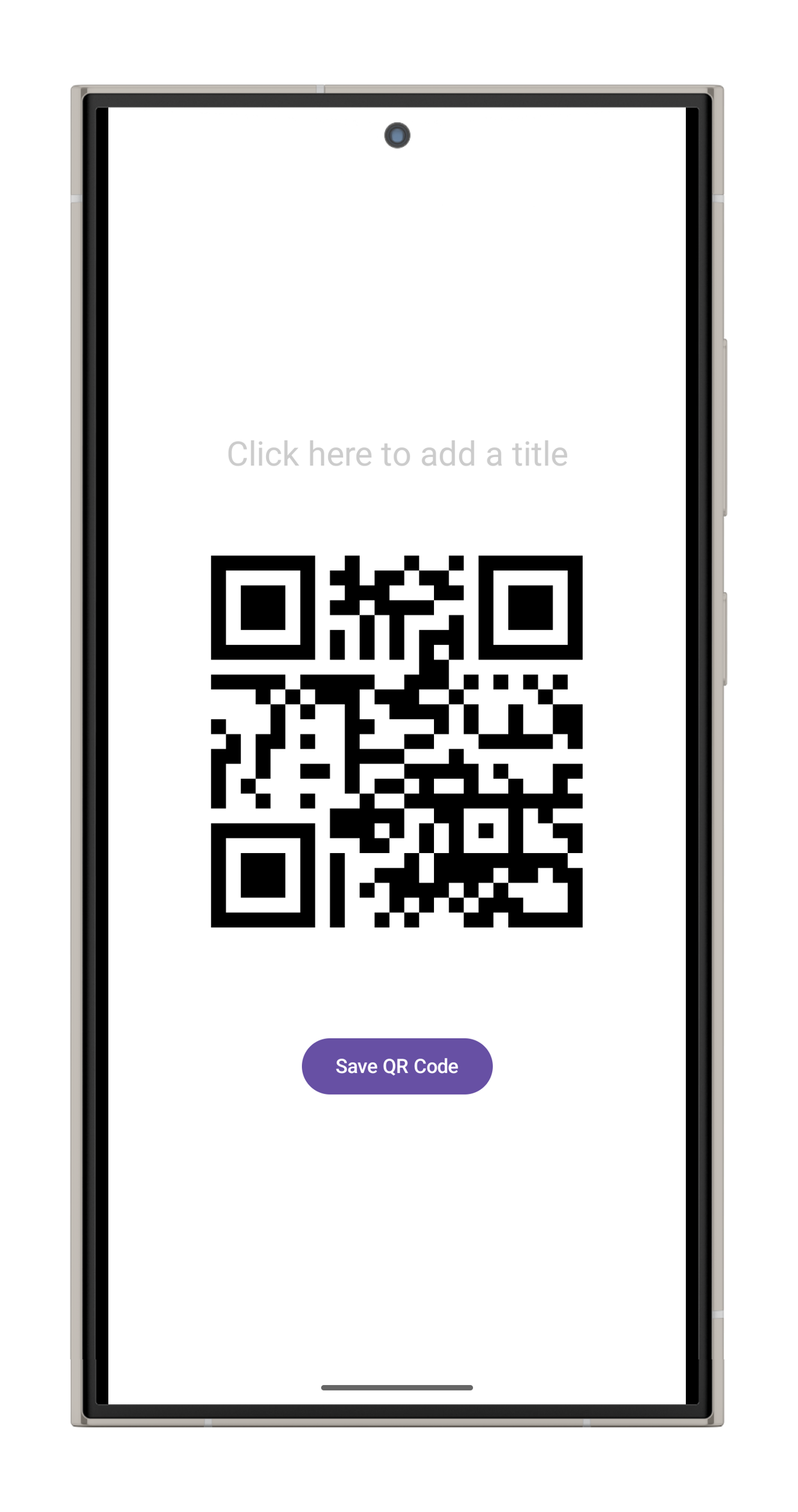
The app works like this: * You open an image containing a QR code on your phone and "share" it to this app. * The app decodes the original code using math! * A brand new, high-resolution QR code is generated containing the exact same content. * The new code is drawn with black edges on a white background. * Screen brightness is maximized to assist with scanning. * Optionally, you can give your new QR code a title and save it to use later.
This app is fully open-source, contains no ads or unnecessary permissions, and processes all data entirely offline on your own device.
Screenshots
How to install
- Download the APK from the button at the top of this page.
- Allow “Install unknown apps” for your browser or file manager only, not for every app.
- Open the downloaded file and confirm the installation.
- If installation fails with “App not installed,” remove an earlier build of the same app first. A signature conflict is the usual cause.
Data safety
- Every file is checked against its published SHA-256 before it is listed.
- Files are scanned for malware on every update.
- The permissions each app requests are listed on its own page.
- Read the full safety policy for how we test, flag, and delist files.
Frequently asked questions
What is QR Code Displayer?
Reconstruct damaged or blurry QR codes entirely on-device for easy scanning.
Who develops QR Code Displayer?
QR Code Displayer is developed by cbdm.
Which Android version does QR Code Displayer require?
QR Code Displayer requires Android API 24 or later.
What is the current version of QR Code Displayer?
The synchronized F-Droid version is 1.1.1.
Which license does QR Code Displayer use?
The signed F-Droid metadata lists MIT.
Where is the source code for QR Code Displayer?
https://github.com/cbdm/QRCodeDisplayer
Comments
Recent approved comments · sorted by newest
View all comments