
Quick answer
Offline-first bespoke data collection apps from Open Data Ensemble
F-Droid repository metadata
Formulus is the mobile data collection client of the Open Data Ensemble (ODE) platform.
It allows organizations, research teams, and public sector institutions to build their own bespoke data collection applications based on structured forms defined using the JSONForms specification.
Forms and application logic are defined externally, meaning the same Formulus app can host many different data collection projects without requiring app updates.
Key features include:
• Flexible form-based data collection using JSONForms • Offline-first operation for use in the field • Secure bi-directional synchronization with an ODE Synkronus server • Support for complex data structures and validation • Designed for long-term maintainability and open standards
Formulus is particularly suited for environments where reliable data collection is needed under challenging conditions, such as:
• field research • public health surveillance • environmental monitoring • humanitarian and development projects • decentralized data collection initiatives
The app requires access to an ODE Synkronus server for synchronization and project management. Organizations typically run their own Synkronus server to host forms, manage users, and collect submitted data.
If you do not yet have access to a Synkronus server but would like to explore the application, a public demonstration environment may be available. See the project website for details.
Formulus is part of the Open Data Ensemble ecosystem, an open-source initiative focused on building interoperable tools for decentralized, standards-based data collection.
Source code and documentation: https://opendataensemble.org
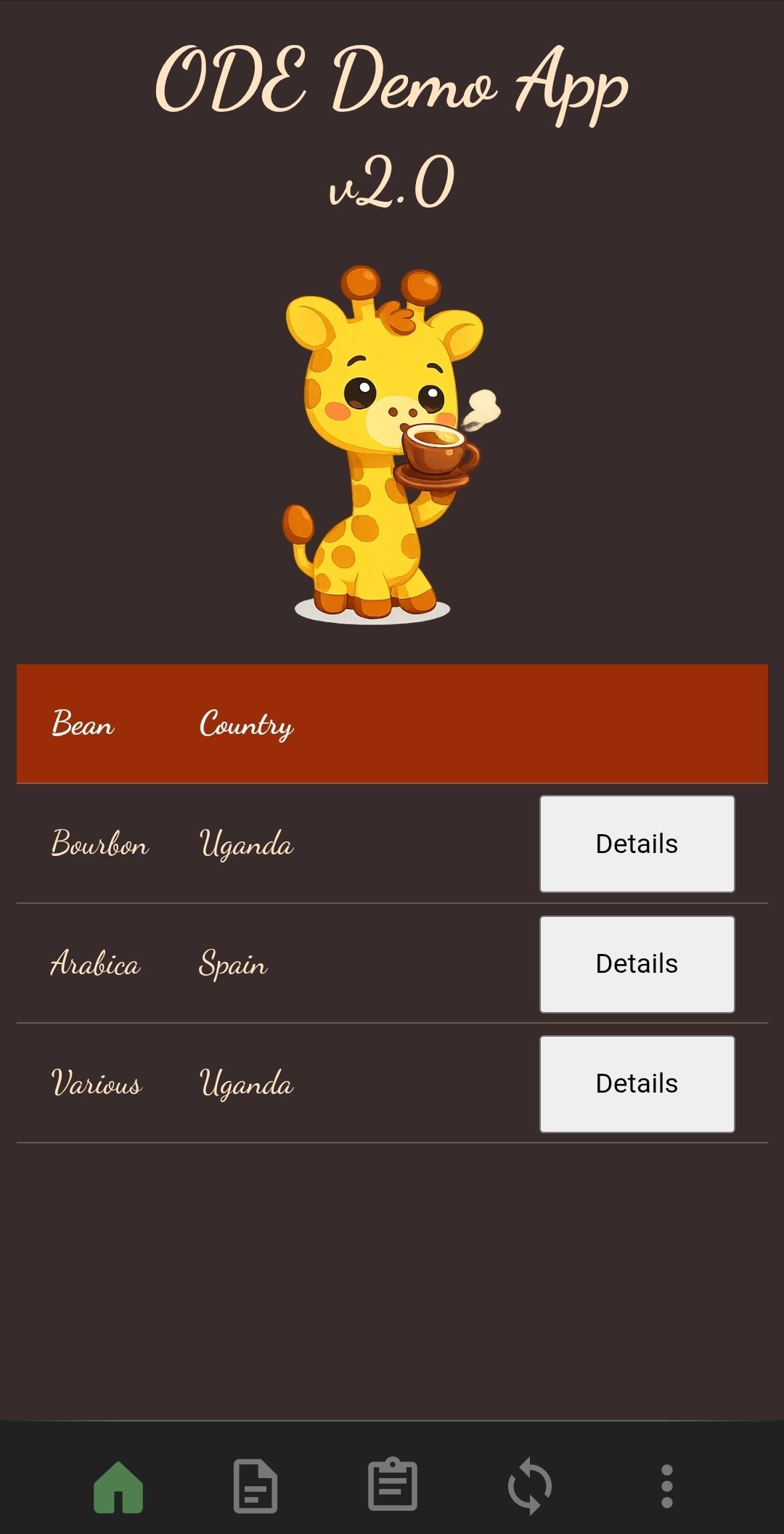
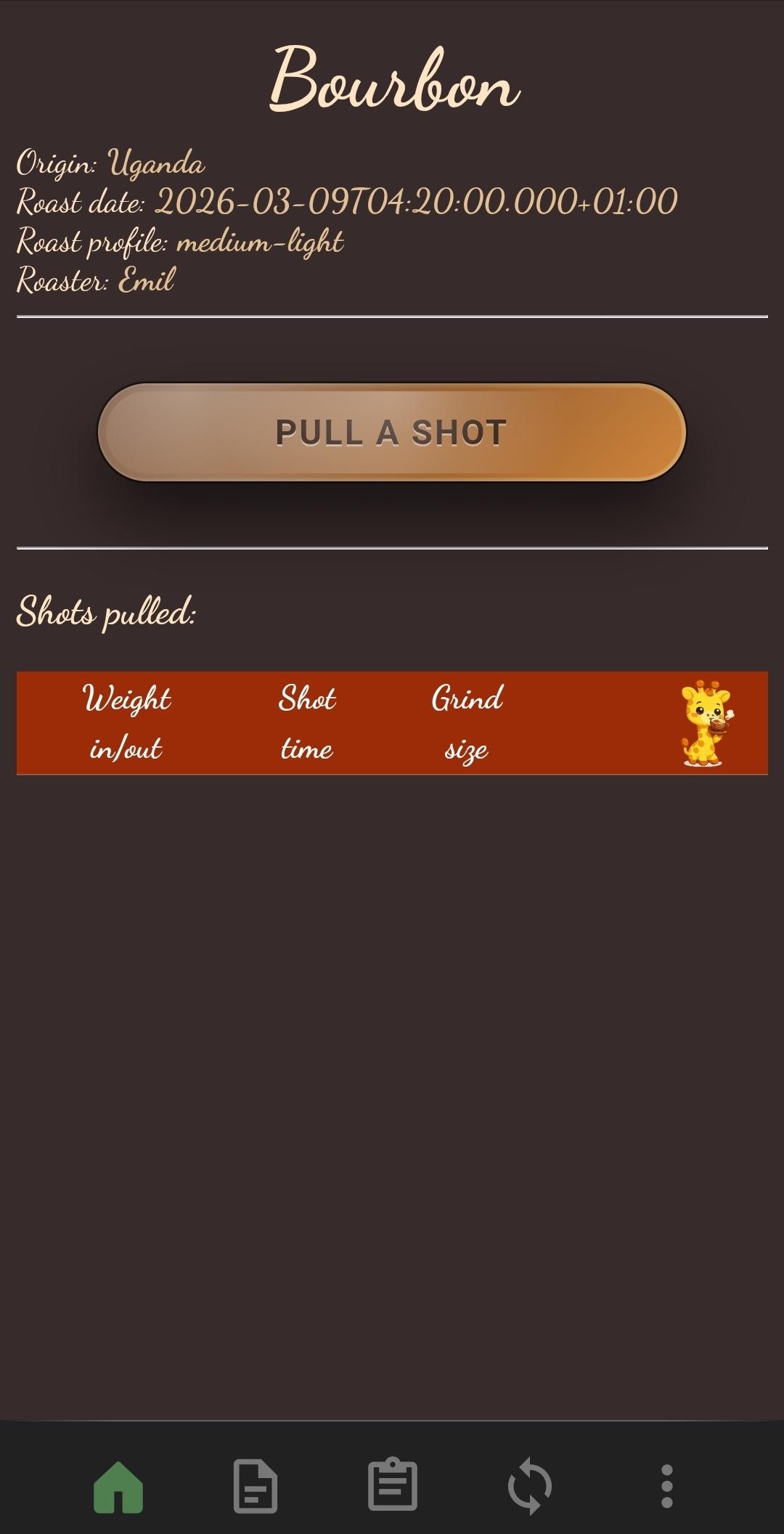
Screenshots
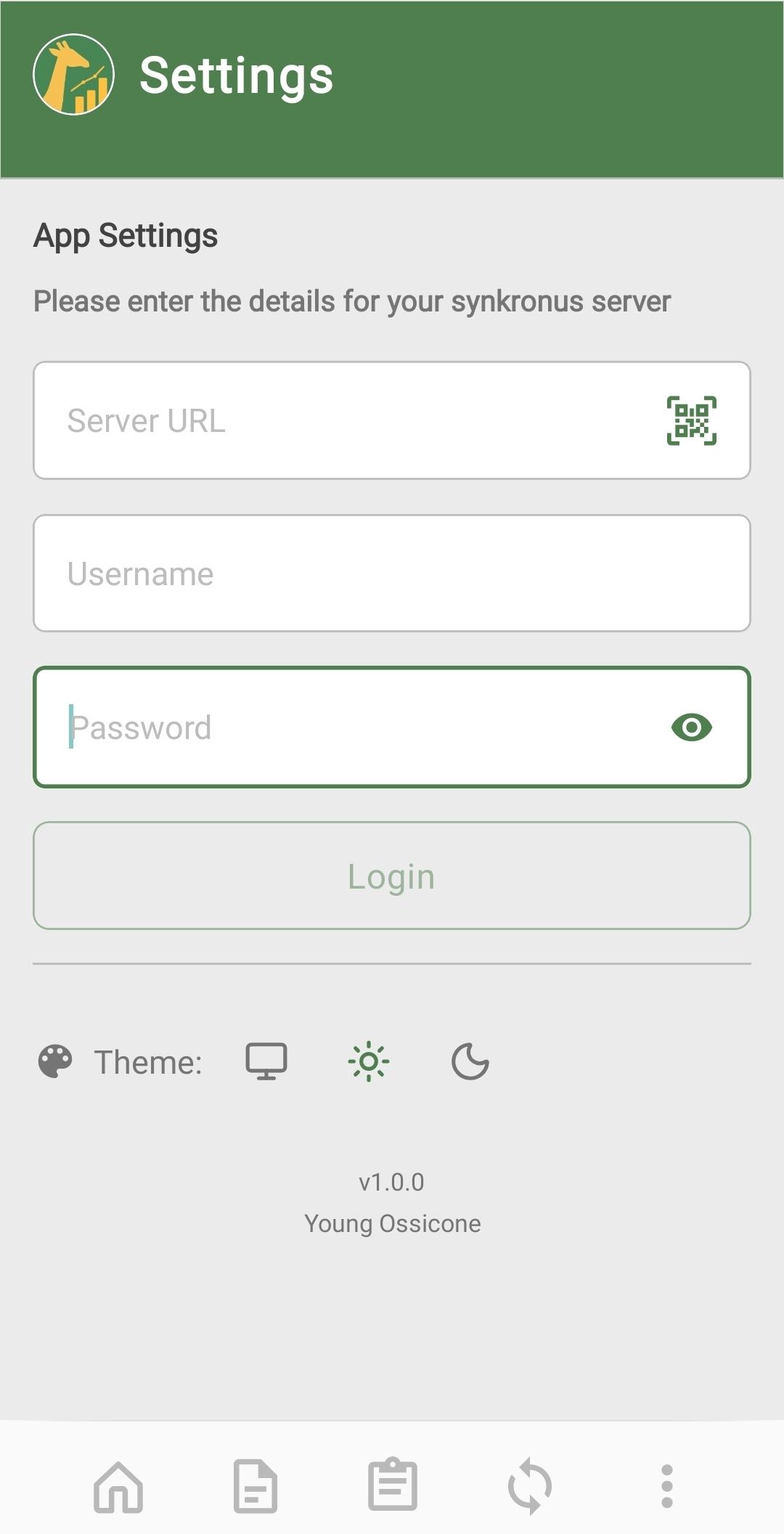
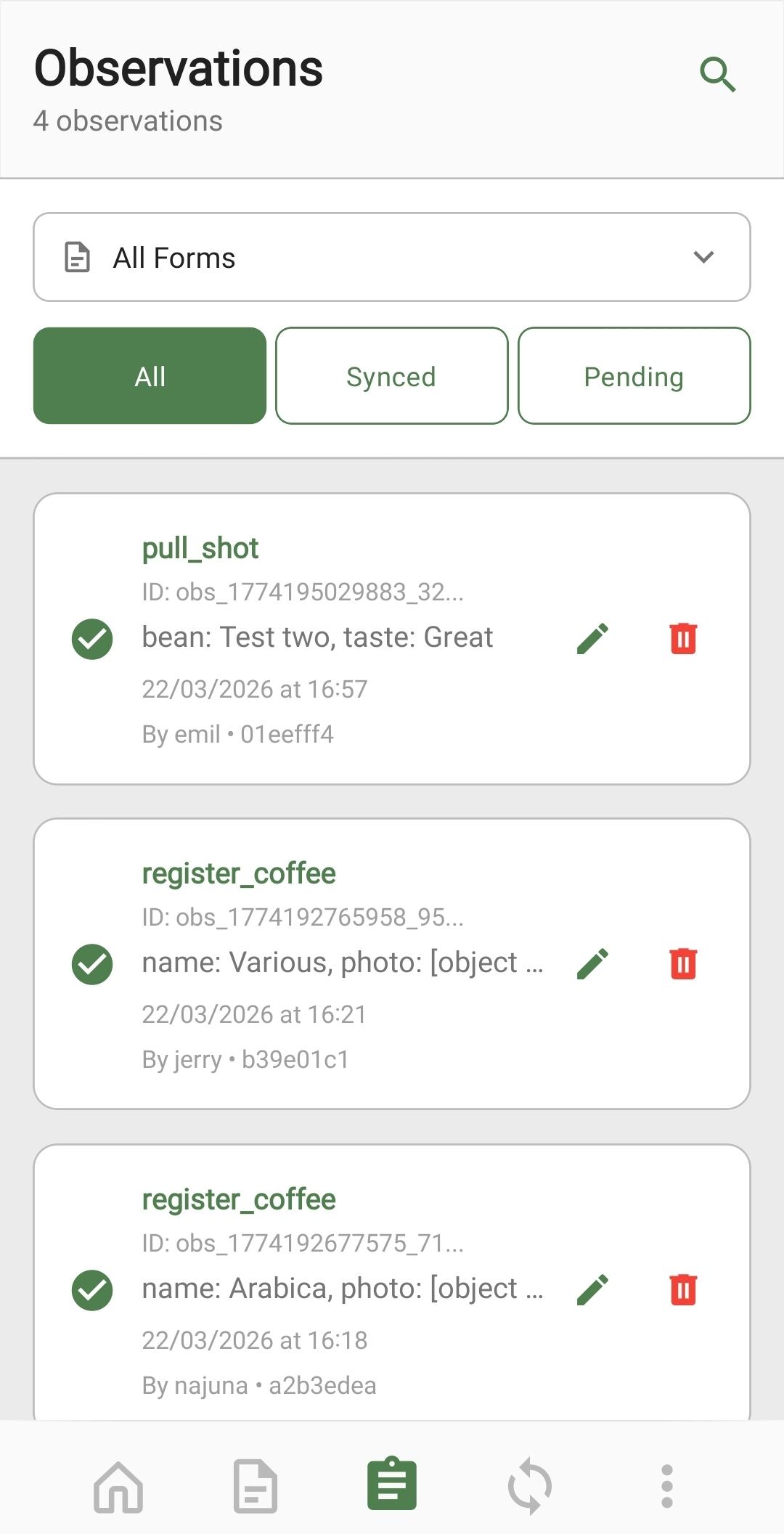
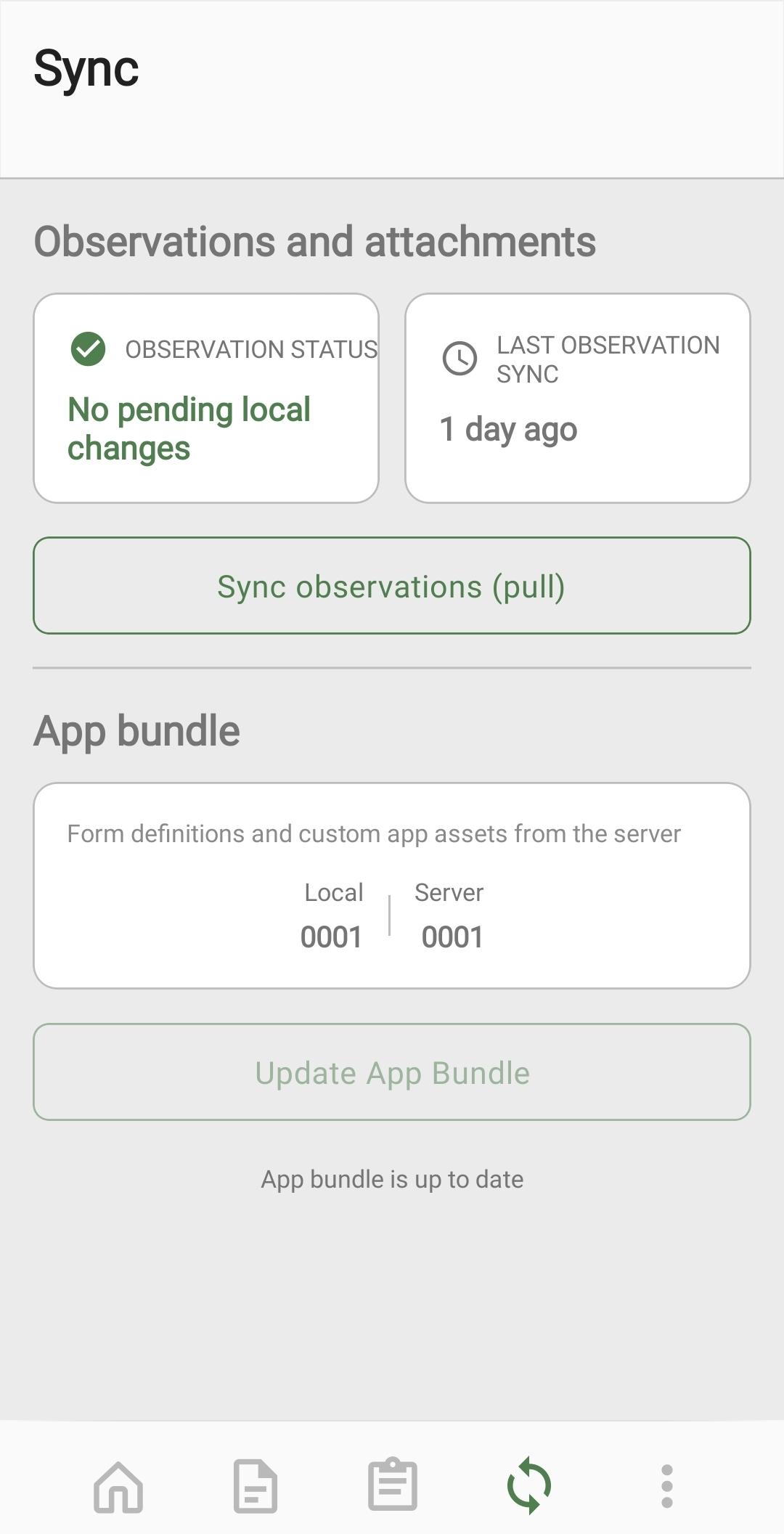
How to install
- Download the APK from the button at the top of this page.
- Allow “Install unknown apps” for your browser or file manager only, not for every app.
- Open the downloaded file and confirm the installation.
- If installation fails with “App not installed,” remove an earlier build of the same app first. A signature conflict is the usual cause.
Data safety
- Every file is checked against its published SHA-256 before it is listed.
- Files are scanned for malware on every update.
- The permissions each app requests are listed on its own page.
- Read the full safety policy for how we test, flag, and delist files.
Comments
Recent approved comments · sorted by newest
View all comments