
Quick answer
Lightweight FOSS kiosk browser for dashboards. Zero Google services.
F-Droid repository metadata
kiFOSSk is a lightweight, open-source kiosk browser designed to turn your Android device into a dedicated display for remote dashboards. Whether you're monitoring ADS-B flights, viewing Home Assistant dashboards, or running digital signage, kiFOSSk provides a reliable, privacy-first solution.
Key Features: • Home Launcher Mode: Automatically starts on boot without complex Device Owner setup. • Privacy Focused: Zero Google Play Services, no analytics, no telemetry. • Customizable: Set dashboard URL, orientation, and screen timeout. • Battery Optimized: Includes a built-in dialog to request unrestricted battery usage. • Secure: Minimal permissions, local storage only, connects only to your configured URL.
Perfect for GrapheneOS users and privacy-conscious homelab enthusiasts.
Setup is simple: Install, enter your dashboard URL, enable boot autostart, and set as the default home app. No root, no bloatware, just a clean kiosk experience.
This project is maintained by ShinyDiscoBallsDev and licensed under the MIT License.
Screenshots
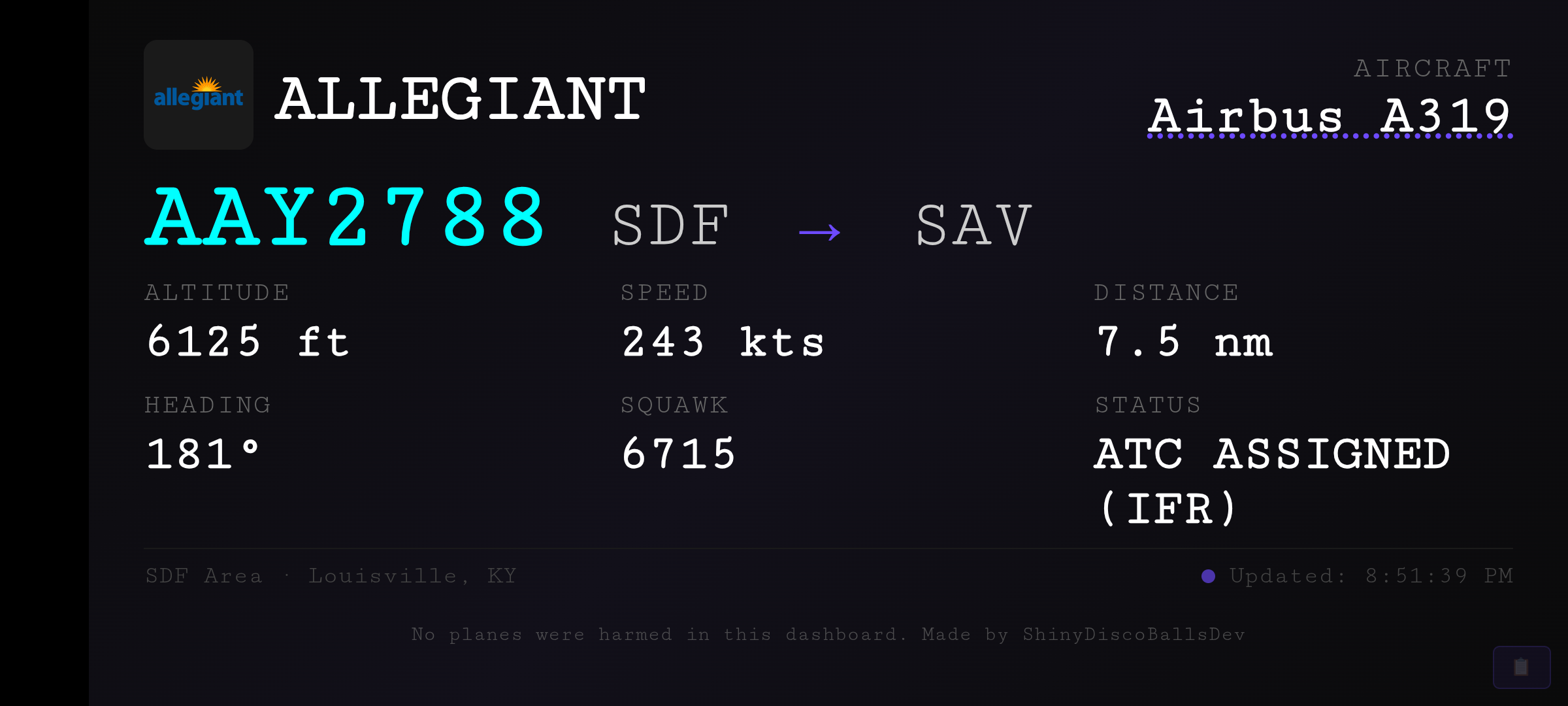
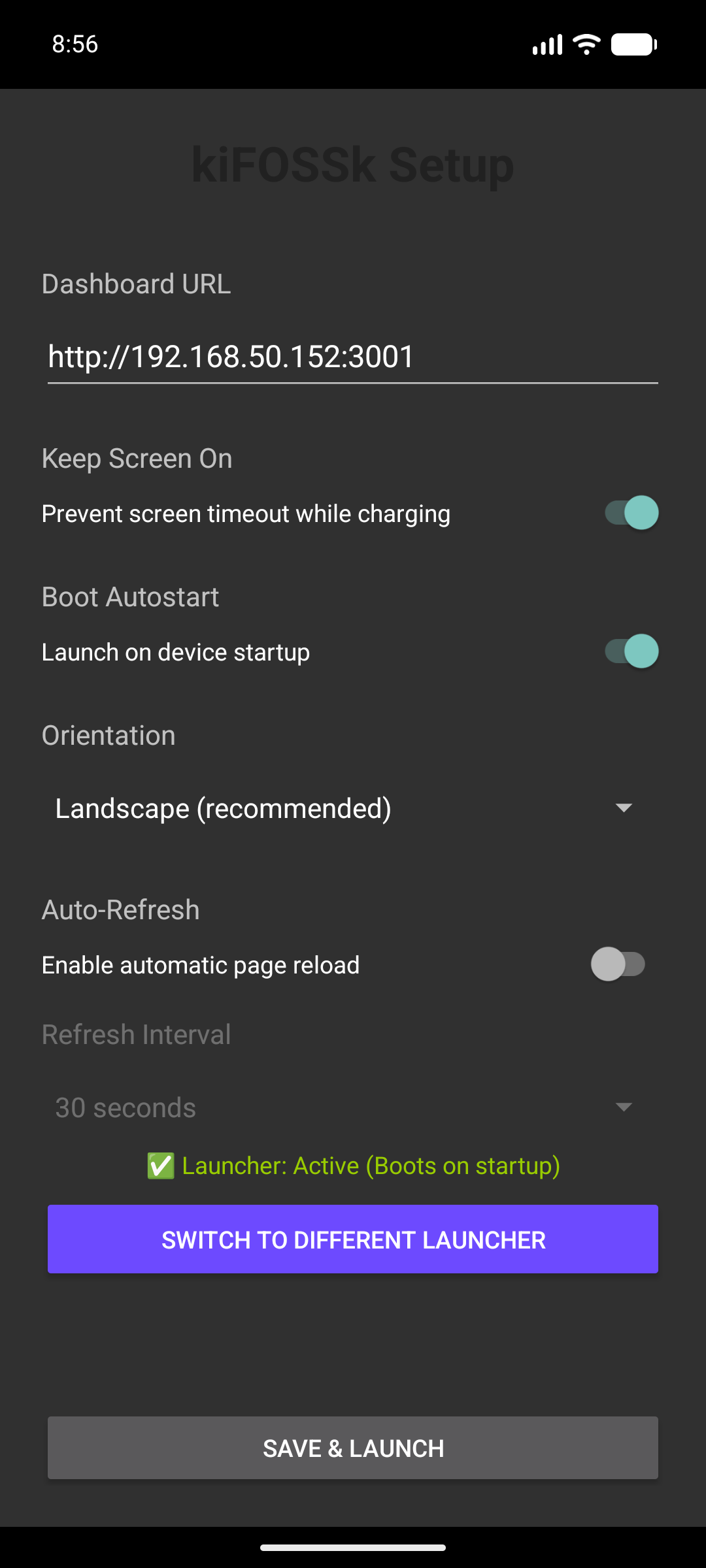
How to install
- Download the APK from the button at the top of this page.
- Allow “Install unknown apps” for your browser or file manager only, not for every app.
- Open the downloaded file and confirm the installation.
- If installation fails with “App not installed,” remove an earlier build of the same app first. A signature conflict is the usual cause.
Data safety
- Every file is checked against its published SHA-256 before it is listed.
- Files are scanned for malware on every update.
- The permissions each app requests are listed on its own page.
- Read the full safety policy for how we test, flag, and delist files.
Comments
Recent approved comments · sorted by newest
View all comments