What’s new
We continuously update the application with new features, improvements and bug fixes.
Release versions and more informations are available at:
https://github.com/lichess-org/mobile/releases

Updated Sep 22, 2026
The one open-source chess platform
F-Droid repository metadata
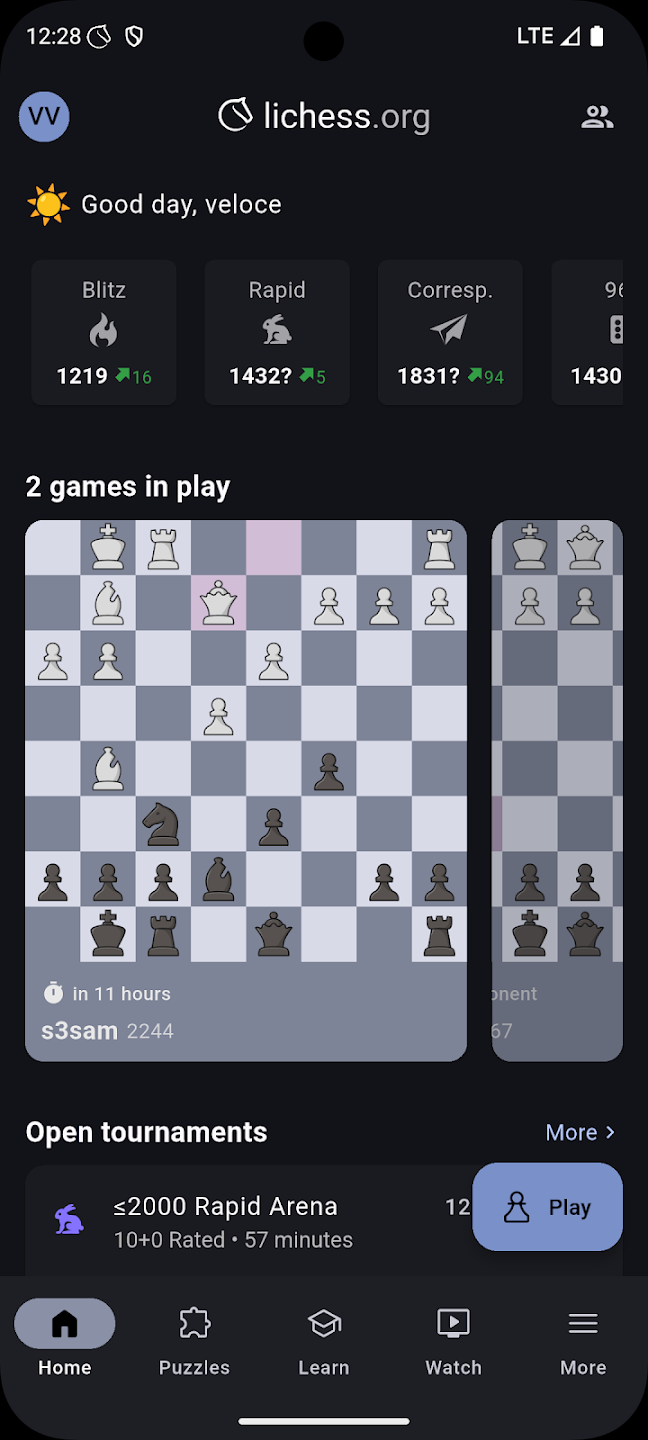
Lichess is a free/libre, open-source chess application powered by volunteers and donations. Today, Lichess users play more than five million games every day. Lichess is one of the most popular chess websites in the world while remaining 100% free.
Note: Push notifications are a work in progress and should not be expected to work correctly. To enable them, a Unified Push distributor such as https://f-droid.org/packages/org.unifiedpush.distributor.sunup/ needs to be installed.
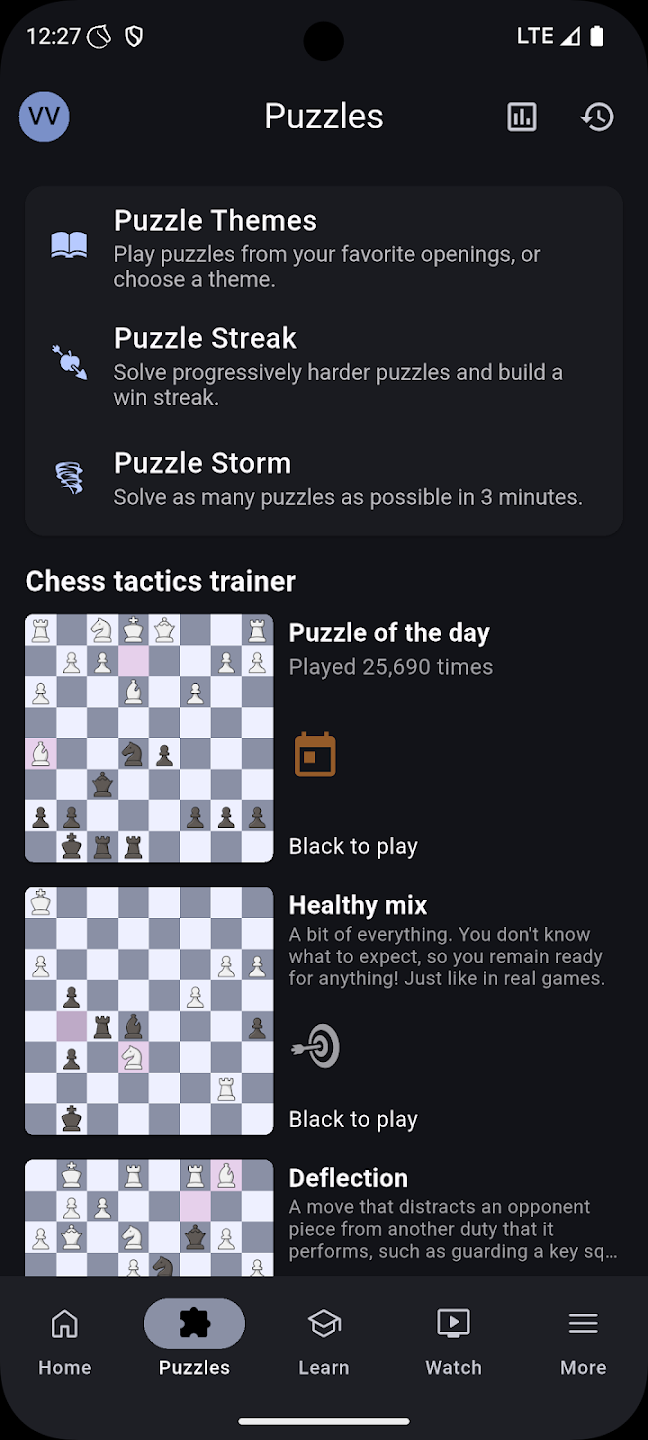
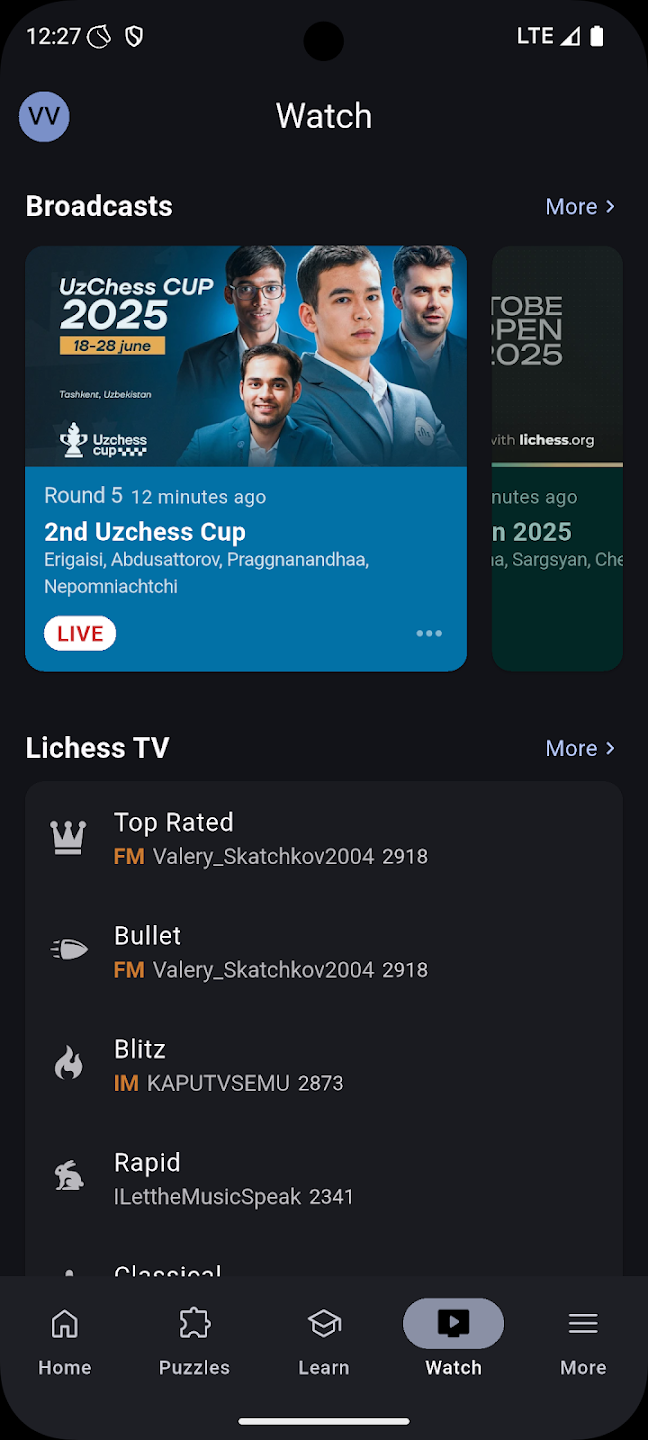
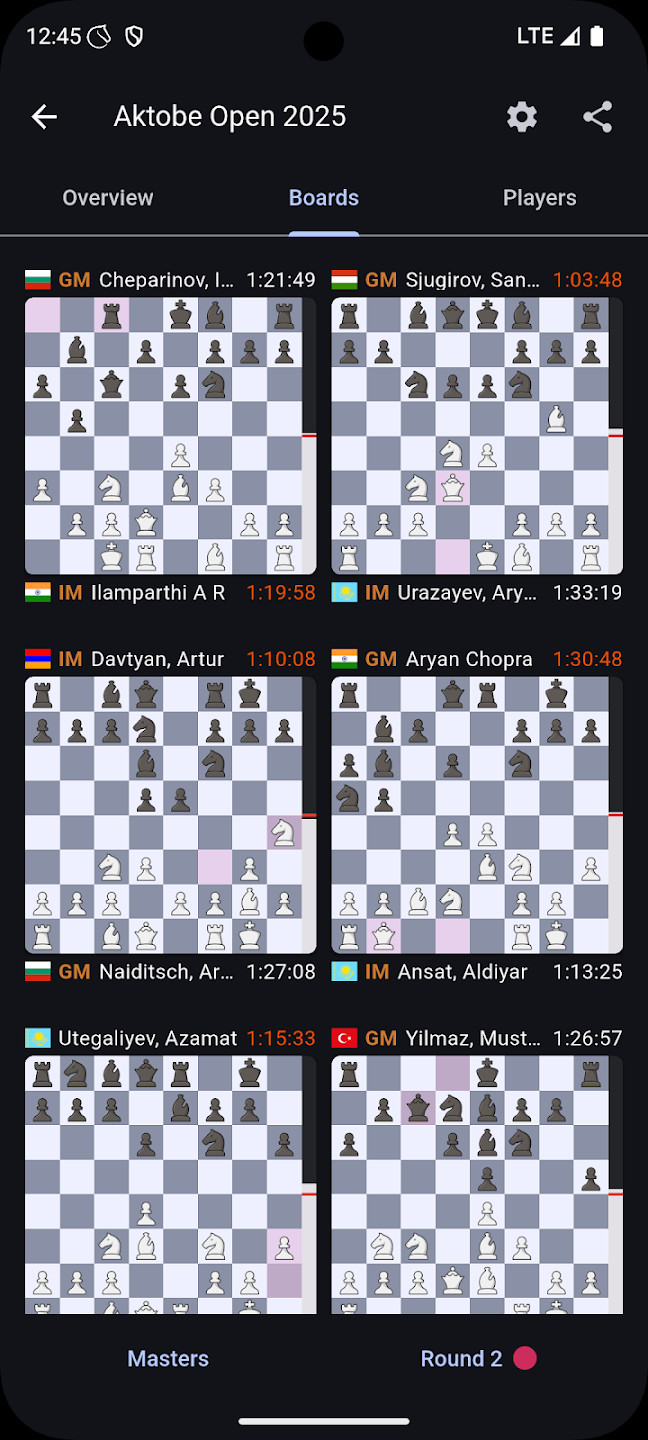
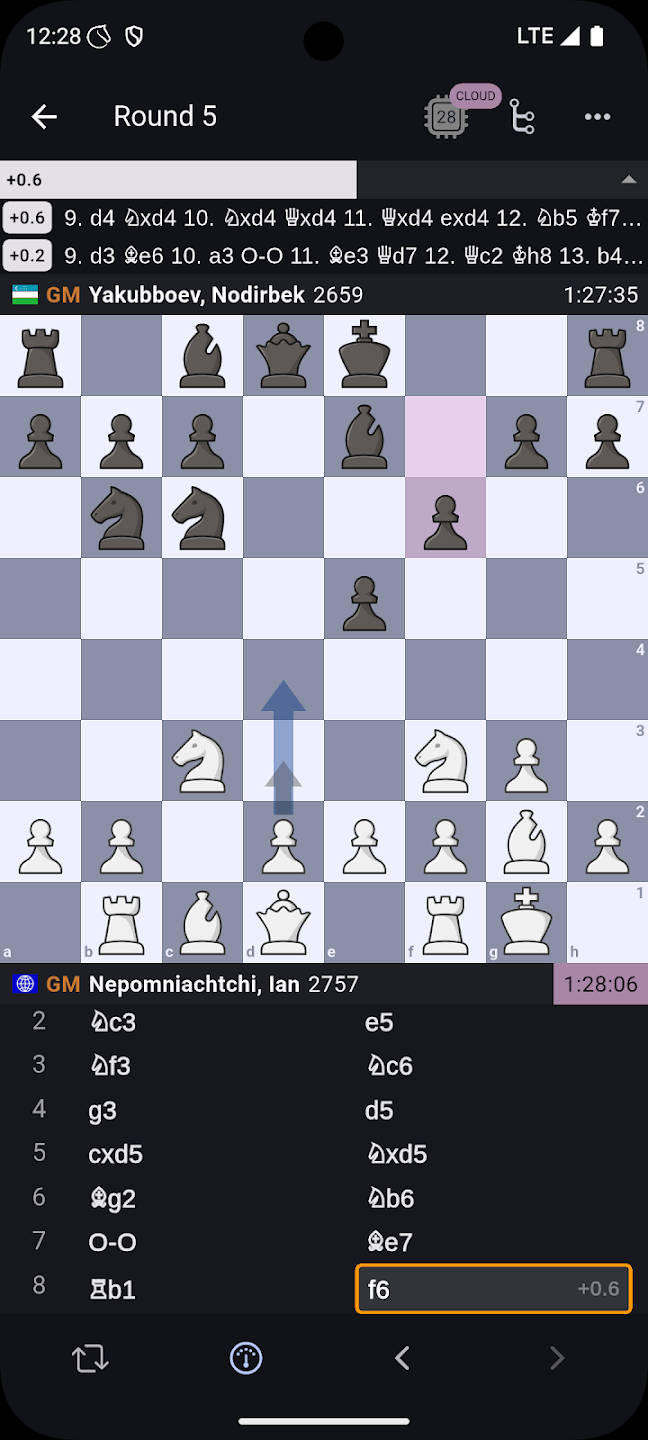
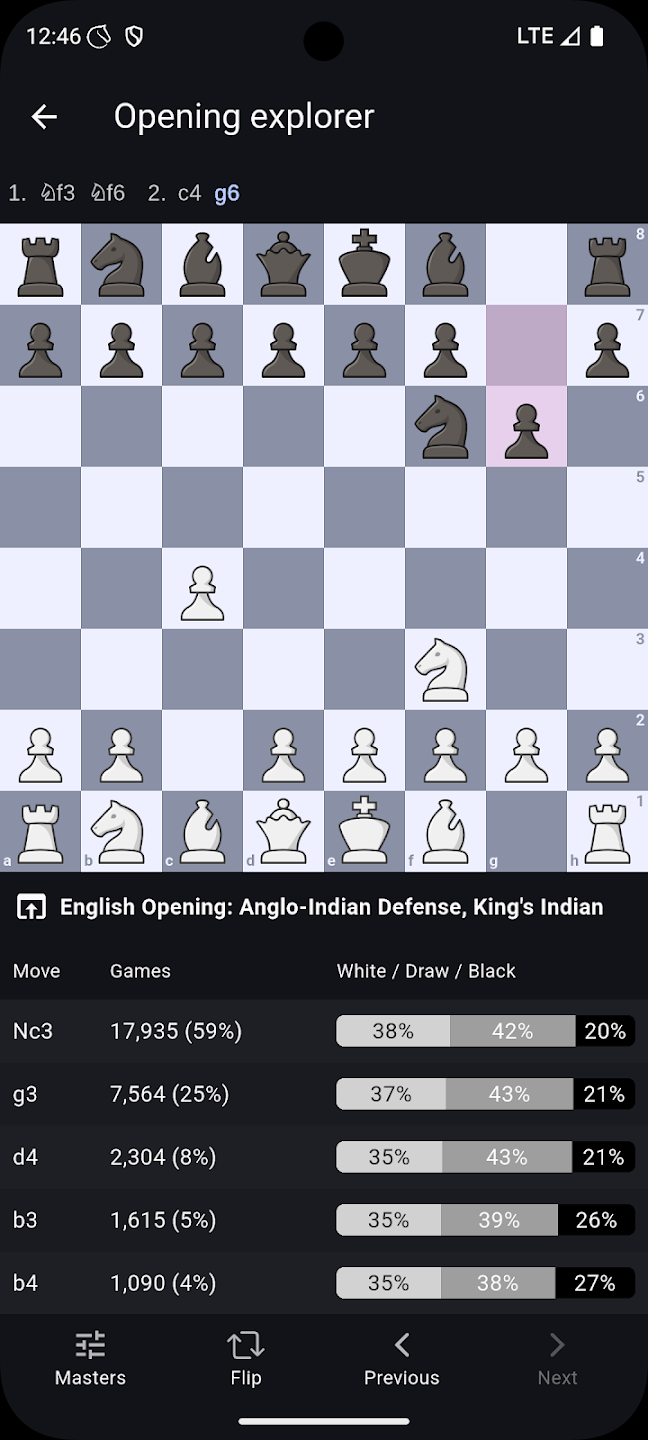
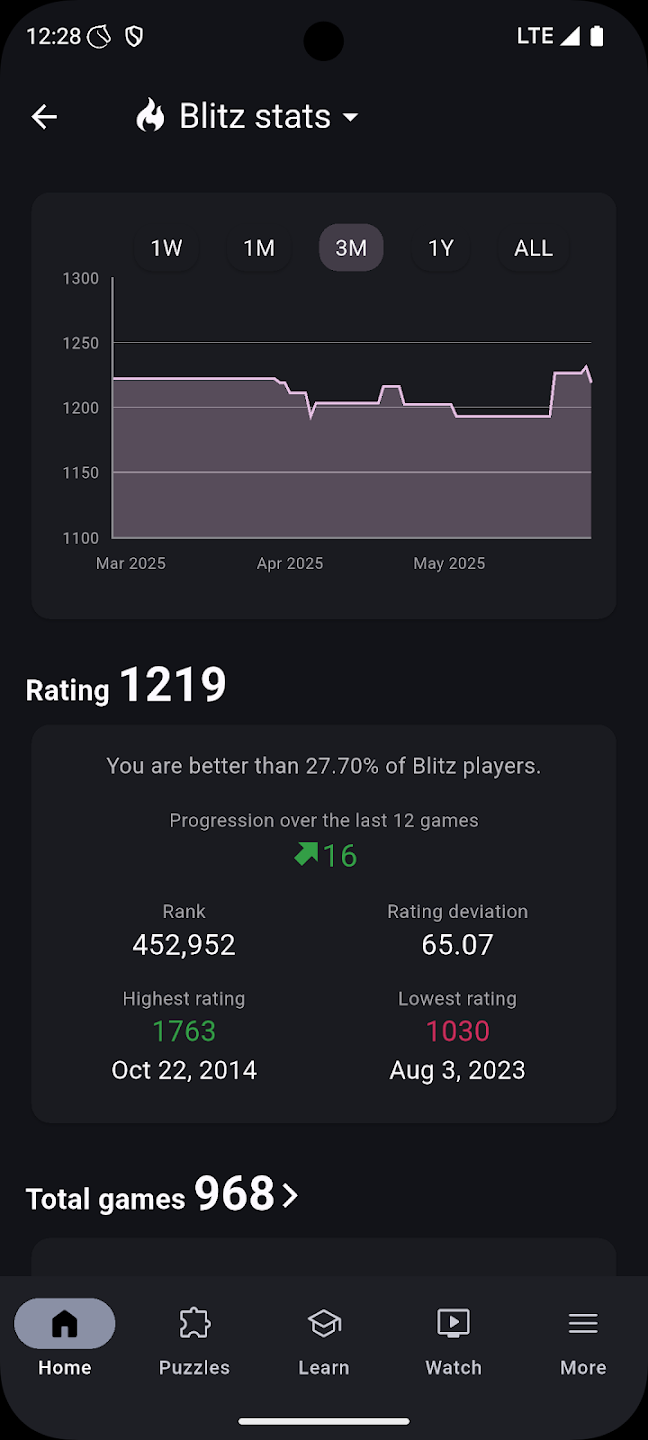
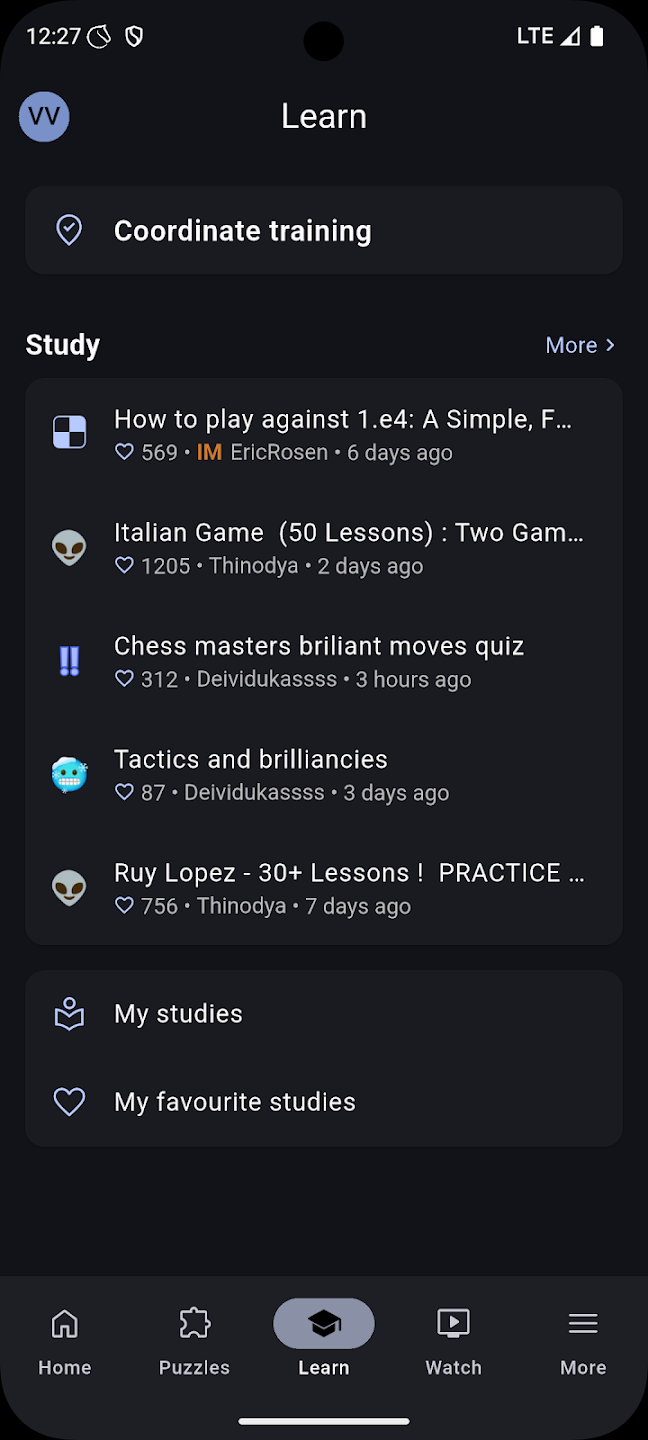
The following features are available right now: - play real time or correspondence chess - play arena tournaments - play against online bots - solve chess puzzles from a wide variety of themes, online or offline - race against the clock in Puzzle Storm - analyse your games with latest Stockfish locally or on the server - board editor - study chess with a collaborative and interactive study feature - learn board coordinates - play over the board with a friend - watch live chess broadcasts from all major chess tournaments - watch Lichess TV and online streamers - use a chess clock for your over the board games - many different board themes and piece sets - custom background themes - system colours on Android 12+ - translated into 55 languages
We continuously update the application with new features, improvements and bug fixes.
Release versions and more informations are available at:
https://github.com/lichess-org/mobile/releases
Recent approved comments · sorted by newest
View all comments