Lichess chess puzzles, offline, with TalkBack. No account, ads or tracking
Chess Puzzles is an offline tactics trainer built from real positions in the Lichess puzzle database. Find the best move, follow the tactical line, and improve at your own pace.
Accessibility. Made to work with weak sight, or none.
Works with TalkBack, Android's screen reader. It reads where every piece stands, reads the square you touch, and says each move in words, such as "knight takes e5, check".
Type a move such as Nf3, or say it with your keyboard's voice typing, instead of finding a small square. (On the Puzzles screen.)
Buttons, menus and messages follow the text size you set on your phone.
On an upright phone the board is as wide as the screen, and its letters and numbers stay readable.
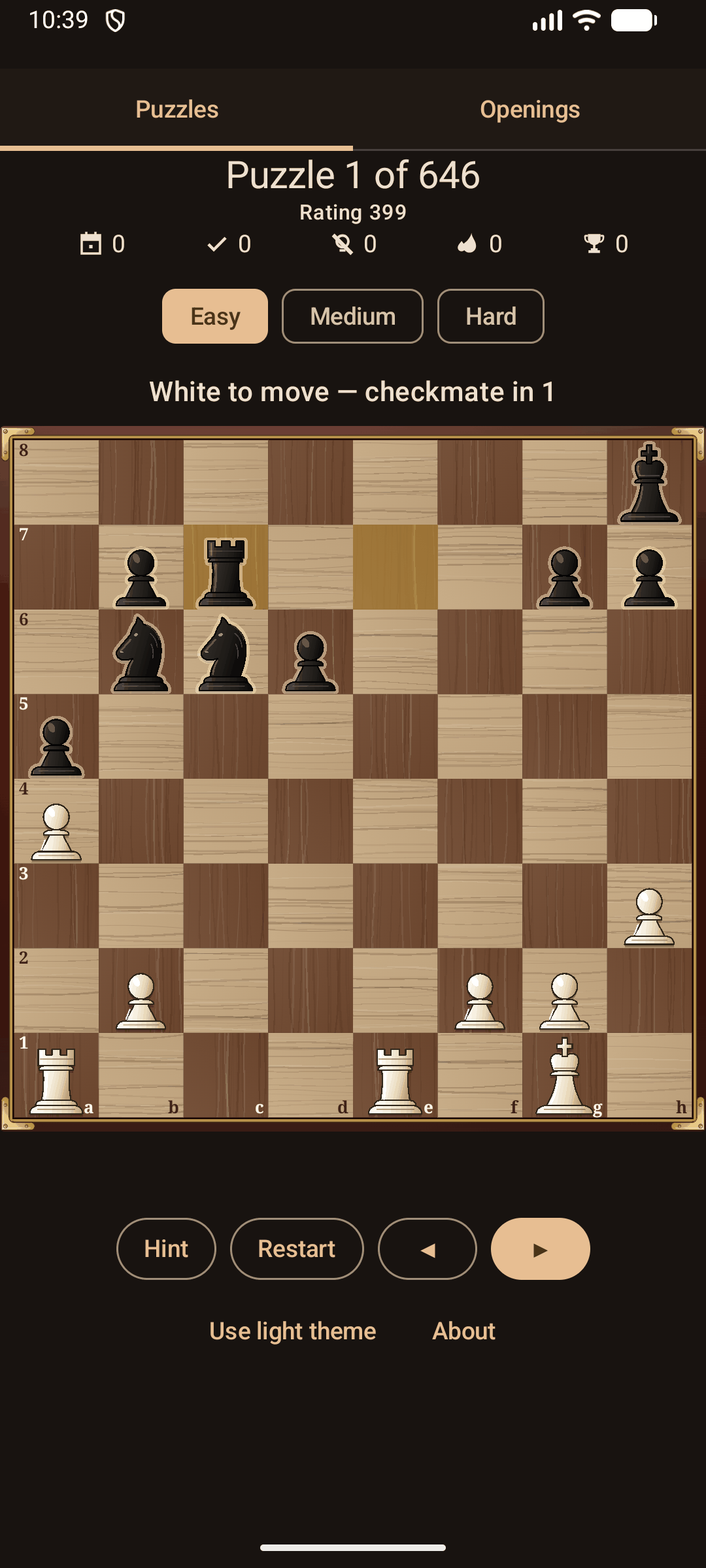
Light or dark theme.
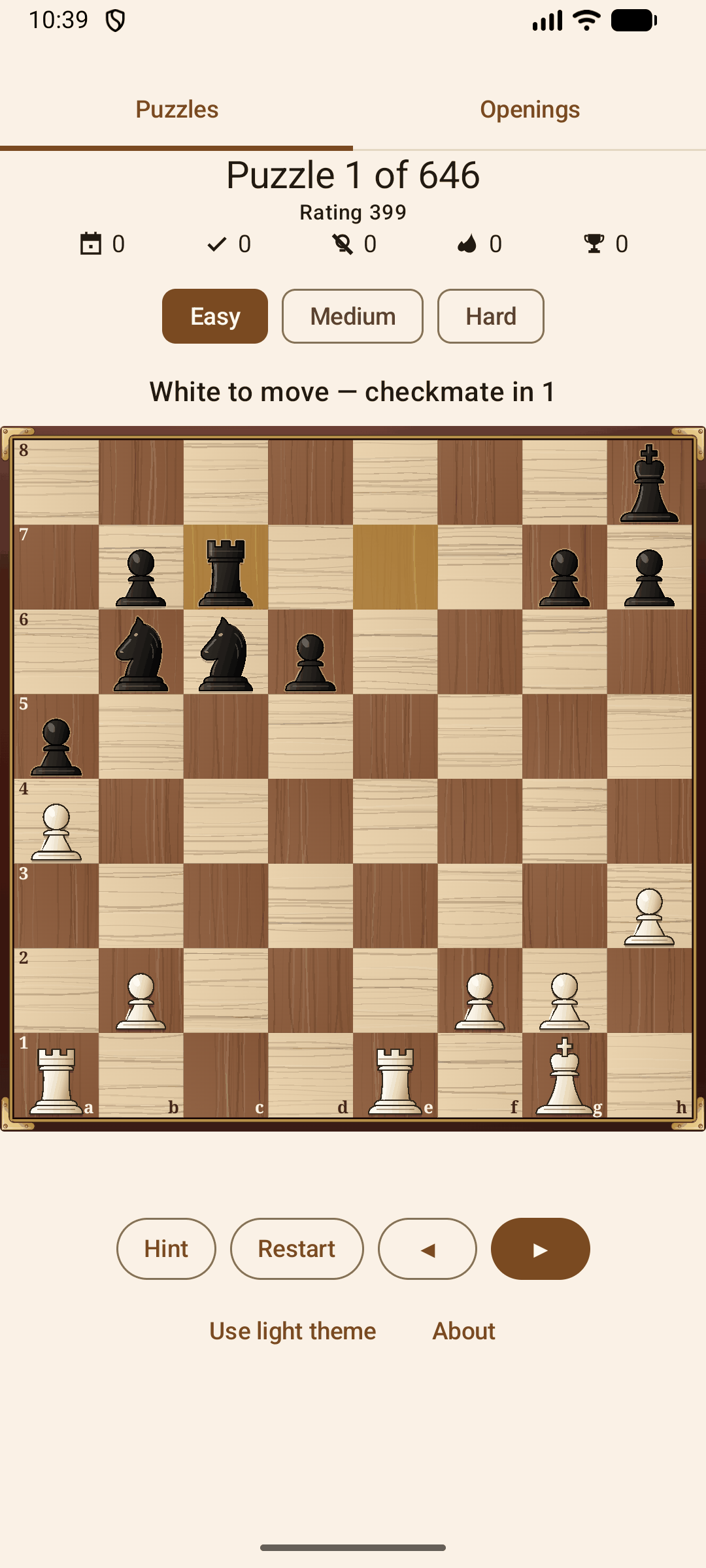
Clear goals. Each puzzle tells you what to find, such as checkmate in two.
Three difficulty bands. Choose Easy, Medium, or Hard puzzles.
Useful hints. Reveal the move to play when you need a nudge.
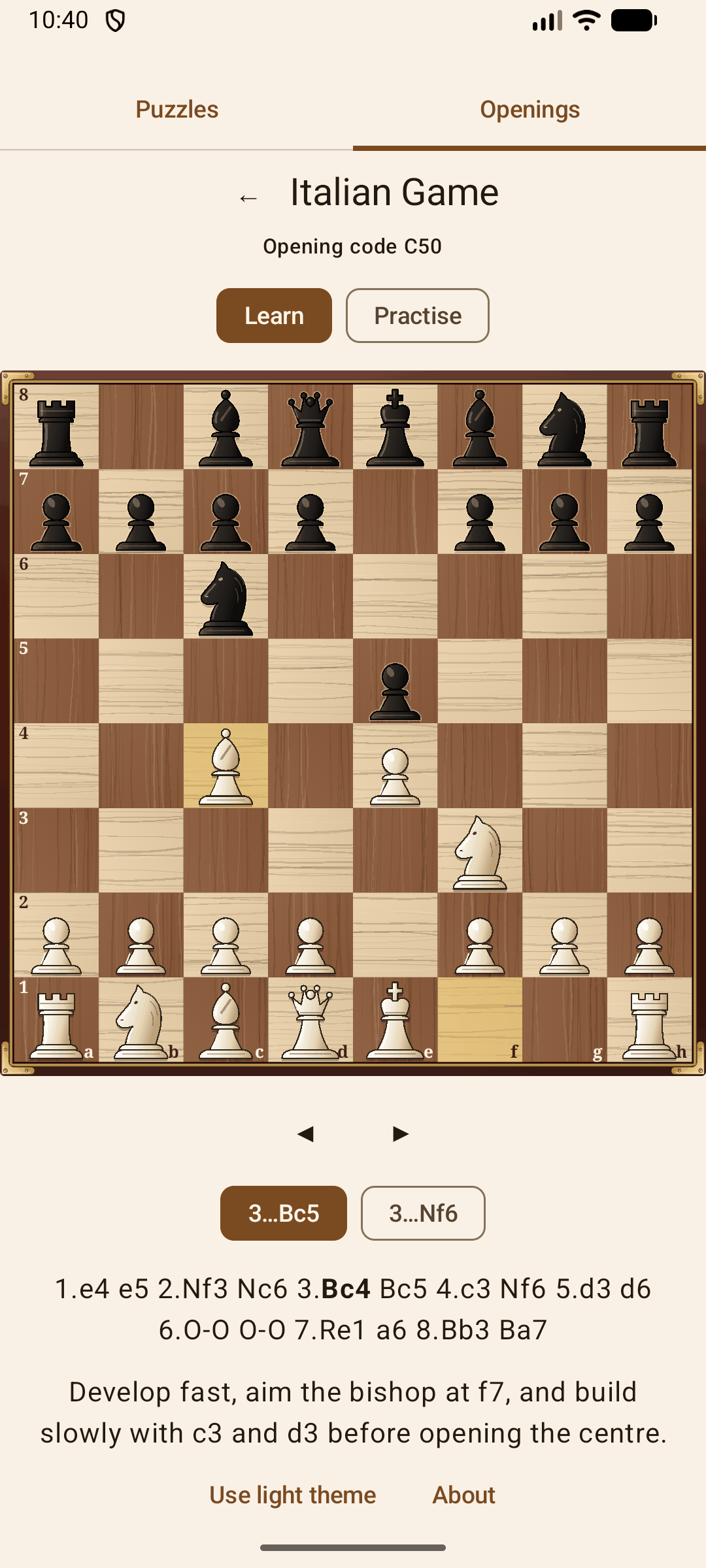
Opening practice. Learn twenty openings move by move, then practise them from memory against selected replies.
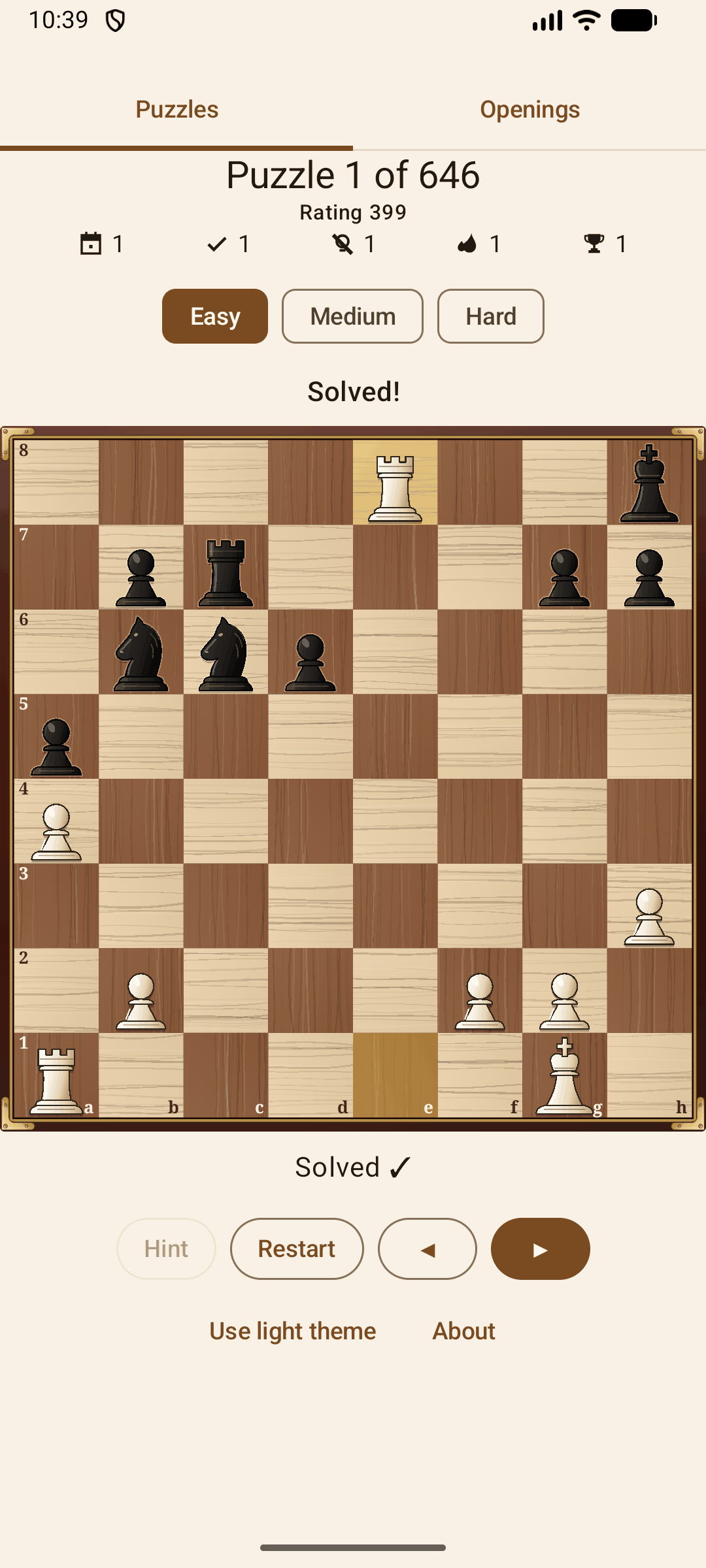
Saved progress. Track solved puzzles, puzzles solved without a hint, and streaks on your device.
Light and dark themes. Use the board that suits your screen.
Fully offline. Every puzzle is bundled with the app.
The app needs no account. It never asks you for a permission and cannot use the internet. It contains no ads, analytics, or tracking. Puzzles come from the Lichess Open Database under CC0 1.0, and opening names from Lichess's opening list, also CC0 1.0.
Screenshots
What’s new
TalkBack now reads White's pieces and Black's pieces as two separate items before the squares, so you can swipe straight to Black. In Persian, TalkBack now reads each row of squares from a to h, no longer from h to a. After text that is no move, "Not a legal move here" no longer stays on the line when you choose a puzzle theme.
How to install
Download the APK from the button at the top of this page.
Allow “Install unknown apps” for your browser or file manager only, not for every app.
Open the downloaded file and confirm the installation.
If installation fails with “App not installed,” remove an earlier build of the same app first. A signature conflict is the usual cause.
Data safety
Every file is checked against its published SHA-256 before it is listed.
Files are scanned for malware on every update.
The permissions each app requests are listed on its own page.
Read the full safety policy for how we test, flag, and delist files.
Frequently asked questions
What is Chess Puzzles?
Offline chess tactics from real Lichess puzzles. No account, ads, or tracking