Connect Four with 15 levels, 20 boards, match mode and perfect analysis
ConnectFour Studio is a free, offline Connect Four program: play against the computer, analyse positions and run engine-versus-engine matches. It is the Android version of the desktop program of the same name, with the same engine, levels, help and texts.
Engine
Perfect play: a Kotlin port of the BitBully solver by Markus Thill (bitboards, MTD(f), transposition table) with the 12-ply opening book with distances – identical results to the original C++ engine
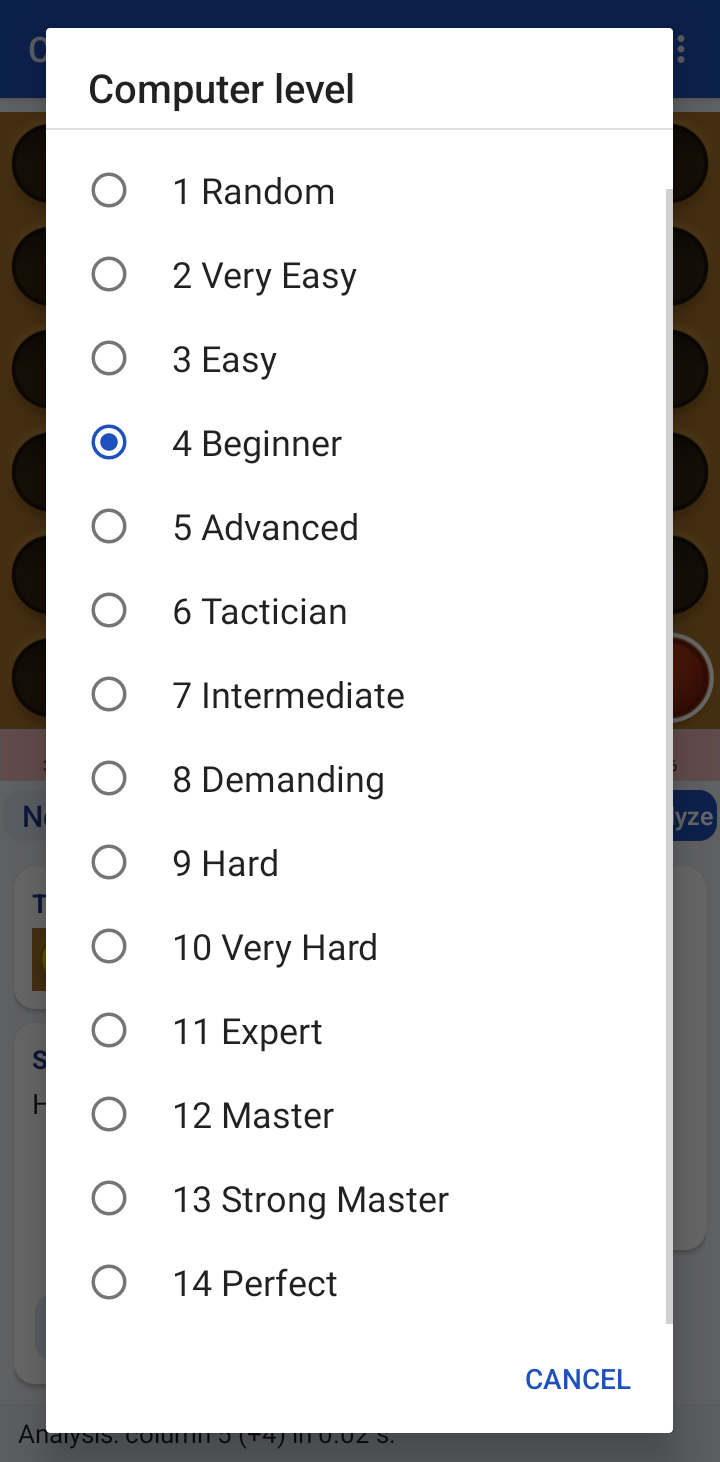
15 levels: 0 Loser (joke level), 1 Random … 14 Perfect, defined by (p, s, w): share of perfect moves, loss guard and win guard
Two custom levels User (1) and User (2) with your own (p, s, w)
Analysis
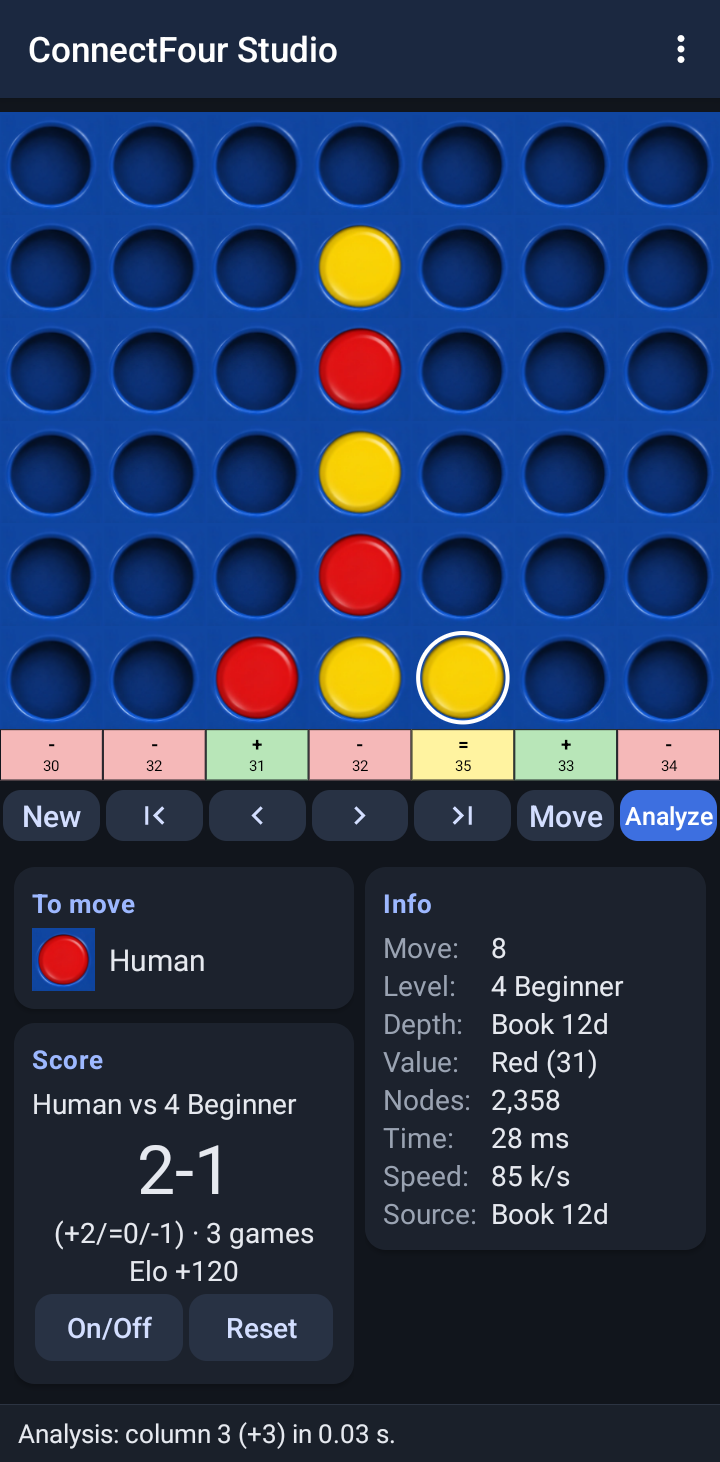
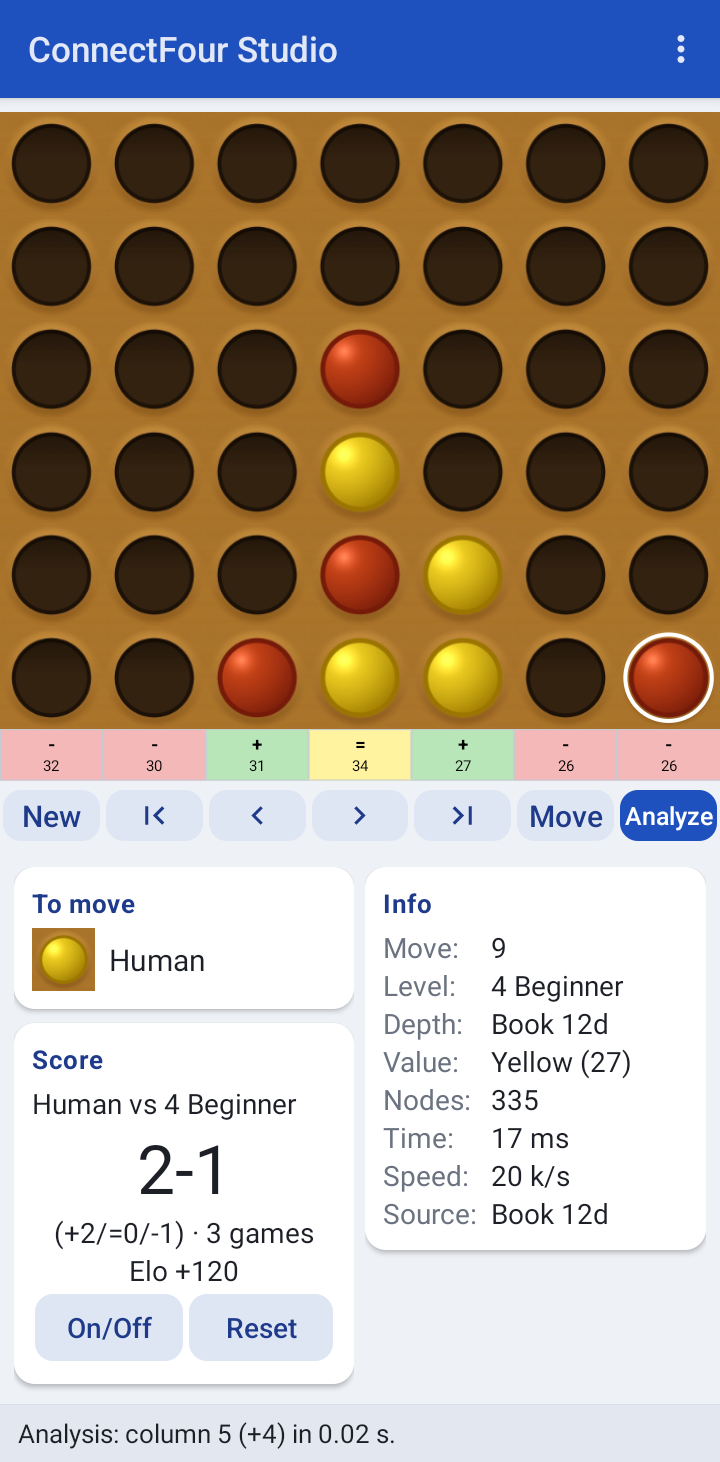
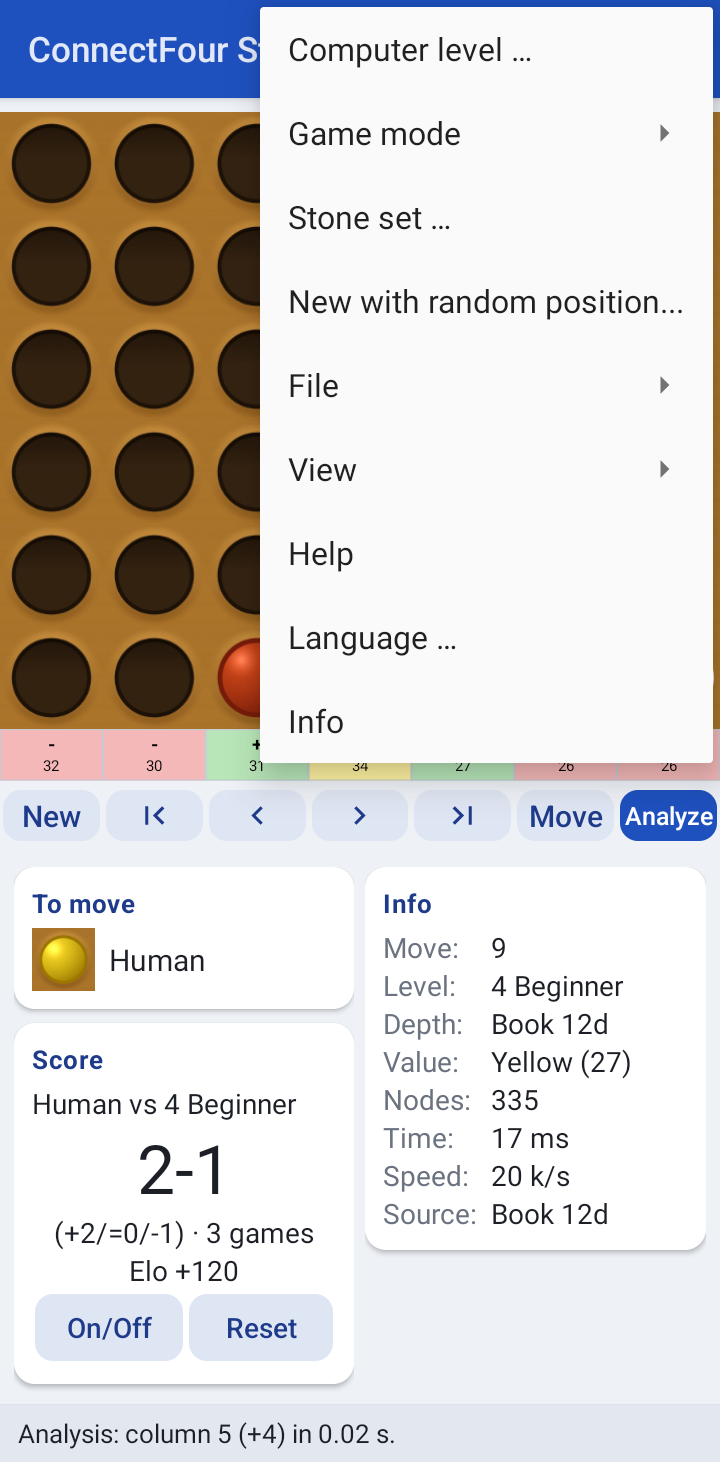
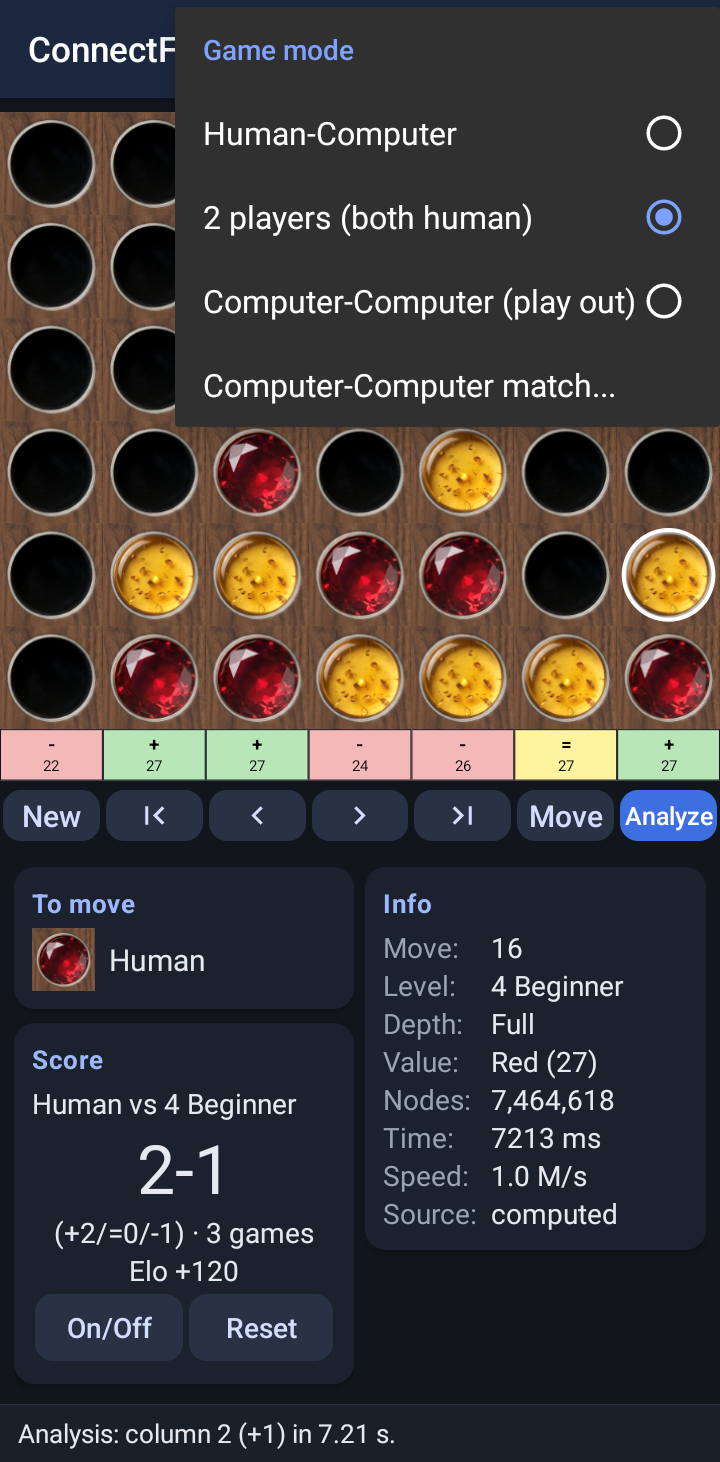
Evaluation row under the board: win / draw / loss for every column and the number of stones until the end
Permanent analysis after every move, one-off evaluation of all moves
Info box with depth, value, nodes, time, speed and source (book or computed)
Game modes
Human vs. computer (the computer can also open), two players, computer plays out the position
Computer-computer match with up to 10,000 games, colour swap, three speeds, Elo difference and copyable result
Session score human vs. computer per level with Elo estimate
Random start positions with 1–9 stones and a chosen result
More
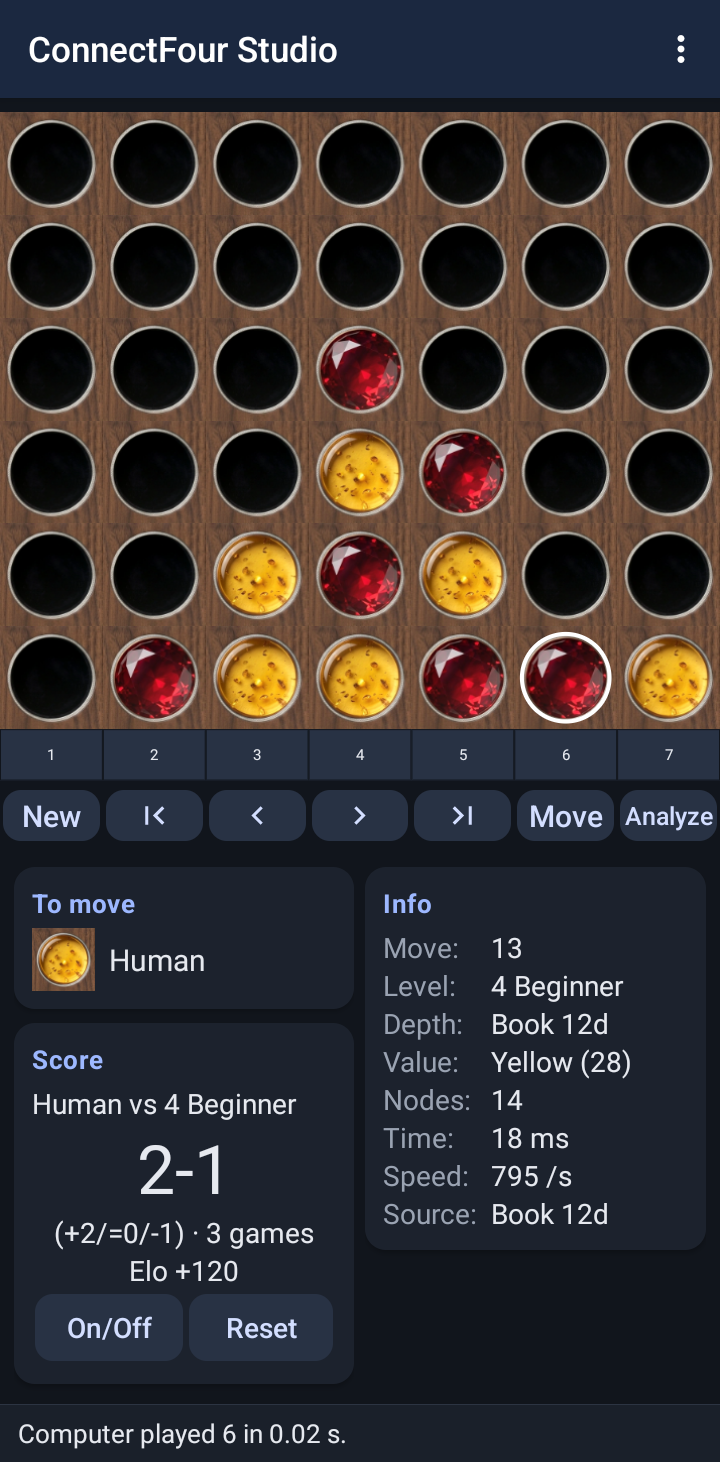
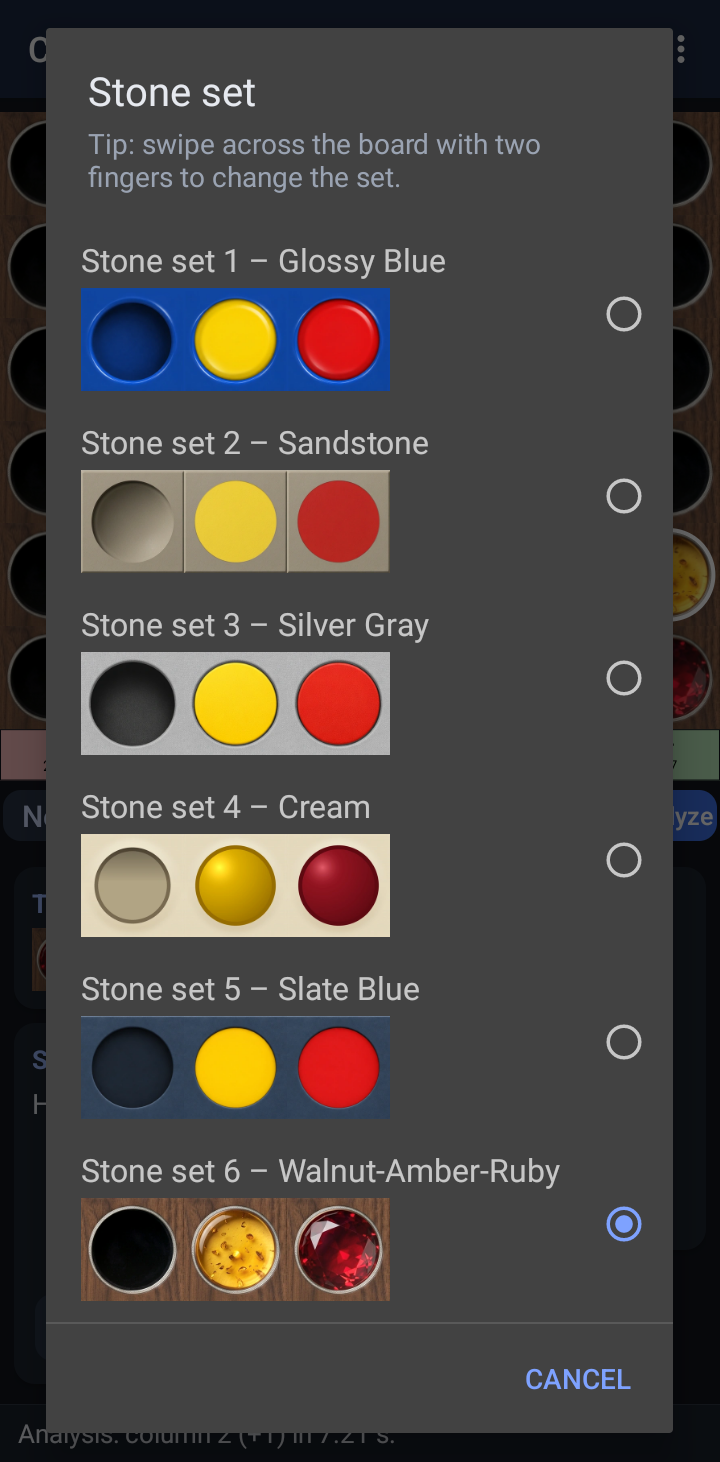
20 boards with matching stones, ghost stone, drop animation, last move and winning line marked
Load and save positions as .4gp files (compatible with the desktop version), quick save
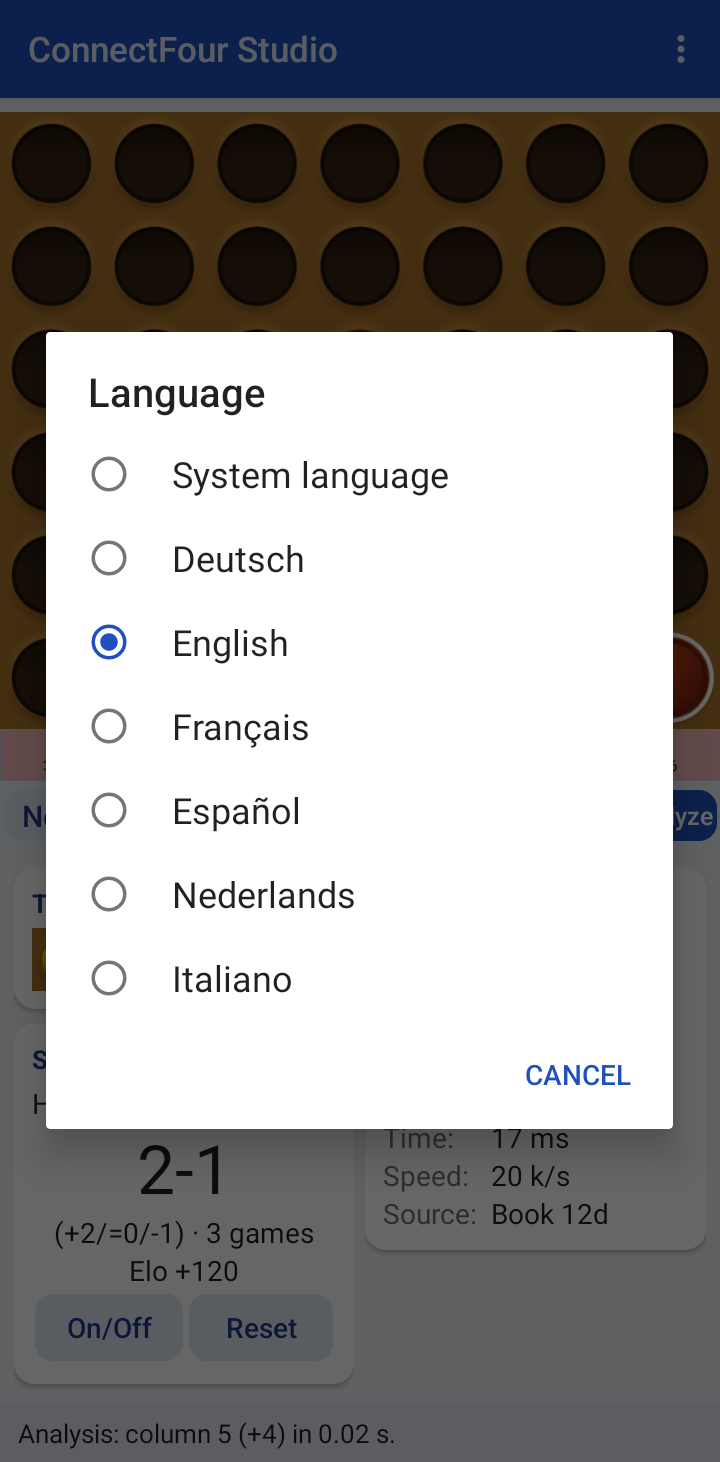
Detailed help with search and zoom, user interface in English, German, French, Spanish, Dutch and Italian
Portrait and landscape, phones and tablets, keyboard shortcuts with a hardware keyboard
No permissions, no internet access, no ads, no tracking
License: GNU AGPL v3. Engine: BitBully by Markus Thill (AGPL v3), opening book: bitbully-databases (MIT).
Screenshots
What’s new
Fix for Android 15 and newer: the top row of the board and the status line were hidden behind the title bar and the system bars (edge-to-edge display).
How to install
Download the APK from the button at the top of this page.
Allow “Install unknown apps” for your browser or file manager only, not for every app.
Open the downloaded file and confirm the installation.
If installation fails with “App not installed,” remove an earlier build of the same app first. A signature conflict is the usual cause.
Data safety
Every file is checked against its published SHA-256 before it is listed.
Files are scanned for malware on every update.
The permissions each app requests are listed on its own page.
Read the full safety policy for how we test, flag, and delist files.
Frequently asked questions
What is ConnectFour Studio?
Connect Four with 15 levels, 20 boards, match mode and perfect analysis
Who develops ConnectFour Studio?
ConnectFour Studio is developed by Patrick Götz.
Which Android version does ConnectFour Studio require?
ConnectFour Studio requires Android API 21 or later.
What is the current version of ConnectFour Studio?