What’s new
Release builds now use R8 code and resource shrinking. The APK is about half the size of the previous release, with the same app features.

Updated Oct 14, 2026
Chess built for square screens, compact devices, e-ink and physical keyboards.
Square Chess is a chess app built for Android devices that ordinary chess apps often overlook — square and near-square screens, e-ink devices, compact devices and devices with physical keyboards.
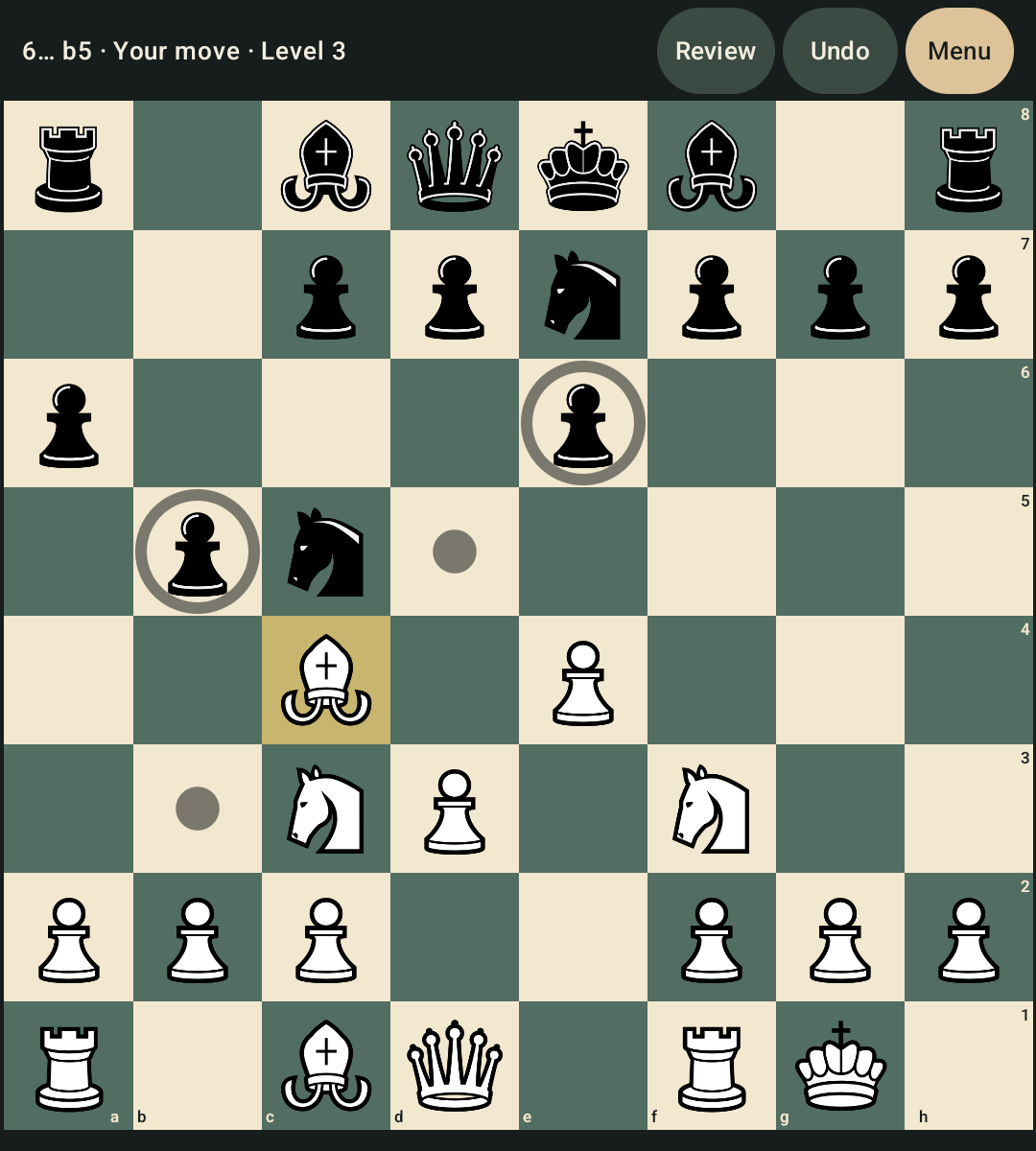
The board comes first. Square Chess uses as much of the display as possible, whether you are playing by touch, typing moves on a physical keyboard, or using an e-ink screen.
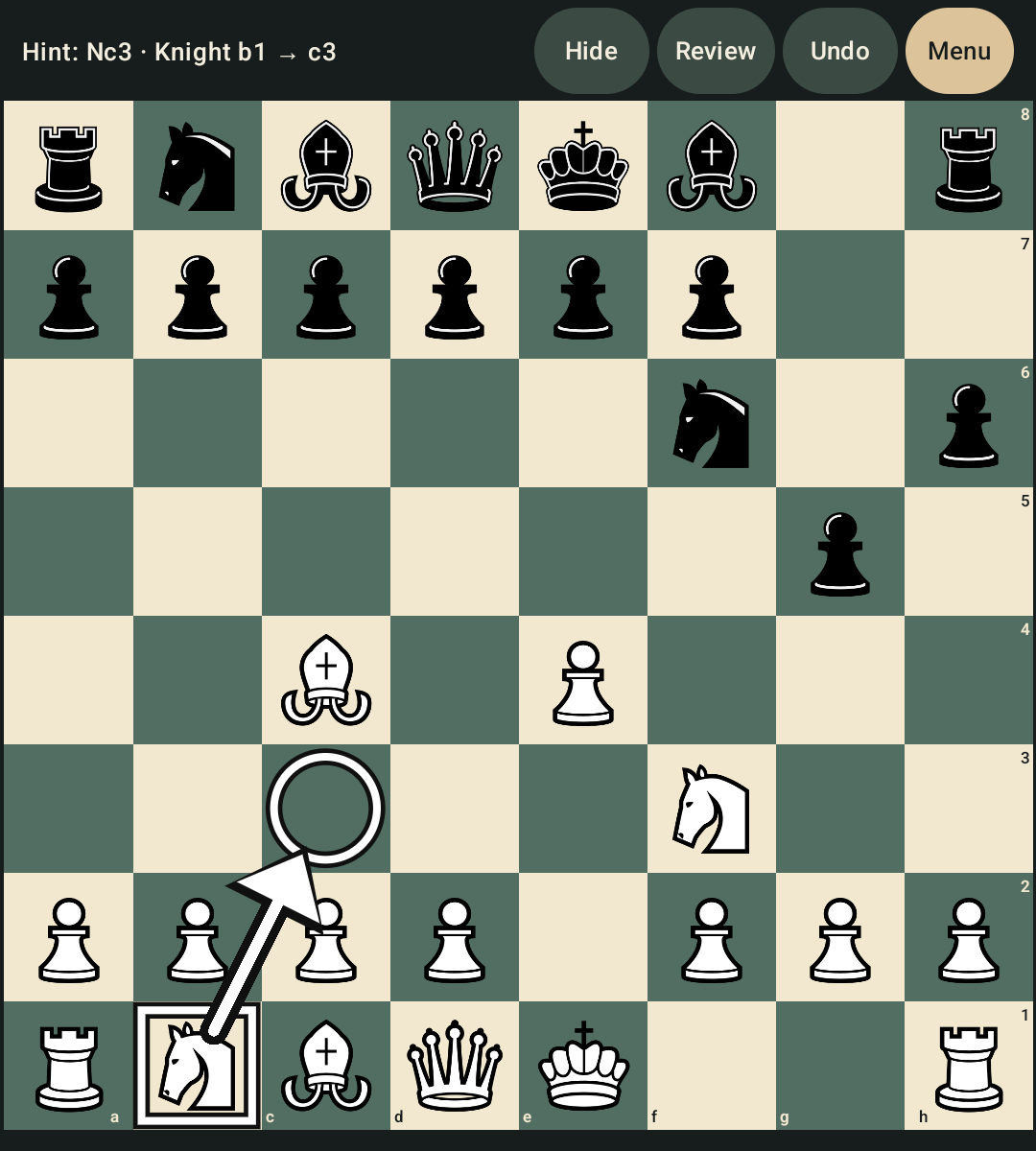
Play against the computer at ten difficulty levels, from beginner-friendly play to full strength. You can also enable hints when you want a little help without giving up control of the game.
Train your tactics with 10,000 offline puzzles. Choose a theme or play a quick set of five, and the puzzles you miss come back for review.
You can also:
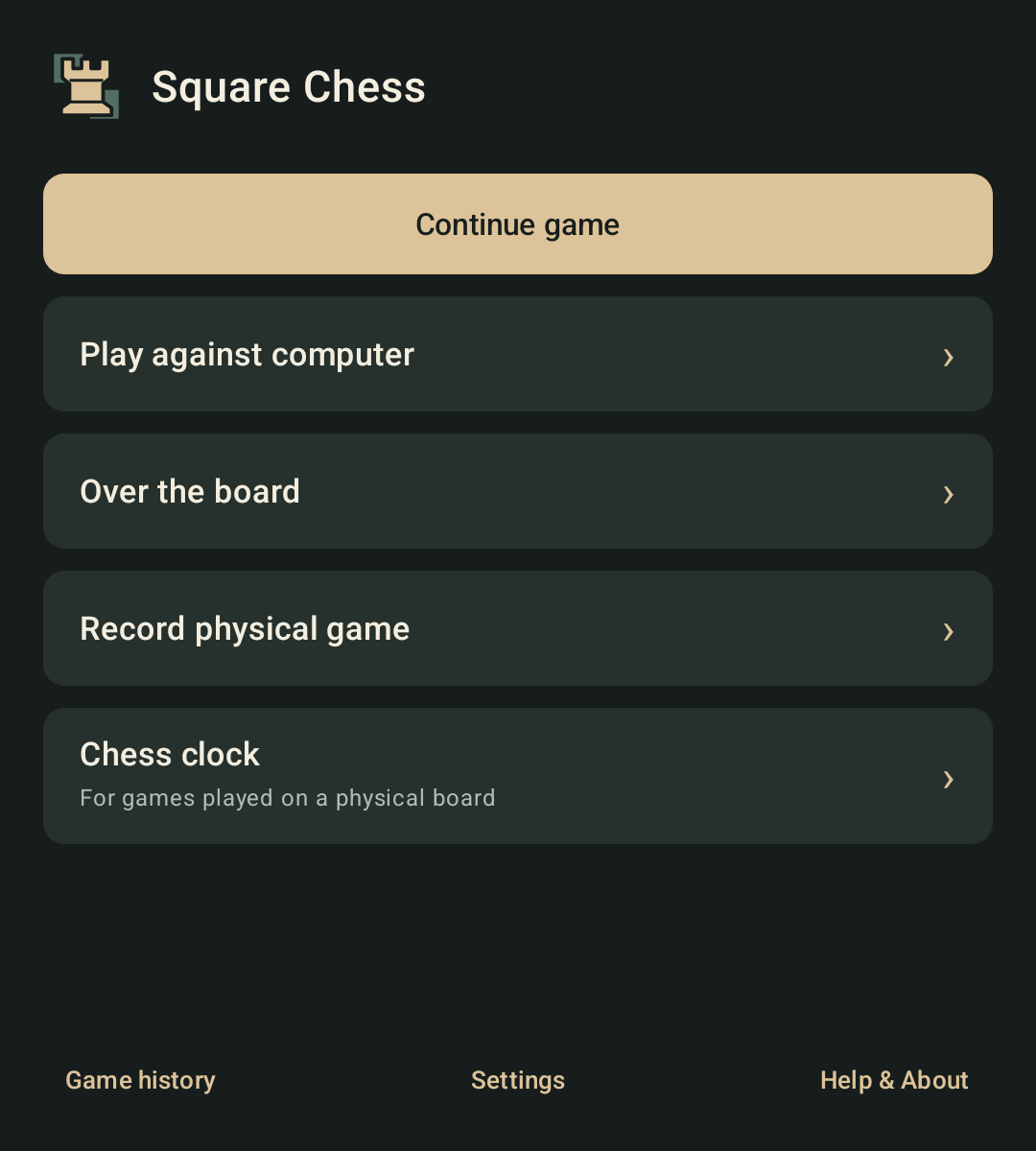
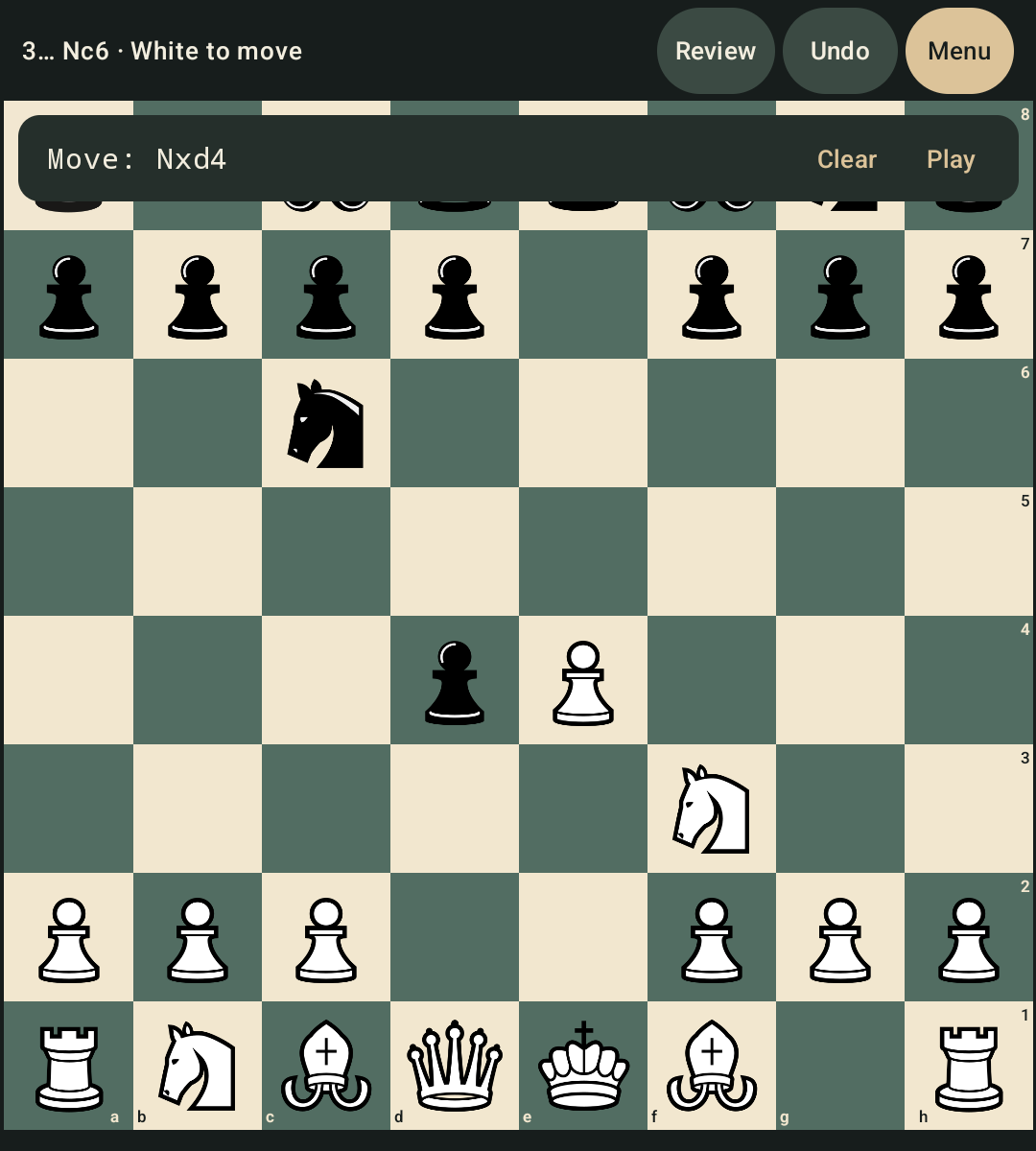
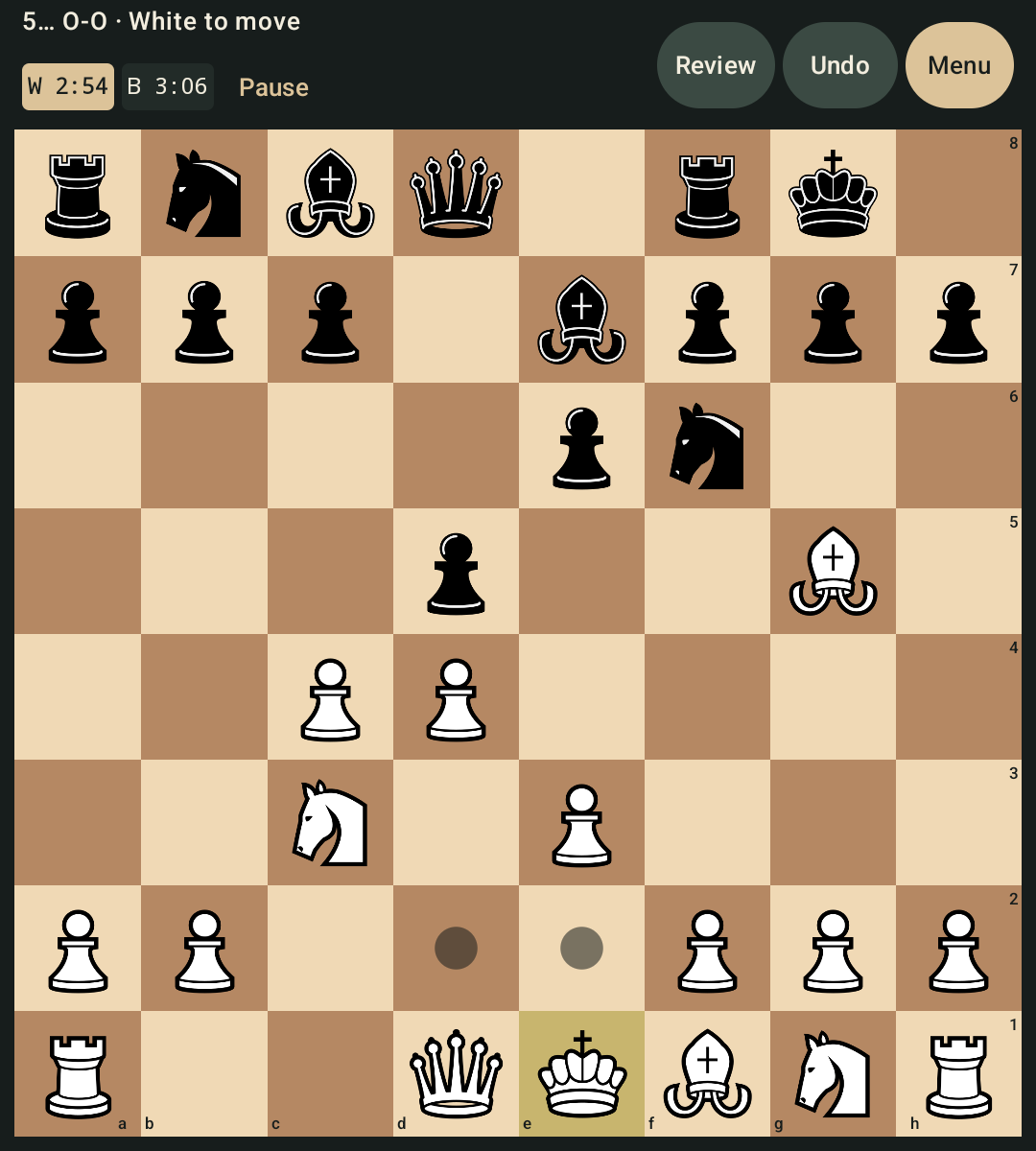
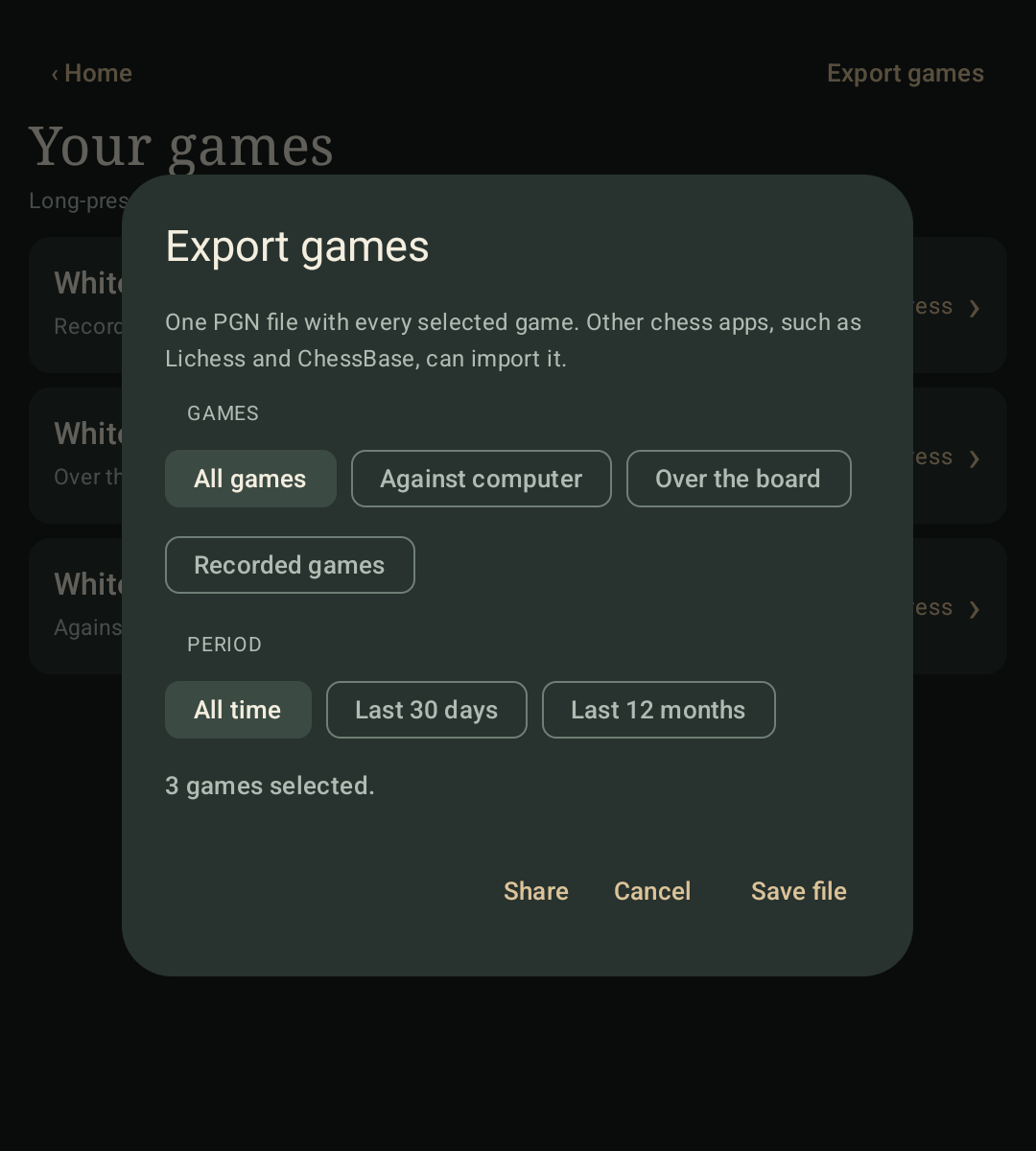
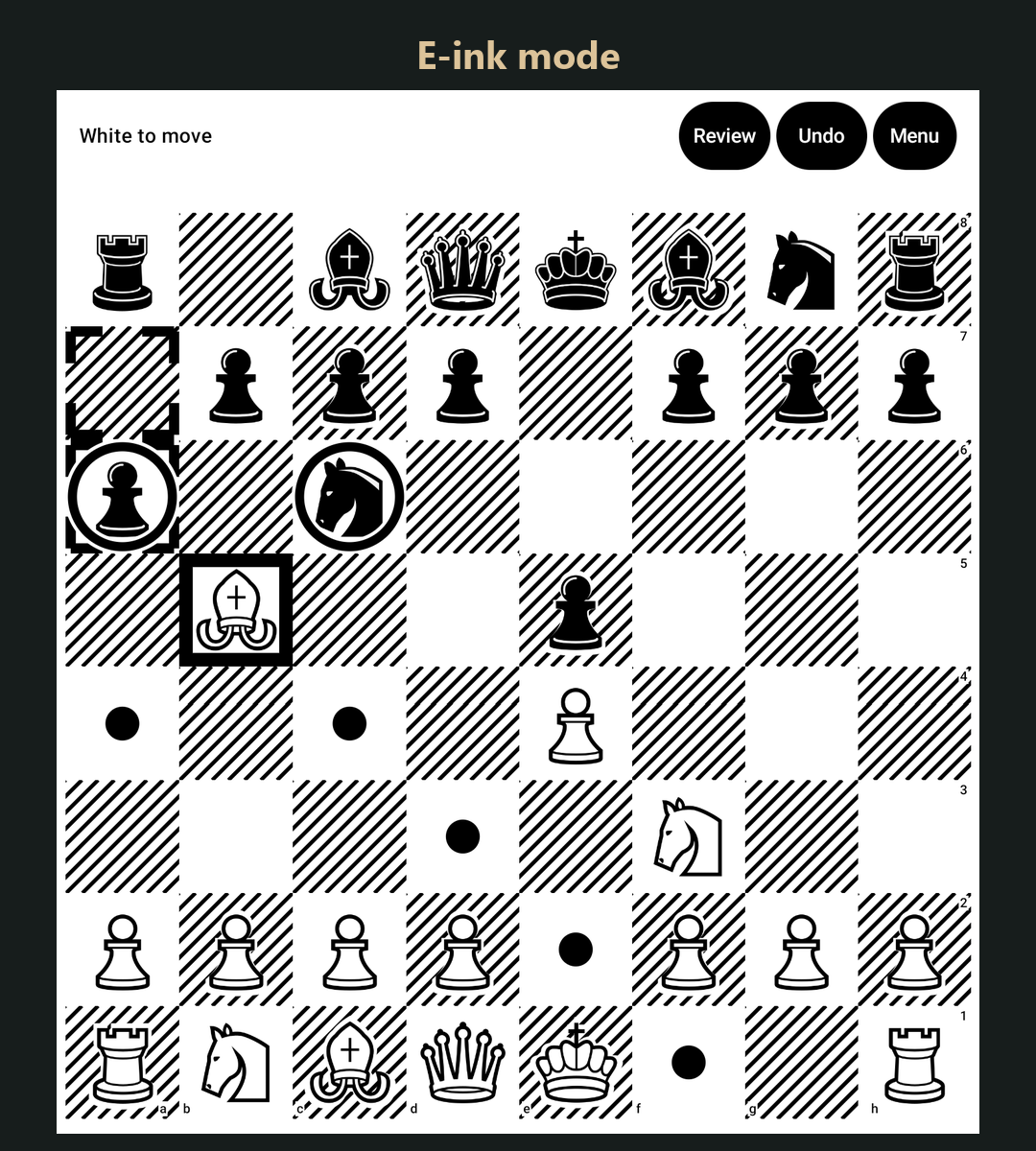
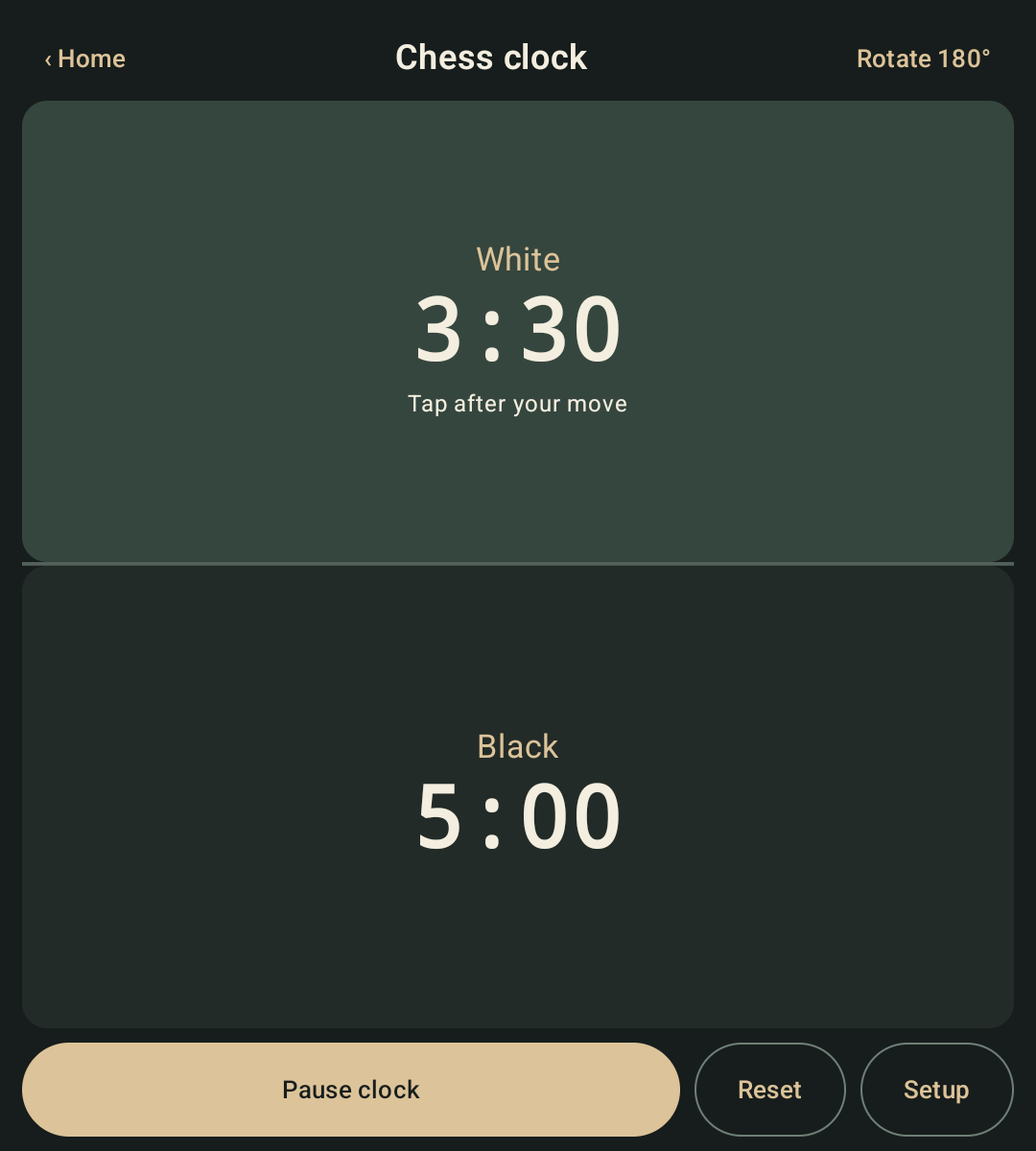
• Play with a friend on the same device, with an optional chess clock. • Record games played on a real chessboard and review them afterwards. • Type moves such as e4, Nf3, O-O or e2e4 on a physical keyboard. • Use a dedicated e-ink mode with a clear black-and-white board, shape-based highlights and no animations. • Review, undo and export your games as PGN for Lichess, ChessBase and other chess software. • Use the built-in standalone chess clock for over-the-board games.
Everything runs locally on your device.
No ads. No account. No Internet permission.
Your games and settings stay on your device.
Square Chess works on conventional Android phones and tablets too, but is designed especially for devices where standard chess apps do not make the best use of the screen or hardware.
Release builds now use R8 code and resource shrinking. The APK is about half the size of the previous release, with the same app features.
Recent approved comments · sorted by newest
View all comments