Offline chess against Maia-3 with local Stockfish analysis
F-Droid repository metadata
Mobile Maia is an offline-first chess app built around Maia-3, a human-like chess model developed by the University of Toronto Computational Social Science Lab.
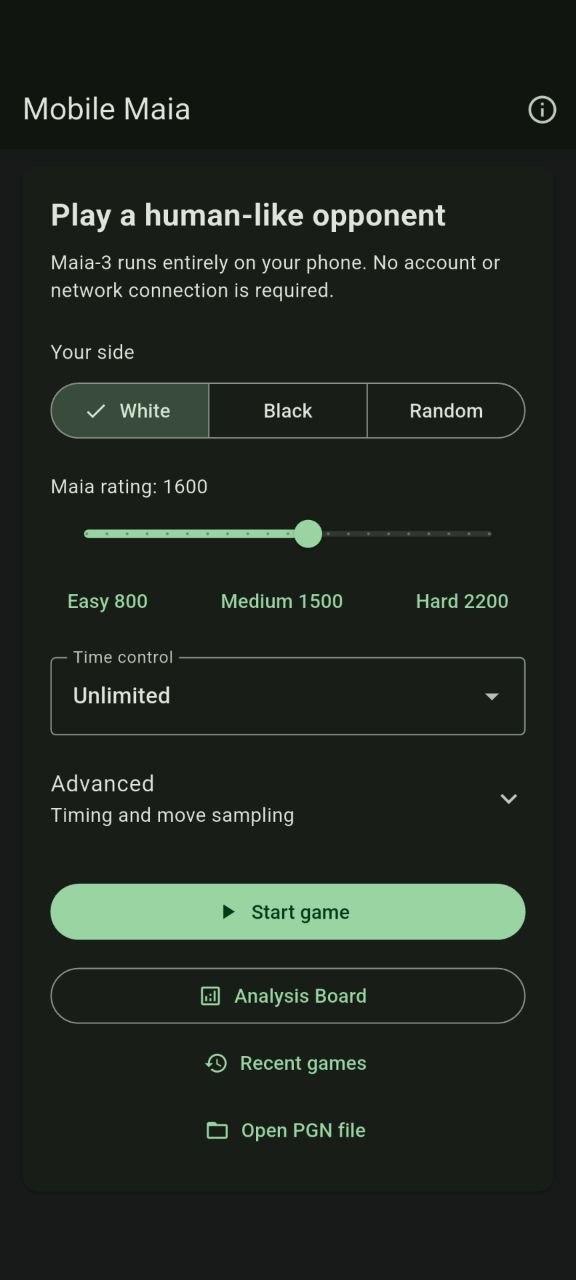
Play against Maia at a selected rating without creating an account or connecting to a server. The Maia-3 model and Stockfish are bundled with the app, so games and analysis remain on your device.
Features include:
Play as White, Black, or a random side
Maia ratings from 800 to 2200, plus a custom rating
Unlimited play, clock presets, and custom time controls
Human-like move timing and adjustable Temperature and Top-P
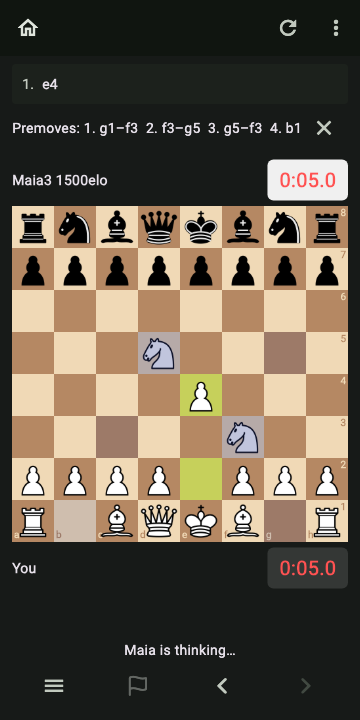
Single or multiple premoves, with an optional 100 ms penalty
Takebacks, endgame draw offers, rematches, and automatic game restoration
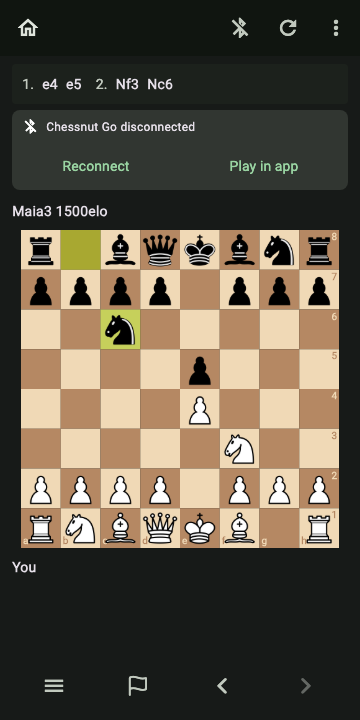
Experimental Chessnut Go play with LEDs, sounds, battery status, reconnect recovery, and phone continuation
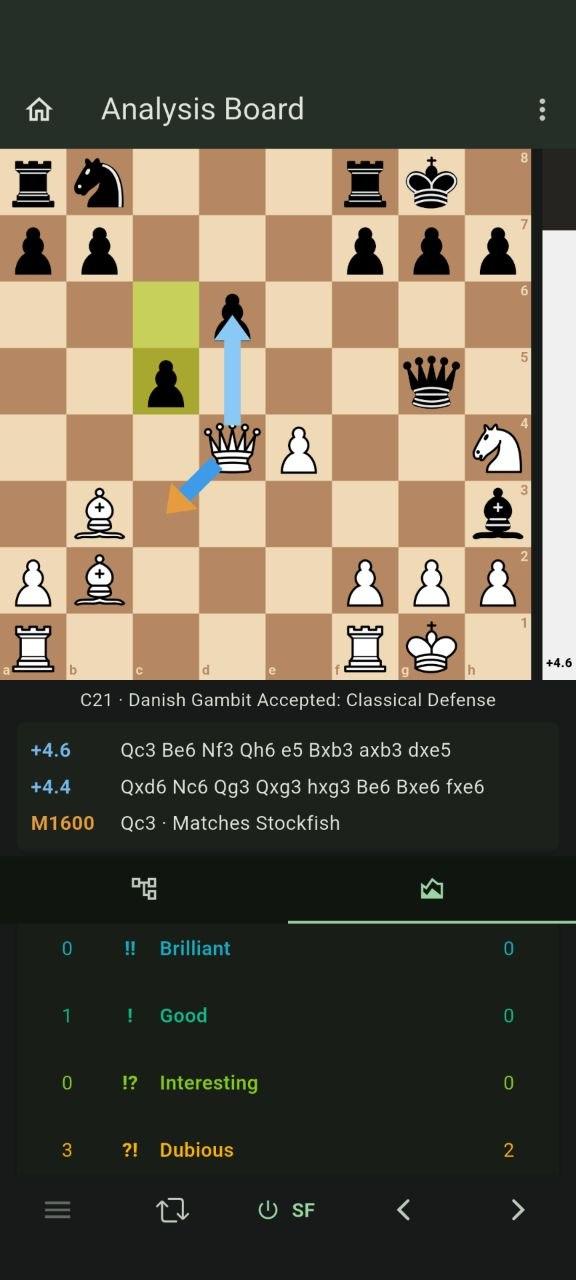
An analysis board with FEN and PGN import and export
A graphical position editor and persistent analysis variations
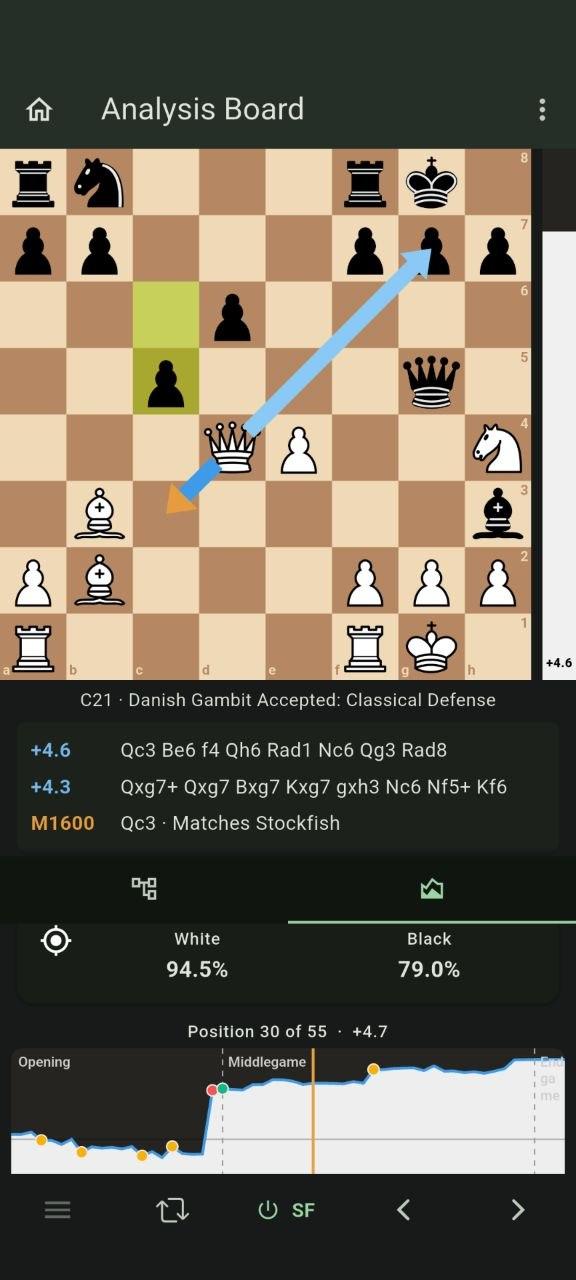
Offline Stockfish evaluation and Maia move comparison
Fast, Balanced, or Thorough full-game analysis
Full-game accuracy scores and a navigable evaluation graph
Brilliant, Good, Interesting, Dubious, Mistake, and Blunder move classifications
Two Stockfish suggestions and visible Maia/Stockfish agreement
Lichess-style material difference beside each player
Offline opening names and ECO codes from the Lichess opening database
Historical clocks and timed PGN export with standard clock annotations
PGN export with variations and game metadata
Mobile Maia is independently developed free software. Its source code is available under the GNU Affero General Public License v3.0 only.
Screenshots
What’s new
Mobile Maia 2.1.2 is a distribution-compatibility and build-hardening update with the same app features and offline behavior as 2.1.1. Android release minification removes Flutter's unused Play Core references for F-Droid while explicitly preserving ONNX/JNI entry points. The locked Stockfish NNUE download is now verified by SHA-256. Rooted ARM64 and x86_64 integration, saved-game upgrade, scanner, packaging, and reproducibility checks protect existing app behavior.
How to install
Download the APK from the button at the top of this page.
Allow “Install unknown apps” for your browser or file manager only, not for every app.
Open the downloaded file and confirm the installation.
If installation fails with “App not installed,” remove an earlier build of the same app first. A signature conflict is the usual cause.
Data safety
Every file is checked against its published SHA-256 before it is listed.
Files are scanned for malware on every update.
The permissions each app requests are listed on its own page.
Read the full safety policy for how we test, flag, and delist files.