What’s new
- Support for subdir mode: clicking on a shortcut doesn't save the shared directly under it, but instead opens up a file picker to chose a directory where to save starting at the shortcut's location.

Updated Sep 22, 2026
Share data from other apps to a folder
F-Droid repository metadata
Share-to-folder is a share target that saves items shared with it to a folder.
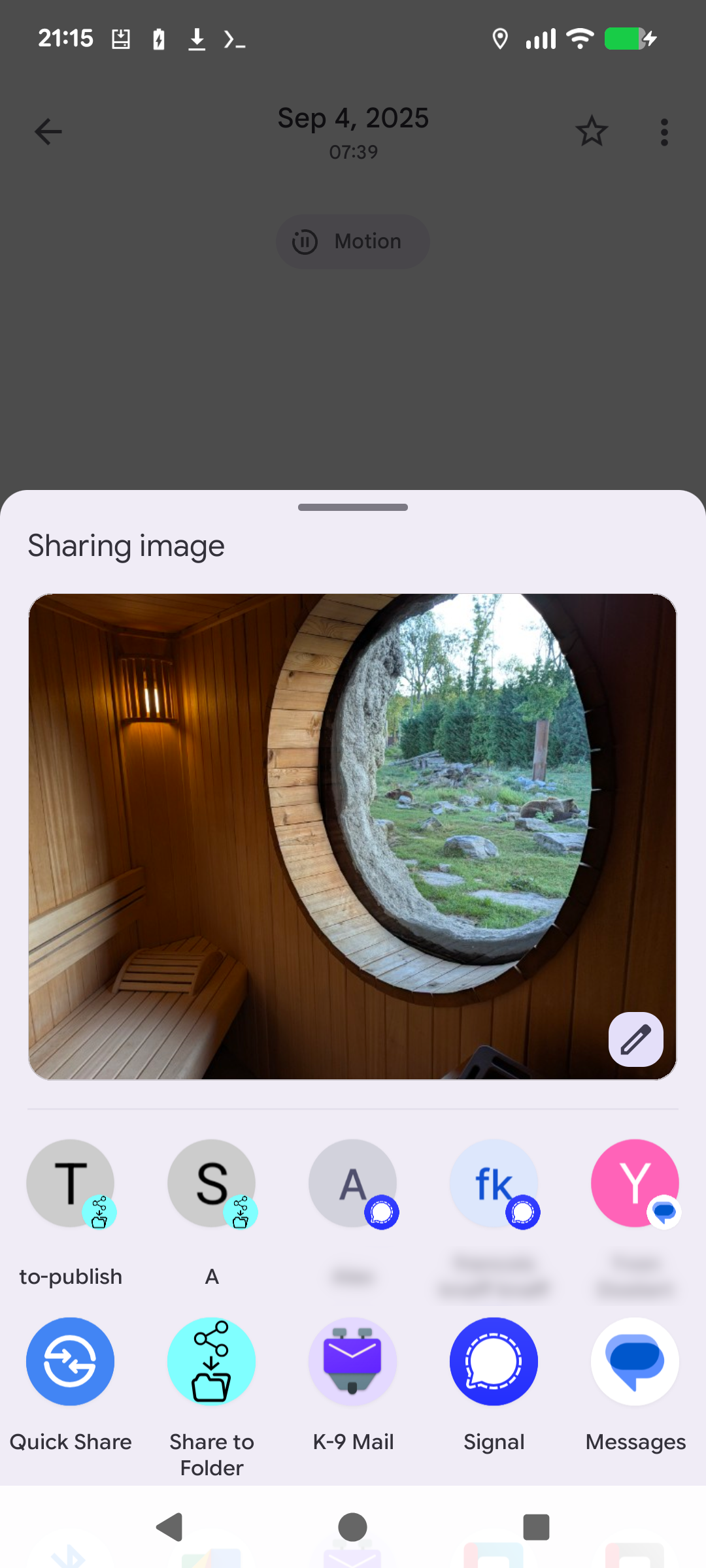
It is a convenient companion to apps that only allow to share data, but not to save it. It is also useful with apps that have a user interface for sharing that is more convenient than for saving or copying. For instance, in gallery you easily can use share to sort photos with just 2 taps per photo, whereas using copy would be more cumbersome.
* no root is required
* folders to which you have shared documents at least once are remembered as shortcuts
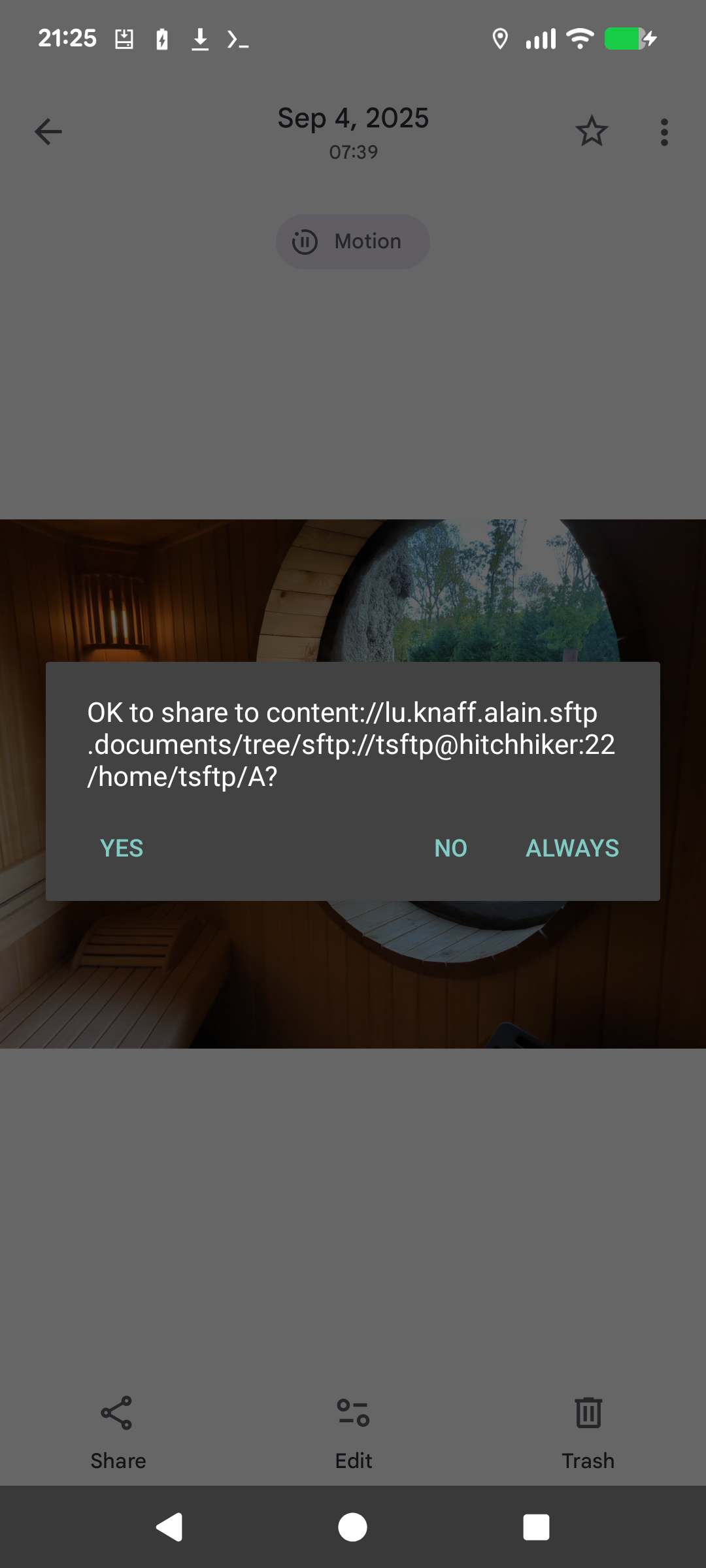
* for security, sharing to a shortcutted folder is still subject to a confirmation dialog, but you can answer allow always if the target folder is not security critical.
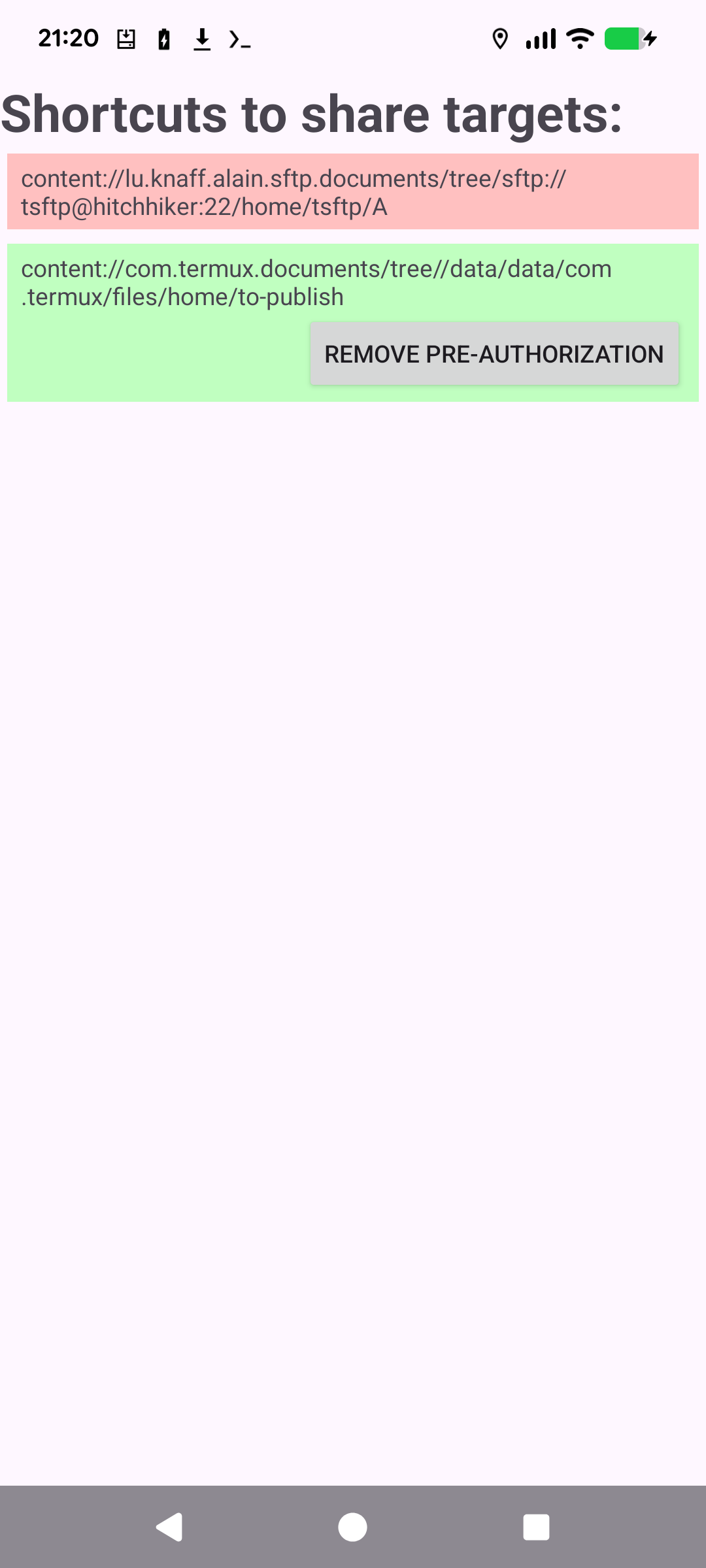
* you can browse your list of recently shared folders in the app’s main activity. Red are those that still require a confirmation to share to, and green are those to which you have answered always. You can remove the pre-authorization again in case you clicked always accidentally or made up your mind.
- Support for subdir mode: clicking on a shortcut doesn't save the shared directly under it, but instead opens up a file picker to chose a directory where to save starting at the shortcut's location.
Recent approved comments · sorted by newest
View all comments