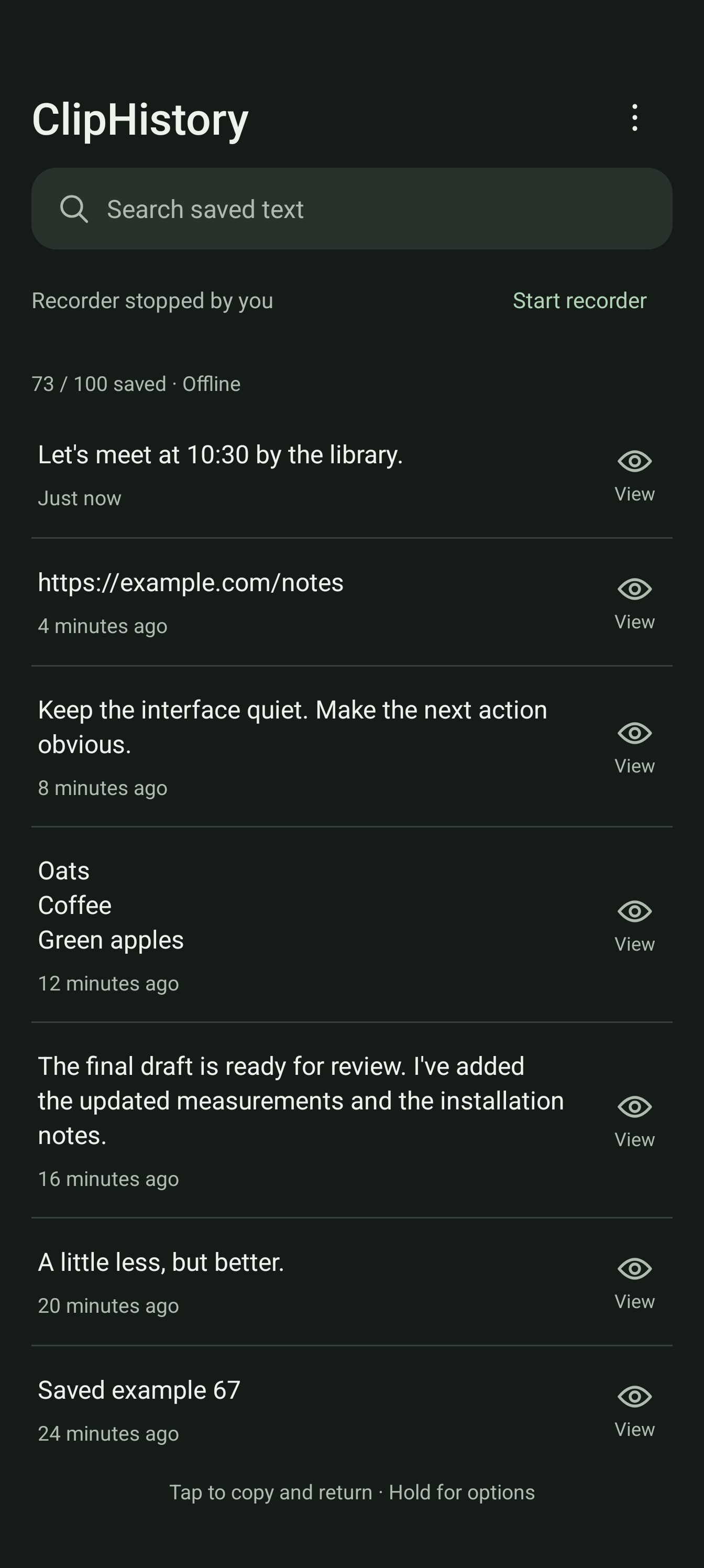
Keep a calm, searchable history of copied plain text on your device.
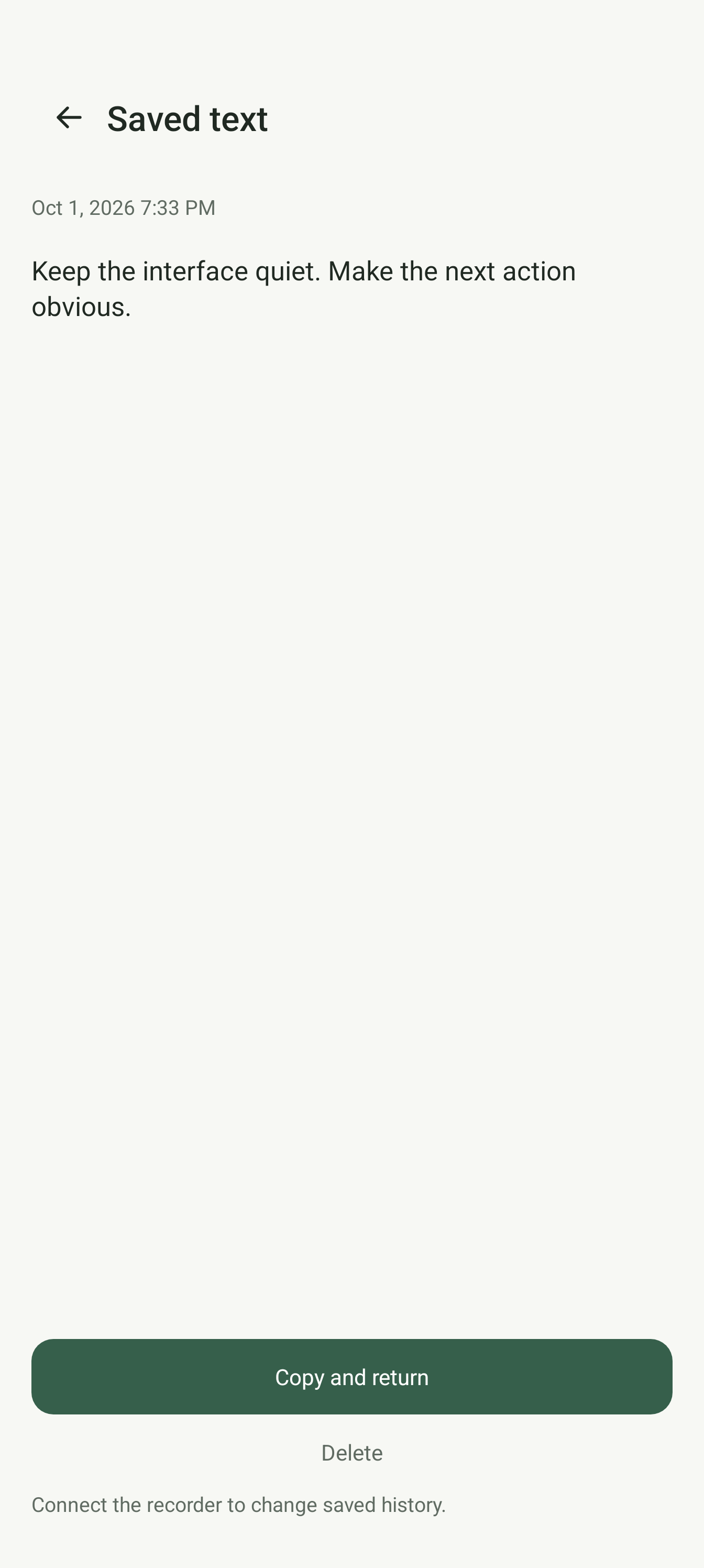
• Tap to copy, or choose View to read and select the exact full text.
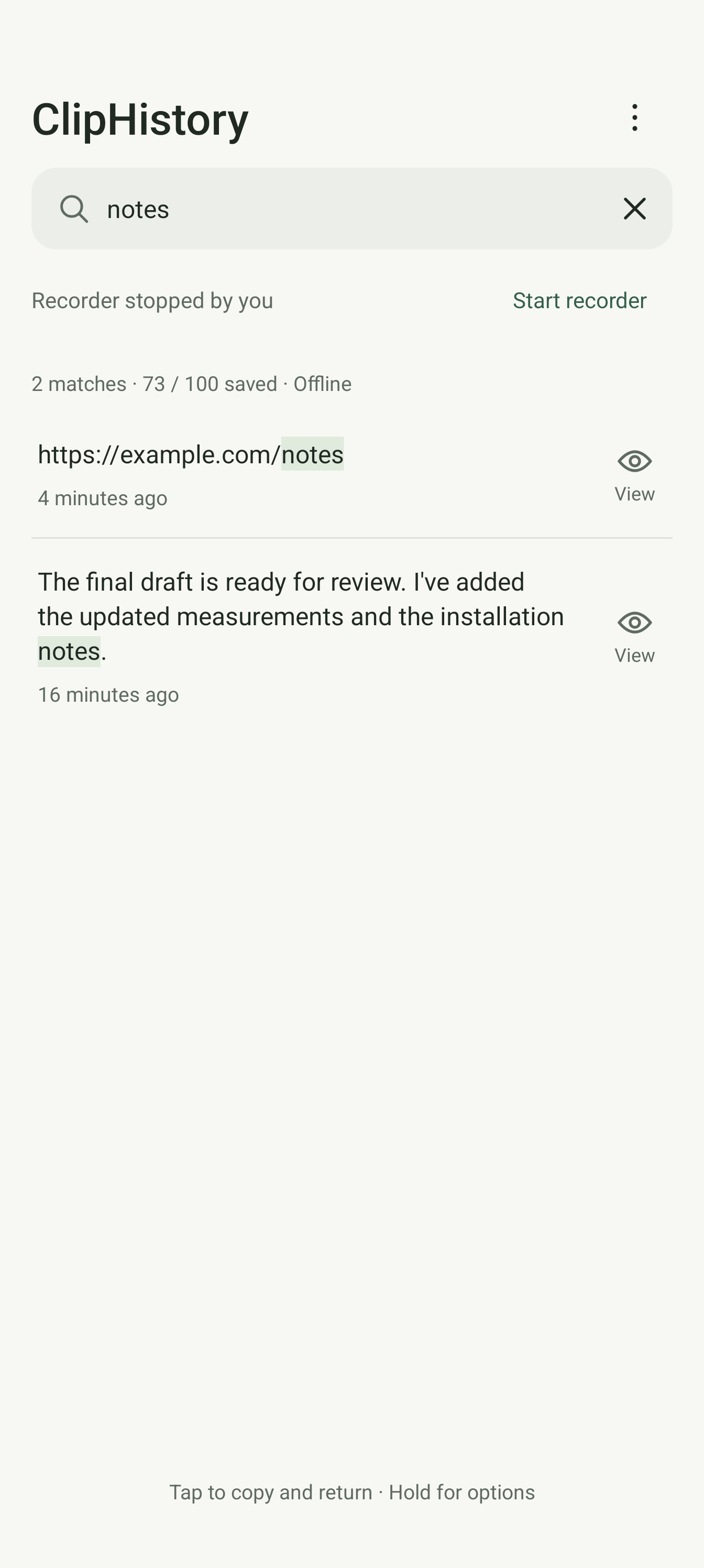
• Search the entire saved text, including long entries.
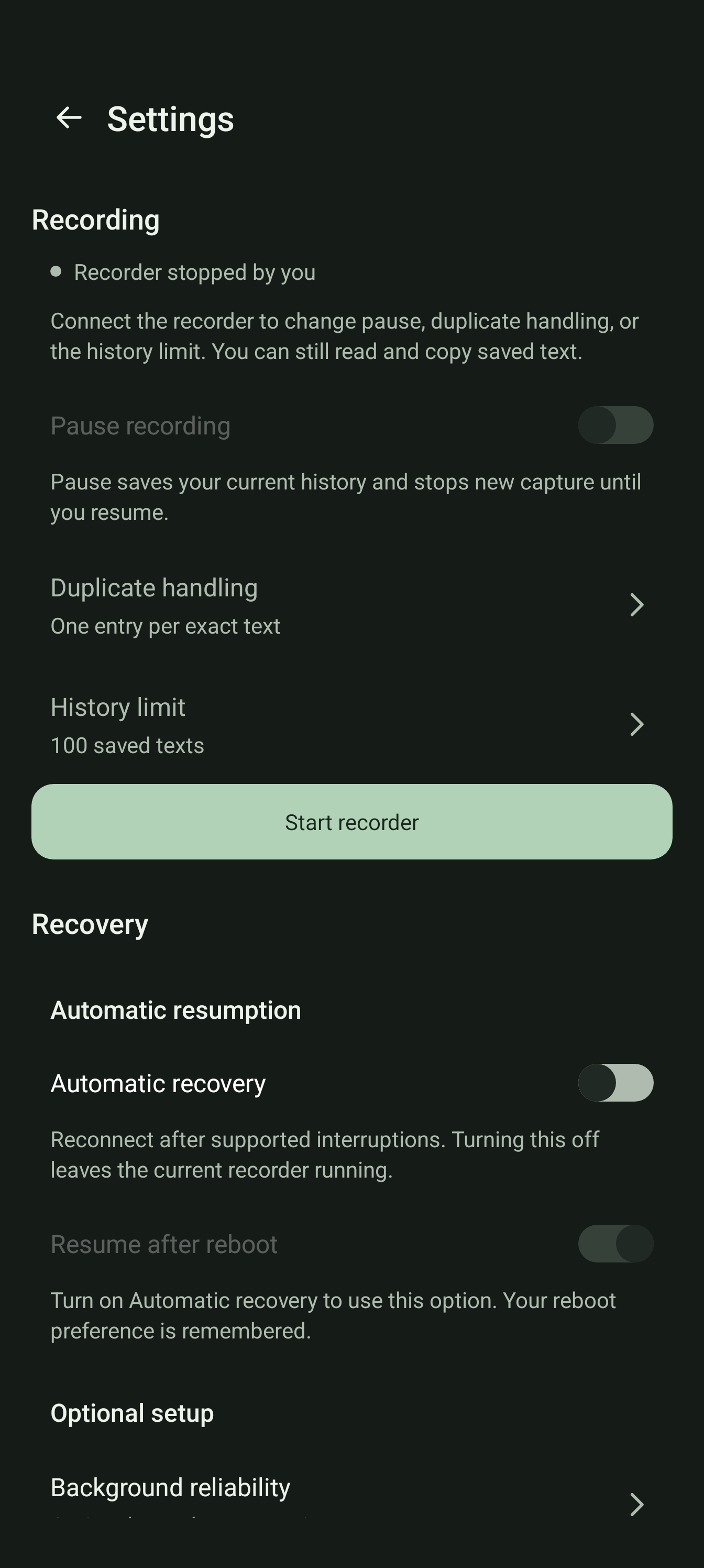
• Pause recording, choose a limit from 20 to 500 entries, and clear or delete saved text.
• Undo the most recent single deletion while the recorder remains connected. Clear all cannot be undone.
• Keep one entry per exact text, or skip only consecutive repeats.
• Use light, dark or system appearance and optional motion.
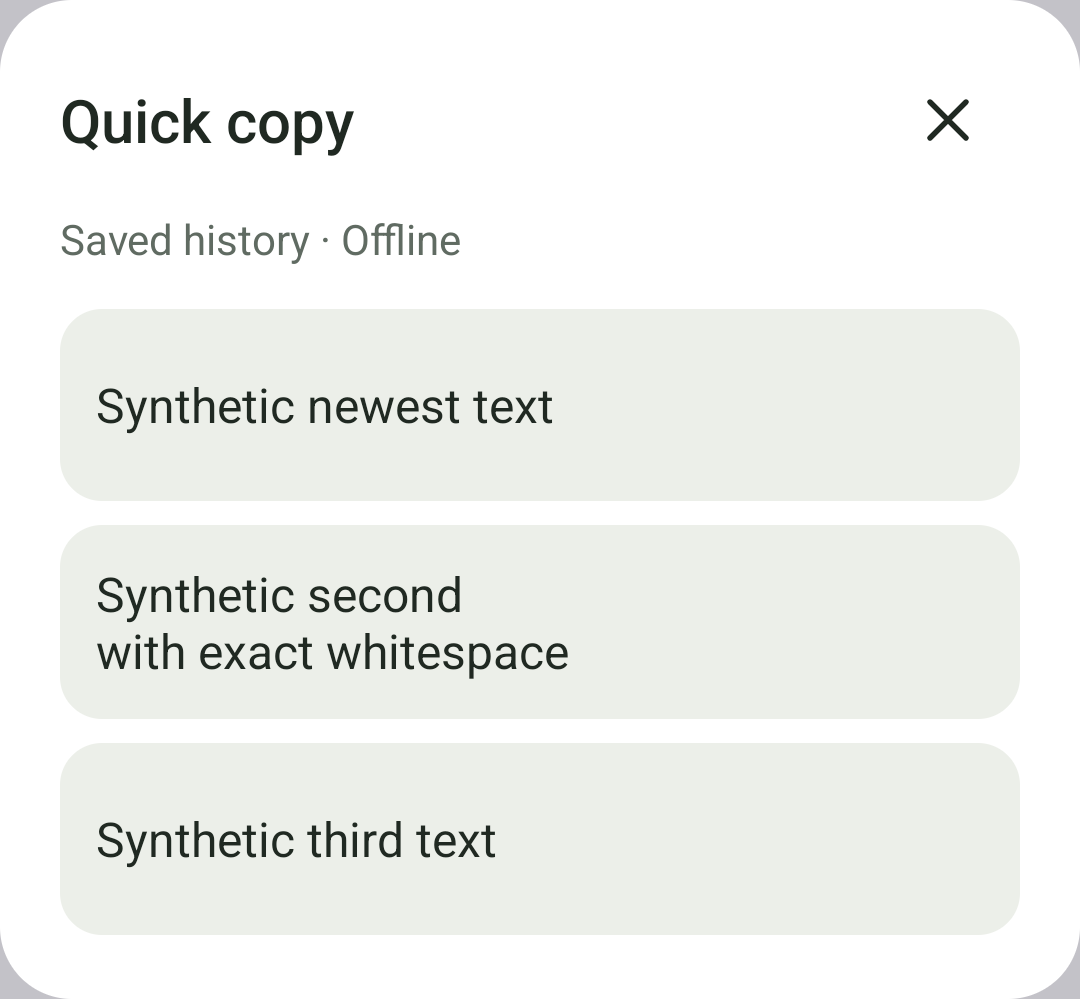
• Use a temporary floating three-entry quick-copy panel or open full history from the tile.
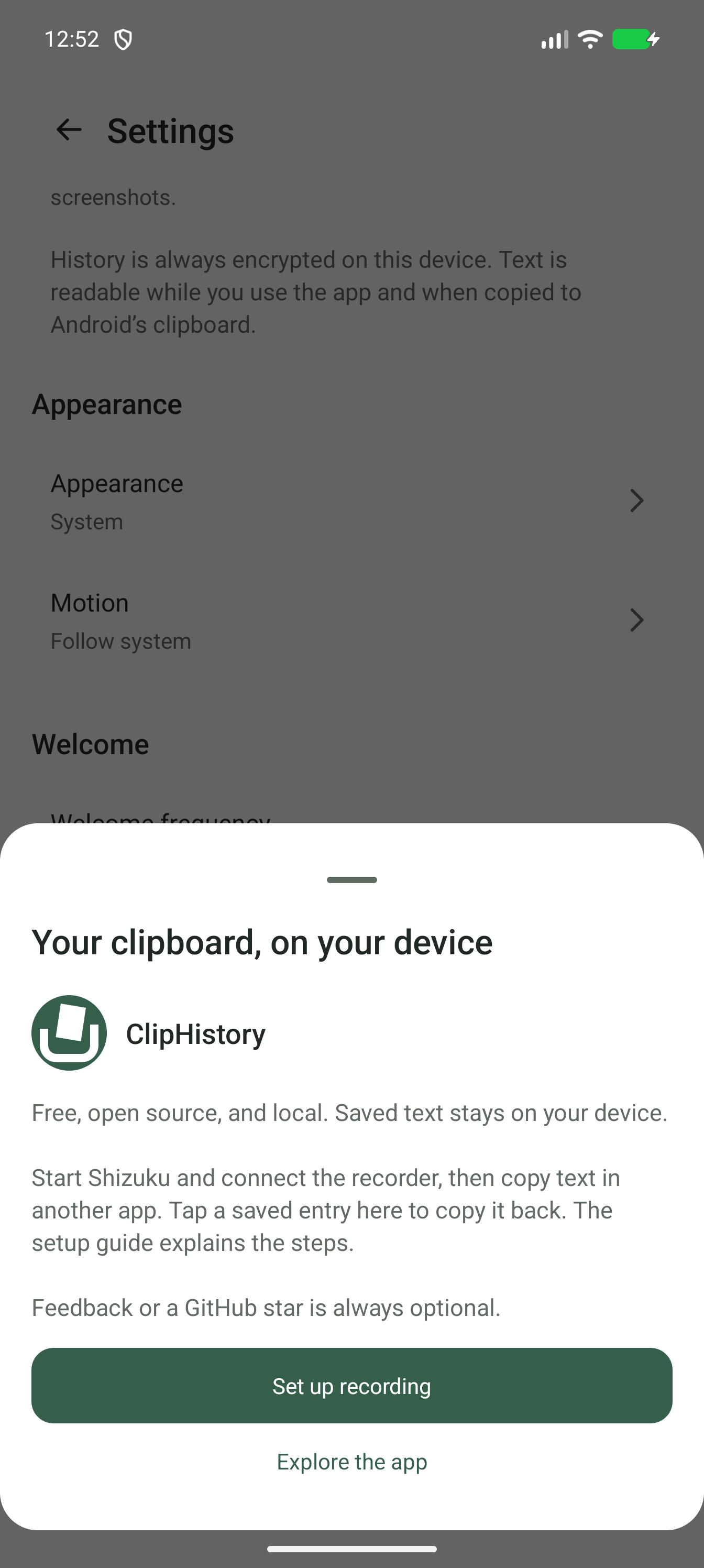
• Choose automatic recovery, reboot resumption, explicit Stop, screen privacy and welcome options in clearly grouped Settings.
• Read saved history offline when the recorder is stopped.
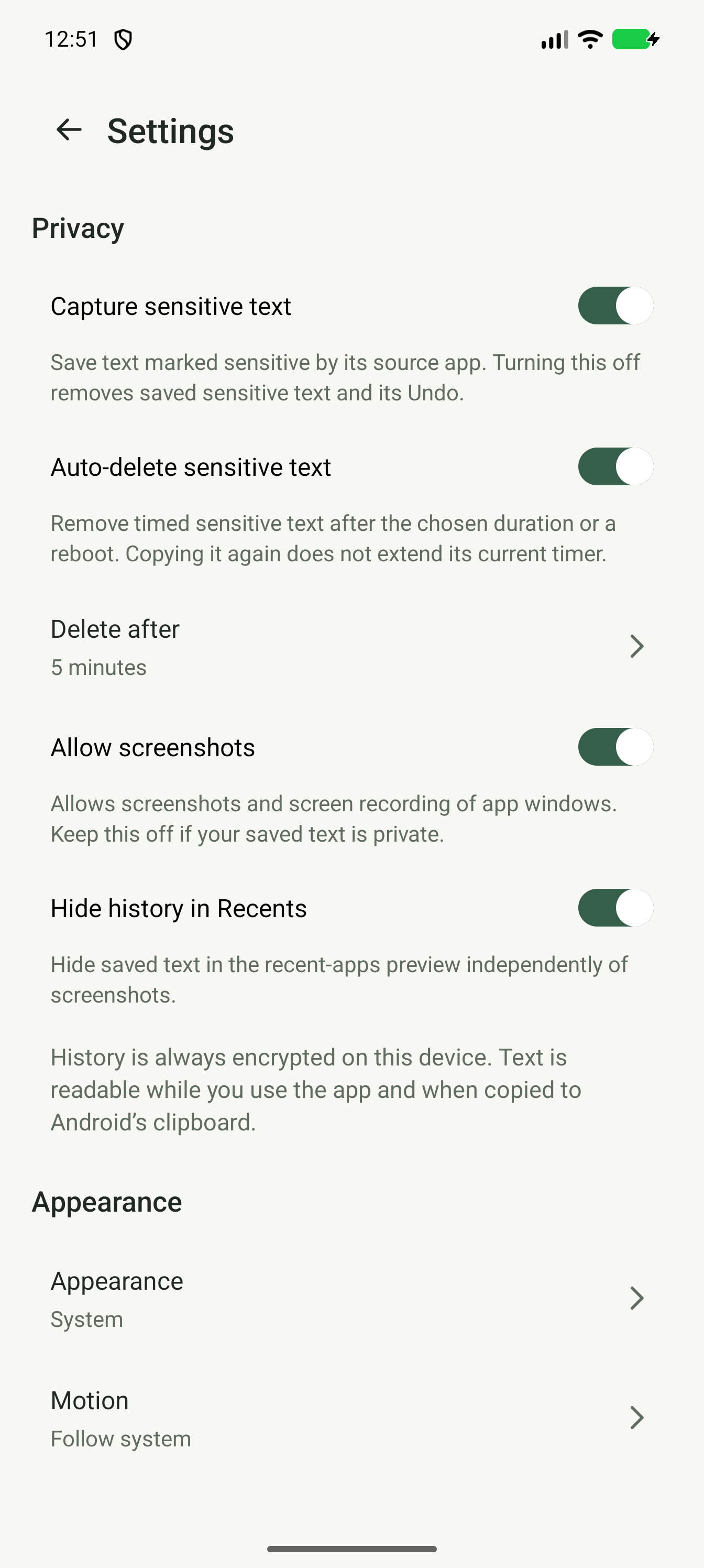
• Keep all stored history encrypted on this device. Optionally save source-marked sensitive text, with automatic deletion that defaults to five minutes.
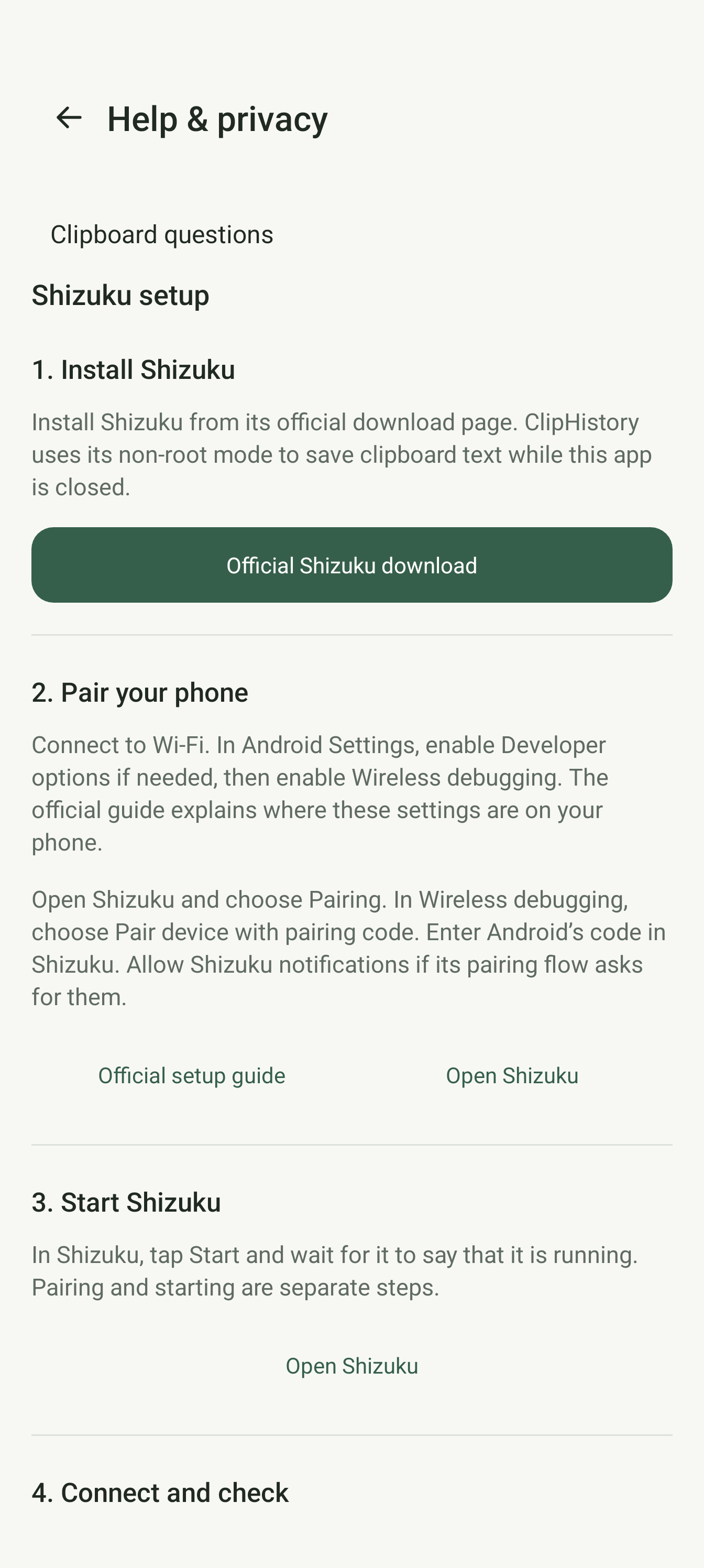
Requires Android 11 or newer, the primary device profile, and Shizuku API 13 or newer with UserService support, running in shell mode: started with wireless debugging or ADB, or on a rooted phone through Sui with Shell mode, which also starts by itself after every restart. Shizuku or a compatible service is installed separately; some forks need a compatibility companion. Guided setup covers pairing, starting the service and granting access. Restart the service after reboot if it does not start automatically. Android 11–12 use manual Quick Settings tile setup; separate Recents-preview privacy requires Android 13 or newer.
No internet permission, account, advertising, analytics or cloud service. Your usual keyboard stays unchanged. History uses private no-backup storage. Screenshots and screen recording are blocked by default and can be allowed. Separate Recents hiding is available on Android 13 and newer.
Text over 64 KiB and unsupported payloads are skipped. Source-marked sensitive text is skipped by default; optional capture and its deletion timer are in Privacy settings. Timed sensitive entries also expire after reboot. Turning sensitive capture off removes saved sensitive text. Indefinite retention requires confirmation. Not every source app marks private text. Encryption protects stored files; text remains readable in the app and Android clipboard while in use. The Android internal clipboard interface can vary across devices and OS updates. Saved sensitive entries stay hidden in the list and quick panel until you open them. Root mode is not supported because Android does not allow clipboard reading from root; on a rooted phone, start the service with wireless debugging or ADB. Work profiles are not supported.
Source and issue tracker: https://github.com/saroo98/cliphistory-android