
Quick answer
Real-time Windows PC hardware stats (CPU, GPU, RAM) on your phone over Wi-Fi
PC HW Monitor shows your PC's real-time hardware statistics on your phone — over local Wi-Fi, or anywhere via an optional Cloudflare Tunnel.
Features- CPU, GPU, iGPU and RAM cards with temperatures, usage, clock speeds, power, VRAM/RAM and per-core loads
- Disk, network, fan and FPS cards (FPS via embedded PresentMon)
- Live charts and 1-hour history (stored locally on the device)
- 9 color palettes with light and dark variants, dashboard edit mode, landscape mode
- Multi-PC support: connect to several PCs and switch via dashboard tabs
- Optional TLS/SSL (wss://) and Cloudflare Tunnel for secure remote access
- QR quick connect, network scan, persistent notification with live stats
- 14 languages, selectable in Settings
How it works
Run the bundled single-file Windows server (no installation needed) on your PC. It reads hardware data from LibreHardwareMonitor and streams it over WebSocket to the app once per second. By default the app only talks to the server over your local Wi-Fi; no data leaves your network unless you enable the optional Cloudflare Tunnel.
No PC hardware available? Start the server with --simulate to generate realistic fake data.
License
AGPL-3.0. The Windows server bundles LibreHardwareMonitor (AGPL-3.0), cloudflared (Apache-2.0) and PresentMon (MIT).
If this app is useful to you, consider supporting development on Patreon: Patreon.
Screenshots
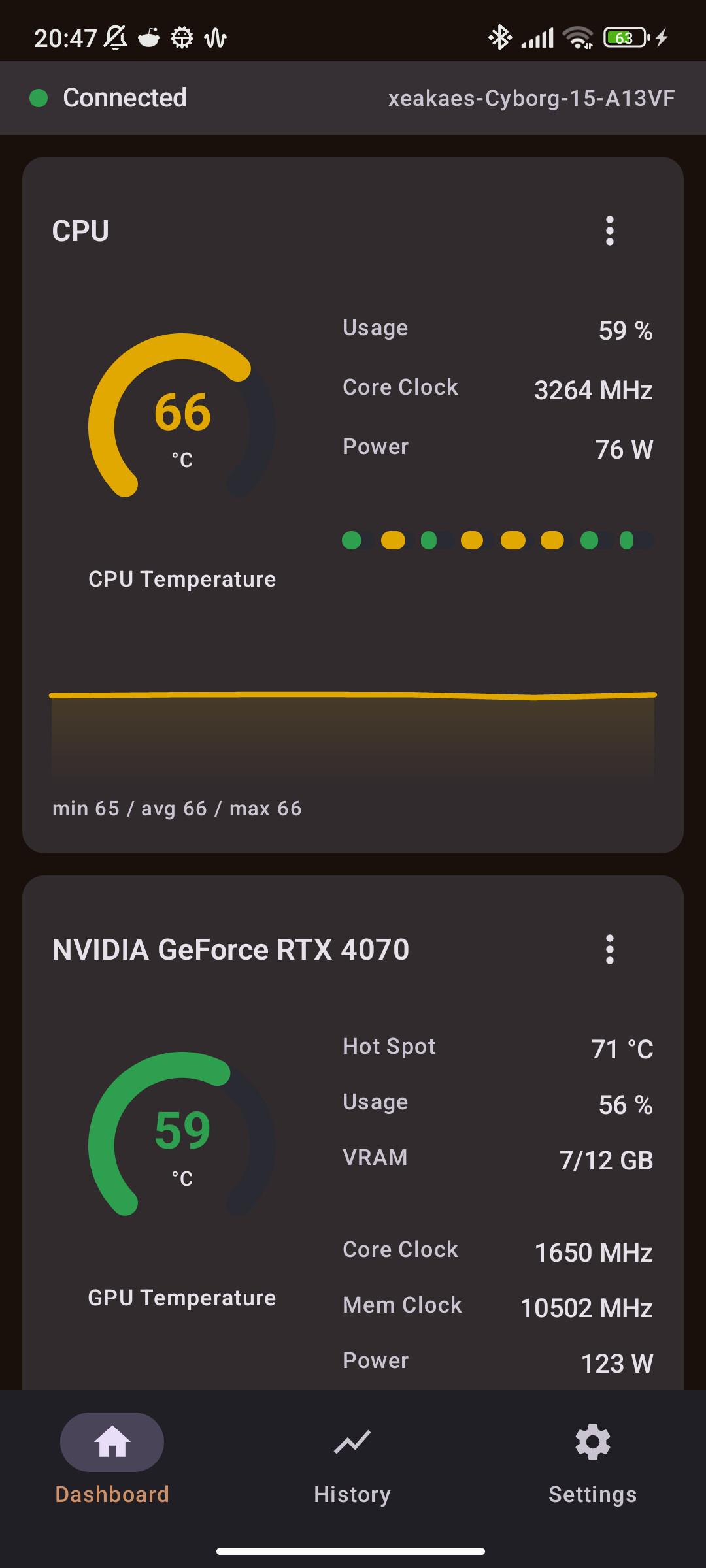
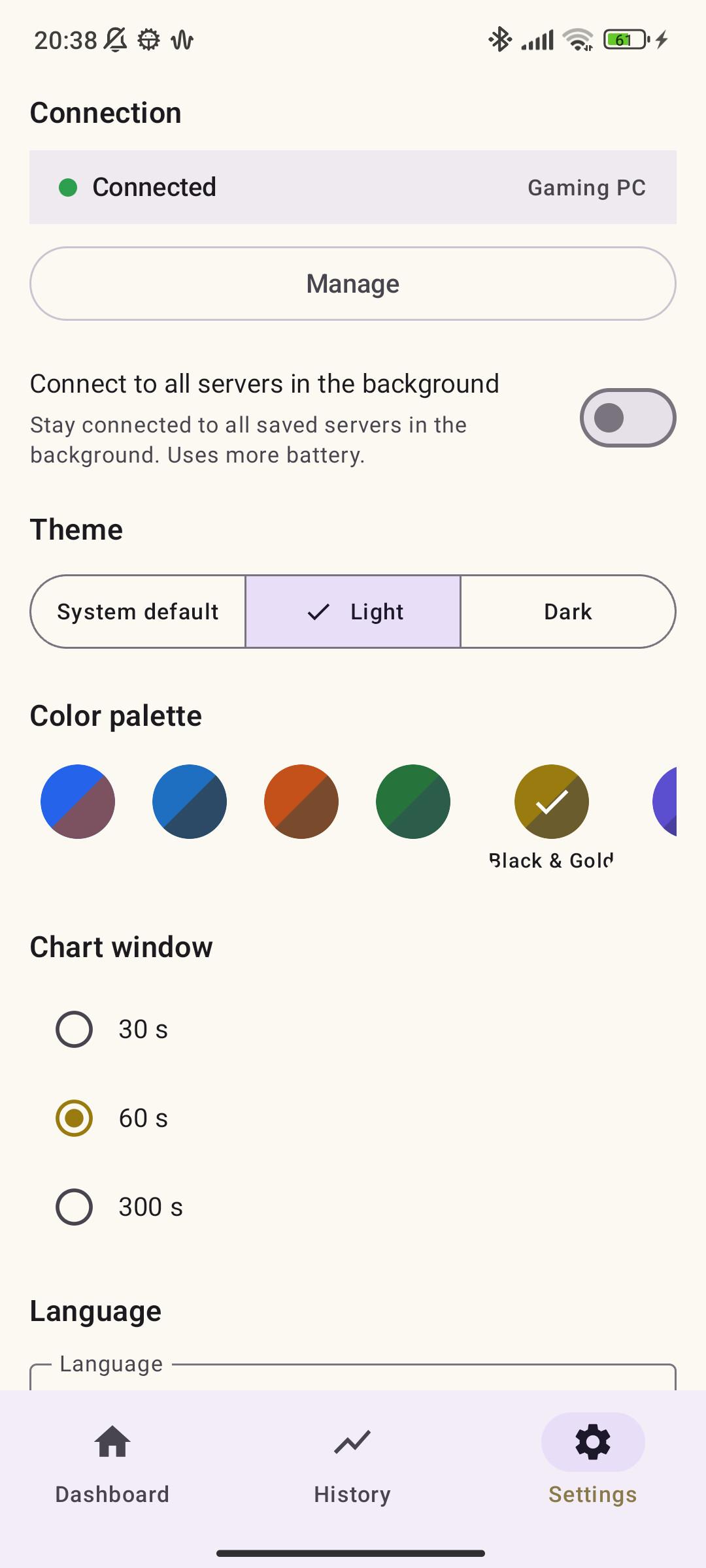
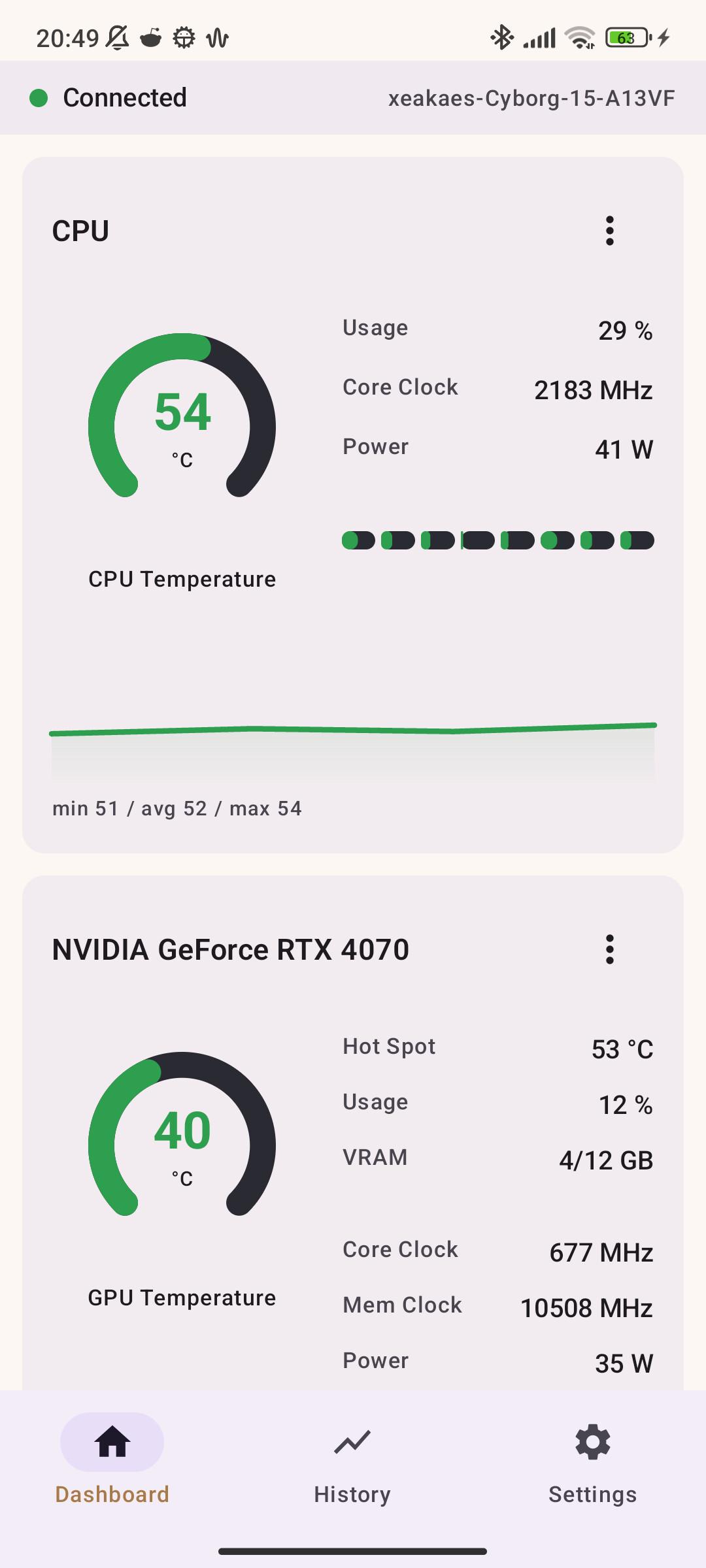
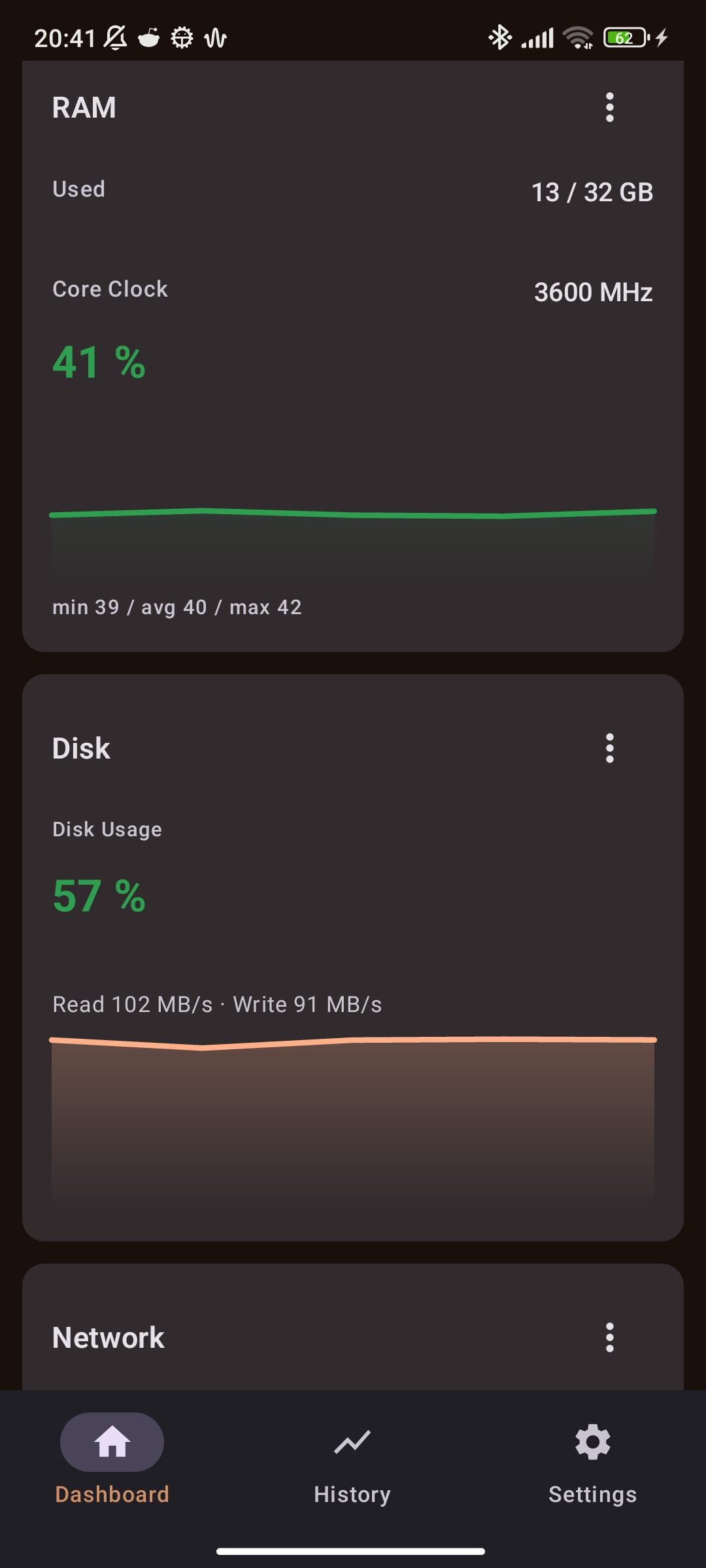
How to install
- Download the APK from the button at the top of this page.
- Allow “Install unknown apps” for your browser or file manager only, not for every app.
- Open the downloaded file and confirm the installation.
- If installation fails with “App not installed,” remove an earlier build of the same app first. A signature conflict is the usual cause.
Data safety
- Every file is checked against its published SHA-256 before it is listed.
- Files are scanned for malware on every update.
- The permissions each app requests are listed on its own page.
- Read the full safety policy for how we test, flag, and delist files.
Frequently asked questions
What is PC HW Monitor?
Real-time Windows PC hardware stats (CPU, GPU, RAM) on your phone over Wi-Fi
Who develops PC HW Monitor?
PC HW Monitor is developed by Xeakaes.
Which Android version does PC HW Monitor require?
PC HW Monitor requires Android API 24 or later.
What is the current version of PC HW Monitor?
The synchronized F-Droid version is 1.6.3.
Which license does PC HW Monitor use?
The signed F-Droid metadata lists AGPL-3.0-or-later.
Where is the source code for PC HW Monitor?
https://github.com/Xeakaes/PcHWmonitor
Comments
Recent approved comments · sorted by newest
View all comments