UsageDirectPlus icon

UsageDirectPlus

aahmozart
Time Tracker System
Version
0.9.3
Size
2.3 MB
Requires
Android API 26+
4.6 / 5 · 15,447 ratings 100,191 downloads

Updated Nov 10, 2026

Quick answer

Screen time history with per-session detail and database export

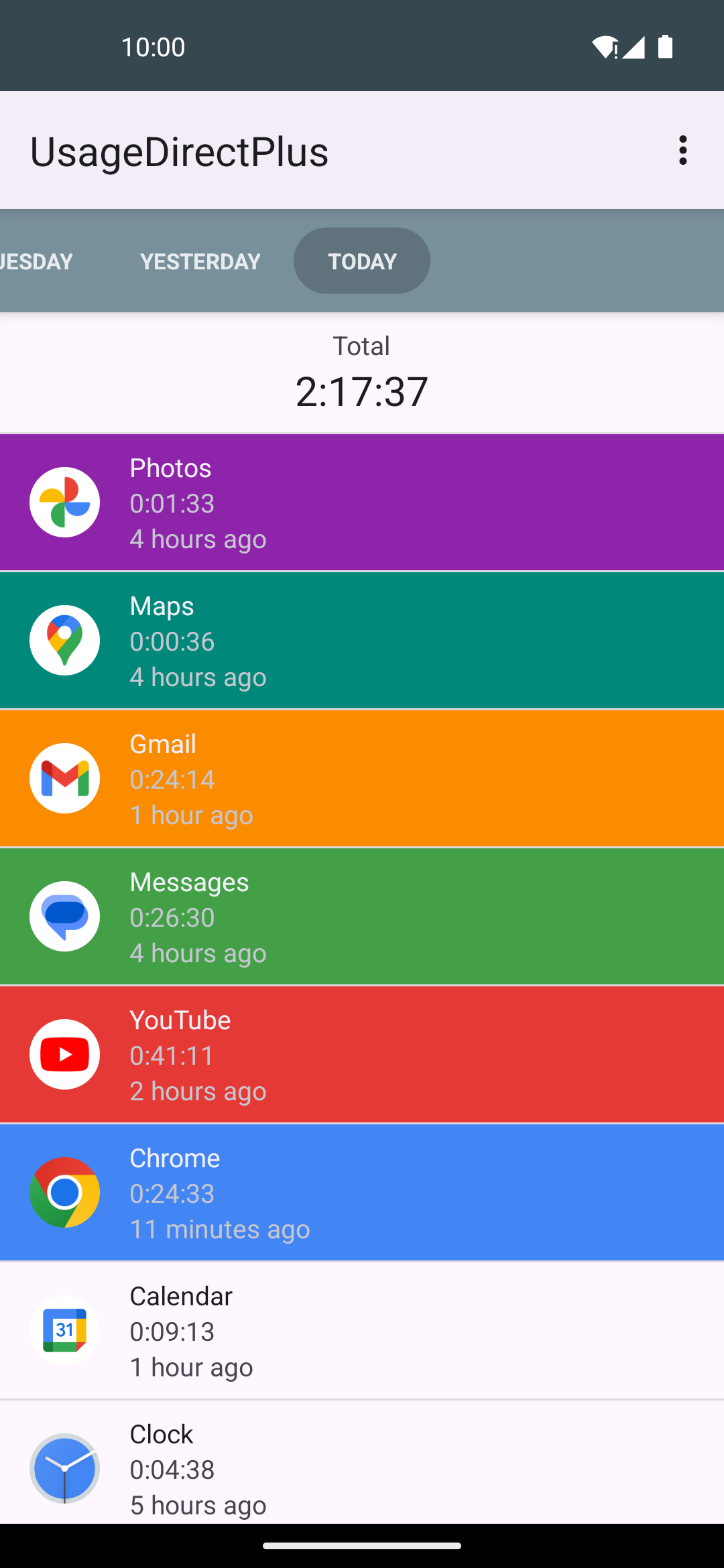
UsageDirectPlus tracks your daily screen time and keeps a permanent log of how long you used each app, and when.

It is a fork of usageDirect that adds:

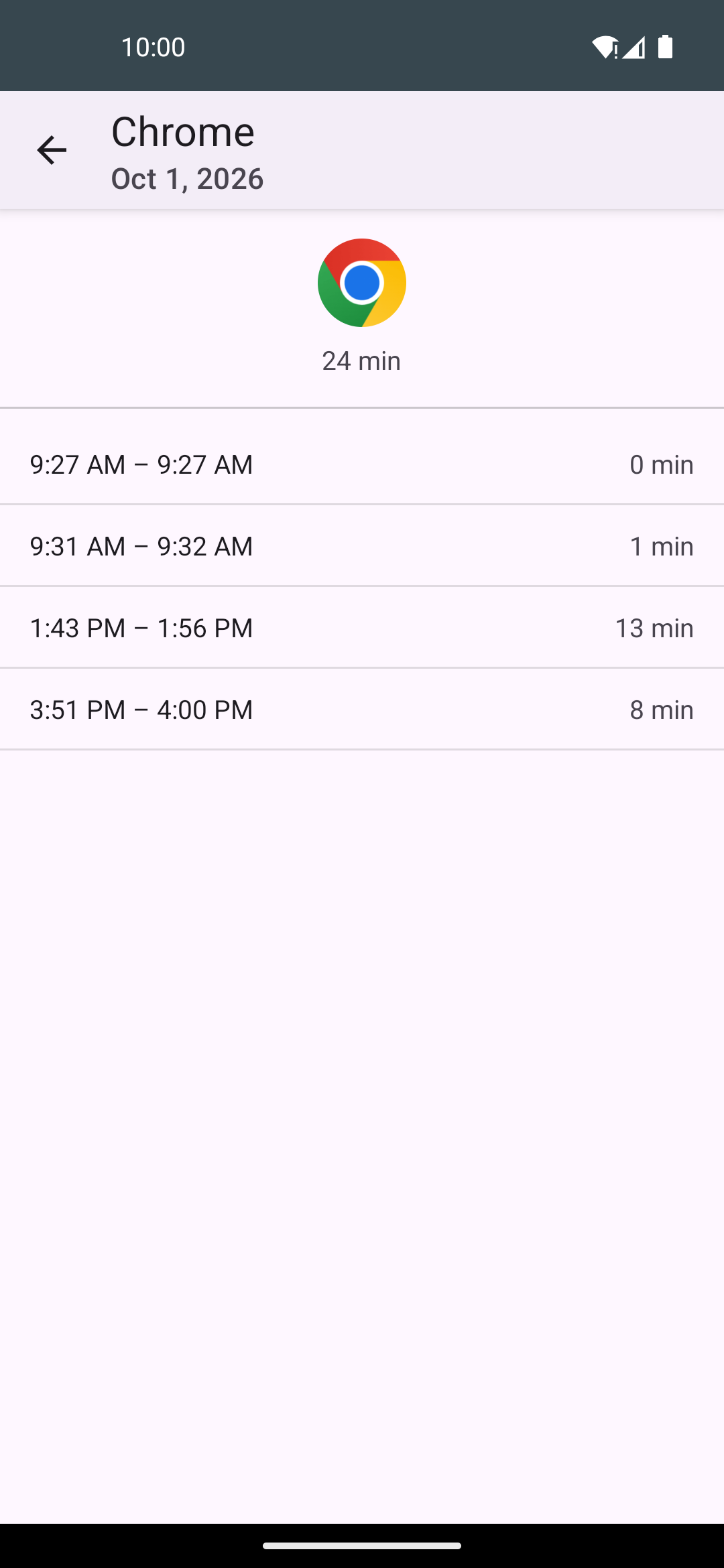
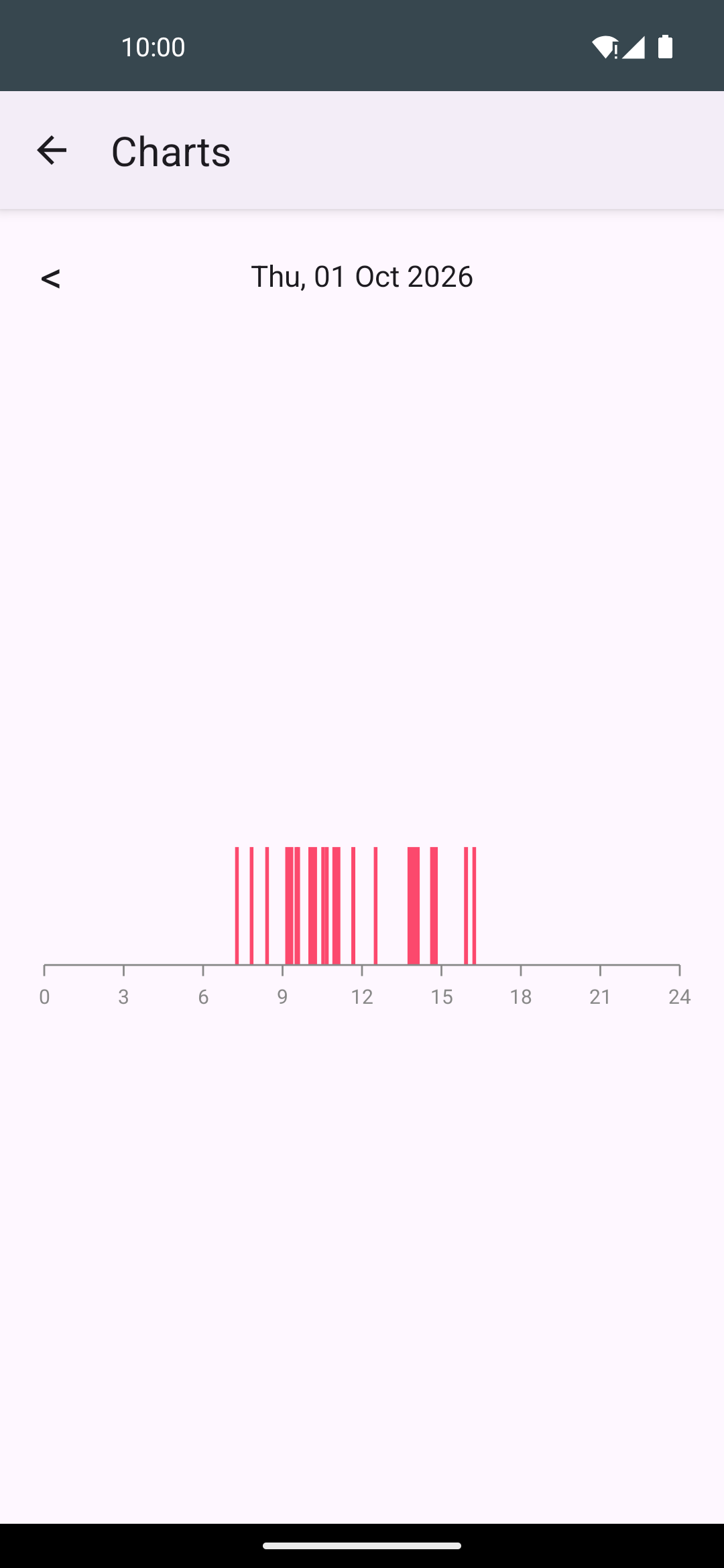
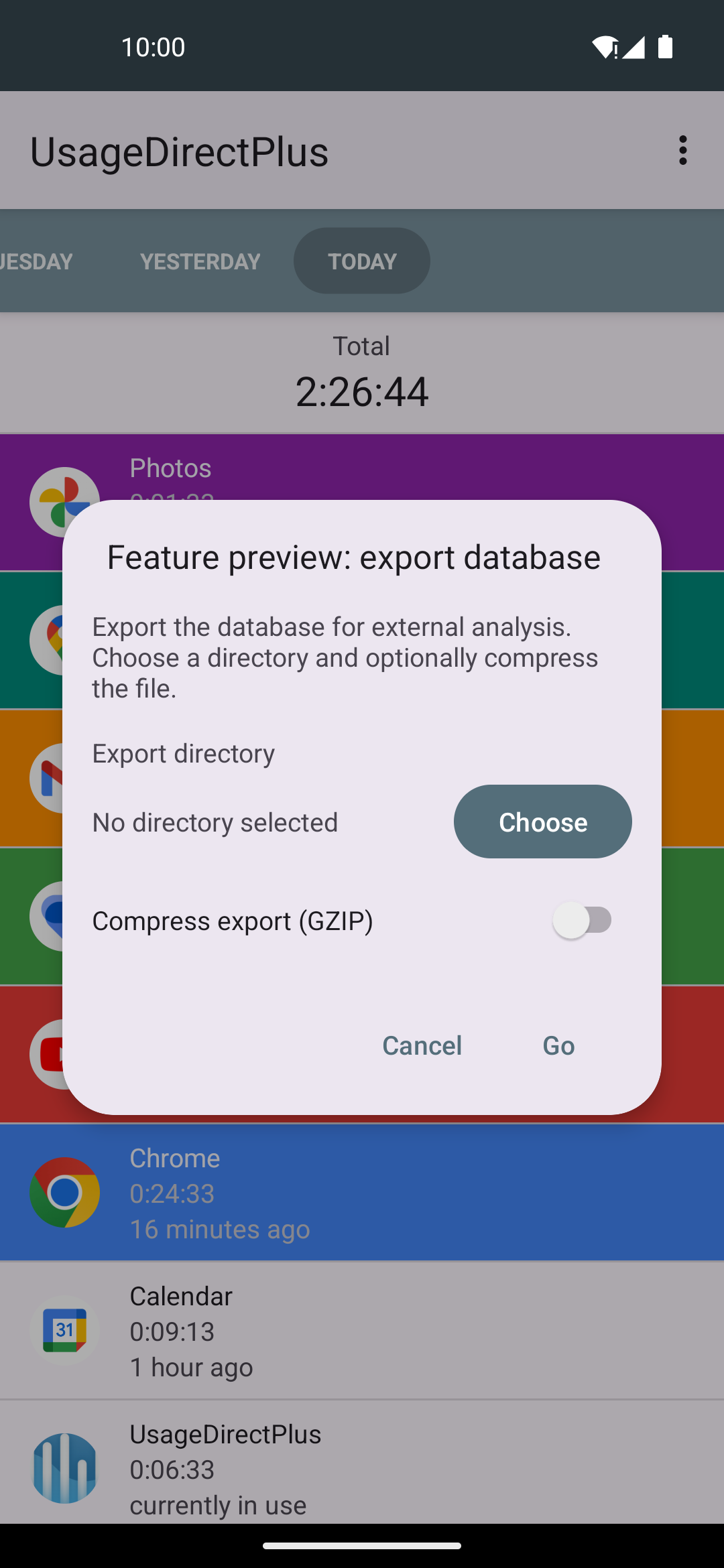
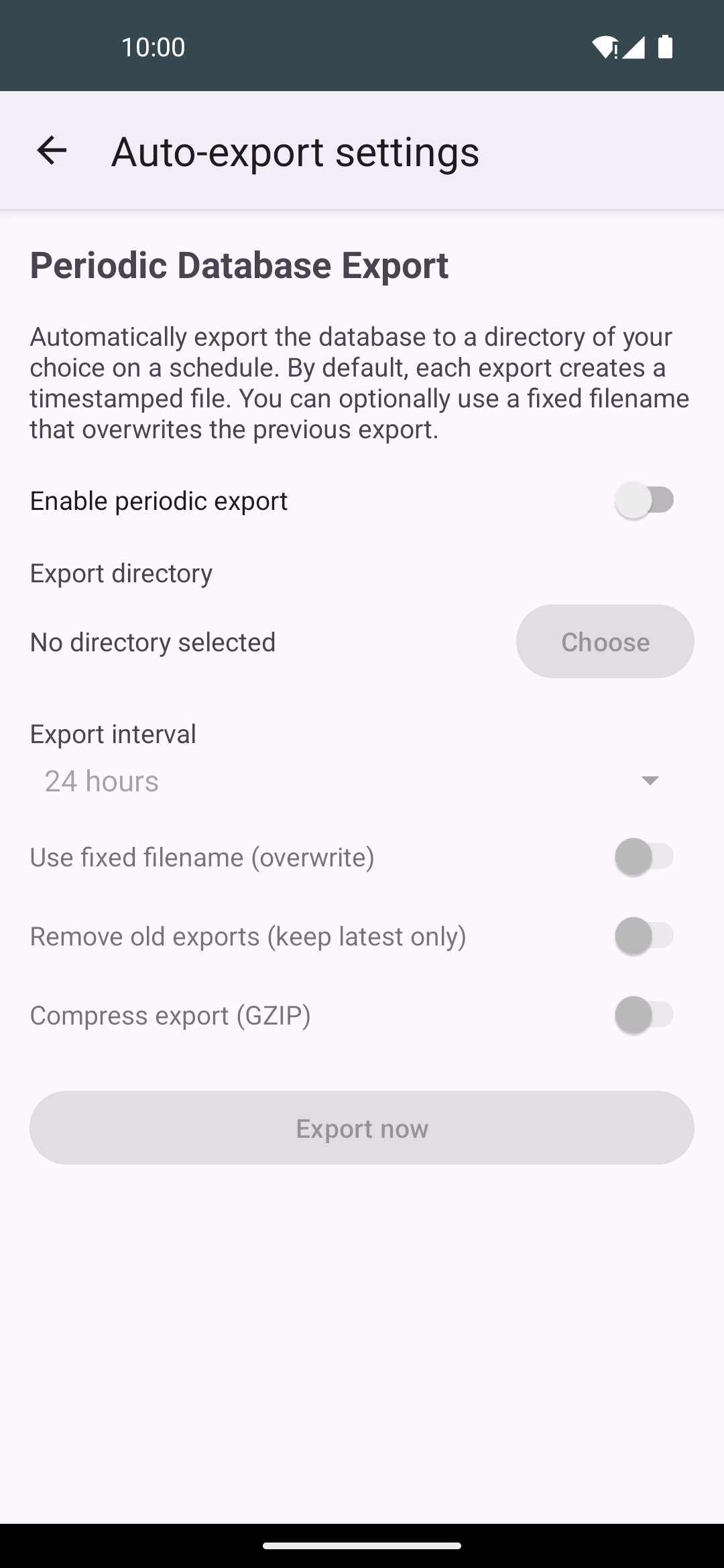
– Usage intervals: the start and end time of every app session, not just a daily total – Usage timeline and unlock timeline charts for each day – Screen on/off and lock/unlock event history – Database export to a folder of your choice, on demand or on a schedule, with optional GZIP compression

Like the original, it also offers:

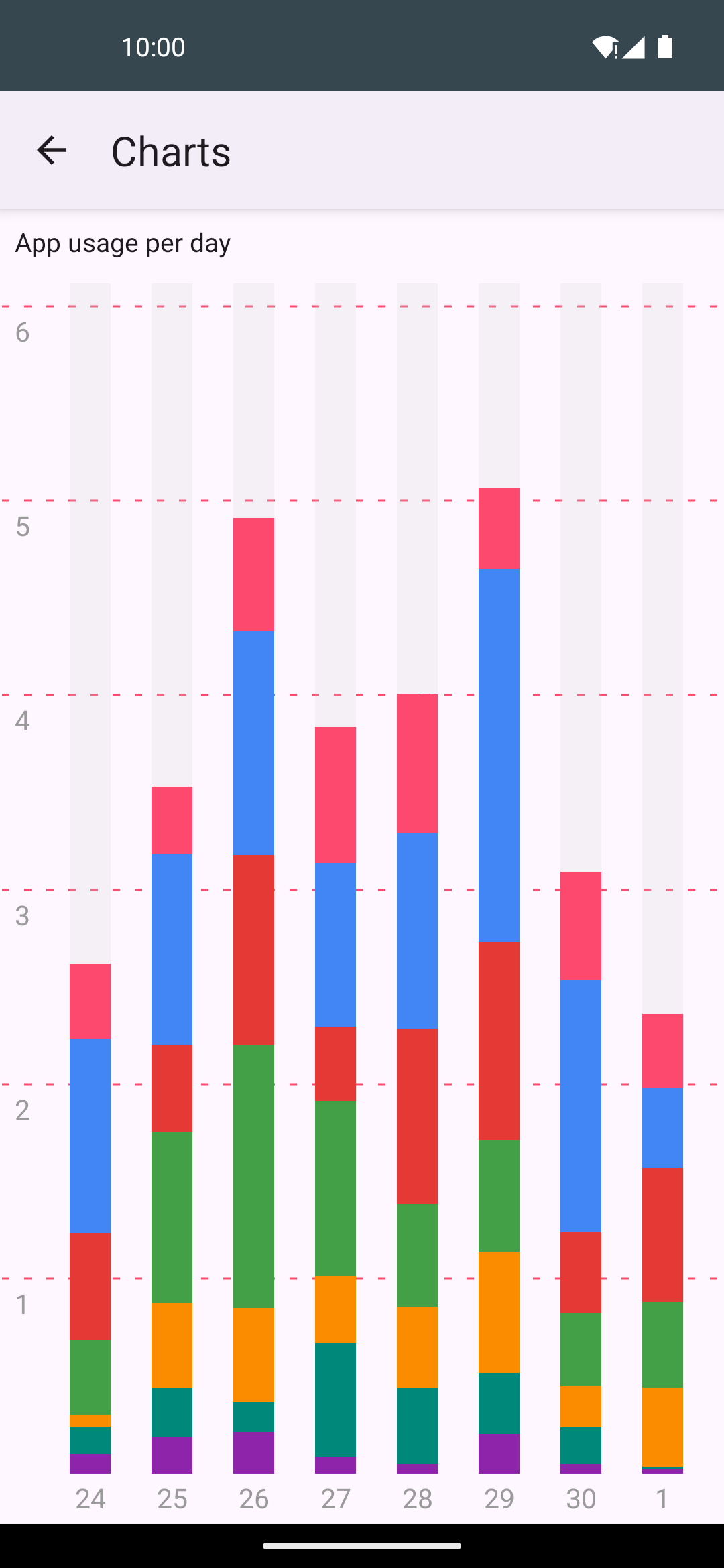
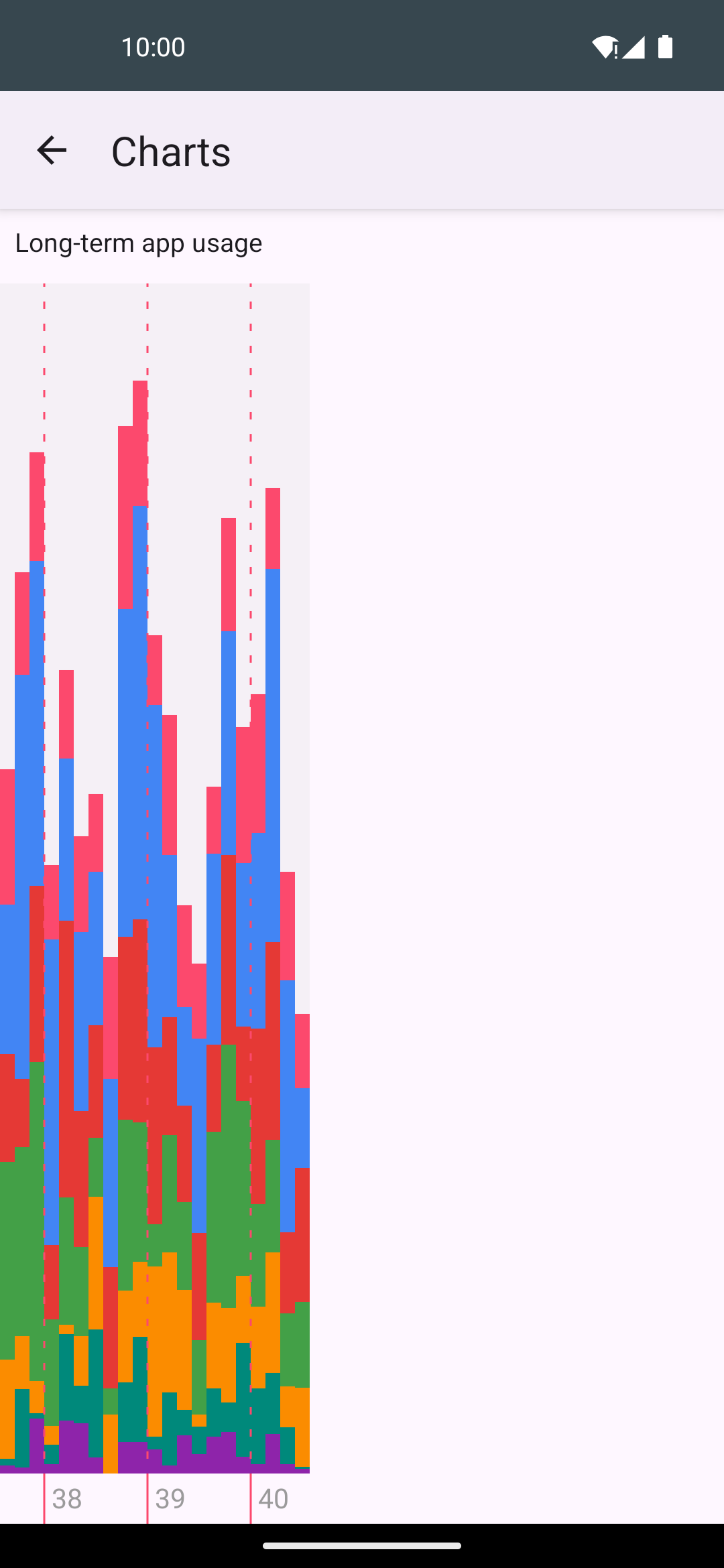
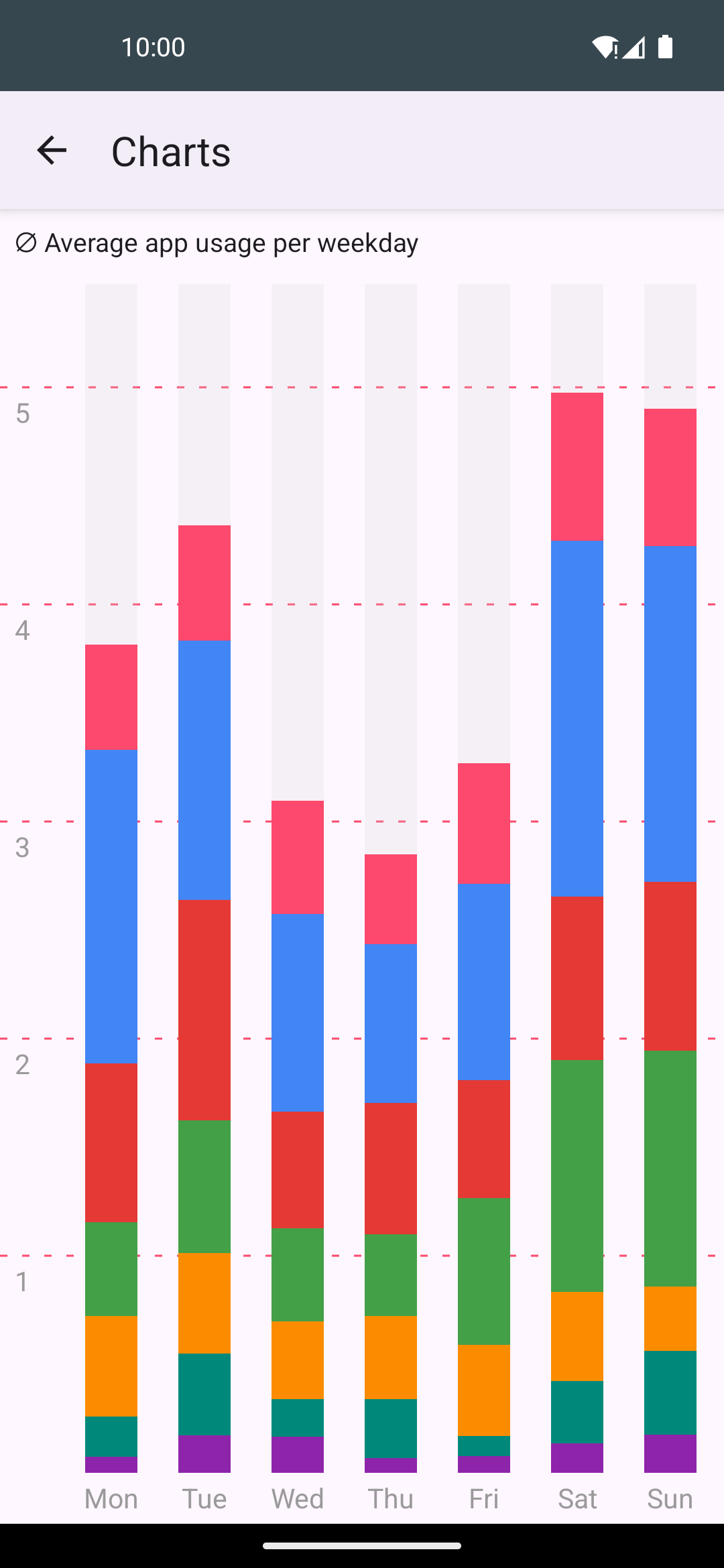
– Reliable app usage statistics from up to ten days before the app was installed – Historical data in charts – Usage times on a clock pie chart per day – Weekday average chart – Daily usage time in a widget

All data is stored in a database on your device. The app has no internet permission; nothing leaves your device unless you export or share the database yourself.

The app needs the usage access permission to read usage statistics, and lists installed apps in order to show their names and icons.

Screenshots

UsageDirectPlus screenshot 1
UsageDirectPlus screenshot 2
UsageDirectPlus screenshot 3
UsageDirectPlus screenshot 4
UsageDirectPlus screenshot 5
UsageDirectPlus screenshot 6
UsageDirectPlus screenshot 7
UsageDirectPlus screenshot 8

What’s new

– Interval times follow the system 12/24-hour setting
– German translation of the export and interval screens
– Smaller APK (code shrinking enabled)
How to install

  1. Download the APK from the button at the top of this page.
  2. Allow “Install unknown apps” for your browser or file manager only, not for every app.
  3. Open the downloaded file and confirm the installation.
  4. If installation fails with “App not installed,” remove an earlier build of the same app first. A signature conflict is the usual cause.

Data safety

  • Every file is checked against its published SHA-256 before it is listed.
  • Files are scanned for malware on every update.
  • The permissions each app requests are listed on its own page.
  • Read the full safety policy for how we test, flag, and delist files.

Frequently asked questions

What is UsageDirectPlus?
Screen time history with per-session detail and database export
Who develops UsageDirectPlus?
UsageDirectPlus is developed by aahmozart.
Which Android version does UsageDirectPlus require?
UsageDirectPlus requires Android API 26 or later.
What is the current version of UsageDirectPlus?
The synchronized F-Droid version is 0.9.3.
Which license does UsageDirectPlus use?
The signed F-Droid metadata lists GPL-3.0-or-later.
Where is the source code for UsageDirectPlus?
https://github.com/aahmozart/UsageDirectPlus

Comments

Recent approved comments · sorted by newest

Verification code
Be specific and keep it about the app. No links. Comments are reviewed before publication. Device and Android details are recorded automatically. Privacy policy.

Loading recent comments...

View all comments