What’s new
Performance and security improvements.
Note: To ensure the software's security, Android KitKat (4.4) is no longer supported. The minimal supported version of is now Android Lollipop (5.0).

Updated Sep 22, 2026
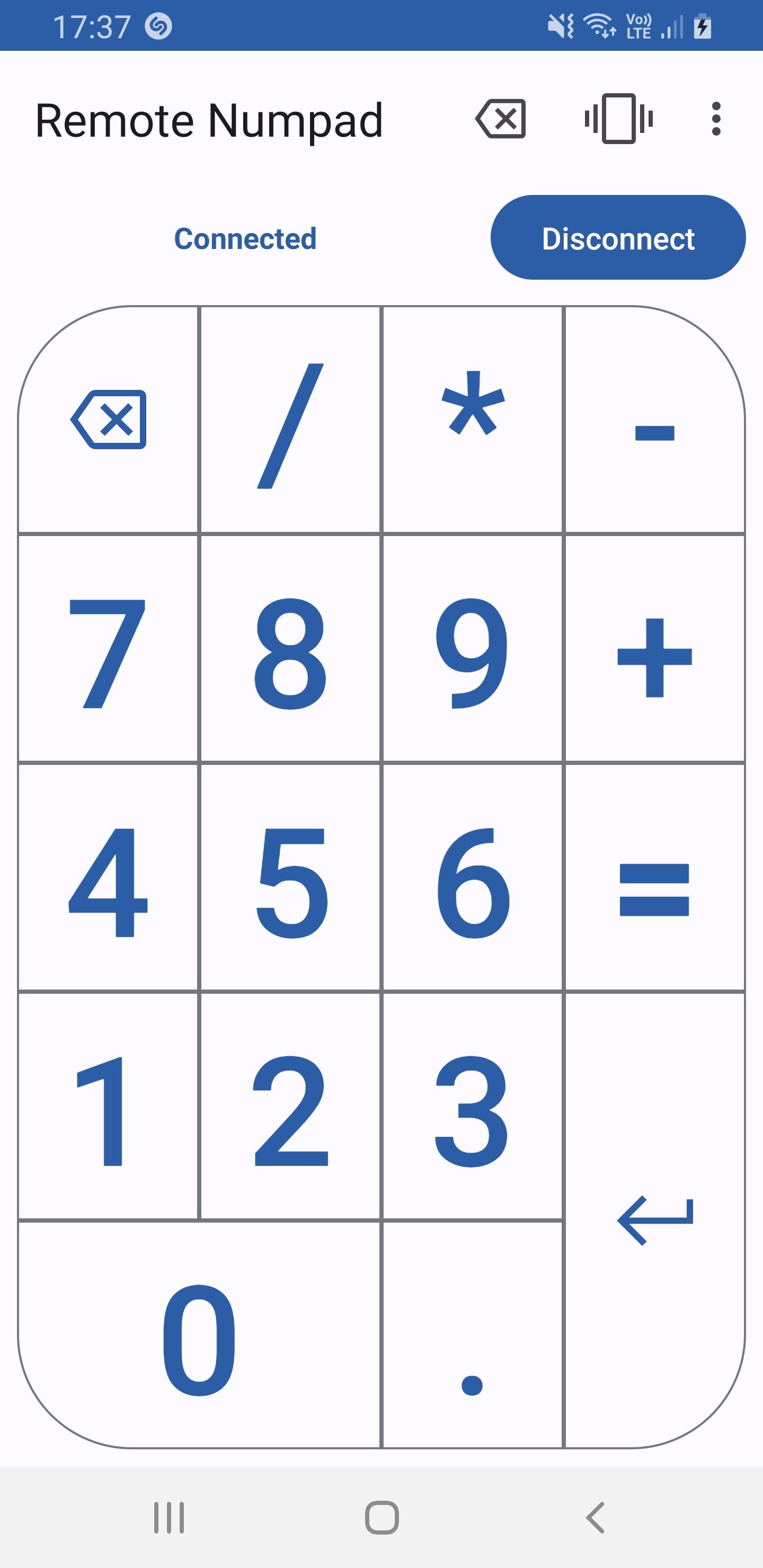
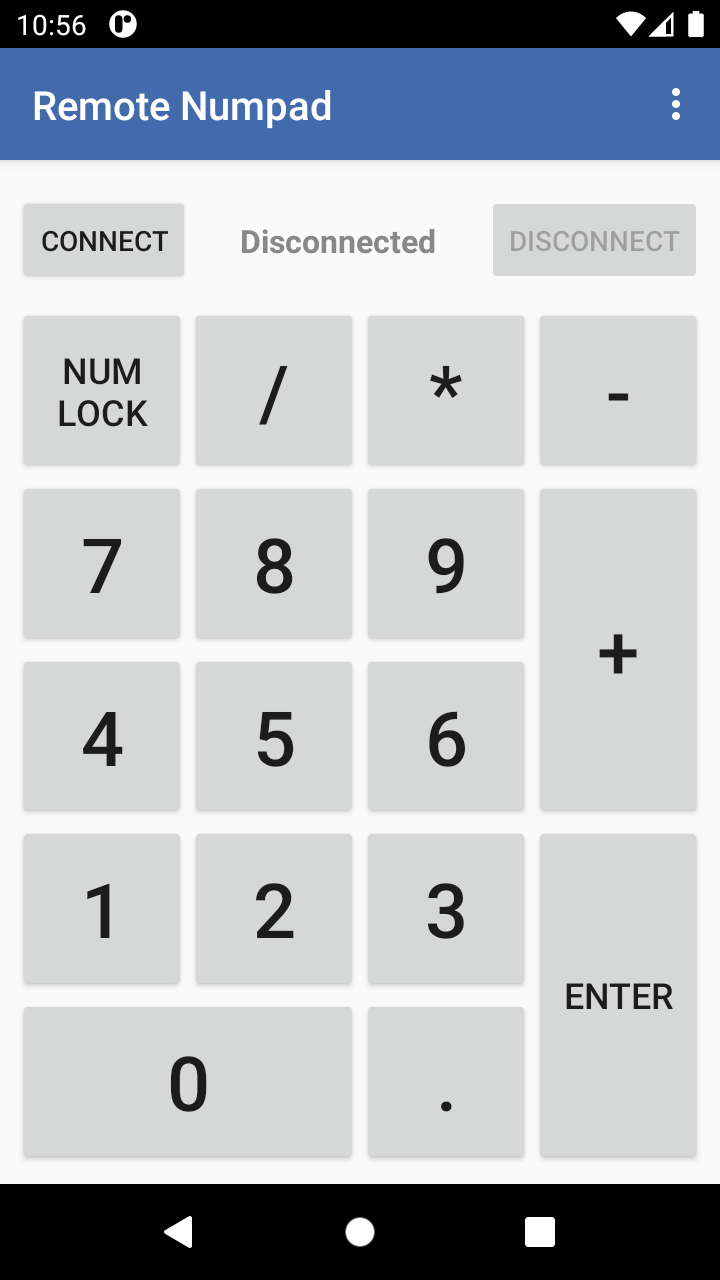
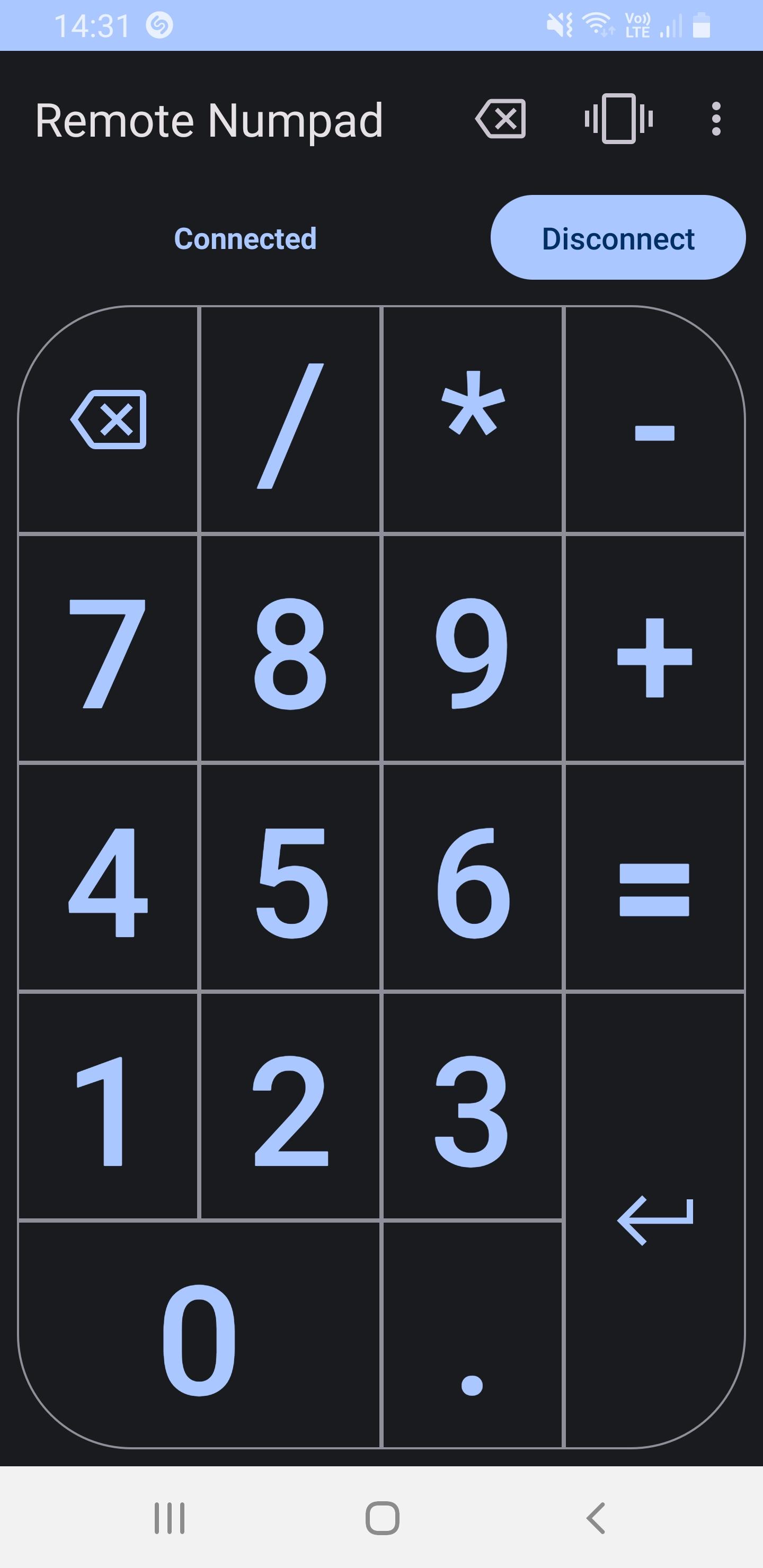
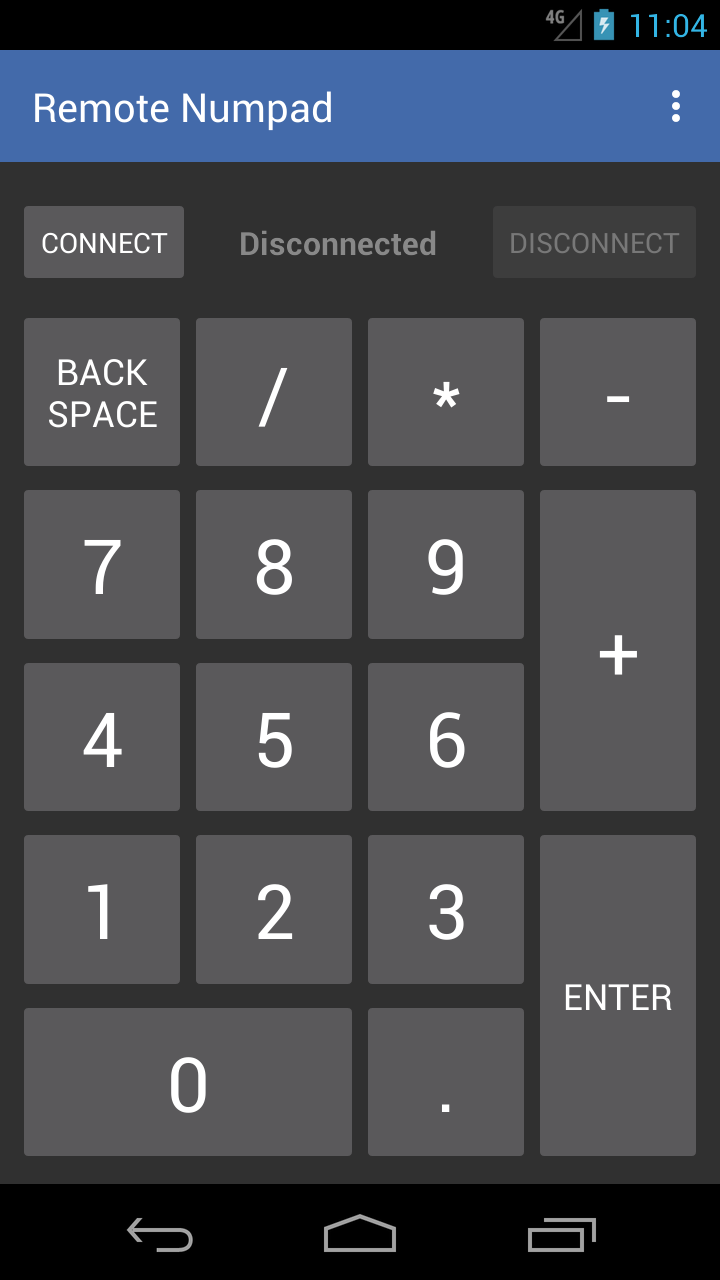
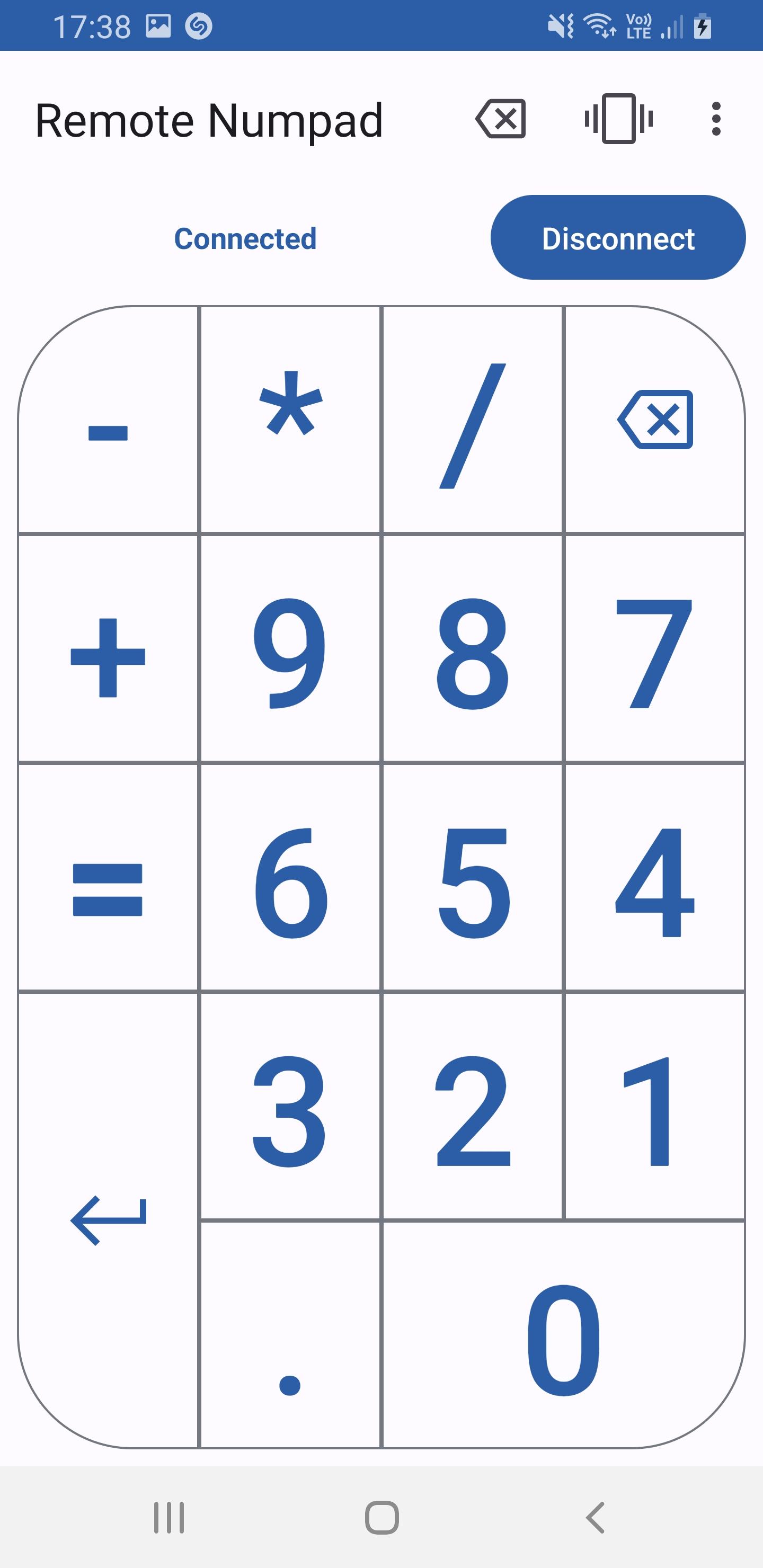
This application transforms your smartphone into a numpad for your computer.
F-Droid repository metadata
Server download: https://github.com/theolizard/remote-numpad-server/releases
With Remote Numpad, you can add the convenience of a numeric keypad to your laptop.
You can use this numpad in 3 different ways.
Using the Bluetooth HID profile (experimental), you can use Remote Numpad with any Bluetooth-enabled device (Android P or more required).
Using the classic Bluetooth or TCP (Wi-Fi) connections, a server application needs to be running on the device. The server can be downloaded from "https://github.com/theolizard/remote-numpad-server/releases" where you will also find more information.
IMPORTANT: The classic Bluetoooth and TCP (Wi-Fi) connections WILL NOT WORK if the server is not running on the other device.
A tutorial video can be found at "https://youtu.be/xTfQparcgg4".
The project is open source and all contributions are welcome over at "https://github.com/theolizard/remote-numpad".
Performance and security improvements.
Note: To ensure the software's security, Android KitKat (4.4) is no longer supported. The minimal supported version of is now Android Lollipop (5.0).
Recent approved comments · sorted by newest
View all comments