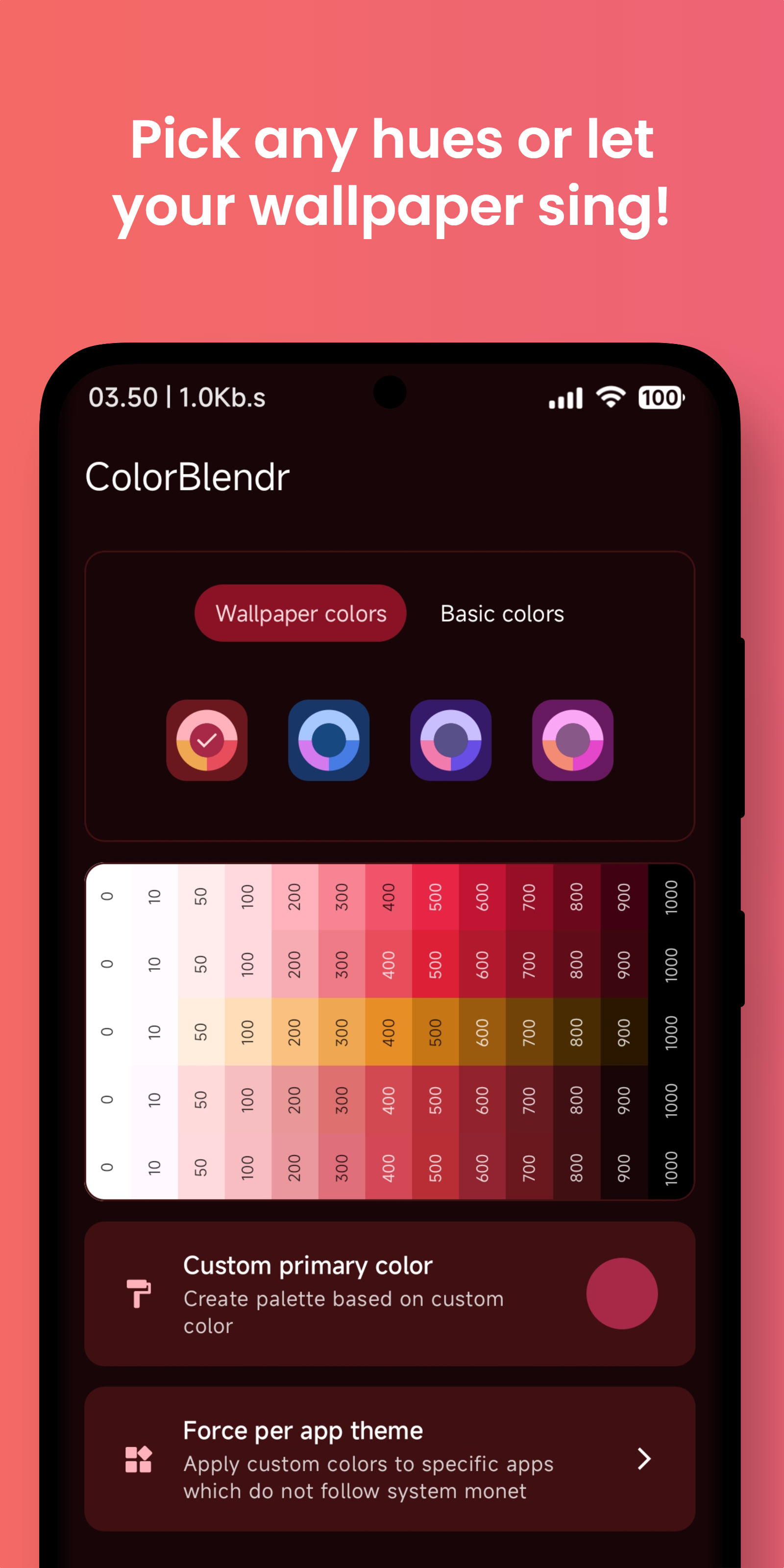
ColorBlendr is an application to modify Material You colors of your device.
Elevate your creativity with effortless material customization. Instantly tweak colors for a personalized touch in just a few taps.
Features:
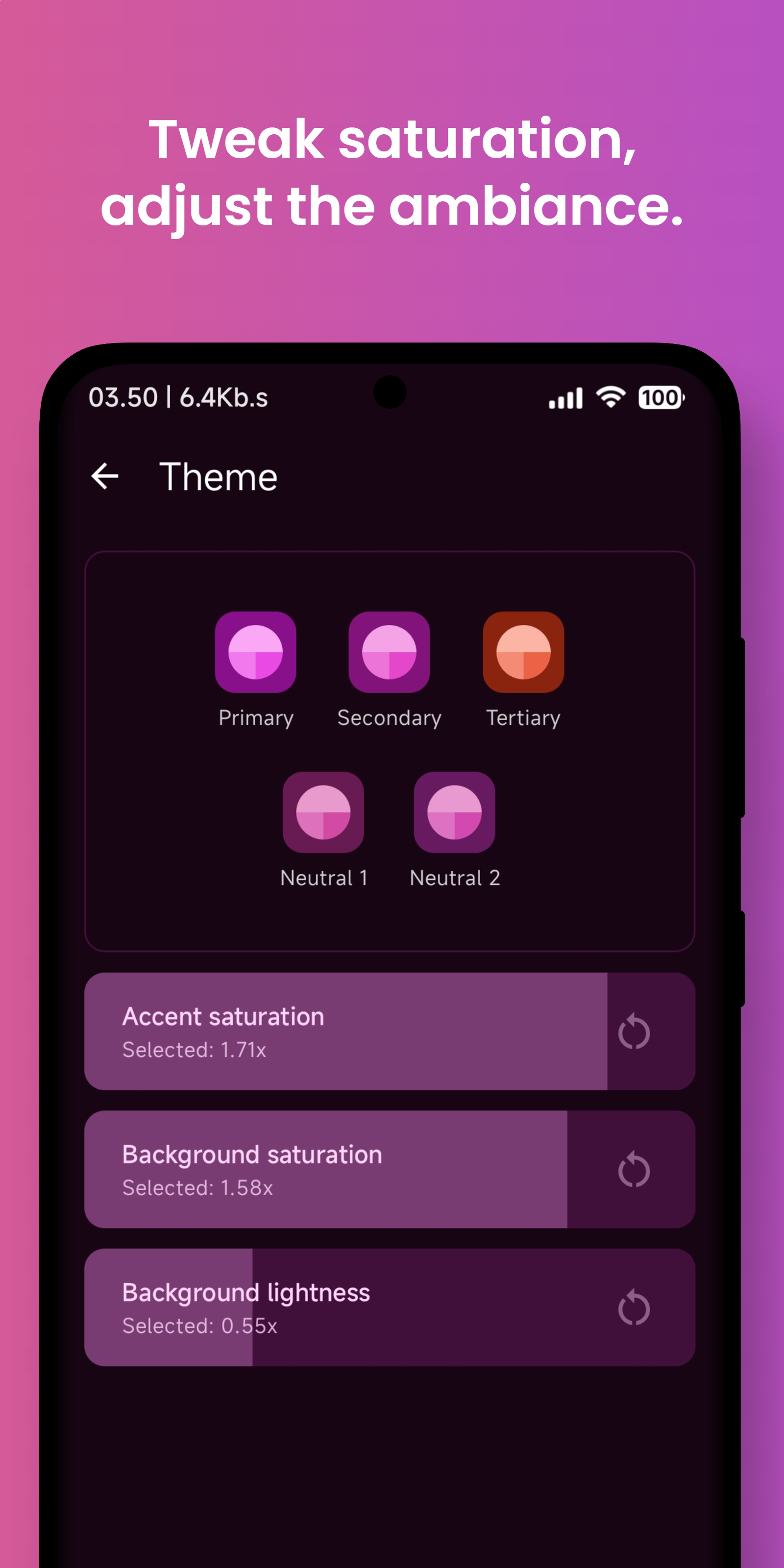
- Accent saturation changer
- Background saturation changer
- Background lightness changer
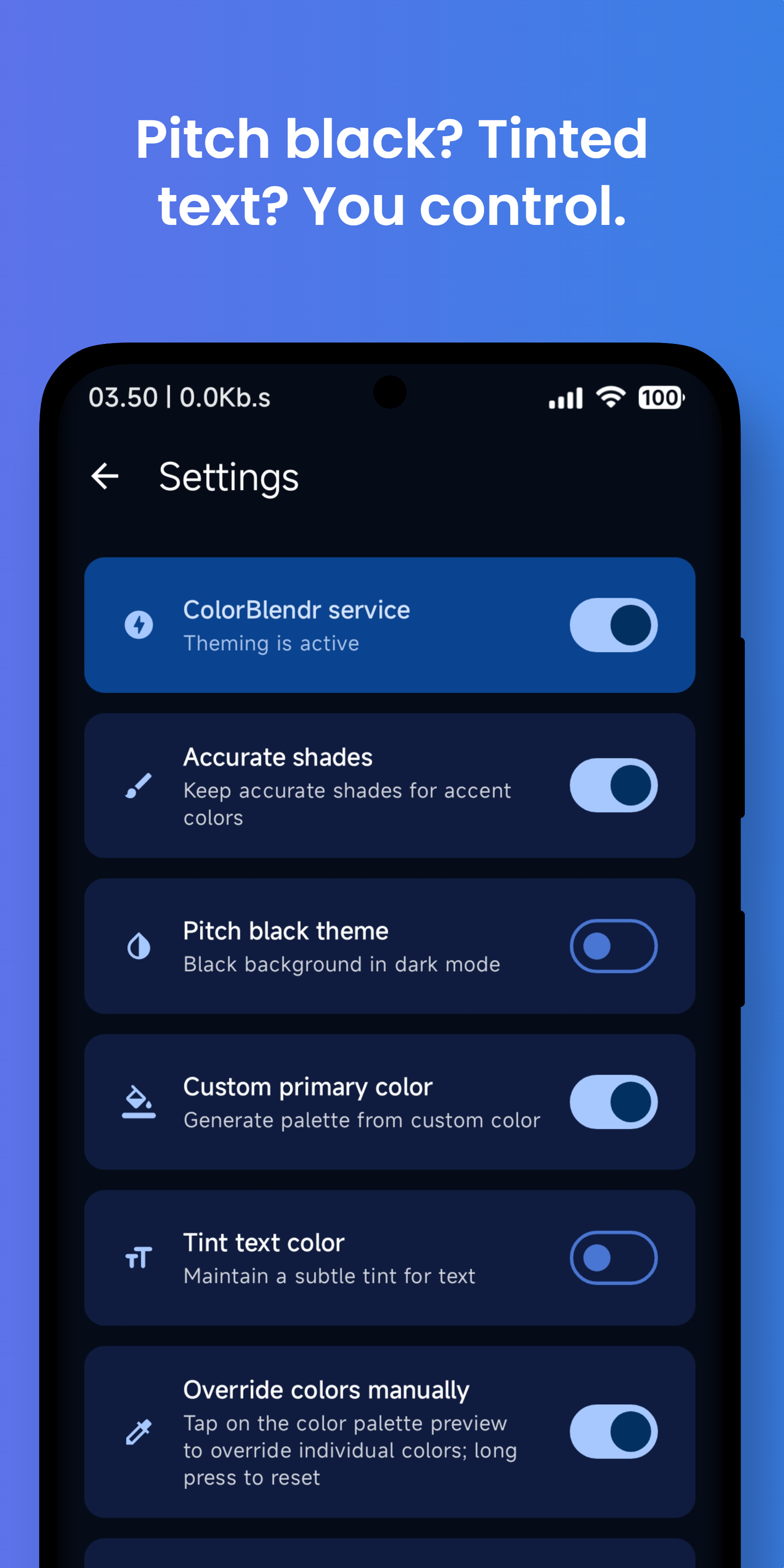
- Pitch black theme in dark mode
- Manual color overriding
- and many more...
Requirements:
- Android 12+ device
- Working Root or Shizuku environment
Instructions:
- Install and open the app
- Allow permissions for the app
- Select root or shizuku mode
- That's it. Now you are good to go!
Translation:
Assist in translating ColorBlendr into your preferred language through our Crowdin platform. Your contribution will help make ColorBlendr accessible to a wider audience.
Alarming permissions:
- QUERY_ALL_PACKAGES: Required for individually theming 3rd party apps which has monet theming support but still does not follow system colors.
- MANAGE_EXTERNAL_STORAGE: Required for grabbing the current wallpaper and extract dominant colors from the wallpaper.
Screenshots
What’s new
Changelog:
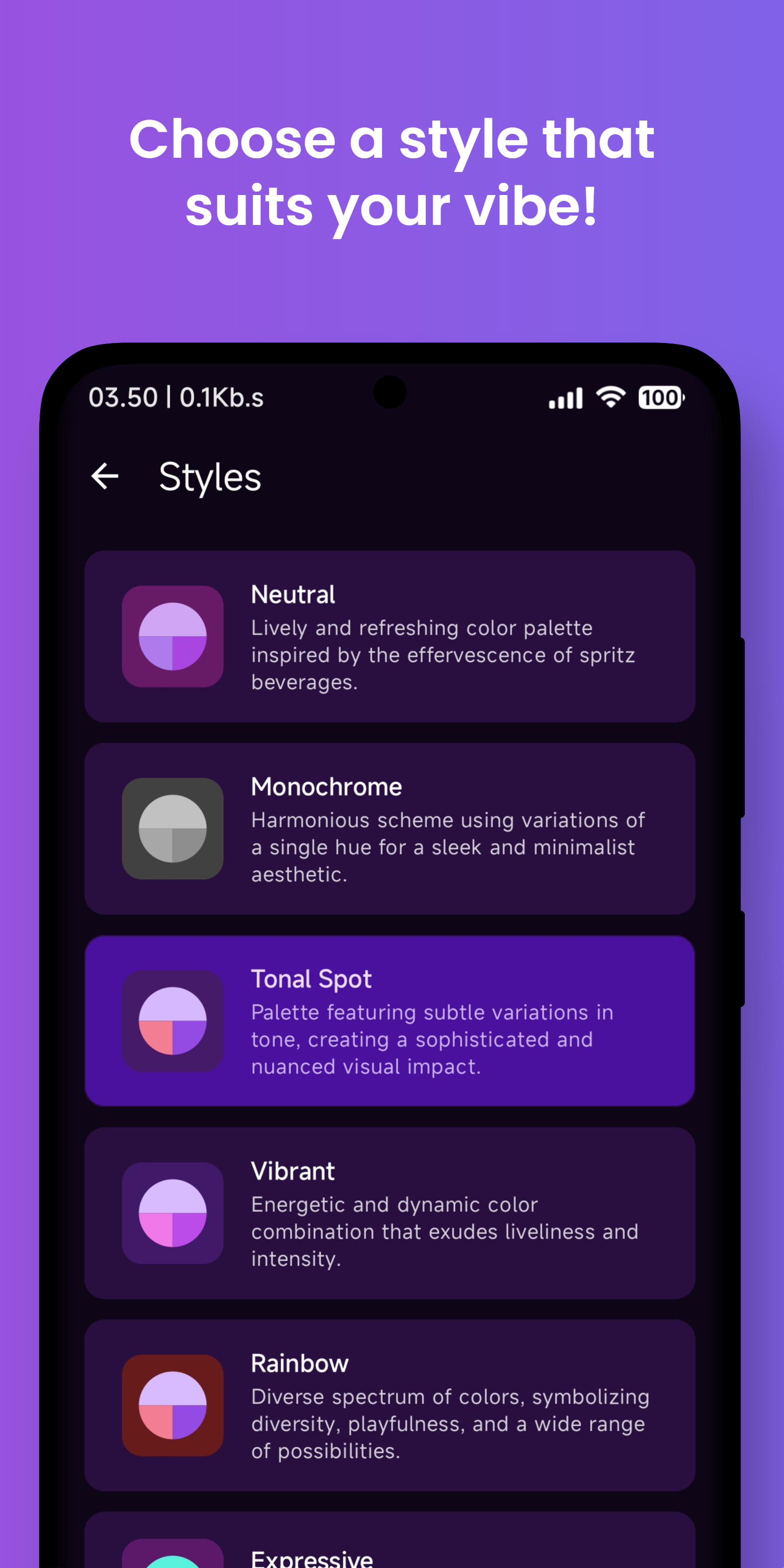
• Introduced Material You Expressive color generation. [Root] • Added support for updating custom styles. [Root] • Added Material error color generation support. [Root] • Fixed pitch-black Quick Settings theme on Android 16. [Root] • Fixed color updates not applying correctly on OneUI 8. [Rootless] • Resolved binder crash requiring force stop on Android 16 QPR1+. [Root] • Improved UI elements and updated translations.
Translation credit goes to all the contributors on our Crowdin pl
How to install
Download the APK from the button at the top of this page.
Allow “Install unknown apps” for your browser or file manager only, not for every app.
Open the downloaded file and confirm the installation.
If installation fails with “App not installed,” remove an earlier build of the same app first. A signature conflict is the usual cause.
Data safety
Every file is checked against its published SHA-256 before it is listed.
Files are scanned for malware on every update.
The permissions each app requests are listed on its own page.
Read the full safety policy for how we test, flag, and delist files.