What’s new
- Disable dependency metadata when building Android App Bundles and APKs
- Update dependencies:
-- kotlin 2.4.0 -> 2.4.10
-- composeBom 2026.06.00 -> 2026.06.01
-- uiTestManifest 1.11.3 -> 1.11.4
-- Gradle Wrapper 9.6.0 -> 9.6.1

Updated Sep 22, 2026
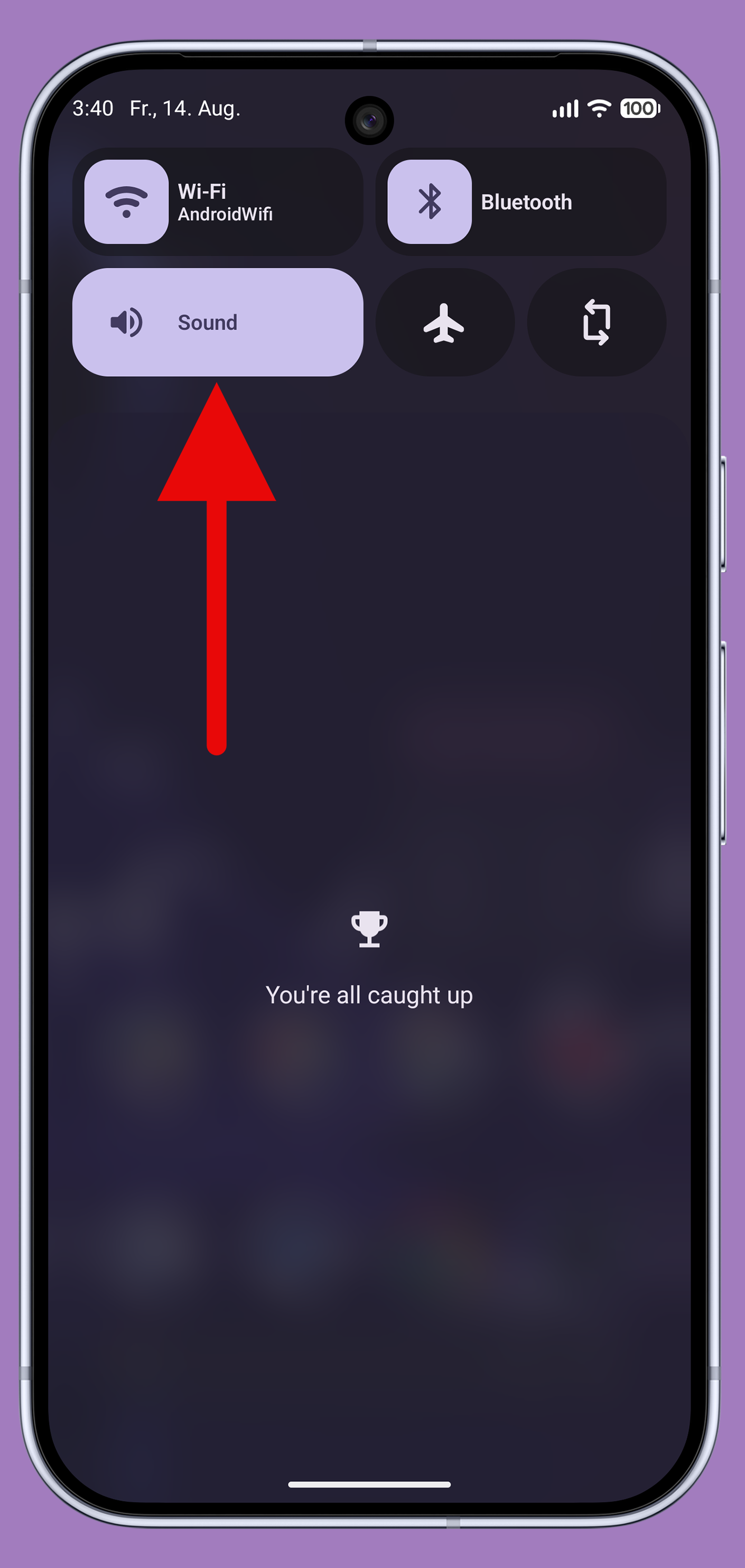
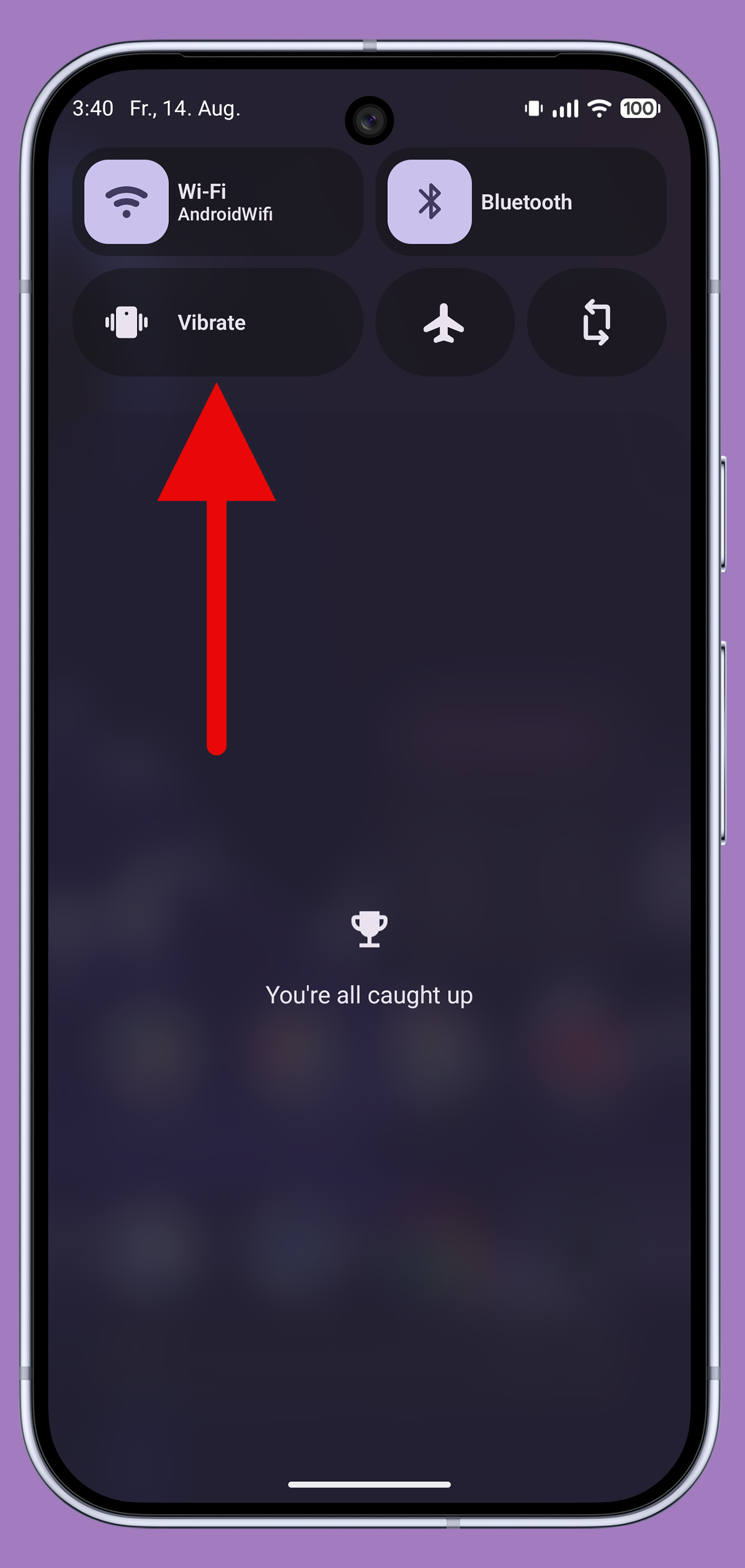
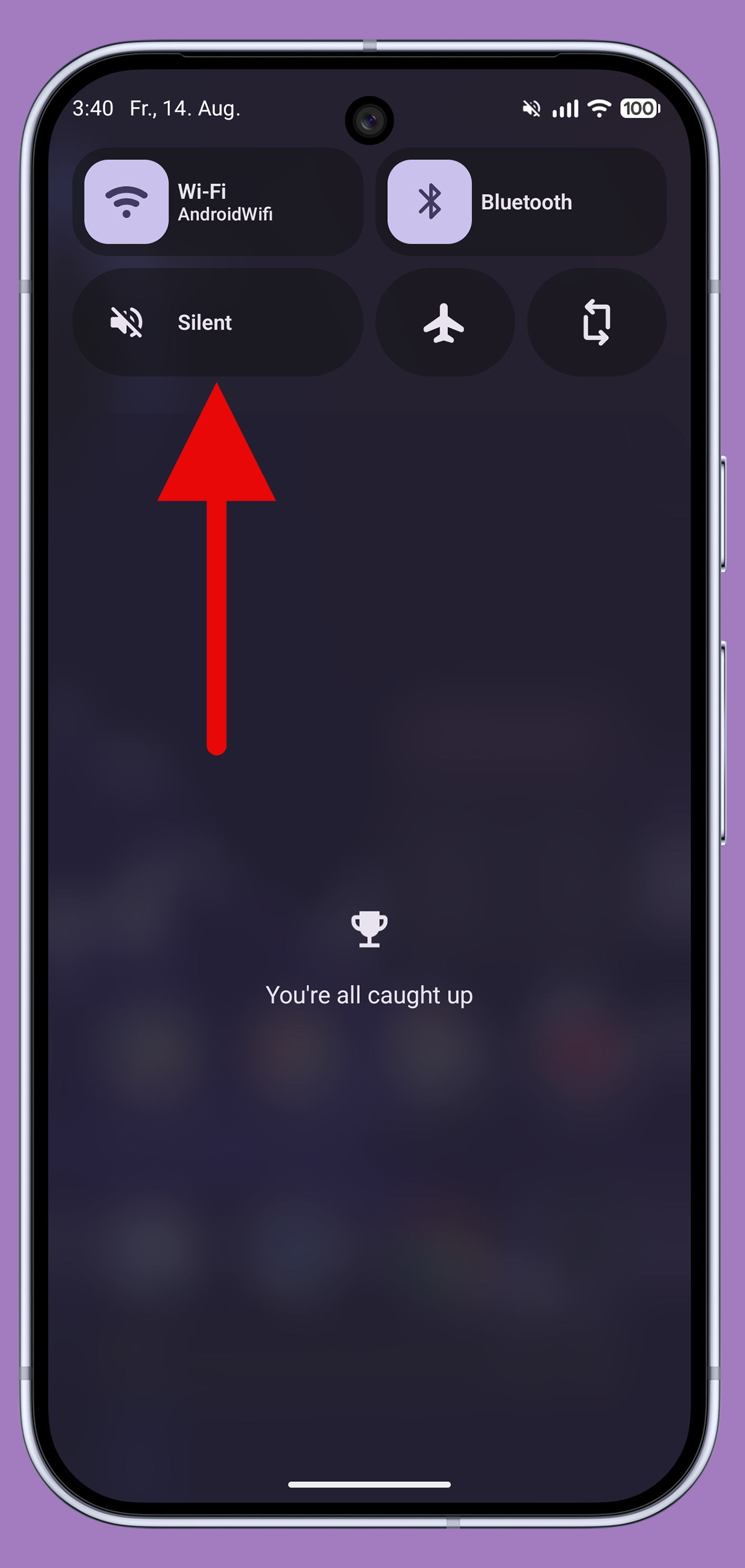
Change your sound profile (ring, vibrate, mute) via a Quick Settings tile.
F-Droid repository metadata
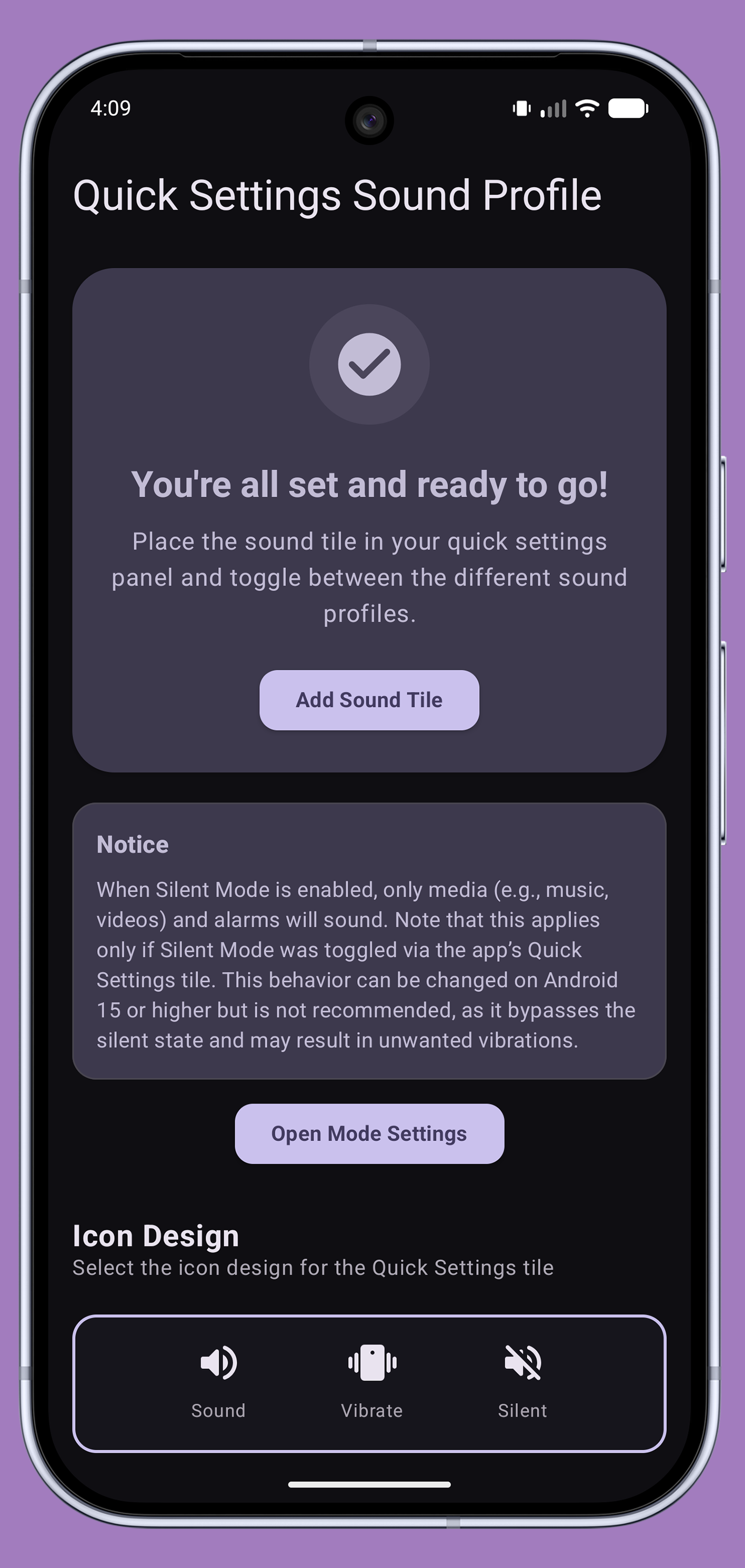
Easily switch your sound profile directly from your smartphone's Quick Settings.
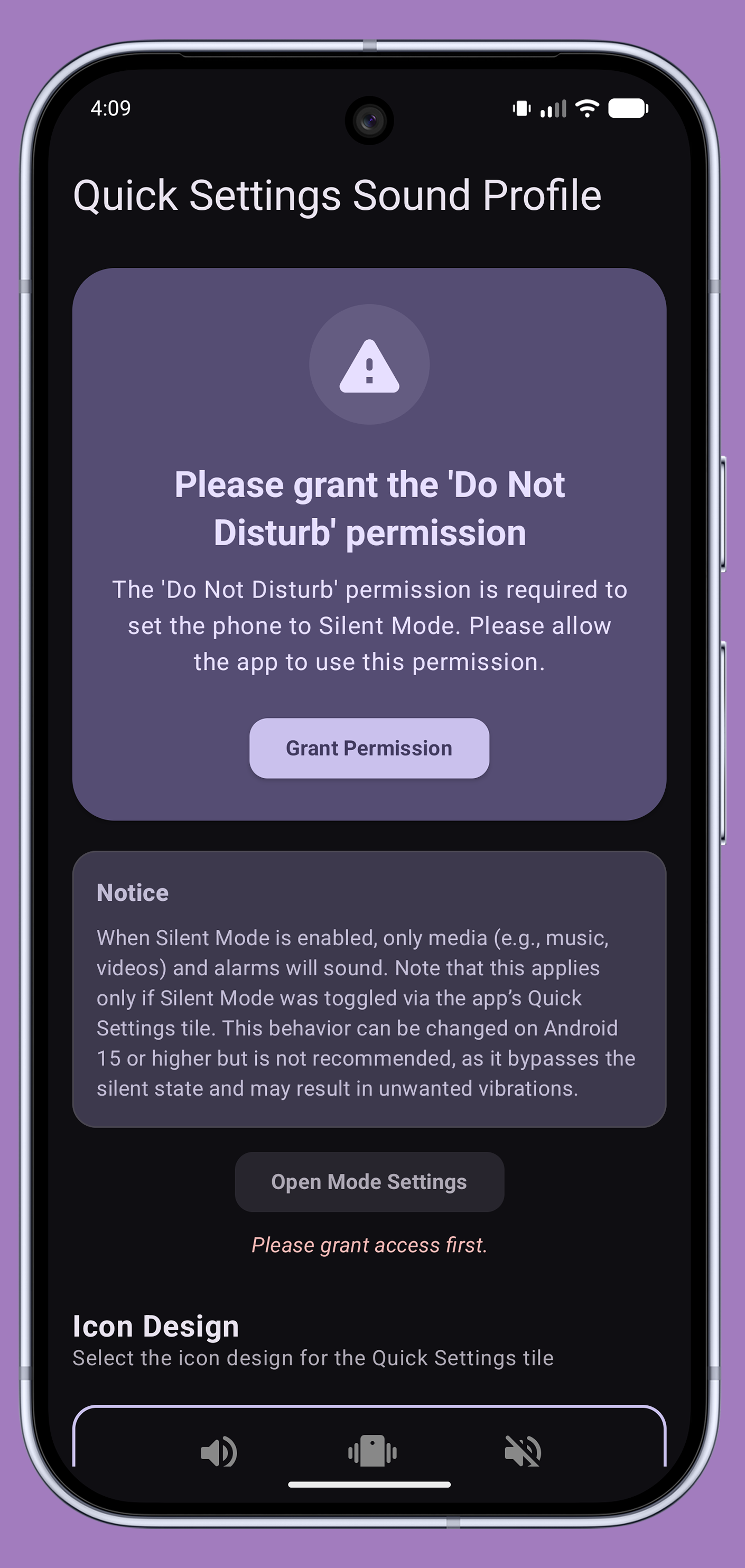
This app allows you to toggle your sound mode with a single tap. Additionally, it offers granular settings to customize how each mode behaves upon activation (requires Android 15 or higher). Once you've added the Quick Settings tile and granted the necessary permissions, it's ready to go.
While specifically designed for Google Pixel smartphones—which lack a native toggle for sound modes—this app is also compatible with many other Android devices.
- Disable dependency metadata when building Android App Bundles and APKs
- Update dependencies:
-- kotlin 2.4.0 -> 2.4.10
-- composeBom 2026.06.00 -> 2026.06.01
-- uiTestManifest 1.11.3 -> 1.11.4
-- Gradle Wrapper 9.6.0 -> 9.6.1
Recent approved comments · sorted by newest
View all comments