A FOSS Android app for space exploration using official NASA APIs
F-Droid repository metadata
Project Asteria is a stunning, open-source Android application designed for space enthusiasts. Explore the cosmos through official NASA APIs and discover real-time astronomy data right from your pocket.
Features:
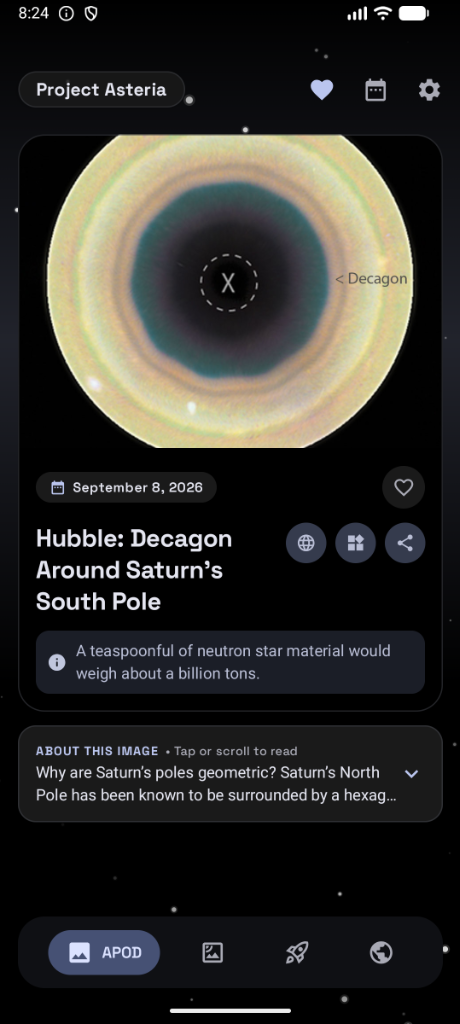
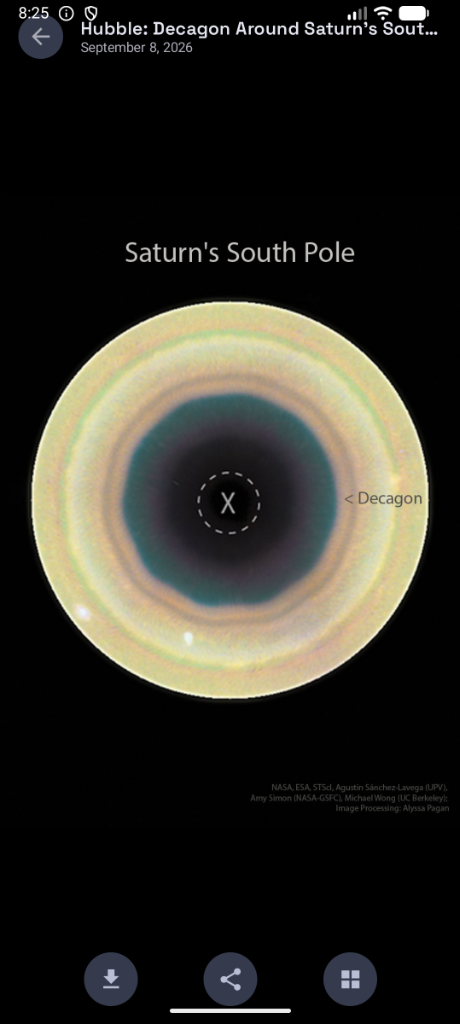
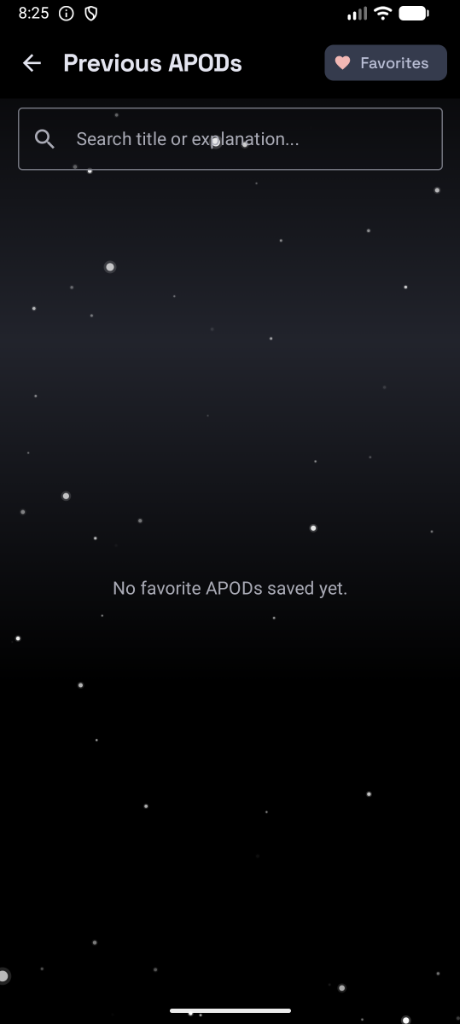
- Astronomy Picture of the Day (APOD): Enjoy daily high-resolution space images and detailed explanations directly from NASA.
- Live Space Backgrounds: Personalize your home screen with interactive, dynamic space-themed live backgrounds with smooth parallax effects.
- Launch Tracker: Keep up to date with upcoming rocket launches globally, complete with countdowns and hyperdrive effects.
- Near Earth Objects (NEO): Track asteroids passing near Earth in real-time.
- Open Source: Built for the community, completely free of trackers, ads, and telemetry.
Immerse yourself in the universe with Project Asteria.
Screenshots
What’s new
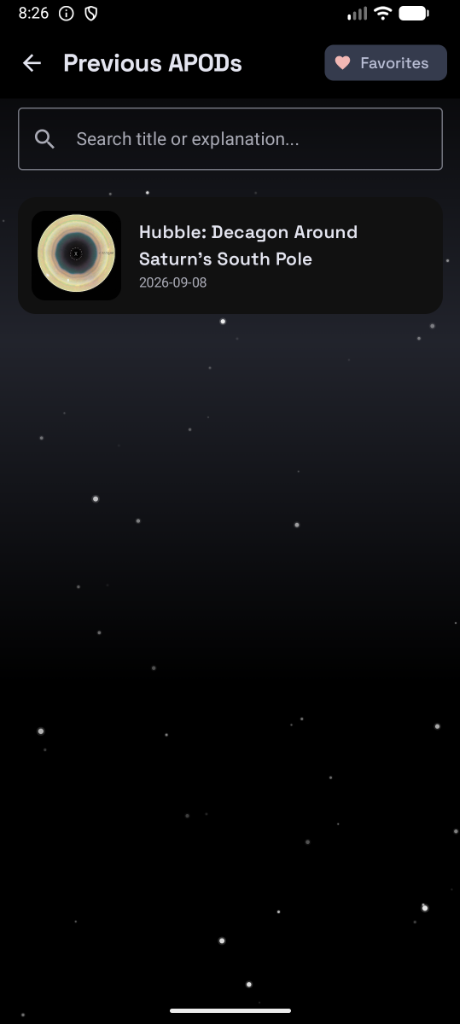
- Redesigned Sort & Filter system for Asteroids and Launches with multi-criteria options - TalkBack accessibility pass with merged card semantics & 44dp+ touch targets - In-place APOD favorites toggle and history search bar - Pull-to-refresh data updates across all tabs - Diagnostic log exporter in Settings -> About
How to install
Download the APK from the button at the top of this page.
Allow “Install unknown apps” for your browser or file manager only, not for every app.
Open the downloaded file and confirm the installation.
If installation fails with “App not installed,” remove an earlier build of the same app first. A signature conflict is the usual cause.
Data safety
Every file is checked against its published SHA-256 before it is listed.
Files are scanned for malware on every update.
The permissions each app requests are listed on its own page.
Read the full safety policy for how we test, flag, and delist files.