
Quick answer
Self-hosted EPUB reader for calibre-web. No telemetry, no cloud, your data.
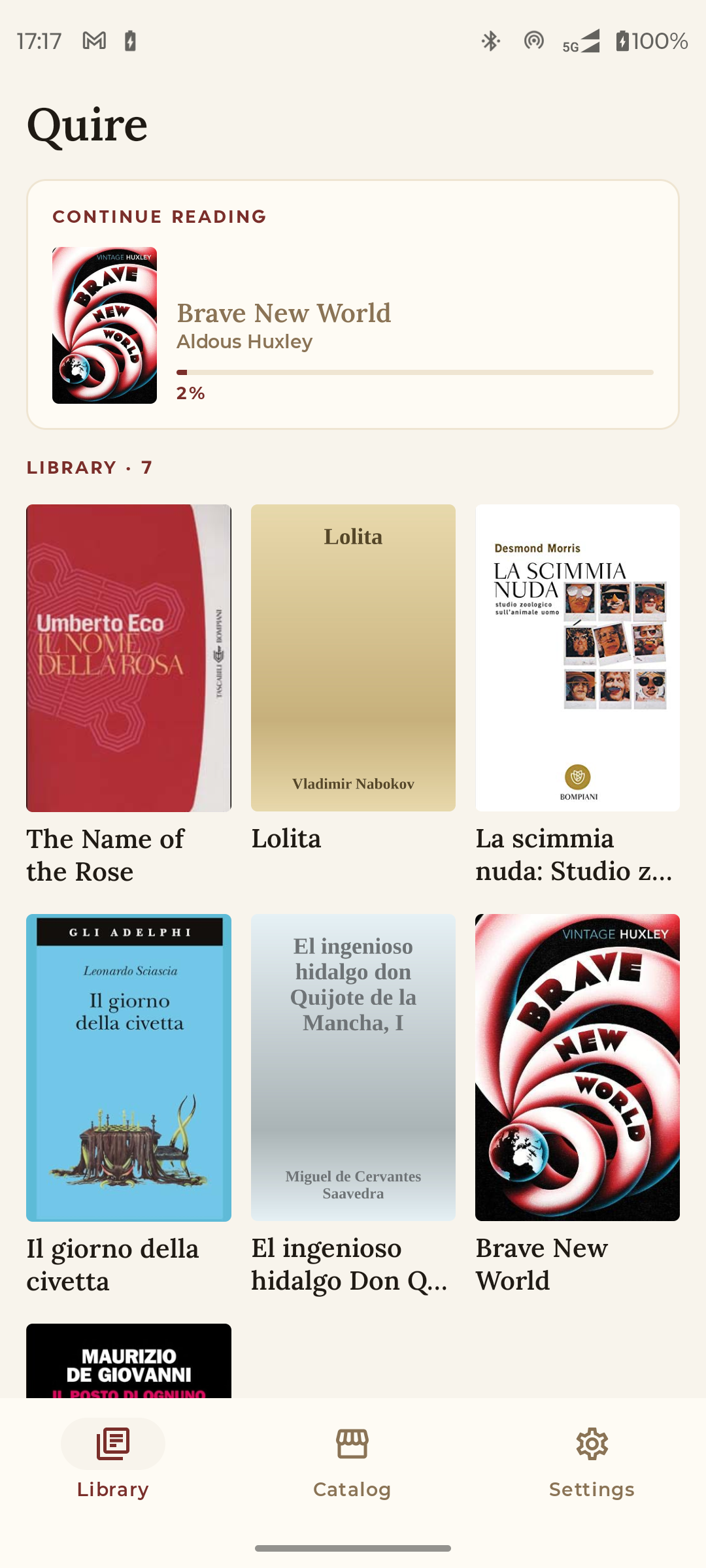
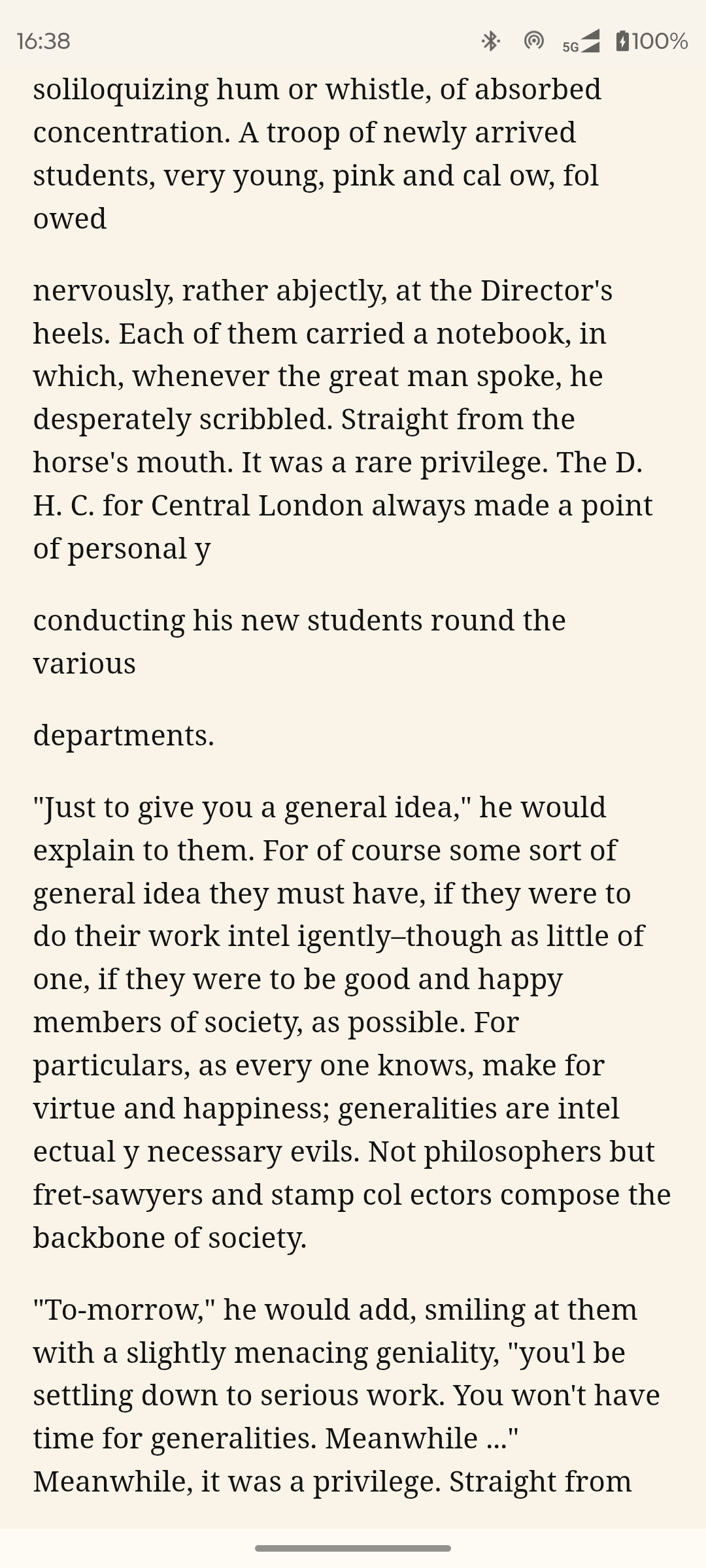
Quire is a native Android EPUB reader for people who self-host calibre-web.
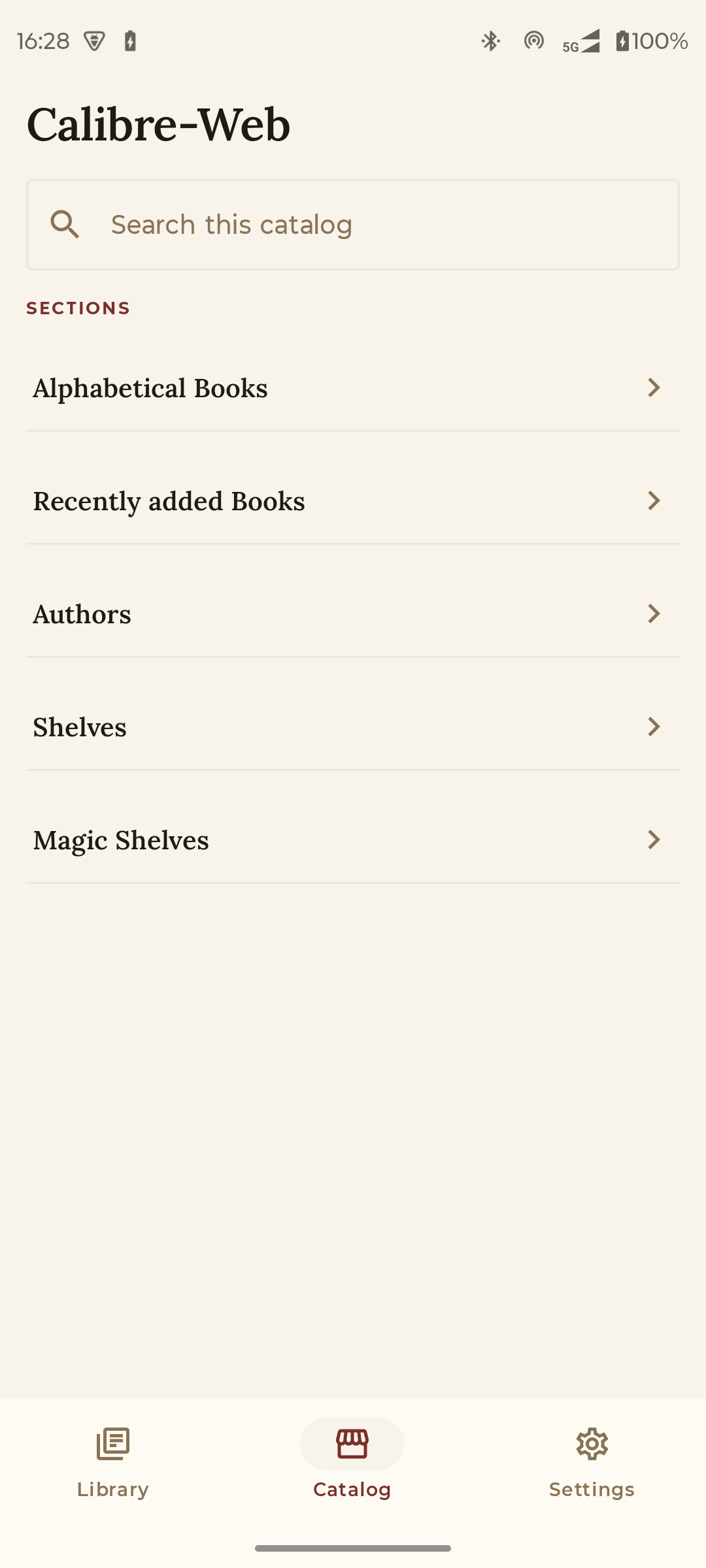
It browses your library over OPDS, downloads books on demand, renders them with Readium, and syncs reading progress (and later bookmarks) to a small companion server you run yourself (Quire Server, included).
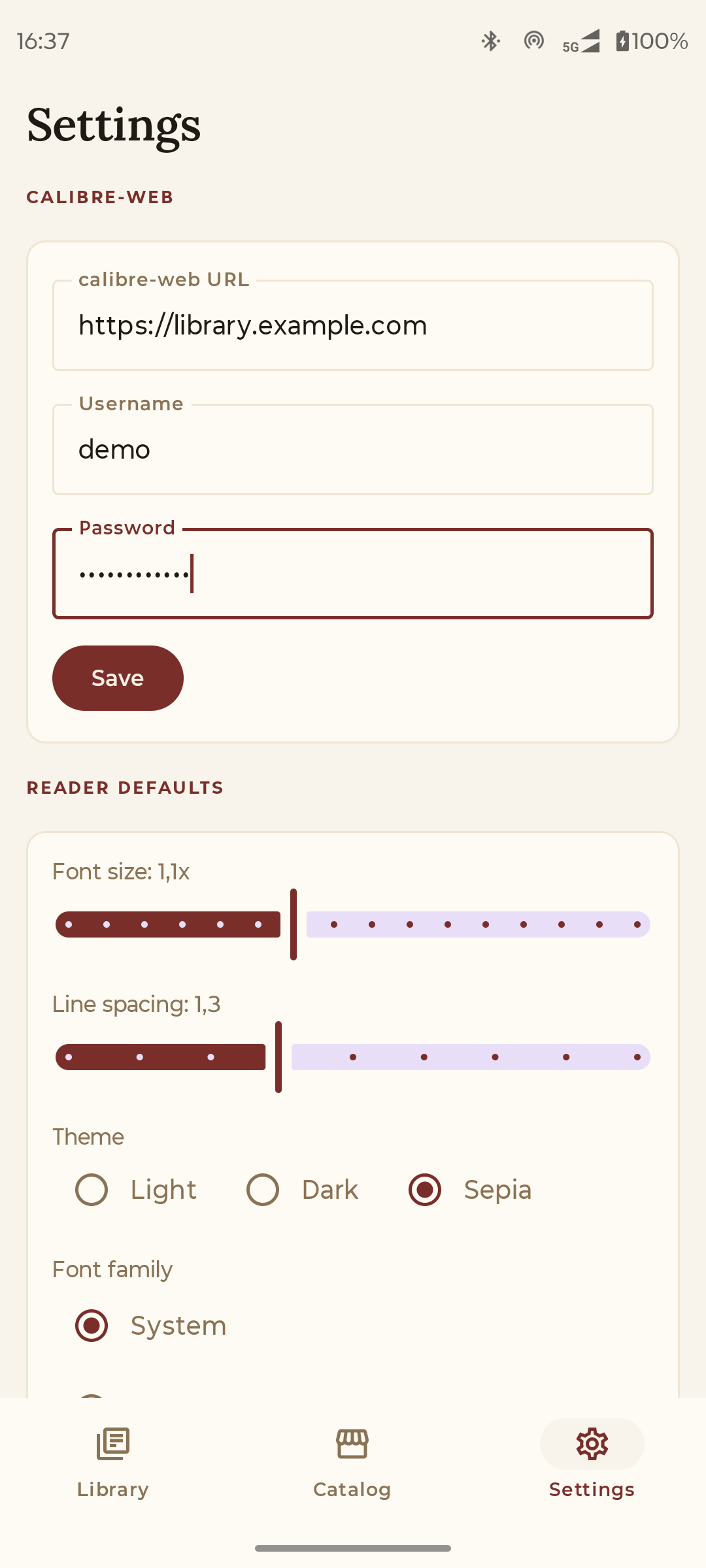
Features: - OPDS catalog browsing and search - EPUB reading with Readium (font, theme, line-height controls) - Reading progress sync across devices via your own Postgres - Multi-user from day one - One credential: your existing calibre-web account
Privacy: - No analytics, no crash reporting, no third-party SDKs - Network calls go to your calibre-web and your sync server only - Credentials stored in Android Keystore
Source code, server, and documentation: https://github.com/vitofico/quire
Optional AI features (off by default): when your Quire Server administrator configures an AI endpoint (such as a self-hosted Ollama or a third-party provider) and you opt in from Settings, Quire shows generated book insights — author, summary, series, themes, craft notes, comparative anchors, and book-club style discussion prompts — grounded with citations from Wikipedia and OpenLibrary. A separate Library Insights screen builds a personal reader profile from your finished books and suggests further reads (both from your own library and via OpenLibrary discovery). No AI request leaves your network until you explicitly opt in, and a single tap in Settings deletes the cached profile.
Screenshots
How to install
- Download the APK from the button at the top of this page.
- Allow “Install unknown apps” for your browser or file manager only, not for every app.
- Open the downloaded file and confirm the installation.
- If installation fails with “App not installed,” remove an earlier build of the same app first. A signature conflict is the usual cause.
Data safety
- Every file is checked against its published SHA-256 before it is listed.
- Files are scanned for malware on every update.
- The permissions each app requests are listed on its own page.
- Read the full safety policy for how we test, flag, and delist files.
Frequently asked questions
What is Quire?
Self-hosted EPUB reader for calibre-web. No telemetry, no cloud, your data.
Who develops Quire?
Quire is developed by vitofico.
Which Android version does Quire require?
Quire requires Android API 26 or later.
What is the current version of Quire?
The synchronized F-Droid version is 2026.09.18.241.
Which license does Quire use?
The signed F-Droid metadata lists Apache-2.0.
Where is the source code for Quire?
https://github.com/vitofico/quire
Comments
Recent approved comments · sorted by newest
View all comments